Home/Categories/Sports/Home screens
Sports · Home screens · Android

Sports app home screens: 63 screens from 6 Android apps

Every home screen we captured in sports apps: 63 screens from 6 Android apps, grouped by app. 5 of these apps have their full home flow captured step by step: the longest is Bleacher Report (15 screens), the shortest Sofascore (3 screens). Across these 63 screens the most common detected components are toolbar (25%), tabs (17%) and bottom sheet (11%).
Android6 apps63 screens5 flowsfree & ungated

FotMob

21 home screens
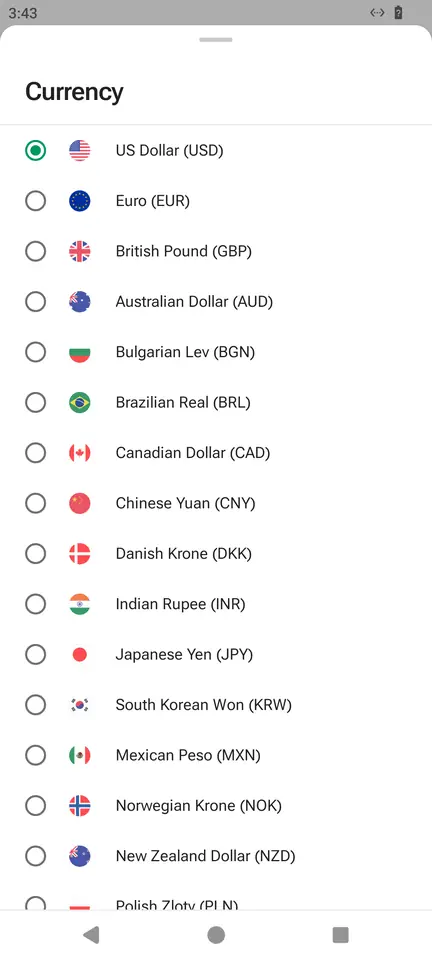
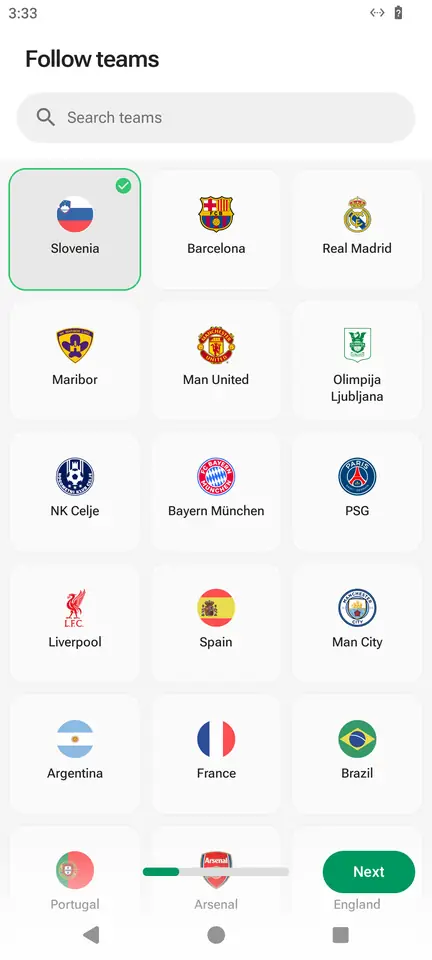
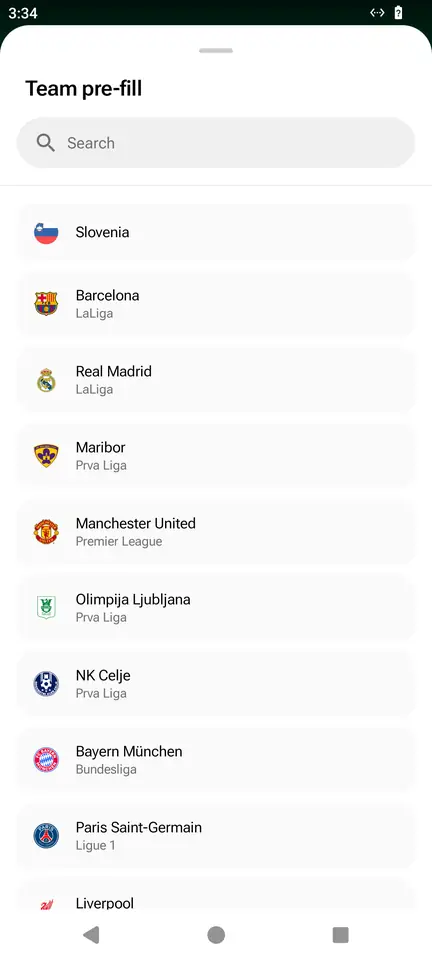
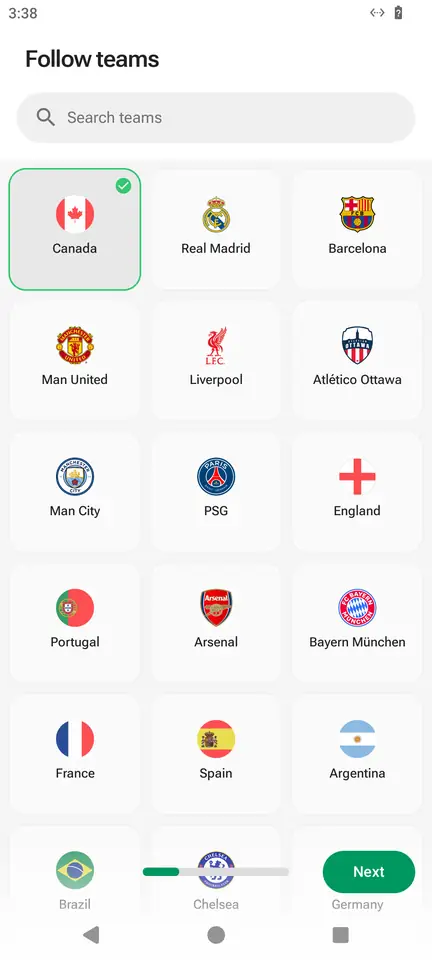
FotMob Android screen 2 — home & browsing: Follow teams
Follow teams
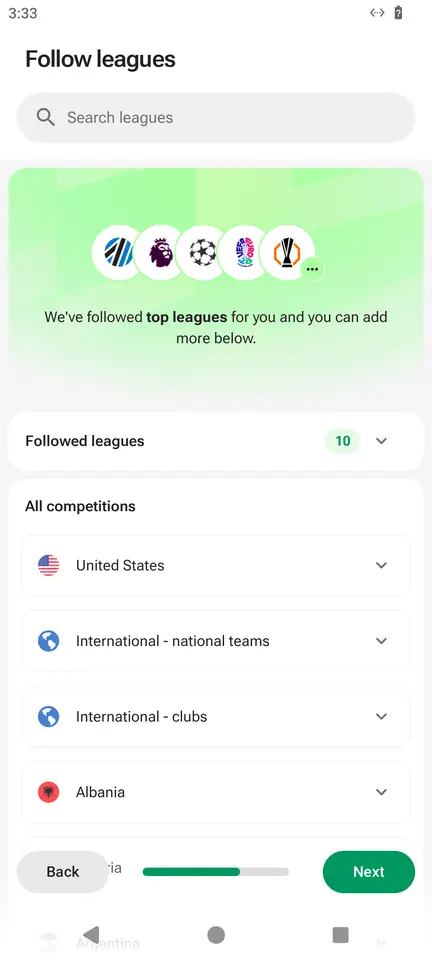
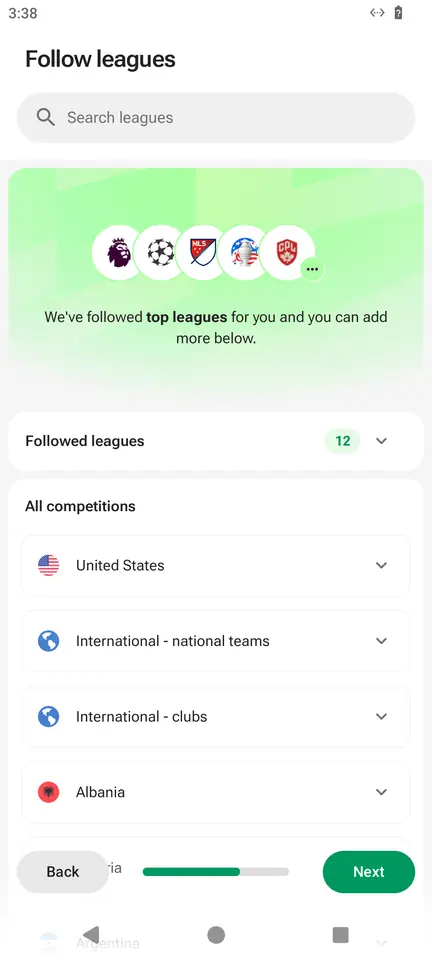
FotMob Android screen 3 — home & browsing: Follow leagues
Follow leagues
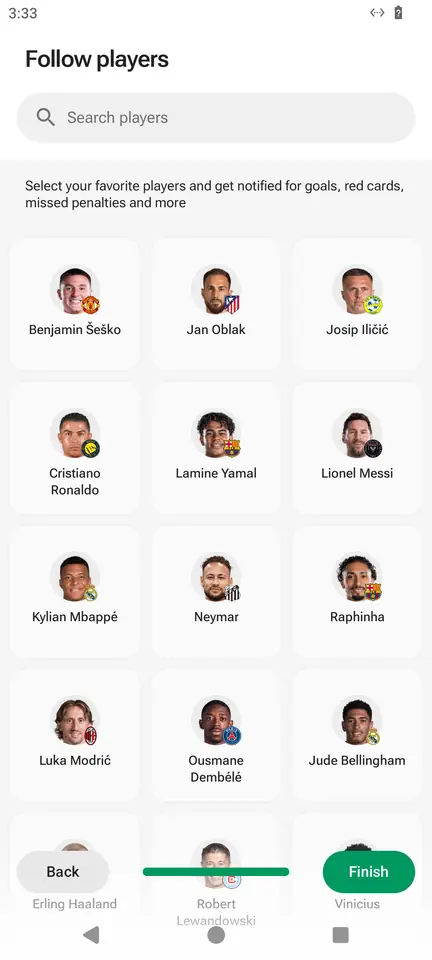
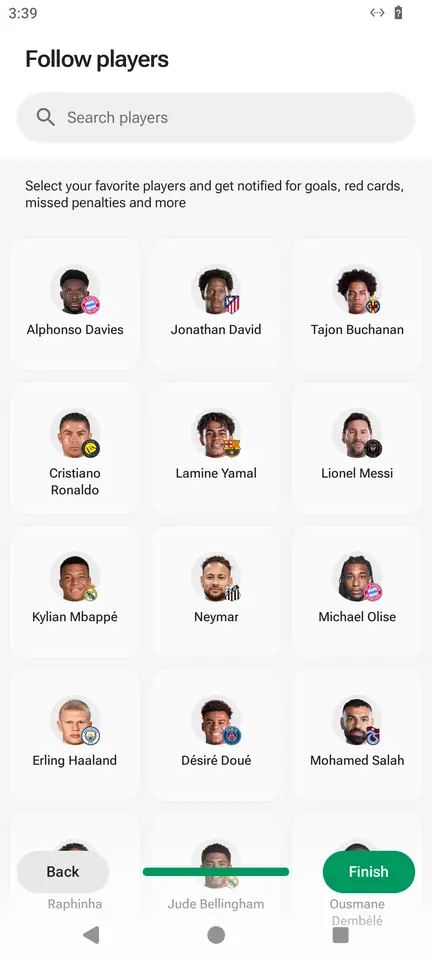
FotMob Android screen 4 — home & browsing: Follow players
Follow players
FotMob Android screen 6 — home & browsing: Add player
Add player
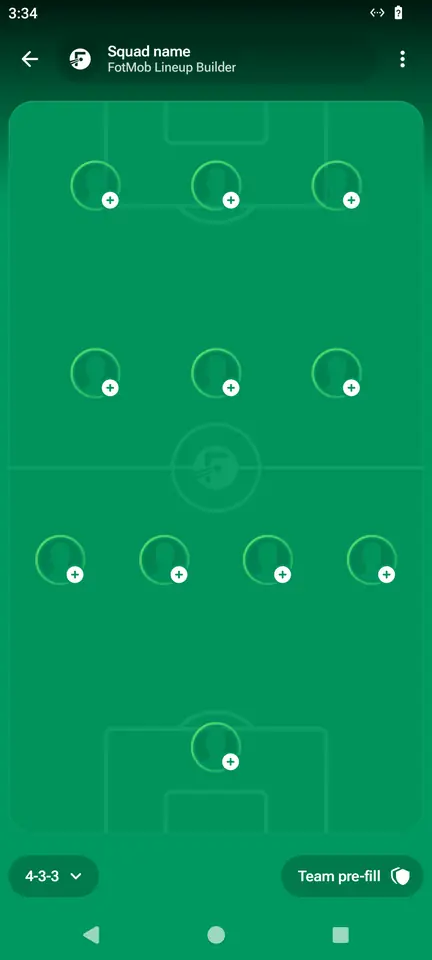
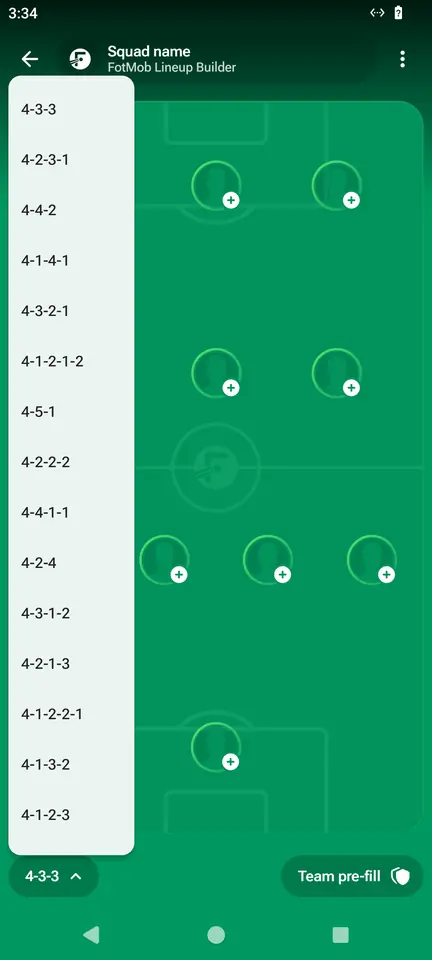
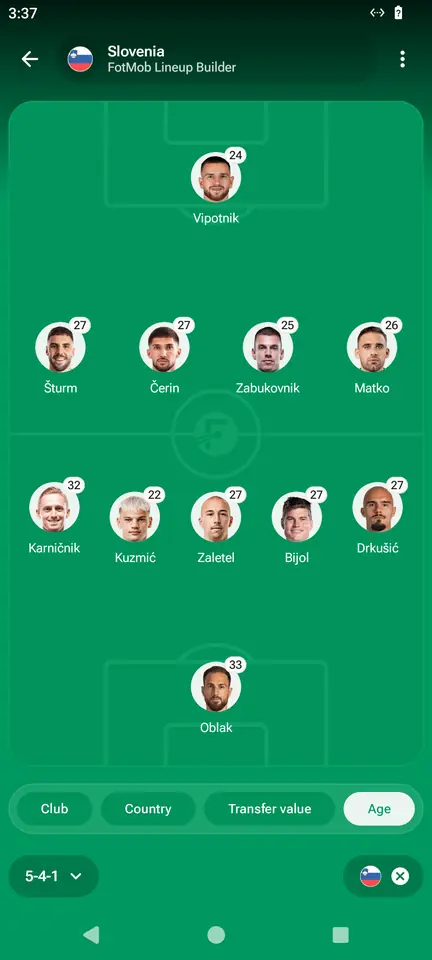
FotMob Android screen 7 — home & browsing: 4-2-3-1
4-2-3-1
FotMob Android screen 8 — home & browsing: Close sheet
Close sheet
FotMob Android screen 9 — home & browsing: Close sheet
Close sheet
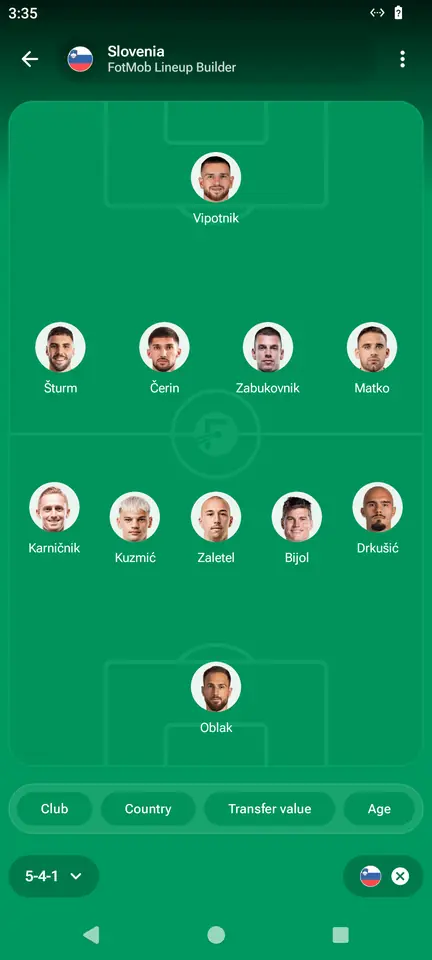
FotMob Android screen 10 — home & browsing: Jan Oblak
Jan Oblak
FotMob Android screen 11 — home & browsing: Jan Oblak
Jan Oblak
FotMob Android screen 12 — home & browsing: Follow teams
Follow teams
FotMob Android screen 13 — home & browsing: Follow leagues
Follow leagues
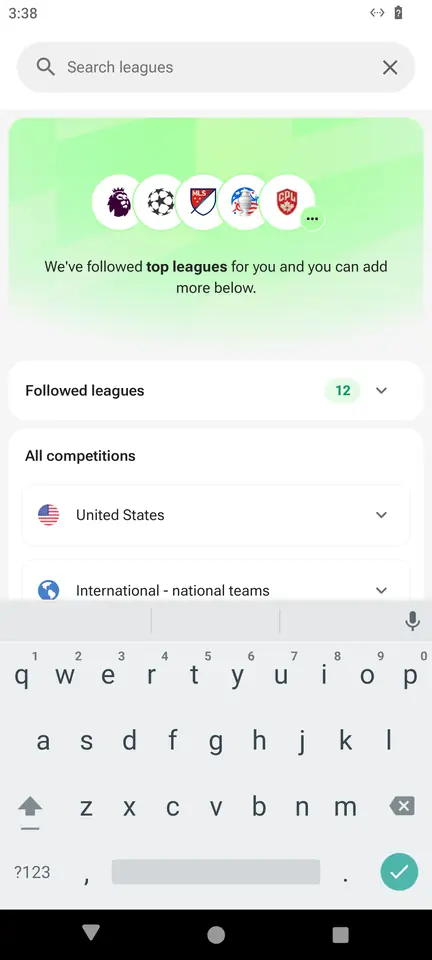
FotMob Android screen 14 — home & browsing: Search leagues
Search leagues
FotMob Android screen 17 — home & browsing: Follow players
Follow players
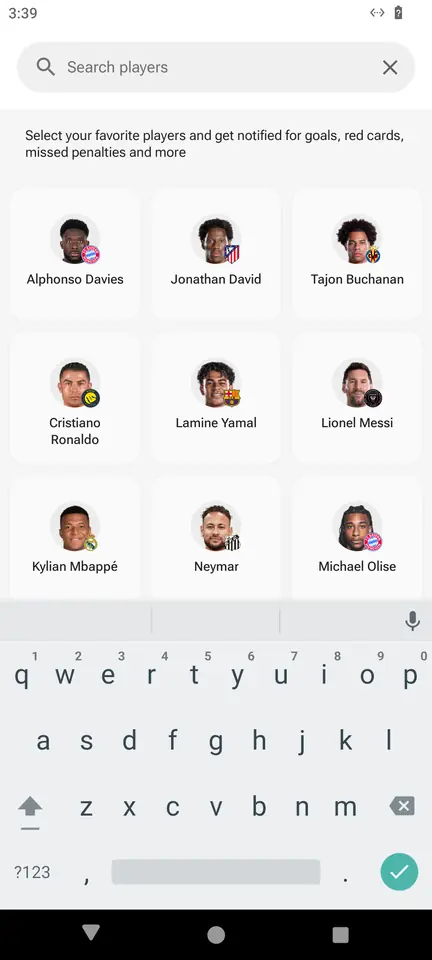
FotMob Android screen 18 — home & browsing: Search players
Search players
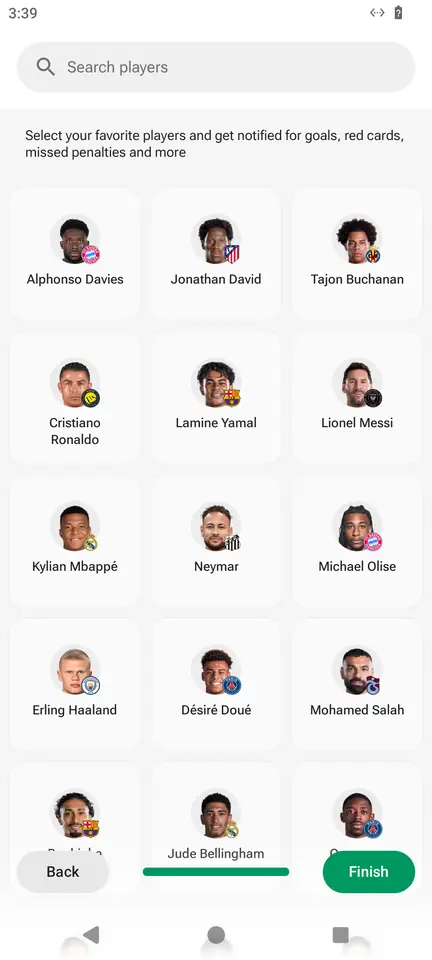
FotMob Android screen 19 — home & browsing: Search players
Search players
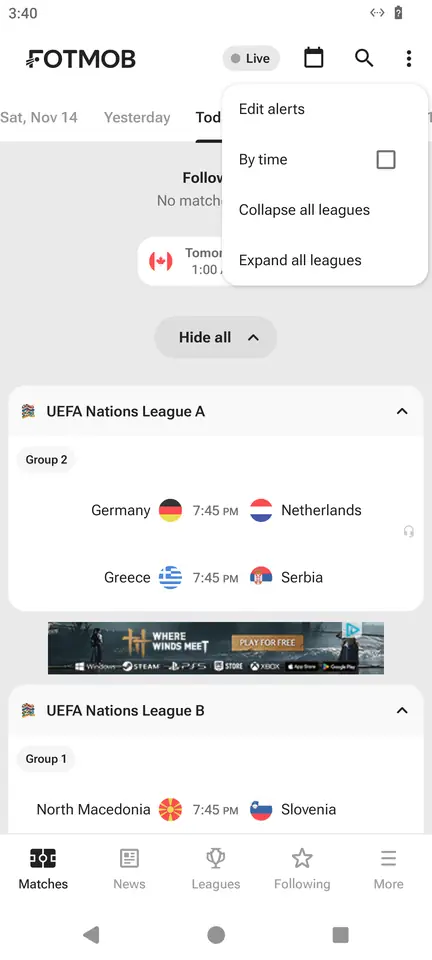
FotMob Android screen 20 — home & browsing: Edit alerts
Edit alerts
FotMob Android screen 24 — home & browsing: Currency
Currency
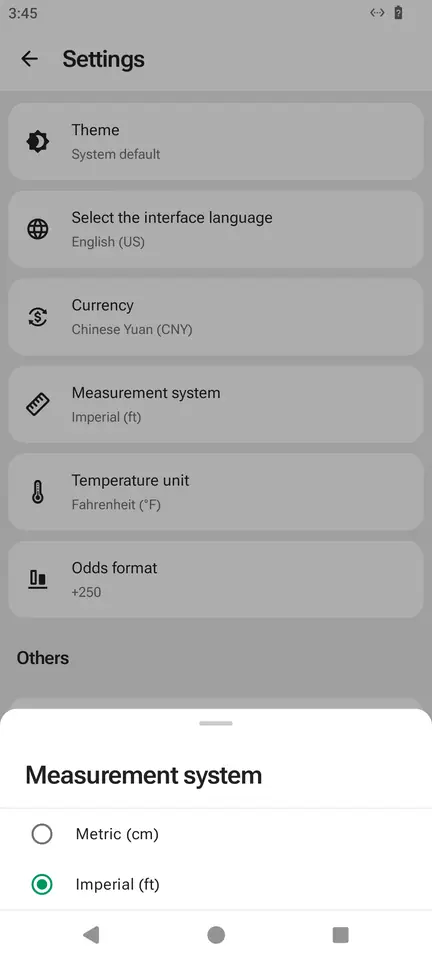
FotMob Android screen 25 — home & browsing: Measurement system
Measurement system
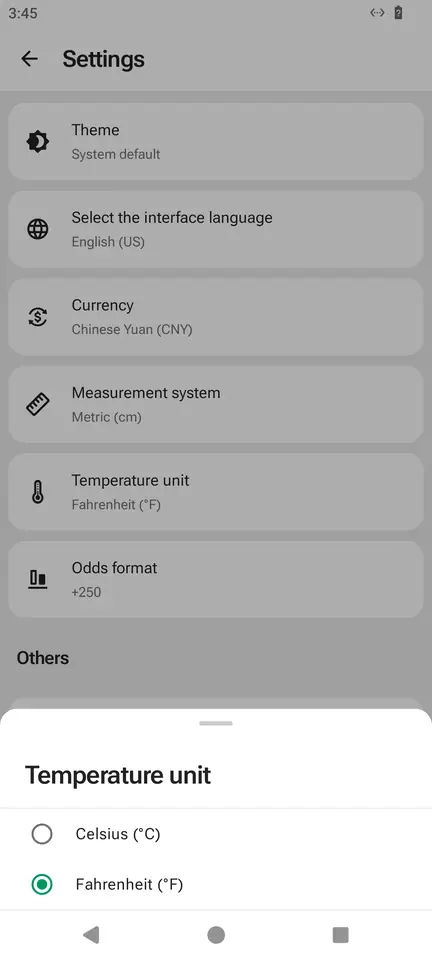
FotMob Android screen 26 — home & browsing: Temperature unit
Temperature unit
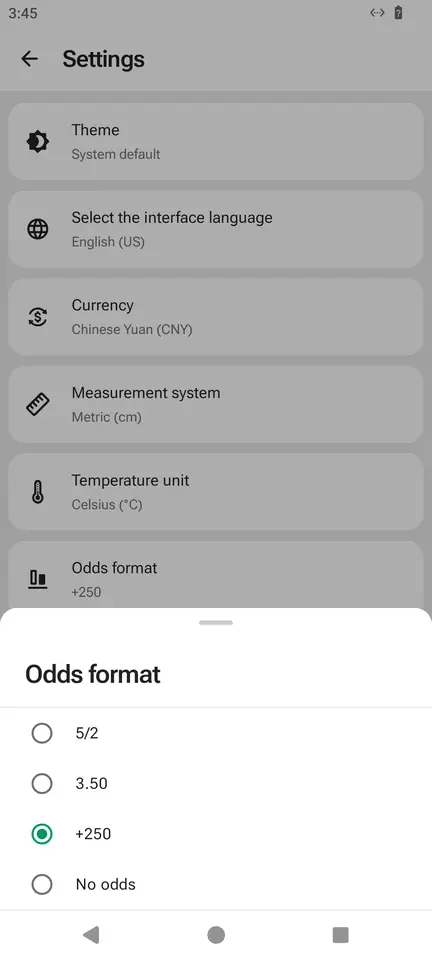
FotMob Android screen 27 — home & browsing: Odds format
Odds format
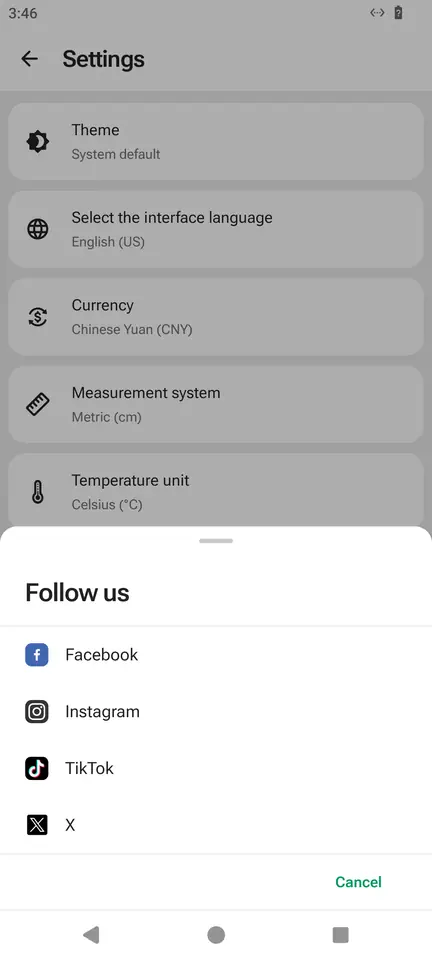
FotMob Android screen 28 — home & browsing: Follow us
Follow us

Bleacher Report

15 home screens
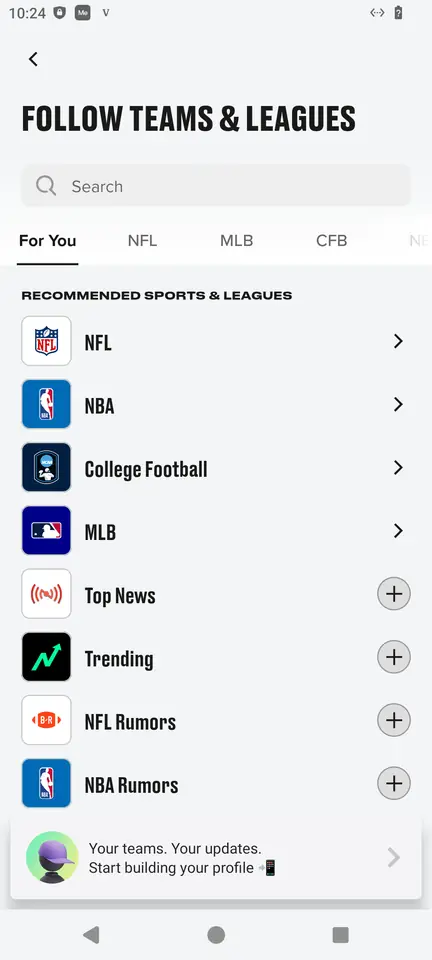
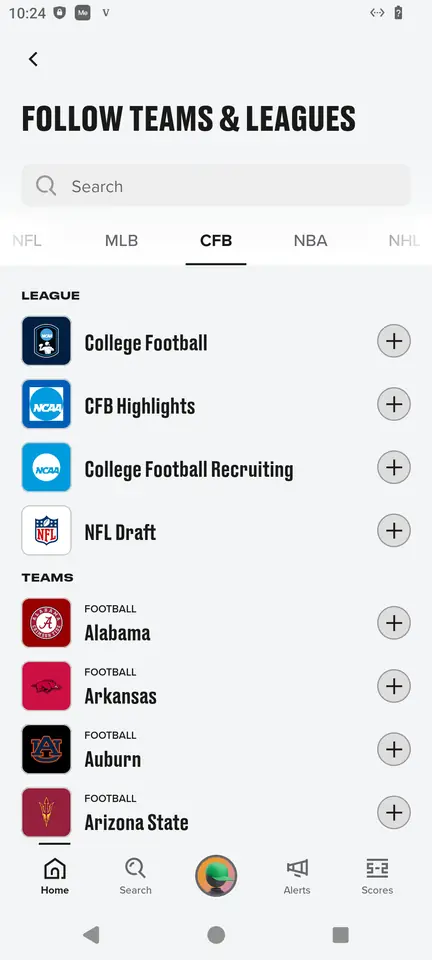
Bleacher Report Android screen 1 — home & browsing: FOLLOW TEAMS & LEAGUES
FOLLOW TEAMS & LEAGUES
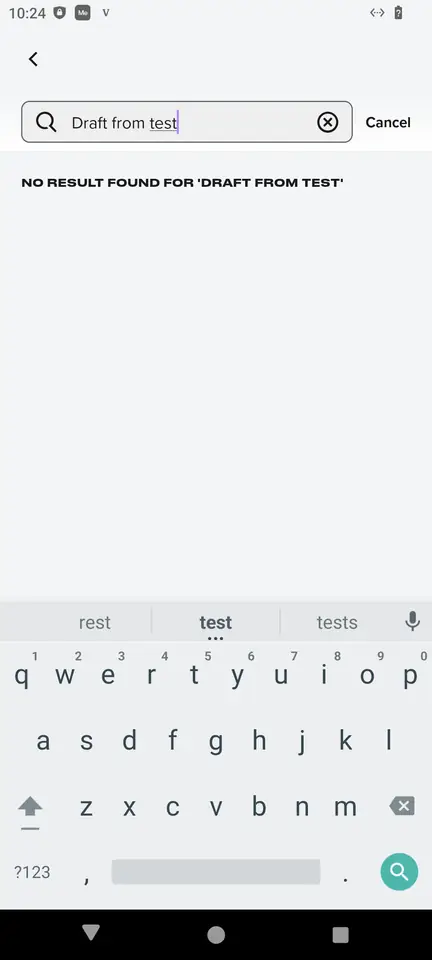
Bleacher Report Android screen 2 — home & browsing: NO RESULT FOUND FOR 'DRAFT FROM TEST'
NO RESULT FOUND FOR 'DRAFT FROM TEST'
Bleacher Report Android screen 3 — home & browsing: FOLLOW TEAMS & LEAGUES
FOLLOW TEAMS & LEAGUES
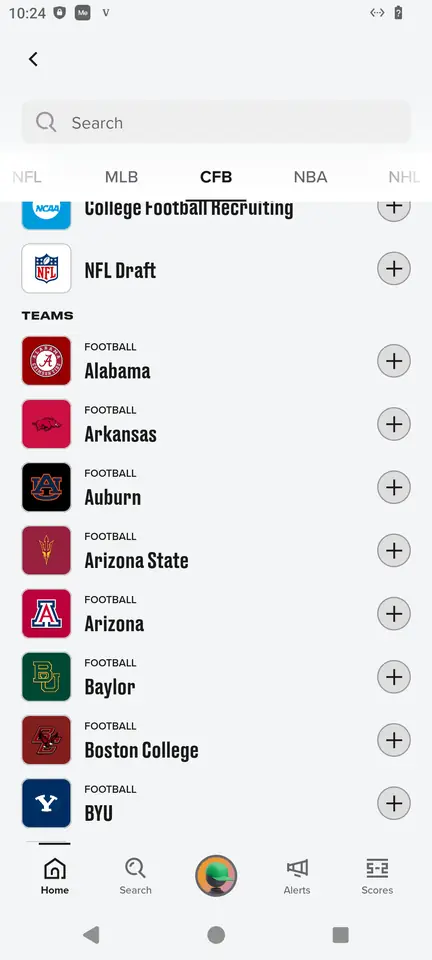
Bleacher Report Android screen 4 — home & browsing: College Football logo logo
College Football logo logo
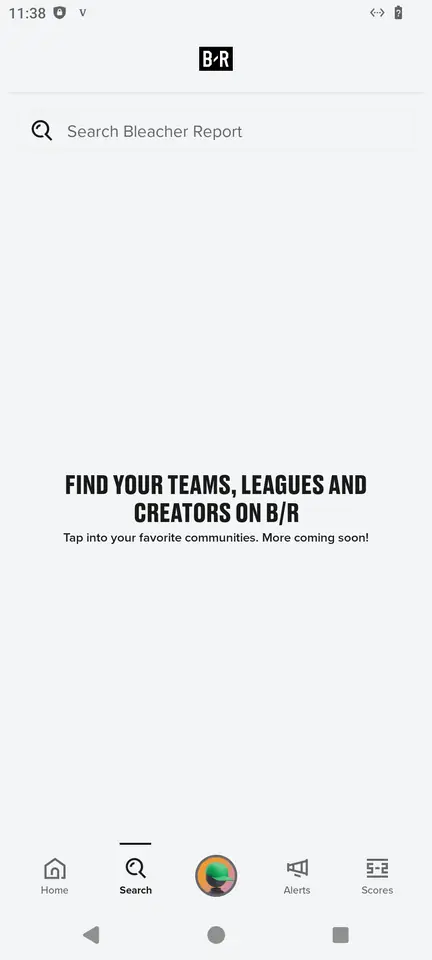
Bleacher Report Android screen 5 — home & browsing: FIND YOUR TEAMS, LEAGUES AND CREATORS ON B/R
FIND YOUR TEAMS, LEAGUES AND CREATORS…
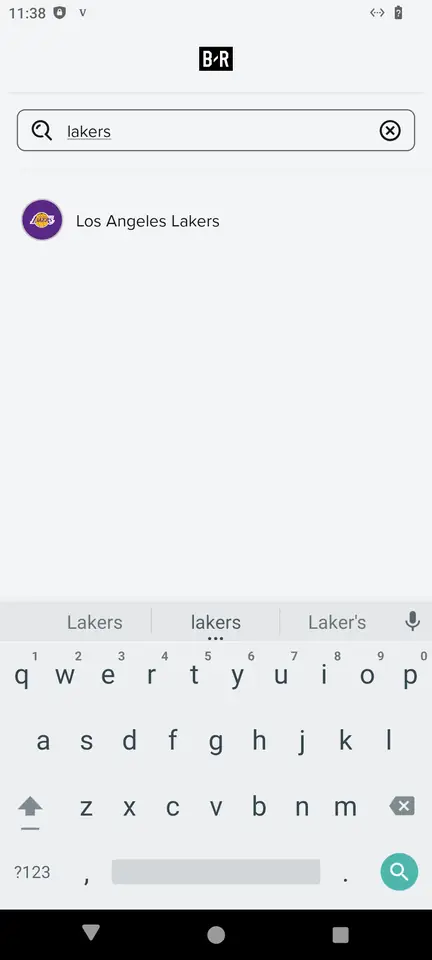
Bleacher Report Android screen 6 — home & browsing: Los Angeles Lakers
Los Angeles Lakers
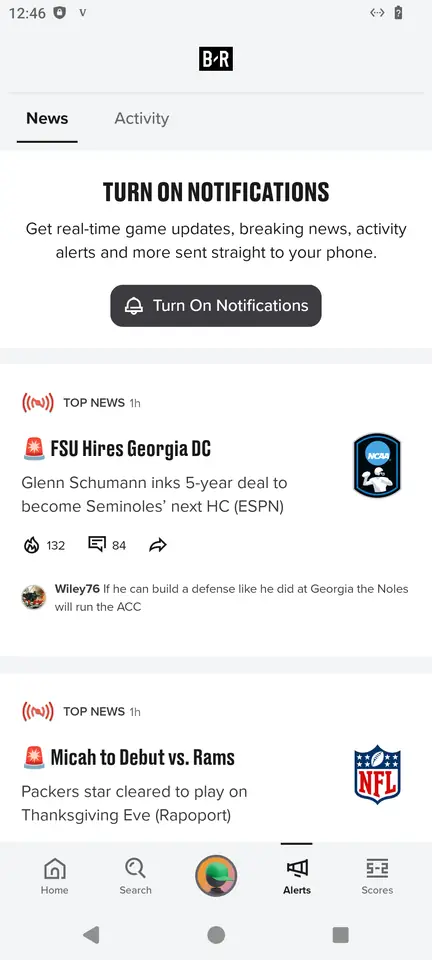
Bleacher Report Android screen 7 — home & browsing: TURN ON NOTIFICATIONS
TURN ON NOTIFICATIONS
Bleacher Report Android screen 8 — home & browsing: Turn On Notifications
Turn On Notifications
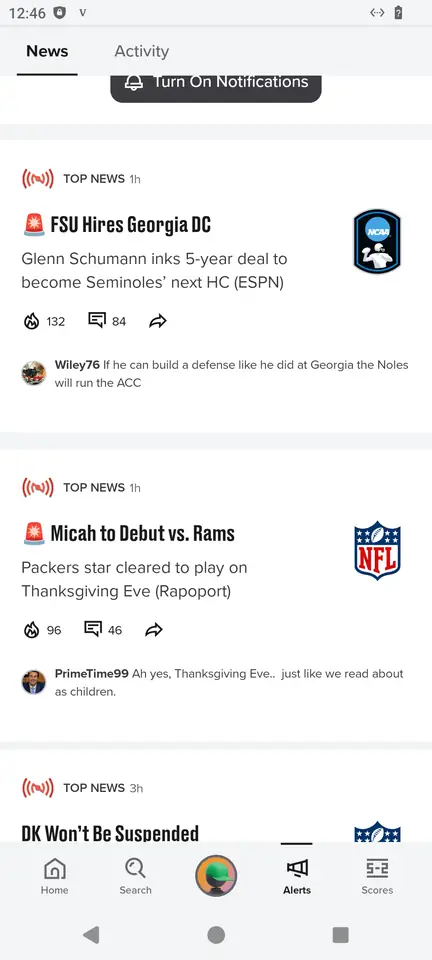
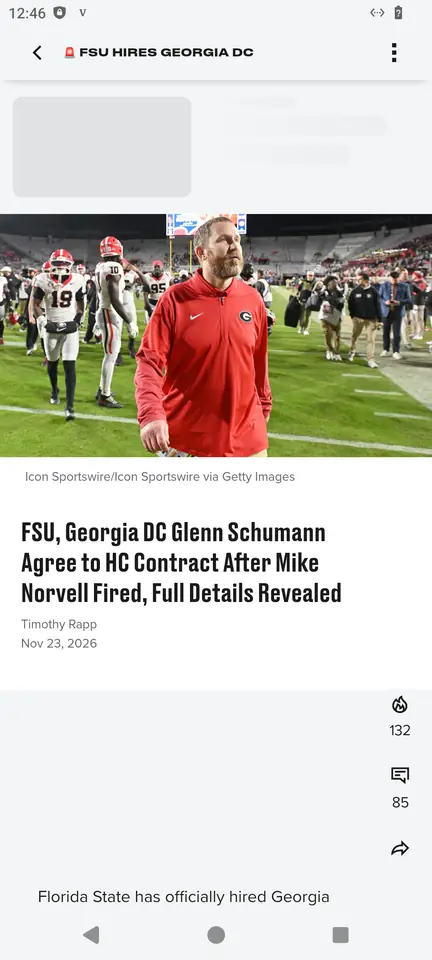
Bleacher Report Android screen 9 — home & browsing: COMMENT
COMMENT
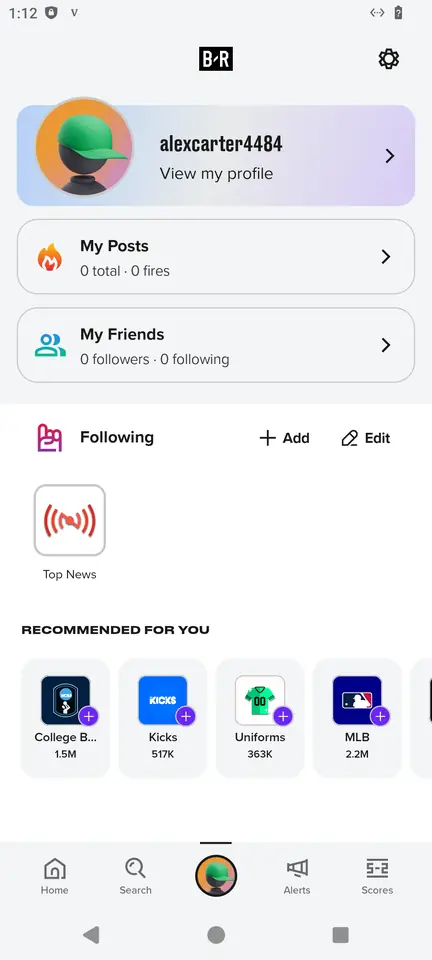
Bleacher Report Android screen 10 — home & browsing: Bleacher Report Logo
Bleacher Report Logo
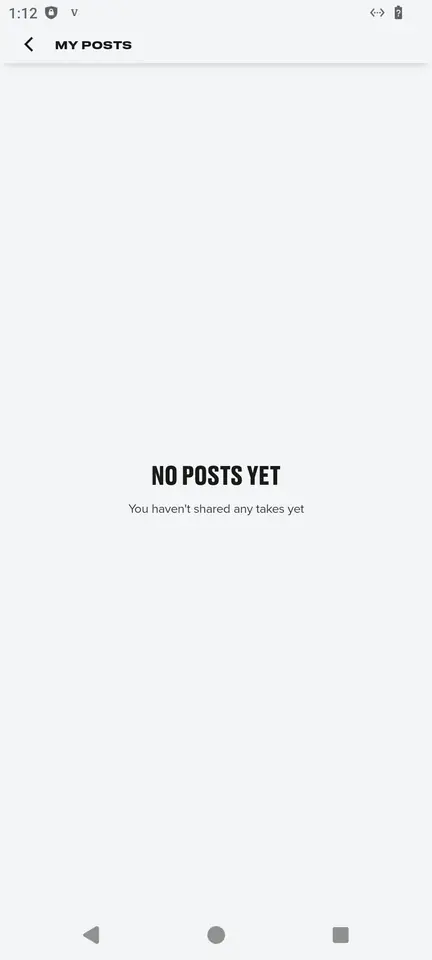
Bleacher Report Android screen 11 — home & browsing: NO POSTS YET
NO POSTS YET
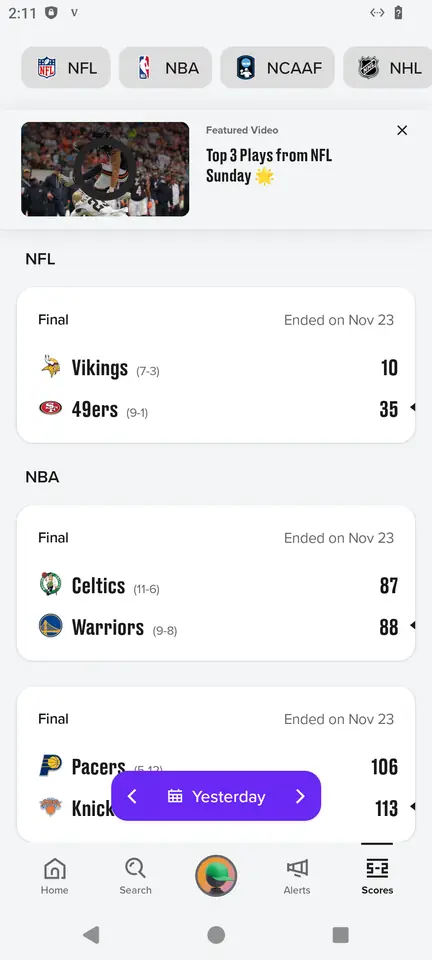
Bleacher Report Android screen 12 — home & browsing: Ended on Nov 23
Ended on Nov 23
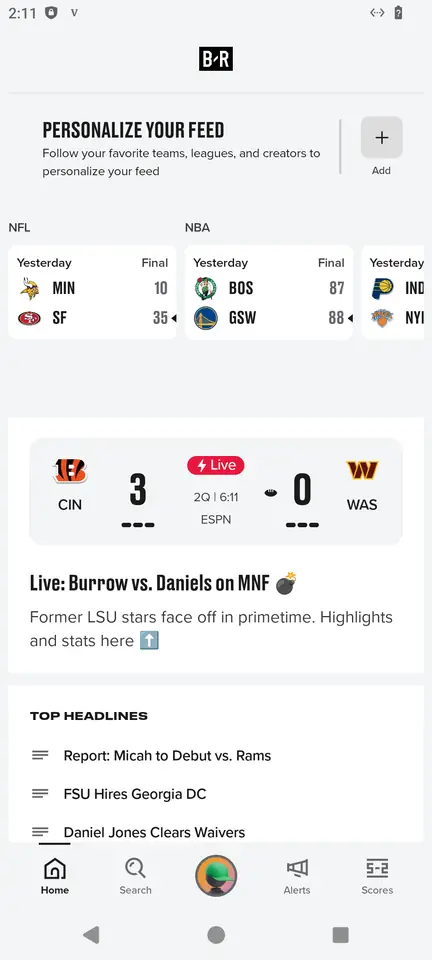
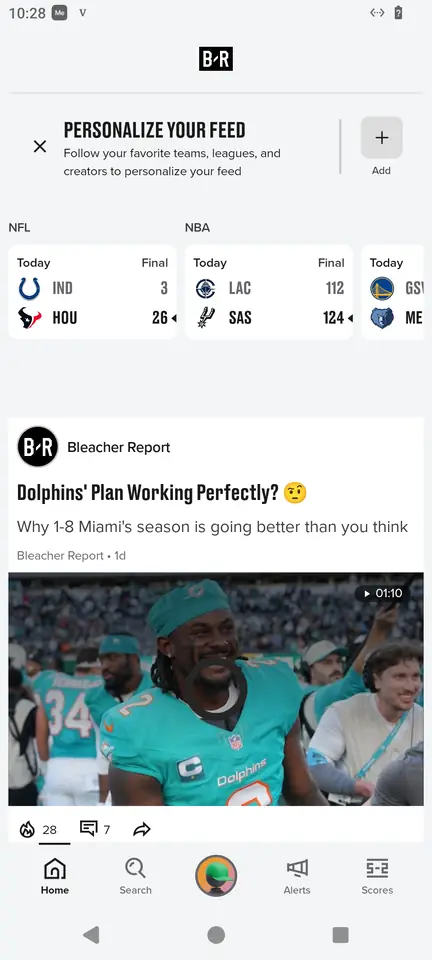
Bleacher Report Android screen 13 — home & browsing: PERSONALIZE YOUR FEED
PERSONALIZE YOUR FEED
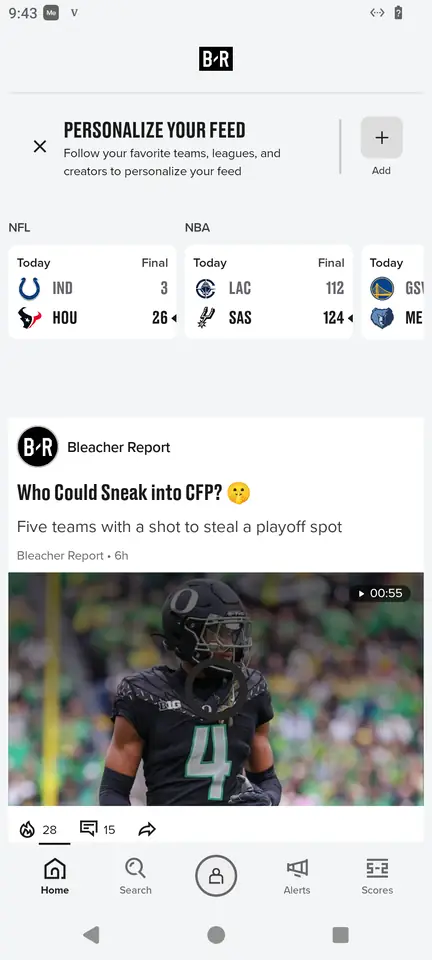
Bleacher Report Android screen 21 — home & browsing: Dismiss banner
Dismiss banner
Bleacher Report Android screen 27 — home & browsing: Dismiss banner
Dismiss banner

NFL

14 home screens
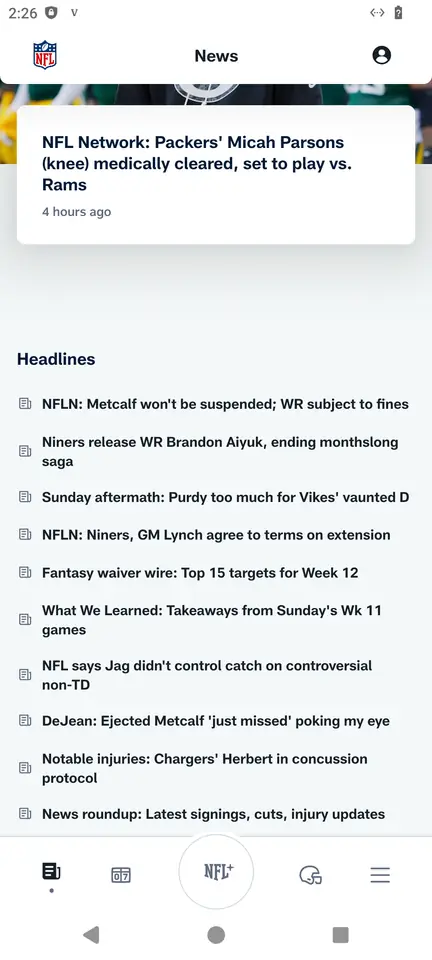
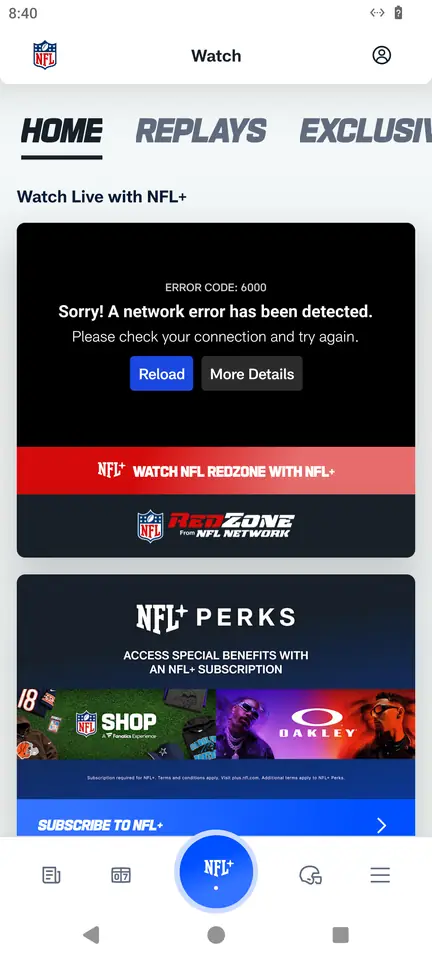
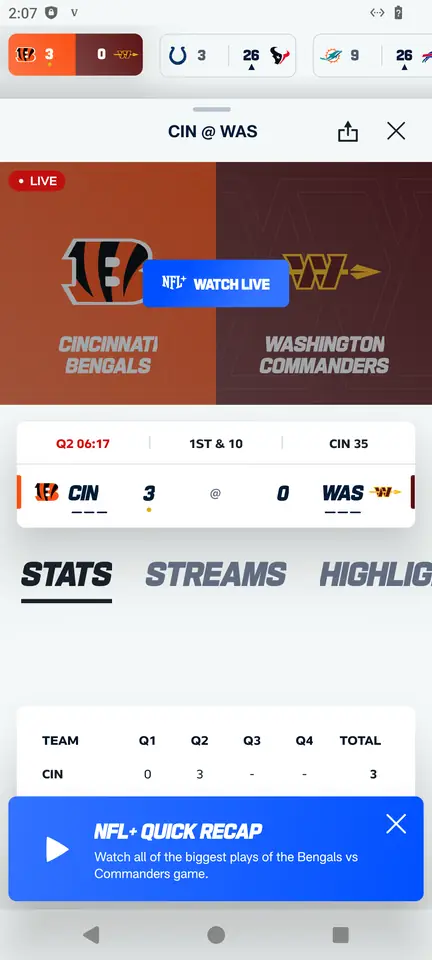
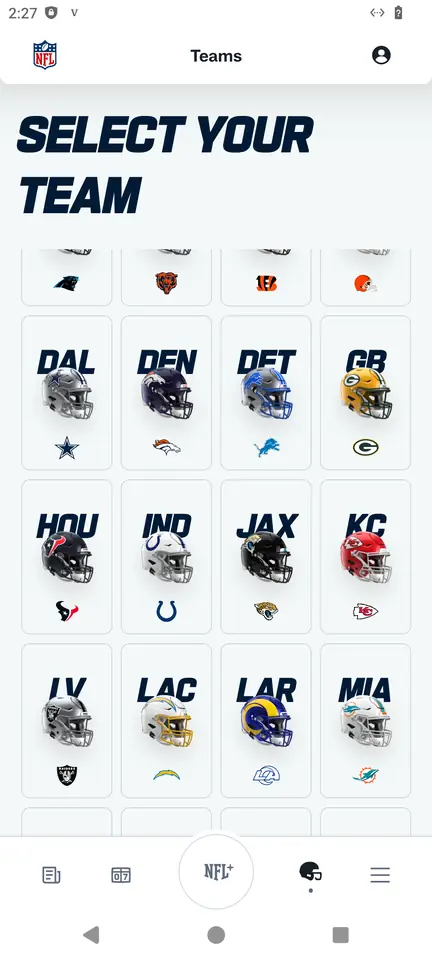
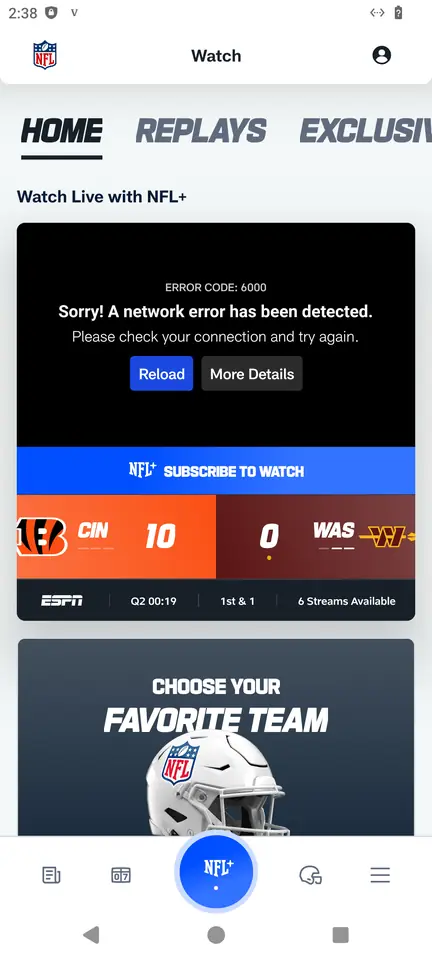
NFL Android screen 5 — home & browsing: Watch Live with NFL+
Watch Live with NFL+
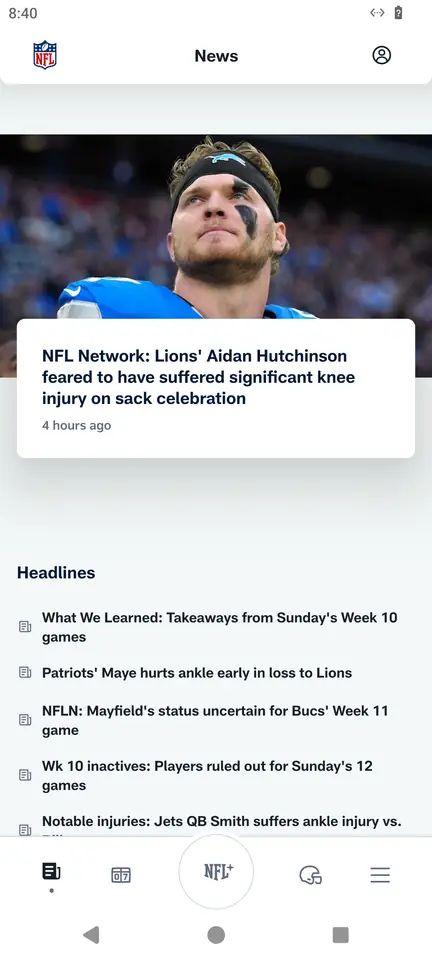
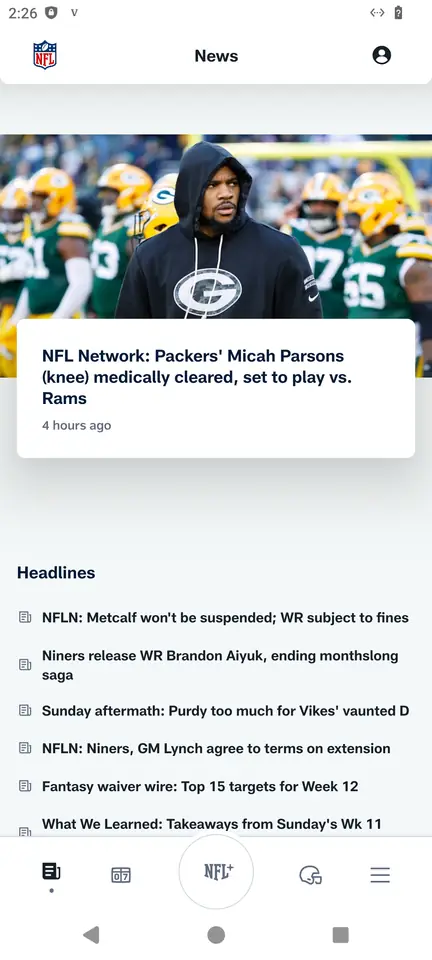
NFL Android screen 6 — home & browsing: 4 hours ago
4 hours ago
NFL Android screen 13 — home & browsing: Previous
Previous
NFL Android screen 14 — home & browsing: Previous
Previous
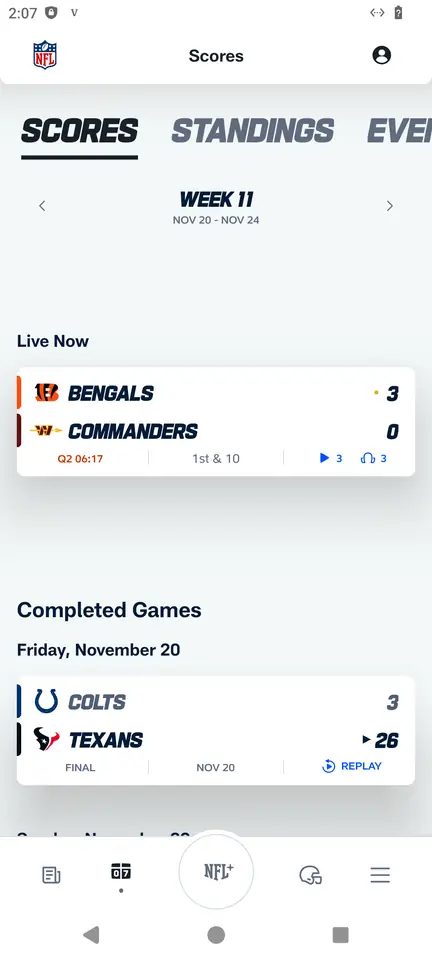
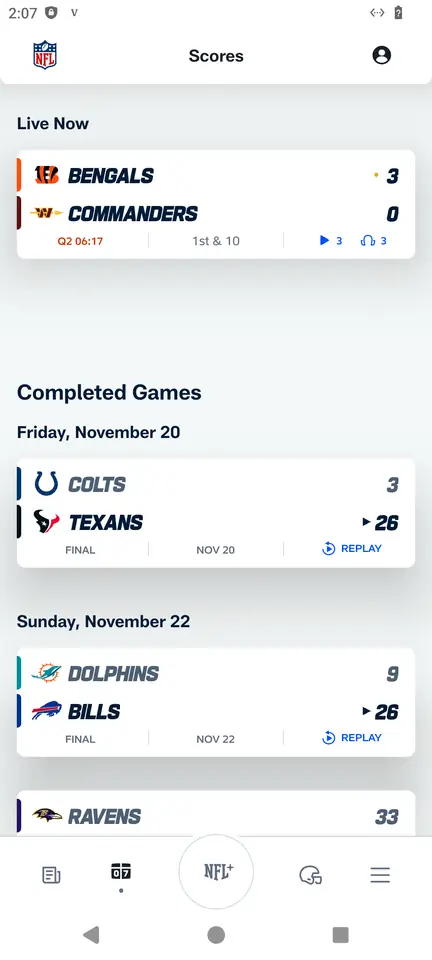
NFL Android screen 15 — home & browsing: Q2 06:17
Q2 06:17
NFL Android screen 16 — home & browsing: 4 hours ago
4 hours ago
NFL Android screen 17 — home & browsing: 4 hours ago
4 hours ago
NFL Android screen 18 — home & browsing: NFL Logo
NFL Logo
NFL Android screen 19 — home & browsing: NFL Logo
NFL Logo
NFL Android screen 21 — home & browsing: Watch Live with NFL+
Watch Live with NFL+
NFL Android screen 26 — home & browsing: NFL Logo
NFL Logo
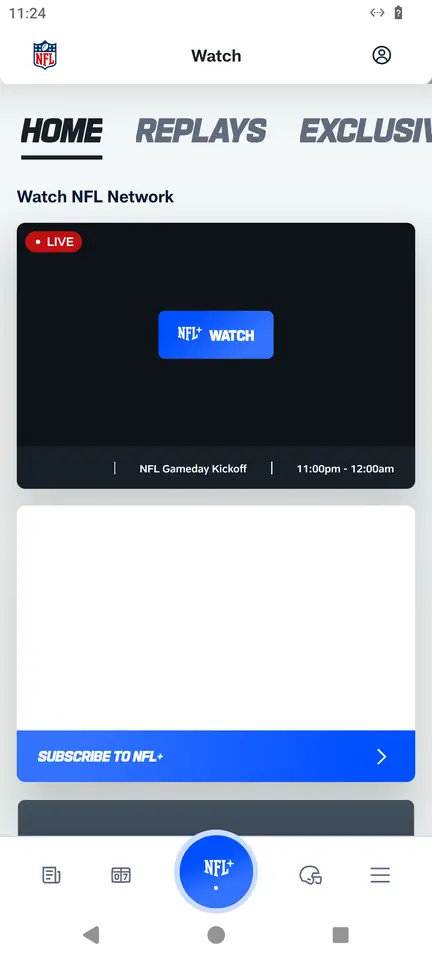
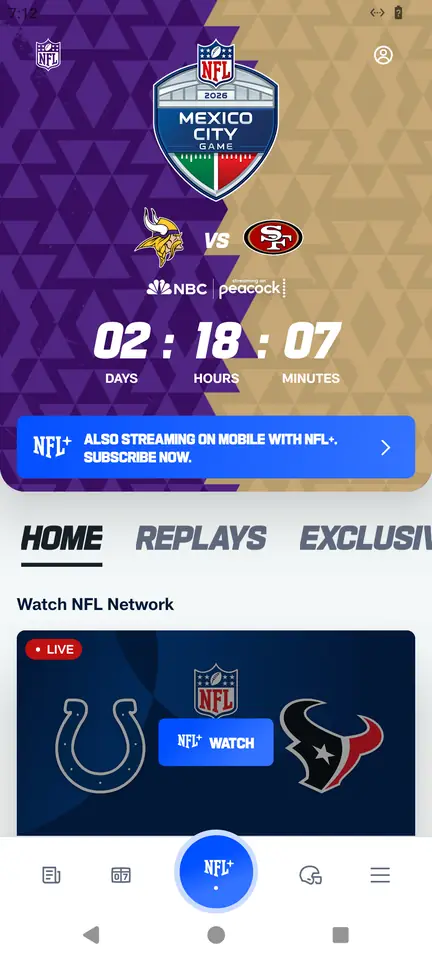
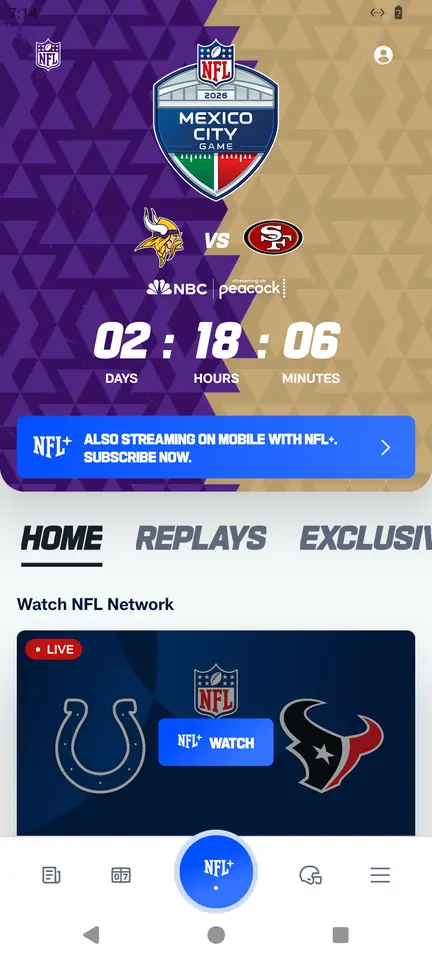
NFL Android screen 27 — home & browsing: Watch NFL Network
Watch NFL Network
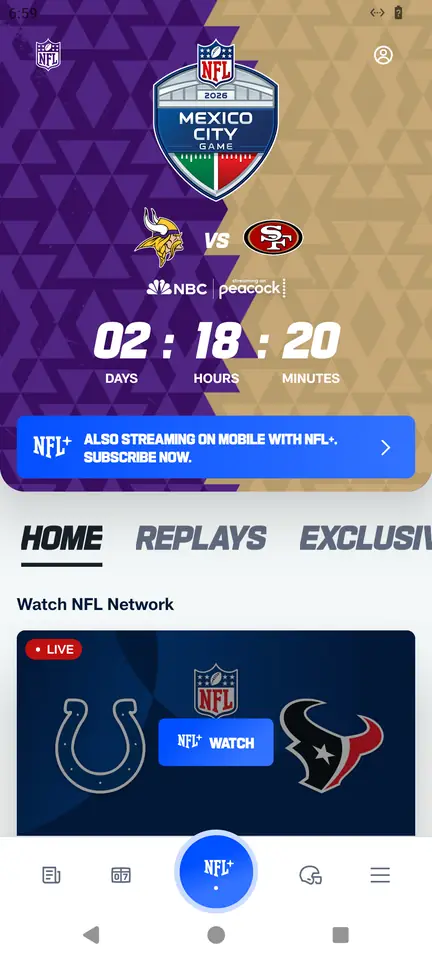
NFL Android screen 29 — home & browsing: Watch NFL Network
Watch NFL Network
NFL Android screen 30 — home & browsing: Watch NFL Network
Watch NFL Network

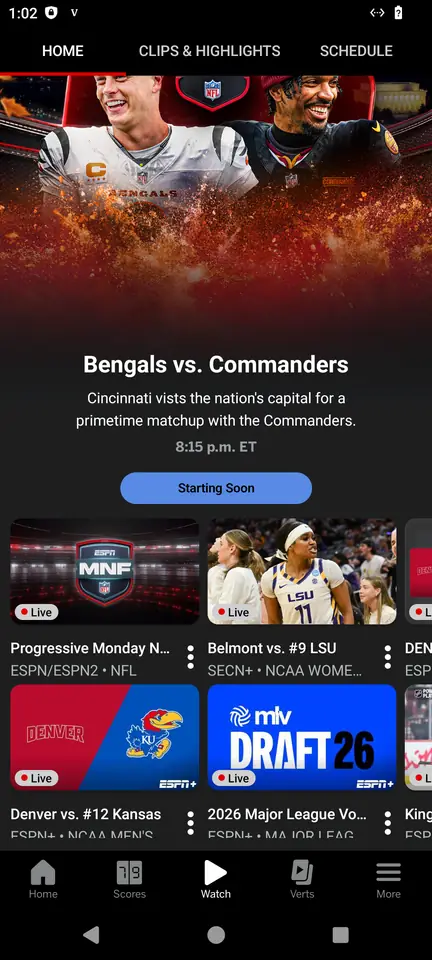
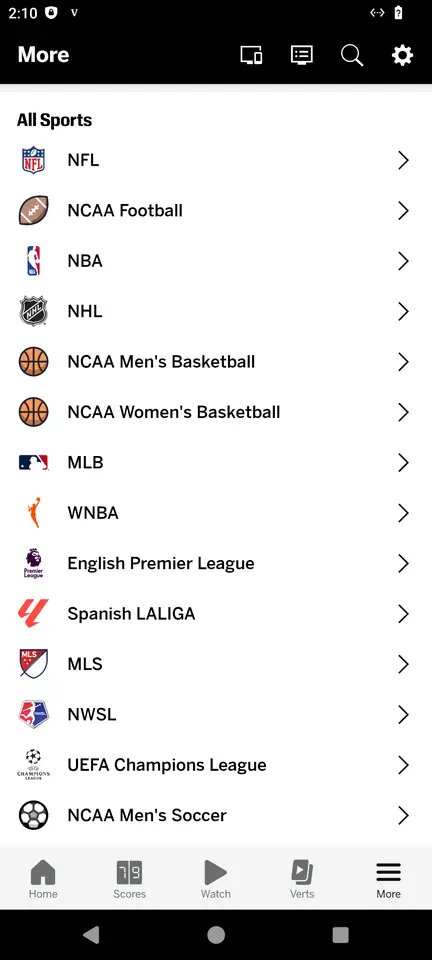
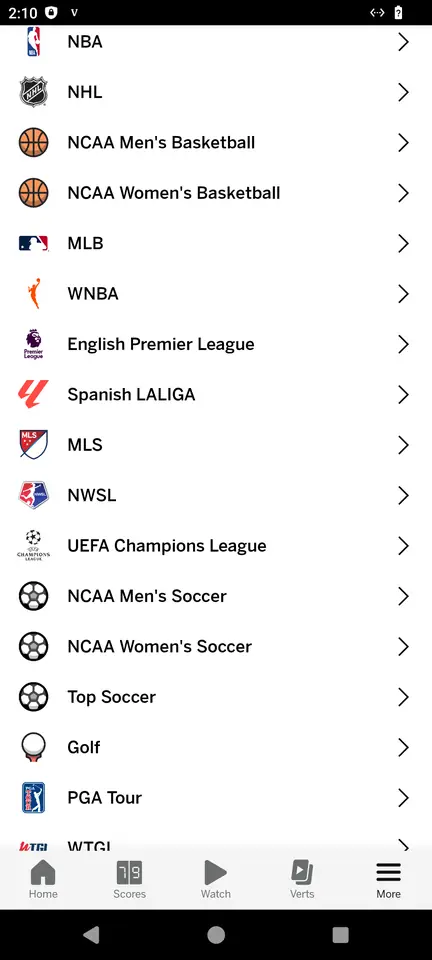
ESPN

7 home screens
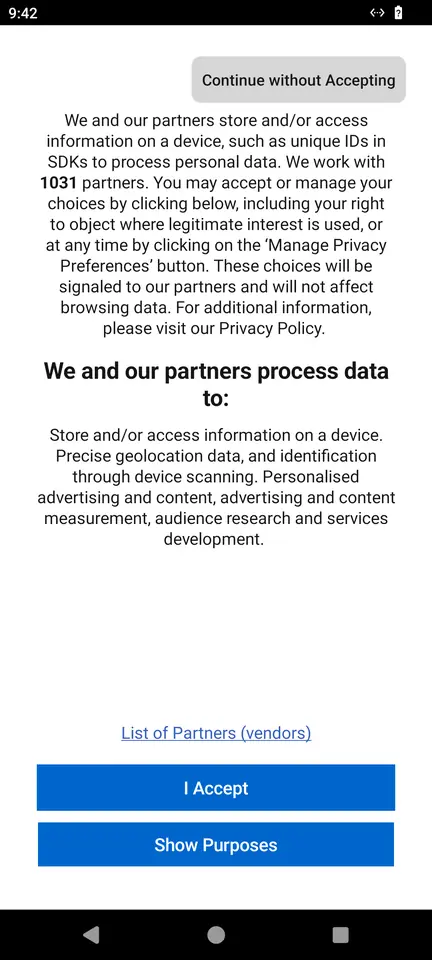
ESPN Android screen 2 — home & browsing: Continue without Accepting
Continue without Accepting
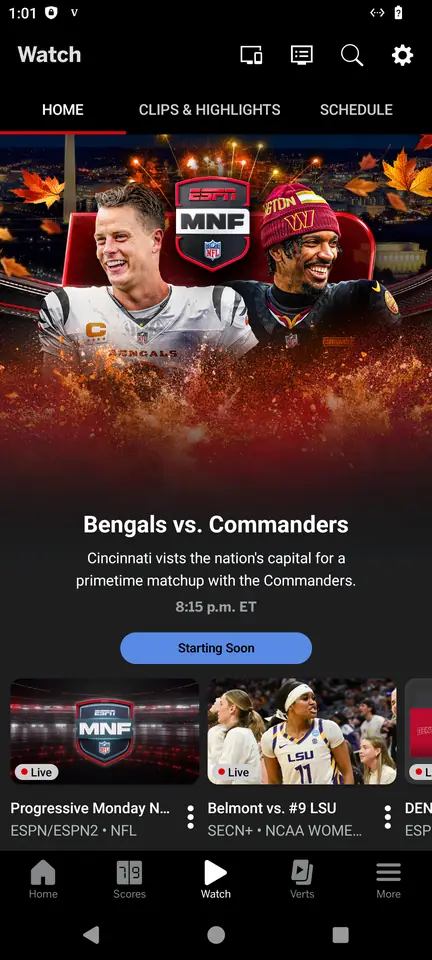
ESPN Android screen 10 — home & browsing: Scores
Scores
ESPN Android screen 11 — home & browsing: Scores
Scores
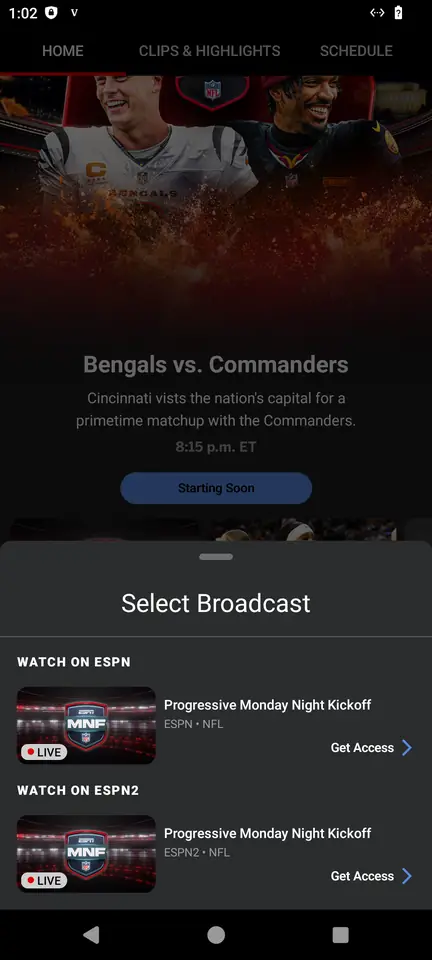
ESPN Android screen 12 — home & browsing: Select Broadcast
Select Broadcast
ESPN Android screen 13 — home & browsing: Scores
Scores
ESPN Android screen 14 — home & browsing: Scores
Scores
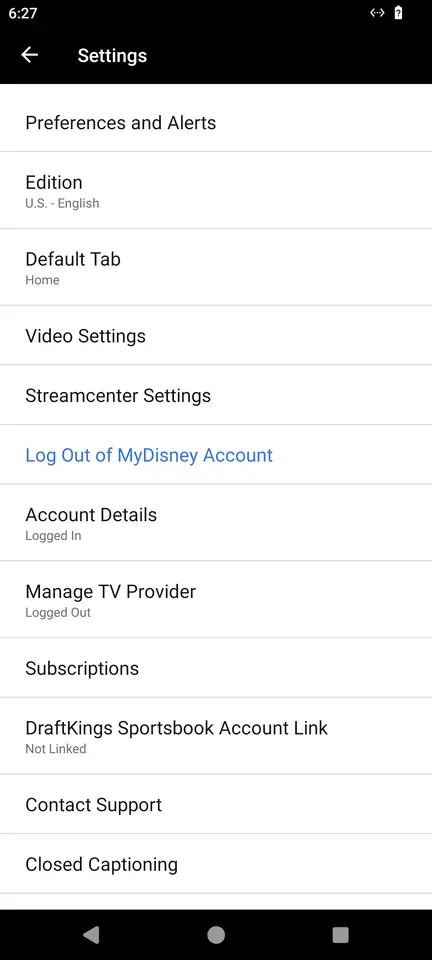
ESPN Android screen 26 — home & browsing: Settings
Settings

Sofascore

5 home screens
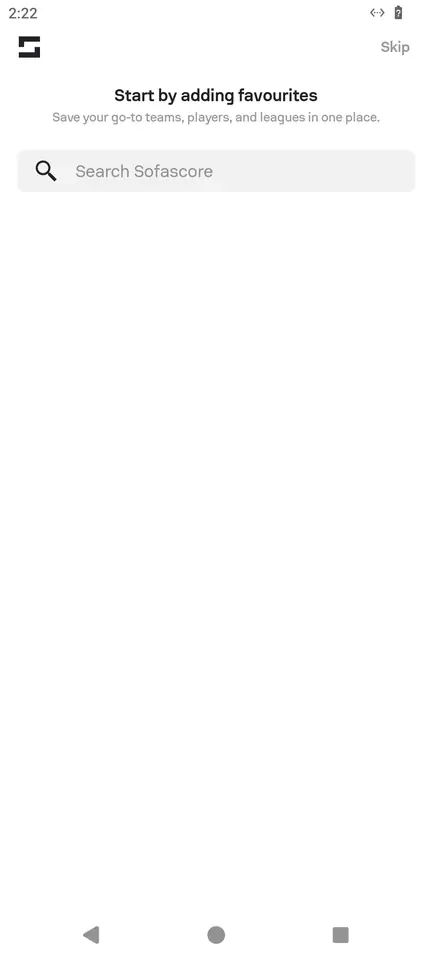
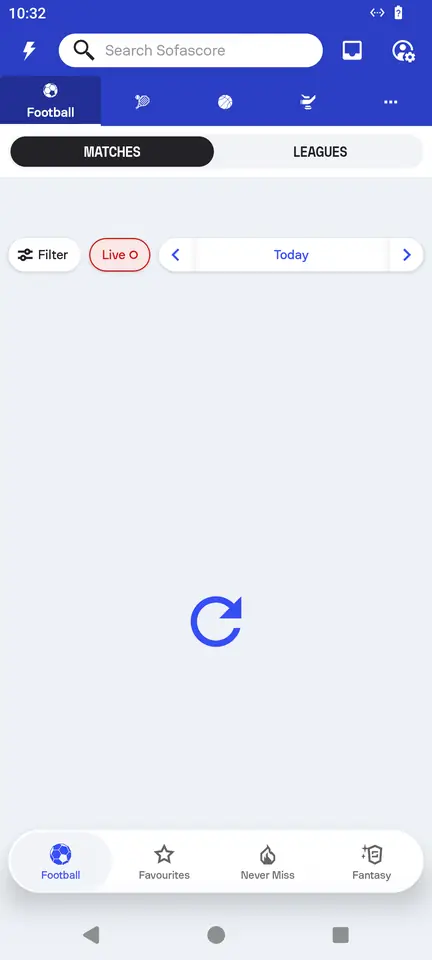
Sofascore Android screen 2 — home & browsing: Start by adding favourites
Start by adding favourites
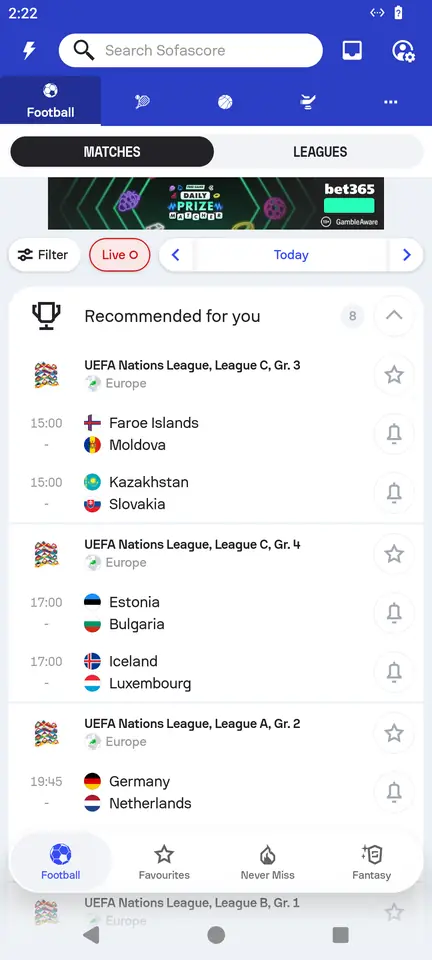
Sofascore Android screen 3 — home & browsing: Search Sofascore
Search Sofascore
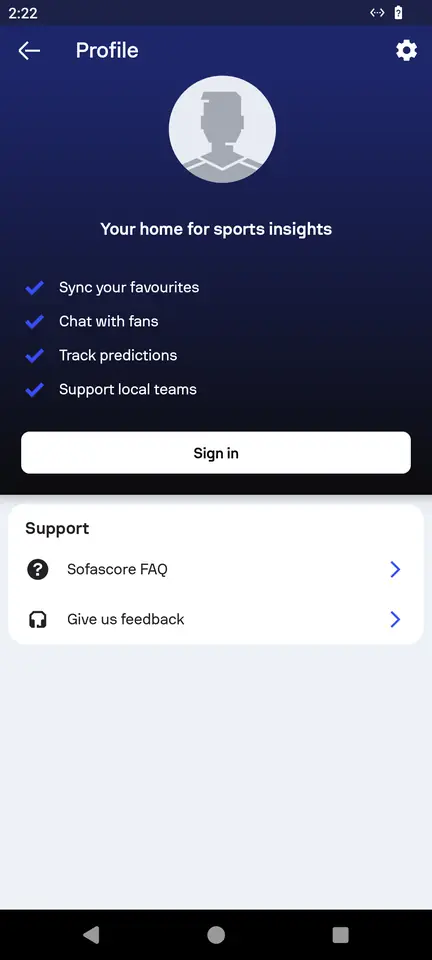
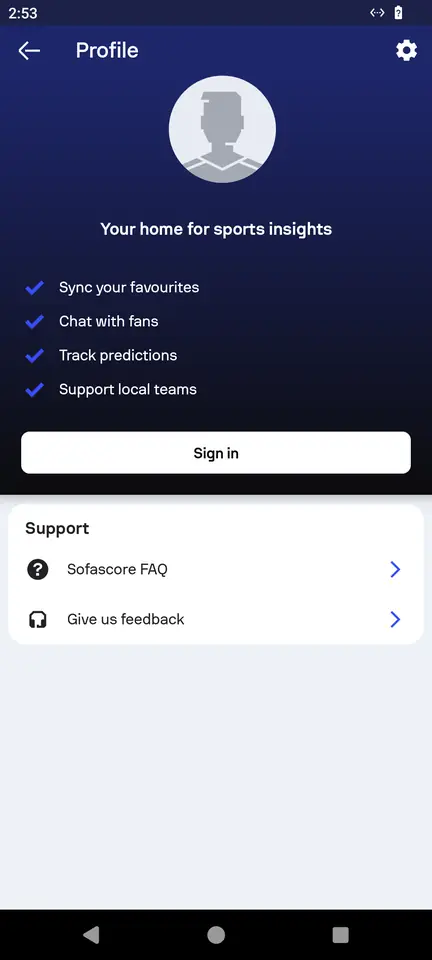
Sofascore Android screen 4 — home & browsing: Profile
Profile
Sofascore Android screen 13 — home & browsing: Search Sofascore
Search Sofascore
Sofascore Android screen 14 — home & browsing: Profile
Profile

NBA

1 home screen
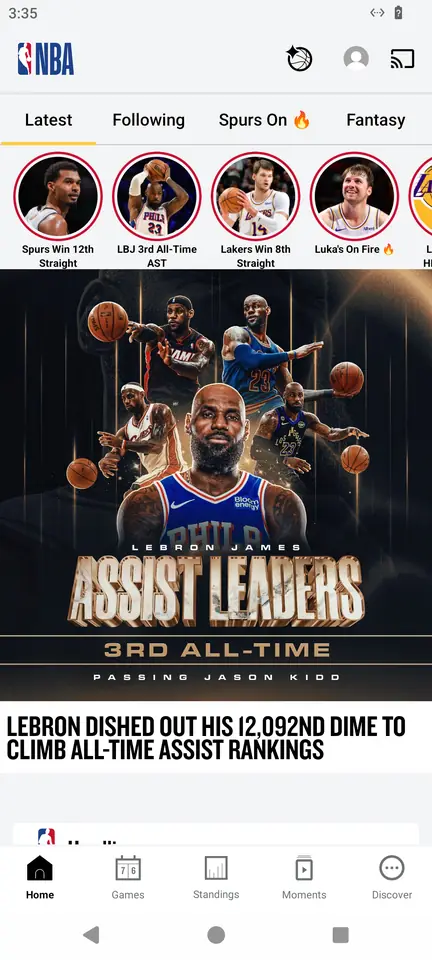
NBA Android screen 7 — home & browsing: Latest
Latest

UI components on sports home screens

Share of the 63 screens where each component is in the view hierarchy and drawn on screen; the example shows it outlined.

FotMob Android screen 2 — home & browsing: Follow teams

Toolbar

16 screens25%

3 apps · example: FotMob

NFL Android screen 5 — home & browsing: Watch Live with NFL+

Tabs

11 screens17%

2 apps · example: NFL

FotMob Android screen 24 — home & browsing: Currency

Bottom sheet

7 screens11%

2 apps · example: FotMob

FotMob Android screen 2 — home & browsing: Follow teams

Progress bar

7 screens11%

1 app · example: FotMob

FotMob Android screen 14 — home & browsing: Search leagues

Icon button

5 screens8%

3 apps · example: FotMob

FotMob Android screen 24 — home & browsing: Currency

List item

5 screens8%

3 apps · example: FotMob

FotMob Android screen 24 — home & browsing: Currency

Radio button

4 screens6%

1 app · example: FotMob

ESPN Android screen 10 — home & browsing: Scores

Tab bar

4 screens6%

1 app · example: ESPN

UI patterns on sports home screens

FotMob Android screen 2 — home & browsing: Follow teams

Search bar

3 of 6 apps50%

example: FotMob

Bleacher Report Android screen 7 — home & browsing: TURN ON NOTIFICATIONS

Permission priming

2 of 6 apps33%

example: Bleacher Report

ESPN Android screen 2 — home & browsing: Continue without Accepting

Cookie consent banner

1 of 6 apps17%

example: ESPN

Bleacher Report Android screen 11 — home & browsing: NO POSTS YET

Empty state

1 of 6 apps17%

example: Bleacher Report

NFL Android screen 21 — home & browsing: Watch Live with NFL+

Pricing plans

1 of 6 apps17%

example: NFL

Sofascore Android screen 2 — home & browsing: Start by adding favourites

Skip button

1 of 6 apps17%

example: Sofascore

NFL Android screen 16 — home & browsing: 4 hours ago

Terms and conditions agreement

1 of 6 apps17%

example: NFL

What sports apps say on these screens

UI copy that appears on the home screens of two or more sports apps, with the number of apps using it.

  • Scores3 apps
  • Search3 apps
  • Settings3 apps
  • Back2 apps
  • Cancel2 apps
  • Following2 apps
  • Home2 apps
  • LIVE2 apps
  • Navigate up2 apps
  • NBA2 apps
  • NHL2 apps
  • Profile2 apps

Best practices for home screens

  • Lead with the user's most likely next action, not a promo banner.
  • Keep 3–5 top-level destinations in the bottom bar.
  • Use clear section titles over horizontal shelves so users can scan.
  • Put search where users expect it: top bar or a dedicated tab.
  • Design the empty state for a brand-new account.

Design notes for sports apps

  • Ask which teams and leagues the user follows in onboarding, and build the home screen from them.
  • Show live matches first, with the score readable at a glance.
  • Ask for notification permission when a user follows a team — that is when alerts make sense.
  • Keep dense tables scannable with clear alignment and sticky headers.

FAQ

What do sports app home screens look like?

The UI Lane library holds 63 home screens from 6 Android sports apps (FotMob, Bleacher Report, NFL, ESPN, Sofascore and NBA). Across these 63 screens the most common detected components are toolbar (25%), tabs (17%) and bottom sheet (11%). The most common UI patterns are search bar (3 of 6 apps), permission priming (2 of 6 apps) and cookie consent banner (1 of 6 apps).

Which sports apps have the longest home flow?

5 of these apps have their full home flow captured step by step: the longest is Bleacher Report (15 screens), the shortest Sofascore (3 screens). Full list: Bleacher Report (15), FotMob (13), NFL (12), ESPN (6) and Sofascore (3).

What do sports apps say on their home screens?

UI copy used by two or more of these apps: “Scores” (3 apps), “Search” (3 apps), “Settings” (3 apps), “Back” (2 apps) and “Cancel” (2 apps).

Captured on real Android devices · last updated 2026-11-14