Sports app settings screens: 21 screens from 5 Android apps
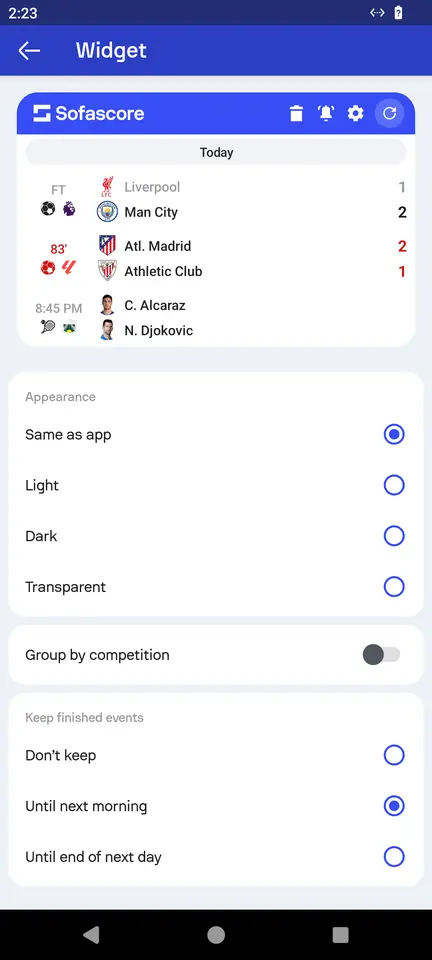
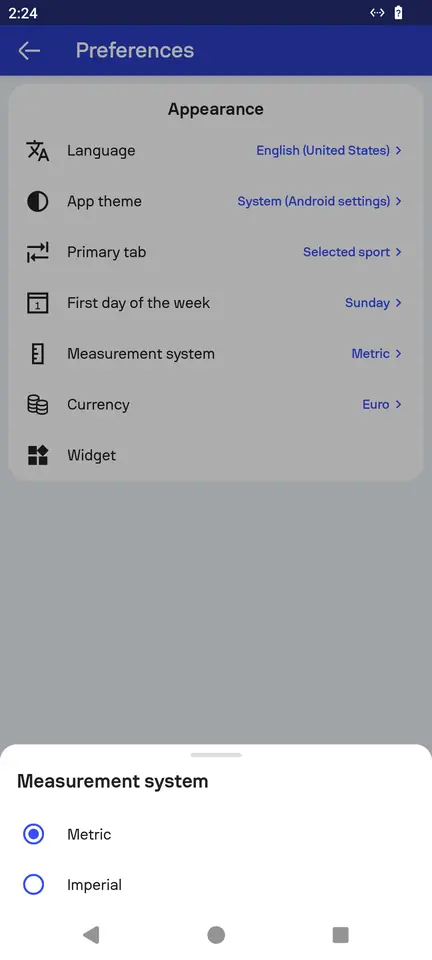
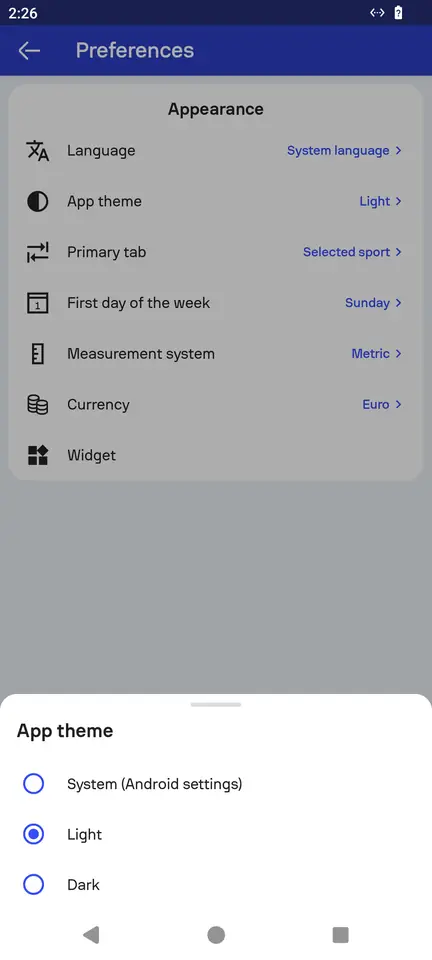
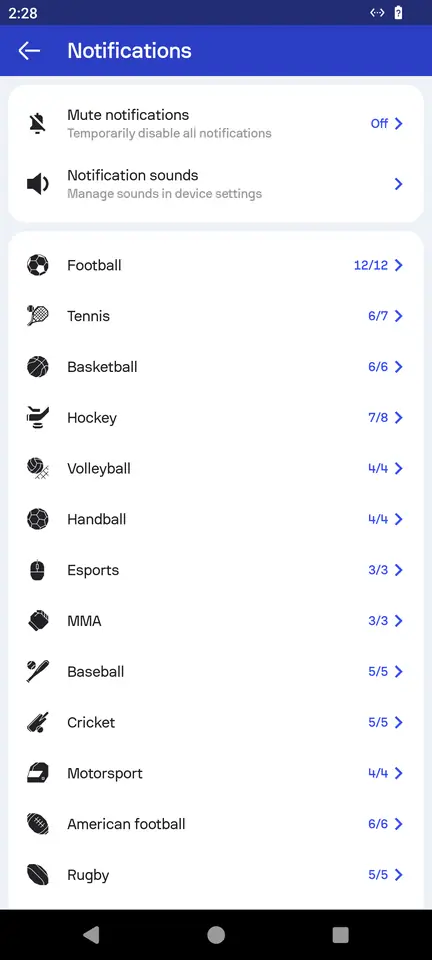
Every settings screen we captured in sports apps: 21 screens from 5 Android apps, grouped by app. 5 of these apps have their full settings flow captured step by step: the longest is Sofascore (6 screens), the shortest ESPN (2 screens). Across these 21 screens the most common detected components are radio button (33%), bottom sheet (29%) and toolbar (29%).
Sports settings flows, step by step
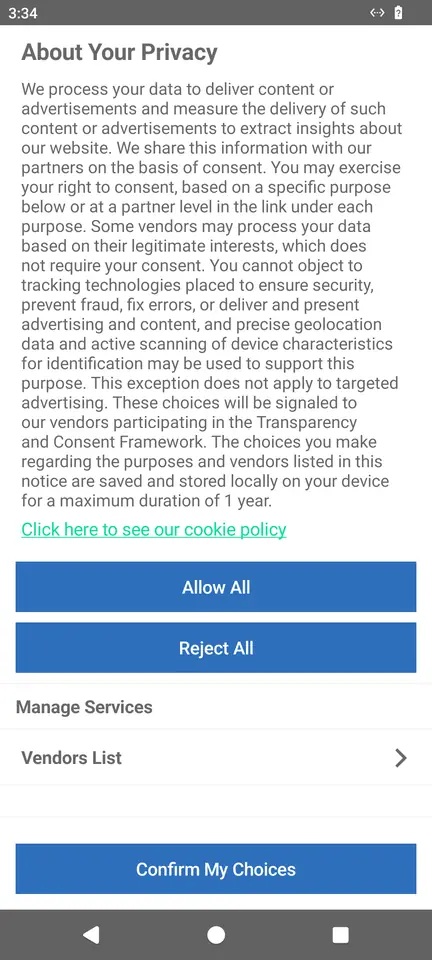
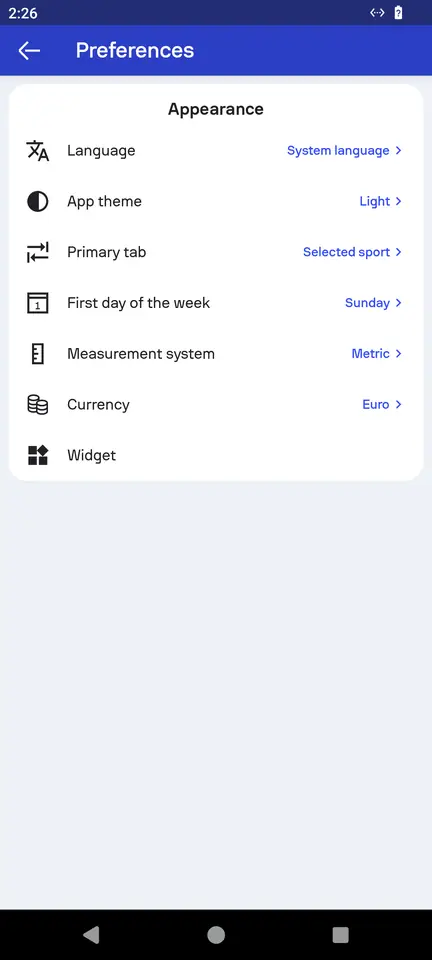
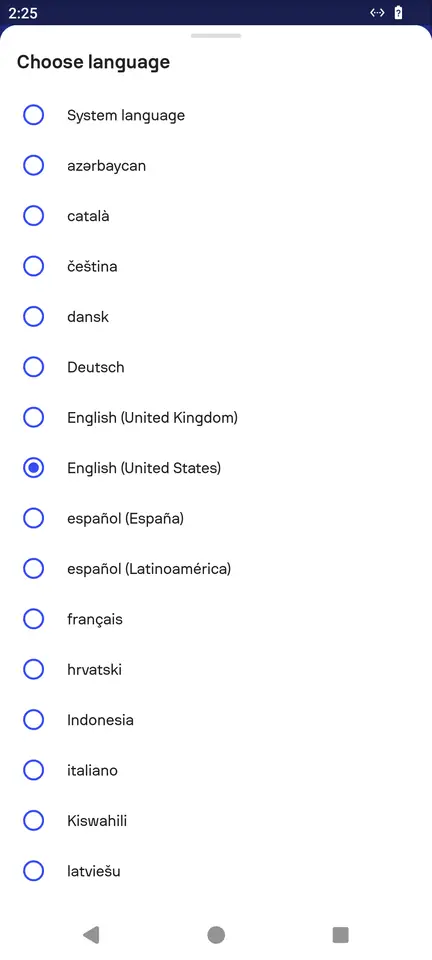
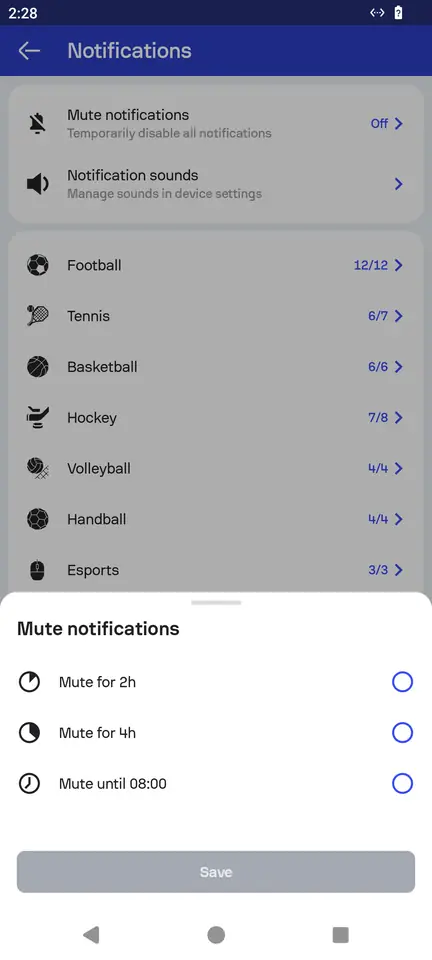
Sofascore
8 settings screens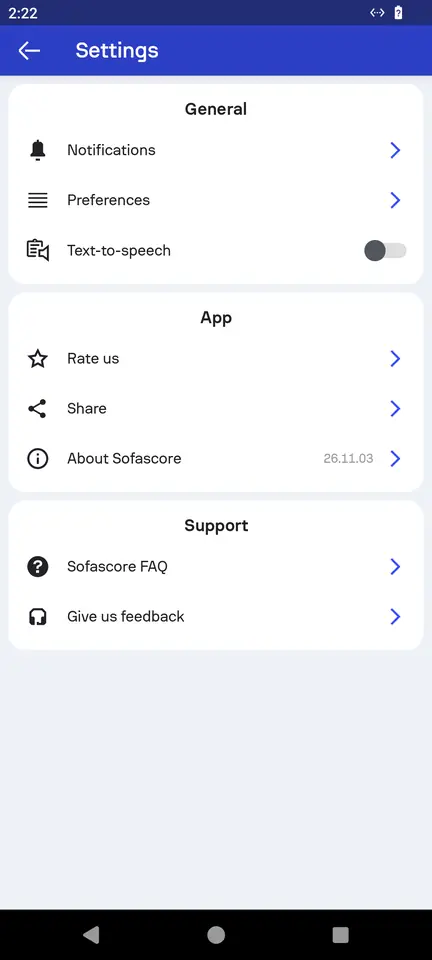
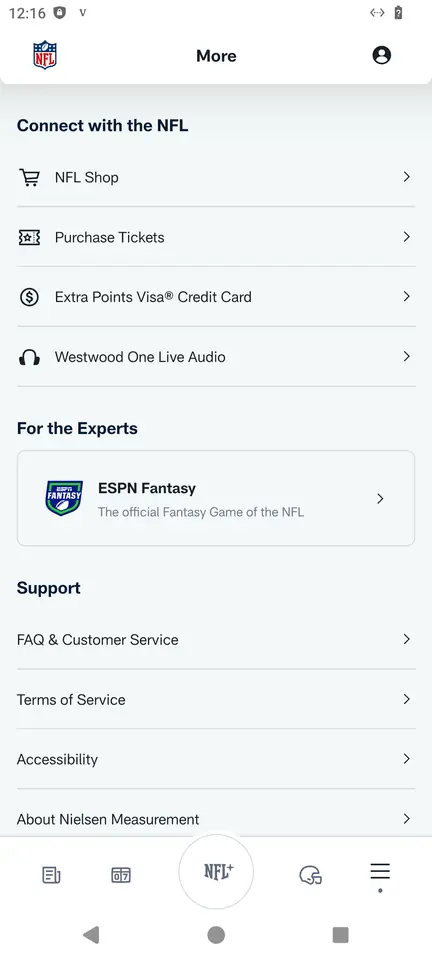
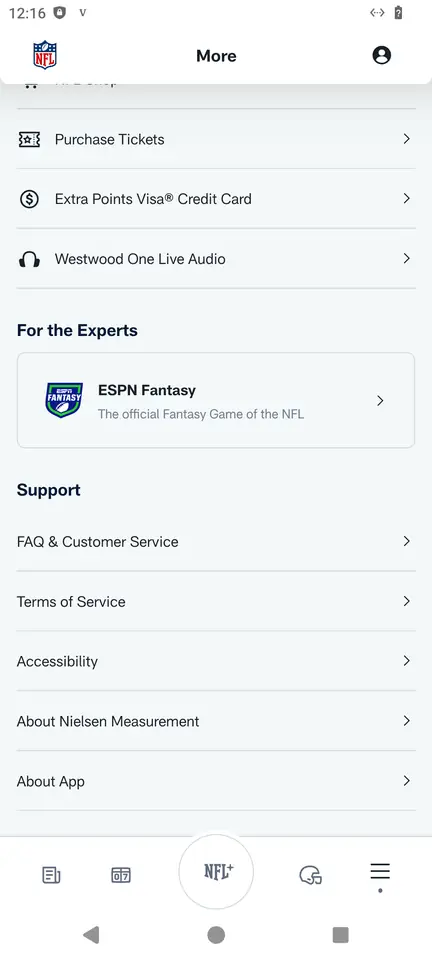
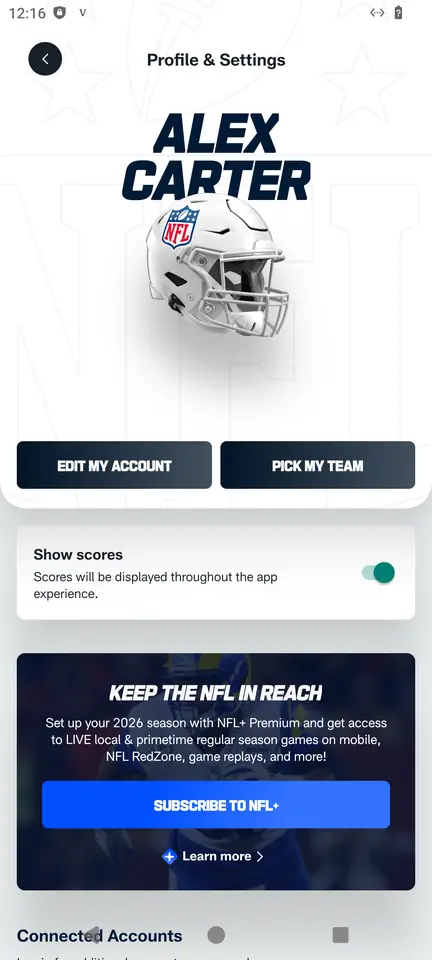
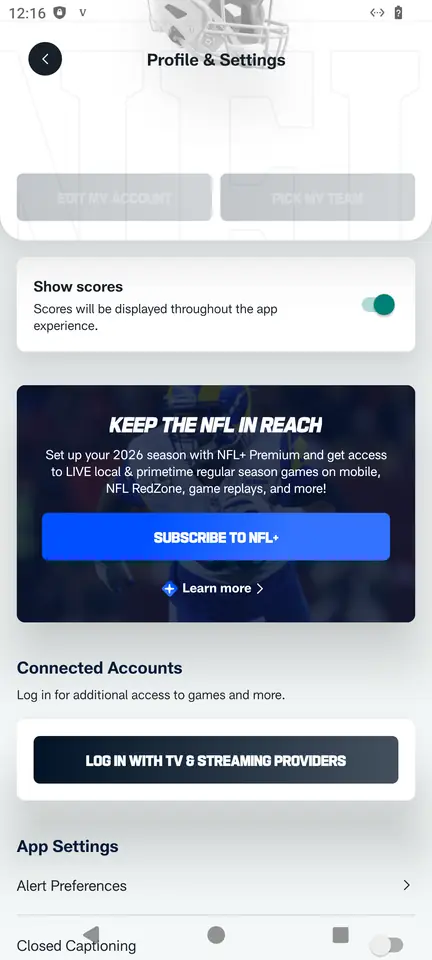
NFL
5 settings screens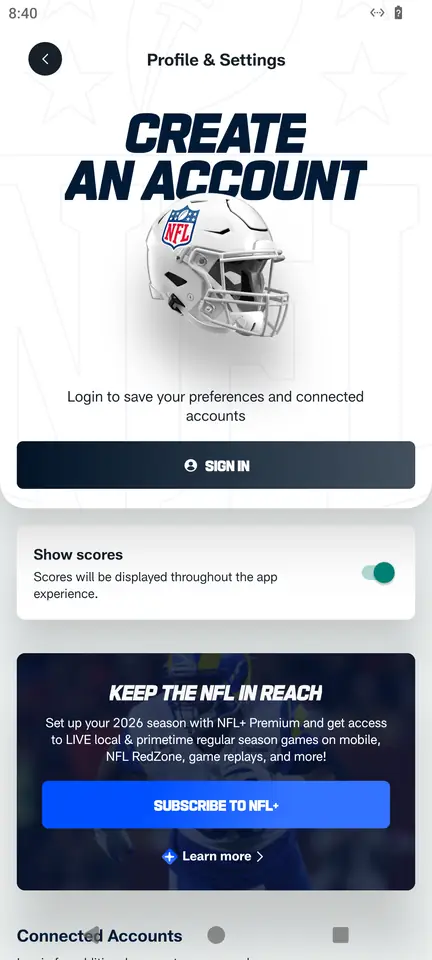
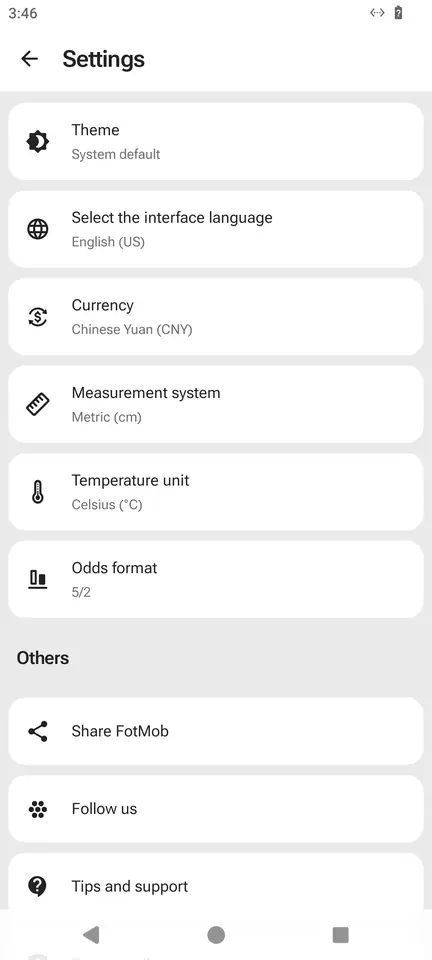
FotMob
4 settings screens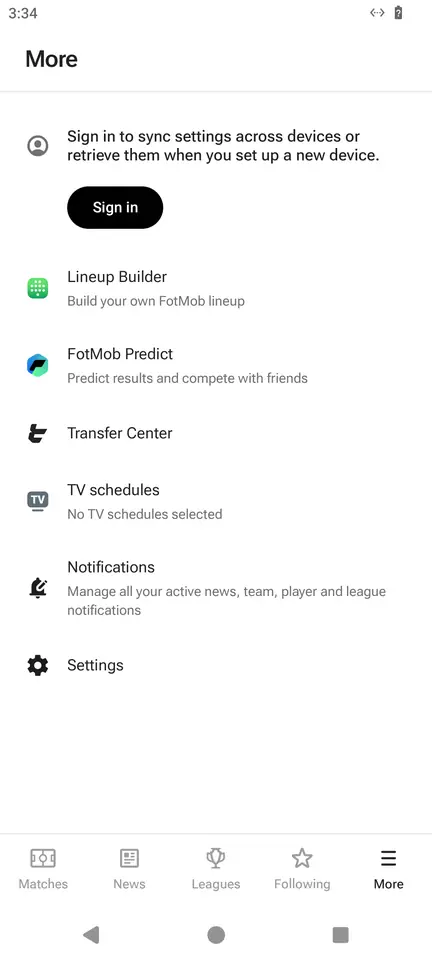
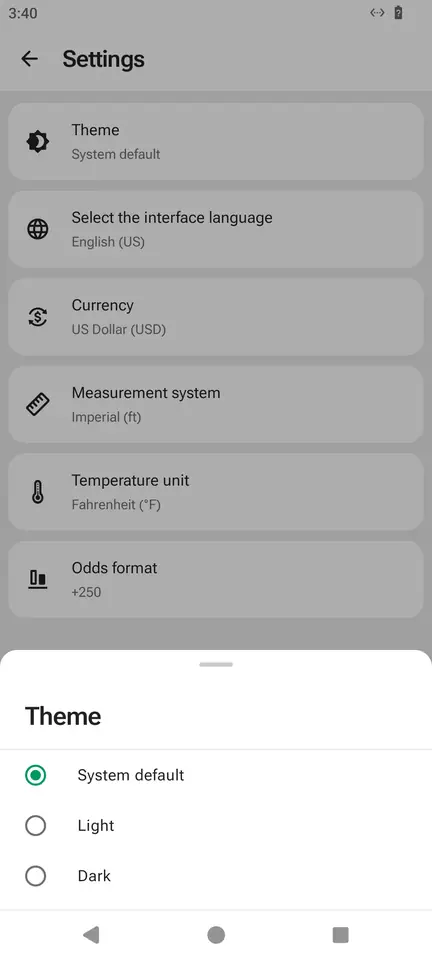
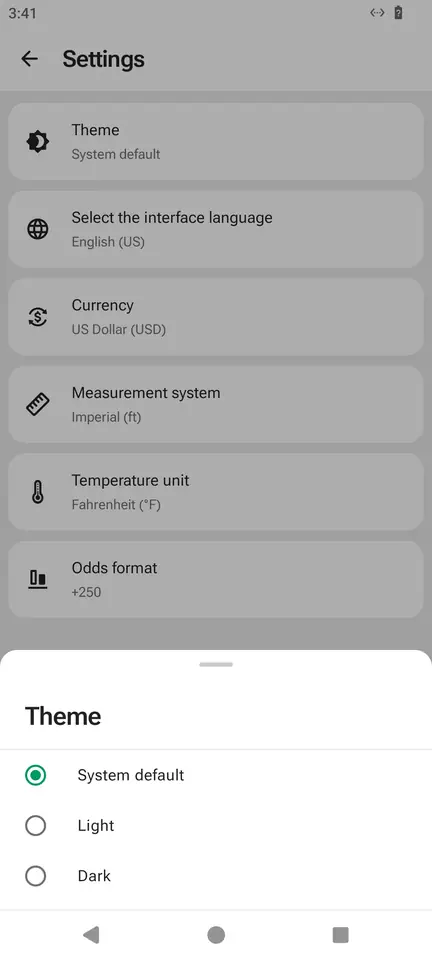
ESPN
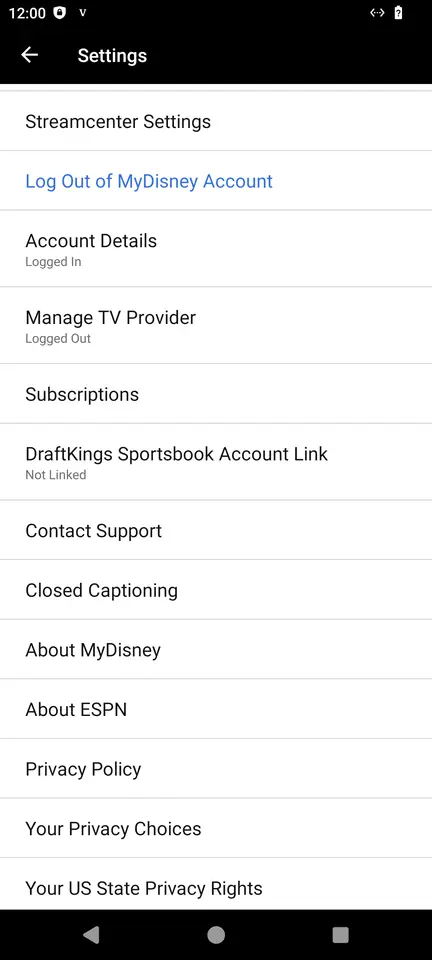
2 settings screens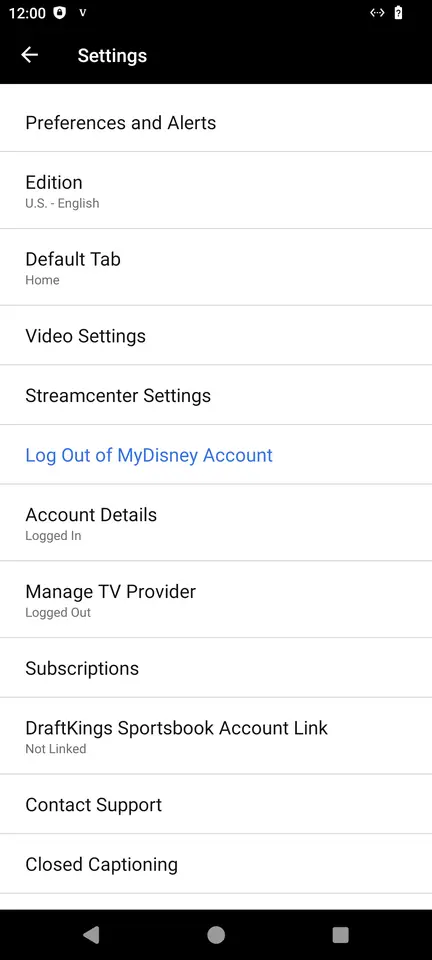
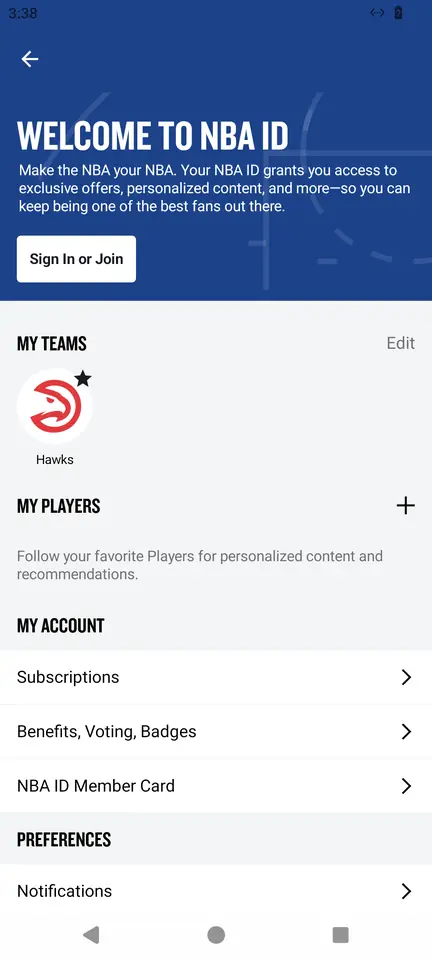
NBA
2 settings screens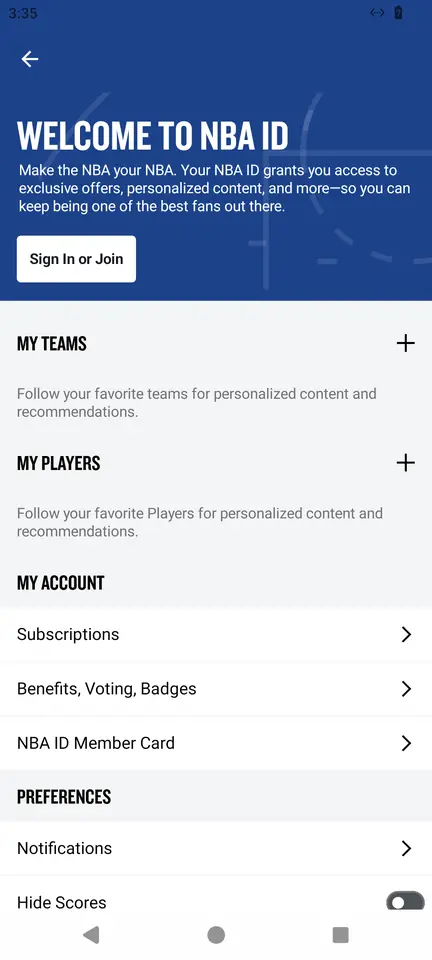
UI components on sports settings screens
Share of the 21 screens where each component is in the view hierarchy and drawn on screen; the example shows it outlined.
Radio button
2 apps · example: Sofascore
Bottom sheet
2 apps · example: Sofascore
Icon button
3 apps · example: Sofascore
Toggle switch
2 apps · example: Sofascore
UI patterns on sports settings screens
Dark mode toggle
example: Sofascore
Cookie consent banner
example: ESPN
Language selector
example: Sofascore
Pricing plans
example: NFL
Onboarding progress indicator
example: Sofascore
Welcome screen
example: NBA
What sports apps say on these screens
UI copy that appears on the settings screens of two or more sports apps, with the number of apps using it.
Settings
4 appsNavigate up
3 appsDark
2 appsLight
2 appsMore
2 apps
Best practices for settings screens
- Group settings into a few labelled sections, most-used first.
- Use switches for instant on/off options; no Save button needed.
- Show the current value under each row (e.g. “Language — English”).
- Keep destructive actions (delete account, sign out) at the bottom, visually separated.
- Make notification and privacy controls easy to find.
Design notes for sports apps
- Ask which teams and leagues the user follows in onboarding, and build the home screen from them.
- Show live matches first, with the score readable at a glance.
- Ask for notification permission when a user follows a team — that is when alerts make sense.
- Keep dense tables scannable with clear alignment and sticky headers.
FAQ
What do sports app settings screens look like?
The UI Lane library holds 21 settings screens from 5 Android sports apps (Sofascore, NFL, FotMob, ESPN and NBA). Across these 21 screens the most common detected components are radio button (33%), bottom sheet (29%) and toolbar (29%). The most common UI patterns are dark mode toggle (2 of 5 apps), cookie consent banner (1 of 5 apps) and language selector (1 of 5 apps).
Which sports apps have the longest settings flow?
5 of these apps have their full settings flow captured step by step: the longest is Sofascore (6 screens), the shortest ESPN (2 screens). Full list: Sofascore (6), FotMob (4), NFL (4), ESPN (2) and NBA (2).
What do sports apps say on their settings screens?
UI copy used by two or more of these apps: “Settings” (4 apps), “Navigate up” (3 apps), “Dark” (2 apps), “Light” (2 apps) and “More” (2 apps).
Captured on real Android devices · last updated 2026-11-14