Reading app settings screens: 13 screens from 7 Android apps
Every settings screen we captured in books & reading apps: 13 screens from 7 Android apps, grouped by app. 4 of these apps have their full settings flow captured step by step: the longest is USA TODAY (3 screens), the shortest NewsBlur (2 screens). Across these 13 screens the most common detected components are toolbar (46%), toggle switch (31%) and checkbox (23%).
Books & reading settings flows, step by step
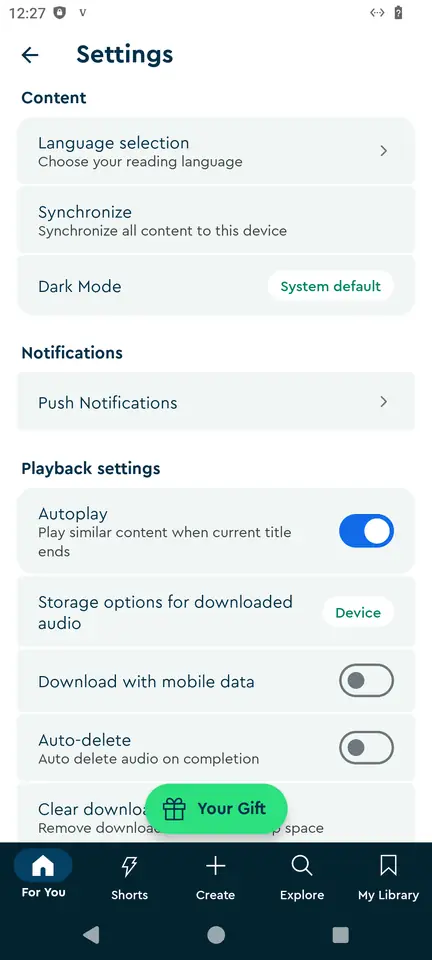
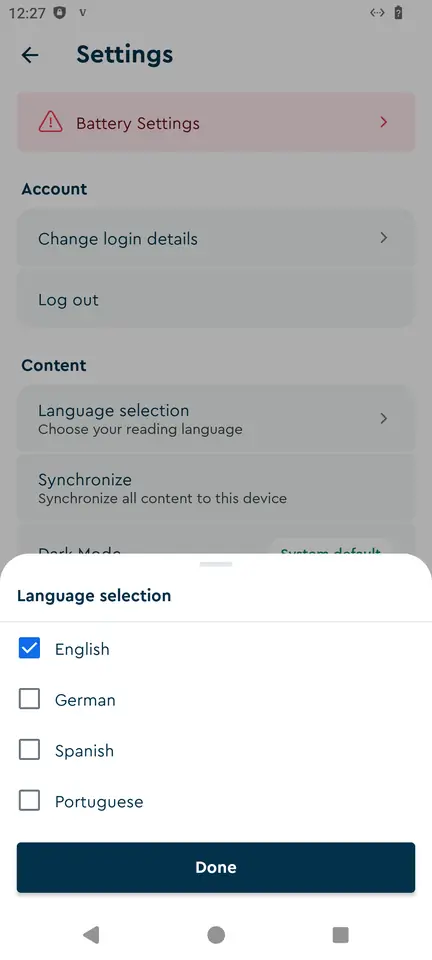
Blinkist
3 settings screens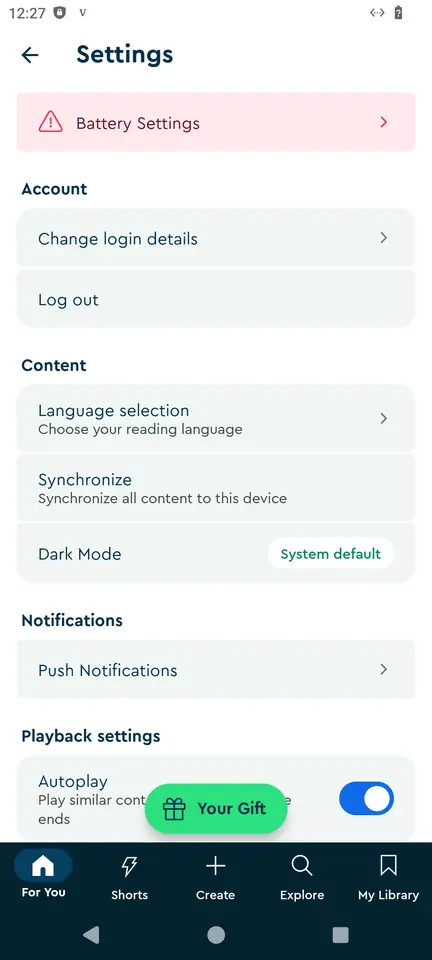
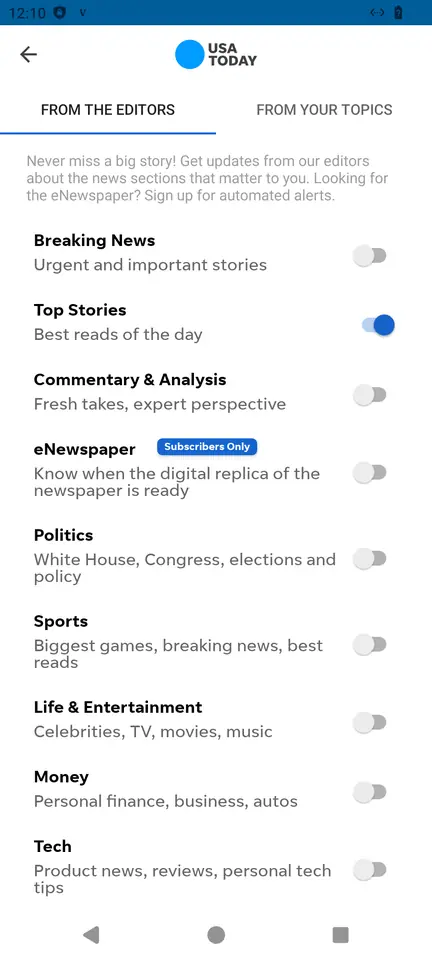
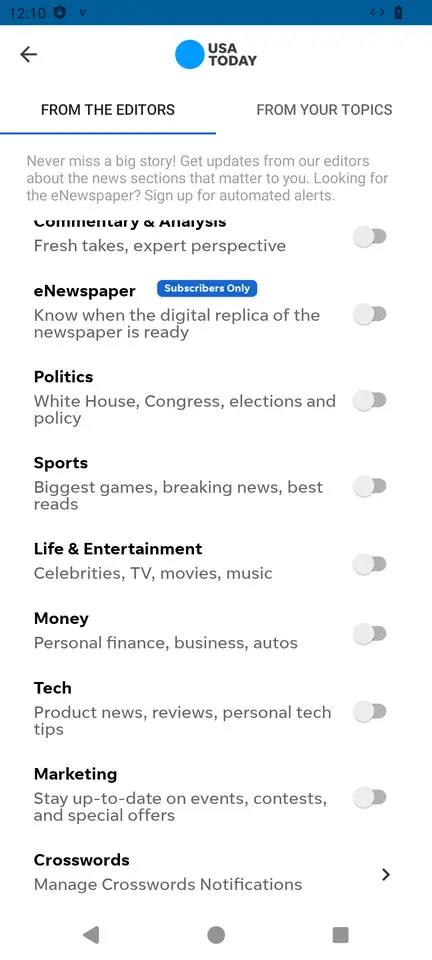
USA TODAY
3 settings screens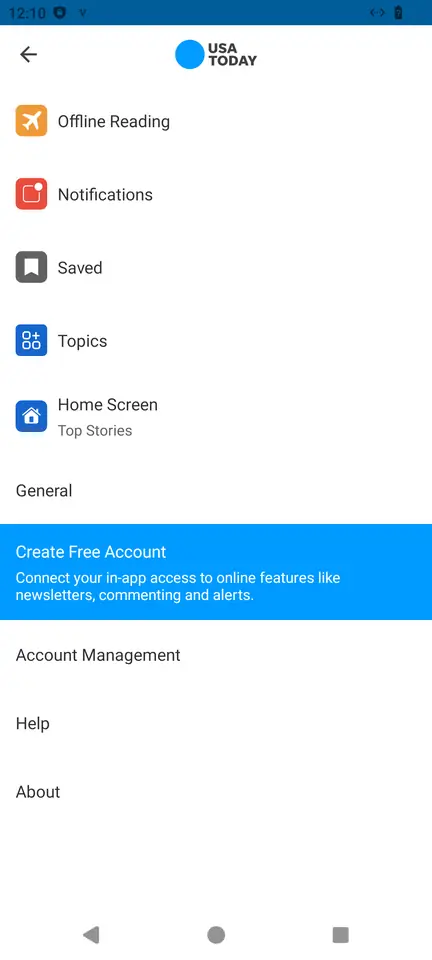
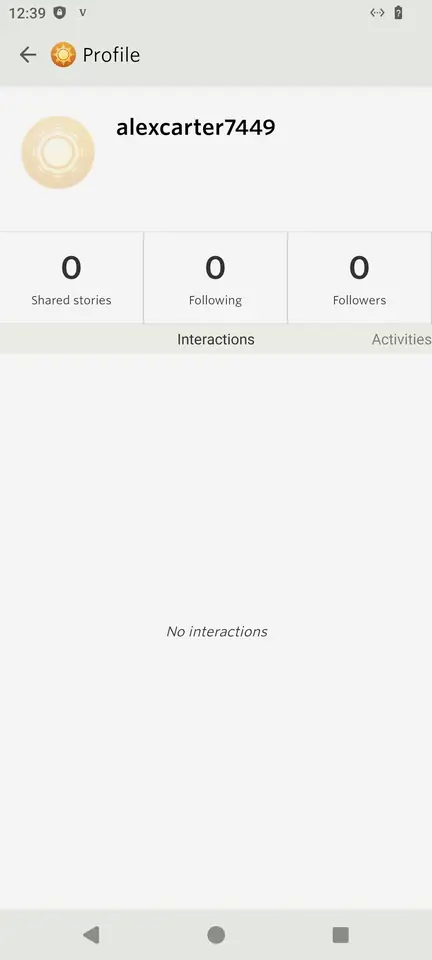
NewsBlur
2 settings screens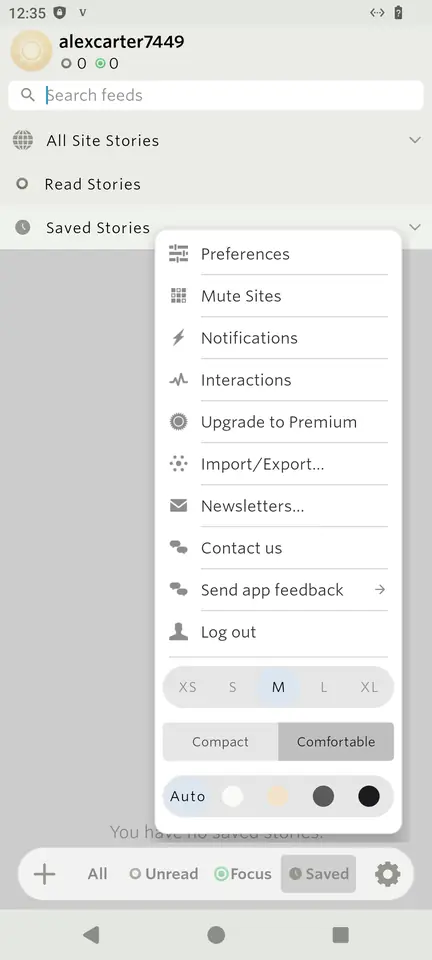
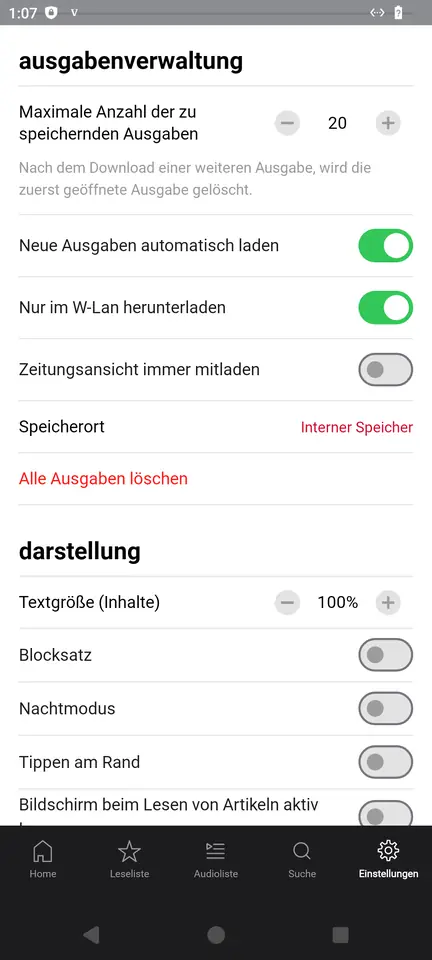
taz
2 settings screens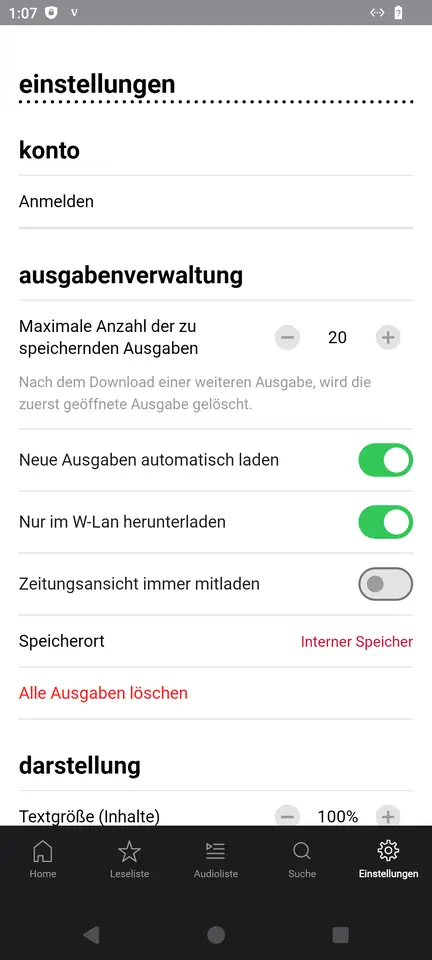
Feeder
1 settings screen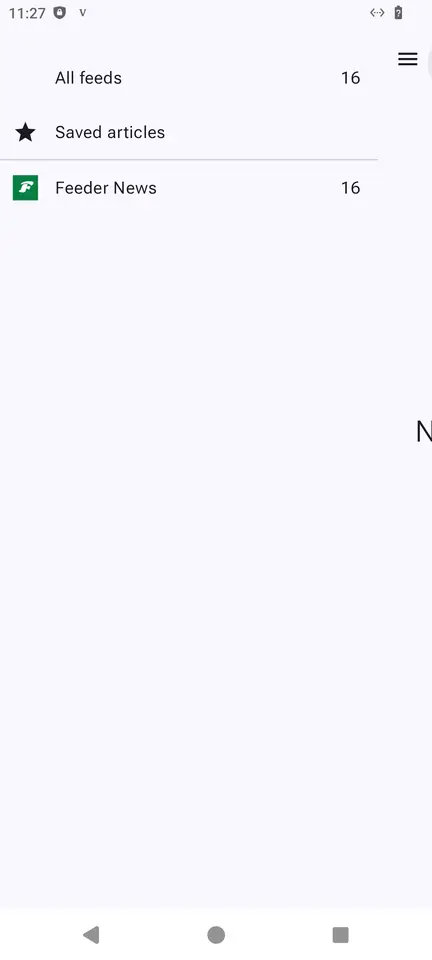
Instapaper
1 settings screen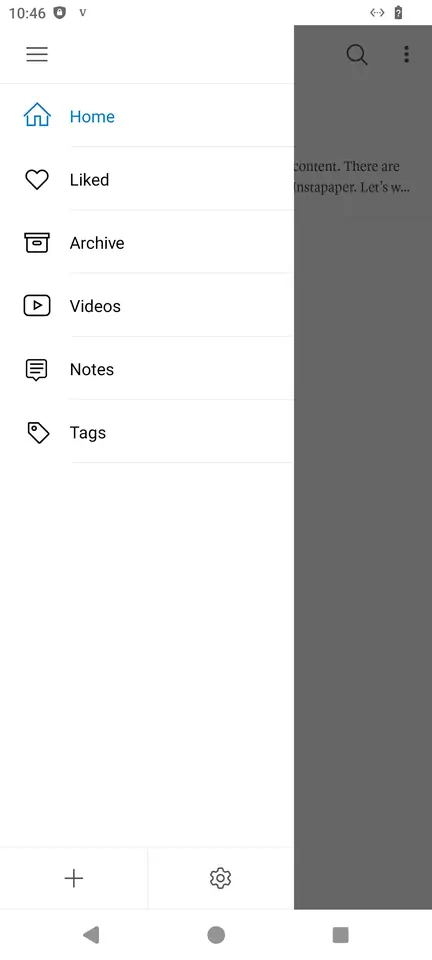
Lucid
1 settings screen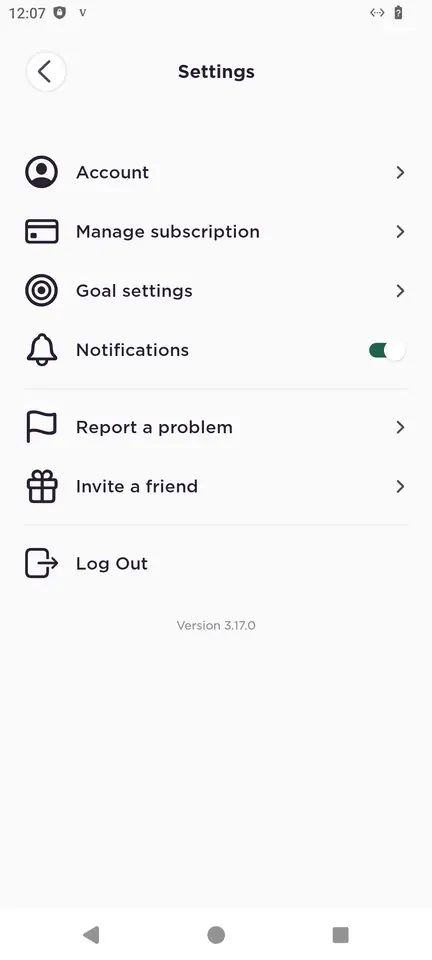
UI components on books & reading settings screens
Share of the 13 screens where each component is in the view hierarchy and drawn on screen; the example shows it outlined.
Icon button
2 apps · example: USA TODAY
Toggle switch
2 apps · example: USA TODAY
Floating action button
1 app · example: Blinkist
UI patterns on books & reading settings screens
Dark mode toggle
example: Blinkist
Permission priming
example: USA TODAY
Welcome screen
example: Instapaper
What books & reading apps say on these screens
UI copy that appears on the settings screens of two or more books & reading apps, with the number of apps using it.
Notifications
4 appsAccount
2 appsSearch
2 apps
Best practices for settings screens
- Group settings into a few labelled sections, most-used first.
- Use switches for instant on/off options; no Save button needed.
- Show the current value under each row (e.g. “Language — English”).
- Keep destructive actions (delete account, sign out) at the bottom, visually separated.
- Make notification and privacy controls easy to find.
Design notes for books & reading apps
- Ask for favourite topics or genres in onboarding to fill the first feed.
- Show reading time or listening length on every title.
- Make “continue reading” the first thing on the home screen.
- Keep the reader view free of chrome; controls appear on tap.
FAQ
What do books & reading app settings screens look like?
The UI Lane library holds 13 settings screens from 7 Android books & reading apps (Blinkist, USA TODAY, NewsBlur, taz, Feeder and Instapaper and more). Across these 13 screens the most common detected components are toolbar (46%), toggle switch (31%) and checkbox (23%). The most common UI patterns are dark mode toggle (1 of 7 apps), permission priming (1 of 7 apps) and welcome screen (1 of 7 apps).
Which books & reading apps have the longest settings flow?
4 of these apps have their full settings flow captured step by step: the longest is USA TODAY (3 screens), the shortest NewsBlur (2 screens). Full list: Blinkist (3), USA TODAY (3), NewsBlur (2) and taz (2).
What do books & reading apps say on their settings screens?
UI copy used by two or more of these apps: “Notifications” (4 apps), “Account” (2 apps) and “Search” (2 apps).
Captured on real Android devices · last updated 2026-11-14