Home/Categories/Sports/Onboarding screens
Sports · Onboarding screens · Android

Sports app onboarding screens: 46 screens from 6 Android apps

Every onboarding screen we captured in sports apps: 46 screens from 6 Android apps, grouped by app. 6 of these apps have their full onboarding flow captured step by step: the longest is Bleacher Report (8 screens), the shortest FotMob (2 screens). Across these 46 screens the most common detected components are toolbar (20%), button (15%) and dialog (13%).

Android6 apps46 screens6 flowsfree & ungated

Sports onboarding flows compared

Each flow as captured on a real Android device, step by step. Below each flow: the sequence of step roles we read from its screens (runs of the same role collapsed).
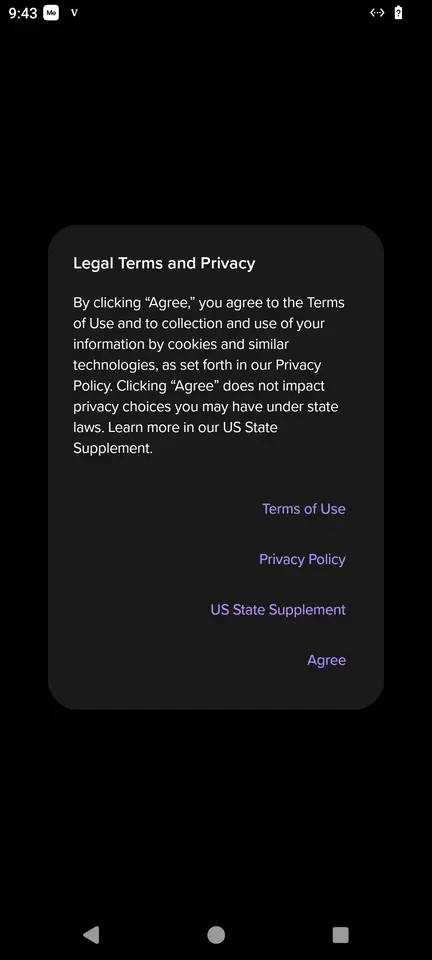
Bleacher Report onboarding step 1 of 8 — Legal Terms and Privacy

Bleacher Report onboarding flow

8 screens · skip option on 1 screen

Consent → Value pitch ×4 → Permission prompt → Account ask → Value pitch
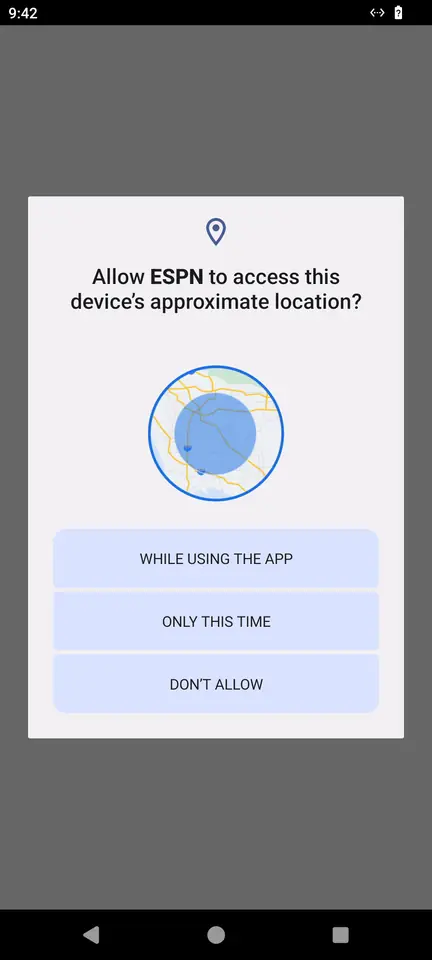
ESPN onboarding step 1 of 7 — Allow ESPN to access this device’s approximate location?

ESPN onboarding flow

7 screens

Permission prompt ×2 → Value pitch ×5

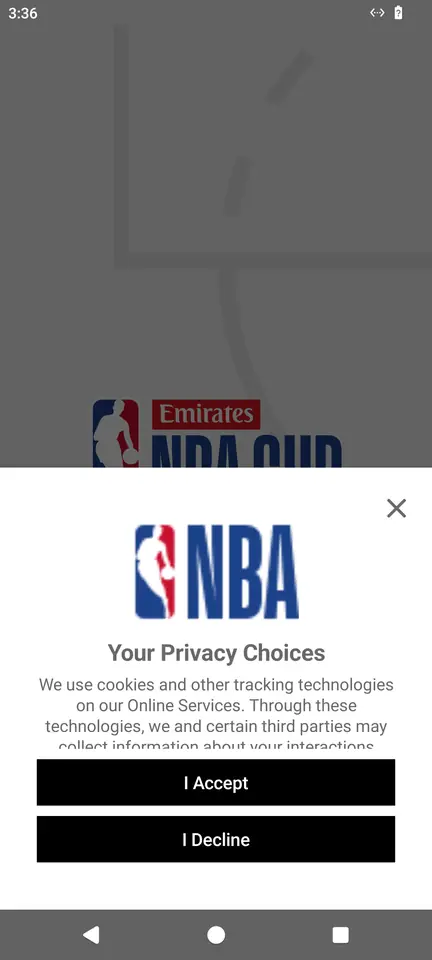
NBA onboarding step 1 of 7 — Your Privacy Choices

NBA onboarding flow

7 screens

Consent → Value pitch ×4 → Permission prompt ×2

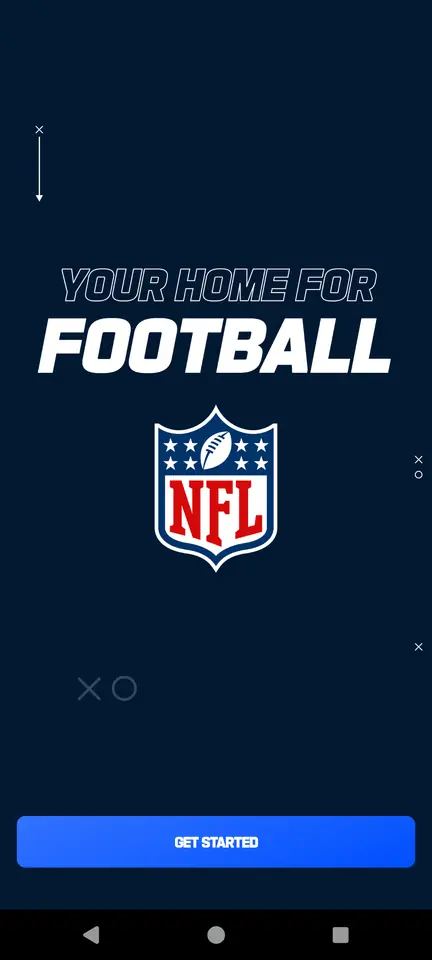
NFL onboarding step 1 of 5 — Welcome to the NFL App Video

NFL onboarding flow

5 screens

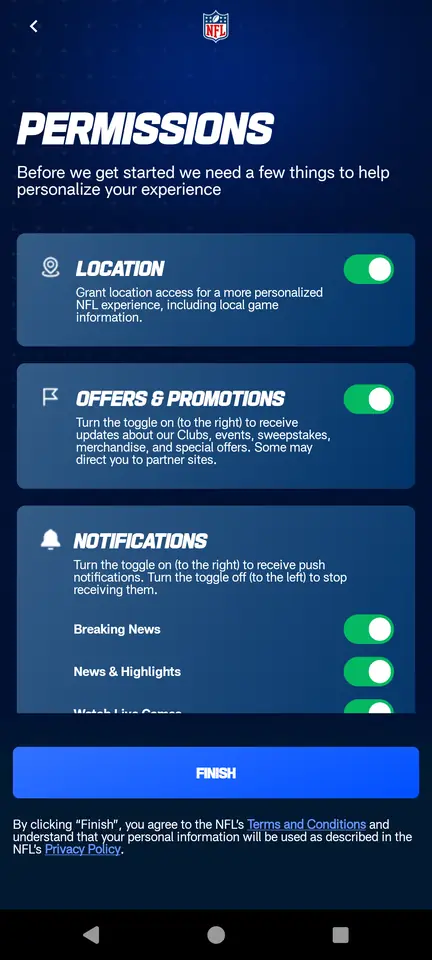
Value pitch ×2 → Permission prompt ×3

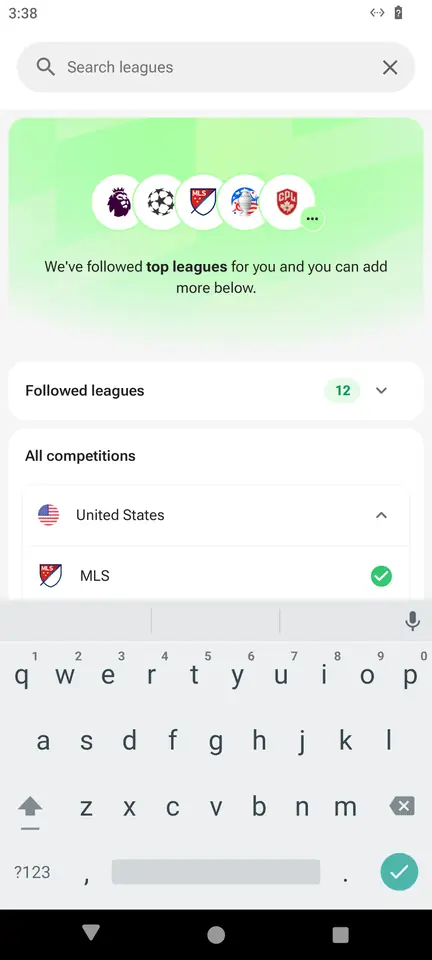
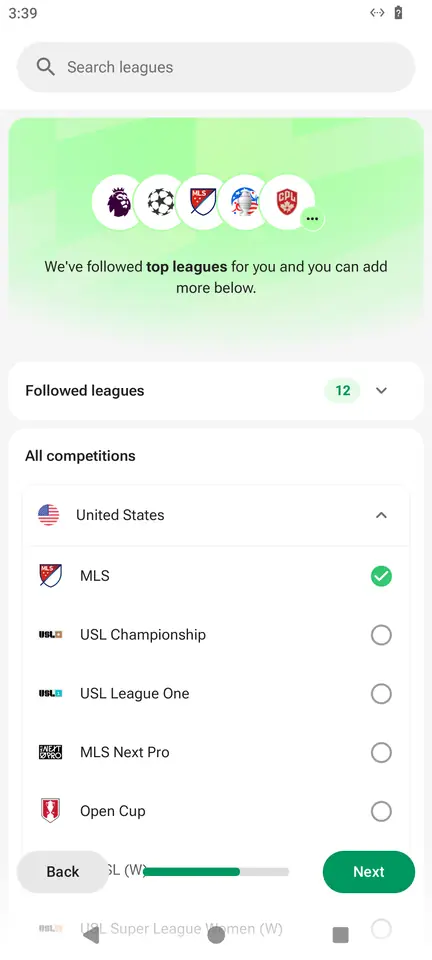
FotMob onboarding step 1 of 2 — We've followed top leagues for you and you can add more below.

FotMob onboarding flow

2 screens · progress shown on 1 screen

Value pitch ×2

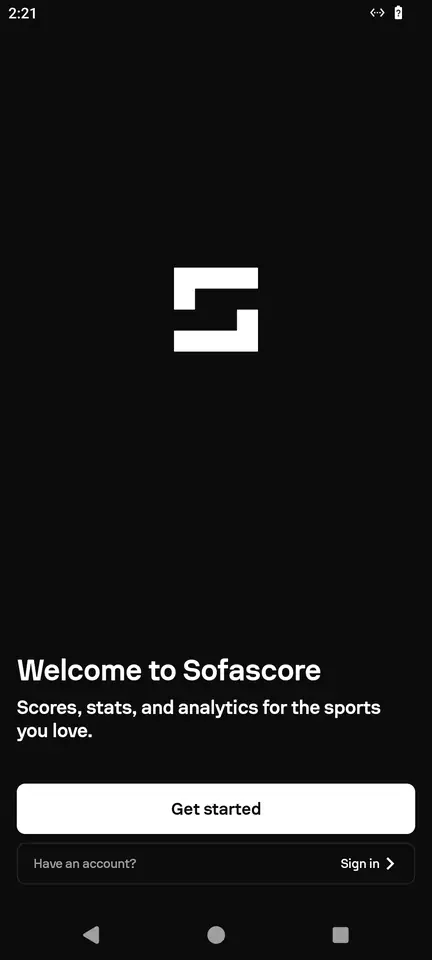
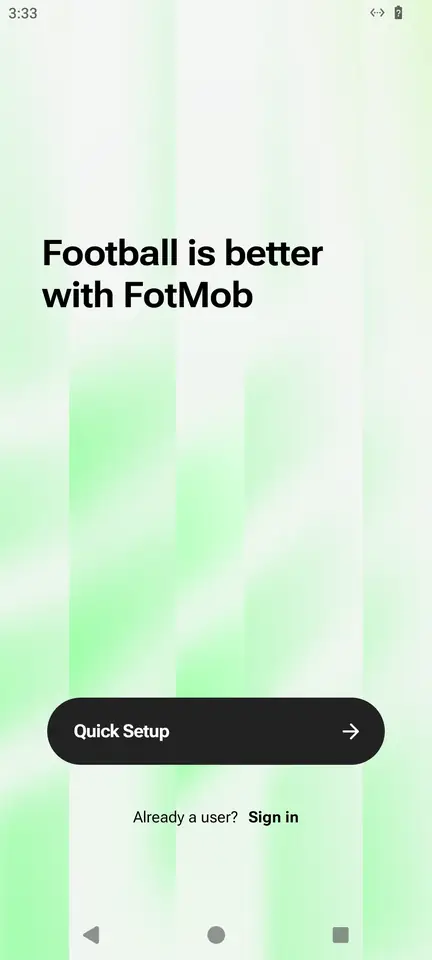
Sofascore onboarding step 1 of 2 — Welcome to Sofascore

Sofascore onboarding flow

2 screens

Value pitch → Account ask

Bleacher Report

11 onboarding screens
Bleacher Report Android screen 14 — onboarding: Legal Terms and Privacy
Legal Terms and Privacy
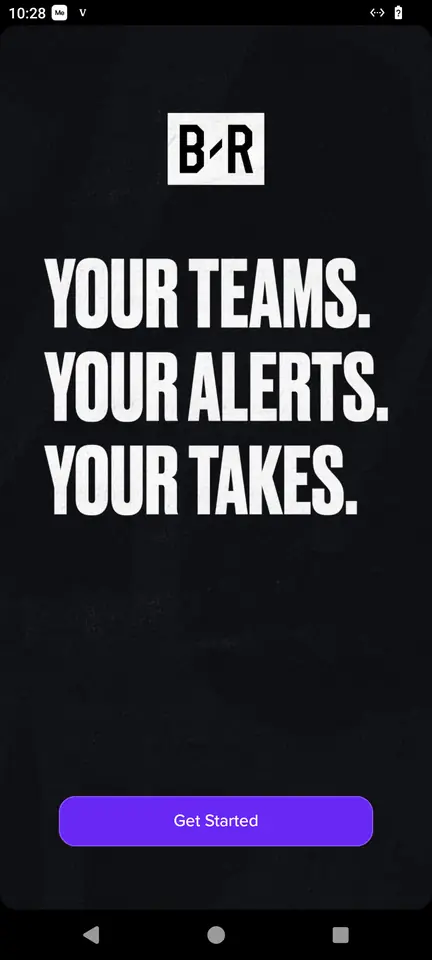
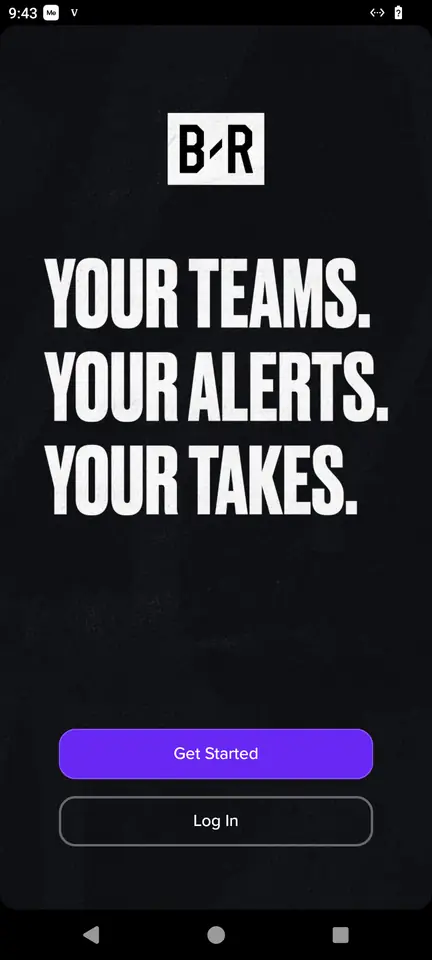
Bleacher Report Android screen 15 — onboarding: Get Started
Get Started
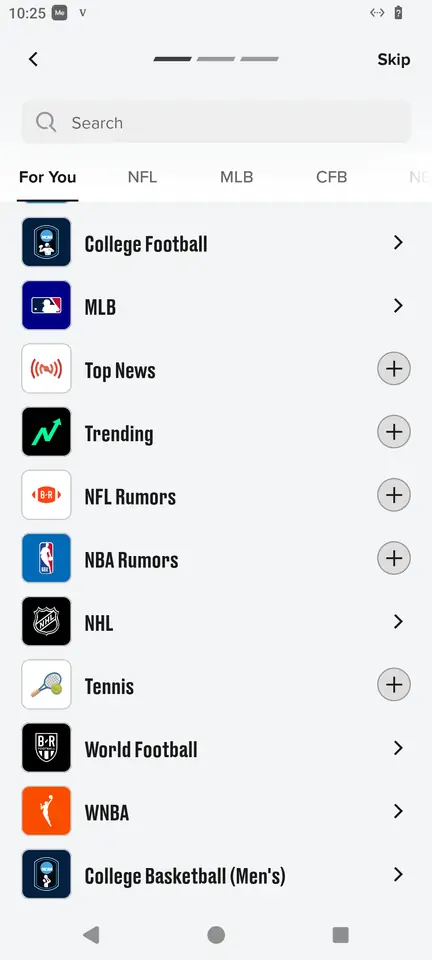
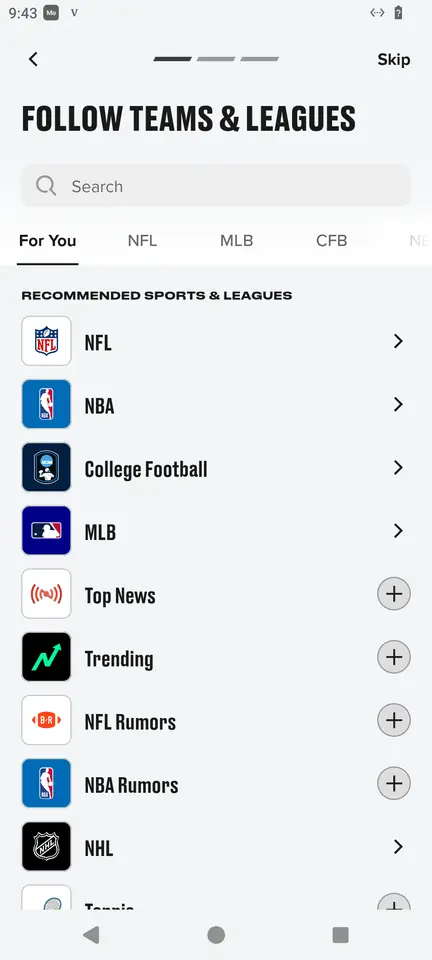
Bleacher Report Android screen 16 — onboarding: FOLLOW TEAMS & LEAGUES
FOLLOW TEAMS & LEAGUES
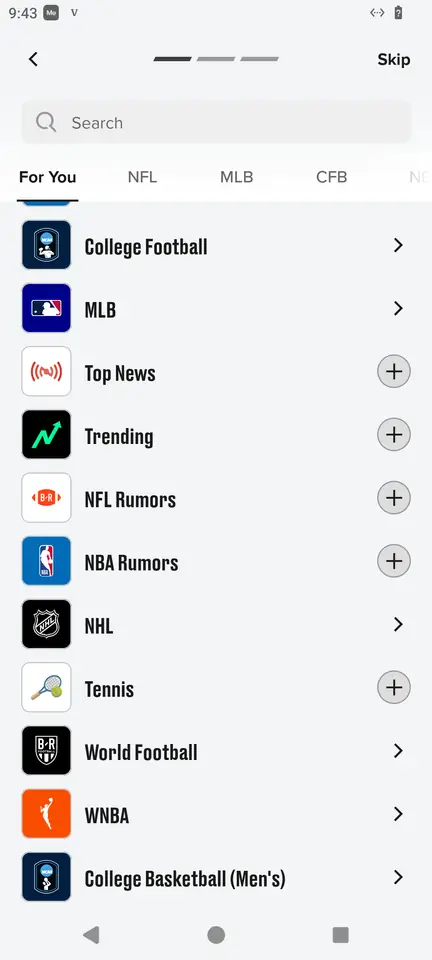
Bleacher Report Android screen 17 — onboarding: College Football logo logo
College Football logo logo
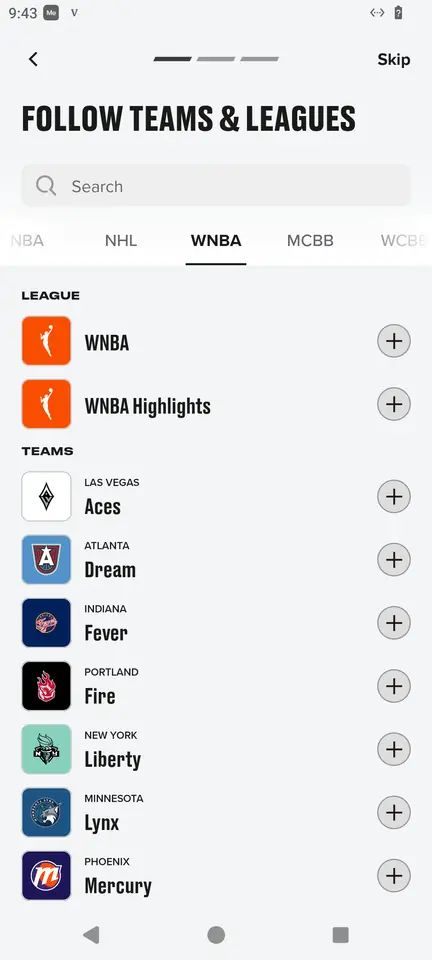
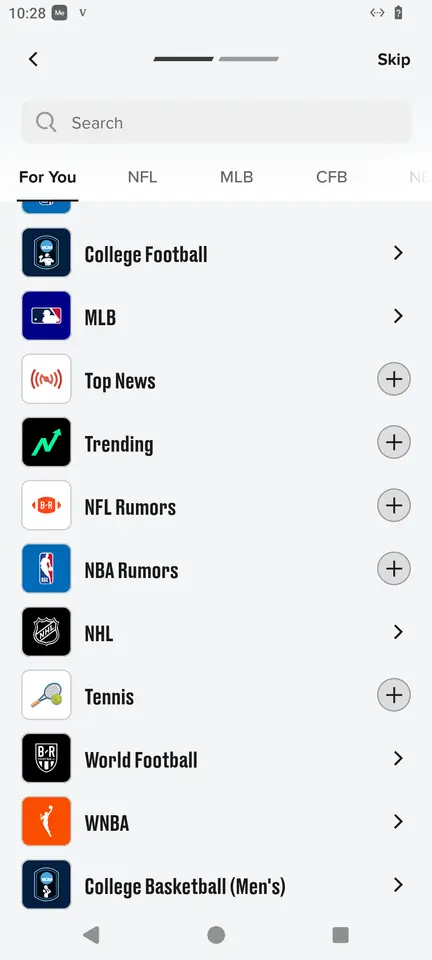
Bleacher Report Android screen 18 — onboarding: FOLLOW TEAMS & LEAGUES
FOLLOW TEAMS & LEAGUES
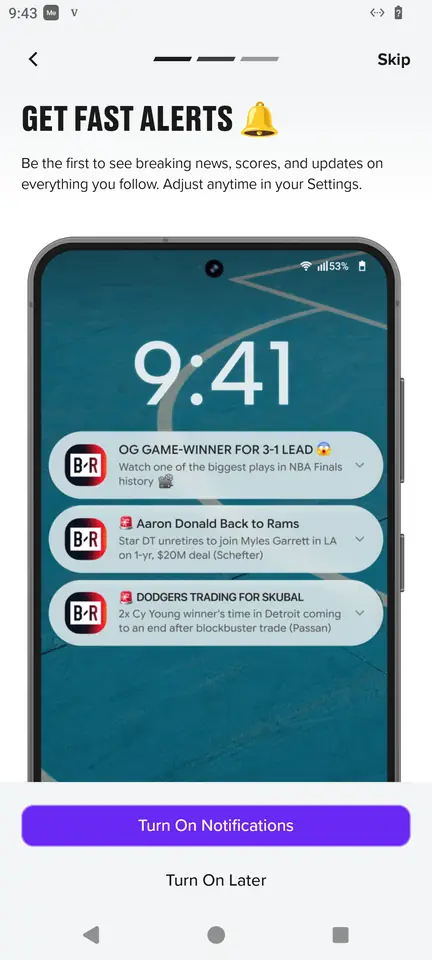
Bleacher Report Android screen 19 — onboarding: GET FAST ALERTS 🔔
GET FAST ALERTS 🔔
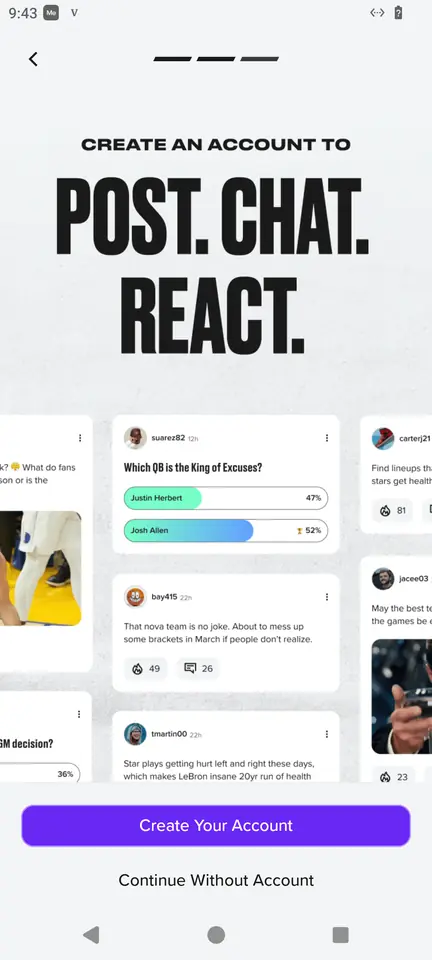
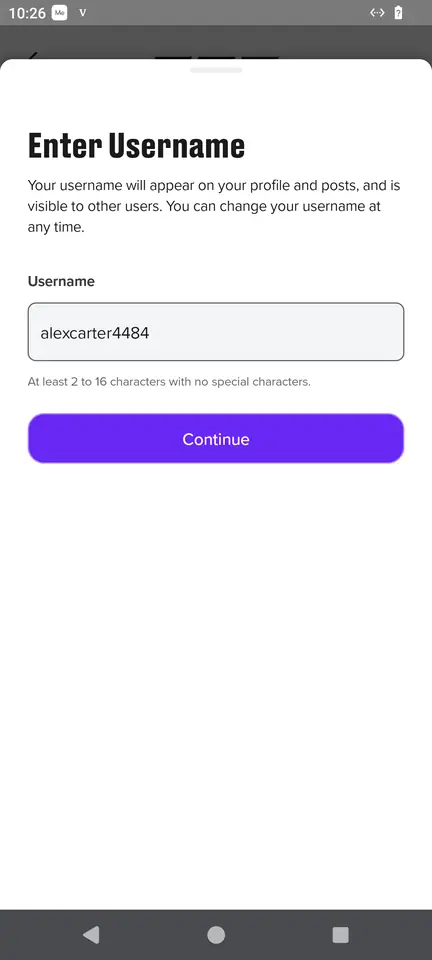
Bleacher Report Android screen 20 — onboarding: Navigate back
Navigate back
Bleacher Report Android screen 22 — onboarding: NFL logo logo
NFL logo logo
Bleacher Report Android screen 24 — onboarding: Close sheet
Close sheet
Bleacher Report Android screen 25 — onboarding: Get Started
Get Started
Bleacher Report Android screen 26 — onboarding: NBA logo logo
NBA logo logo

ESPN

11 onboarding screens
ESPN Android screen 1 — permissions: Allow ESPN to access this device’s approximate location?
Allow ESPN to access this device’s…
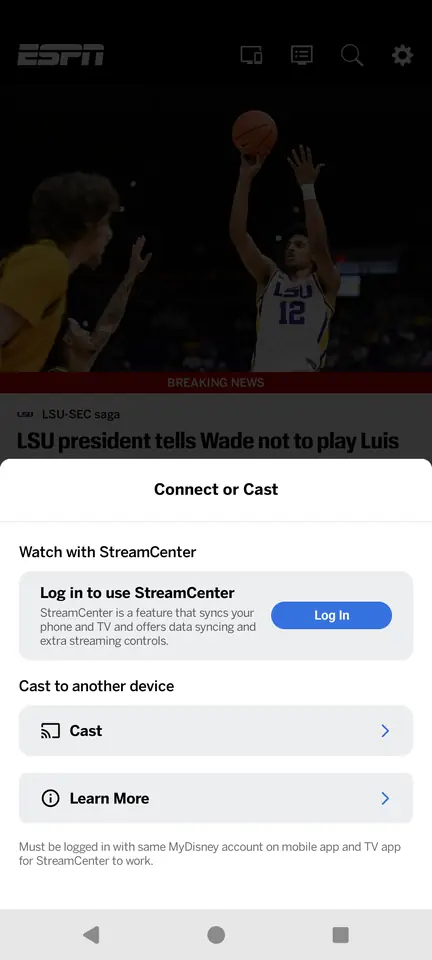
ESPN Android screen 15 — onboarding: Close sheet
Close sheet
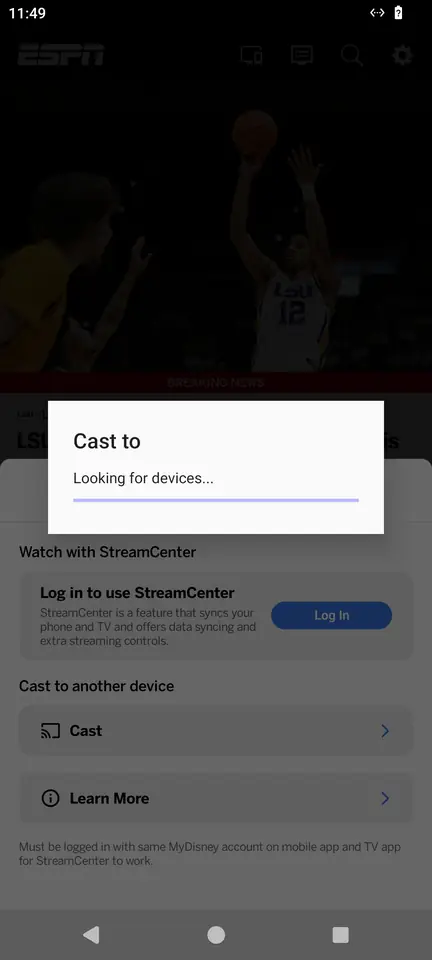
ESPN Android screen 16 — onboarding: Cast to
Cast to
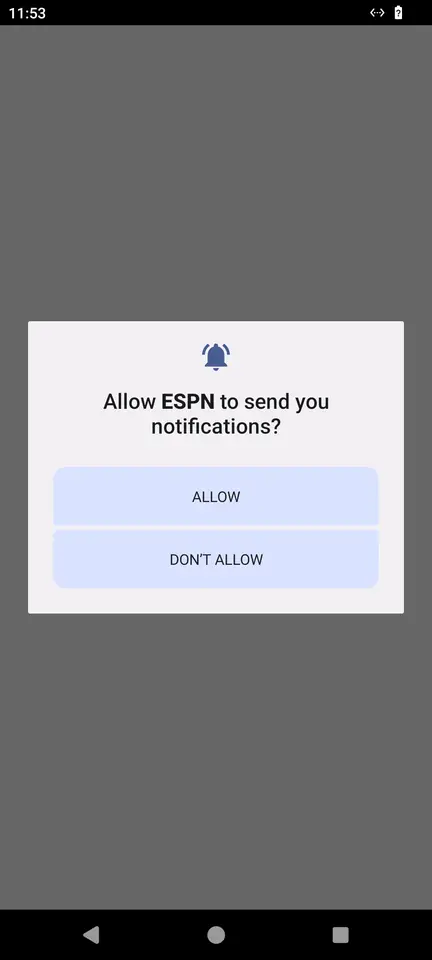
ESPN Android screen 17 — permissions: Allow ESPN to send you notifications?
Allow ESPN to send you notifications?
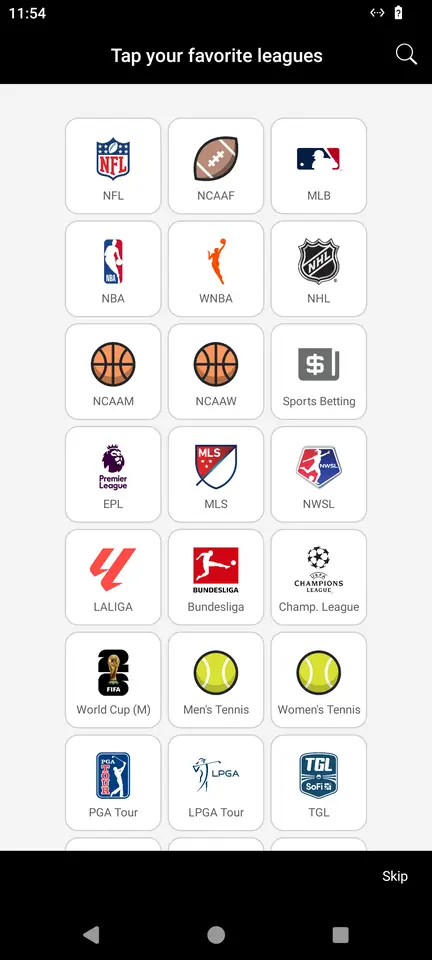
ESPN Android screen 18 — onboarding: Tap your favorite leagues
Tap your favorite leagues
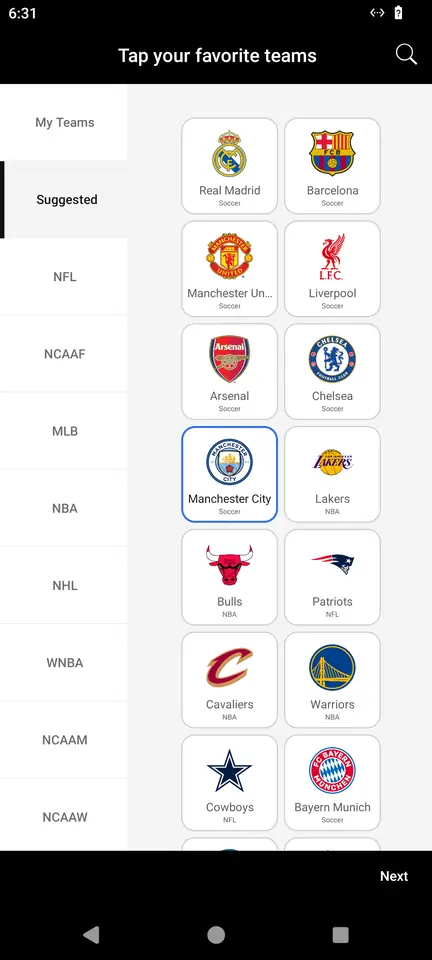
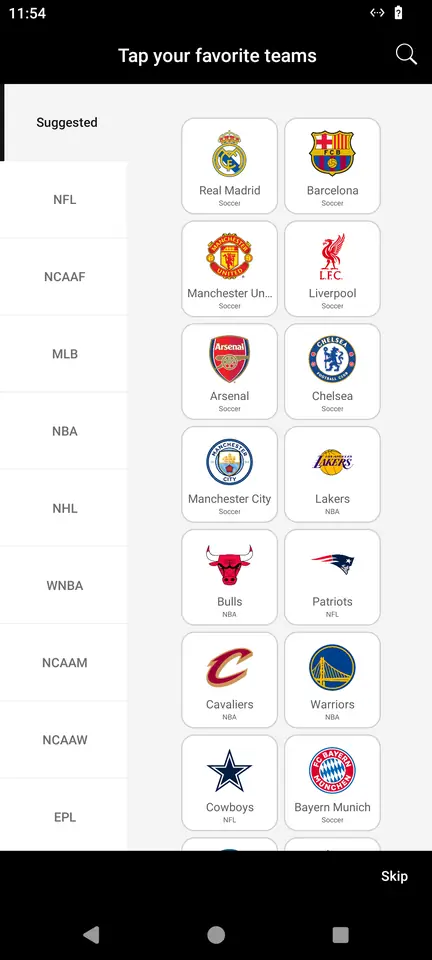
ESPN Android screen 19 — onboarding: Tap your favorite teams
Tap your favorite teams
ESPN Android screen 20 — onboarding: SWIPE UP TO MANAGE ALERTS
SWIPE UP TO MANAGE ALERTS
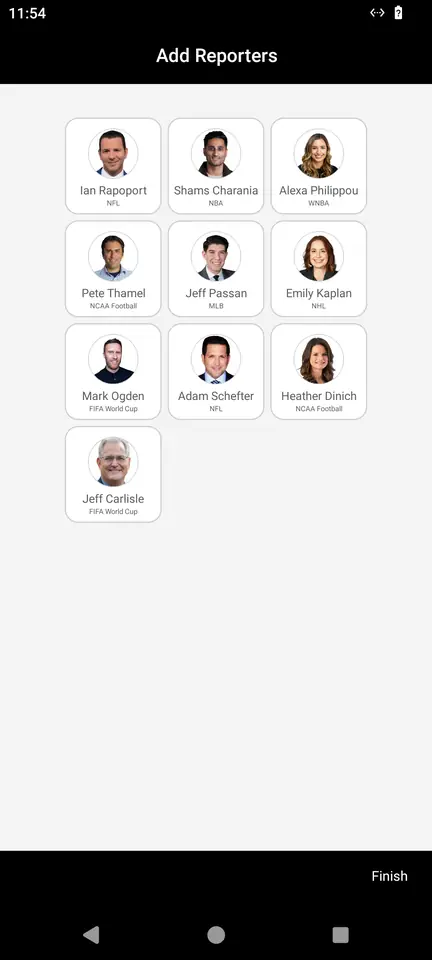
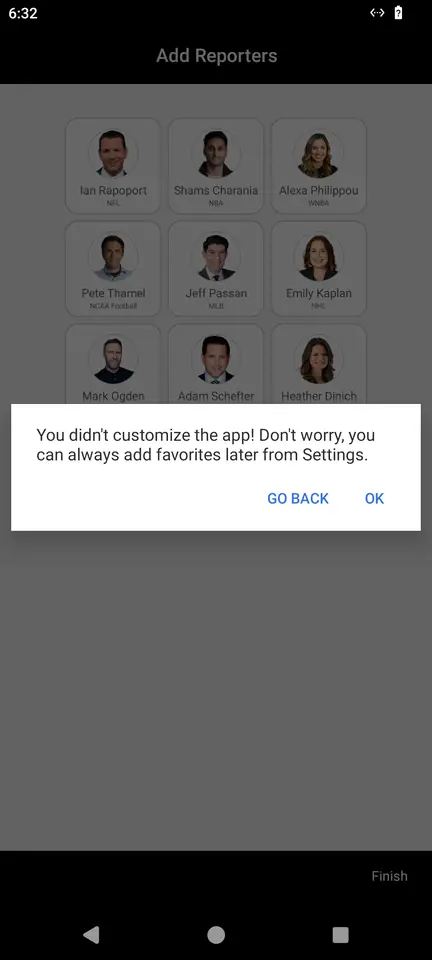
ESPN Android screen 21 — onboarding: Add Reporters
Add Reporters
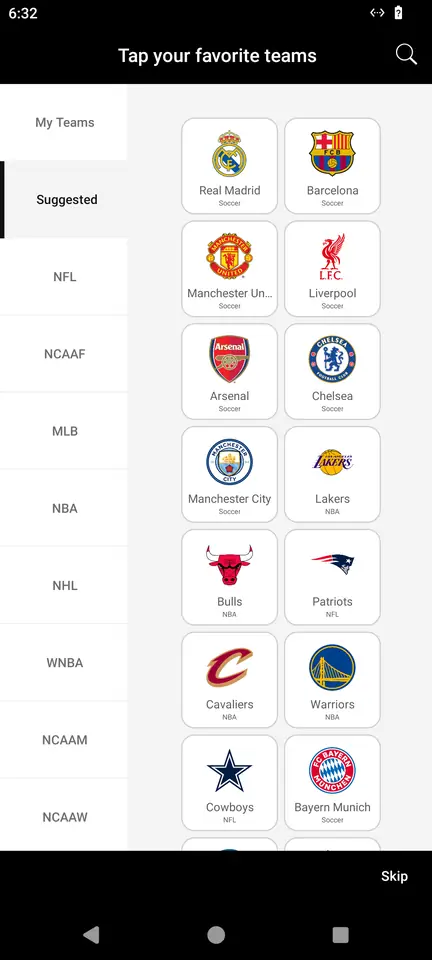
ESPN Android screen 22 — onboarding: Tap your favorite teams
Tap your favorite teams
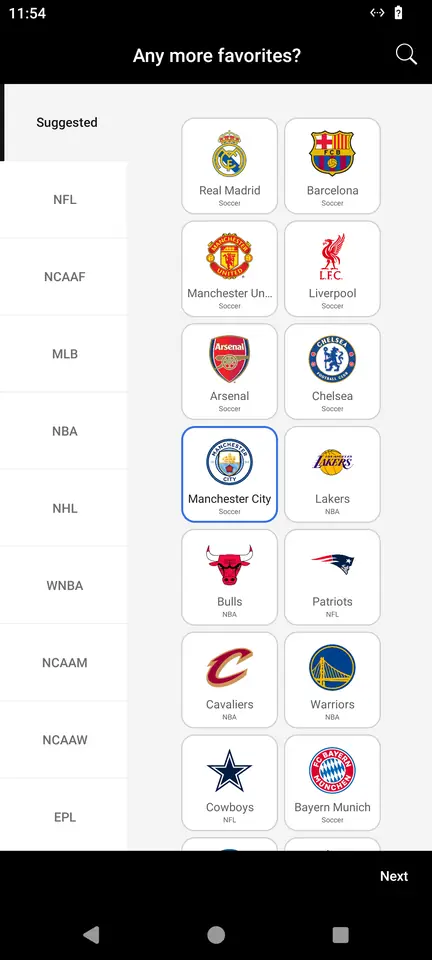
ESPN Android screen 23 — onboarding: Tap your favorite teams
Tap your favorite teams
ESPN Android screen 24 — onboarding: GO BACK
GO BACK

NBA

10 onboarding screens
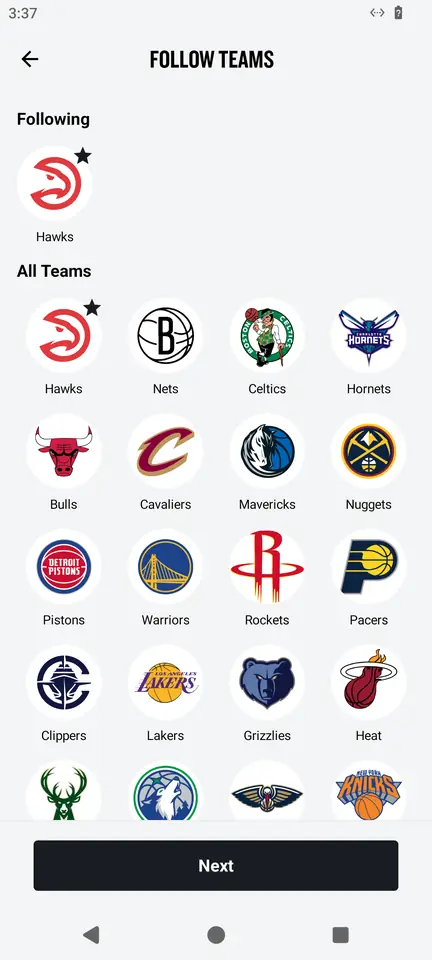
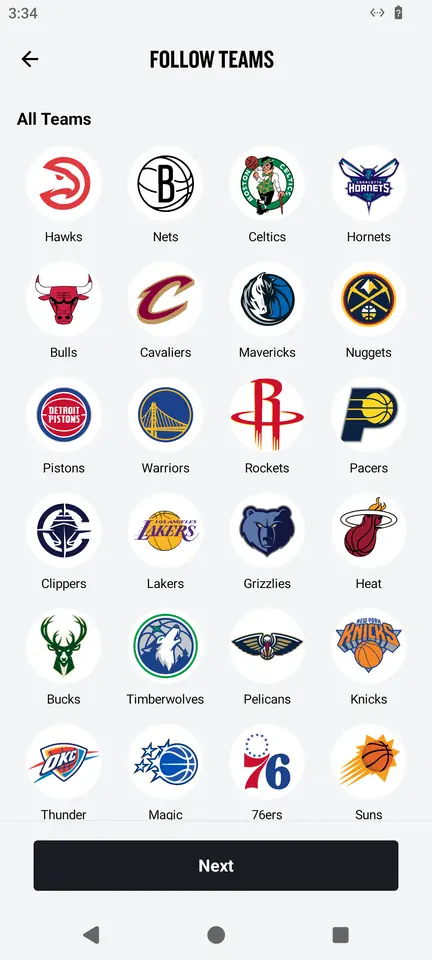
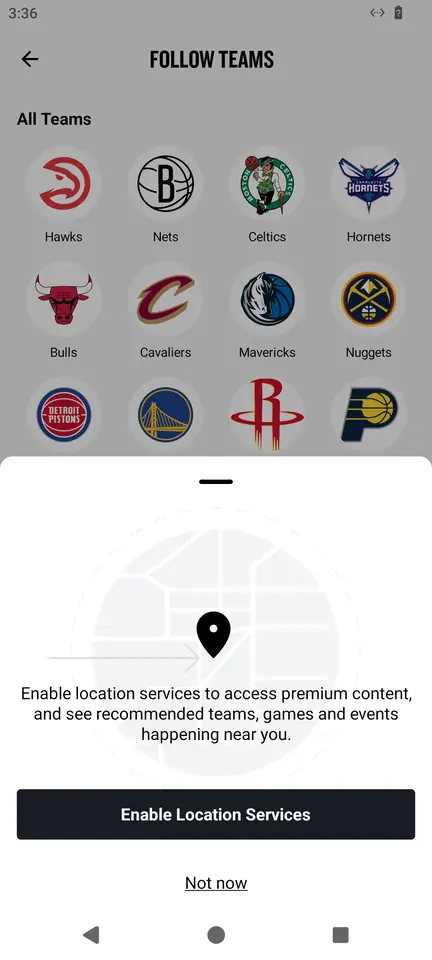
NBA Android screen 3 — onboarding: All Teams
All Teams
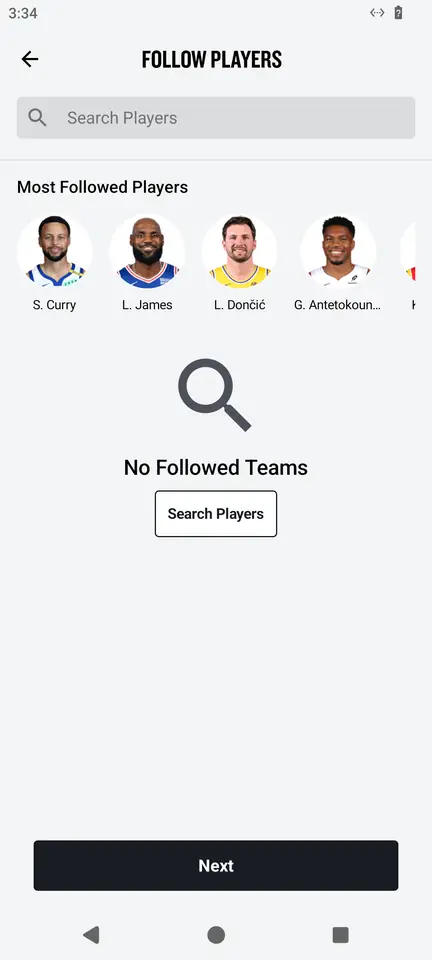
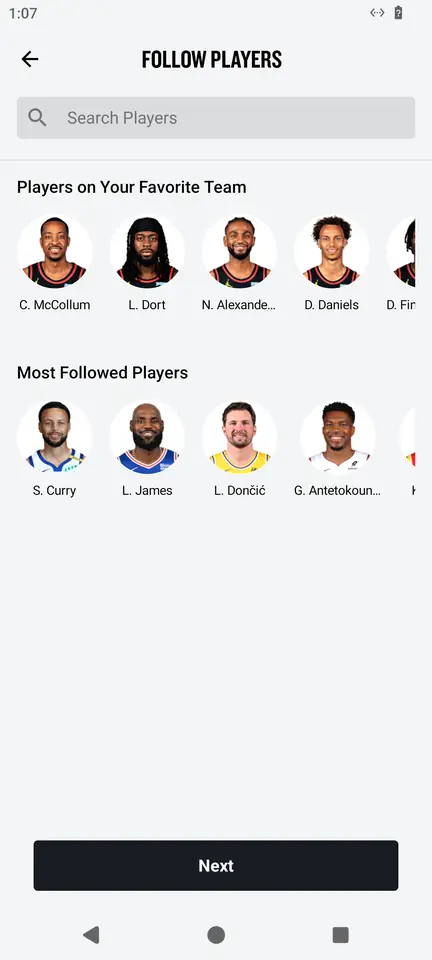
NBA Android screen 4 — onboarding: Most Followed Players
Most Followed Players
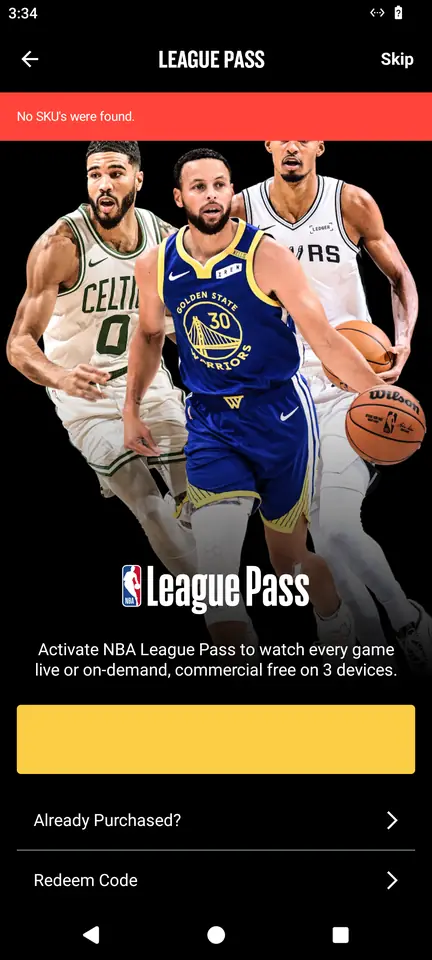
NBA Android screen 5 — onboarding: No SKU's were found.
No SKU's were found.
NBA Android screen 10 — onboarding: Your Privacy Choices
Your Privacy Choices
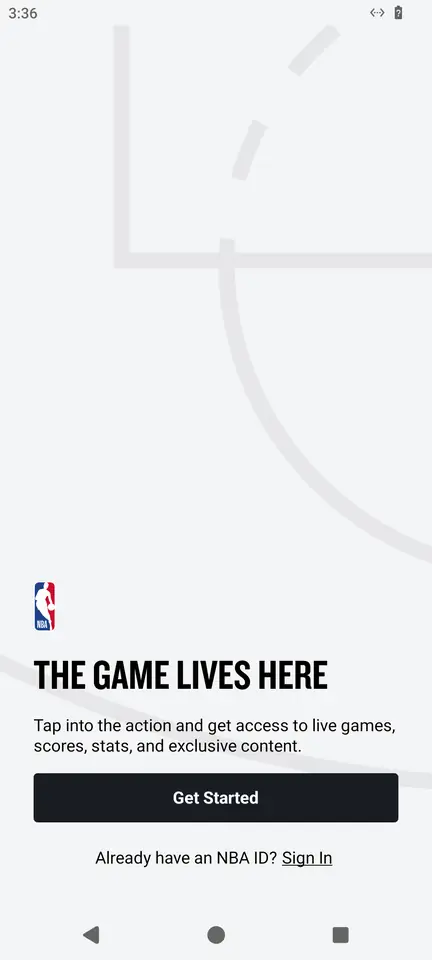
NBA Android screen 11 — onboarding: THE GAME LIVES HERE
THE GAME LIVES HERE
NBA Android screen 12 — onboarding: Close sheet
Close sheet
NBA Android screen 13 — onboarding: Following
Following
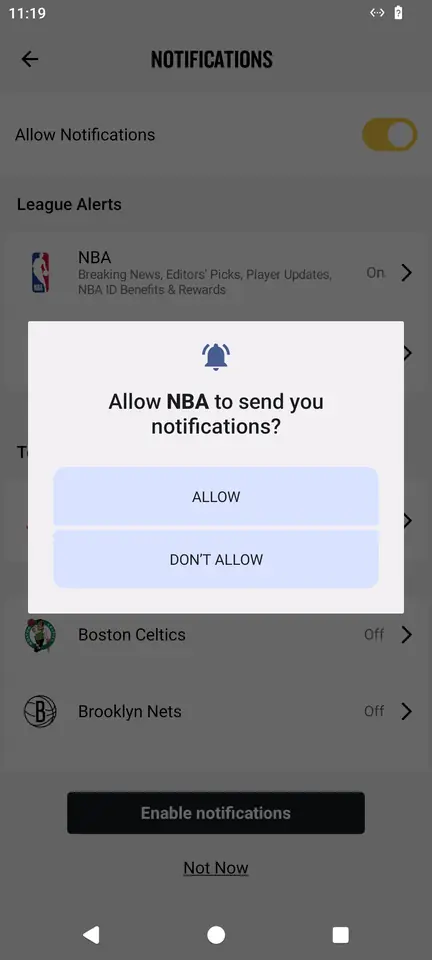
NBA Android screen 17 — permissions: Allow NBA to send you notifications?
Allow NBA to send you notifications?
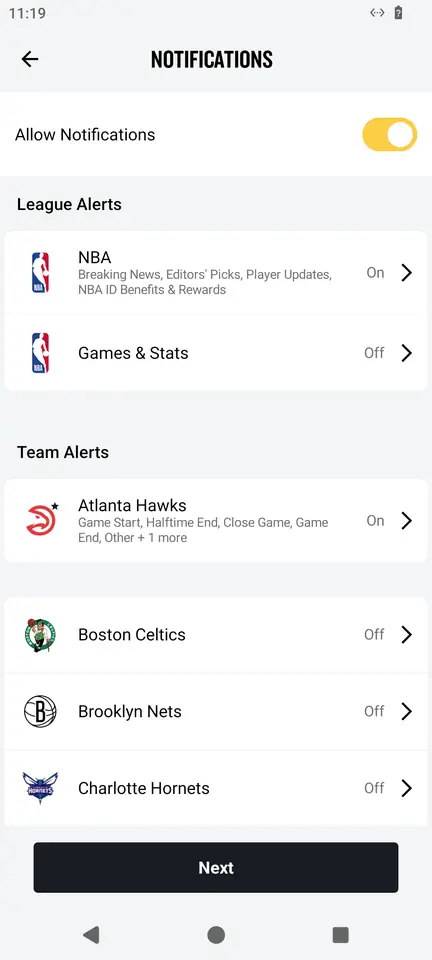
NBA Android screen 18 — onboarding: Allow Notifications
Allow Notifications
NBA Android screen 19 — onboarding: Players on Your Favorite Team
Players on Your Favorite Team

NFL

9 onboarding screens
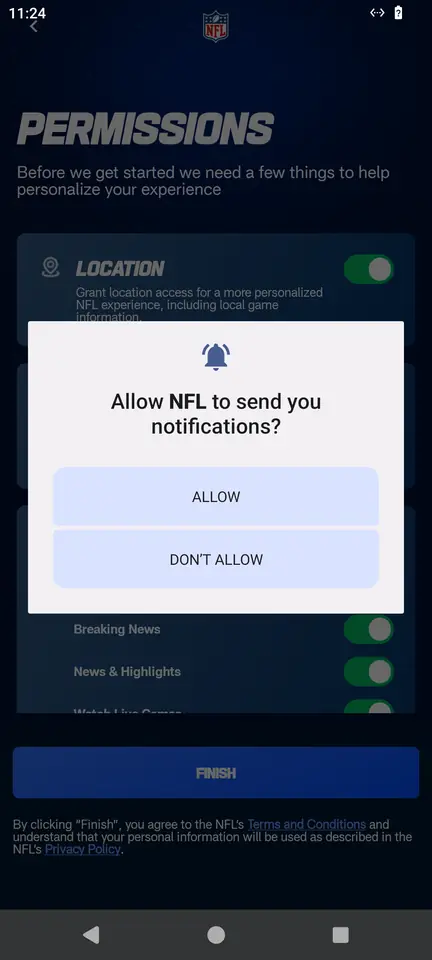
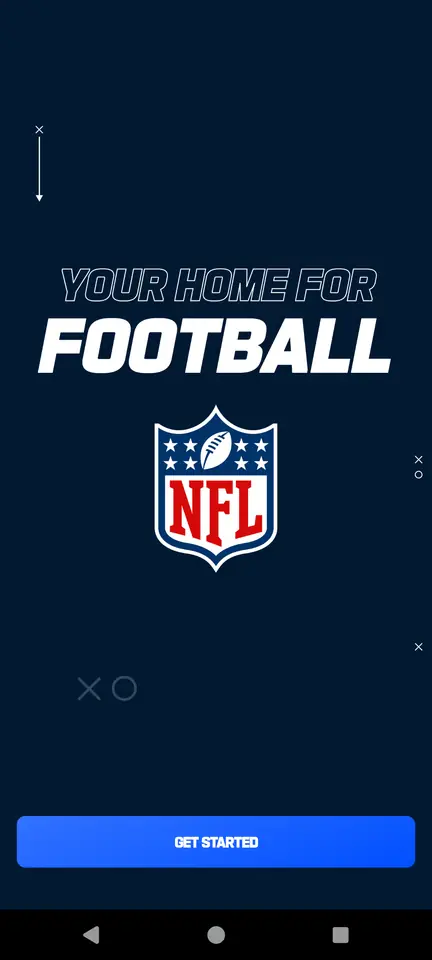
NFL Android screen 1 — onboarding: Onboarding
Onboarding
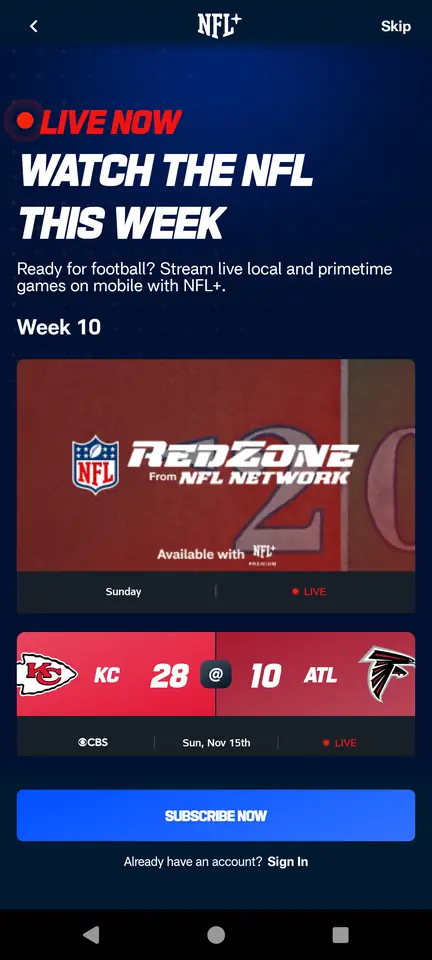
NFL Android screen 2 — onboarding: LIVE NOW
LIVE NOW
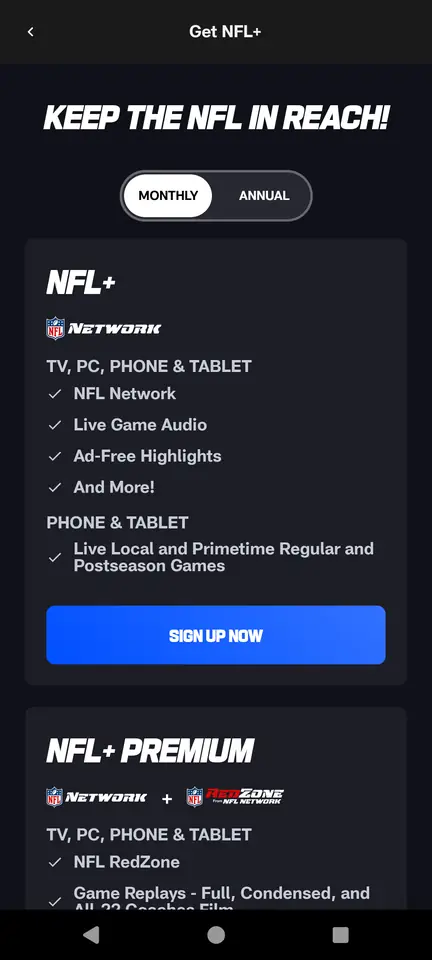
NFL Android screen 3 — onboarding: close paywall
close paywall
NFL Android screen 4 — onboarding: PERMISSIONS
PERMISSIONS
NFL Android screen 20 — onboarding: NFL Logo
NFL Logo
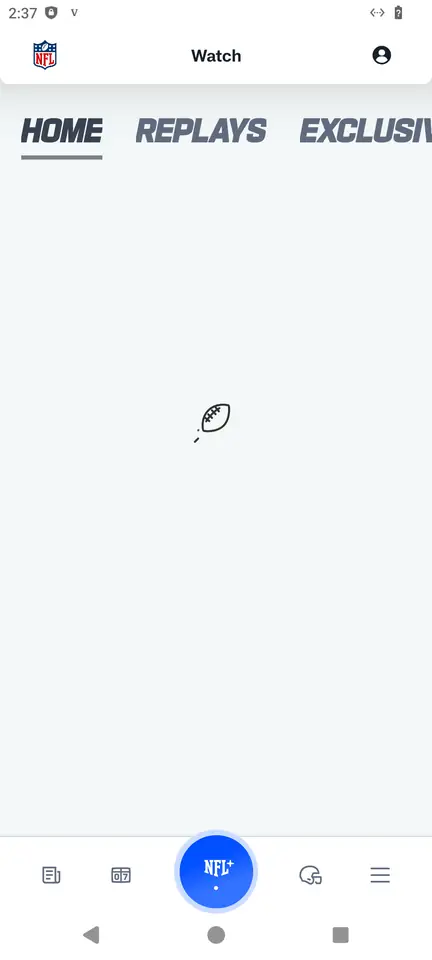
NFL Android screen 22 — onboarding: Welcome to the NFL App Video
Welcome to the NFL App Video
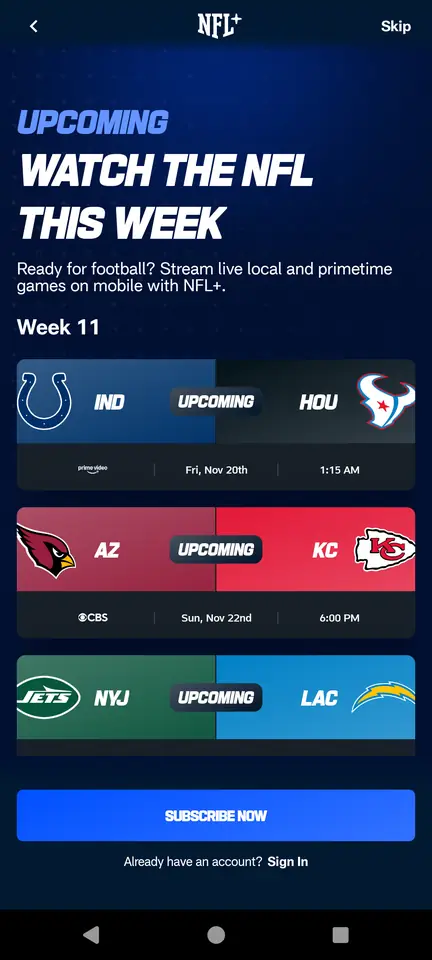
NFL Android screen 23 — onboarding: UPCOMING
UPCOMING
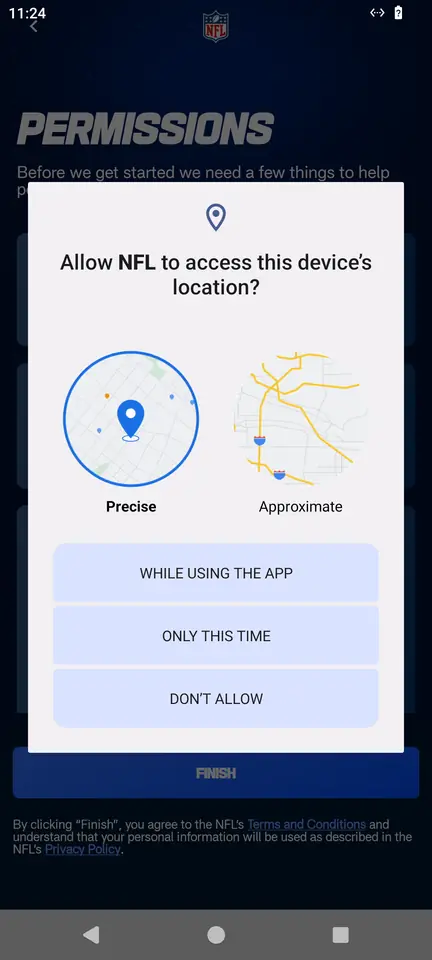
NFL Android screen 24 — permissions: Allow NFL to access this device’s location?
Allow NFL to access this device’s…
NFL Android screen 25 — permissions: Allow NFL to send you notifications?
Allow NFL to send you notifications?

FotMob

3 onboarding screens
FotMob Android screen 1 — onboarding: Football is better with FotMob
Football is better with FotMob
FotMob Android screen 15 — onboarding: Search leagues
Search leagues
FotMob Android screen 16 — onboarding: Search leagues
Search leagues

Sofascore

2 onboarding screens
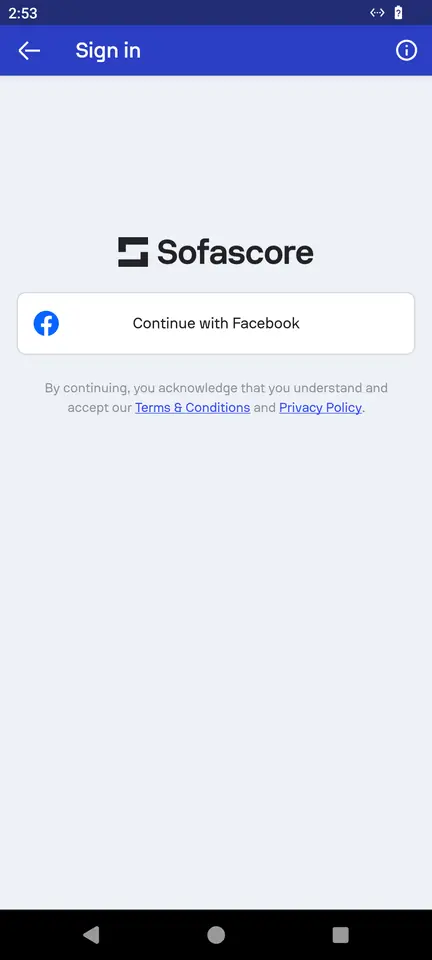
Sofascore Android screen 1 — onboarding: Welcome to Sofascore
Welcome to Sofascore
Sofascore Android screen 15 — onboarding: Sign in
Sign in

UI components on sports onboarding screens

Share of the 46 screens where each component is in the view hierarchy and drawn on screen; the example shows it outlined.

ESPN Android screen 18 — onboarding: Tap your favorite leagues

Toolbar

9 screens20%

3 apps · example: ESPN

ESPN Android screen 1 — permissions: Allow ESPN to access this device’s approximate location?

Button

7 screens15%

4 apps · example: ESPN

ESPN Android screen 1 — permissions: Allow ESPN to access this device’s approximate location?

Dialog

6 screens13%

3 apps · example: ESPN

ESPN Android screen 18 — onboarding: Tap your favorite leagues

Tab bar

6 screens13%

1 app · example: ESPN

ESPN Android screen 19 — onboarding: Tap your favorite teams

Divider

4 screens9%

1 app · example: ESPN

ESPN Android screen 20 — onboarding: SWIPE UP TO MANAGE ALERTS

Bottom sheet

2 screens4%

2 apps · example: ESPN

FotMob Android screen 15 — onboarding: Search leagues

Card

2 screens4%

1 app · example: FotMob

FotMob Android screen 15 — onboarding: Search leagues

Icon button

2 screens4%

2 apps · example: FotMob

UI patterns on sports onboarding screens

Bleacher Report Android screen 19 — onboarding: GET FAST ALERTS 🔔

Permission priming

4 of 6 apps67%

example: Bleacher Report

Bleacher Report Android screen 15 — onboarding: Get Started

Welcome screen

4 of 6 apps67%

example: Bleacher Report

Bleacher Report Android screen 14 — onboarding: Legal Terms and Privacy

Cookie consent banner

2 of 6 apps33%

example: Bleacher Report

Bleacher Report Android screen 20 — onboarding: Navigate back

Registration wall

2 of 6 apps33%

example: Bleacher Report

Bleacher Report Android screen 19 — onboarding: GET FAST ALERTS 🔔

Skip button

2 of 6 apps33%

example: Bleacher Report

Bleacher Report Android screen 20 — onboarding: Navigate back

Guest mode

1 of 6 apps17%

example: Bleacher Report

FotMob Android screen 15 — onboarding: Search leagues

Search bar

1 of 6 apps17%

example: FotMob

What sports apps say on these screens

UI copy that appears on the onboarding screens of two or more sports apps, with the number of apps using it.

  • ALLOW3 apps
  • Close sheet3 apps
  • DON’T ALLOW3 apps
  • Get Started3 apps
  • NBA3 apps
  • Sign in3 apps
  • Following2 apps
  • Log In2 apps
  • MLB2 apps
  • NFL2 apps
  • NHL2 apps
  • ONLY THIS TIME2 apps

Best practices for onboarding screens

  • Show the core value on the first screen in one sentence.
  • Ask only what you will use to personalise the app, and say why you ask.
  • Show progress (a bar or “2 of 5”) when the flow has more than three steps.
  • Offer a Skip or “Not now” on anything optional.
  • Ask for permissions in context, after explaining the benefit.

Design notes for sports apps

  • Ask which teams and leagues the user follows in onboarding, and build the home screen from them.
  • Show live matches first, with the score readable at a glance.
  • Ask for notification permission when a user follows a team — that is when alerts make sense.
  • Keep dense tables scannable with clear alignment and sticky headers.

FAQ

What do sports app onboarding screens look like?

The UI Lane library holds 46 onboarding screens from 6 Android sports apps (Bleacher Report, ESPN, NBA, NFL, FotMob and Sofascore). Across these 46 screens the most common detected components are toolbar (20%), button (15%) and dialog (13%). The most common UI patterns are permission priming (4 of 6 apps), welcome screen (4 of 6 apps) and cookie consent banner (2 of 6 apps).

Which sports apps have the longest onboarding flow?

6 of these apps have their full onboarding flow captured step by step: the longest is Bleacher Report (8 screens), the shortest FotMob (2 screens). Full list: Bleacher Report (8), ESPN (7), NBA (7), NFL (5), FotMob (2) and Sofascore (2).

What do sports apps say on their onboarding screens?

UI copy used by two or more of these apps: “ALLOW” (3 apps), “Close sheet” (3 apps), “DON’T ALLOW” (3 apps), “Get Started” (3 apps) and “NBA” (3 apps).

Captured on real Android devices · last updated 2026-11-14