Home/Categories/Streaming & entertainment/Onboarding screens
Streaming & entertainment · Onboarding screens · Android

Entertainment app onboarding screens: 86 screens from 31 Android apps

Every onboarding screen we captured in streaming & entertainment apps: 86 screens from 31 Android apps, grouped by app. 20 of these apps have their full onboarding flow captured step by step: the longest is VLC (8 screens), the shortest Disney+ (2 screens). Across these 86 screens the most common detected components are button (29%), dialog (15%) and toolbar (12%).

Android31 apps86 screens20 flowsfree & ungated

Streaming & entertainment onboarding flows compared

Each flow as captured on a real Android device, step by step. Below each flow: the sequence of step roles we read from its screens (runs of the same role collapsed).
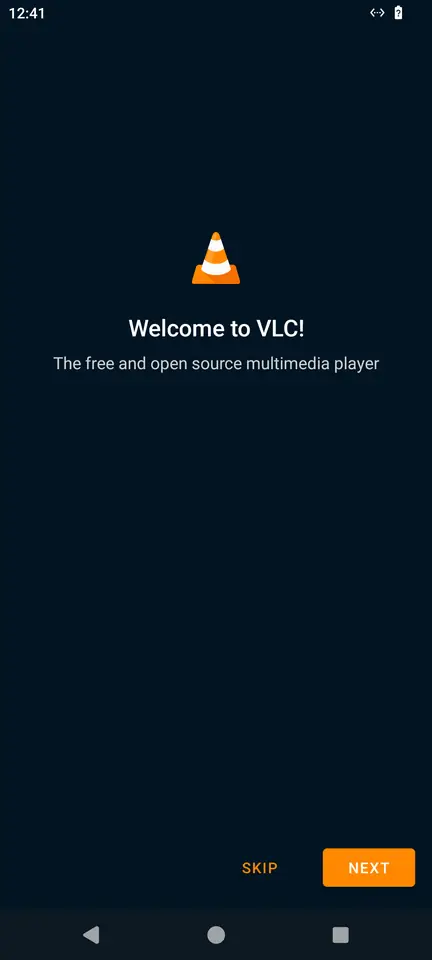
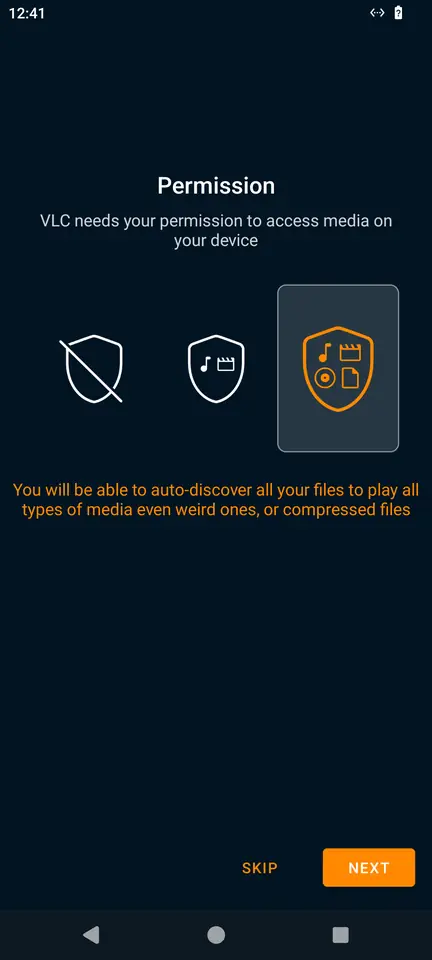
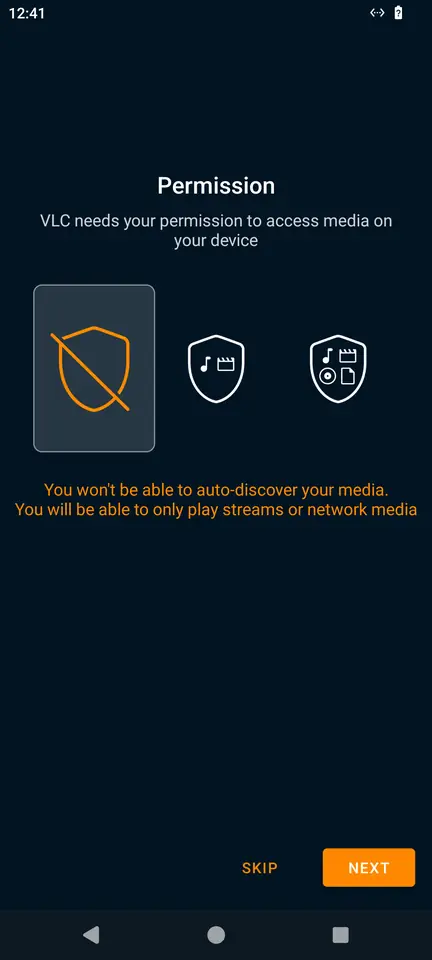
VLC onboarding step 1 of 8 — Welcome to VLC!

VLC onboarding flow

8 screens · skip option on 6 screens

Value pitch ×7 → Permission prompt

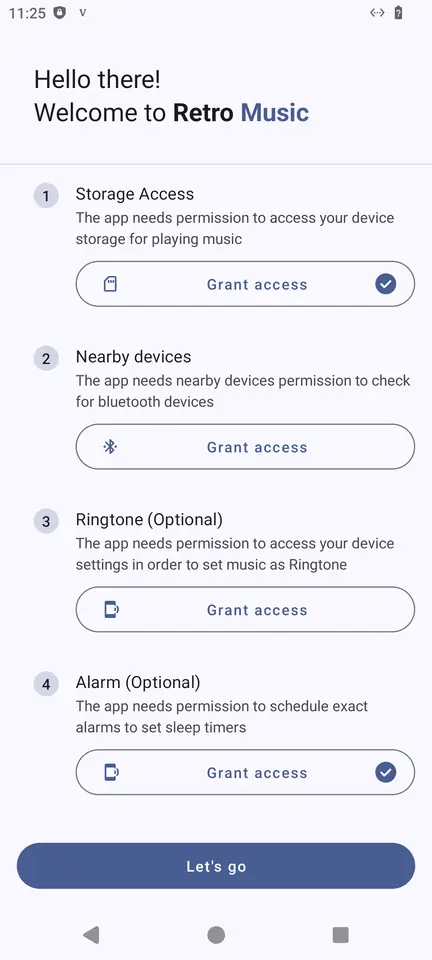
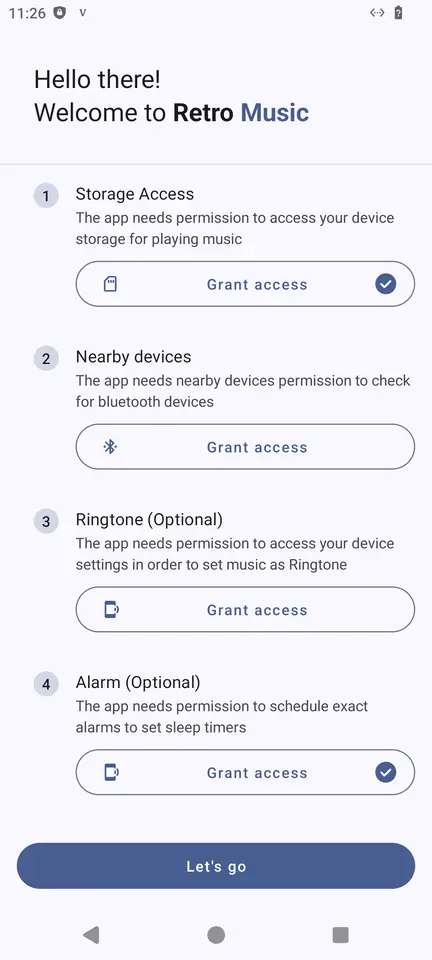
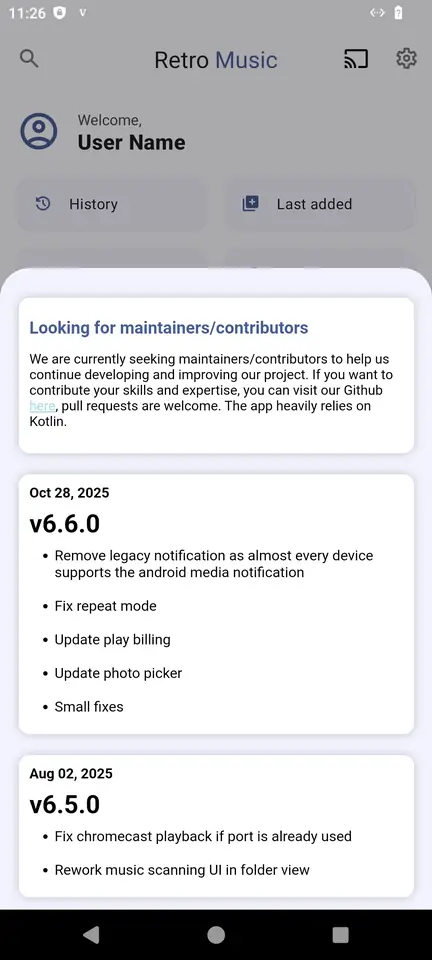
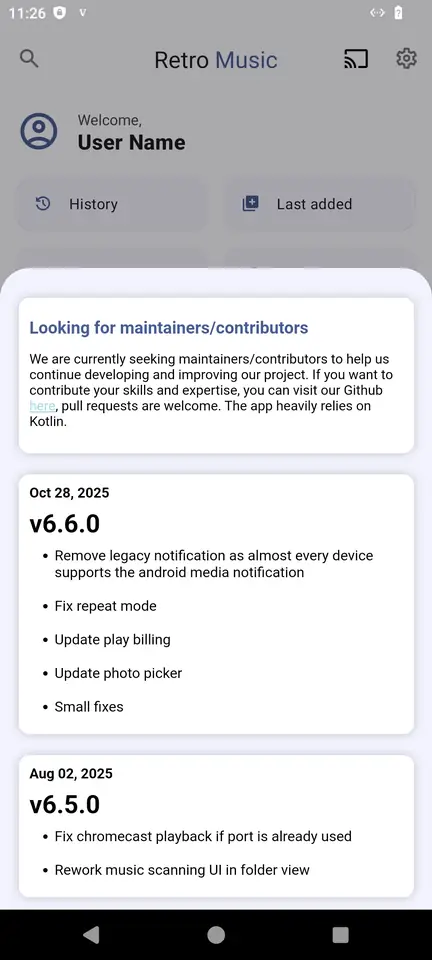
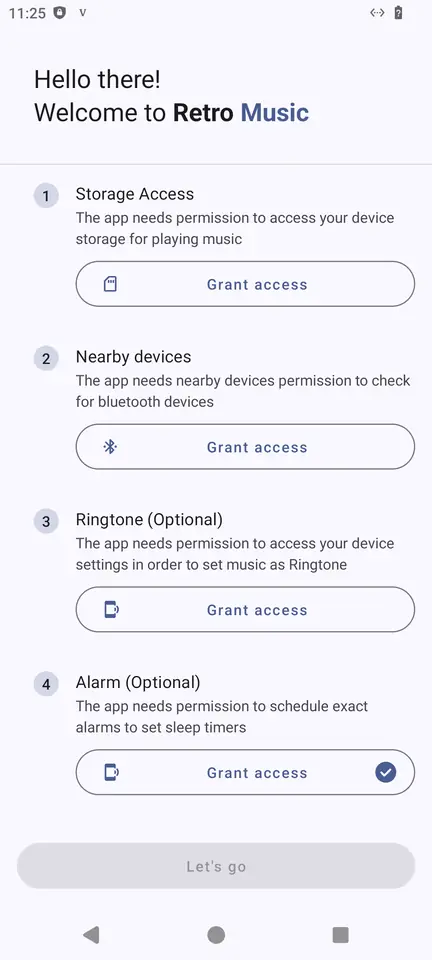
Retro Music Player onboarding step 1 of 7 — Hello there! Welcome to Retro Music

Retro Music Player onboarding flow

7 screens

Value pitch → Permission prompt ×2 → Value pitch ×4

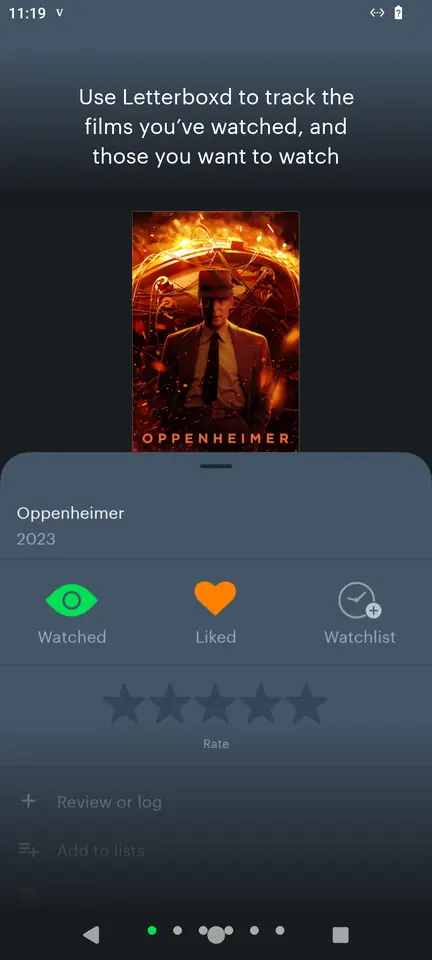
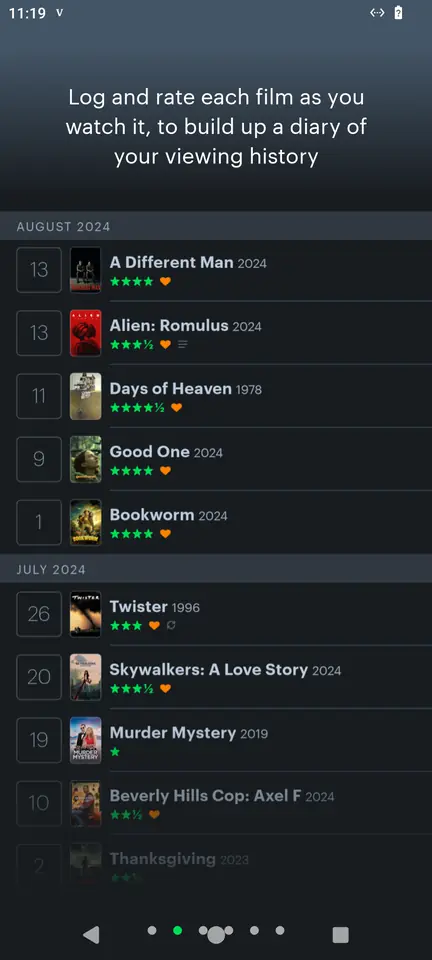
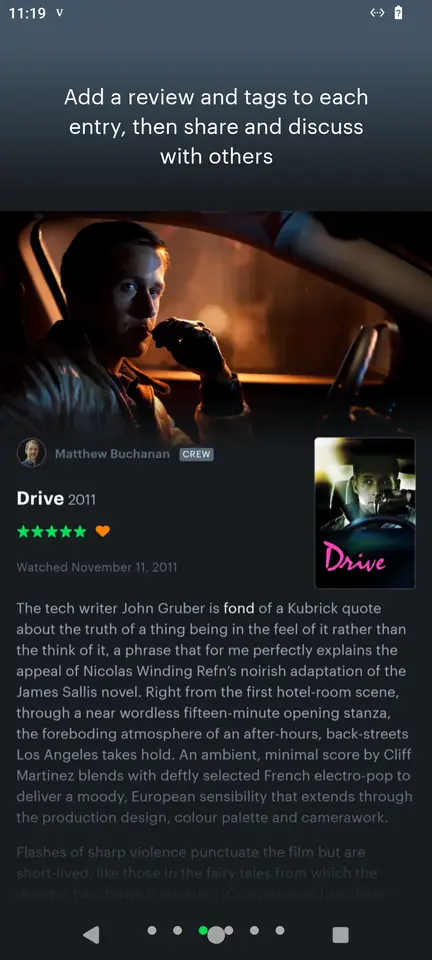
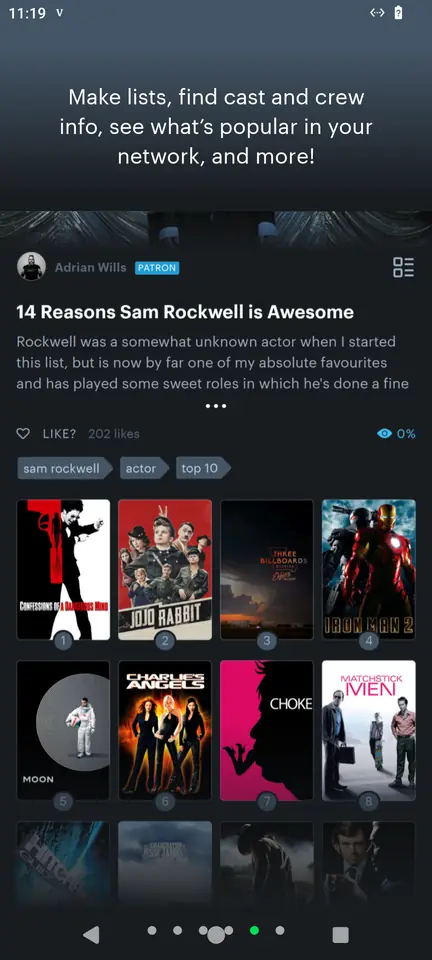
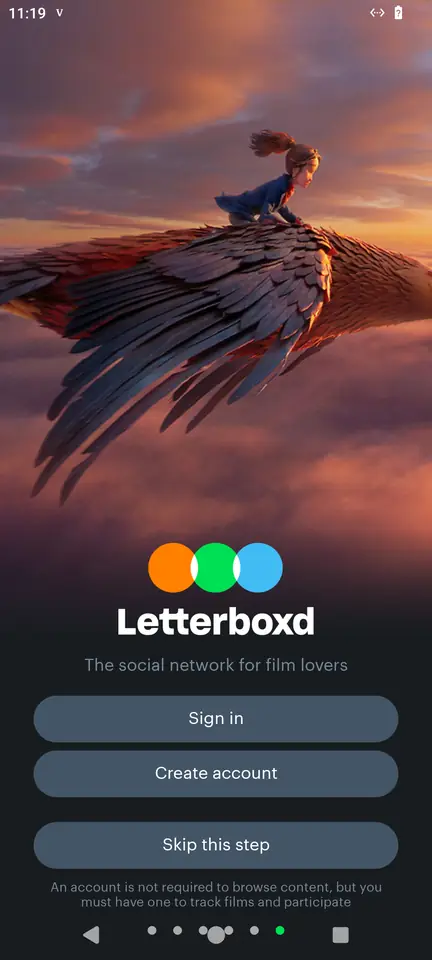
Letterboxd onboarding step 1 of 6 — Use Letterboxd to track the films you’ve watched, and those you want…

Letterboxd onboarding flow

6 screens · skip option on 1 screen

Value pitch ×5 → Account ask

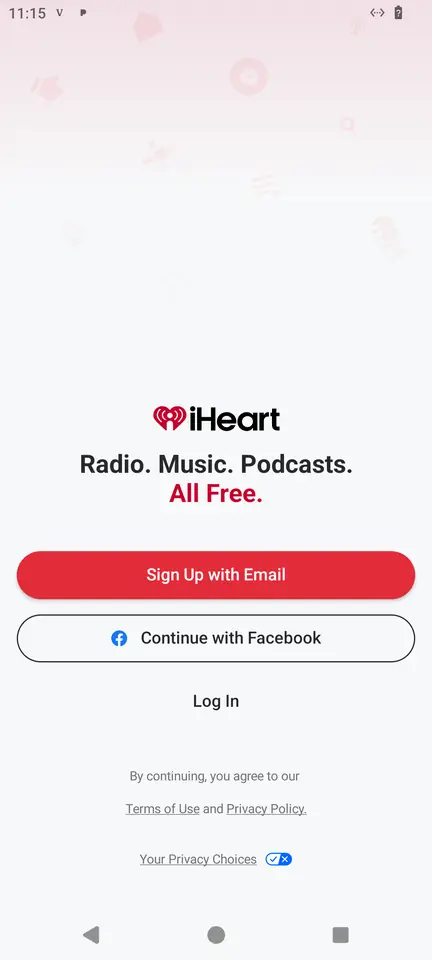
iHeartRadio onboarding step 1 of 5 — Radio. Music. Podcasts.

iHeartRadio onboarding flow

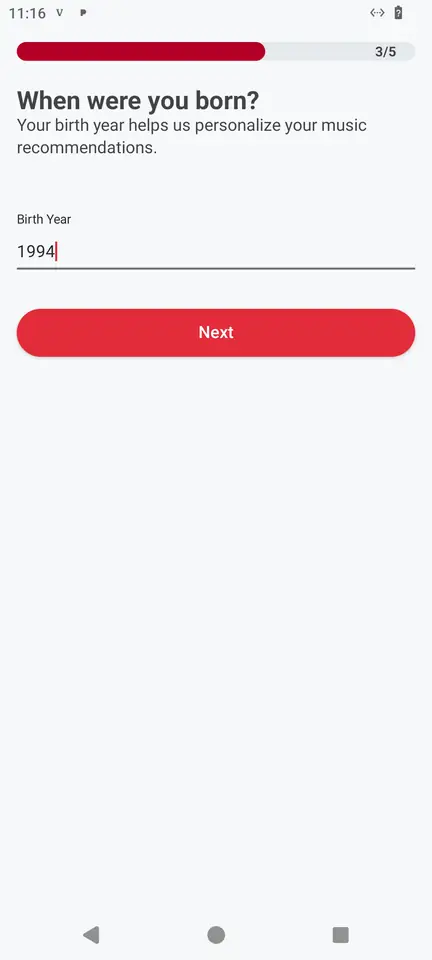
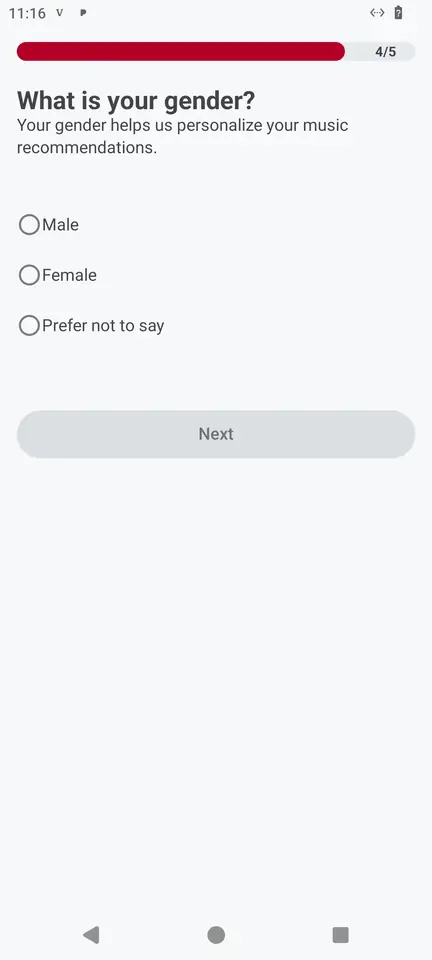
5 screens · 3 questions · progress shown on 2 screens · skip option on 1 screen

Consent → Question ×2 → Permission prompt → Question
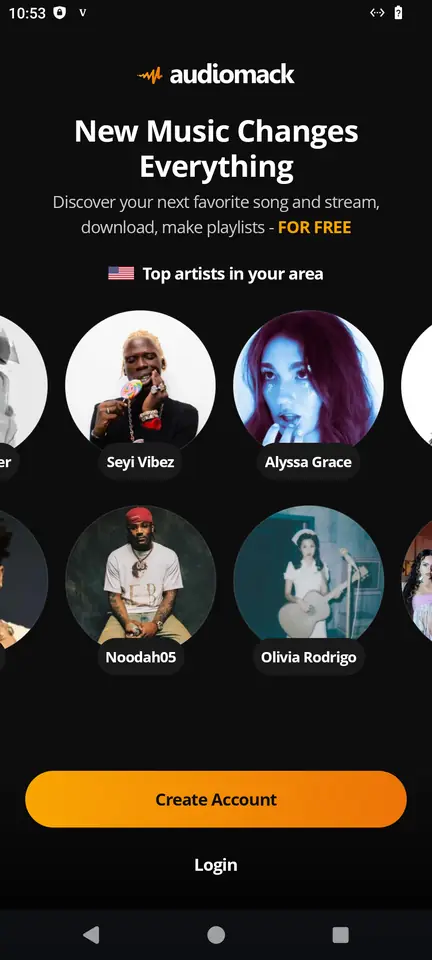
Audiomack onboarding step 1 of 4 — Audiomack icon

Audiomack onboarding flow

4 screens · 3 questions · skip option on 1 screen

Value pitch → Question ×3
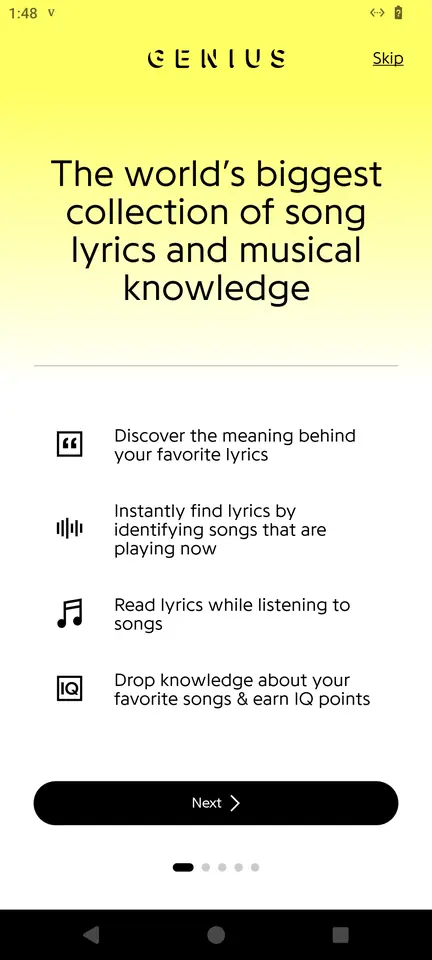
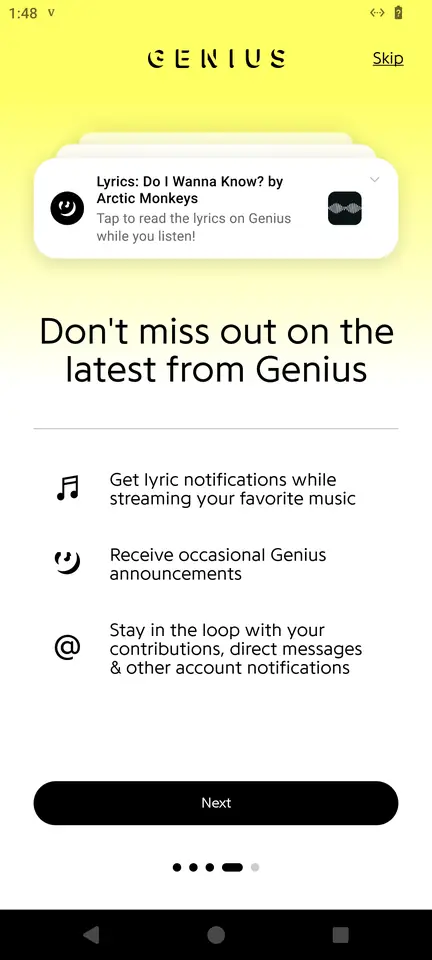
Genius onboarding step 1 of 4 — Genius onboarding

Genius onboarding flow

4 screens · skip option on 4 screens

Value pitch ×3 → Permission prompt

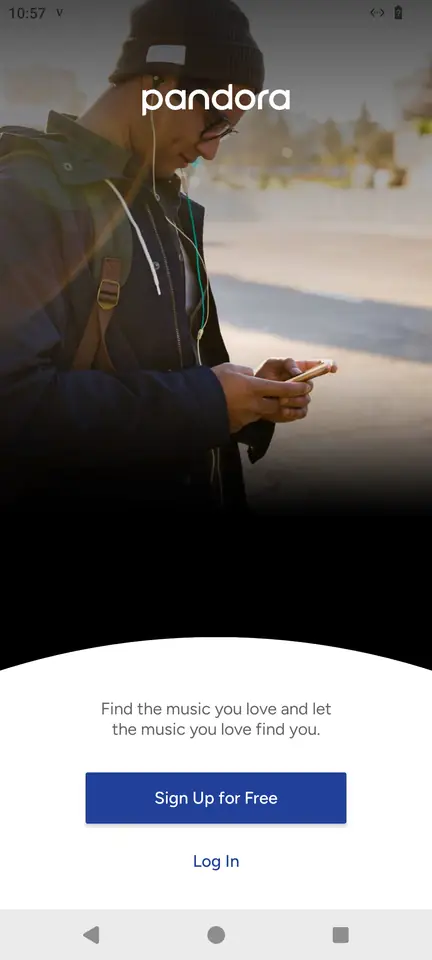
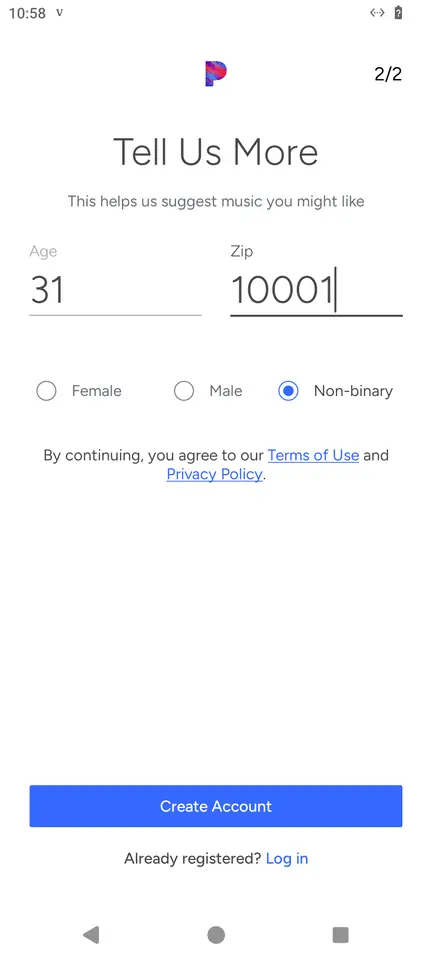
Pandora onboarding step 1 of 4 — Find the music you love and let the music you love find you.

Pandora onboarding flow

4 screens · 1 question · progress shown on 1 screen

Value pitch ×2 → Question → Info
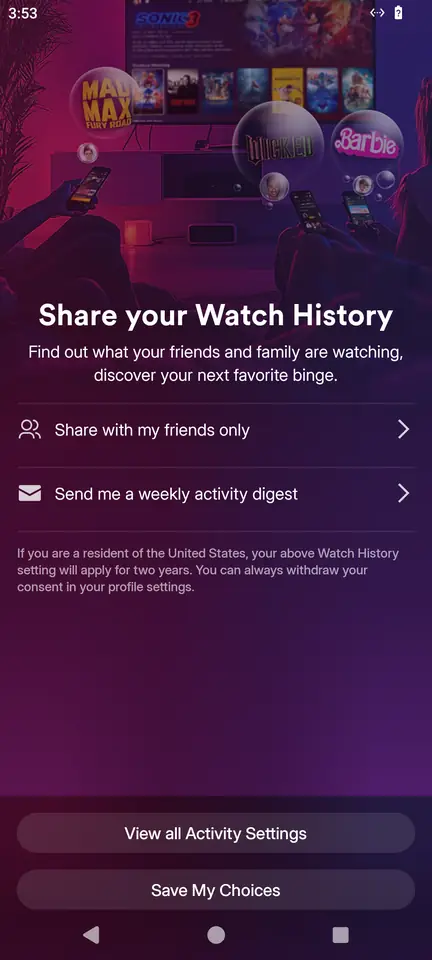
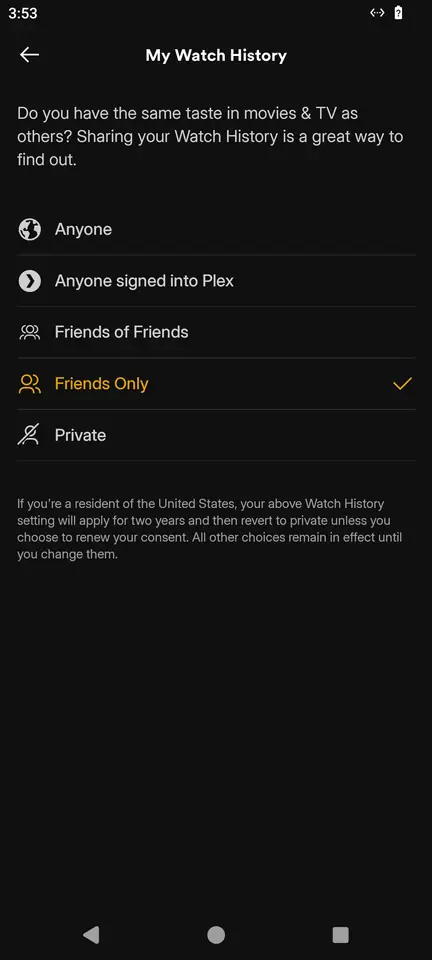
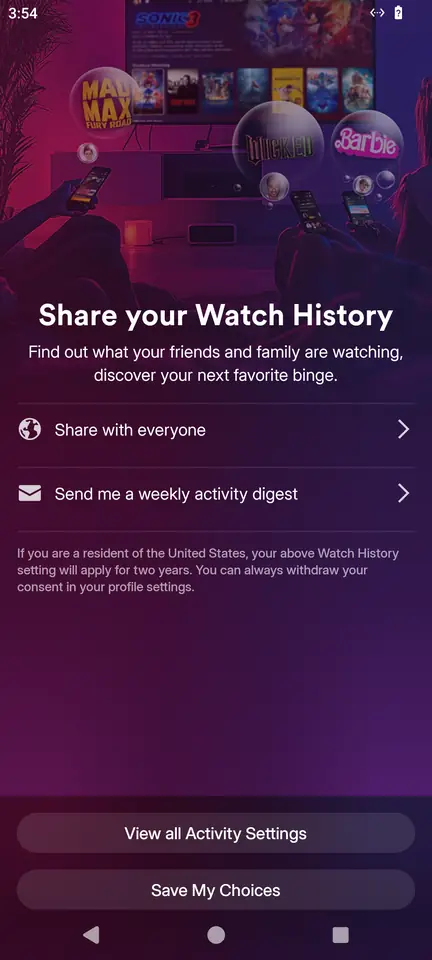
Plex onboarding step 1 of 4 — Sign in

Plex onboarding flow

4 screens

Account ask → Value pitch ×3

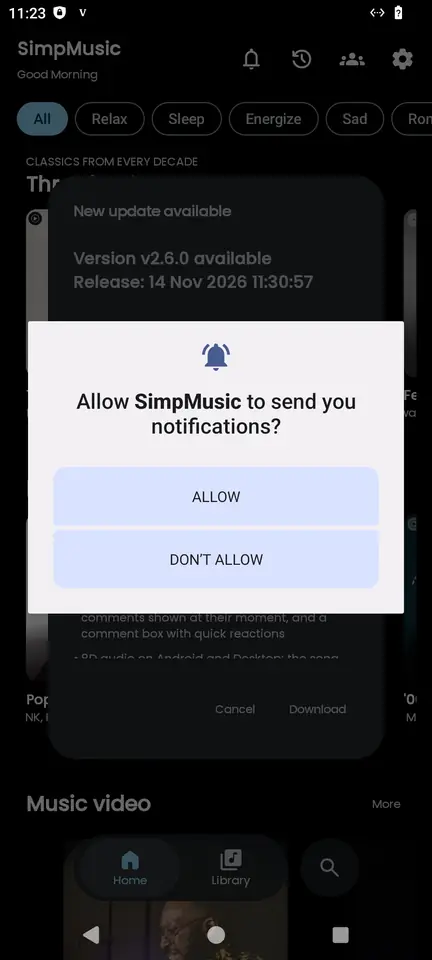
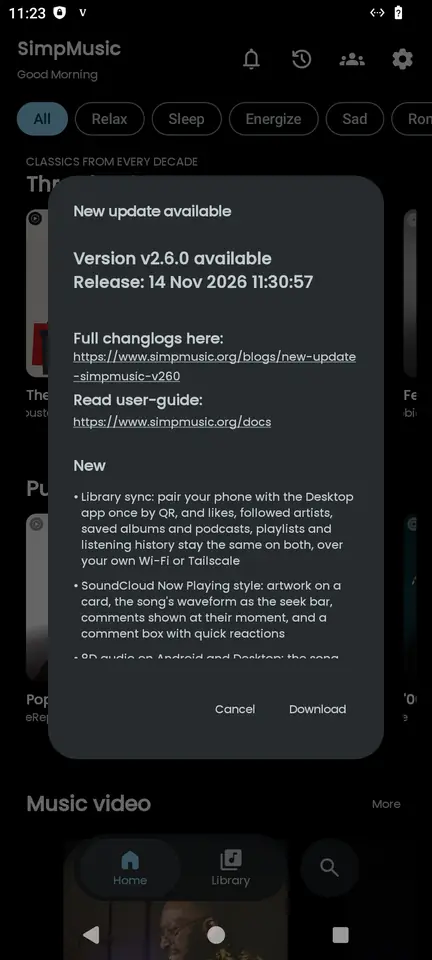
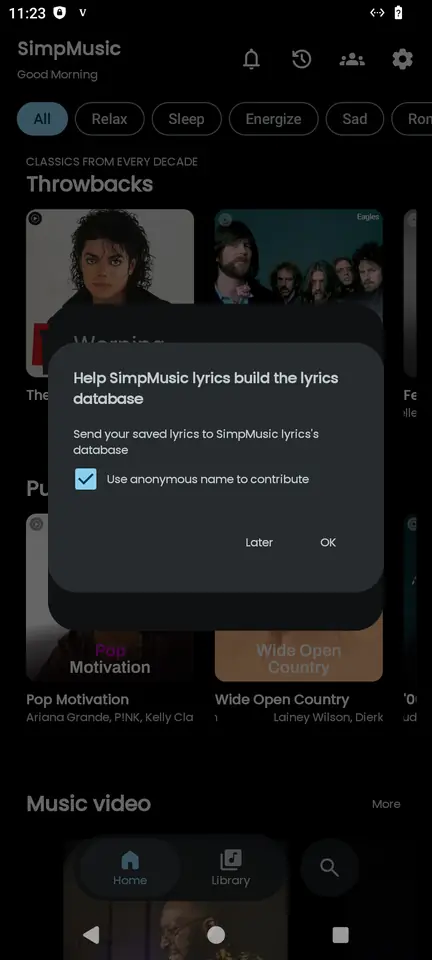
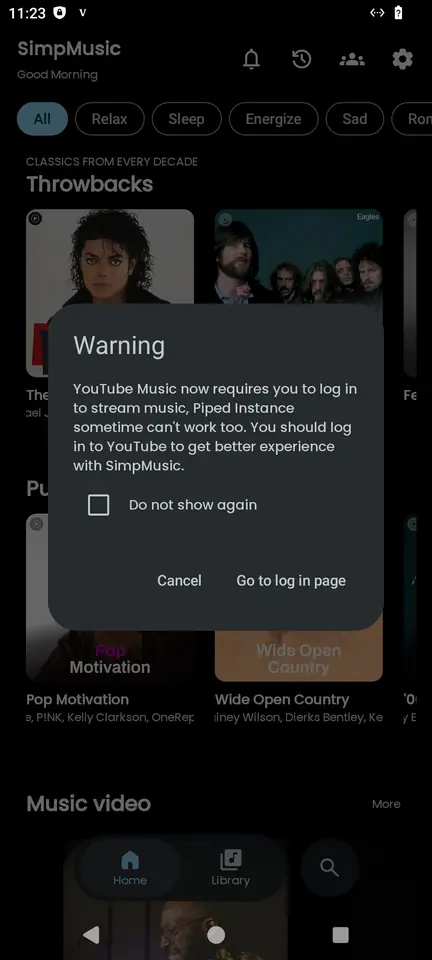
SimpMusic onboarding step 1 of 4 — Allow SimpMusic to send you notifications?

SimpMusic onboarding flow

4 screens

Permission prompt → Value pitch ×3

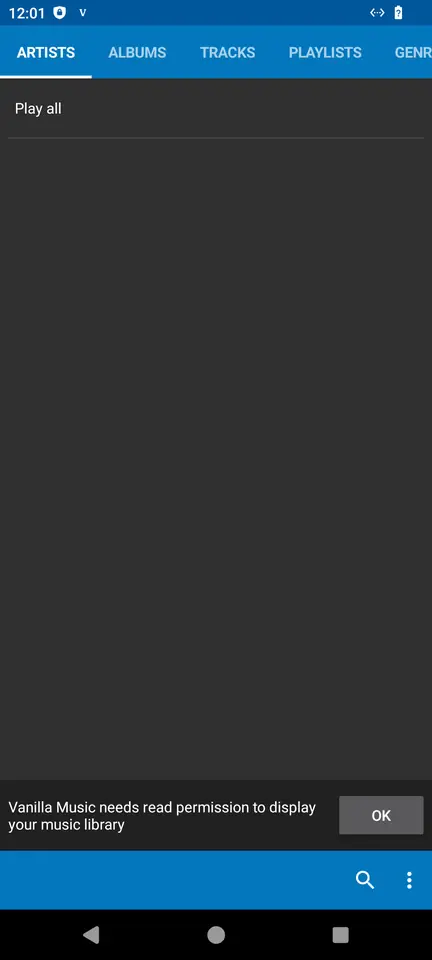
Vanilla Music onboarding step 1 of 4 — Cover art

Vanilla Music onboarding flow

4 screens

Value pitch ×4

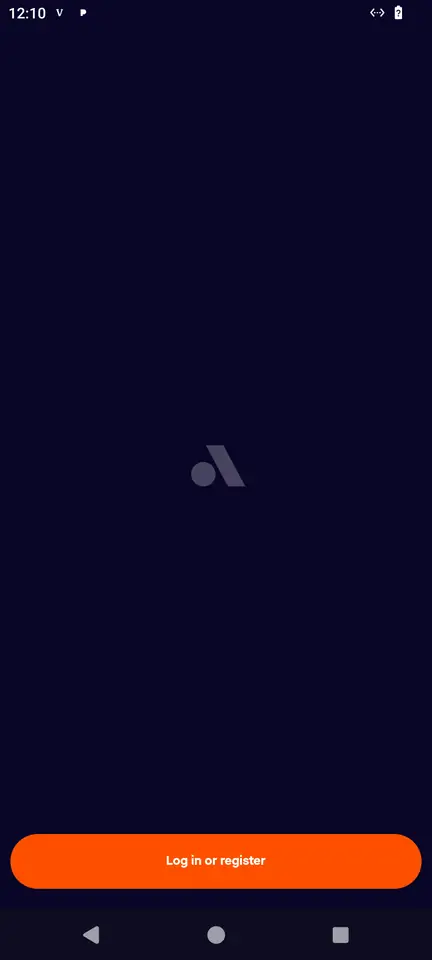
Audacy onboarding step 1 of 3 — Audacy

Audacy onboarding flow

3 screens · 1 question · progress shown on 1 screen

Value pitch ×2 → Question
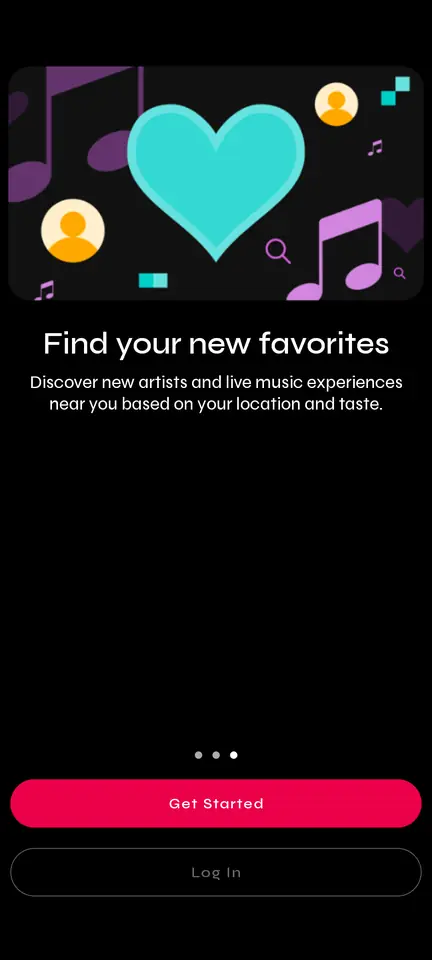
Bandsintown onboarding step 1 of 3 — Find your new favorites

Bandsintown onboarding flow

3 screens

Value pitch ×3

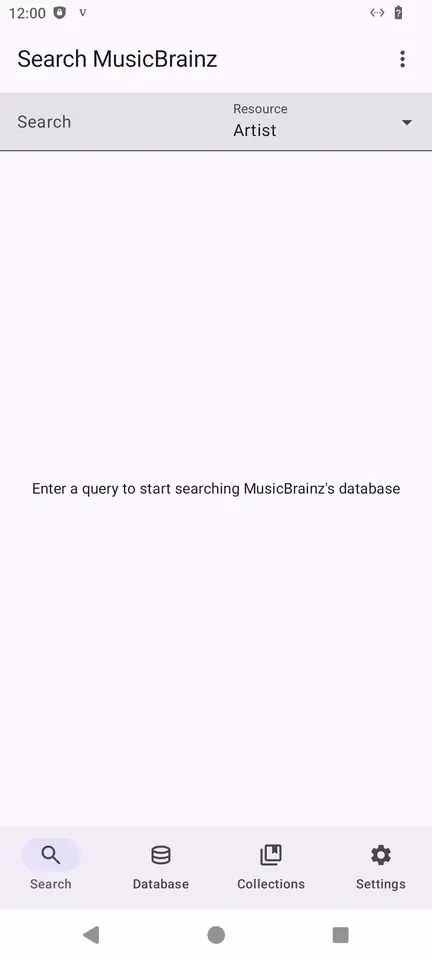
MusicSearch onboarding step 1 of 3 — Search

MusicSearch onboarding flow

3 screens

Value pitch ×3

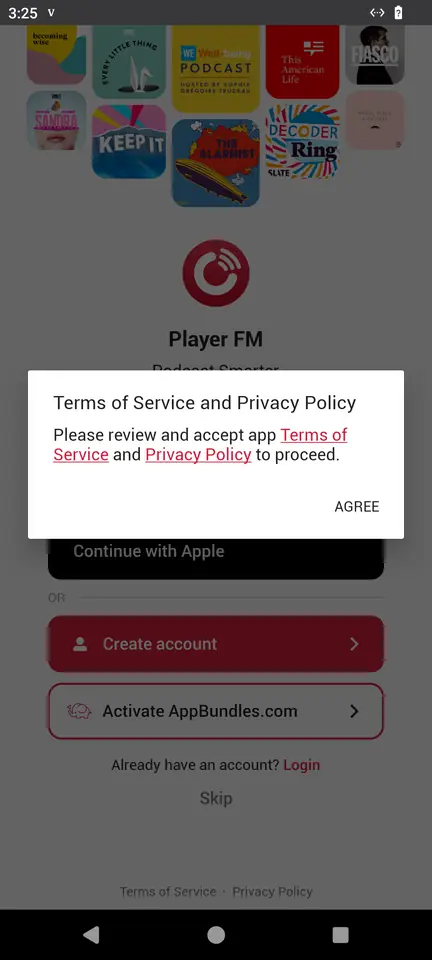
Player FM onboarding step 1 of 3 — Terms of Service and Privacy Policy

Player FM onboarding flow

3 screens · 2 questions

Value pitch → Question ×2

Disney+ onboarding step 1 of 2 — Onboarding

Disney+ onboarding flow

2 screens

Value pitch ×2

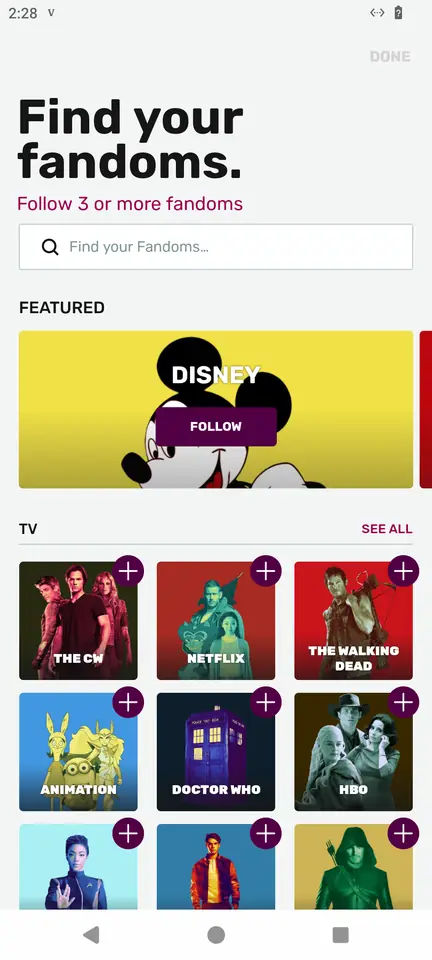
Fandom onboarding step 1 of 2 — Banner view Logo

Fandom onboarding flow

2 screens

Consent → Value pitch

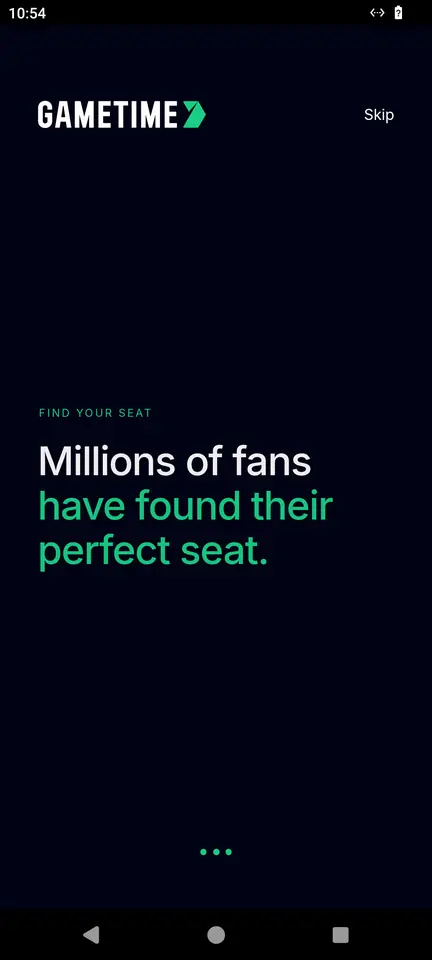
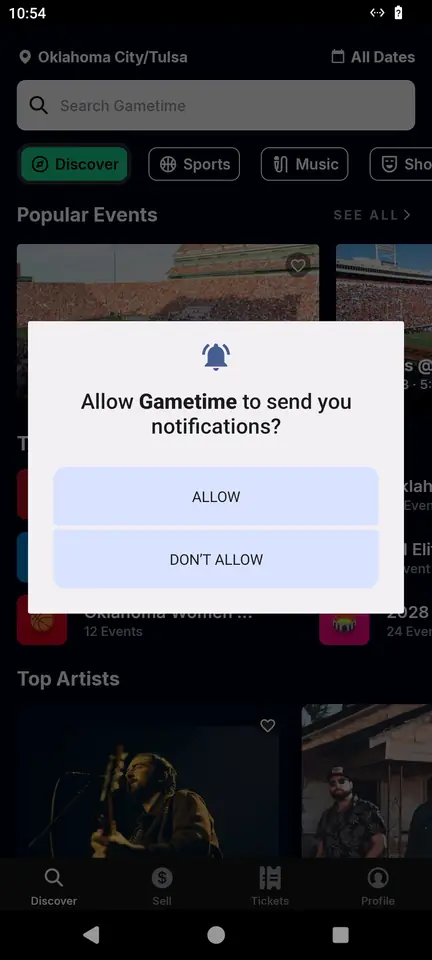
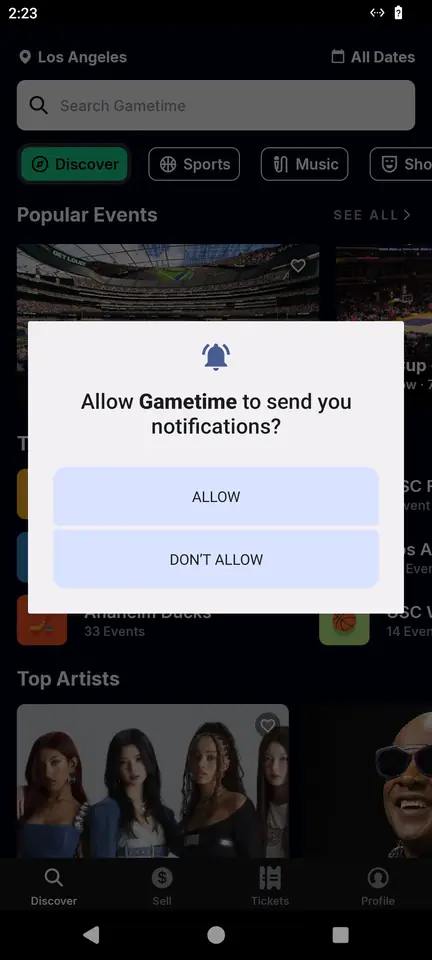
Gametime onboarding step 1 of 2 — PRICE DROPS, Last-minute deals. Up to 50% off.

Gametime onboarding flow

2 screens · skip option on 1 screen

Value pitch → Permission prompt

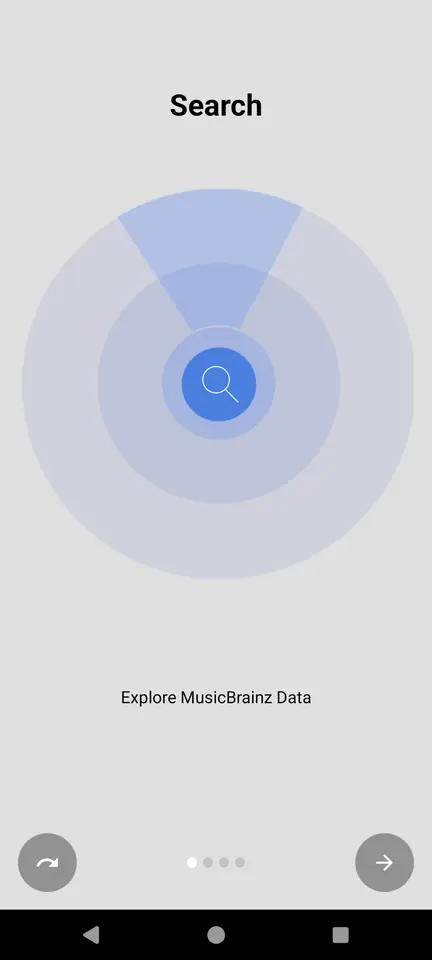
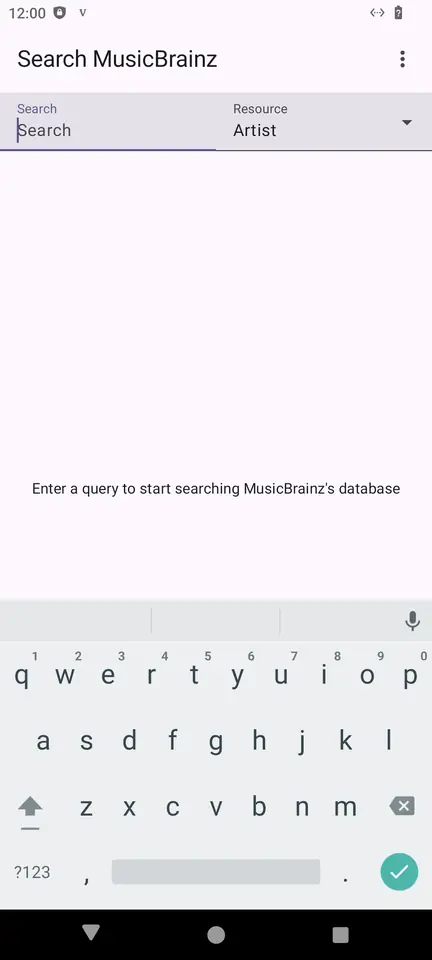
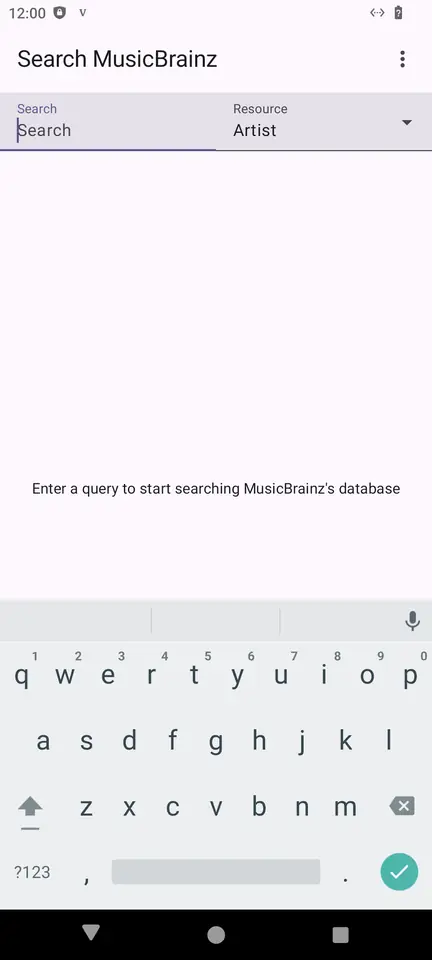
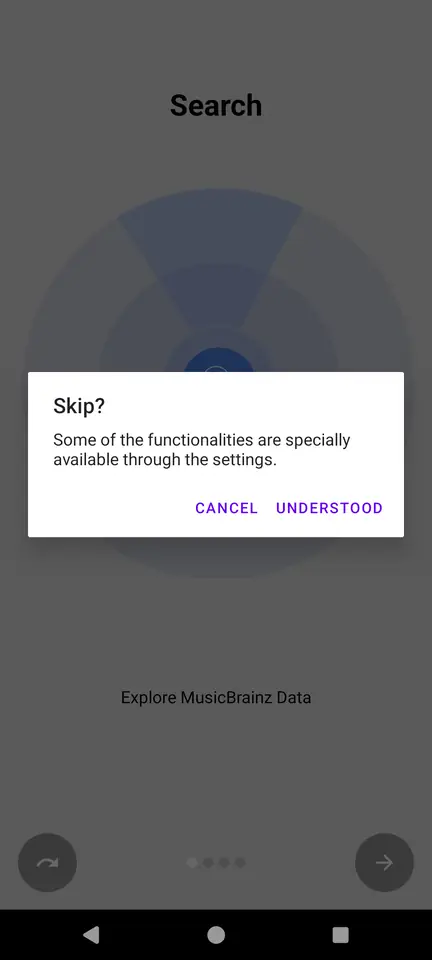
MetaBrainz onboarding step 1 of 2 — Search

MetaBrainz onboarding flow

2 screens · skip option on 1 screen

Value pitch ×2

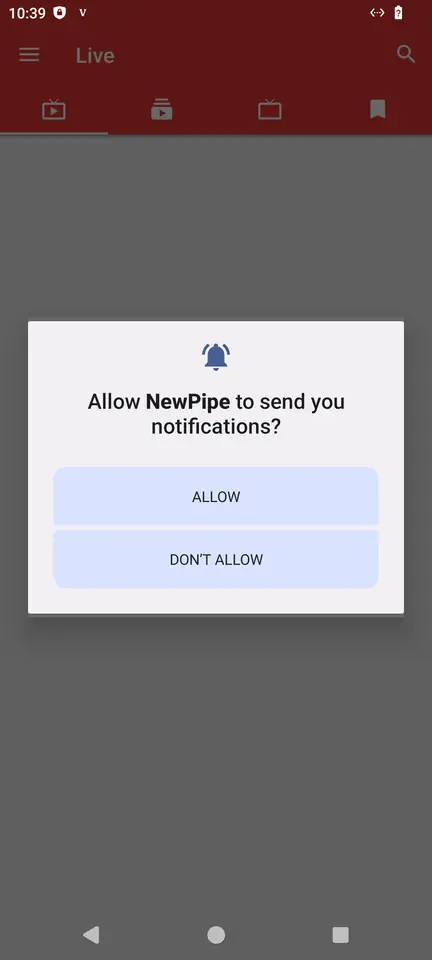
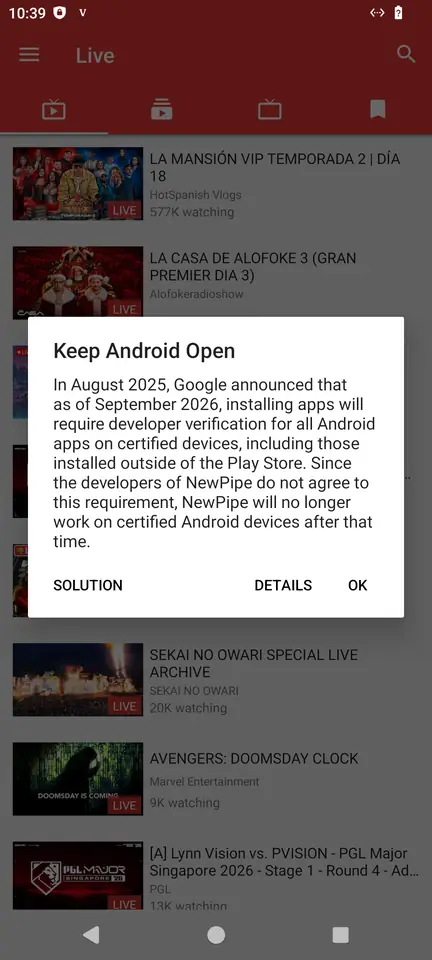
NewPipe onboarding step 1 of 2 — Allow NewPipe to send you notifications?

NewPipe onboarding flow

2 screens

Permission prompt → Value pitch

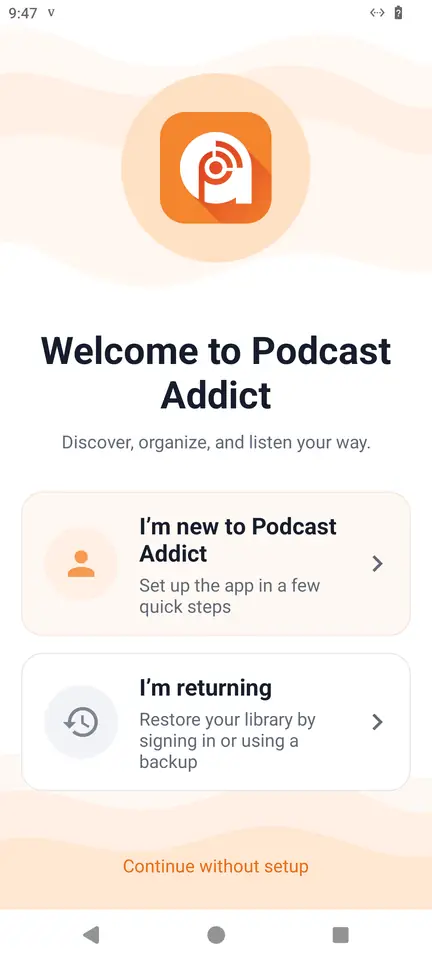
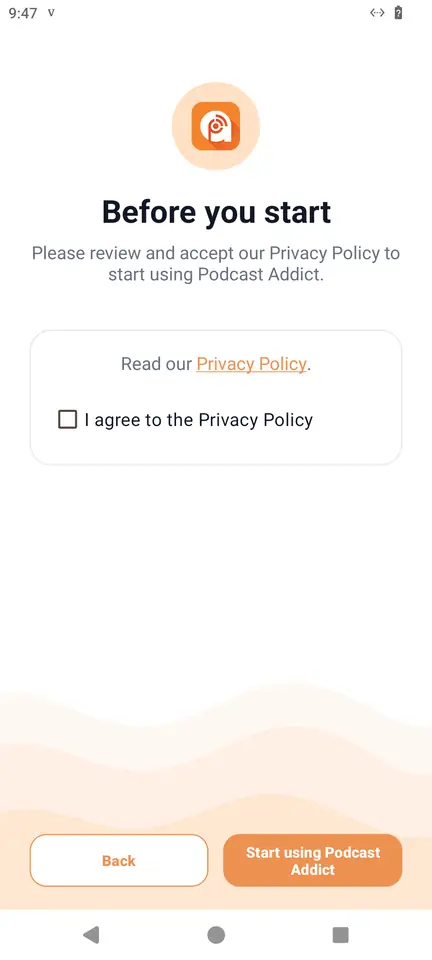
Podcast Addict onboarding step 1 of 2 — Welcome to Podcast Addict

Podcast Addict onboarding flow

2 screens

Value pitch ×2

VLC

8 onboarding screens
VLC Android screen 1 — onboarding: Welcome to VLC!
Welcome to VLC!
VLC Android screen 2 — onboarding: Permission
Permission
VLC Android screen 3 — onboarding: Permission
Permission
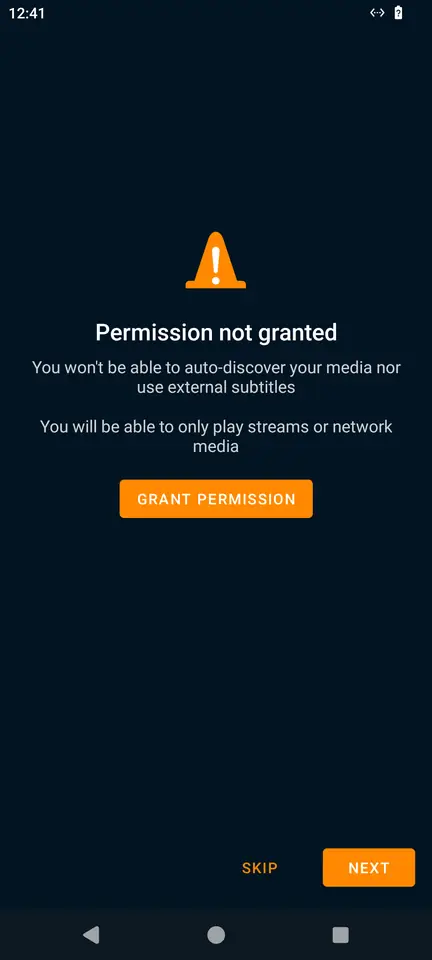
VLC Android screen 4 — onboarding: Permission not granted
Permission not granted
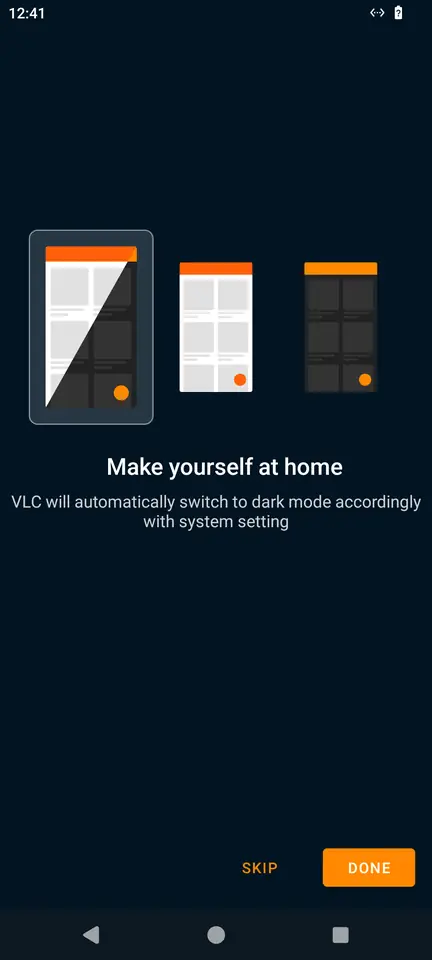
VLC Android screen 5 — onboarding: Auto theme
Auto theme
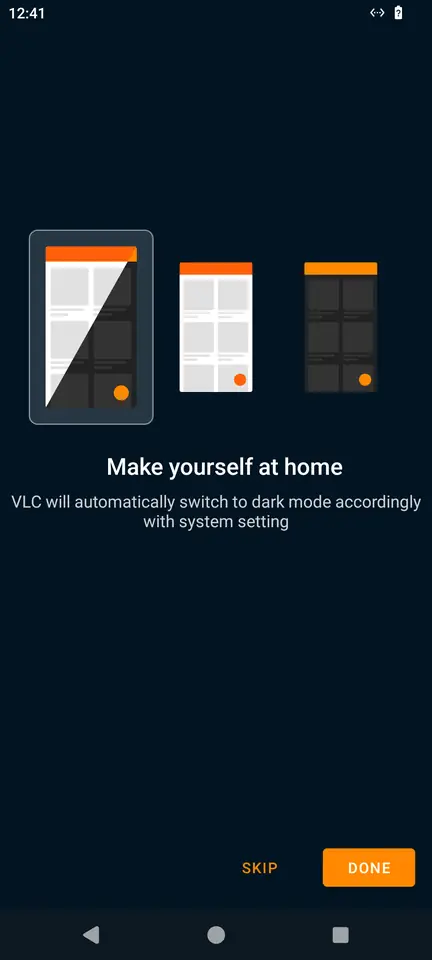
VLC Android screen 6 — onboarding: Auto theme
Auto theme
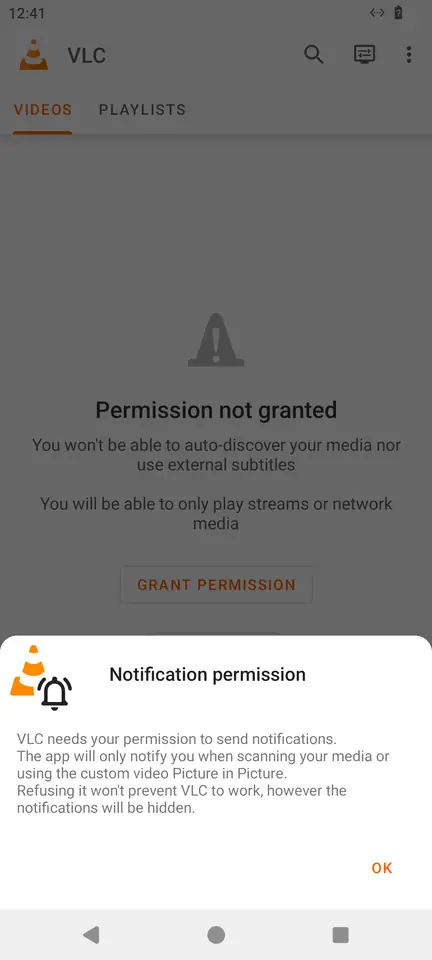
VLC Android screen 7 — onboarding: Notification permission
Notification permission
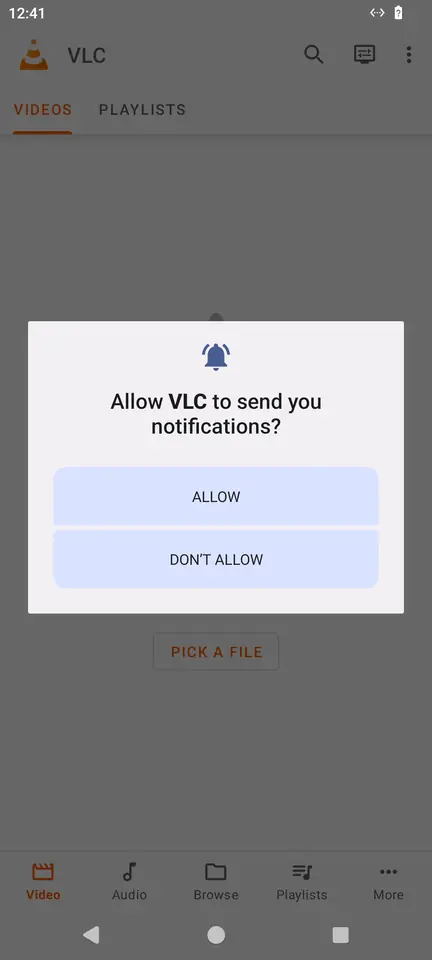
VLC Android screen 8 — permissions: Allow VLC to send you notifications?
Allow VLC to send you notifications?

Retro Music Player

7 onboarding screens
Retro Music Player Android screen 7 — onboarding: Hello there! Welcome to Retro Music
Hello there! Welcome to Retro Music
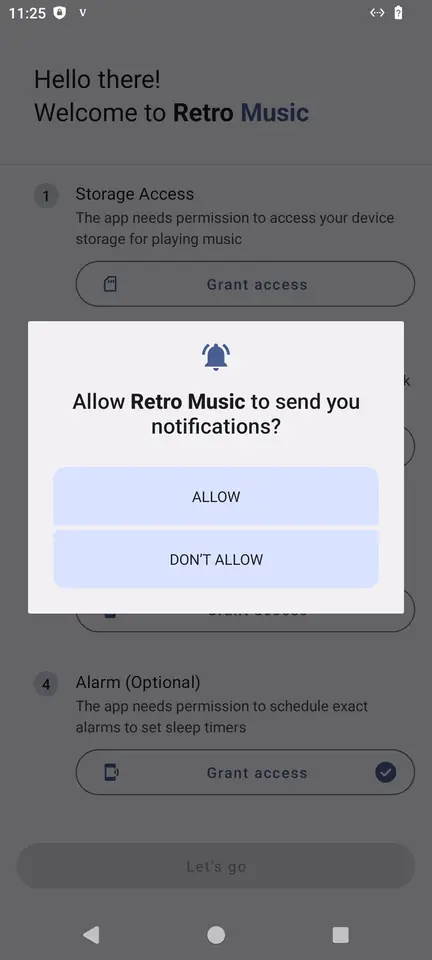
Retro Music Player Android screen 8 — permissions: Allow Retro Music to send you notifications?
Allow Retro Music to send you…
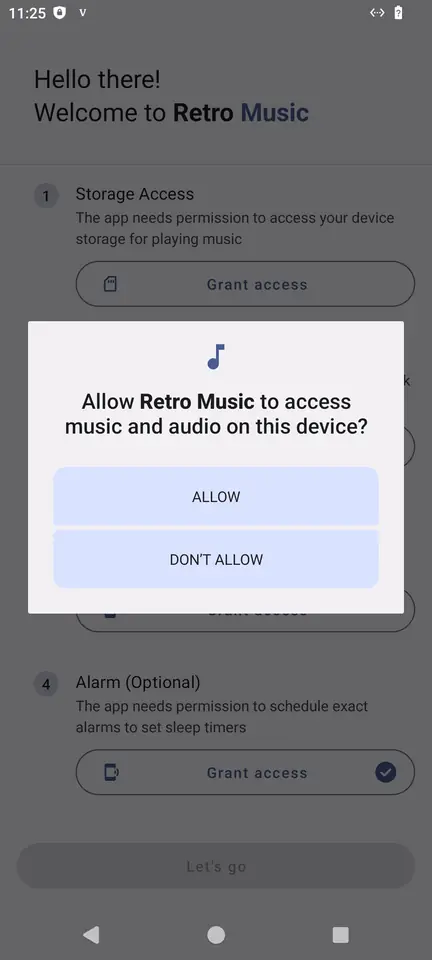
Retro Music Player Android screen 9 — permissions: Allow Retro Music to access music and audio on this device?
Allow Retro Music to access music and…
Retro Music Player Android screen 10 — onboarding: Hello there! Welcome to Retro Music
Hello there! Welcome to Retro Music
Retro Music Player Android screen 11 — onboarding: Hello there! Welcome to Retro Music
Hello there! Welcome to Retro Music
Retro Music Player Android screen 12 — onboarding: Looking for maintainers/contributors
Looking for maintainers/contributors
Retro Music Player Android screen 13 — onboarding: Looking for maintainers/contributors
Looking for maintainers/contributors

Letterboxd

6 onboarding screens
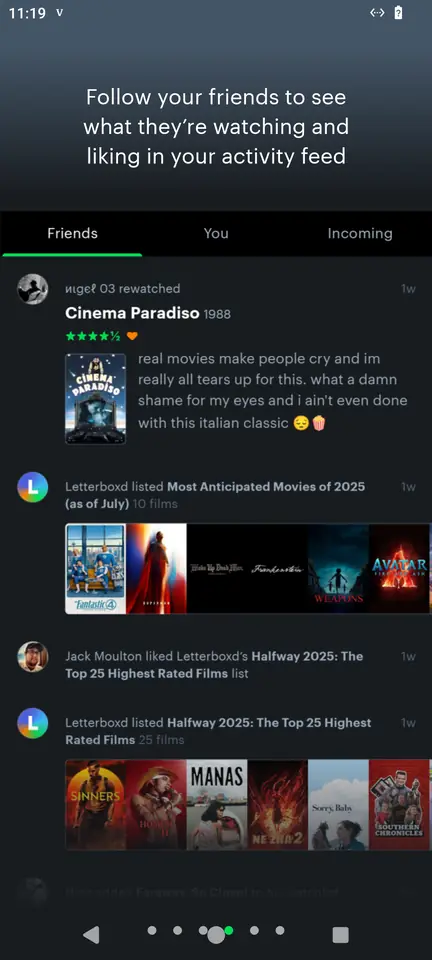
Letterboxd Android screen 1 — onboarding: Use Letterboxd to track the films you’ve watched, and…
Use Letterboxd to track the films…
Letterboxd Android screen 2 — onboarding: Onboarding
Onboarding
Letterboxd Android screen 3 — onboarding: Add a review and tags to each entry, then share and…
Add a review and tags to each entry…
Letterboxd Android screen 4 — onboarding: Onboarding
Onboarding
Letterboxd Android screen 5 — onboarding: Onboarding
Onboarding
Letterboxd Android screen 6 — onboarding: The social network for film lovers
The social network for film lovers

iHeartRadio

5 onboarding screens
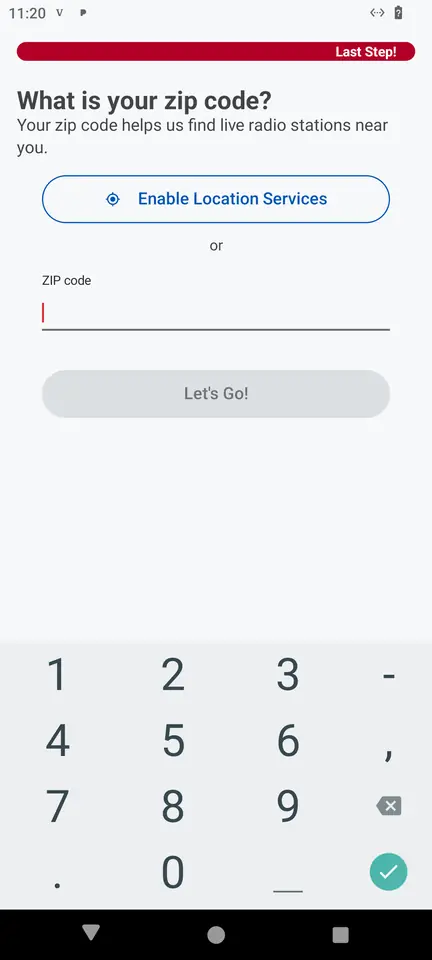
iHeartRadio Android screen 5 — onboarding: iHeart logo
iHeart logo
iHeartRadio Android screen 7 — onboarding: Step 3
Step 3
iHeartRadio Android screen 8 — onboarding: Step 4
Step 4
iHeartRadio Android screen 9 — onboarding: Last Step!
Last Step!
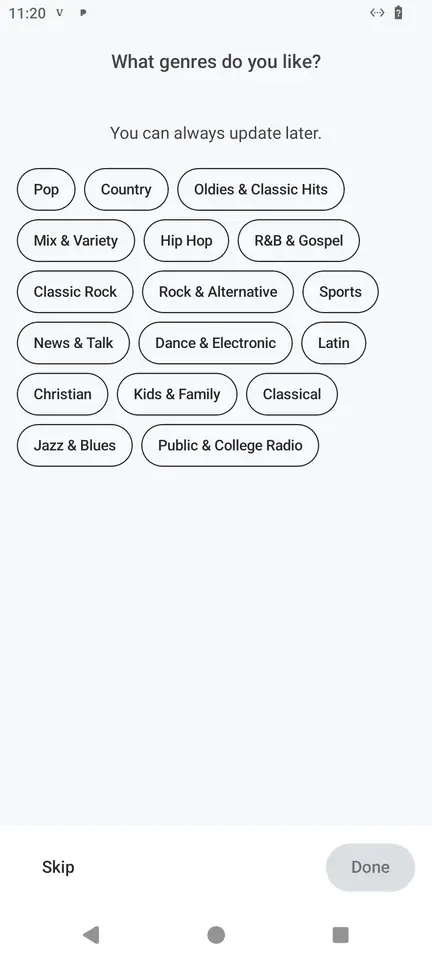
iHeartRadio Android screen 10 — onboarding: What genres do you like?
What genres do you like?

Audiomack

4 onboarding screens
Audiomack Android screen 8 — onboarding: Audiomack icon
Audiomack icon
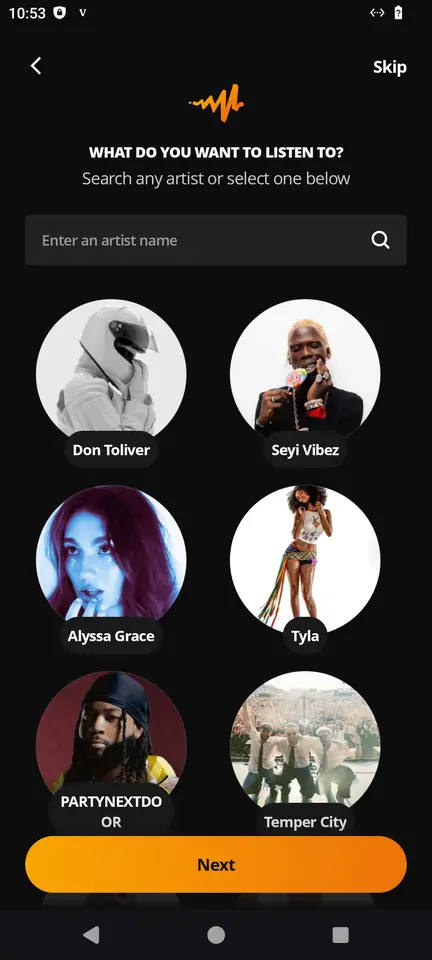
Audiomack Android screen 9 — onboarding: WHAT DO YOU WANT TO LISTEN TO?
WHAT DO YOU WANT TO LISTEN TO?
Audiomack Android screen 10 — onboarding: Audio­mack
Audio­mack
Audiomack Android screen 11 — onboarding: Audio­mack
Audio­mack

Genius

4 onboarding screens
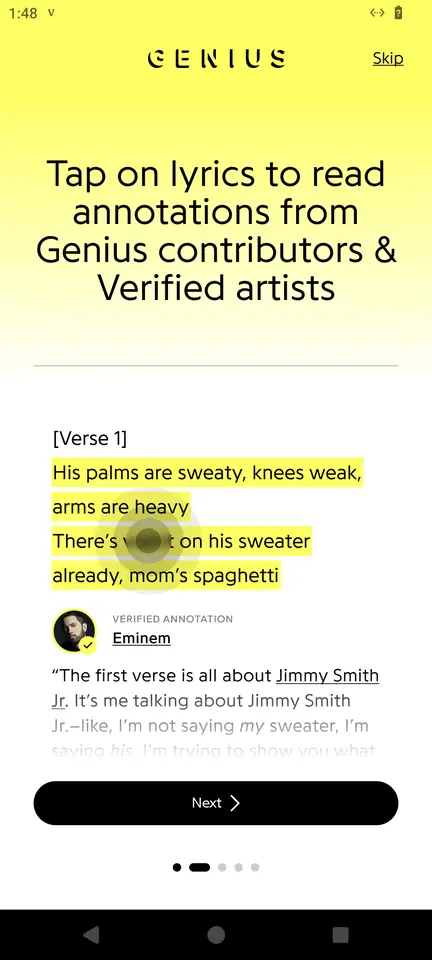
Genius Android screen 8 — onboarding: Genius onboarding
Genius onboarding
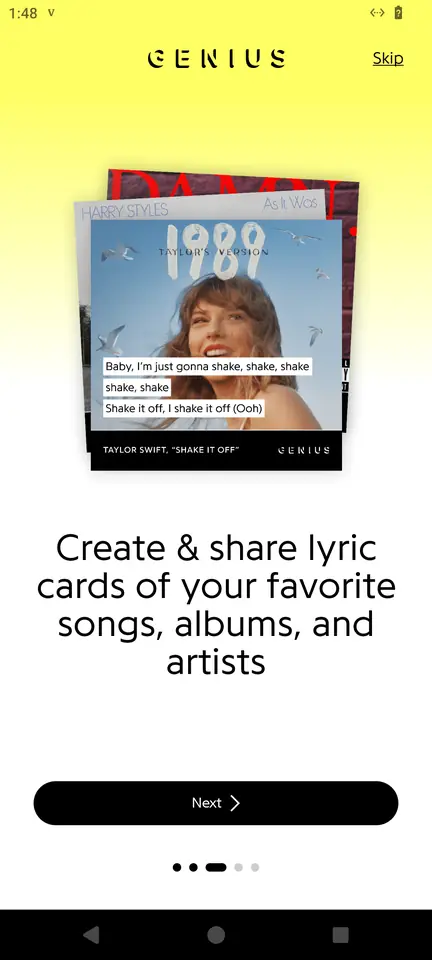
Genius Android screen 9 — onboarding: Genius onboarding
Genius onboarding
Genius Android screen 10 — onboarding: Genius onboarding
Genius onboarding
Genius Android screen 11 — onboarding: Genius onboarding
Genius onboarding

Pandora

4 onboarding screens
Pandora Android screen 6 — onboarding: Welcome Background
Welcome Background
Pandora Android screen 7 — onboarding: Back Button
Back Button
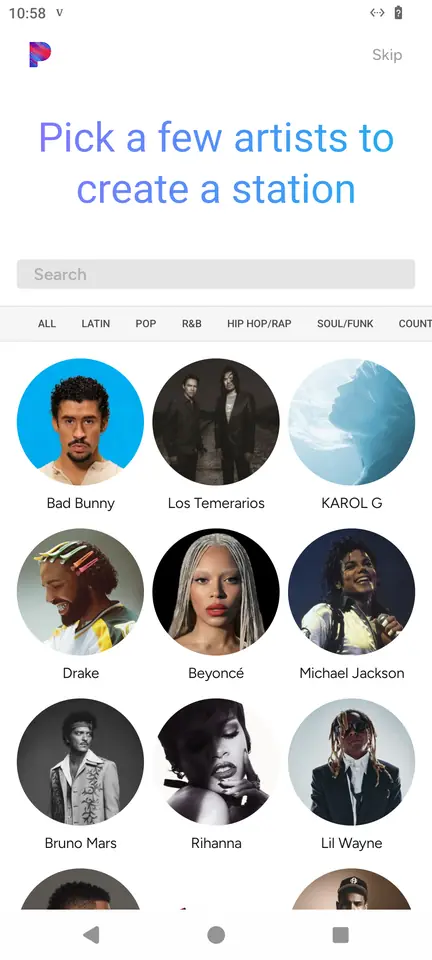
Pandora Android screen 8 — onboarding: Pick a few artists to create a station
Pick a few artists to create a station
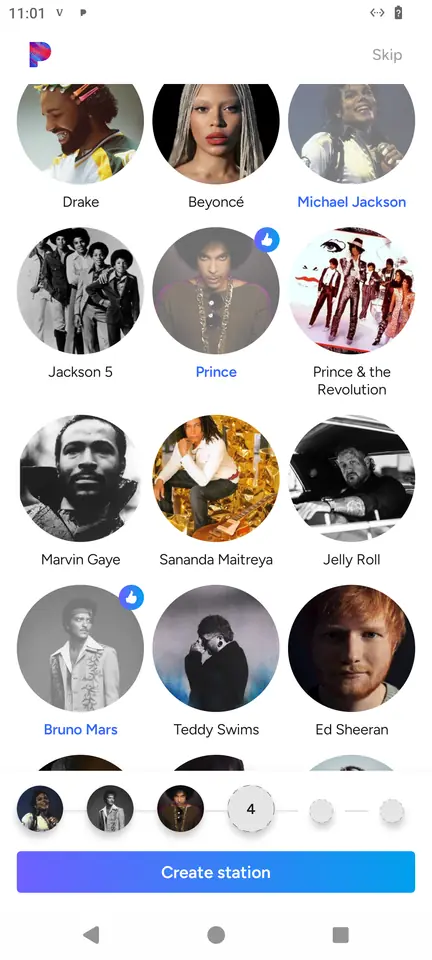
Pandora Android screen 9 — onboarding: Beyoncé
Beyoncé

Plex

4 onboarding screens
Plex Android screen 1 — onboarding: Sign in
Sign in
Plex Android screen 22 — onboarding: Share your Watch History
Share your Watch History
Plex Android screen 23 — onboarding: Anyone
Anyone
Plex Android screen 24 — onboarding: Share your Watch History
Share your Watch History

SimpMusic

4 onboarding screens
SimpMusic Android screen 4 — permissions: Allow SimpMusic to send you notifications?
Allow SimpMusic to send you…
SimpMusic Android screen 5 — onboarding: New update available
New update available
SimpMusic Android screen 6 — onboarding: Help SimpMusic lyrics build the lyrics database
Help SimpMusic lyrics build the lyrics…
SimpMusic Android screen 7 — onboarding: Warning
Warning

Vanilla Music

4 onboarding screens
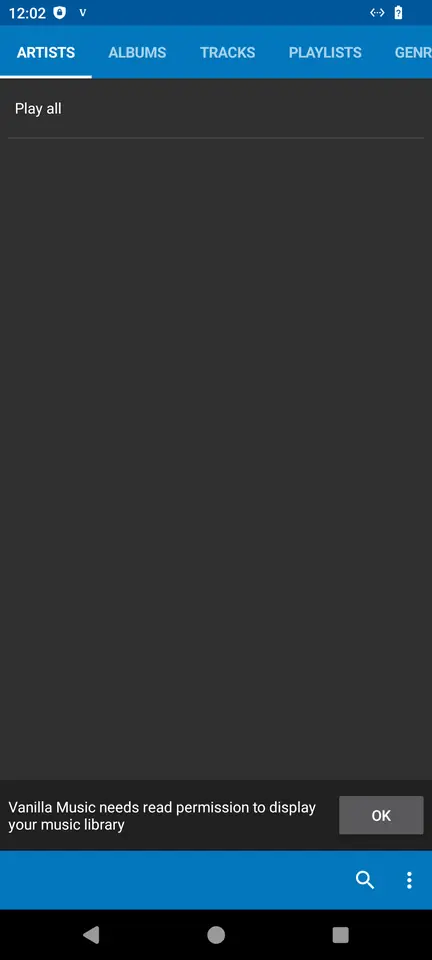
Vanilla Music Android screen 1 — onboarding: Cover art
Cover art
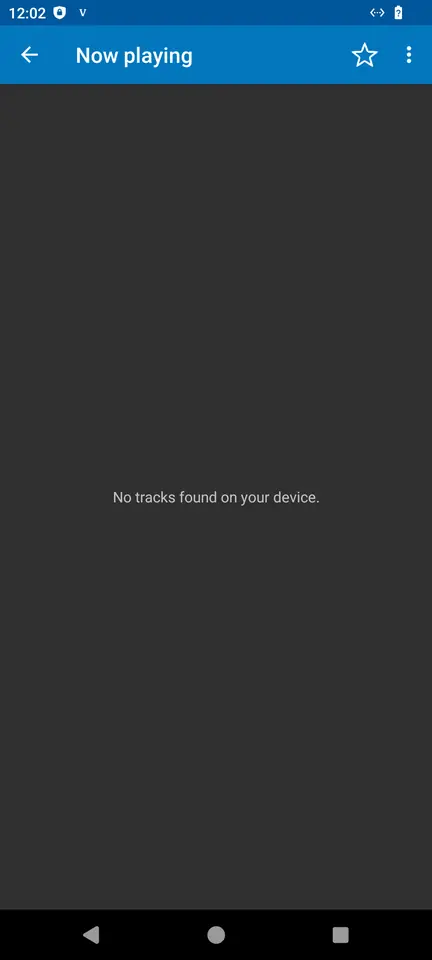
Vanilla Music Android screen 2 — onboarding: Now playing
Now playing
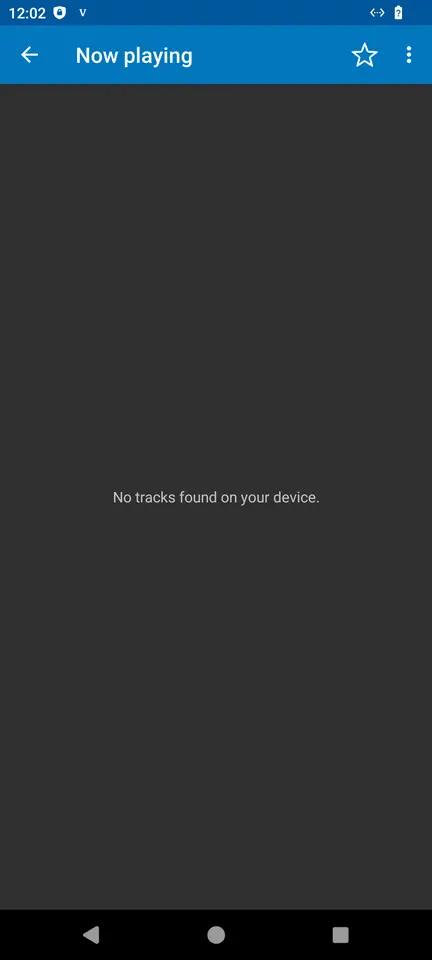
Vanilla Music Android screen 3 — onboarding: Now playing
Now playing
Vanilla Music Android screen 4 — onboarding: Cover art
Cover art

Audacy

3 onboarding screens
Audacy Android screen 7 — onboarding: Audacy
Audacy
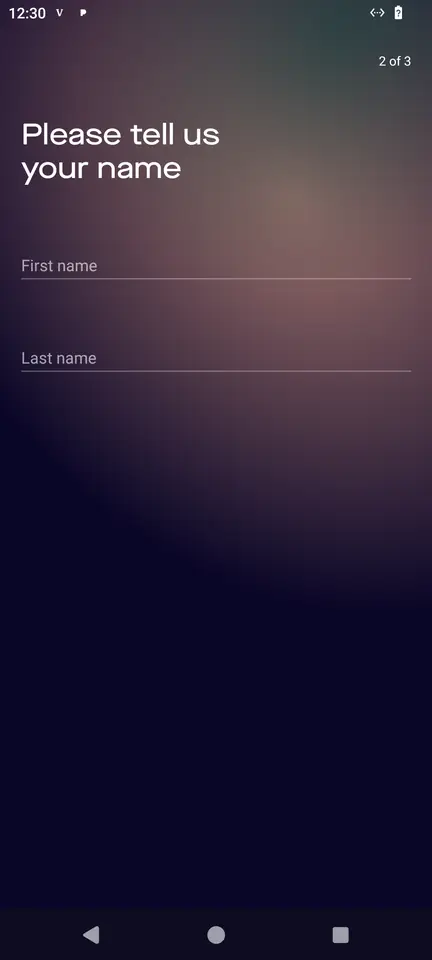
Audacy Android screen 8 — onboarding: Please tell us your name
Please tell us your name
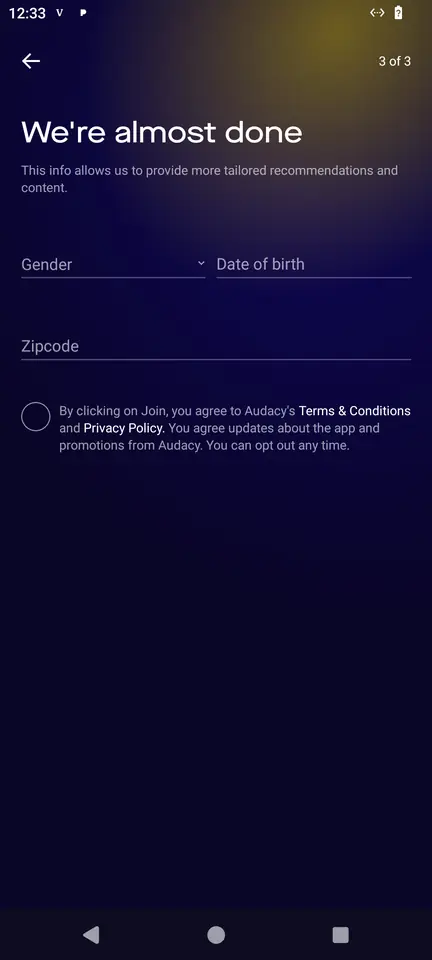
Audacy Android screen 9 — onboarding: We're almost done
We're almost done

Bandsintown

3 onboarding screens
Bandsintown Android screen 5 — onboarding: Find your new favorites
Find your new favorites
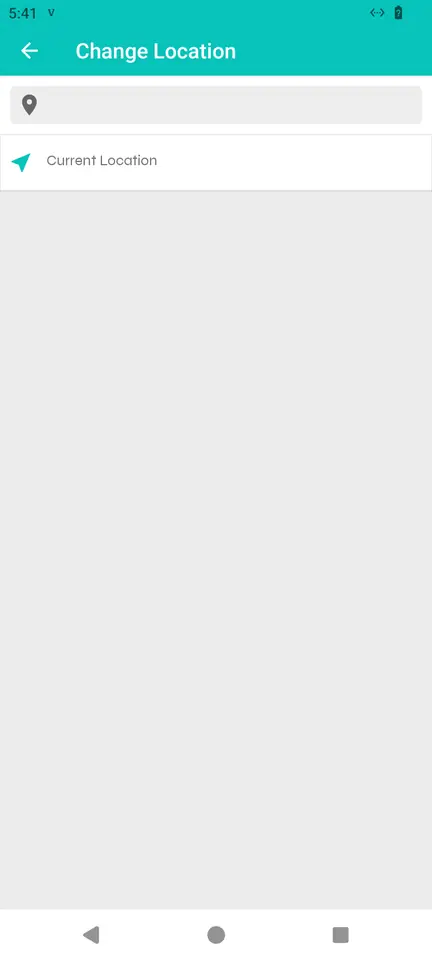
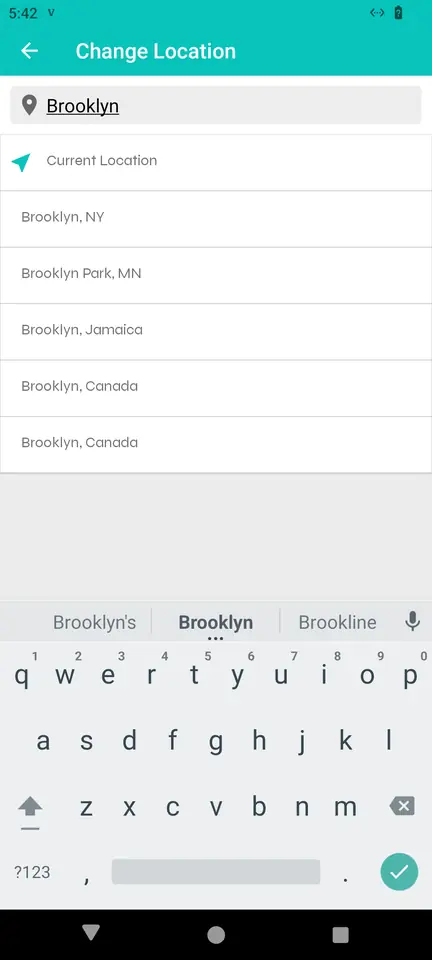
Bandsintown Android screen 8 — onboarding: Change Location
Change Location
Bandsintown Android screen 9 — onboarding: Change Location
Change Location

Gametime

3 onboarding screens
Gametime Android screen 9 — onboarding: PRICE DROPS, Last-minute deals. Up to 50% off.
PRICE DROPS, Last-minute deals. Up to…
Gametime Android screen 10 — permissions: Allow Gametime to send you notifications?
Allow Gametime to send you…
Gametime Android screen 11 — onboarding: FIND YOUR SEAT, Millions of fans have found their perfect…
FIND YOUR SEAT, Millions of fans have…

MusicSearch

3 onboarding screens
MusicSearch Android screen 1 — onboarding: Search
Search
MusicSearch Android screen 2 — onboarding: Search
Search
MusicSearch Android screen 3 — onboarding: Search
Search

Player FM

3 onboarding screens
Player FM Android screen 7 — onboarding: Terms of Service and Privacy Policy
Terms of Service and Privacy Policy
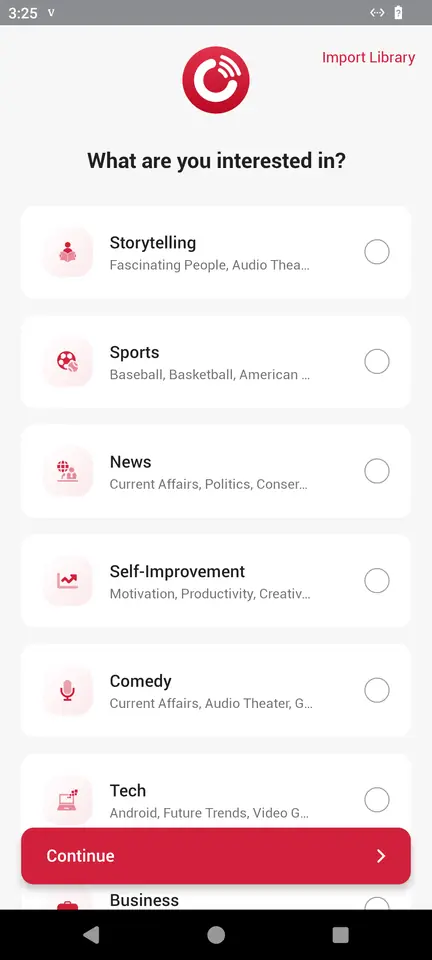
Player FM Android screen 9 — onboarding: Import Library
Import Library
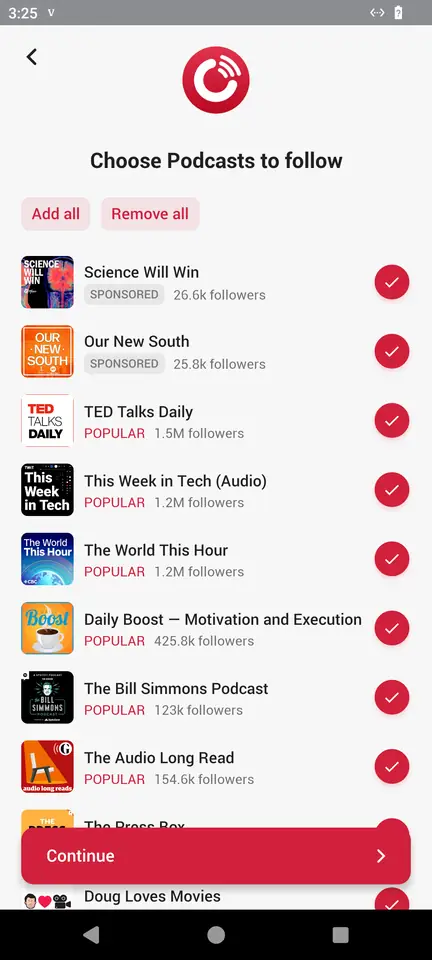
Player FM Android screen 10 — onboarding: Choose Podcasts to follow
Choose Podcasts to follow

Disney+

2 onboarding screens
Disney+ Android screen 1 — onboarding: Onboarding
Onboarding
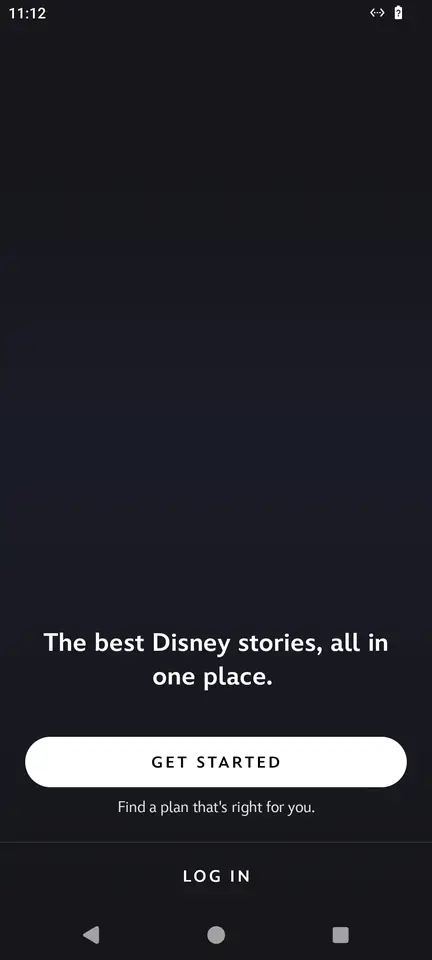
Disney+ Android screen 2 — onboarding: The best Disney stories, all in one place.
The best Disney stories, all in one…

Fandom

2 onboarding screens
Fandom Android screen 7 — onboarding: Banner view Logo
Banner view Logo
Fandom Android screen 9 — onboarding: Find your fandoms.
Find your fandoms.

MetaBrainz

2 onboarding screens
MetaBrainz Android screen 1 — onboarding: Search
Search
MetaBrainz Android screen 2 — onboarding: Some of the functionalities are specially available…
Some of the functionalities are…

NewPipe

2 onboarding screens
NewPipe Android screen 1 — permissions: Allow NewPipe to send you notifications?
Allow NewPipe to send you notifications?
NewPipe Android screen 2 — onboarding: Keep Android Open
Keep Android Open

Podcast Addict

2 onboarding screens
Podcast Addict Android screen 1 — onboarding: Welcome to Podcast Addict
Welcome to Podcast Addict
Podcast Addict Android screen 2 — onboarding: Before you start
Before you start

Bandcamp

1 onboarding screen
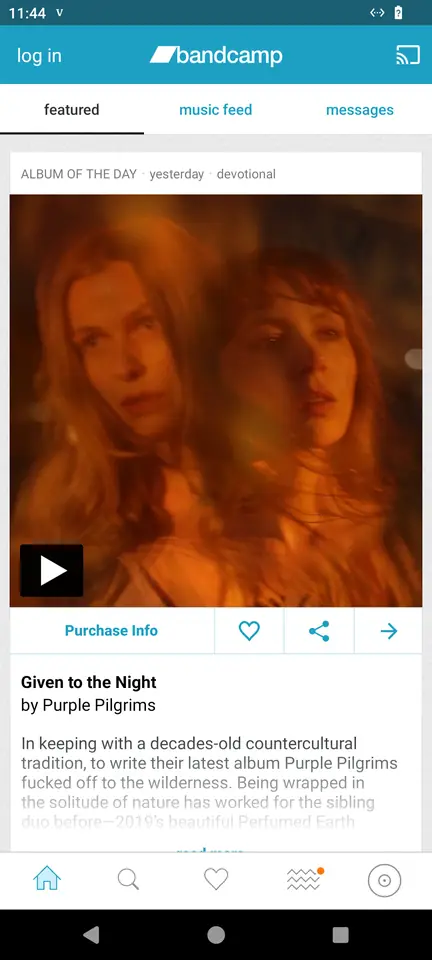
Bandcamp Android screen 13 — onboarding: log in
log in

Bilimiao

1 onboarding screen
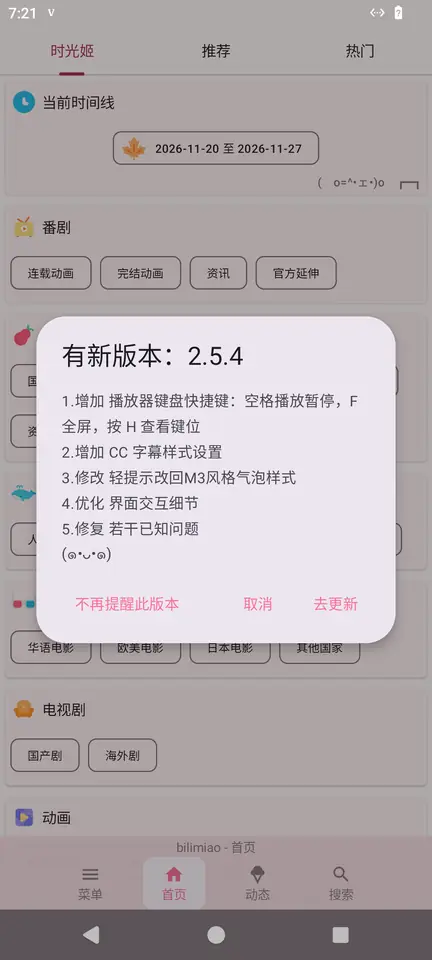
Bilimiao Android screen 1 — onboarding: 有新版本:2.5.4 (Chinese UI)
有新版本:2.5.4

Netflix

1 onboarding screen
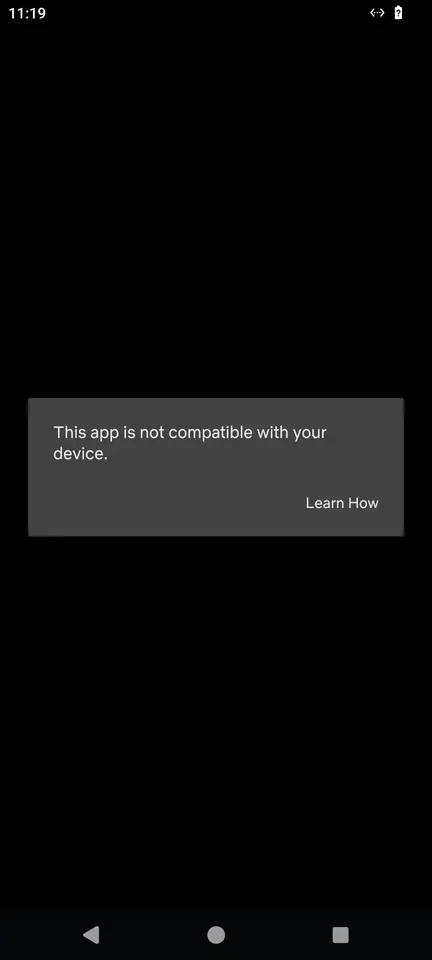
Netflix Android screen 1 — onboarding: This app is not compatible with your device.
This app is not compatible with your…

PipePipe

1 onboarding screen
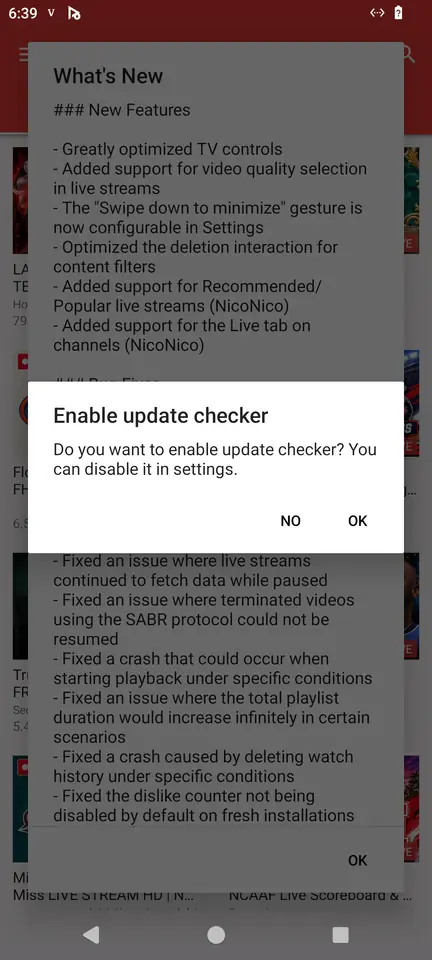
PipePipe Android screen 1 — onboarding: Enable update checker
Enable update checker

Podbean

1 onboarding screen
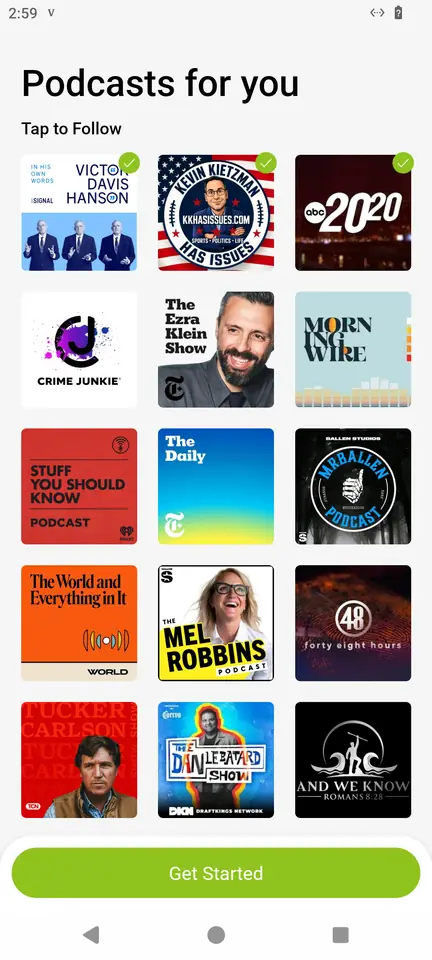
Podbean Android screen 8 — onboarding: Podcasts for you
Podcasts for you

Podcini

1 onboarding screen
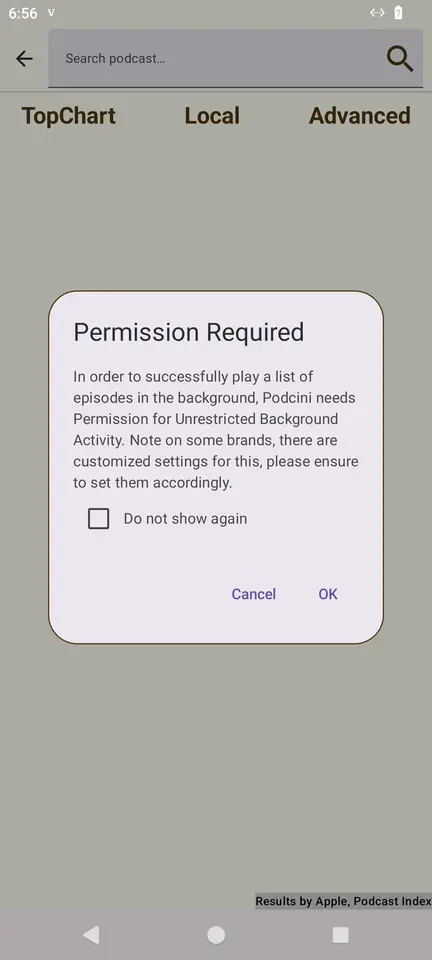
Podcini Android screen 1 — onboarding: Permission Required
Permission Required

Podium

1 onboarding screen
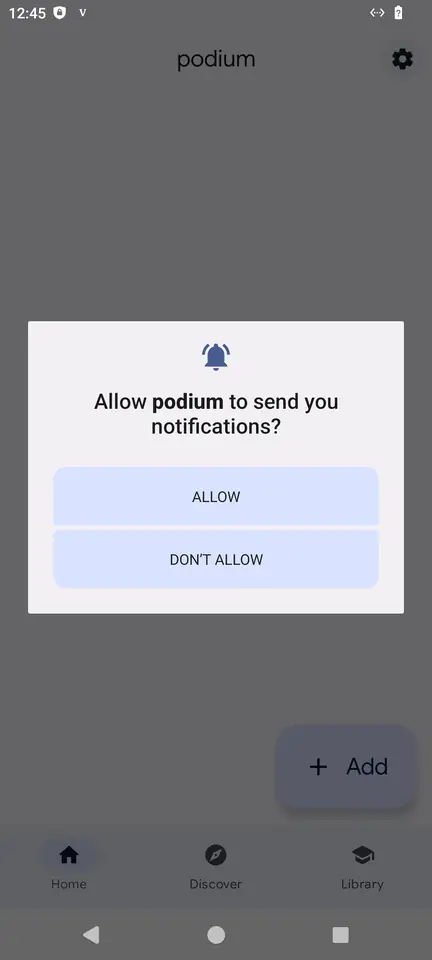
Podium Android screen 5 — permissions: Allow podium to send you notifications?
Allow podium to send you notifications?

ShowCase

1 onboarding screen
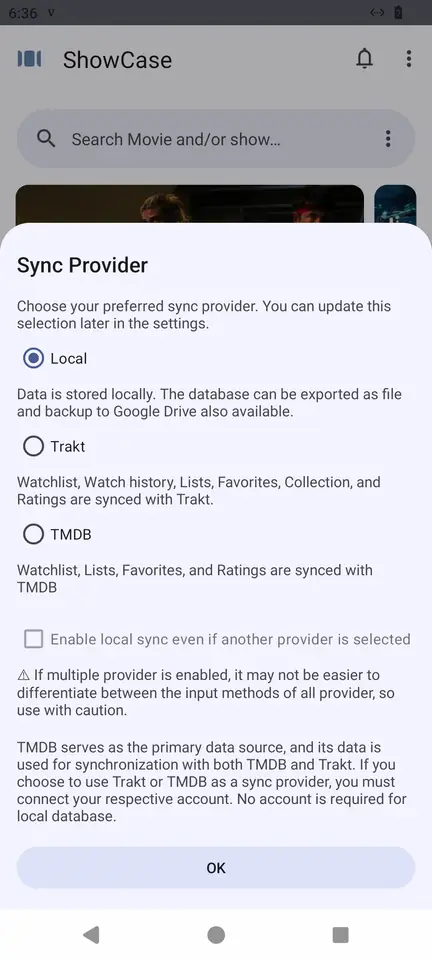
ShowCase Android screen 1 — onboarding: Sync Provider
Sync Provider

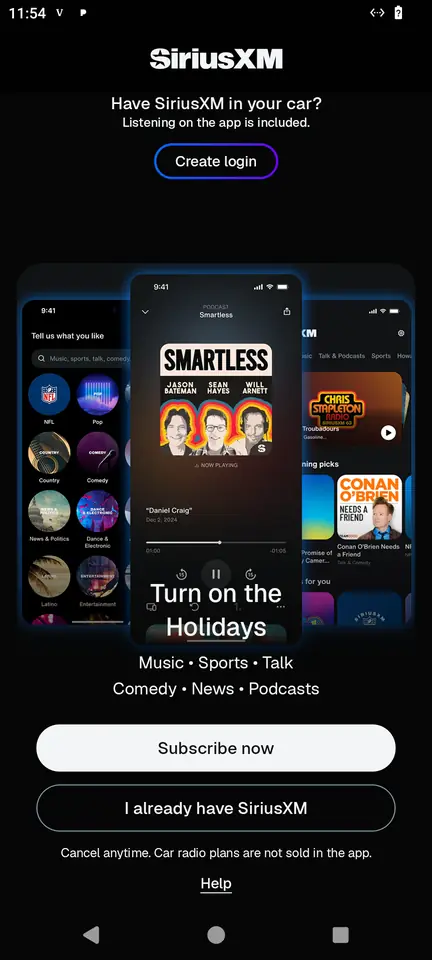
SiriusXM

1 onboarding screen
SiriusXM Android screen 1 — onboarding: Sirius X M logo
Sirius X M logo

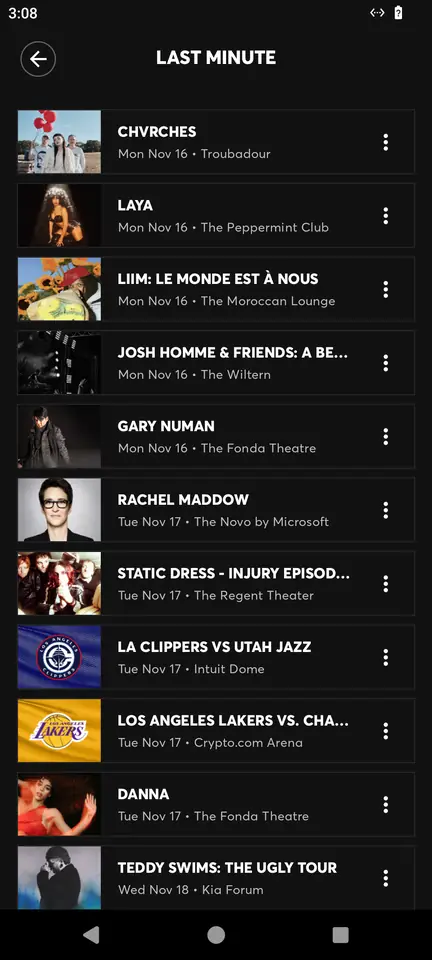
Ticketmaster

1 onboarding screen
Ticketmaster Android screen 6 — onboarding: CHVRCHES
CHVRCHES

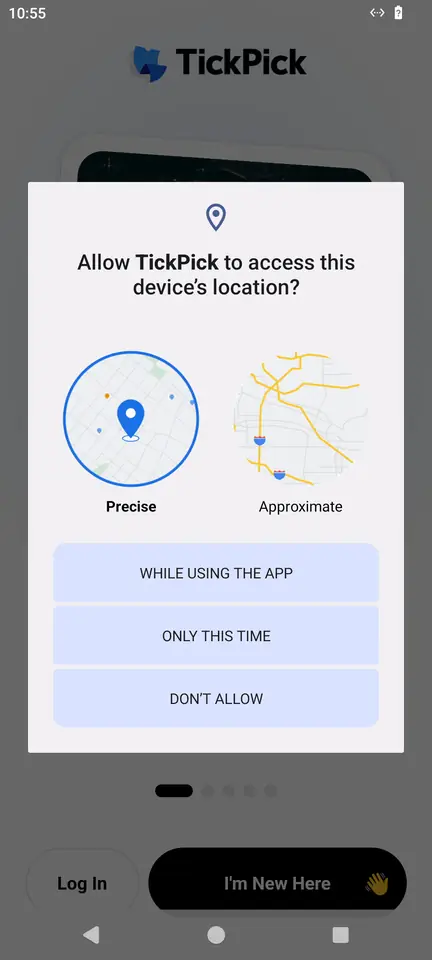
TickPick

1 onboarding screen
TickPick Android screen 1 — permissions: Allow TickPick to access this device’s location?
Allow TickPick to access this device’s…

UI components on streaming & entertainment onboarding screens

Share of the 86 screens where each component is in the view hierarchy and drawn on screen; the example shows it outlined.

VLC Android screen 8 — permissions: Allow VLC to send you notifications?

Button

25 screens29%

15 apps · example: VLC

VLC Android screen 8 — permissions: Allow VLC to send you notifications?

Dialog

13 screens15%

11 apps · example: VLC

Genius Android screen 8 — onboarding: Genius onboarding

Toolbar

10 screens12%

5 apps · example: Genius

Vanilla Music Android screen 1 — onboarding: Cover art

Icon button

7 screens8%

3 apps · example: Vanilla Music

iHeartRadio Android screen 7 — onboarding: Step 3

Text field

7 screens8%

4 apps · example: iHeartRadio

SimpMusic Android screen 6 — onboarding: Help SimpMusic lyrics build the lyrics database

Checkbox

6 screens7%

5 apps · example: SimpMusic

VLC Android screen 7 — onboarding: Notification permission

Bottom sheet

5 screens6%

4 apps · example: VLC

iHeartRadio Android screen 8 — onboarding: Step 4

Radio button

5 screens6%

5 apps · example: iHeartRadio

UI patterns on streaming & entertainment onboarding screens

VLC Android screen 8 — permissions: Allow VLC to send you notifications?

Permission priming

8 of 31 apps26%

example: VLC

VLC Android screen 1 — onboarding: Welcome to VLC!

Skip button

7 of 31 apps23%

example: VLC

VLC Android screen 1 — onboarding: Welcome to VLC!

Welcome screen

7 of 31 apps23%

example: VLC

iHeartRadio Android screen 8 — onboarding: Step 4

Onboarding survey

3 of 31 apps10%

example: iHeartRadio

iHeartRadio Android screen 7 — onboarding: Step 3
Audiomack Android screen 9 — onboarding: WHAT DO YOU WANT TO LISTEN TO?

Search bar

3 of 31 apps10%

example: Audiomack

Audiomack Android screen 10 — onboarding: Audio­mack

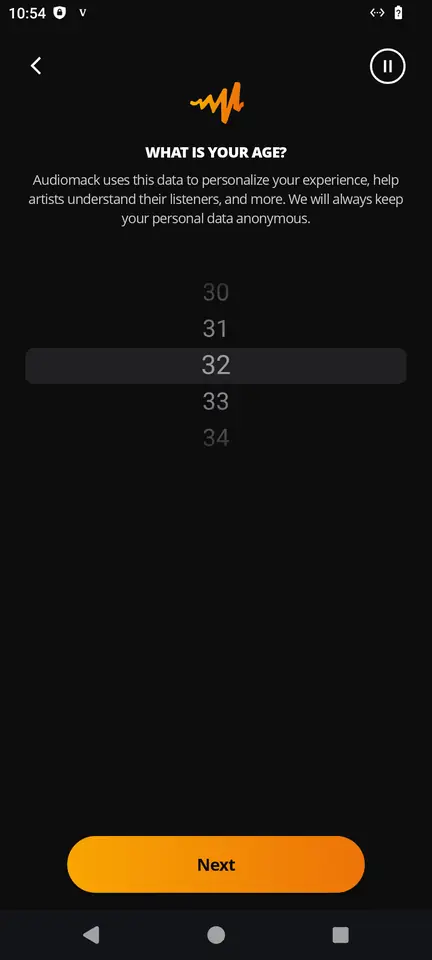
Age gate

2 of 31 apps6%

example: Audiomack

What streaming & entertainment apps say on these screens

UI copy that appears on the onboarding screens of two or more streaming & entertainment apps, with the number of apps using it.

  • DON’T ALLOW7 apps
  • ALLOW6 apps
  • OK6 apps
  • Skip6 apps
  • Log In5 apps
  • Next5 apps
  • Back3 apps
  • Cancel3 apps
  • DONE3 apps
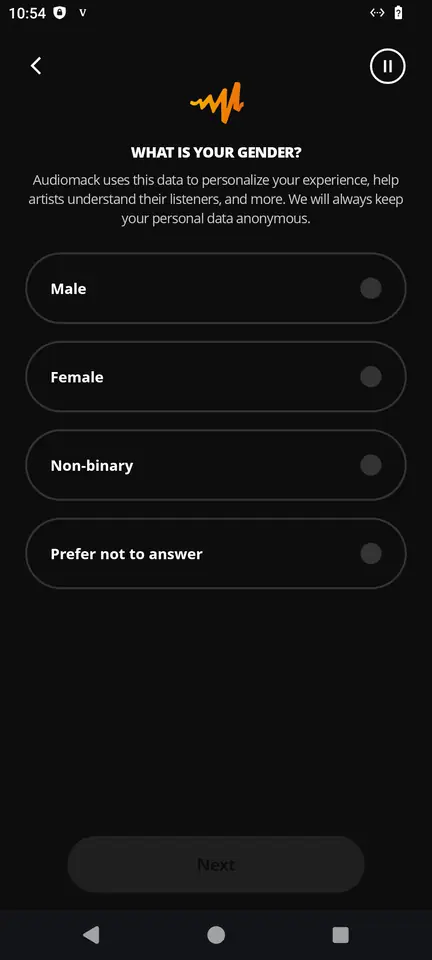
  • Female3 apps
  • Get Started3 apps
  • Do not show again2 apps

Best practices for onboarding screens

  • Show the core value on the first screen in one sentence.
  • Ask only what you will use to personalise the app, and say why you ask.
  • Show progress (a bar or “2 of 5”) when the flow has more than three steps.
  • Offer a Skip or “Not now” on anything optional.
  • Ask for permissions in context, after explaining the benefit.

Design notes for streaming & entertainment apps

  • Lead the home screen with “continue watching” for returning users.
  • Use large artwork in horizontal shelves with clear section titles.
  • Let users browse without an account where licensing allows; ask at play or purchase time.
  • Keep search and the user's list in the bottom navigation.

FAQ

What do streaming & entertainment app onboarding screens look like?

The UI Lane library holds 86 onboarding screens from 31 Android streaming & entertainment apps (VLC, Retro Music Player, Letterboxd, iHeartRadio, Audiomack and Genius and more). Across these 86 screens the most common detected components are button (29%), dialog (15%) and toolbar (12%). The most common UI patterns are permission priming (8 of 31 apps), skip button (7 of 31 apps) and welcome screen (7 of 31 apps).

Which streaming & entertainment apps have the longest onboarding flow?

20 of these apps have their full onboarding flow captured step by step: the longest is VLC (8 screens), the shortest Disney+ (2 screens). Full list: VLC (8), Retro Music Player (7), Letterboxd (6), iHeartRadio (5), Audiomack (4), Genius (4), Pandora (4), Plex (4), SimpMusic (4), Vanilla Music (4), Audacy (3), Bandsintown (3), MusicSearch (3), Player FM (3), Disney+ (2), Fandom (2), Gametime (2), MetaBrainz (2), NewPipe (2) and Podcast Addict (2).

What do streaming & entertainment apps say on their onboarding screens?

UI copy used by two or more of these apps: “DON’T ALLOW” (7 apps), “ALLOW” (6 apps), “OK” (6 apps), “Skip” (6 apps) and “Log In” (5 apps).

Captured on real Android devices · last updated 2026-11-14