Social media app onboarding screens: 53 screens from 10 Android apps
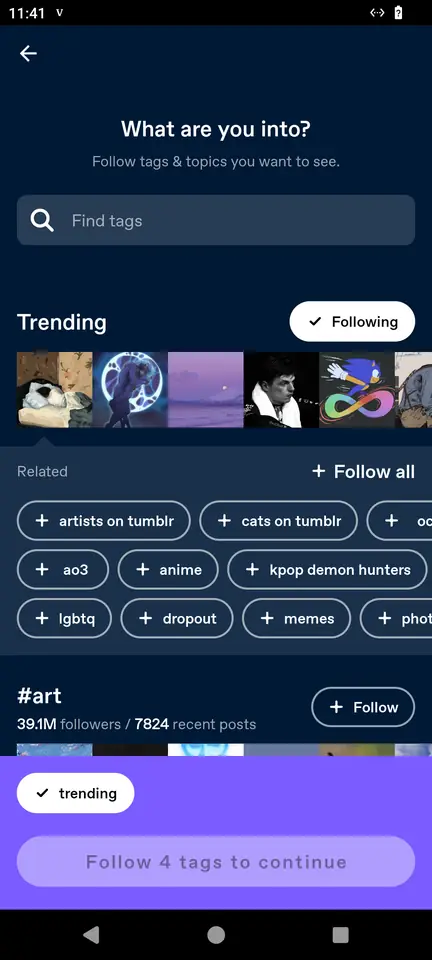
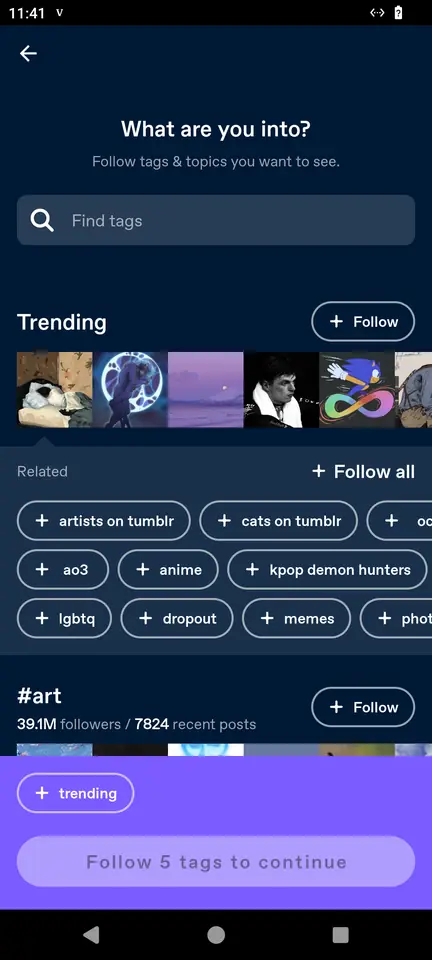
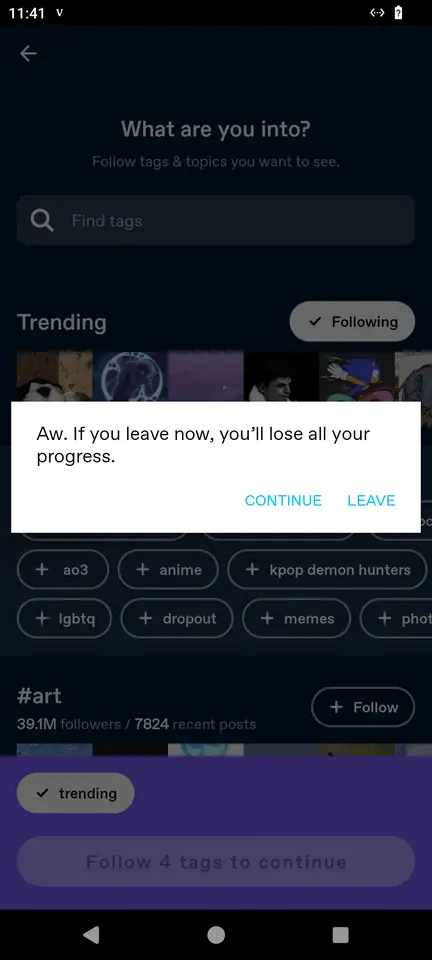
Every onboarding screen we captured in social apps: 53 screens from 10 Android apps, grouped by app. 9 of these apps have their full onboarding flow captured step by step: the longest is Tumblr (10 screens), the shortest Telegram (2 screens). Across these 53 screens the most common detected components are button (60%), text field (19%) and dialog (17%).
Social onboarding flows compared
Each flow as captured on a real Android device, step by step. Below each flow: the sequence of step roles we read from its screens (runs of the same role collapsed).
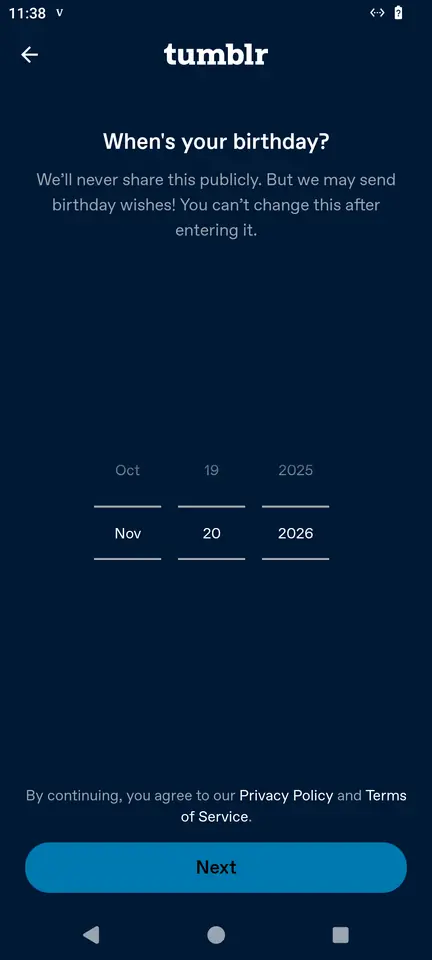
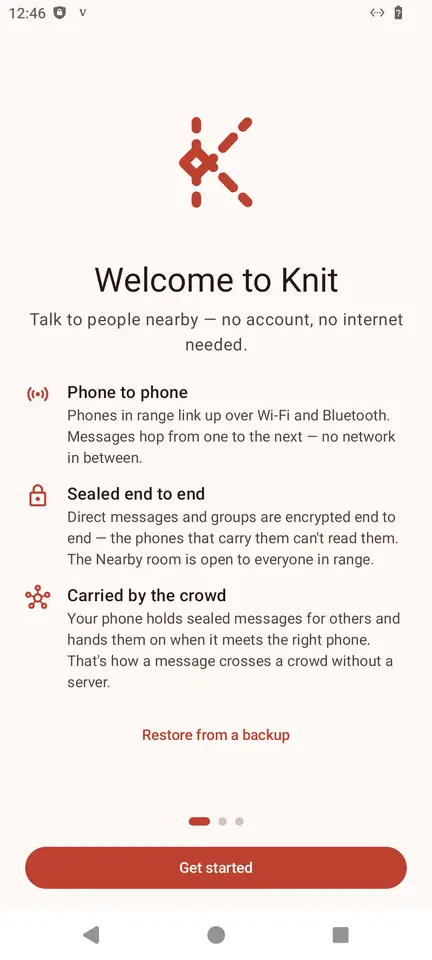
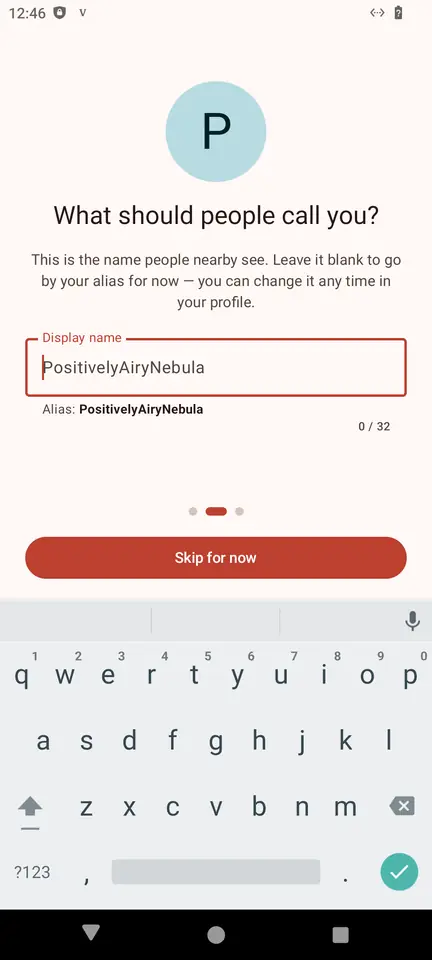
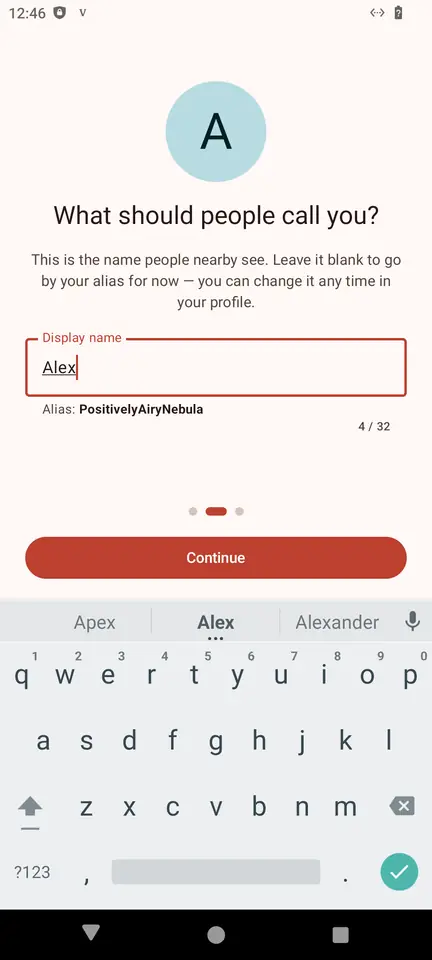
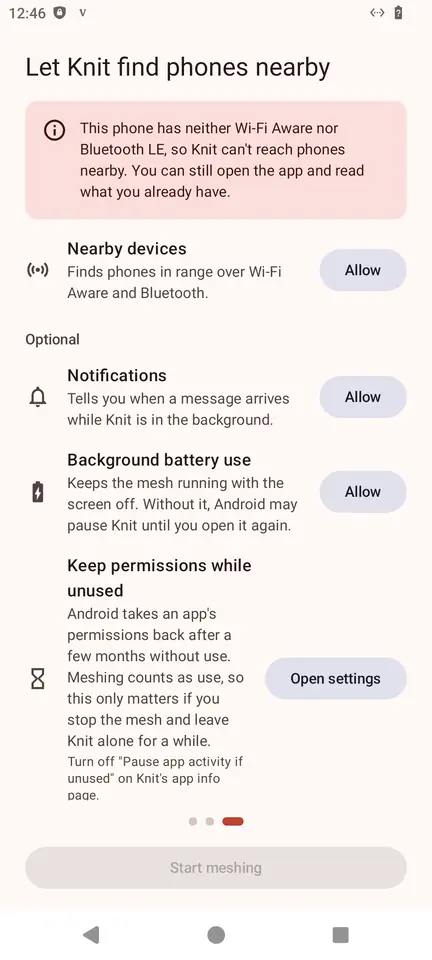
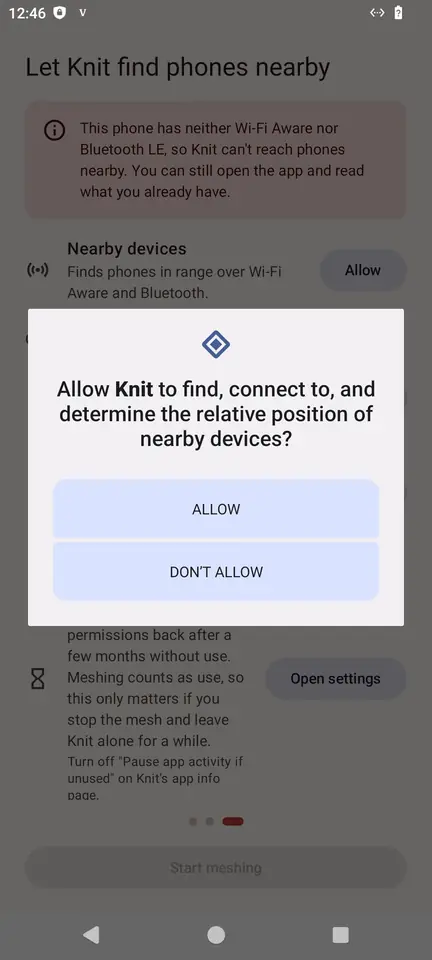
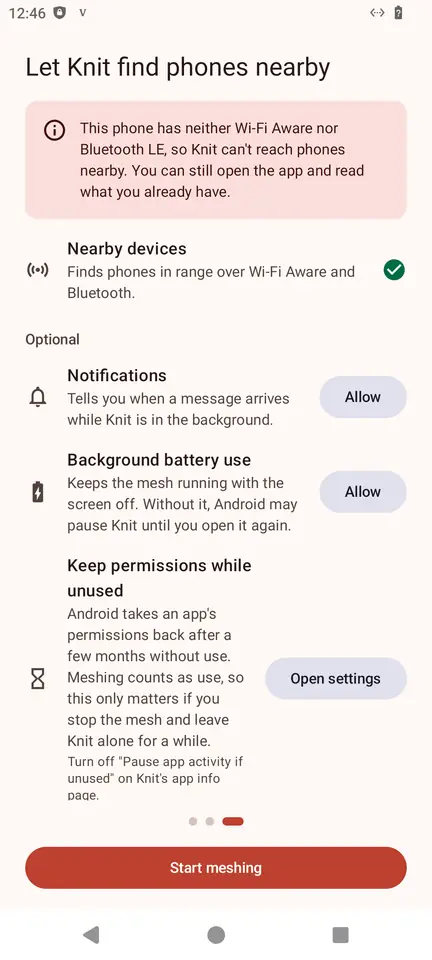
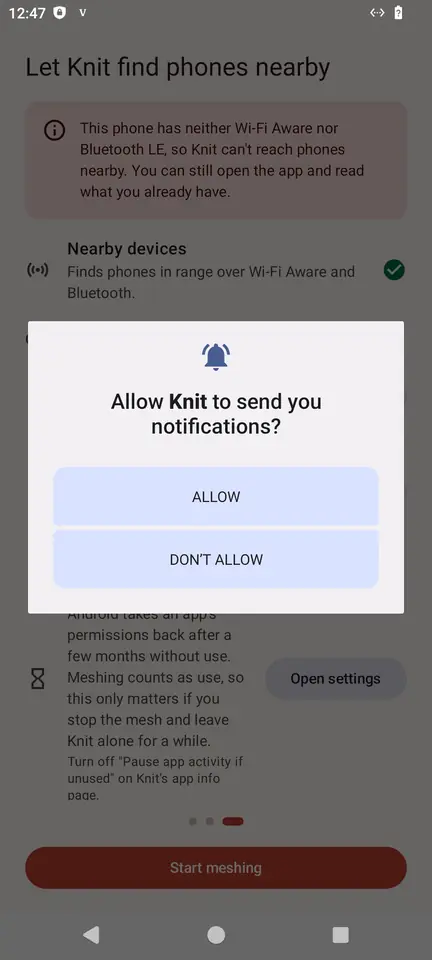
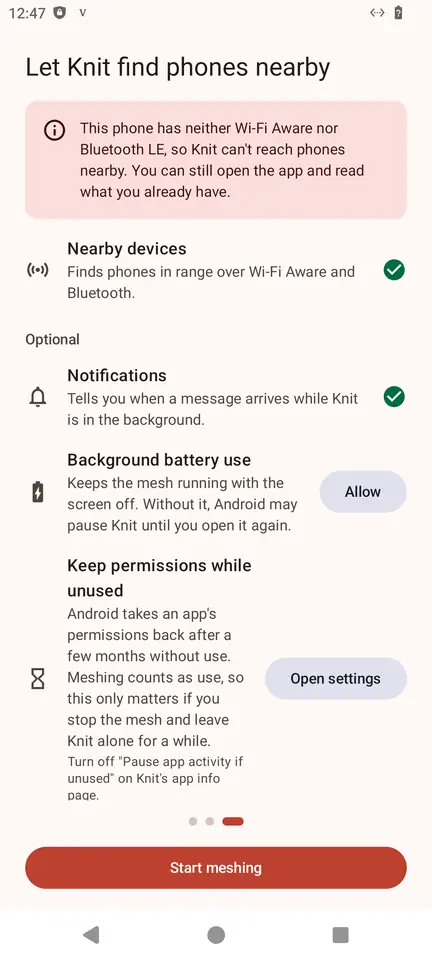
Knit onboarding flow
9 screens · 3 questions · progress shown on 3 screens · skip option on 1 screen
Value pitch → Question ×3 → Permission prompt ×2 → Info → Permission prompt → Info
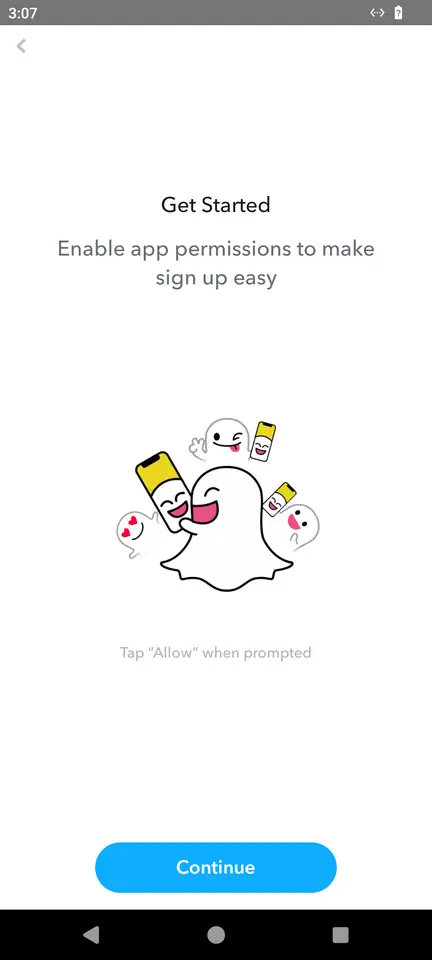
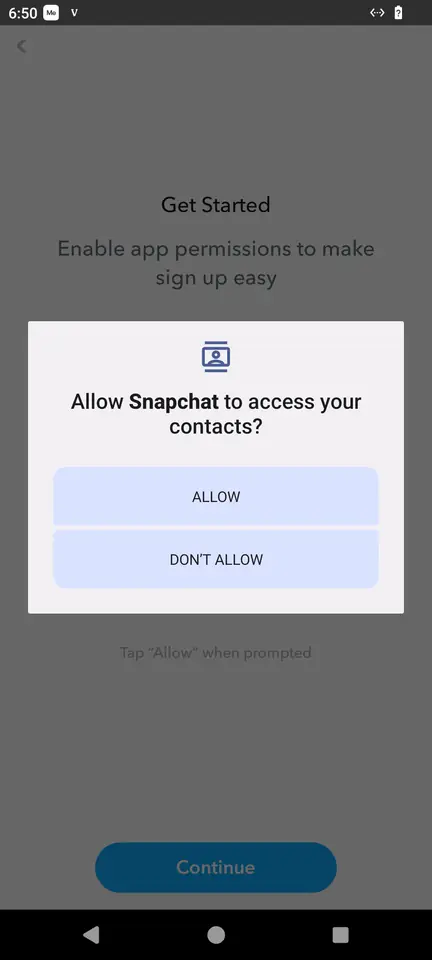
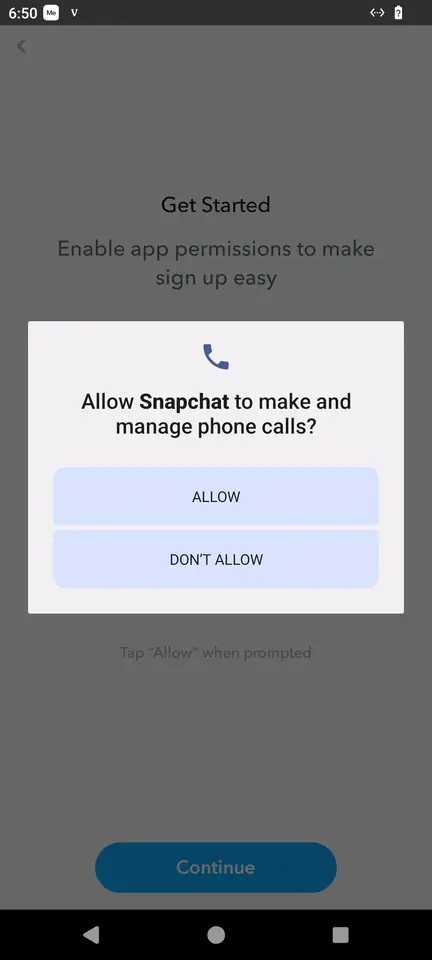
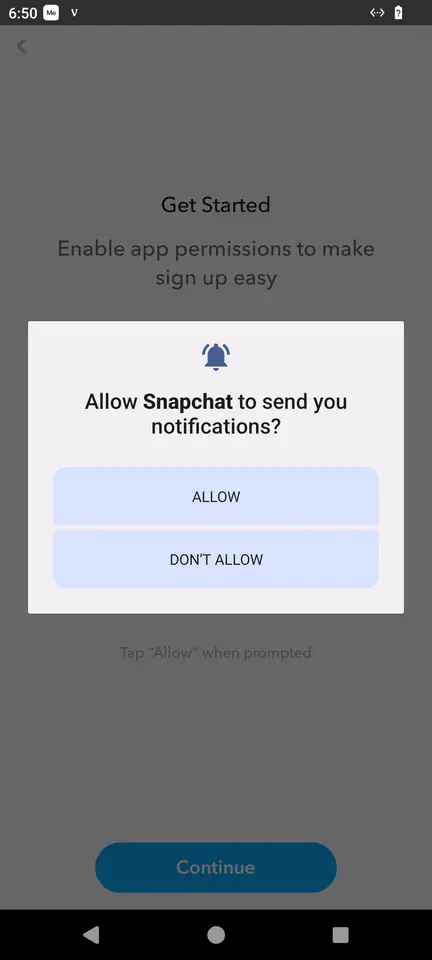
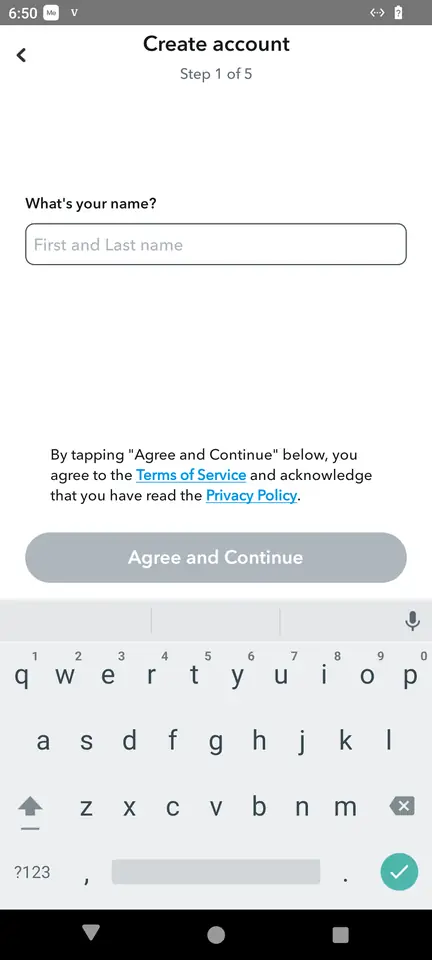
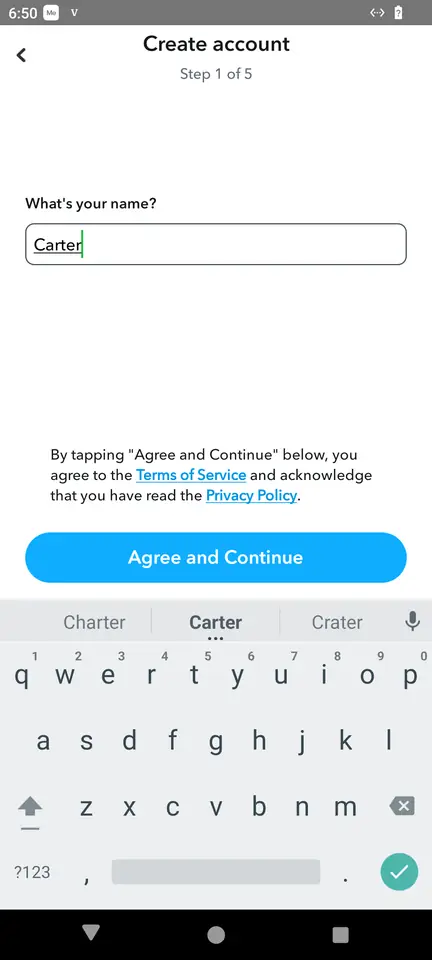
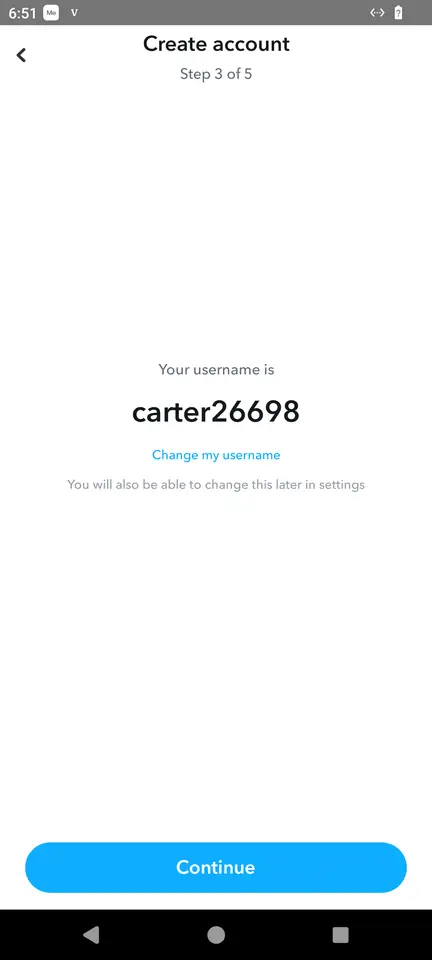
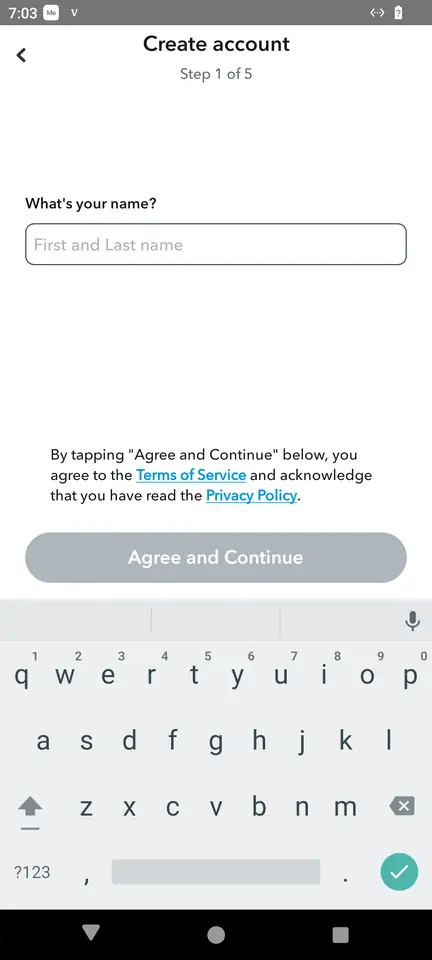
Snapchat onboarding flow
8 screens · 2 questions · progress shown on 3 screens
Value pitch ×2 → Permission prompt ×3 → Question ×2 → Account ask
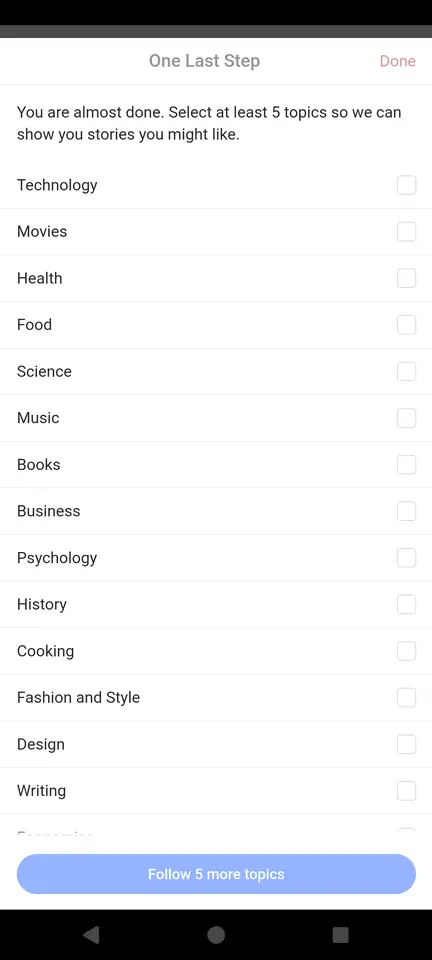
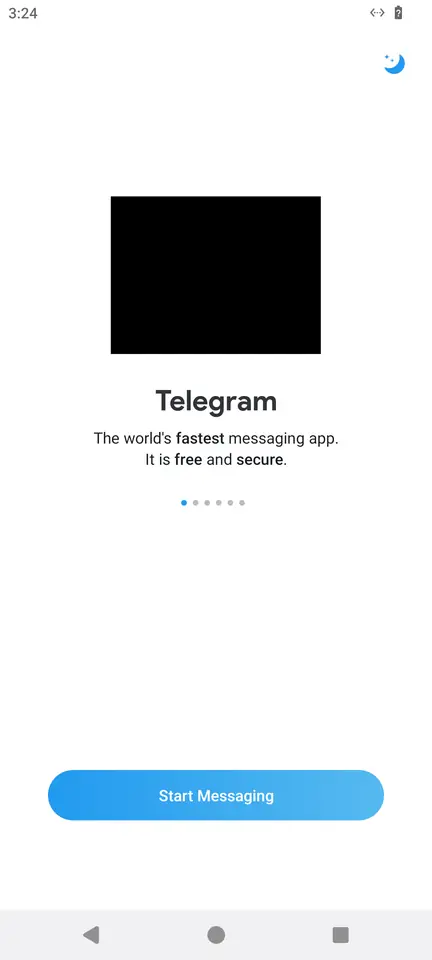
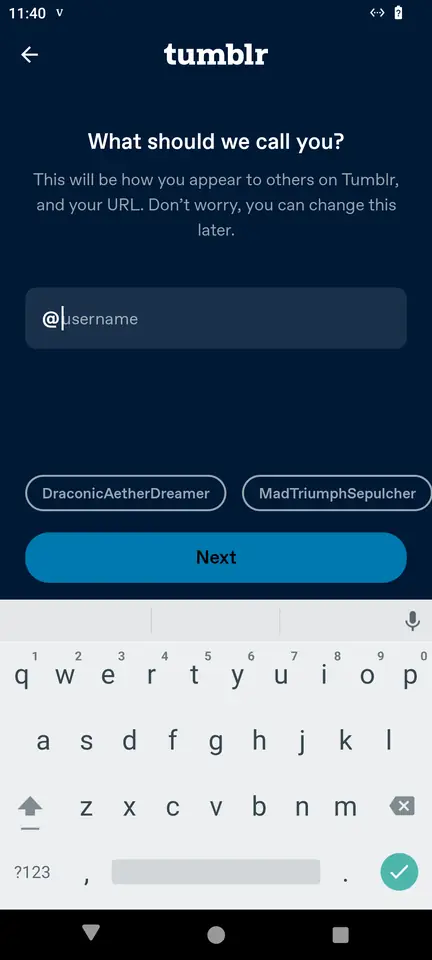
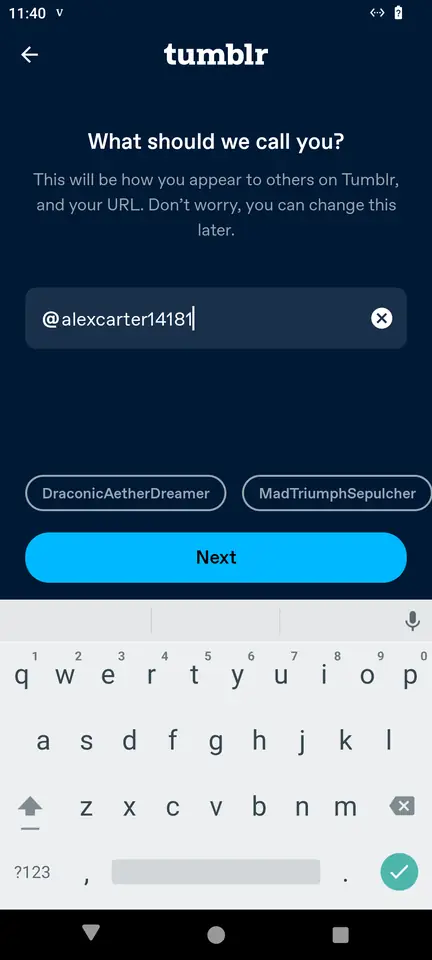
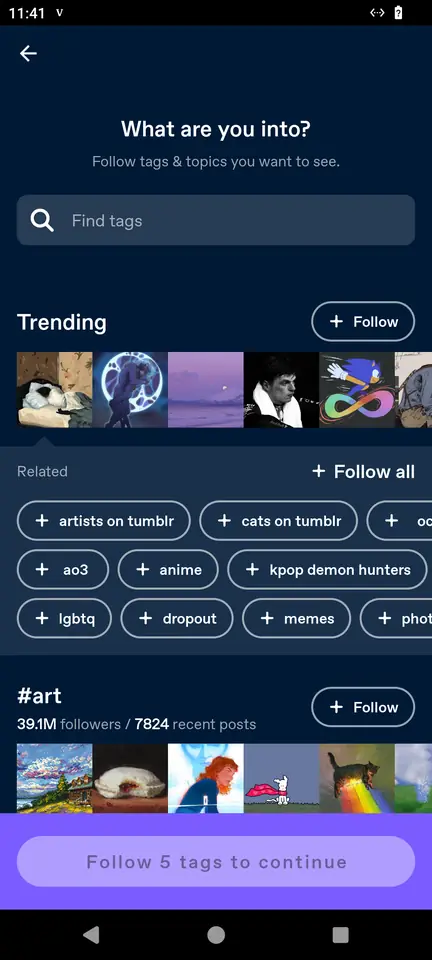
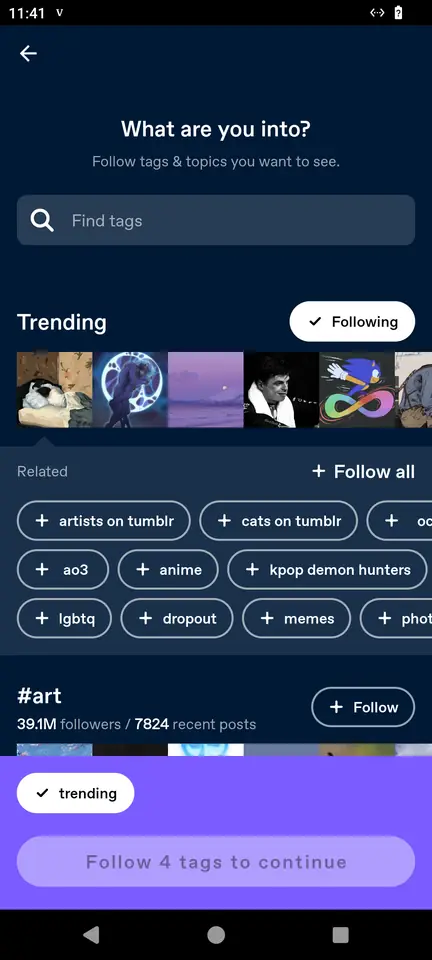
Tumblr
11 onboarding screens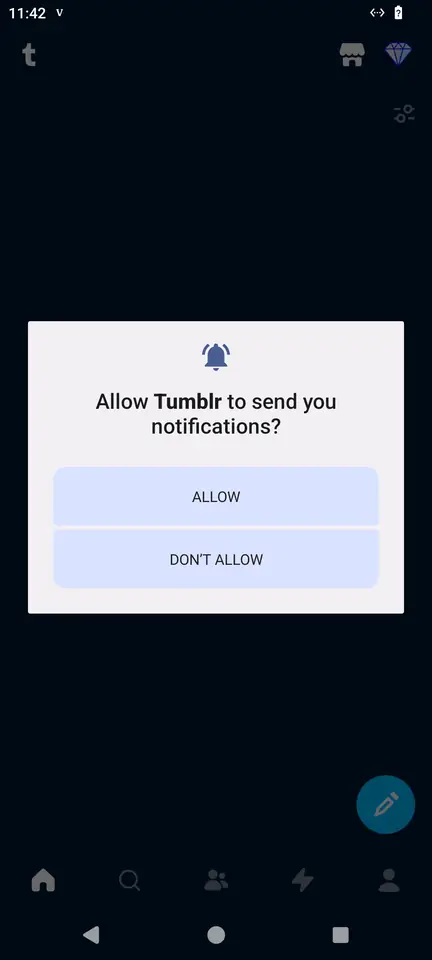
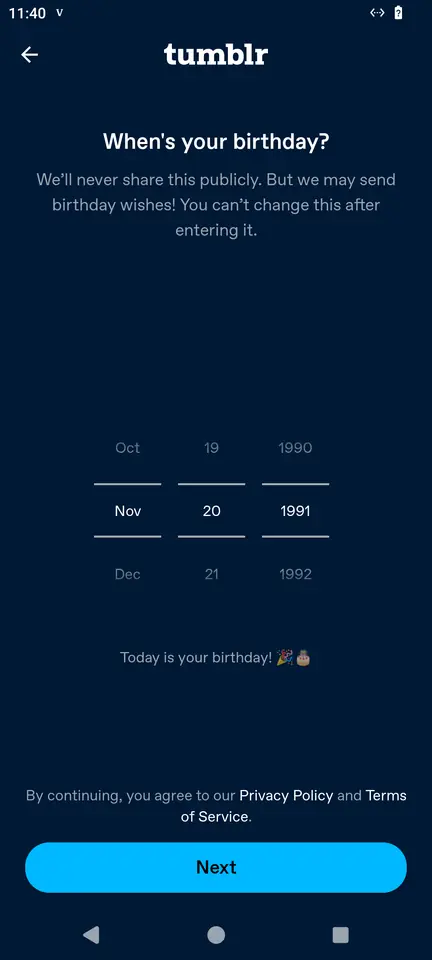
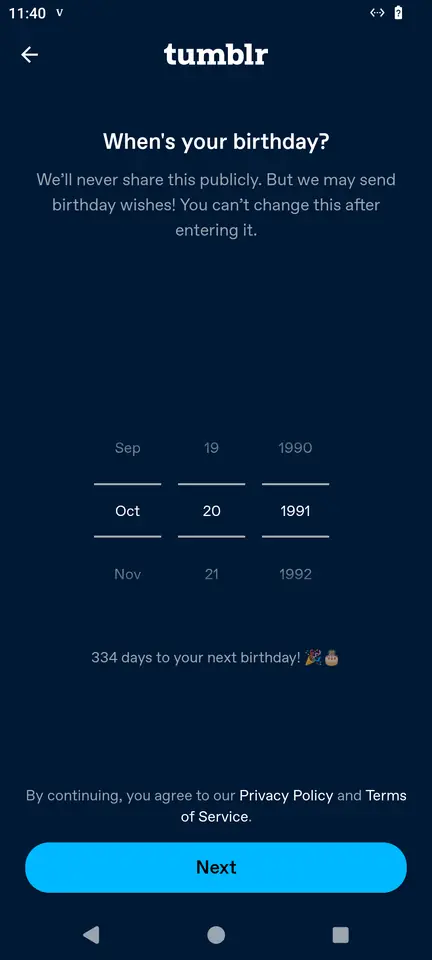
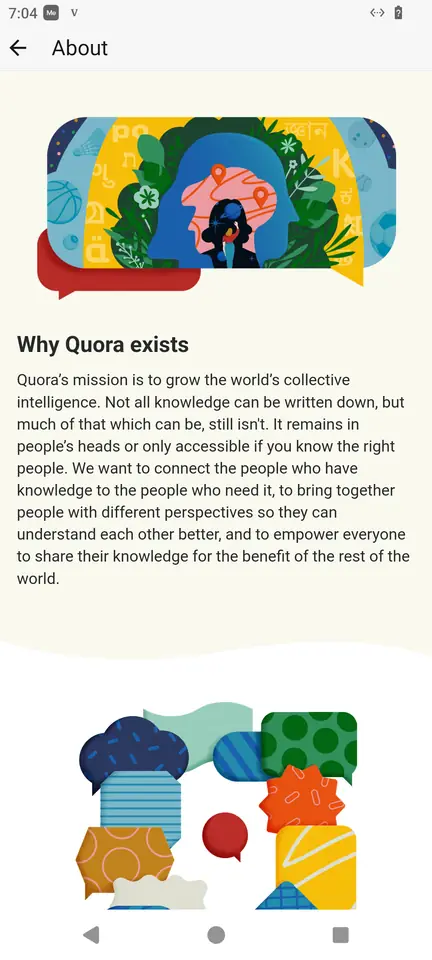
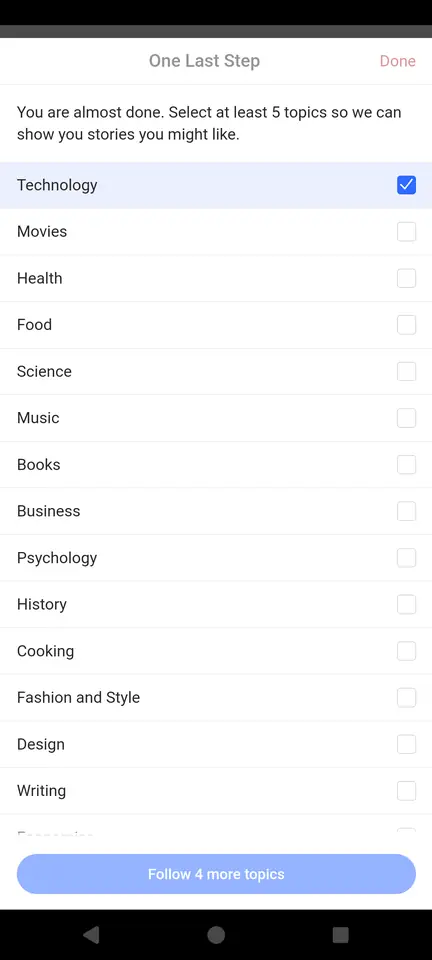
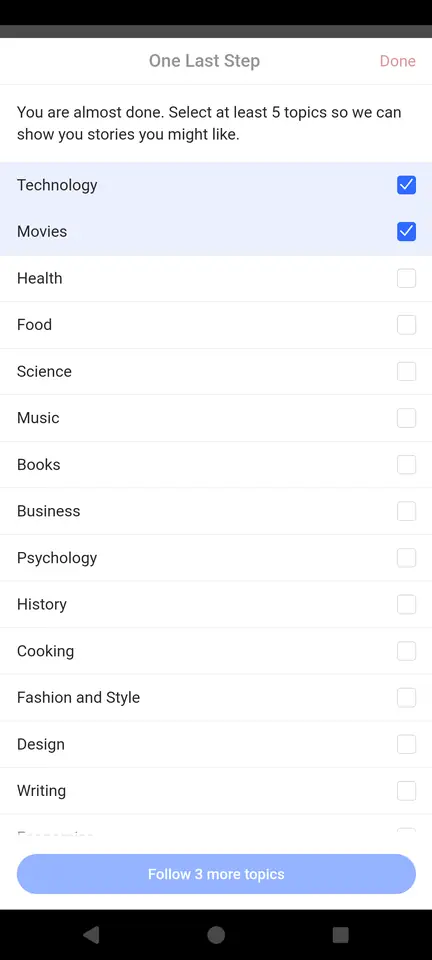
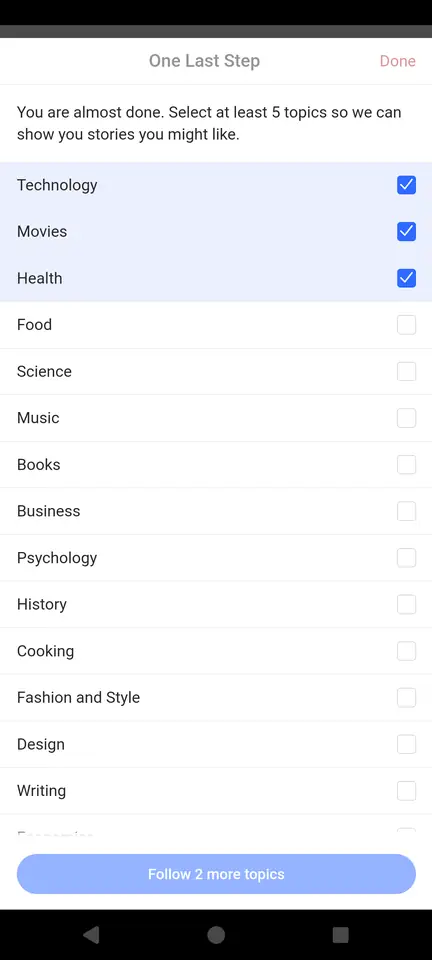
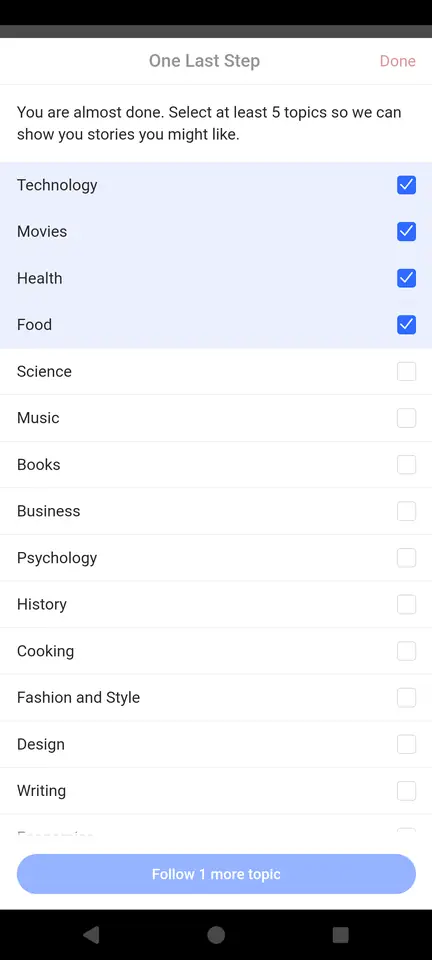
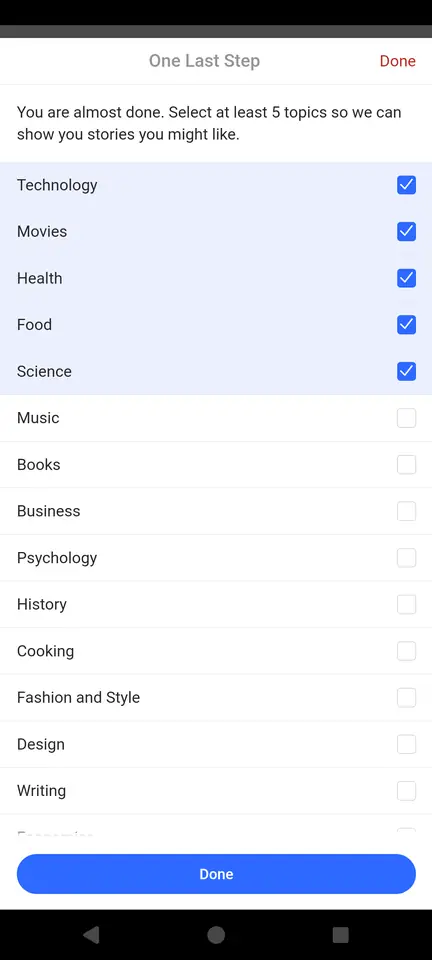
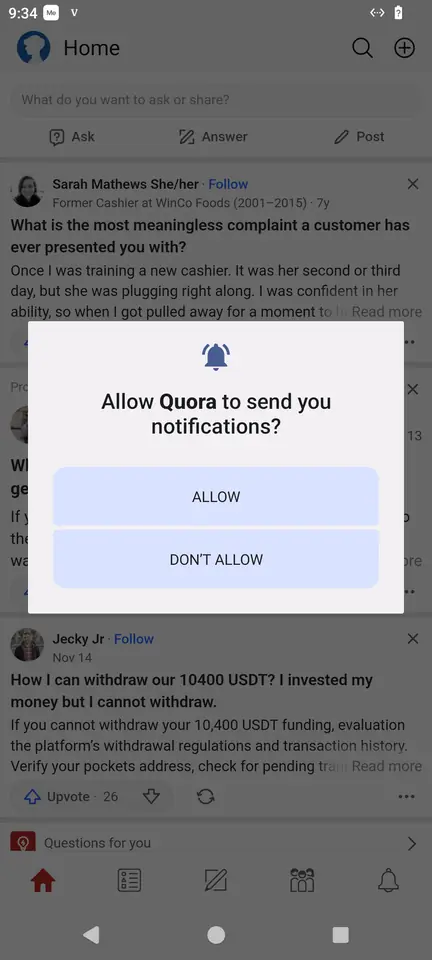
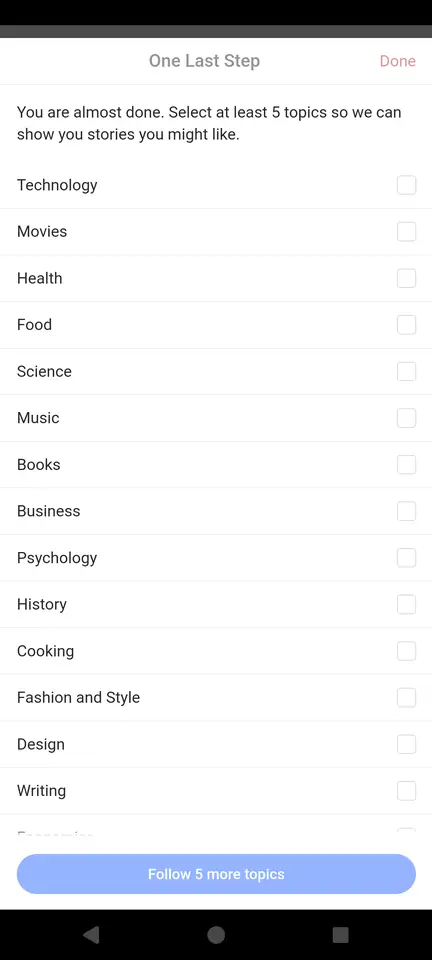
Quora
10 onboarding screens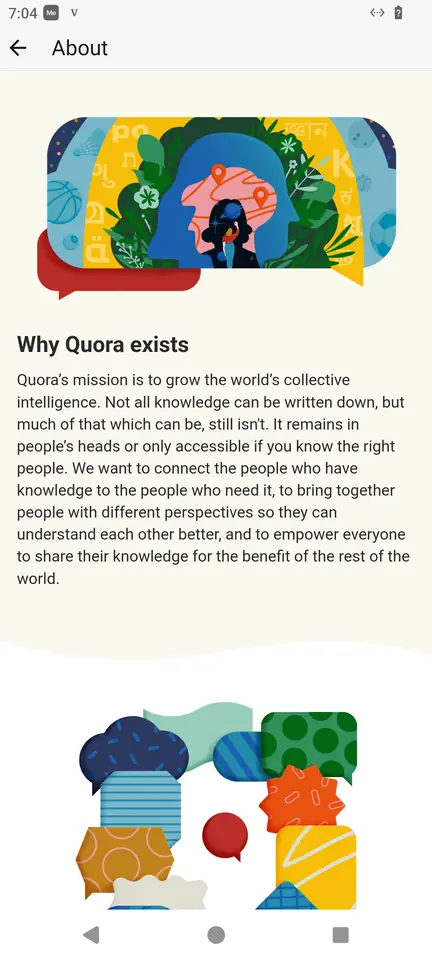
Knit
9 onboarding screens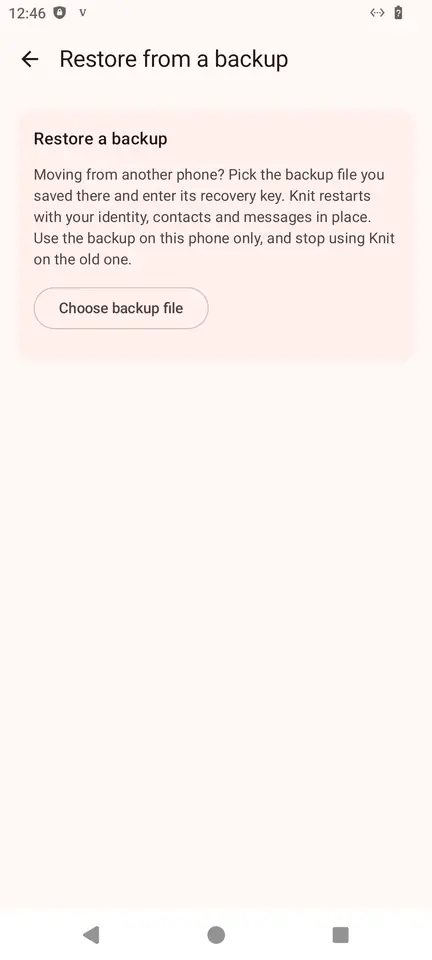
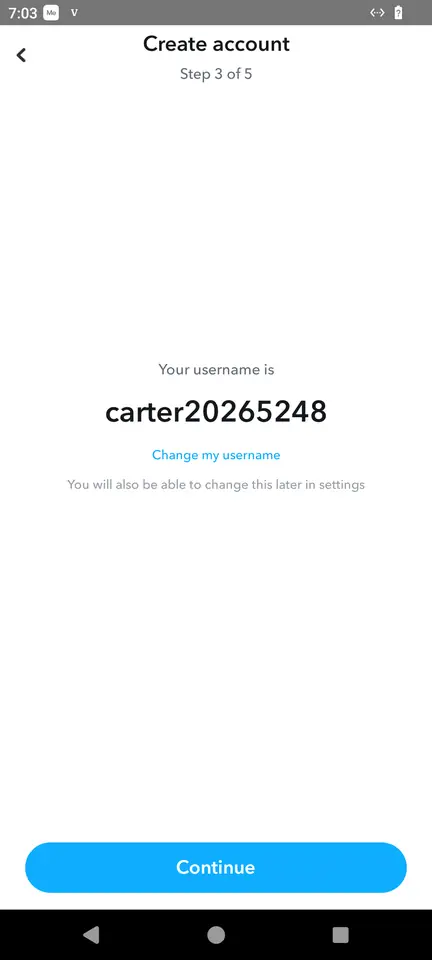
Snapchat
9 onboarding screens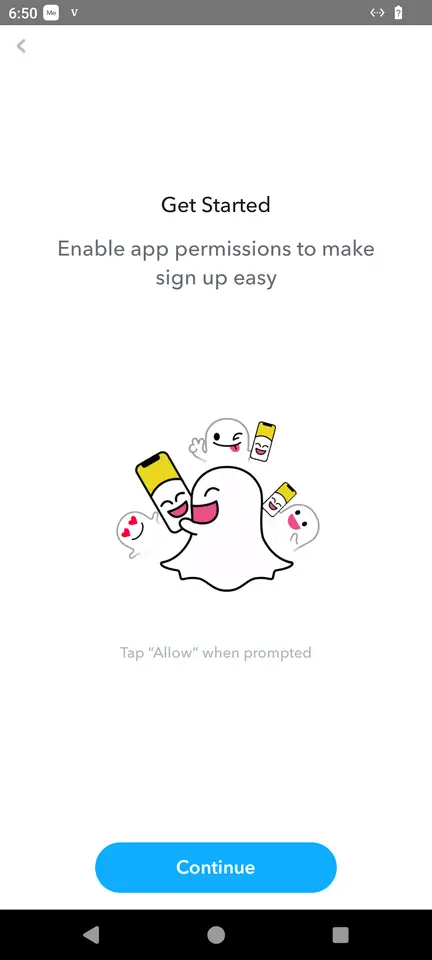
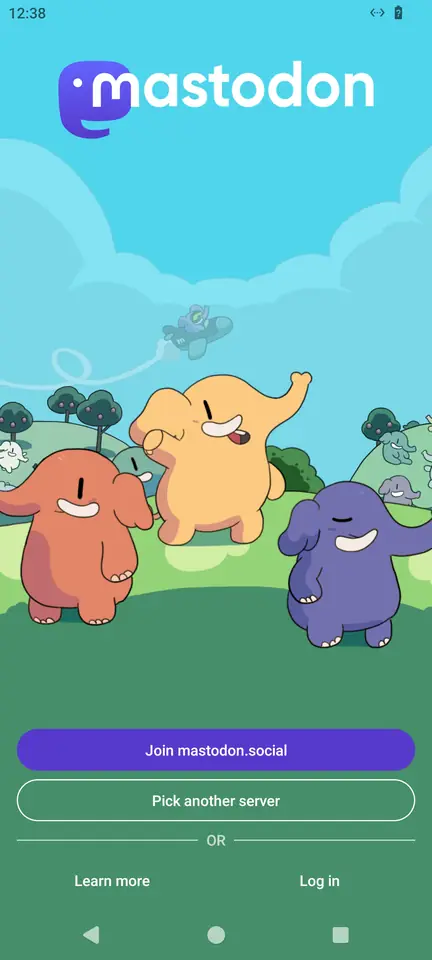
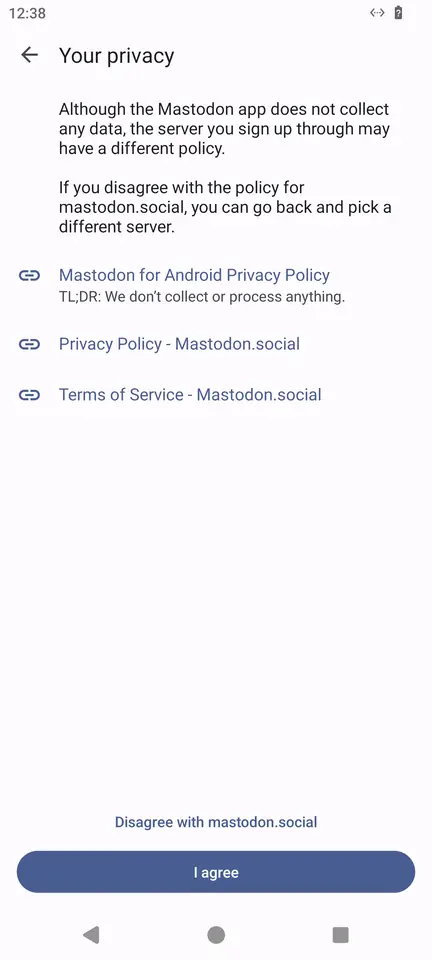
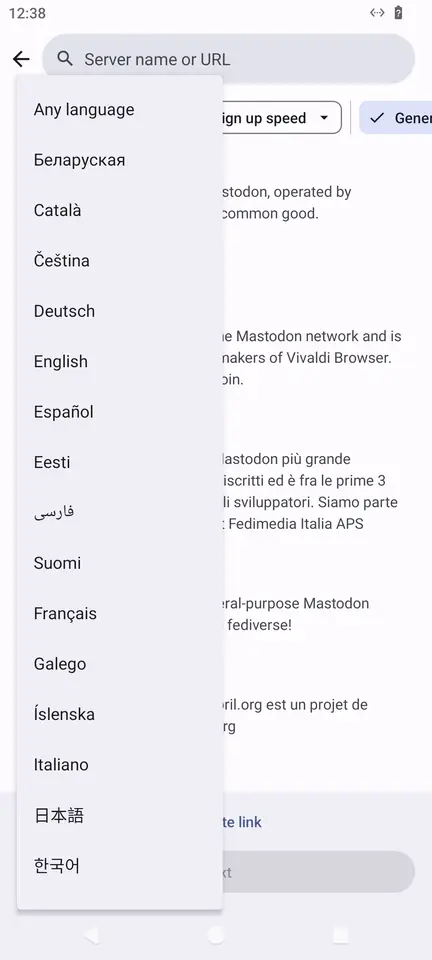
Mastodon
4 onboarding screens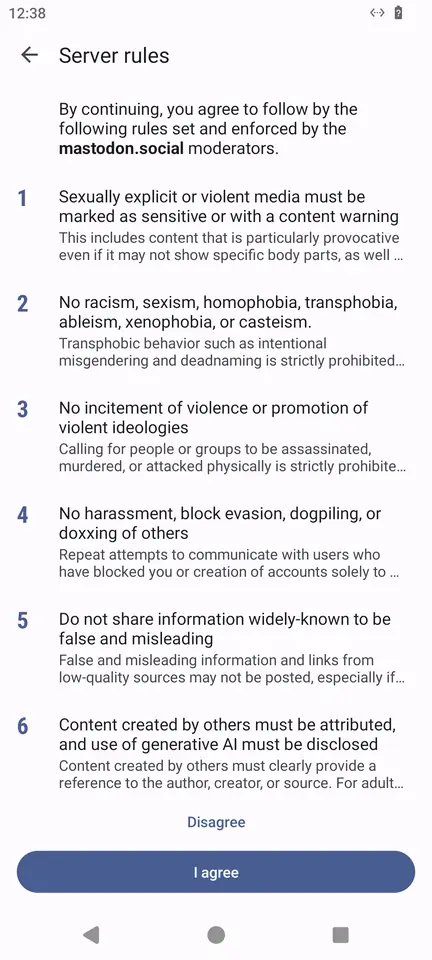
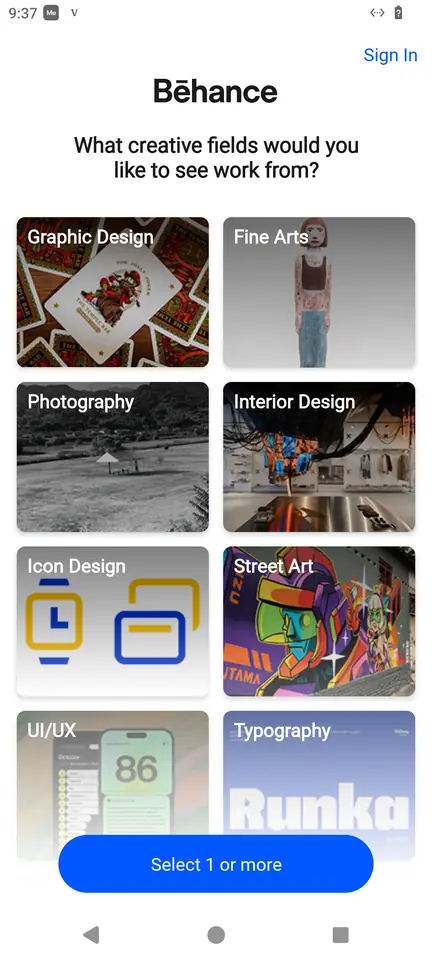
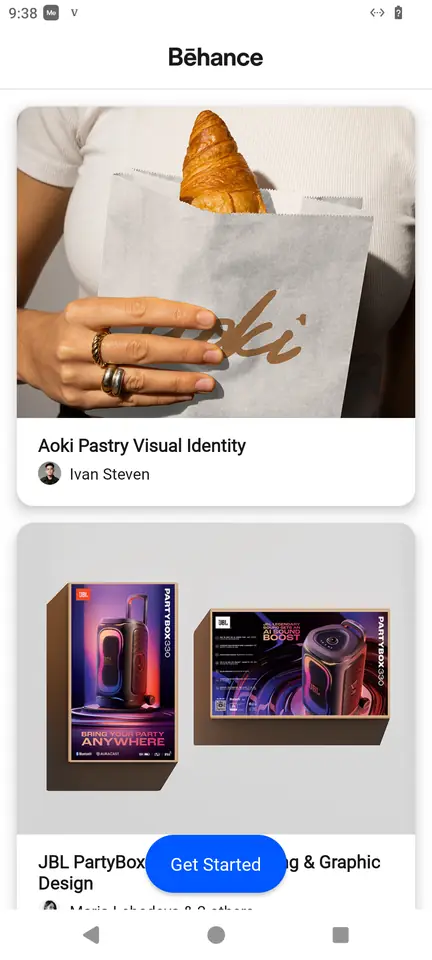
Behance
3 onboarding screens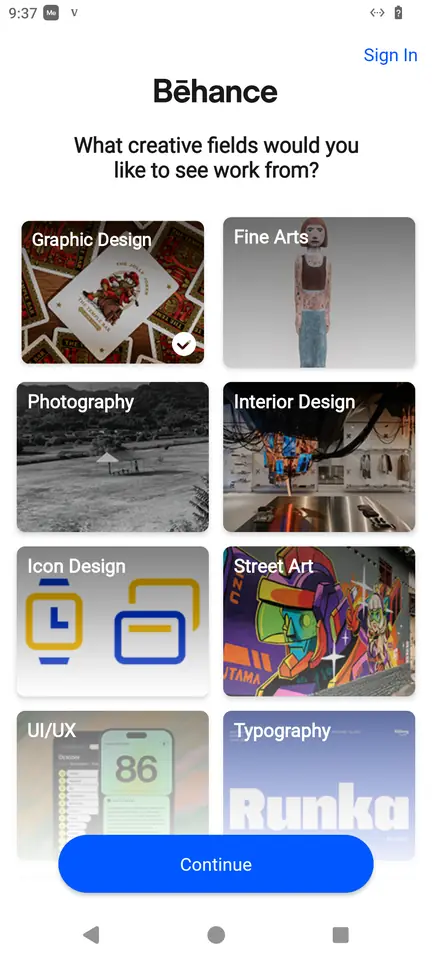
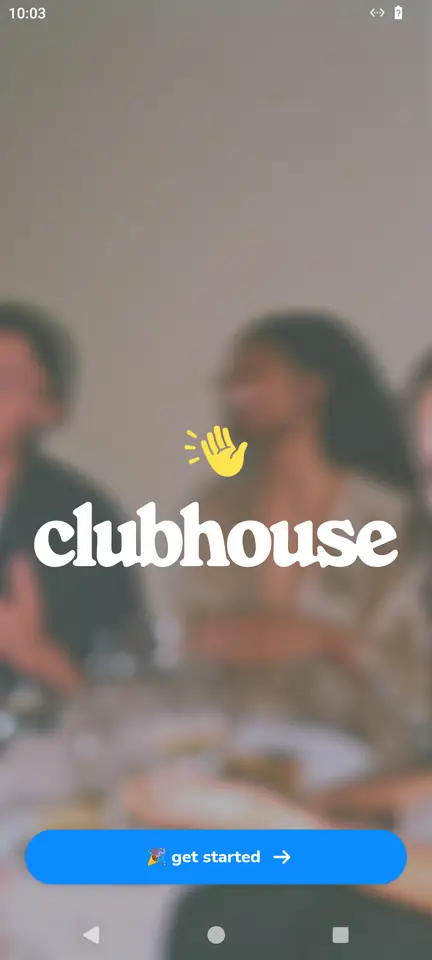
Clubhouse
2 onboarding screens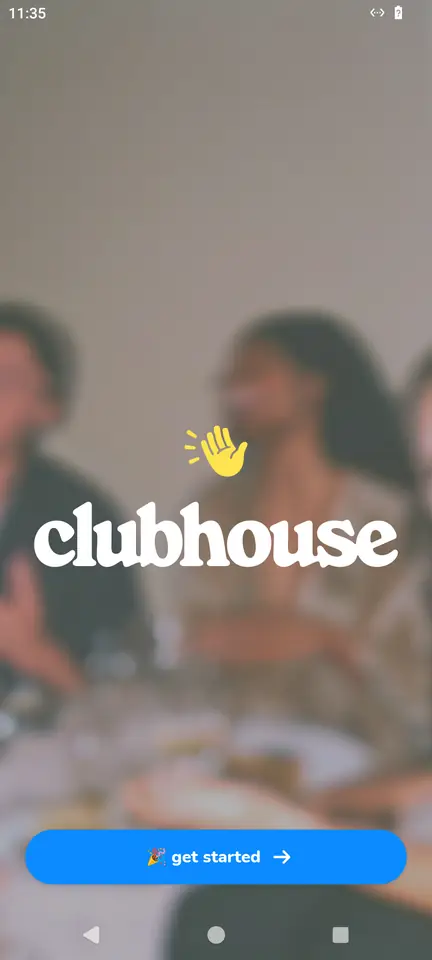
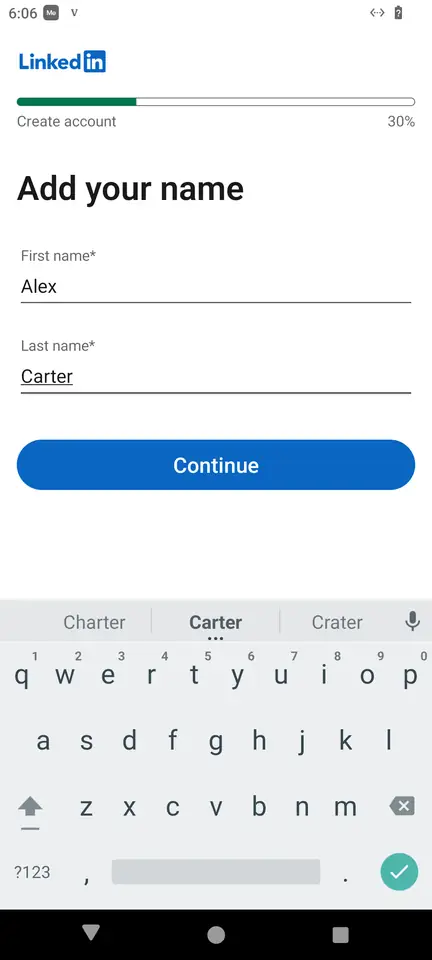
X (Twitter)
1 onboarding screen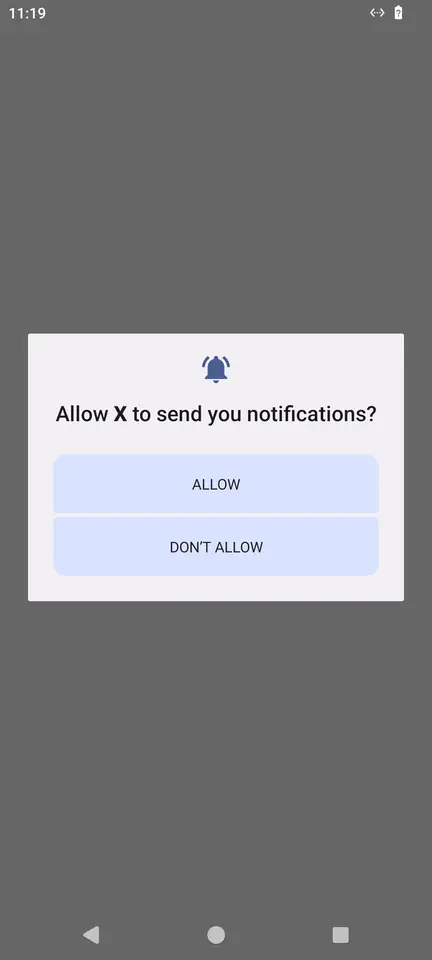
UI components on social onboarding screens
Share of the 53 screens where each component is in the view hierarchy and drawn on screen; the example shows it outlined.
UI patterns on social onboarding screens
Permission priming
example: Tumblr
Welcome screen
example: Knit
Onboarding progress indicator
example: Knit
Terms and conditions agreement
example: Tumblr
Onboarding survey
example: Snapchat
Skip button
example: Knit
What social apps say on these screens
UI copy that appears on the onboarding screens of two or more social apps, with the number of apps using it.
ALLOW
5 appsDON’T ALLOW
5 appsContinue
4 appsBack
3 appsGet Started
3 appsAlex
2 appsClear text
2 appsCreate account
2 appsNext
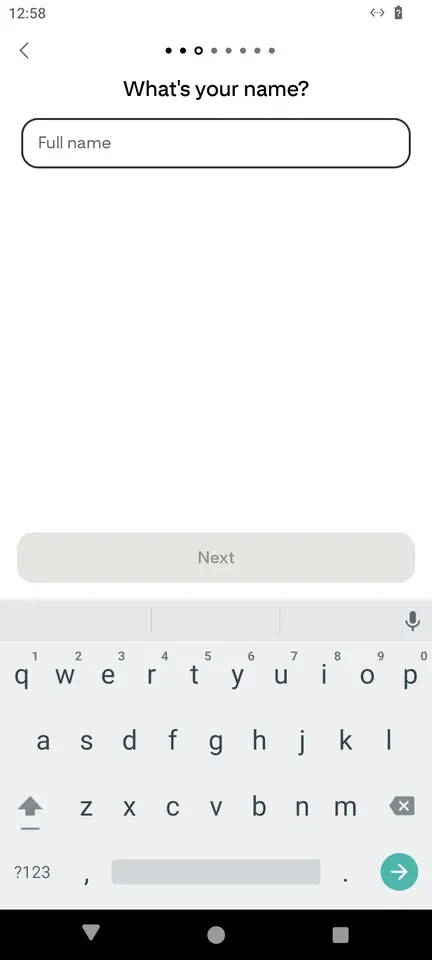
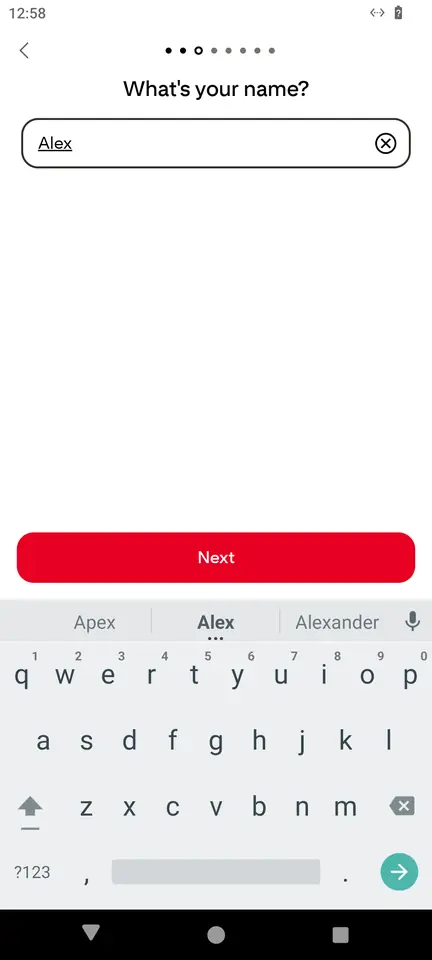
2 appsWhat's your name?
2 apps
Best practices for onboarding screens
- Show the core value on the first screen in one sentence.
- Ask only what you will use to personalise the app, and say why you ask.
- Show progress (a bar or “2 of 5”) when the flow has more than three steps.
- Offer a Skip or “Not now” on anything optional.
- Ask for permissions in context, after explaining the benefit.
Design notes for social apps
- Make sign-up fast — phone number or one-tap social login — and defer profile details.
- Explain the contacts permission before asking for it; finding friends is the payoff.
- Show content (or a preview of it) as early as possible.
- Ask for interests so the first feed is not empty.
FAQ
What do social app onboarding screens look like?
The UI Lane library holds 53 onboarding screens from 10 Android social apps (Tumblr, Quora, Knit, Snapchat, Mastodon and Behance and more). Across these 53 screens the most common detected components are button (60%), text field (19%) and dialog (17%). The most common UI patterns are permission priming (5 of 10 apps), welcome screen (4 of 10 apps) and onboarding progress indicator (3 of 10 apps).
Which social apps have the longest onboarding flow?
9 of these apps have their full onboarding flow captured step by step: the longest is Tumblr (10 screens), the shortest Telegram (2 screens). Full list: Tumblr (10), Knit (9), Snapchat (8), Quora (6), Mastodon (4), Behance (3), Clubhouse (3), Pinterest (3) and Telegram (2).
What do social apps say on their onboarding screens?
UI copy used by two or more of these apps: “ALLOW” (5 apps), “DON’T ALLOW” (5 apps), “Continue” (4 apps), “Back” (3 apps) and “Get Started” (3 apps).
Captured on real Android devices · last updated 2026-11-14