Home/Categories/Books & reading/Onboarding screens
Books & reading · Onboarding screens · Android

Reading app onboarding screens: 118 screens from 25 Android apps

Every onboarding screen we captured in books & reading apps: 118 screens from 25 Android apps, grouped by app. 14 of these apps have their full onboarding flow captured step by step: the longest is Lucid (27 screens), the shortest Instapaper (2 screens). Across these 118 screens the most common detected components are button (34%), divider (24%) and page indicator dots (22%).

Android25 apps118 screens14 flowsfree & ungated

Books & reading onboarding flows compared

Each flow as captured on a real Android device, step by step. Below each flow: the sequence of step roles we read from its screens (runs of the same role collapsed).
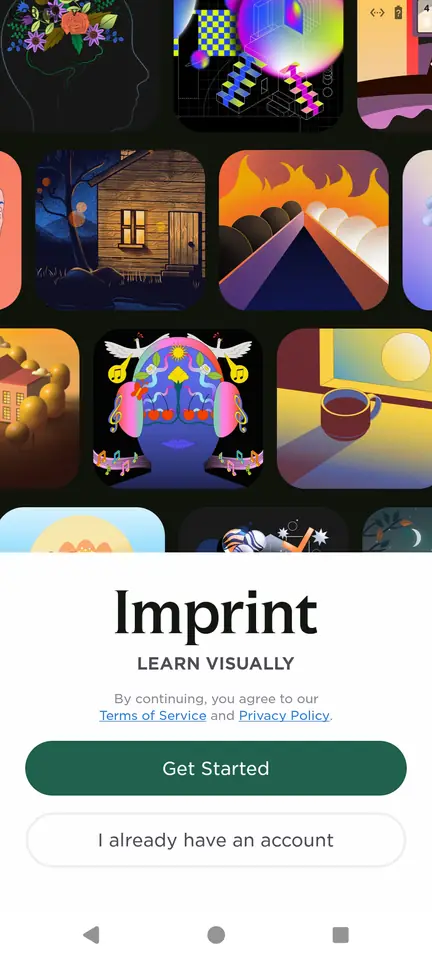
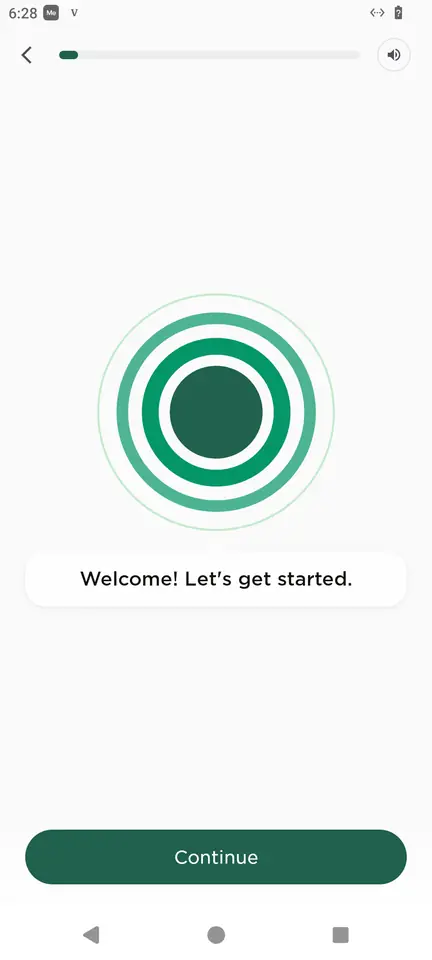
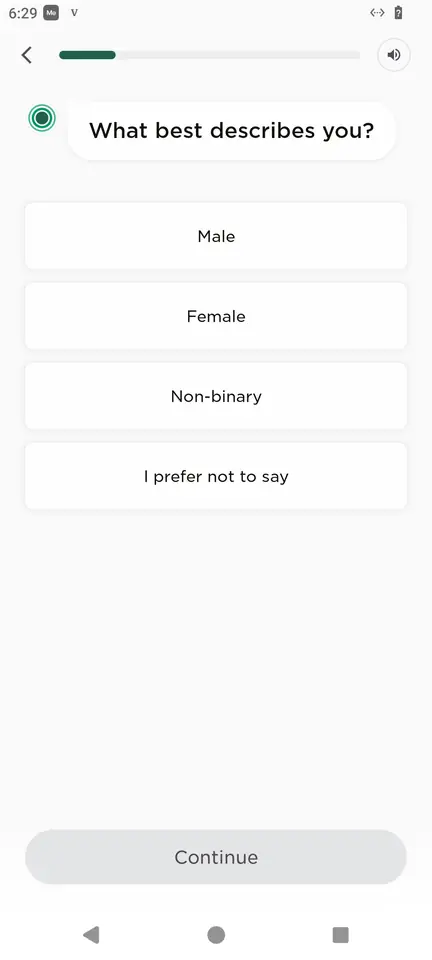
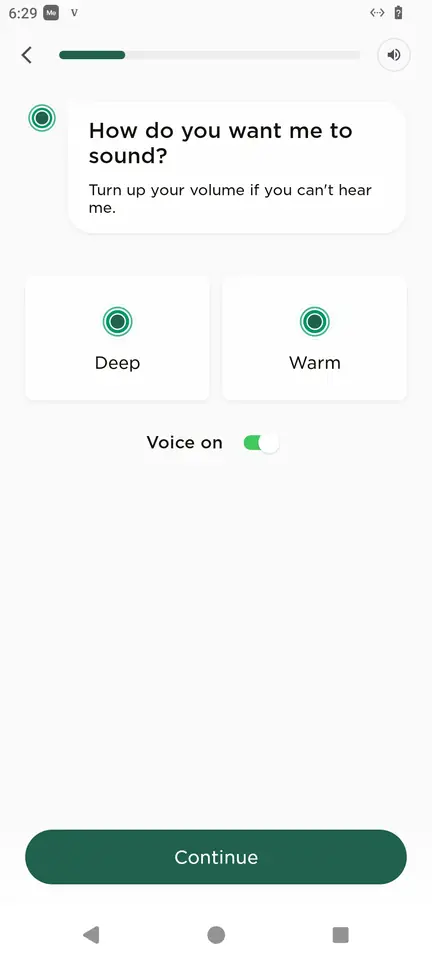
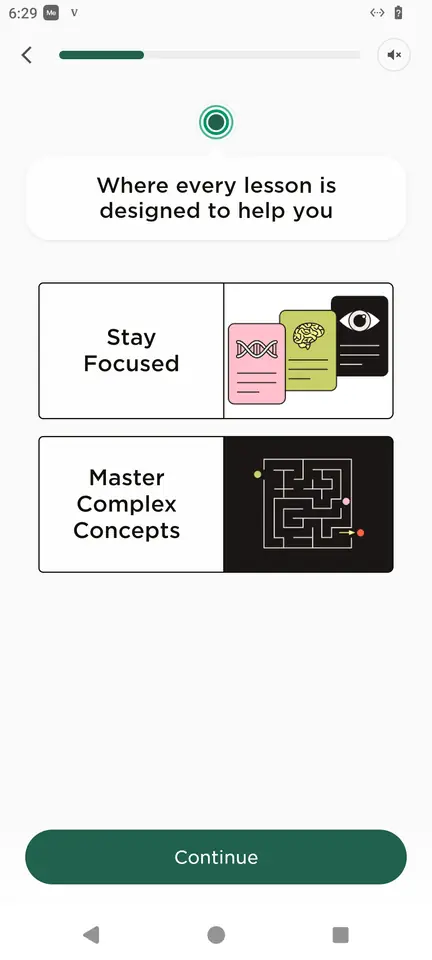
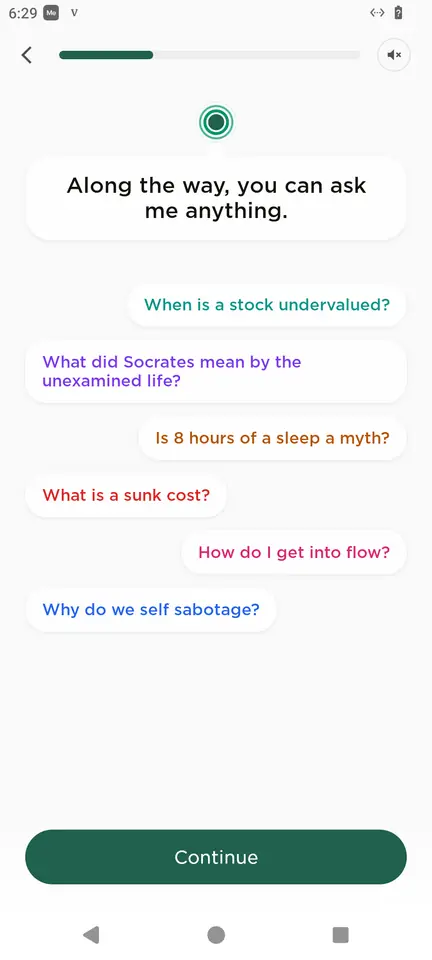
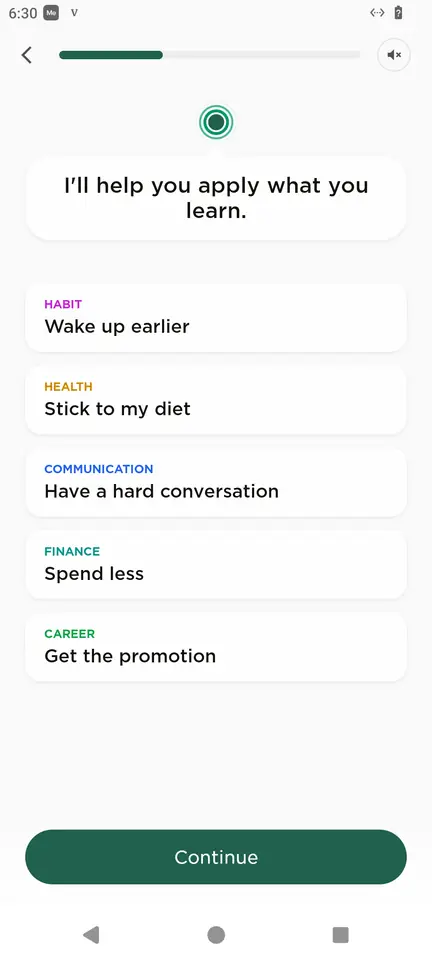
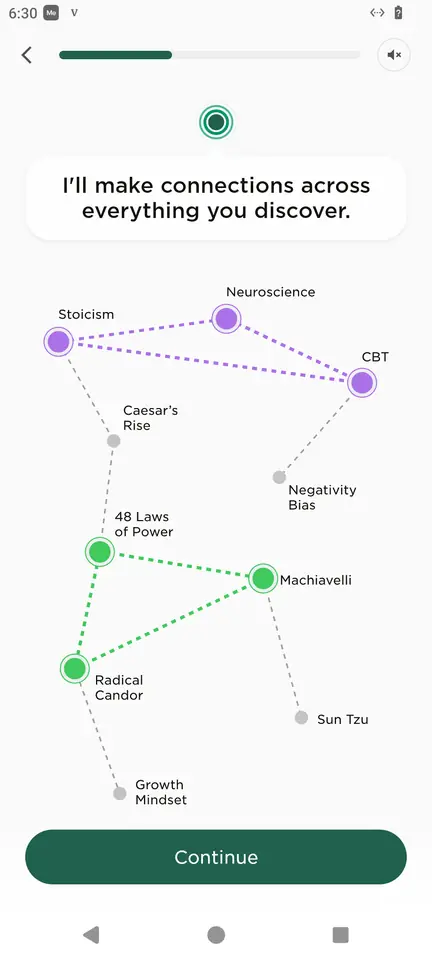
Lucid onboarding step 1 of 27 — By continuing, you agree to our Terms of Service and Privacy Policy.

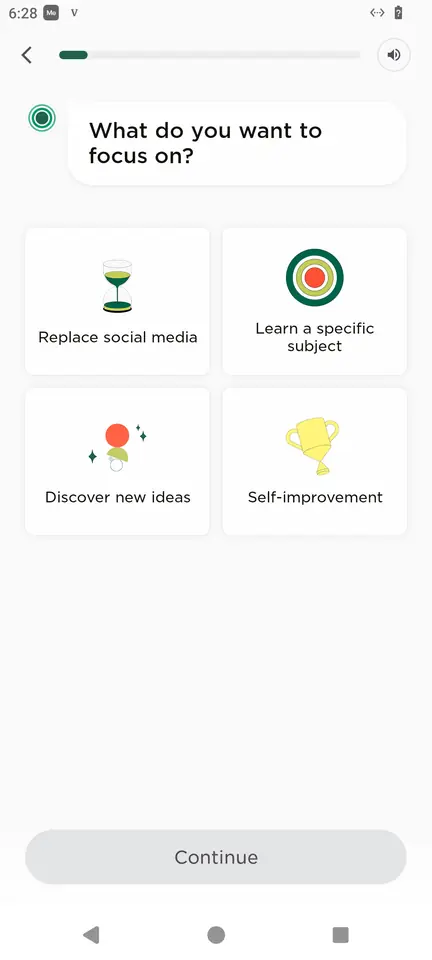
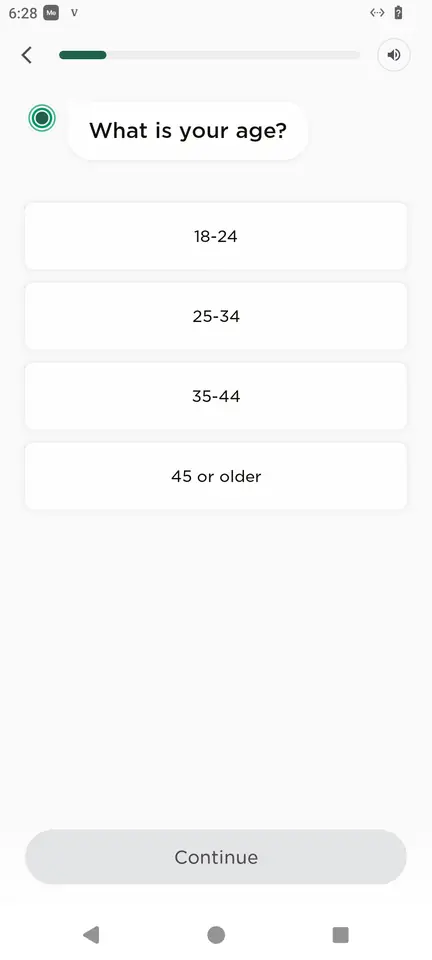
Lucid onboarding flow

27 screens · 10 questions · skip option on 1 screen

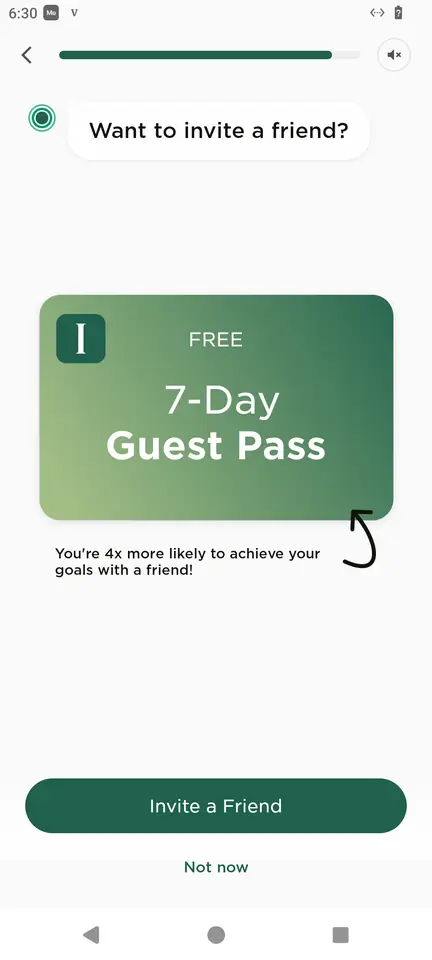
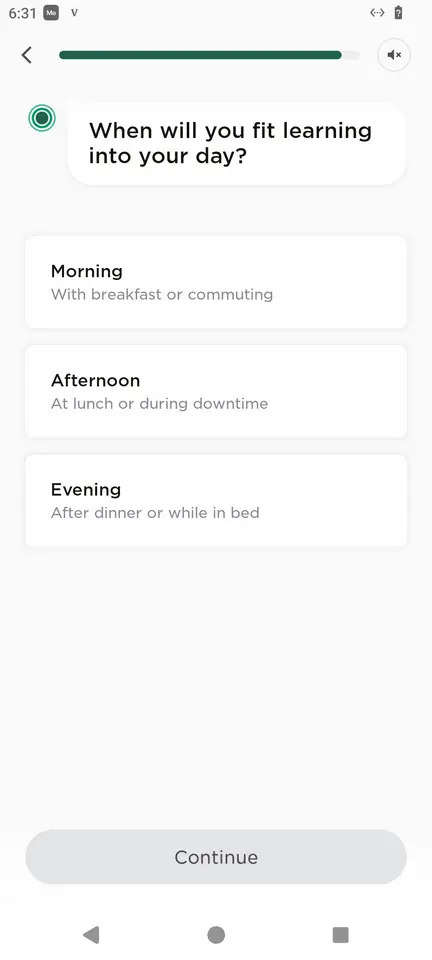
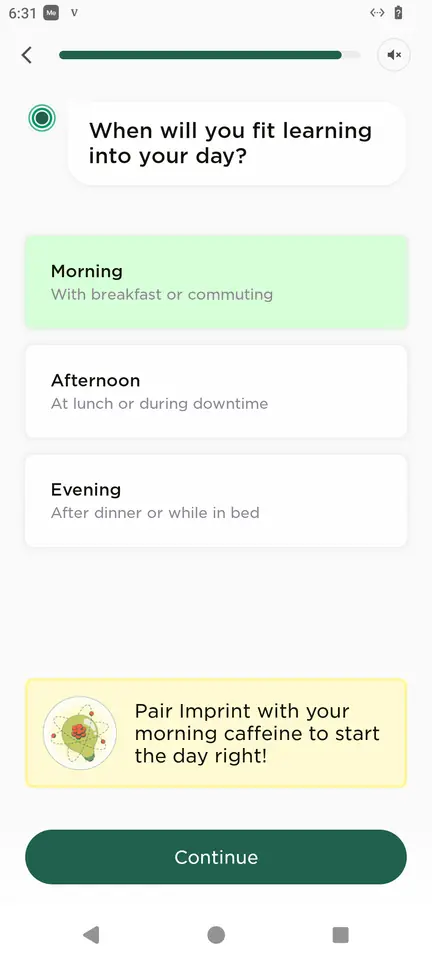
Value pitch ×2 → Question ×6 → Info ×7 → Question ×2 → Info ×4 → Permission prompt ×2 → Info → Question ×2 → Info
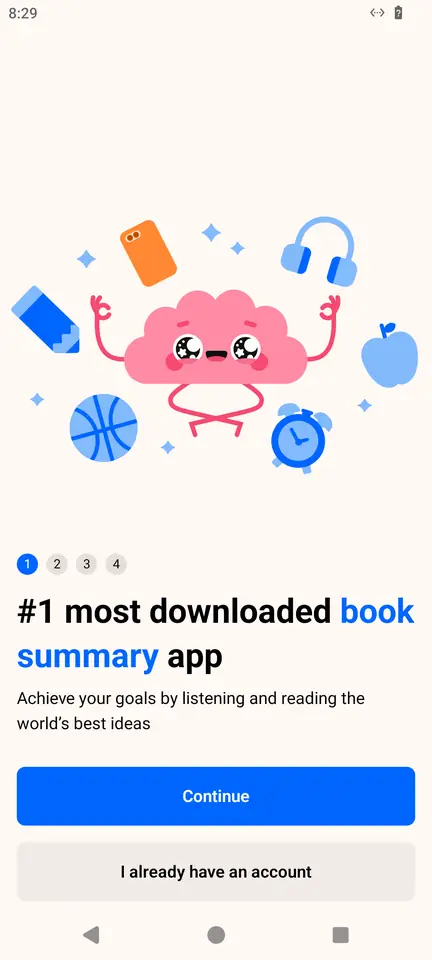
Headway onboarding step 1 of 22 — #1 most downloaded book summary app

Headway onboarding flow

22 screens · 12 questions · progress shown on 3 screens

Value pitch ×4 → Question ×5 → Info ×2 → Question → Info ×2 → Question → Info ×2 → Question ×5
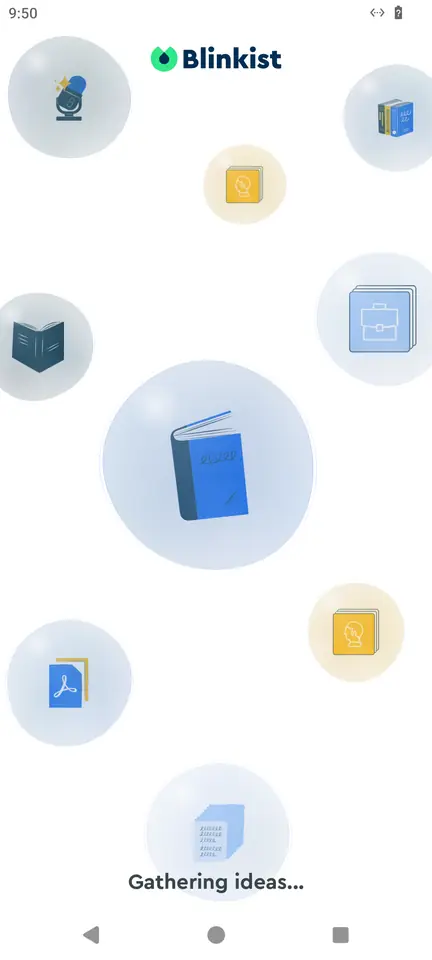
Blinkist onboarding step 1 of 12 — Gathering ideas...

Blinkist onboarding flow

12 screens · 2 questions · progress shown on 5 screens · skip option on 1 screen

Value pitch ×3 → Permission prompt → Value pitch ×3 → Question → Info → Question → Info ×2
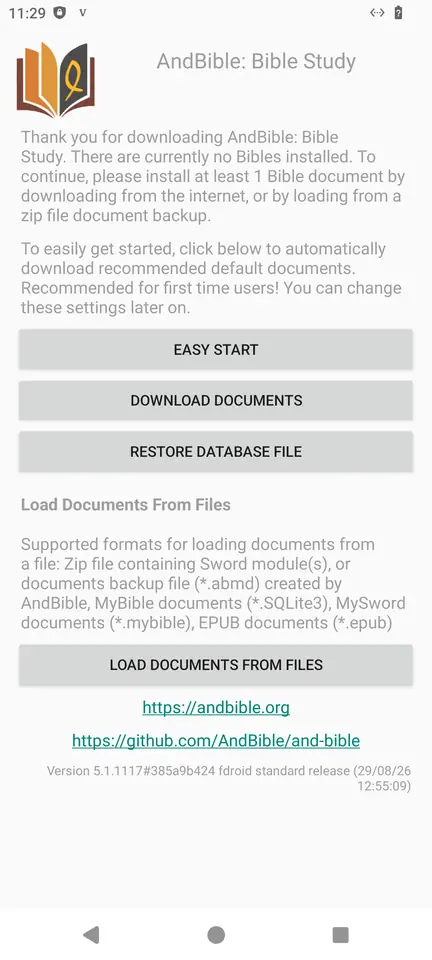
AndBible onboarding step 1 of 7 — AndBible: Bible Study

AndBible onboarding flow

7 screens · 1 question

Value pitch → Question → Permission prompt → Info ×3 → Value pitch
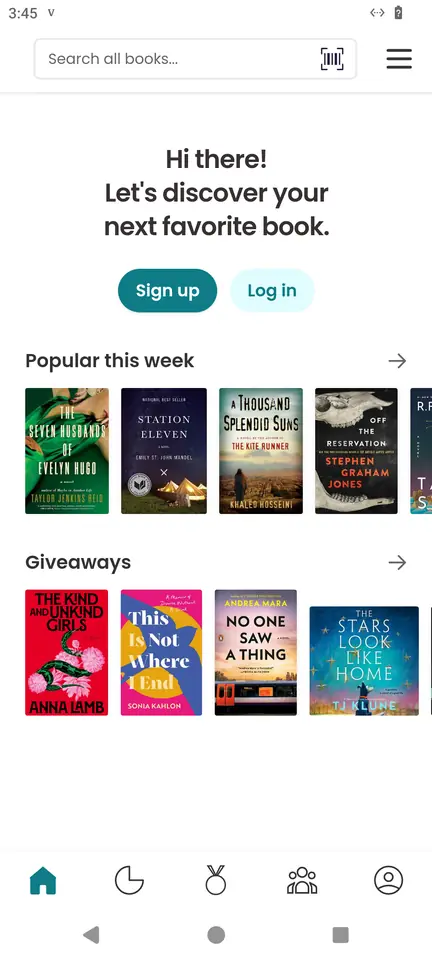
The StoryGraph onboarding step 1 of 6 — Let's discover your next favorite book.

The StoryGraph onboarding flow

6 screens · 3 questions

Account ask → Value pitch → Question ×2 → Info → Question
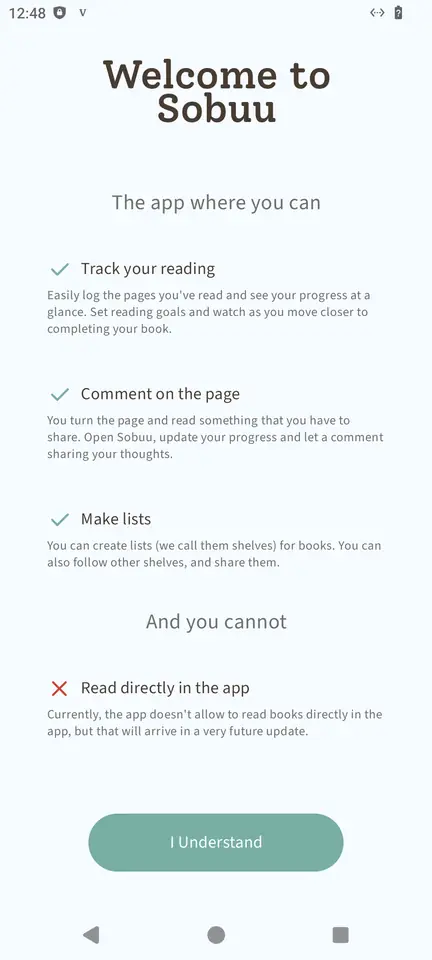
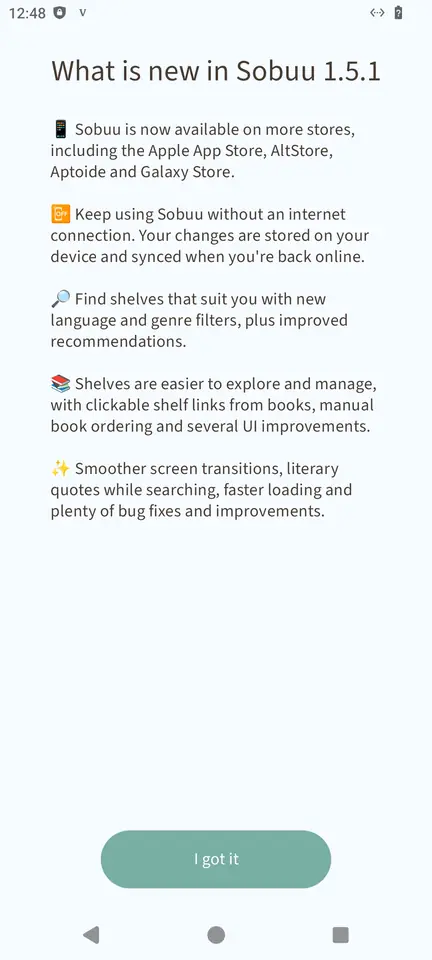
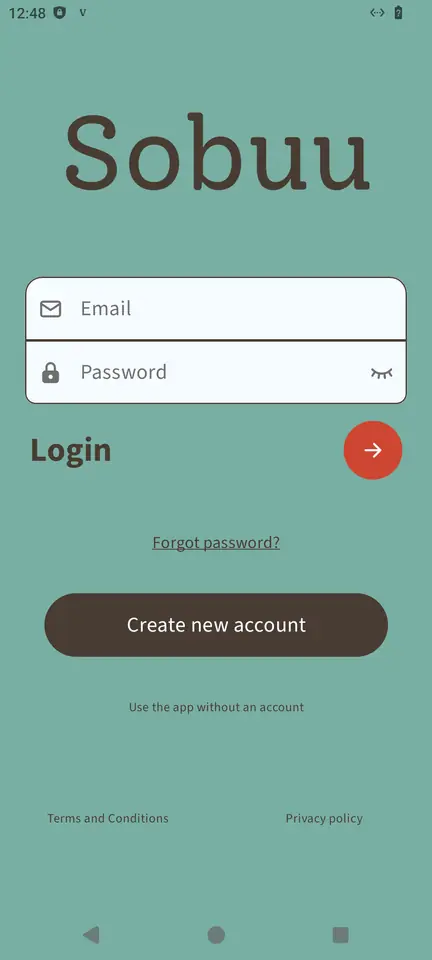
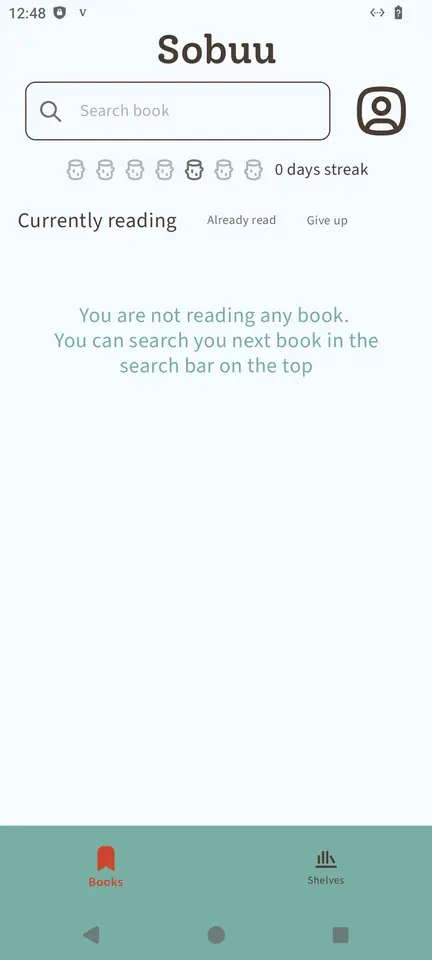
Sobuu onboarding step 1 of 5 — Welcome to Sobuu

Sobuu onboarding flow

5 screens

Value pitch ×2 → Account ask → Value pitch ×2

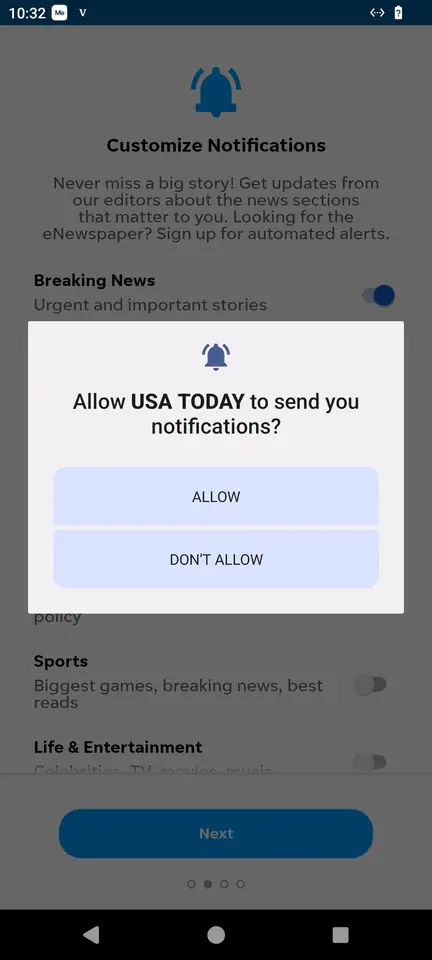
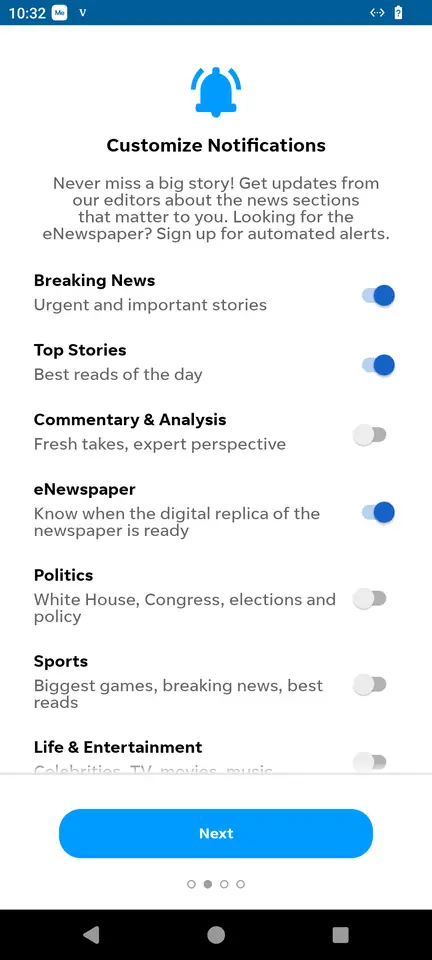
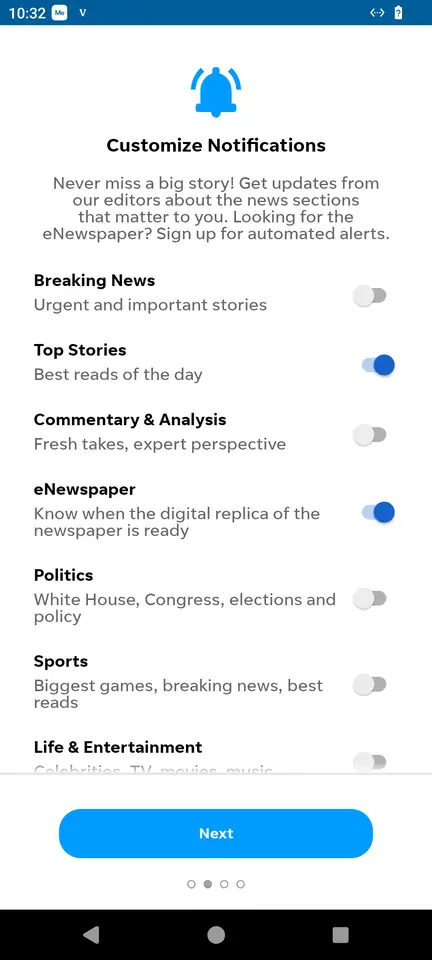
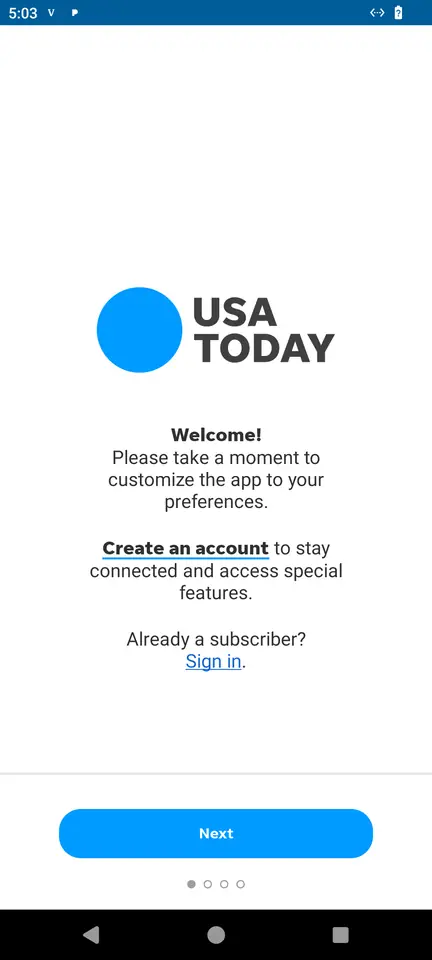
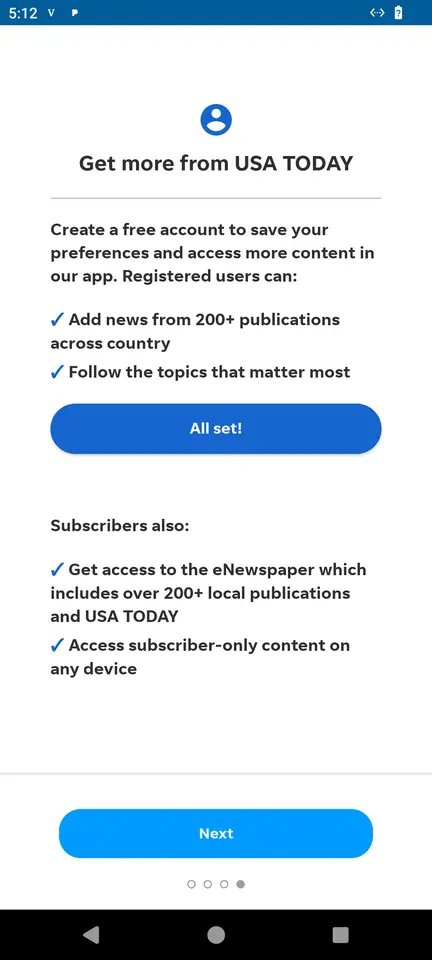
USA TODAY onboarding step 1 of 4 — Allow USA TODAY to send you notifications?

USA TODAY onboarding flow

4 screens

Permission prompt ×3 → Value pitch

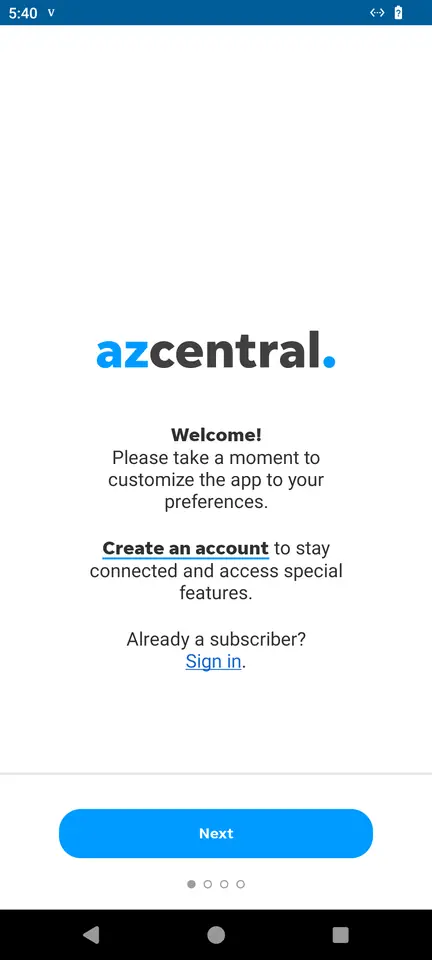
azcentral onboarding step 1 of 3 — Welcome screen, use buttons at the bottom of the screen to change…

azcentral onboarding flow

3 screens

Account ask → Value pitch → Paywall

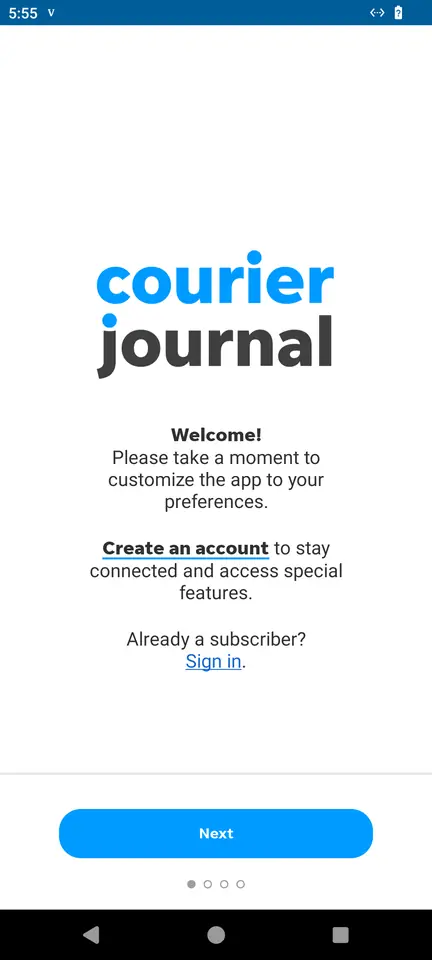
Courier Journal onboarding step 1 of 3 — Welcome screen, use buttons at the bottom of the screen to change…

Courier Journal onboarding flow

3 screens

Account ask → Value pitch → Paywall

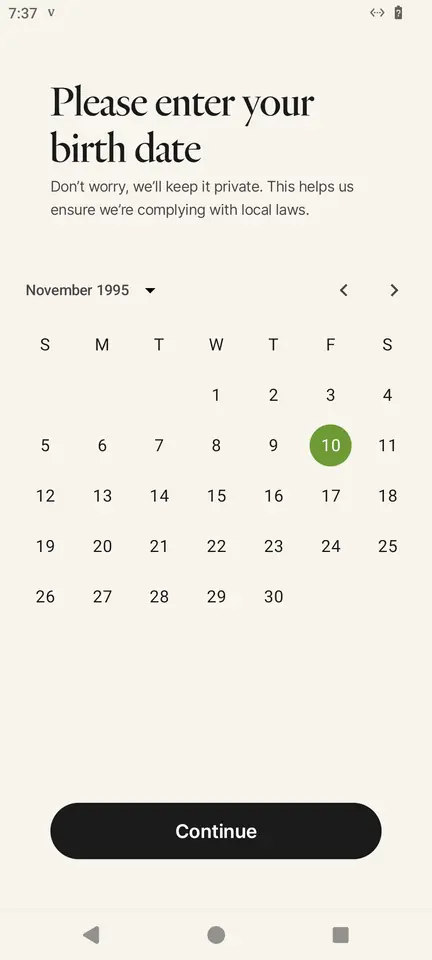
Fable onboarding step 1 of 3 — Please enter your birth date

Fable onboarding flow

3 screens

Value pitch ×3

Statesman Journal onboarding step 1 of 3 — Welcome screen, use buttons at the bottom of the screen to change…

Statesman Journal onboarding flow

3 screens

Account ask → Value pitch → Paywall

The News-Press onboarding step 1 of 3 — Welcome screen, use buttons at the bottom of the screen to change…

The News-Press onboarding flow

3 screens

Account ask → Value pitch → Paywall

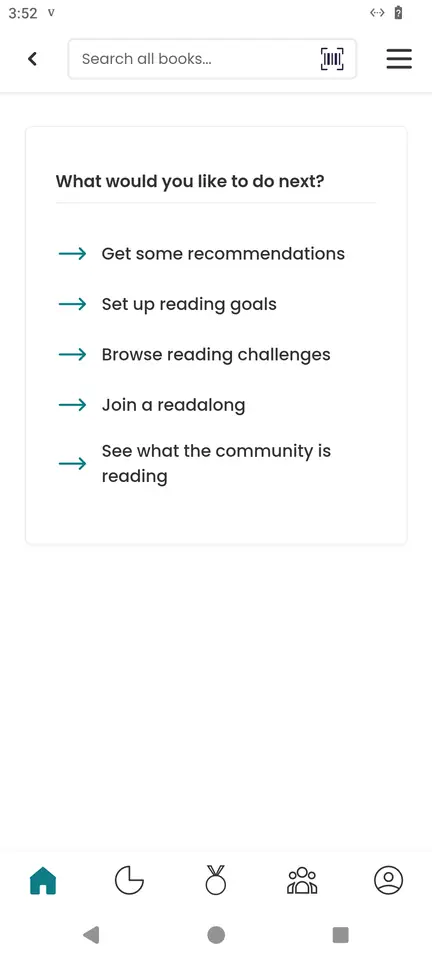
Instapaper onboarding step 1 of 2 — LOG IN

Instapaper onboarding flow

2 screens

Account ask → Value pitch

Reno Gazette-Journal onboarding step 1 of 2 — Welcome screen, use buttons at the bottom of the screen to change…

Reno Gazette-Journal onboarding flow

2 screens

Account ask → Value pitch

Lucid

27 onboarding screens
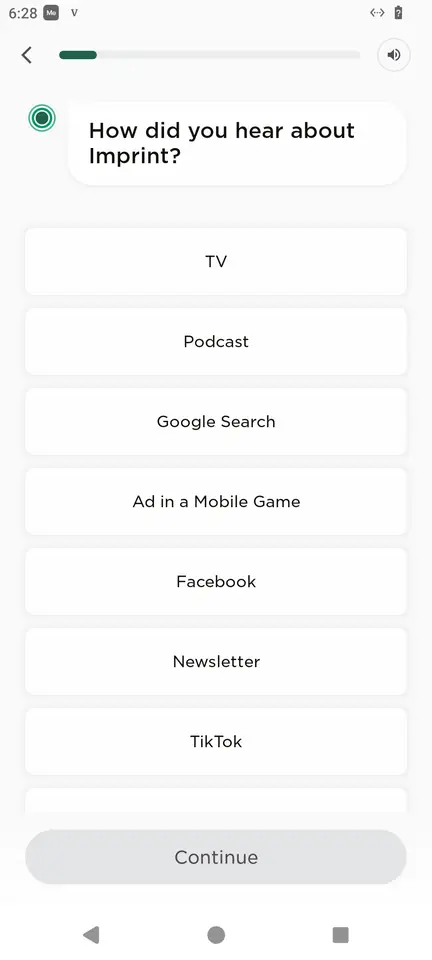
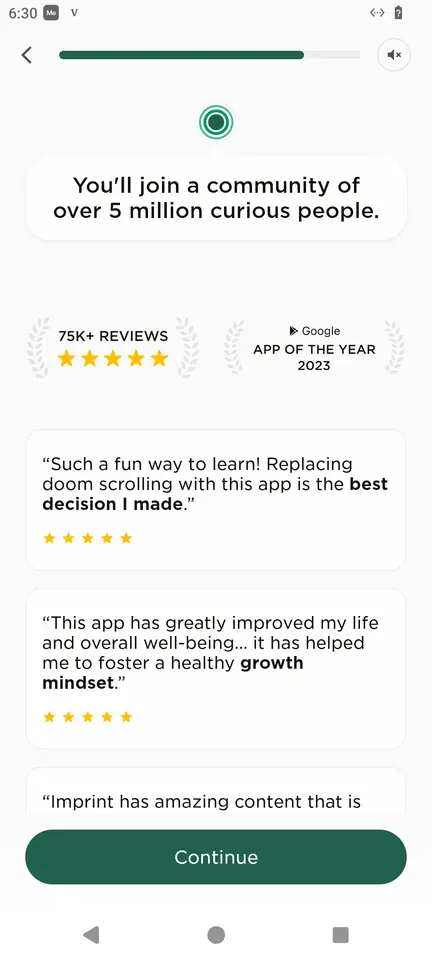
Lucid Android screen 7 — onboarding: Imprint Logo
Imprint Logo
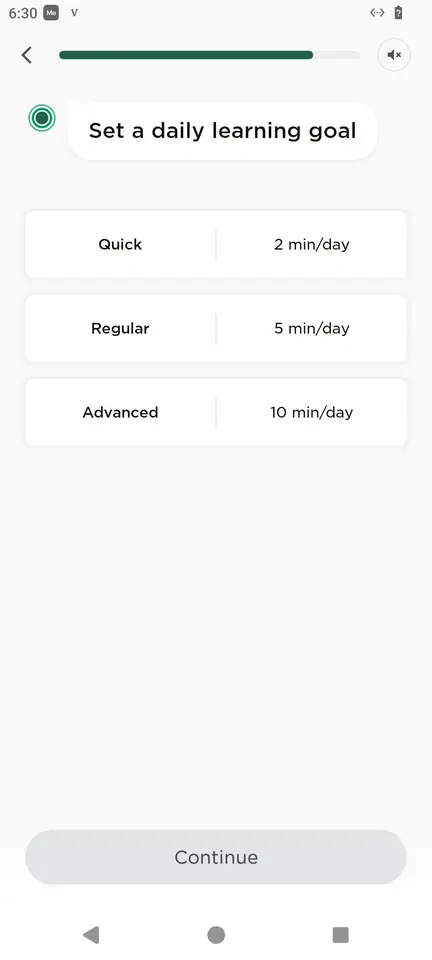
Lucid Android screen 8 — onboarding: Turn voice off
Turn voice off
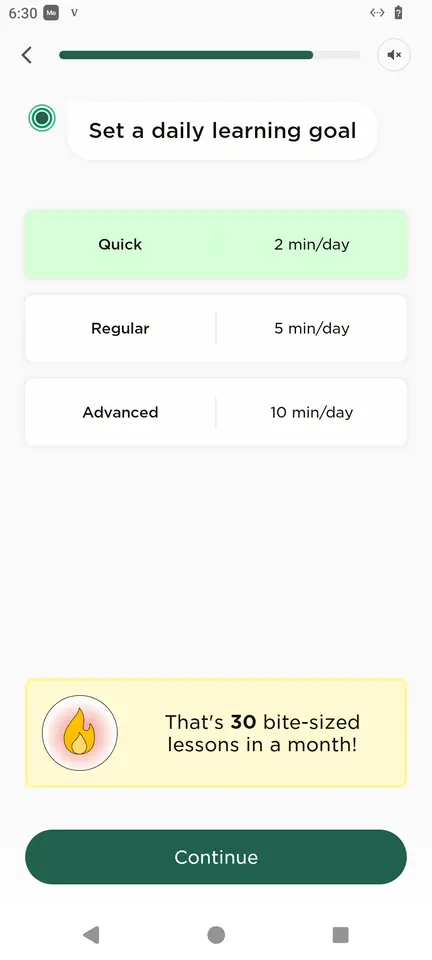
Lucid Android screen 9 — onboarding: Turn voice off
Turn voice off
Lucid Android screen 10 — onboarding: Turn voice off
Turn voice off
Lucid Android screen 11 — onboarding: Turn voice off
Turn voice off
Lucid Android screen 12 — onboarding: Turn voice off
Turn voice off
Lucid Android screen 13 — onboarding: Turn voice off
Turn voice off
Lucid Android screen 14 — onboarding: Turn voice off
Turn voice off
Lucid Android screen 15 — onboarding: Turn voice off
Turn voice off
Lucid Android screen 16 — onboarding: Turn voice on
Turn voice on
Lucid Android screen 17 — onboarding: Turn voice on
Turn voice on
Lucid Android screen 18 — onboarding: Turn voice on
Turn voice on
Lucid Android screen 19 — onboarding: Turn voice on
Turn voice on
Lucid Android screen 20 — onboarding: Turn voice on
Turn voice on
Lucid Android screen 21 — onboarding: Turn voice on
Turn voice on
Lucid Android screen 22 — onboarding: Turn voice on
Turn voice on
Lucid Android screen 23 — onboarding: Turn voice on
Turn voice on
Lucid Android screen 24 — onboarding: Turn voice on
Turn voice on
Lucid Android screen 25 — onboarding: Turn voice on
Turn voice on
Lucid Android screen 26 — onboarding: Turn voice on
Turn voice on
Lucid Android screen 27 — onboarding: Turn voice on
Turn voice on
Lucid Android screen 28 — onboarding: Turn voice on
Turn voice on
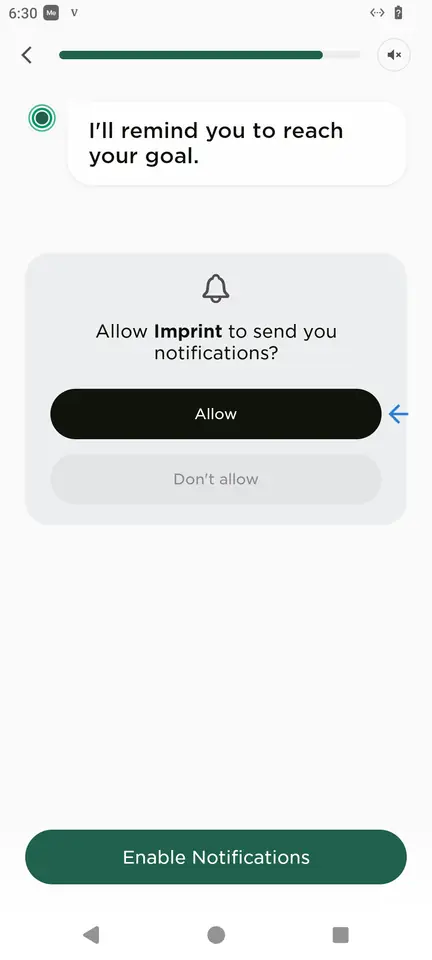
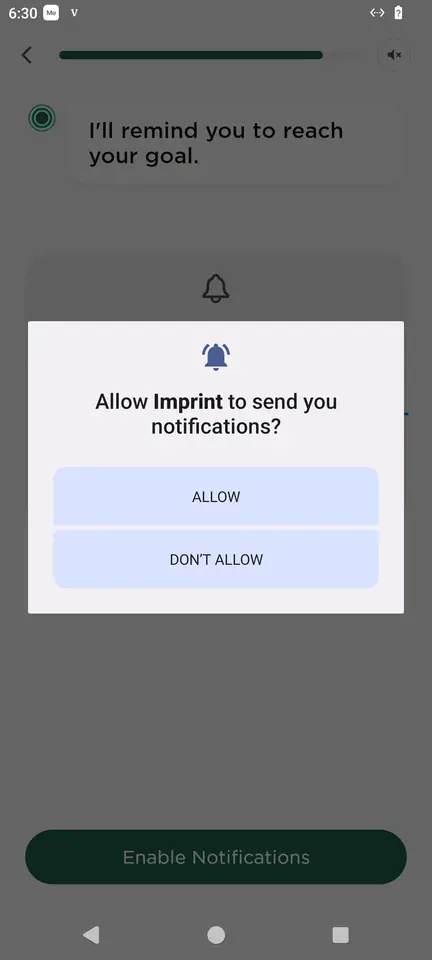
Lucid Android screen 29 — permissions: Allow Imprint to send you notifications?
Allow Imprint to send you notifications?
Lucid Android screen 30 — onboarding: Turn voice on
Turn voice on
Lucid Android screen 31 — onboarding: Turn voice on
Turn voice on
Lucid Android screen 32 — onboarding: Turn voice on
Turn voice on
Lucid Android screen 33 — onboarding: Turn voice on
Turn voice on

Headway

22 onboarding screens
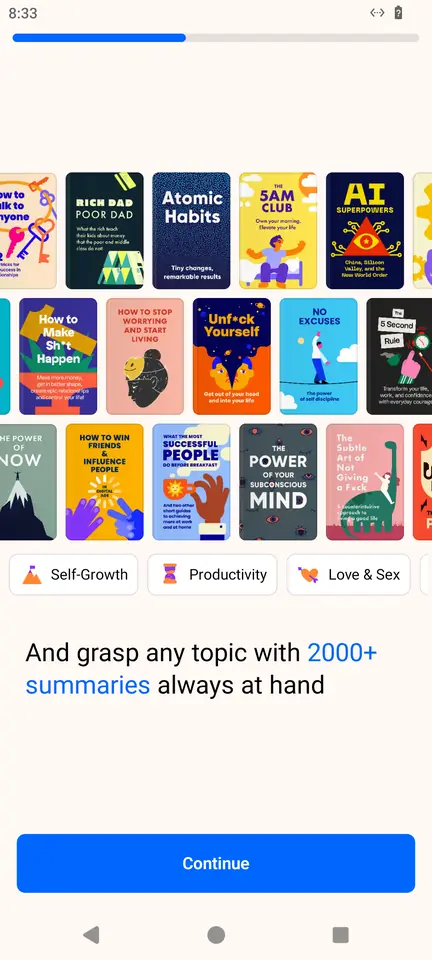
Headway Android screen 1 — onboarding: #1 most downloaded book summary app
#1 most downloaded book summary app
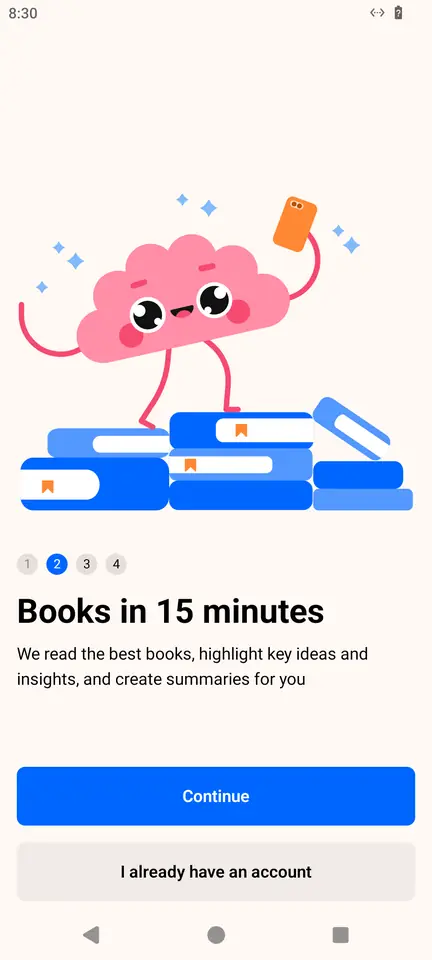
Headway Android screen 2 — onboarding: Books in 15 minutes
Books in 15 minutes
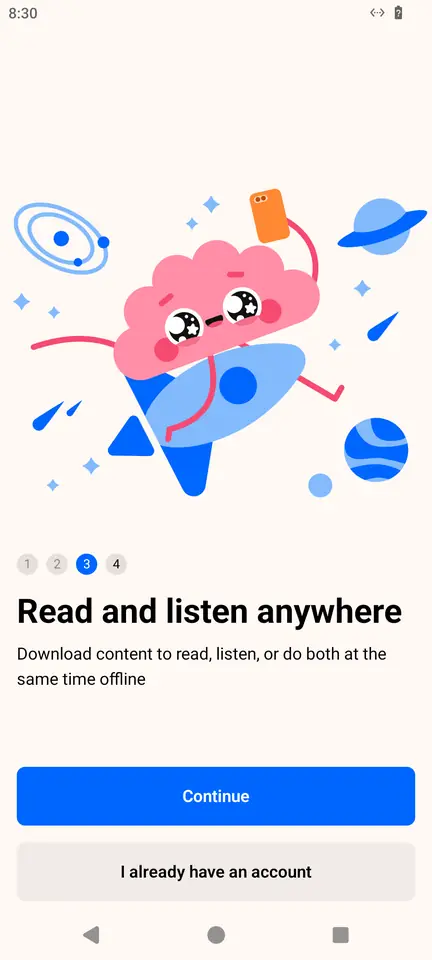
Headway Android screen 3 — onboarding: Read and listen anywhere
Read and listen anywhere
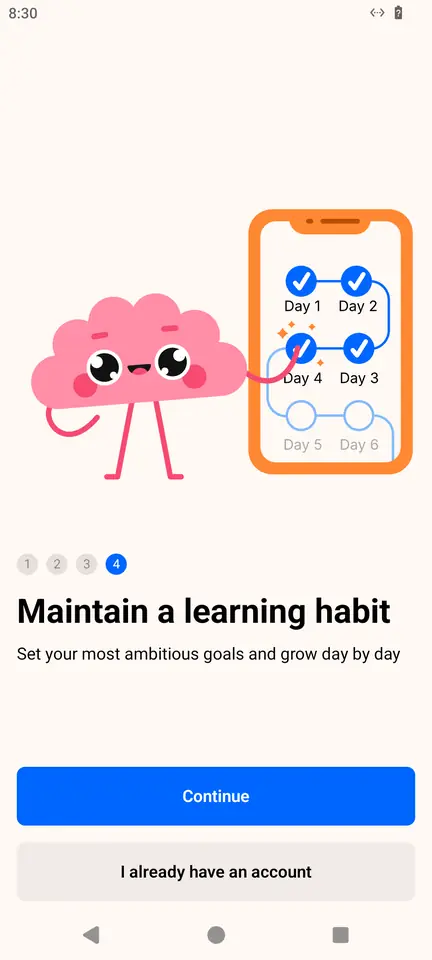
Headway Android screen 4 — onboarding: Maintain a learning habit
Maintain a learning habit
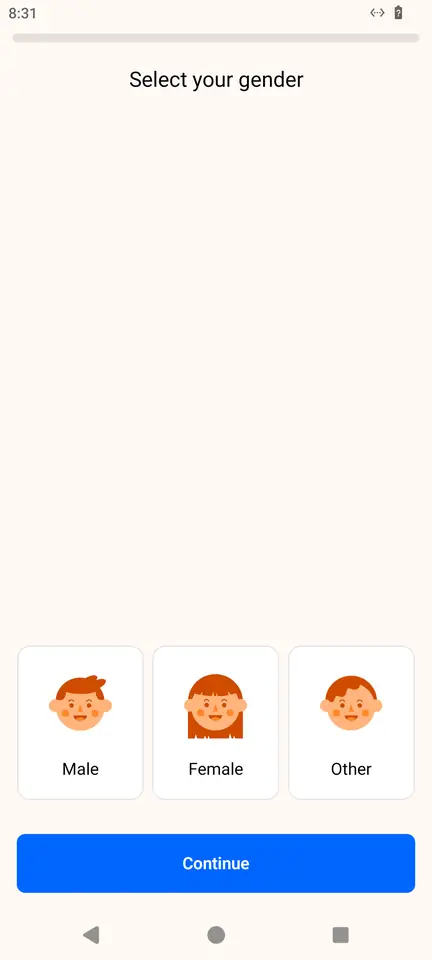
Headway Android screen 5 — onboarding: Select your gender
Select your gender
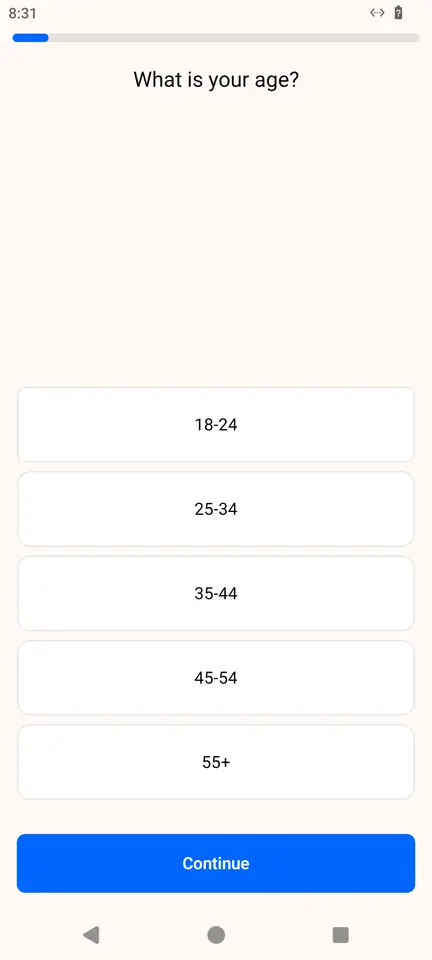
Headway Android screen 6 — onboarding: What is your age?
What is your age?
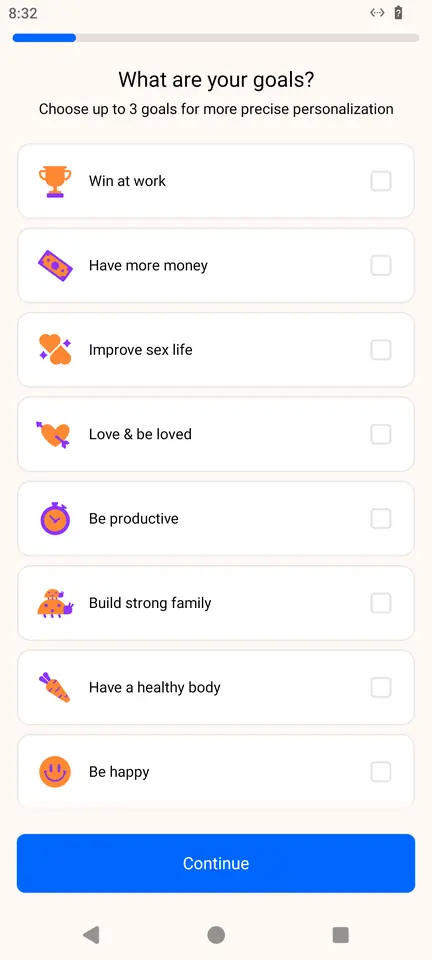
Headway Android screen 7 — onboarding: What are your goals?
What are your goals?
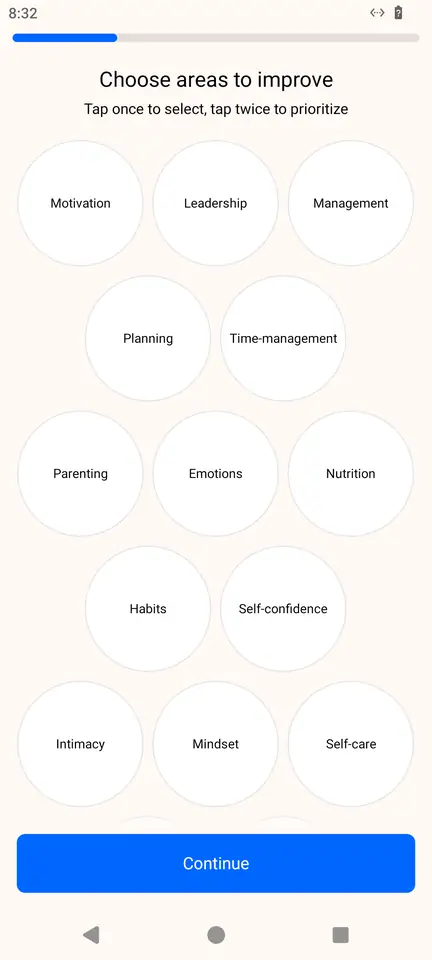
Headway Android screen 8 — onboarding: Choose areas to improve
Choose areas to improve
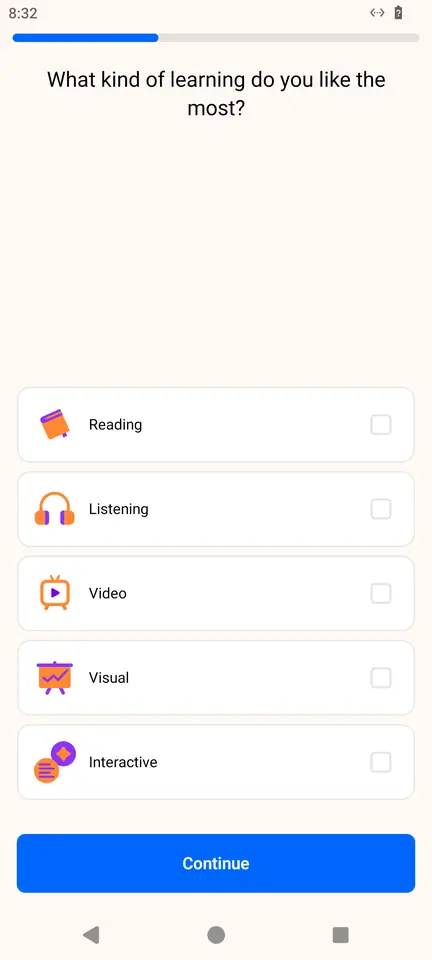
Headway Android screen 9 — onboarding: What kind of learning do you like the most?
What kind of learning do you like the…
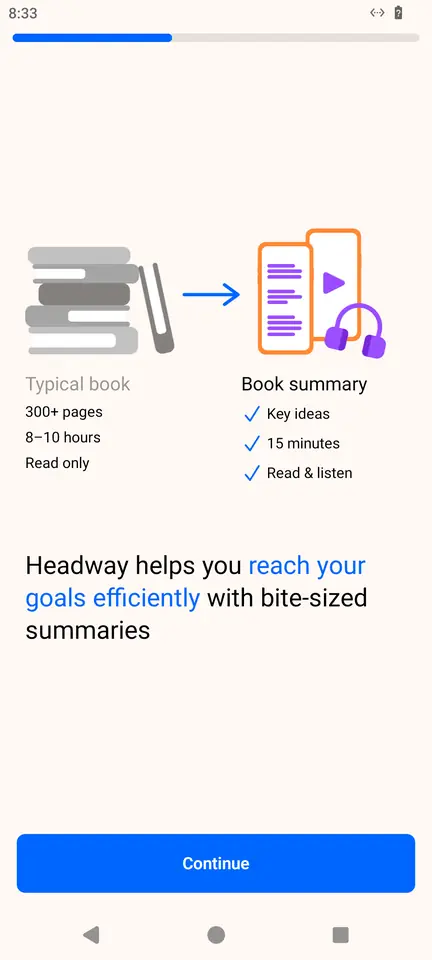
Headway Android screen 10 — onboarding: Typical book
Typical book
Headway Android screen 11 — onboarding: Self-Growth
Self-Growth
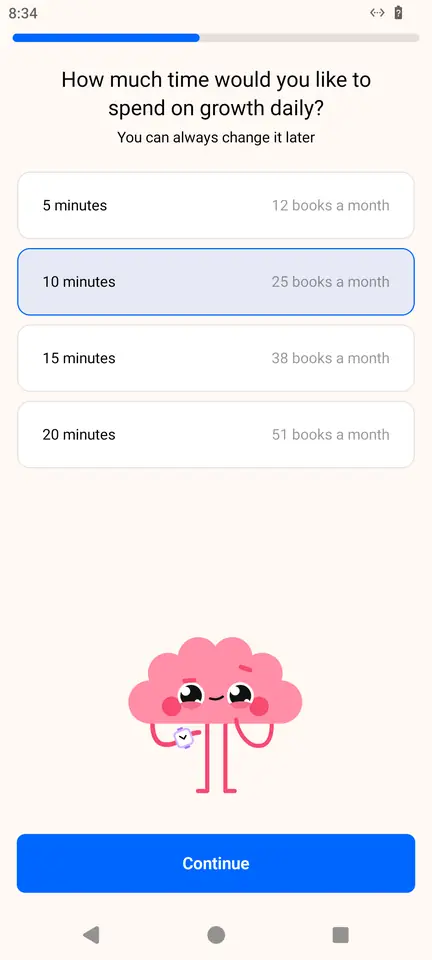
Headway Android screen 12 — onboarding: How much time would you like to spend on growth daily?
How much time would you like to spend…
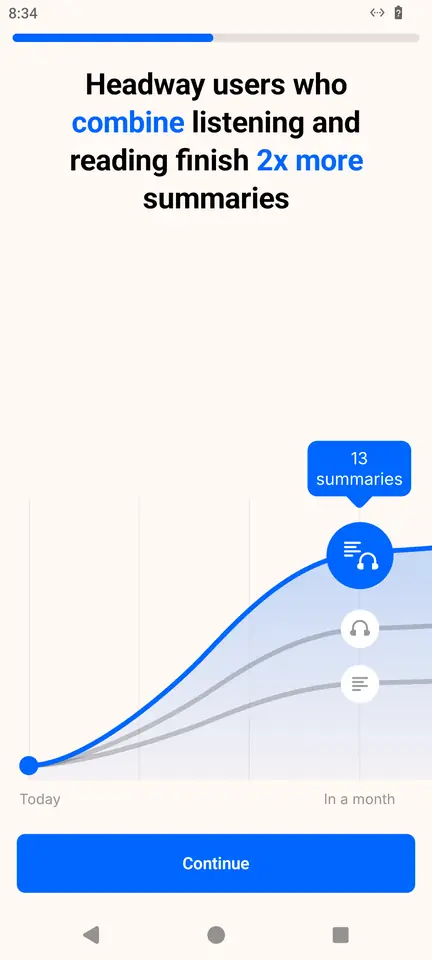
Headway Android screen 13 — onboarding: Headway users who combine listening and reading finish 2x…
Headway users who combine listening…
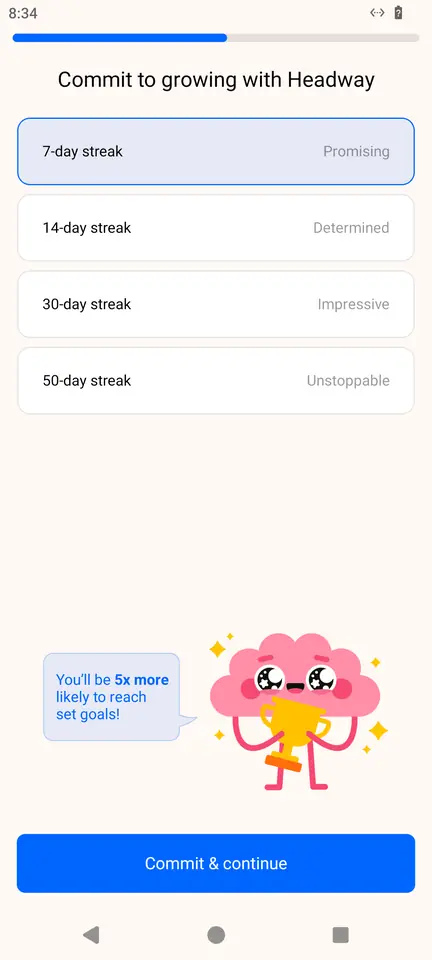
Headway Android screen 14 — onboarding: Commit to growing with Headway
Commit to growing with Headway
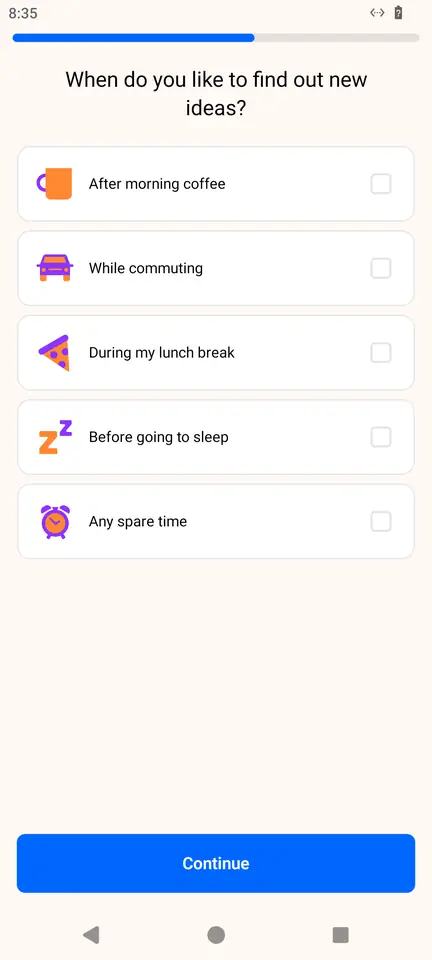
Headway Android screen 15 — onboarding: When do you like to find out new ideas?
When do you like to find out new ideas?
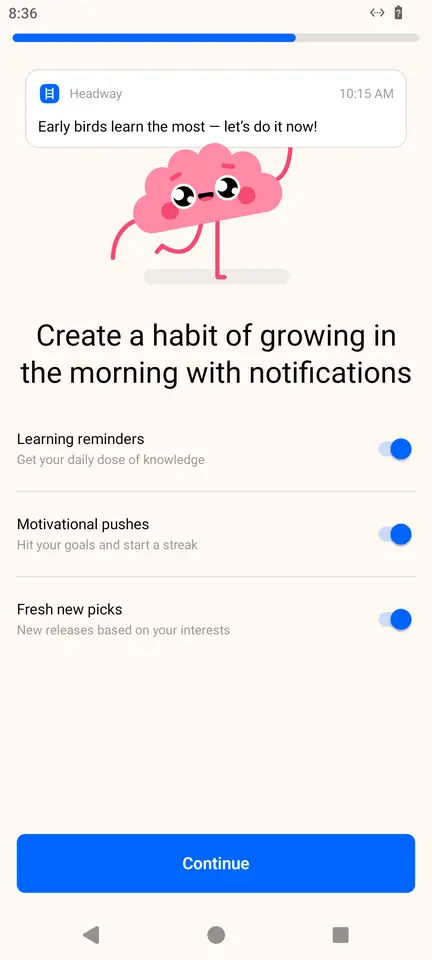
Headway Android screen 16 — onboarding: Headway
Headway
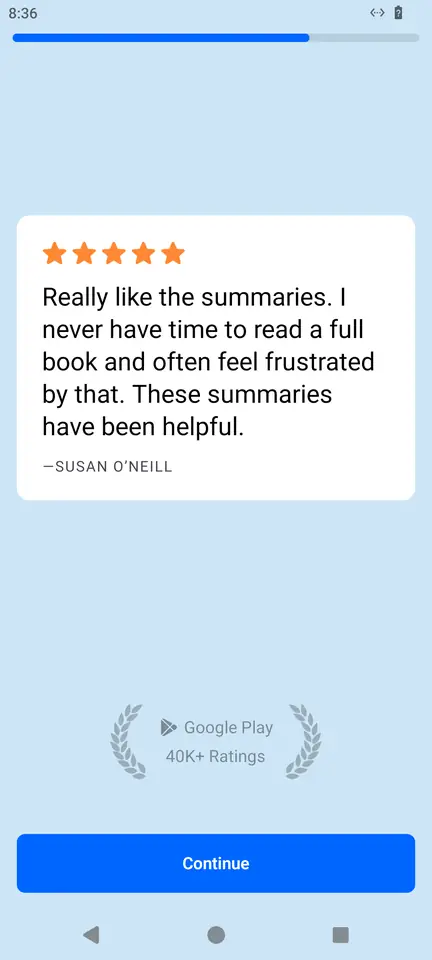
Headway Android screen 17 — onboarding: —SUSAN O’NEILL
—SUSAN O’NEILL
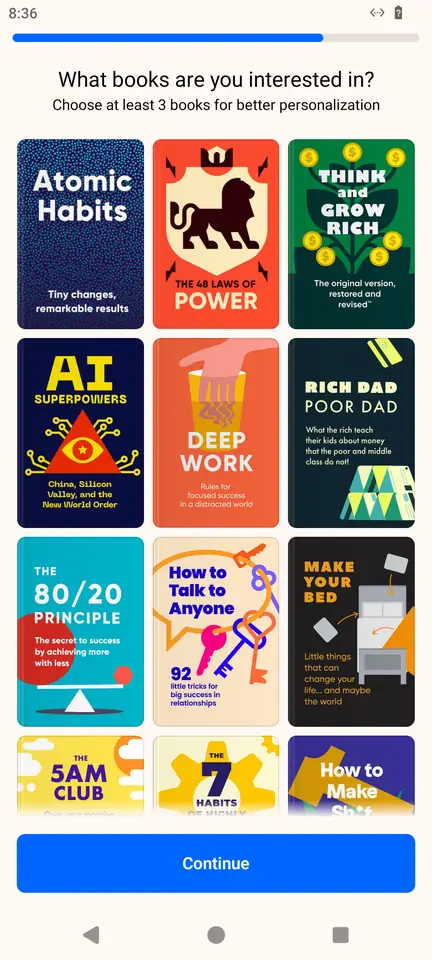
Headway Android screen 18 — onboarding: What books are you interested in?
What books are you interested in?
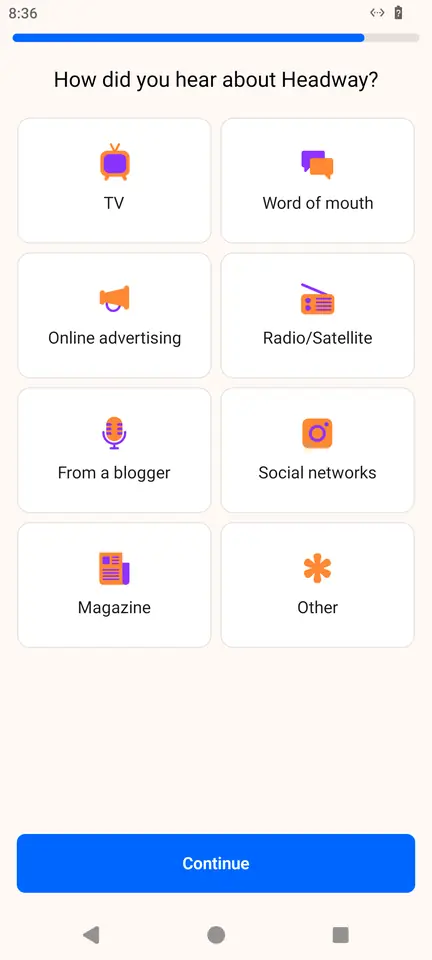
Headway Android screen 19 — onboarding: How did you hear about Headway?
How did you hear about Headway?
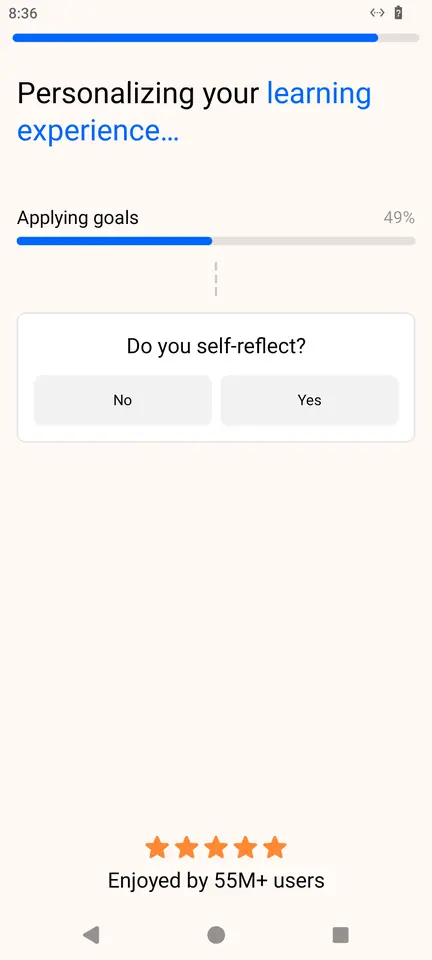
Headway Android screen 20 — onboarding: Personalizing your learning experience…
Personalizing your learning experience…
Headway Android screen 21 — onboarding: Personalizing your learning experience…
Personalizing your learning experience…
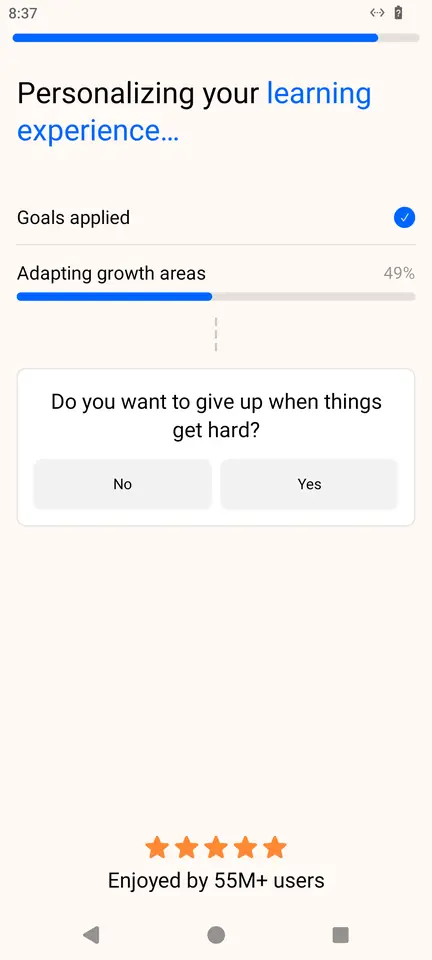
Headway Android screen 22 — onboarding: Personalizing your learning experience…
Personalizing your learning experience…

Blinkist

16 onboarding screens
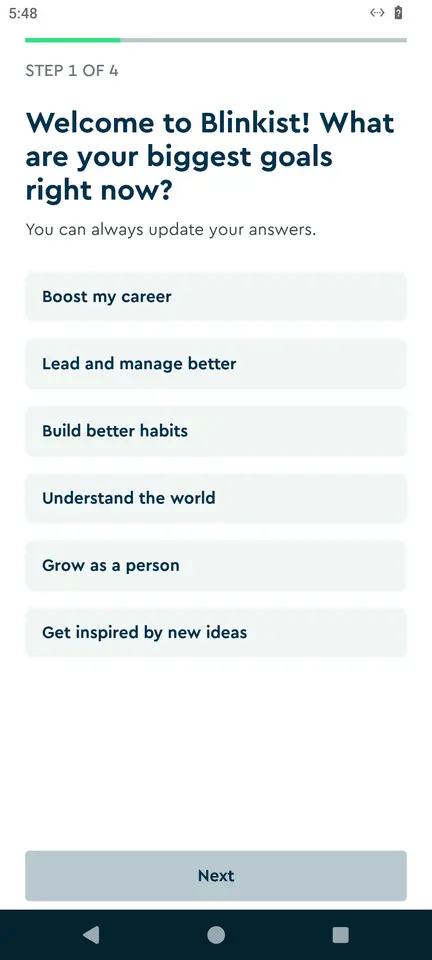
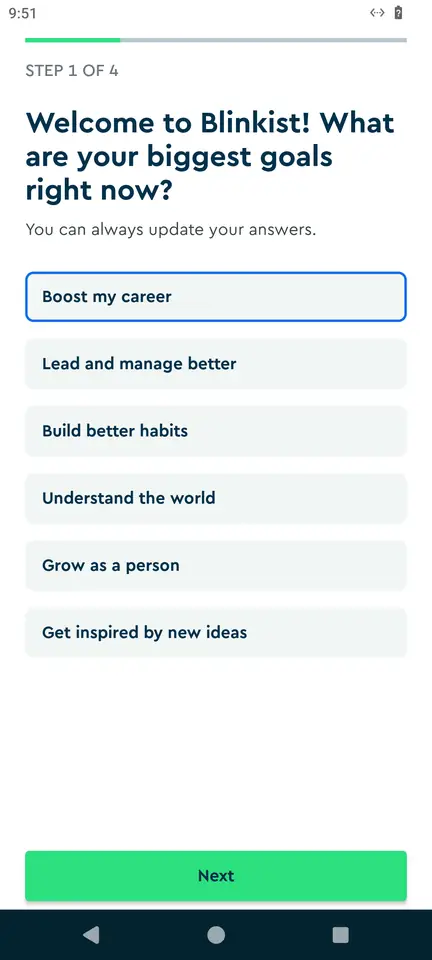
Blinkist Android screen 5 — onboarding: Welcome to Blinkist! What are your biggest goals right now?
Welcome to Blinkist! What are your…
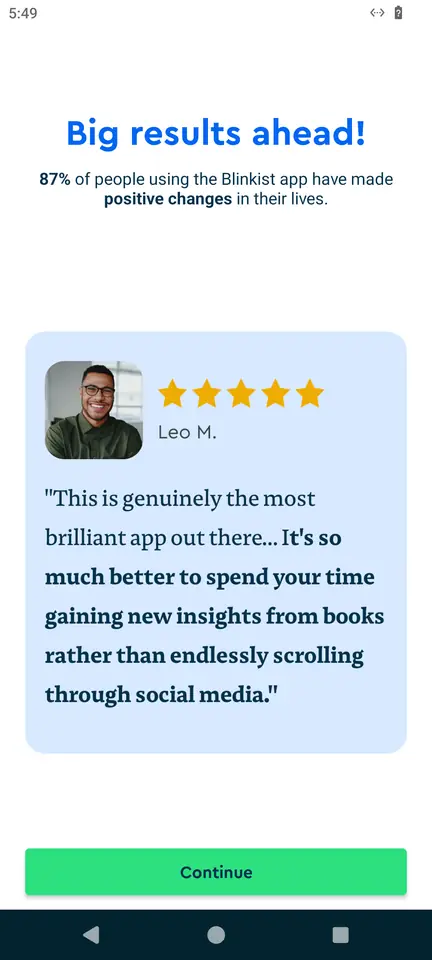
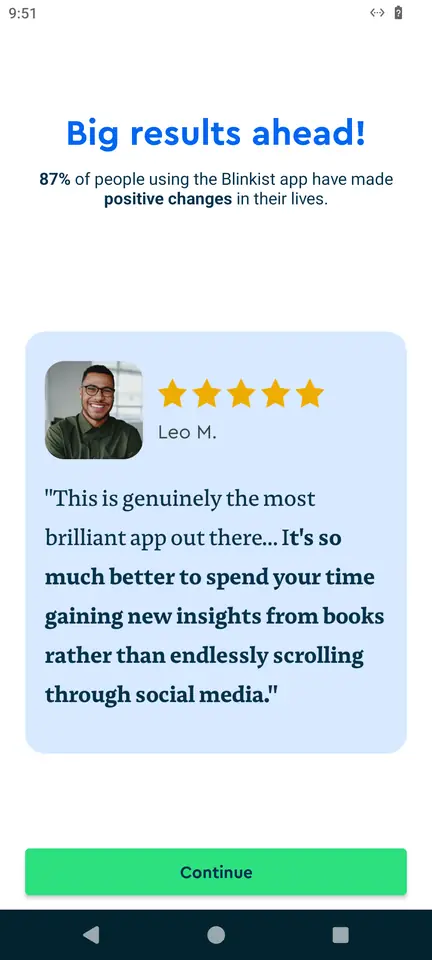
Blinkist Android screen 6 — onboarding: Big results ahead!
Big results ahead!
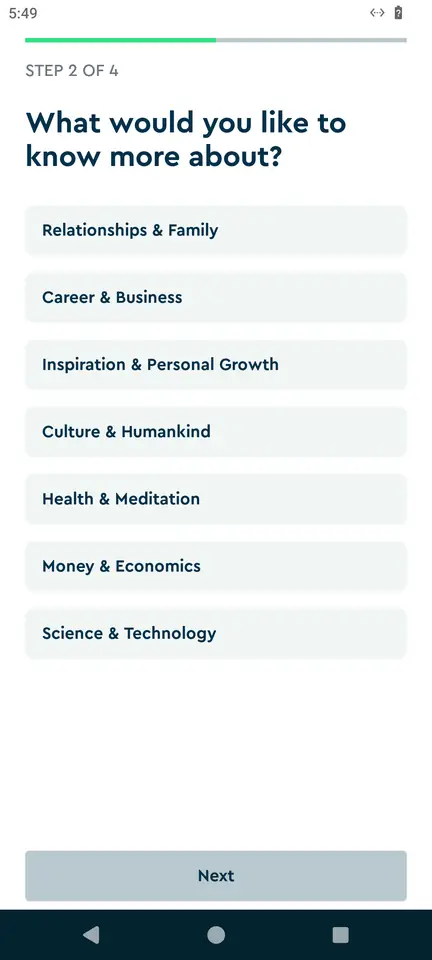
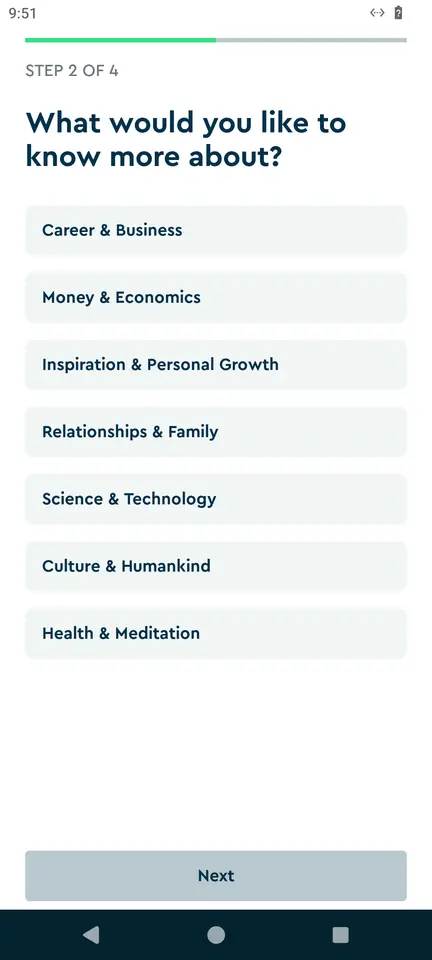
Blinkist Android screen 7 — onboarding: What would you like to know more about?
What would you like to know more about?
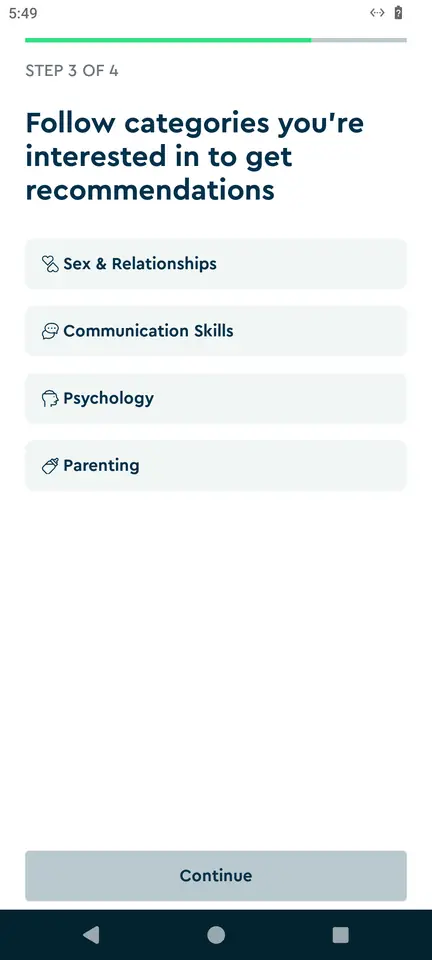
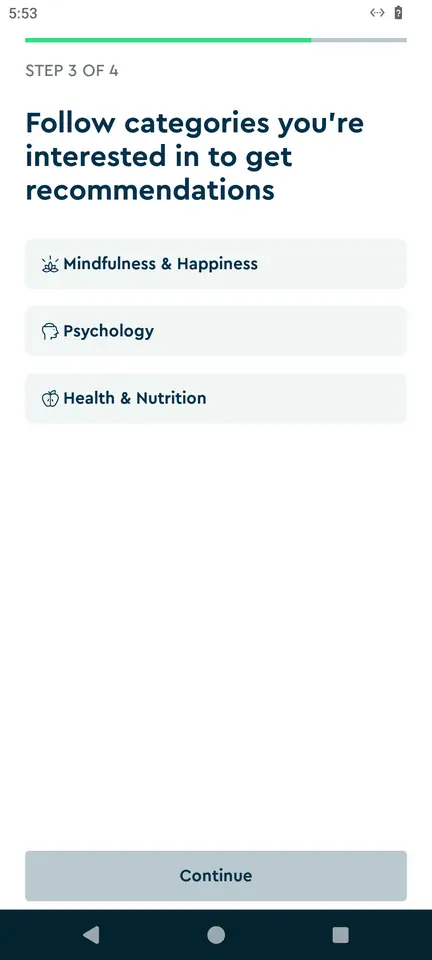
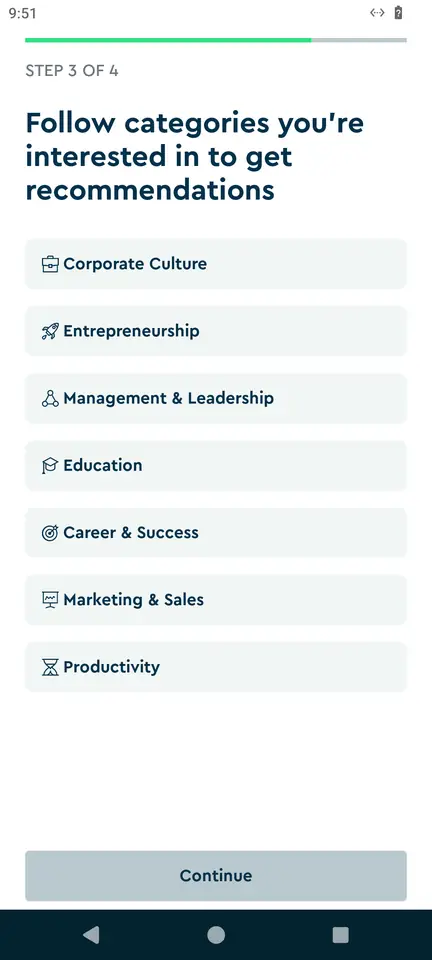
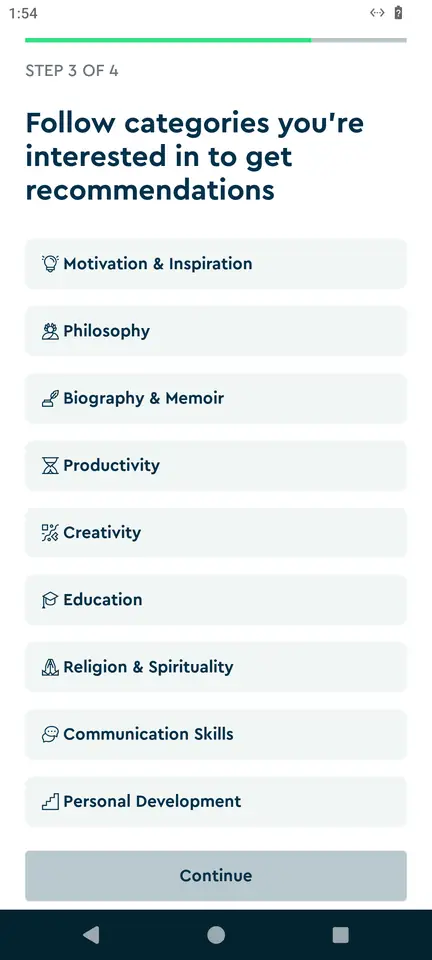
Blinkist Android screen 8 — onboarding: Follow categories you're interested in to get…
Follow categories you're interested in…
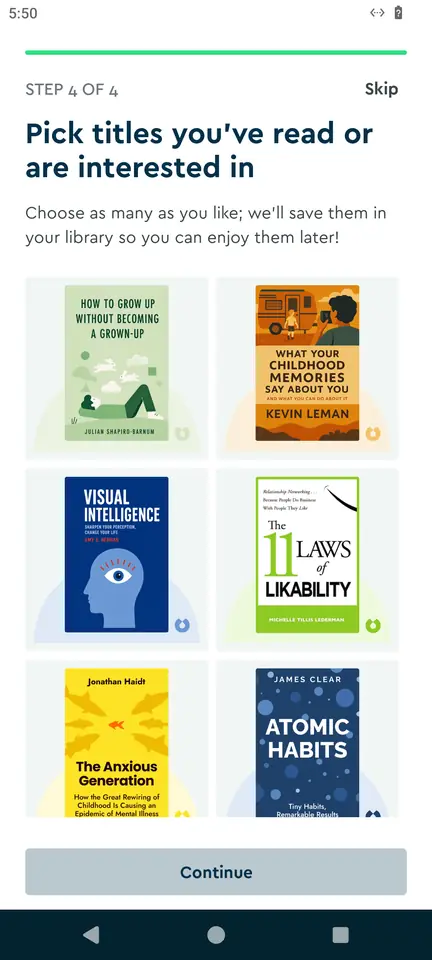
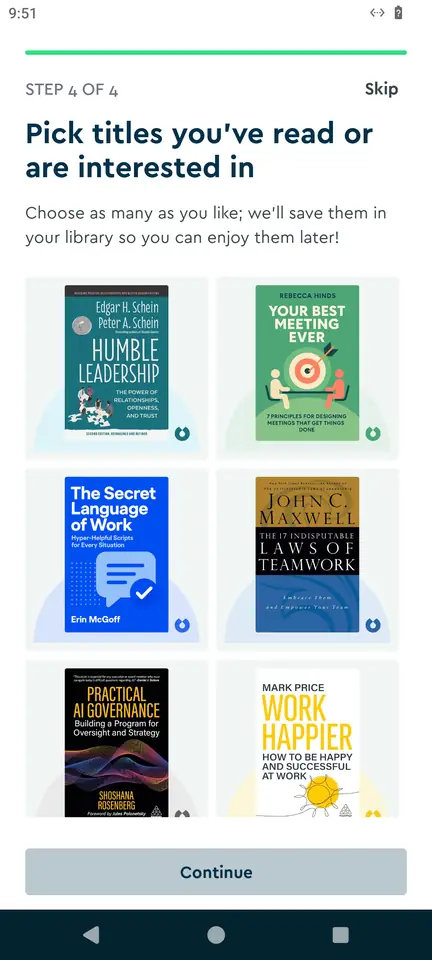
Blinkist Android screen 9 — onboarding: Pick titles you've read or are interested in
Pick titles you've read or are…
Blinkist Android screen 11 — onboarding: Follow categories you're interested in to get…
Follow categories you're interested in…
Blinkist Android screen 29 — onboarding: Gathering ideas...
Gathering ideas...
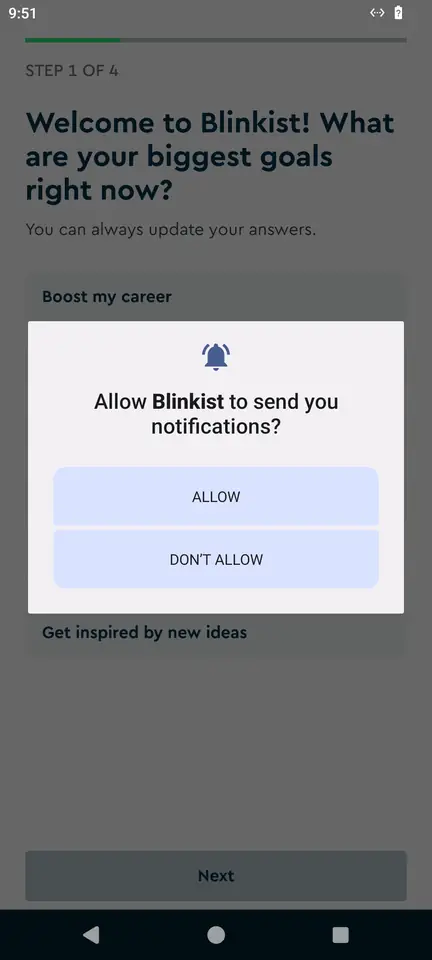
Blinkist Android screen 30 — permissions: Allow Blinkist to send you notifications?
Allow Blinkist to send you…
Blinkist Android screen 31 — onboarding: Welcome to Blinkist! What are your biggest goals right now?
Welcome to Blinkist! What are your…
Blinkist Android screen 32 — onboarding: Continue
Continue
Blinkist Android screen 33 — onboarding: What would you like to know more about?
What would you like to know more about?
Blinkist Android screen 34 — onboarding: Follow categories you're interested in to get…
Follow categories you're interested in…
Blinkist Android screen 35 — onboarding: Pick titles you've read or are interested in
Pick titles you've read or are…
Blinkist Android screen 36 — onboarding: Onboarding
Onboarding
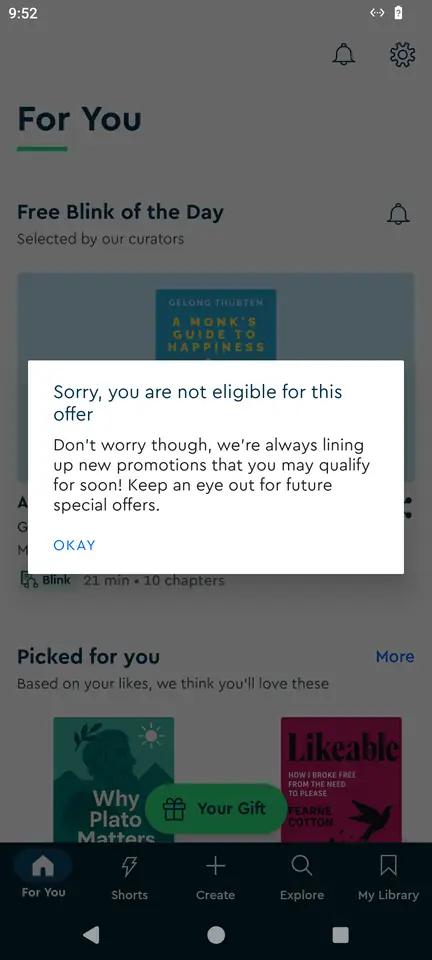
Blinkist Android screen 37 — onboarding: Sorry, you are not eligible for this offer
Sorry, you are not eligible for this…
Blinkist Android screen 40 — onboarding: Follow categories you're interested in to get…
Follow categories you're interested in…

AndBible

7 onboarding screens
AndBible Android screen 1 — onboarding: AndBible: Bible Study
AndBible: Bible Study
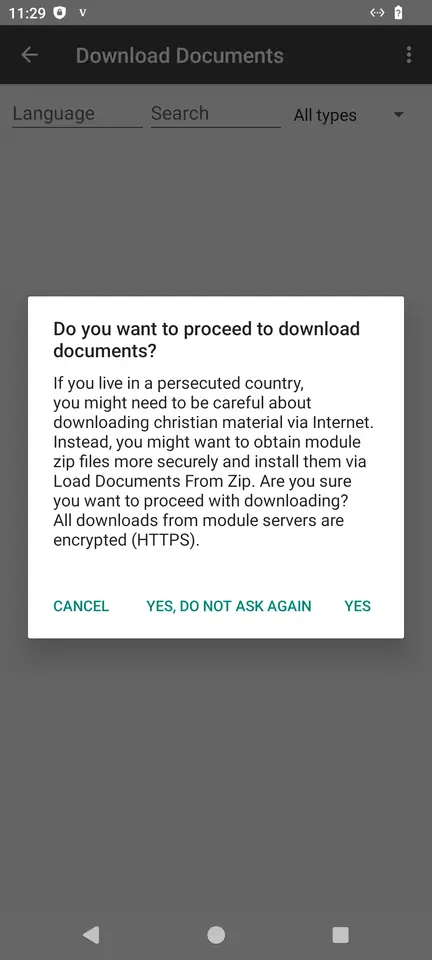
AndBible Android screen 2 — onboarding: Do you want to proceed to download documents?
Do you want to proceed to download…
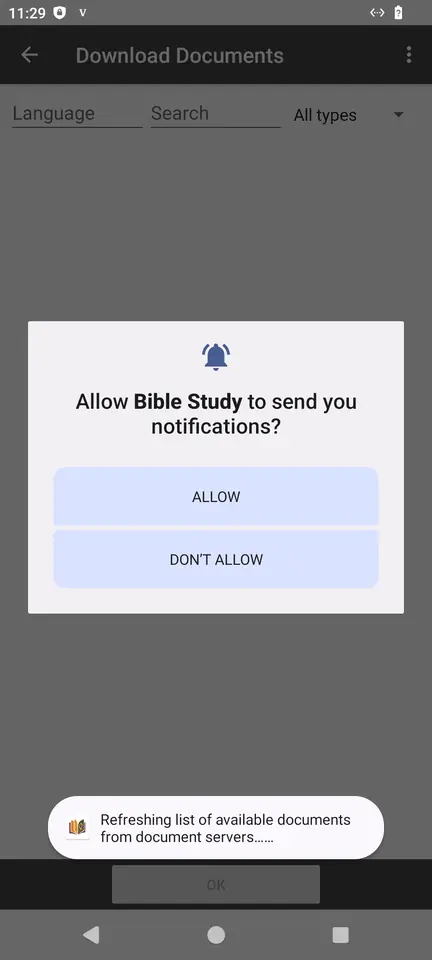
AndBible Android screen 3 — permissions: Allow Bible Study to send you notifications?
Allow Bible Study to send you…
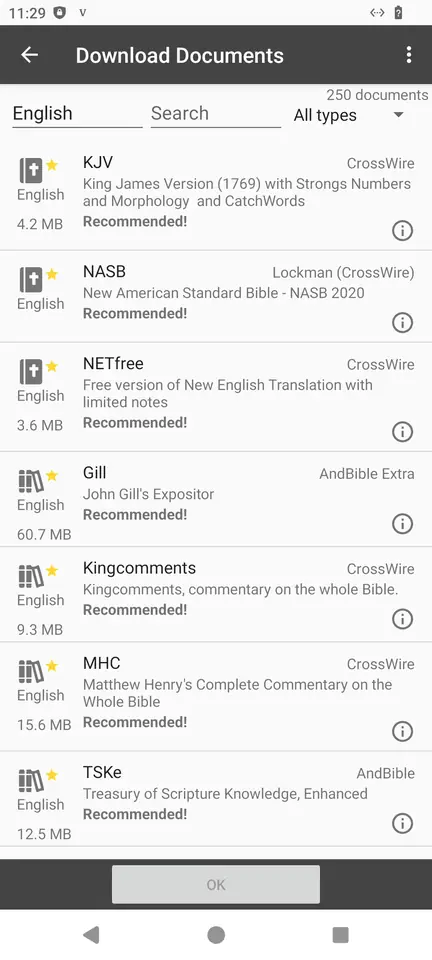
AndBible Android screen 4 — onboarding: Download Documents
Download Documents
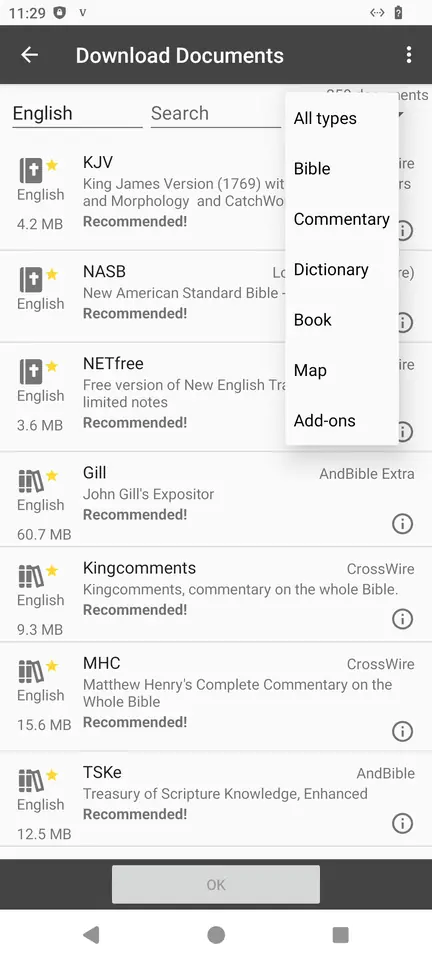
AndBible Android screen 5 — onboarding: All types
All types
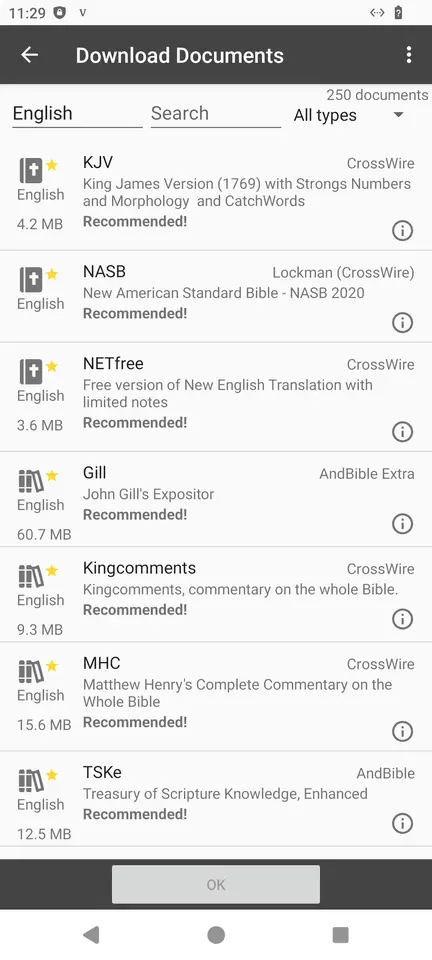
AndBible Android screen 6 — onboarding: Download Documents
Download Documents
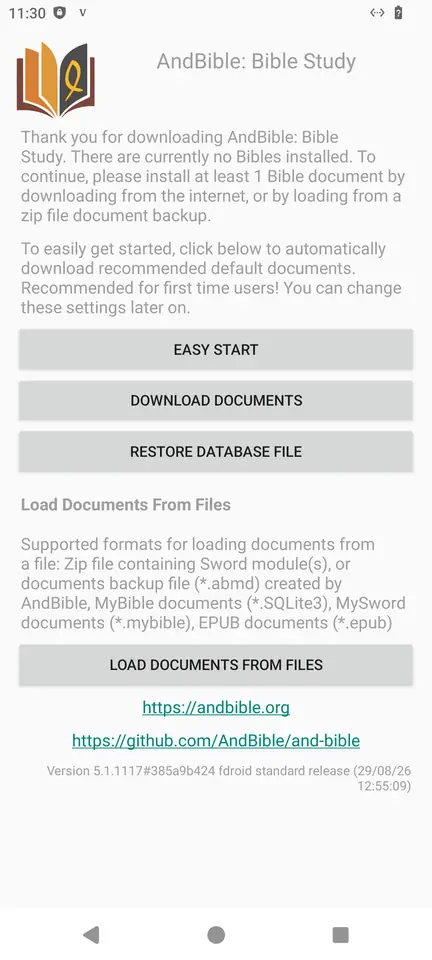
AndBible Android screen 7 — onboarding: AndBible: Bible Study
AndBible: Bible Study

The StoryGraph

6 onboarding screens
The StoryGraph Android screen 5 — onboarding: The StoryGraph
The StoryGraph
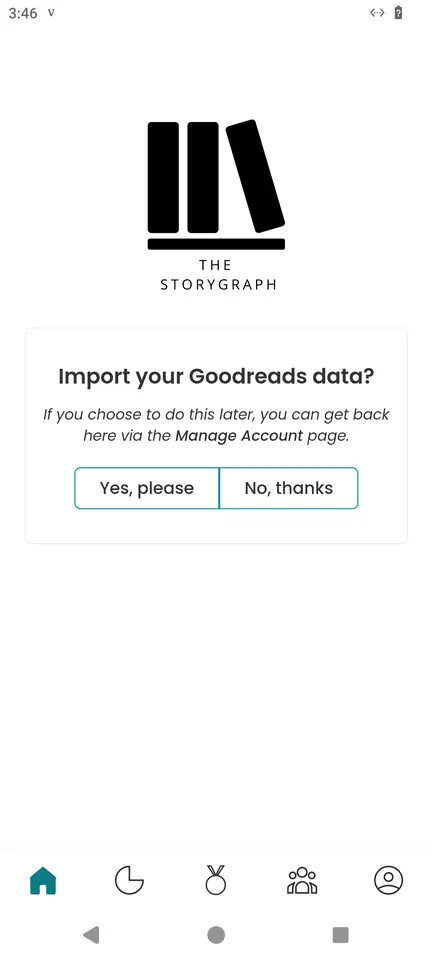
The StoryGraph Android screen 7 — onboarding: Import Goodreads? | The StoryGraph
Import Goodreads? | The StoryGraph
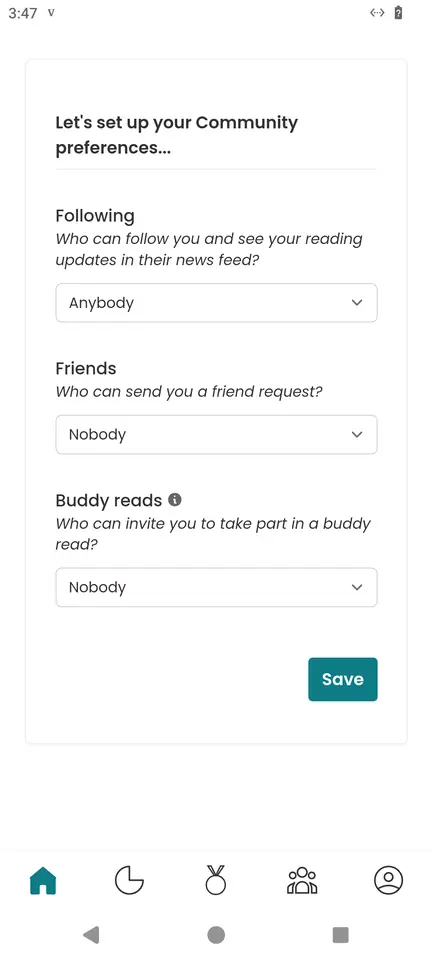
The StoryGraph Android screen 8 — onboarding: Community Preferences | The StoryGraph
Community Preferences | The StoryGraph
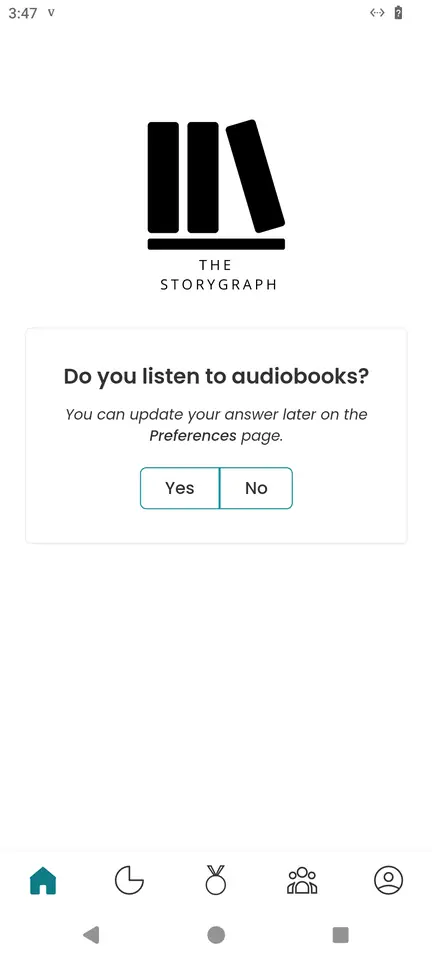
The StoryGraph Android screen 9 — onboarding: Listen to audiobooks? | The StoryGraph
Listen to audiobooks? | The StoryGraph
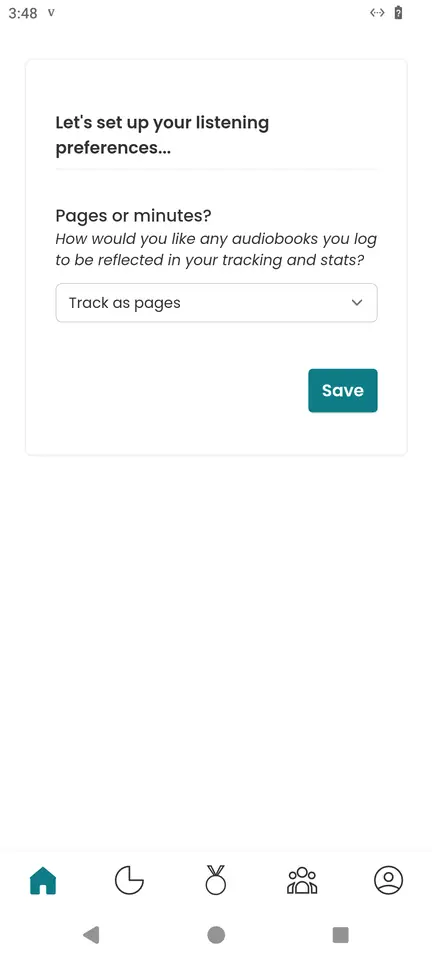
The StoryGraph Android screen 10 — onboarding: Audiobook Preferences | The StoryGraph
Audiobook Preferences | The StoryGraph
The StoryGraph Android screen 11 — onboarding: Onboarding — Where Next? | The StoryGraph
Onboarding — Where Next? | The…

USA TODAY

6 onboarding screens
USA TODAY Android screen 17 — permissions: Allow USA TODAY to send you notifications?
Allow USA TODAY to send you…
USA TODAY Android screen 18 — onboarding: Welcome screen, use buttons at the bottom of the screen to…
Welcome screen, use buttons at the…
USA TODAY Android screen 19 — onboarding: Welcome screen, use buttons at the bottom of the screen to…
Welcome screen, use buttons at the…
USA TODAY Android screen 20 — onboarding: Welcome screen, use buttons at the bottom of the screen to…
Welcome screen, use buttons at the…
USA TODAY Android screen 23 — onboarding: Welcome screen, use buttons at the bottom of the screen to…
Welcome screen, use buttons at the…
USA TODAY Android screen 25 — onboarding: Welcome screen, use buttons at the bottom of the screen to…
Welcome screen, use buttons at the…

Sobuu

5 onboarding screens
Sobuu Android screen 1 — onboarding: Welcome to Sobuu
Welcome to Sobuu
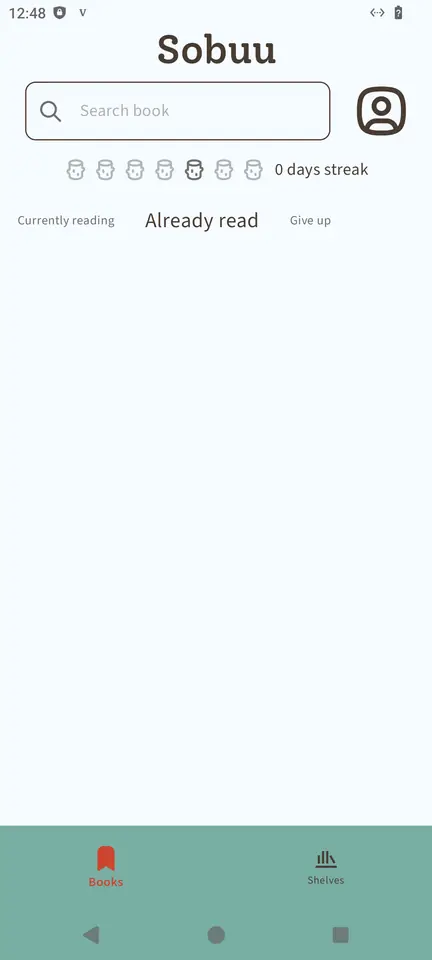
Sobuu Android screen 2 — onboarding: What is new in Sobuu 1.5.1
What is new in Sobuu 1.5.1
Sobuu Android screen 3 — onboarding: Password
Password
Sobuu Android screen 4 — onboarding: Reading day
Reading day
Sobuu Android screen 5 — onboarding: Reading day
Reading day

azcentral

3 onboarding screens
azcentral Android screen 5 — onboarding: Welcome screen, use buttons at the bottom of the screen to…
Welcome screen, use buttons at the…
azcentral Android screen 6 — onboarding: Welcome screen, use buttons at the bottom of the screen to…
Welcome screen, use buttons at the…
azcentral Android screen 8 — onboarding: Welcome screen, use buttons at the bottom of the screen to…
Welcome screen, use buttons at the…

Courier Journal

3 onboarding screens
Courier Journal Android screen 5 — onboarding: Welcome screen, use buttons at the bottom of the screen to…
Welcome screen, use buttons at the…
Courier Journal Android screen 6 — onboarding: Welcome screen, use buttons at the bottom of the screen to…
Welcome screen, use buttons at the…
Courier Journal Android screen 8 — onboarding: Welcome screen, use buttons at the bottom of the screen to…
Welcome screen, use buttons at the…

Fable

3 onboarding screens
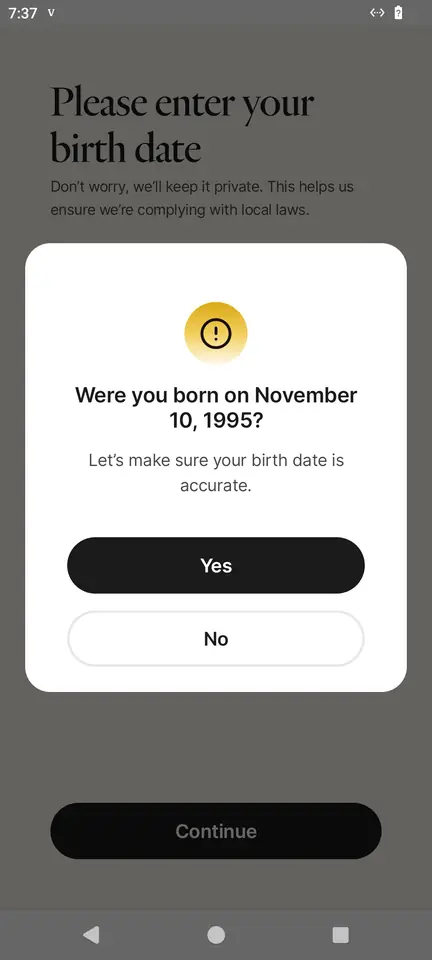
Fable Android screen 8 — onboarding: Please enter your birth date
Please enter your birth date
Fable Android screen 9 — onboarding: Alert icon
Alert icon
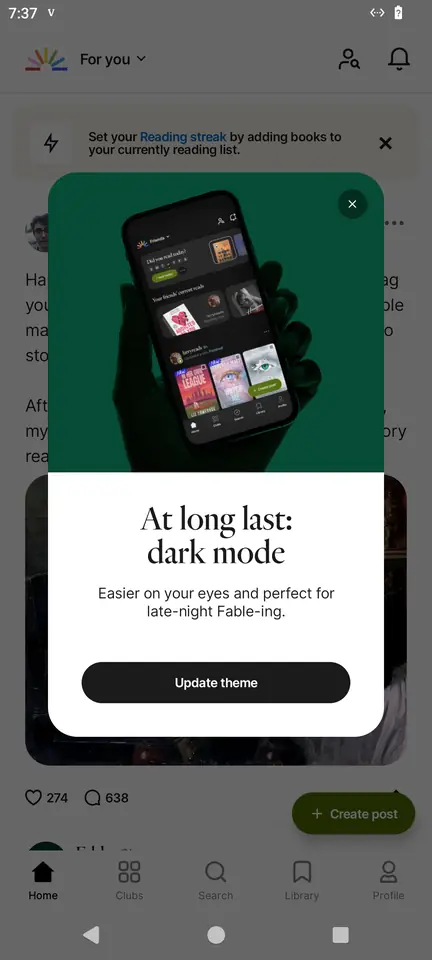
Fable Android screen 10 — onboarding: At long last: dark mode
At long last: dark mode

Statesman Journal

3 onboarding screens
Statesman Journal Android screen 4 — onboarding: Welcome screen, use buttons at the bottom of the screen to…
Welcome screen, use buttons at the…
Statesman Journal Android screen 5 — onboarding: Welcome screen, use buttons at the bottom of the screen to…
Welcome screen, use buttons at the…
Statesman Journal Android screen 7 — onboarding: Welcome screen, use buttons at the bottom of the screen to…
Welcome screen, use buttons at the…

The News-Press

3 onboarding screens
The News-Press Android screen 4 — onboarding: Welcome screen, use buttons at the bottom of the screen to…
Welcome screen, use buttons at the…
The News-Press Android screen 5 — onboarding: Welcome screen, use buttons at the bottom of the screen to…
Welcome screen, use buttons at the…
The News-Press Android screen 7 — onboarding: Welcome screen, use buttons at the bottom of the screen to…
Welcome screen, use buttons at the…

Reno Gazette-Journal

2 onboarding screens
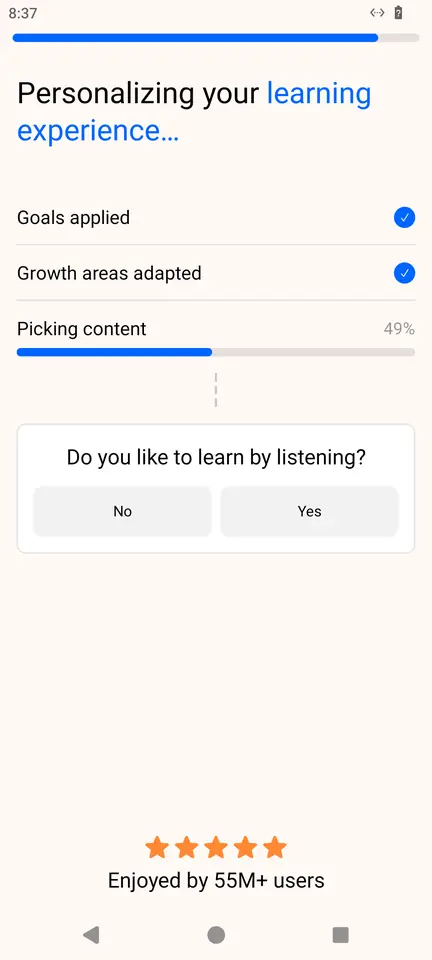
Reno Gazette-Journal Android screen 4 — onboarding: Welcome screen, use buttons at the bottom of the screen to…
Welcome screen, use buttons at the…
Reno Gazette-Journal Android screen 5 — onboarding: Welcome screen, use buttons at the bottom of the screen to…
Welcome screen, use buttons at the…

Asbury Park Press

1 onboarding screen
Asbury Park Press Android screen 4 — onboarding: Welcome screen, use buttons at the bottom of the screen to…
Welcome screen, use buttons at the…

Audible

1 onboarding screen
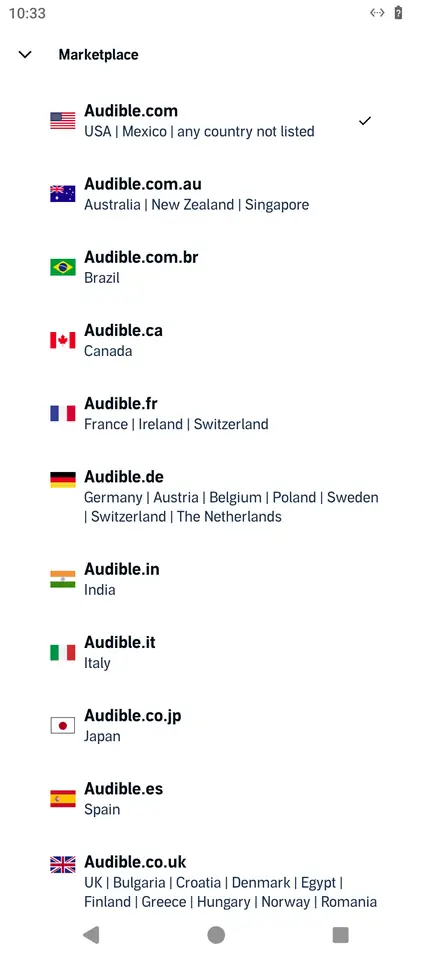
Audible Android screen 2 — onboarding: Audible.comUSA | Mexico | any country not listed is selected
Audible.comUSA | Mexico | any country…

Delaware Online

1 onboarding screen
Delaware Online Android screen 4 — onboarding: Welcome screen, use buttons at the bottom of the screen to…
Welcome screen, use buttons at the…

Democrat & Chronicle

1 onboarding screen
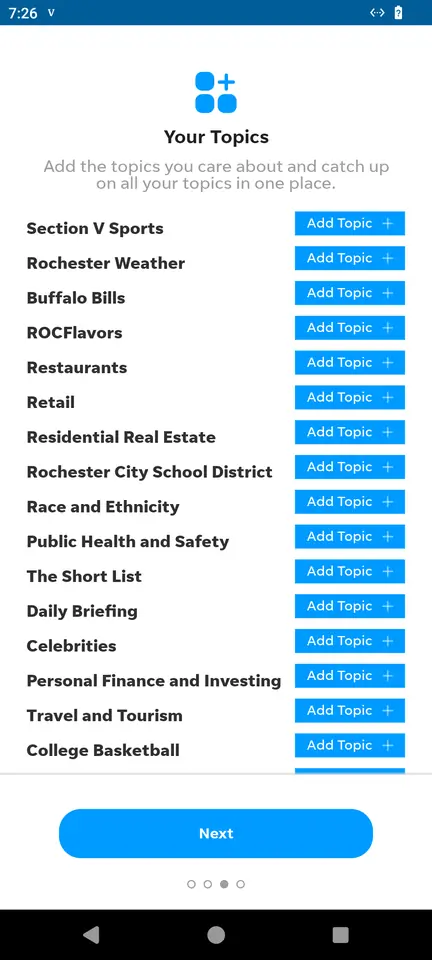
Democrat & Chronicle Android screen 4 — onboarding: Welcome screen, use buttons at the bottom of the screen to…
Welcome screen, use buttons at the…

Instapaper

1 onboarding screen
Instapaper Android screen 4 — onboarding: LOG IN
LOG IN

Myne

1 onboarding screen
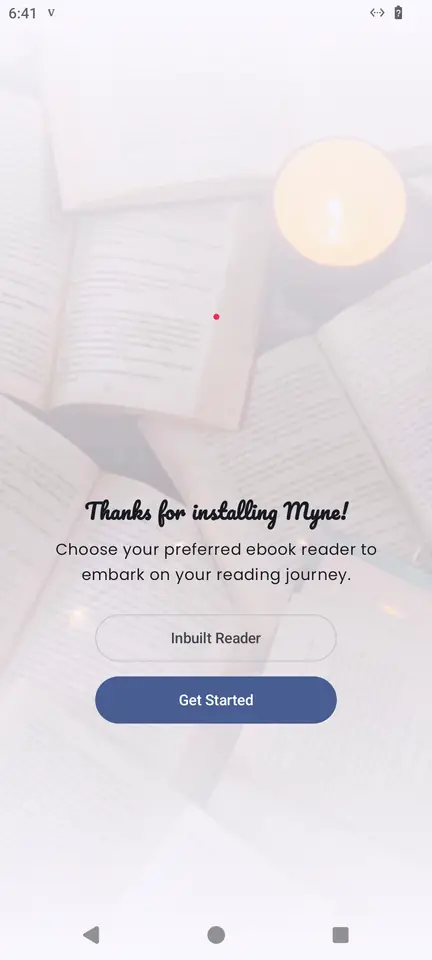
Myne Android screen 1 — onboarding: Thanks for installing Myne!
Thanks for installing Myne!

Newark Advocate

1 onboarding screen
Newark Advocate Android screen 4 — onboarding: Welcome screen, use buttons at the bottom of the screen to…
Welcome screen, use buttons at the…

News (appreactor)

1 onboarding screen
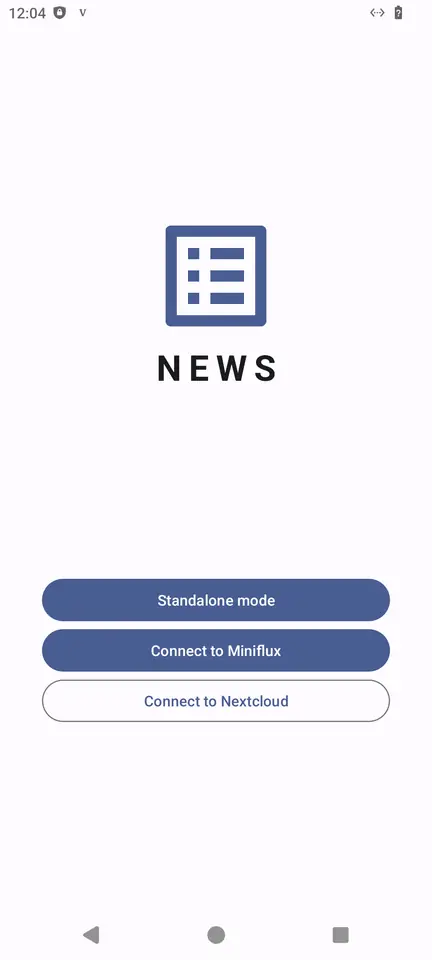
News (appreactor) Android screen 3 — onboarding: Standalone mode
Standalone mode

Pal-Item

1 onboarding screen
Pal-Item Android screen 4 — onboarding: Welcome screen, use buttons at the bottom of the screen to…
Welcome screen, use buttons at the…

Pressconnects

1 onboarding screen
Pressconnects Android screen 4 — onboarding: Welcome screen, use buttons at the bottom of the screen to…
Welcome screen, use buttons at the…

SmartNews

1 onboarding screen
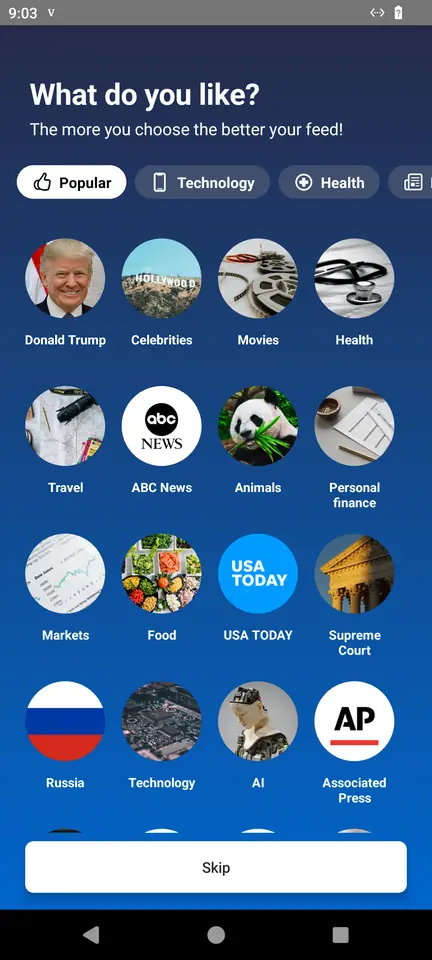
SmartNews Android screen 2 — onboarding: What do you like?
What do you like?

The News Leader

1 onboarding screen
The News Leader Android screen 4 — onboarding: Welcome screen, use buttons at the bottom of the screen to…
Welcome screen, use buttons at the…

UI components on books & reading onboarding screens

Share of the 118 screens where each component is in the view hierarchy and drawn on screen; the example shows it outlined.

Lucid Android screen 29 — permissions: Allow Imprint to send you notifications?

Button

40 screens34%

19 apps · example: Lucid

Headway Android screen 21 — onboarding: Personalizing your learning experience…

Divider

28 screens24%

14 apps · example: Headway

USA TODAY Android screen 18 — onboarding: Welcome screen, use buttons at the bottom of the screen to…

Page indicator dots

26 screens22%

13 apps · example: USA TODAY

Headway Android screen 5 — onboarding: Select your gender

Card

8 screens7%

1 app · example: Headway

Lucid Android screen 29 — permissions: Allow Imprint to send you notifications?

Dialog

6 screens5%

4 apps · example: Lucid

Headway Android screen 7 — onboarding: What are your goals?

List item

6 screens5%

3 apps · example: Headway

The StoryGraph Android screen 5 — onboarding: The StoryGraph

Tab bar

6 screens5%

1 app · example: The StoryGraph

Headway Android screen 20 — onboarding: Personalizing your learning experience…

Progress bar

3 screens3%

1 app · example: Headway

UI patterns on books & reading onboarding screens

USA TODAY Android screen 23 — onboarding: Welcome screen, use buttons at the bottom of the screen to…

Registration wall

6 of 25 apps24%

example: USA TODAY

Lucid Android screen 7 — onboarding: Imprint Logo

Welcome screen

5 of 25 apps20%

example: Lucid

Lucid Android screen 28 — onboarding: Turn voice on

Permission priming

4 of 25 apps16%

example: Lucid

azcentral Android screen 8 — onboarding: Welcome screen, use buttons at the bottom of the screen to…

Pricing plans

4 of 25 apps16%

example: azcentral

Lucid Android screen 12 — onboarding: Turn voice off

Age gate

2 of 25 apps8%

example: Lucid

Lucid Android screen 12 — onboarding: Turn voice off

Onboarding survey

2 of 25 apps8%

example: Lucid

Lucid Android screen 30 — onboarding: Turn voice on

Skip button

2 of 25 apps8%

example: Lucid

Fable Android screen 10 — onboarding: At long last: dark mode

Dark mode toggle

1 of 25 apps4%

example: Fable

What books & reading apps say on these screens

UI copy that appears on the onboarding screens of two or more books & reading apps, with the number of apps using it.

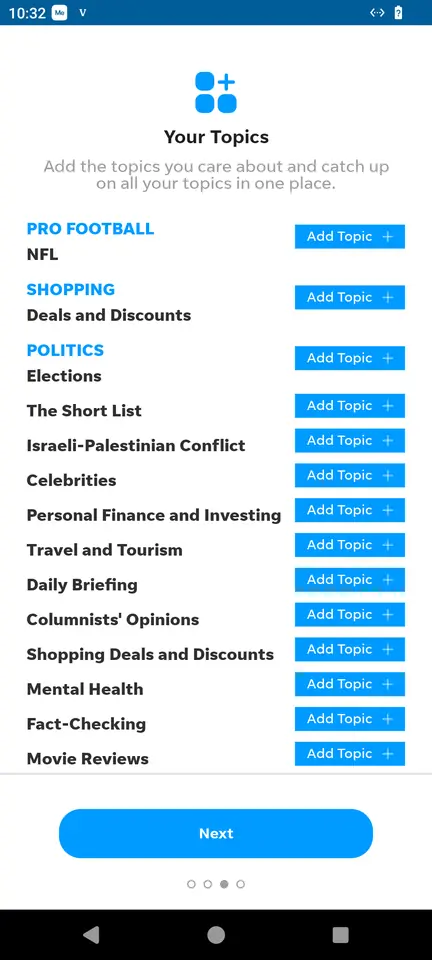
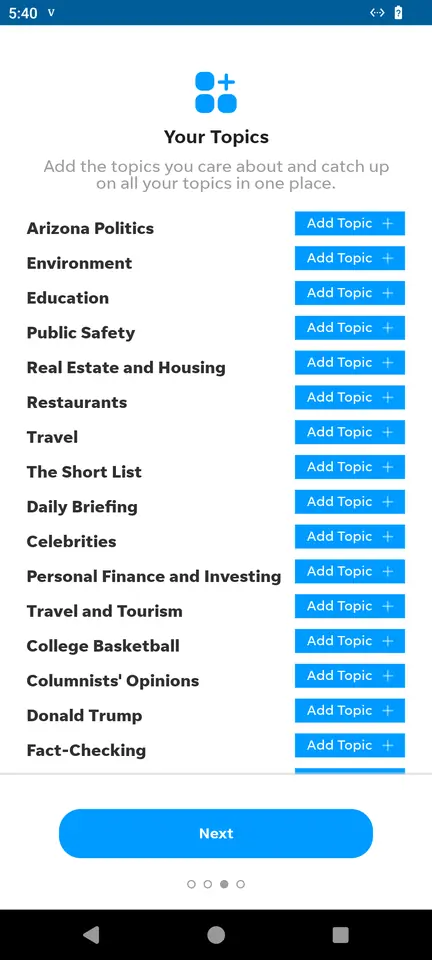
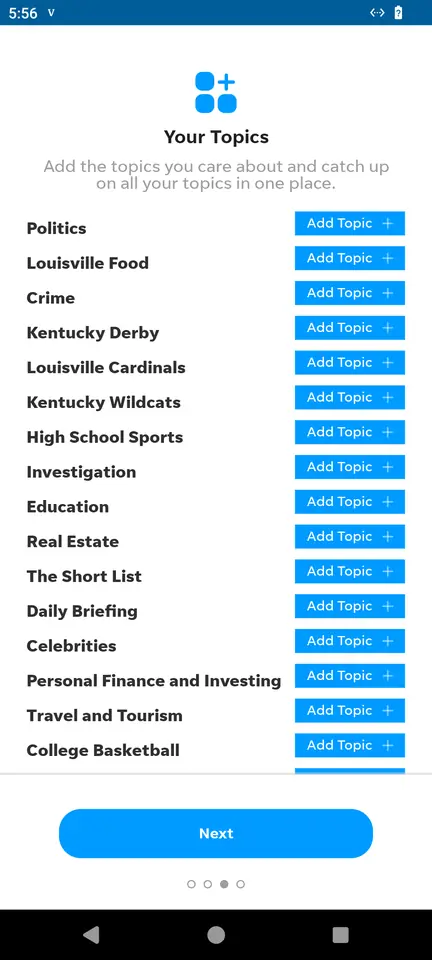
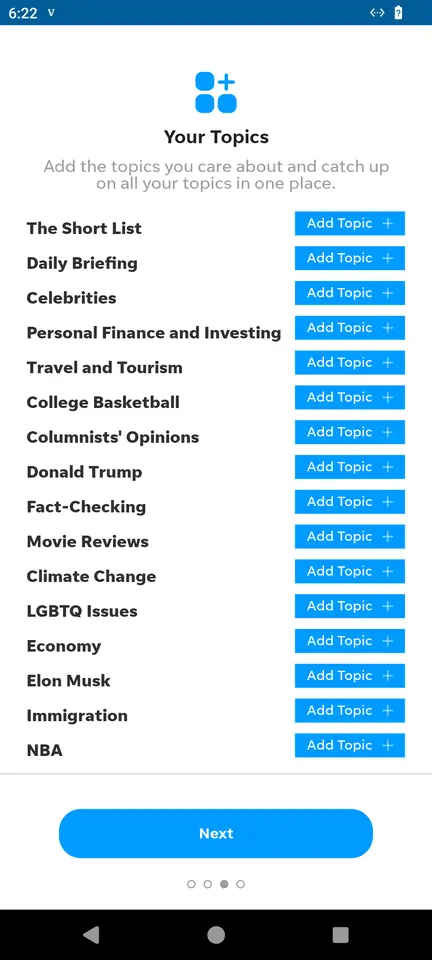
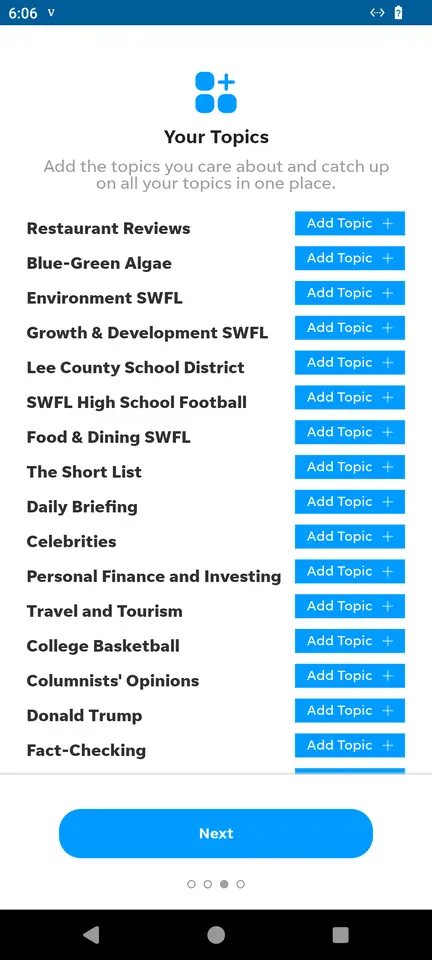
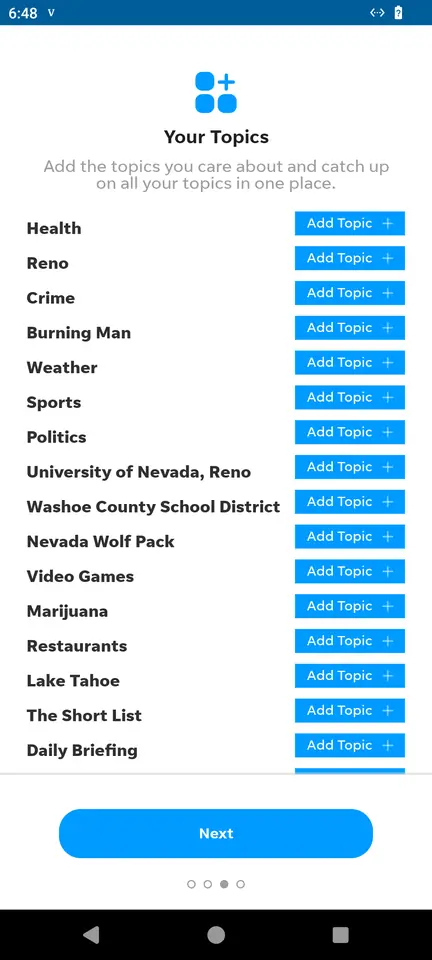
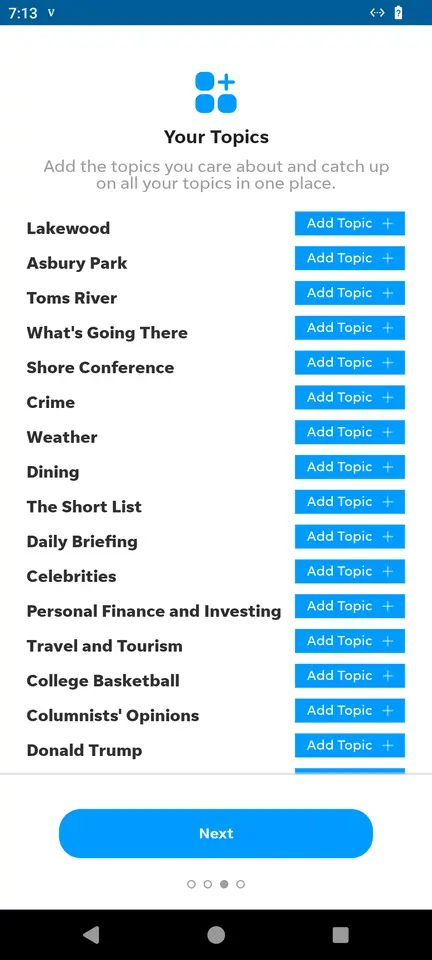
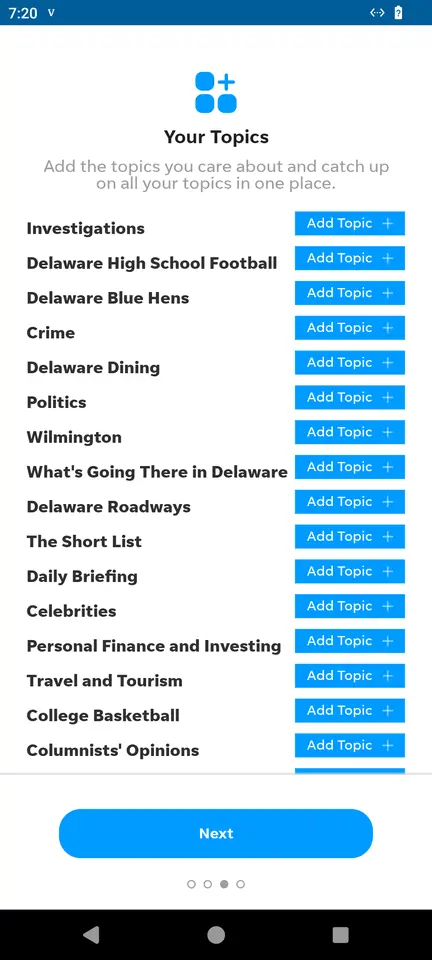
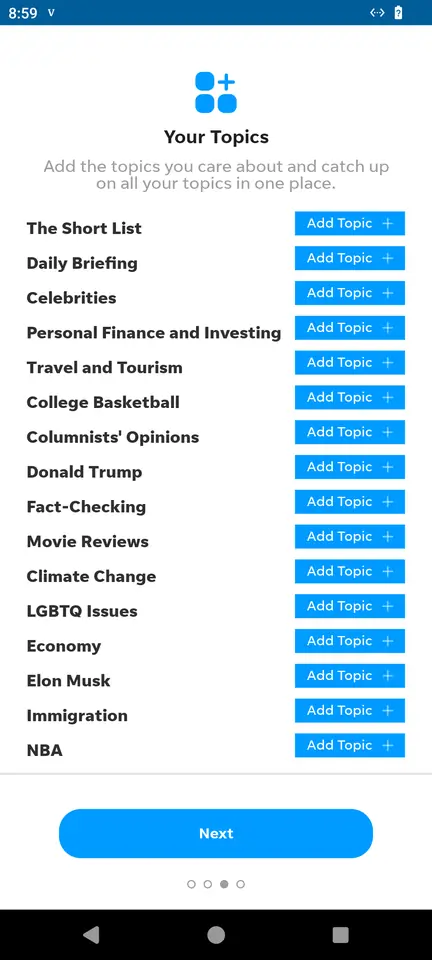
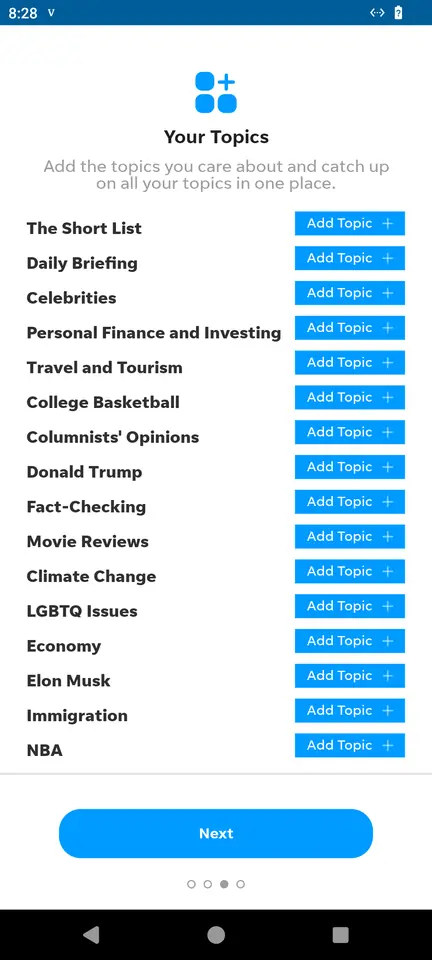
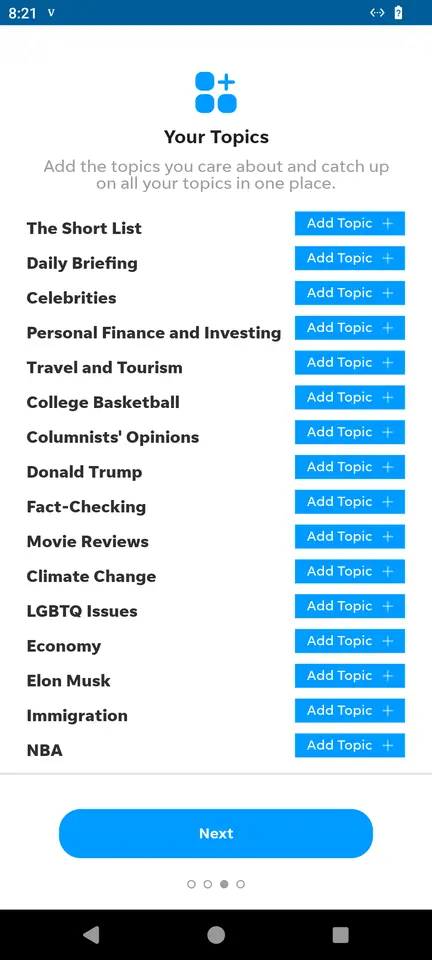
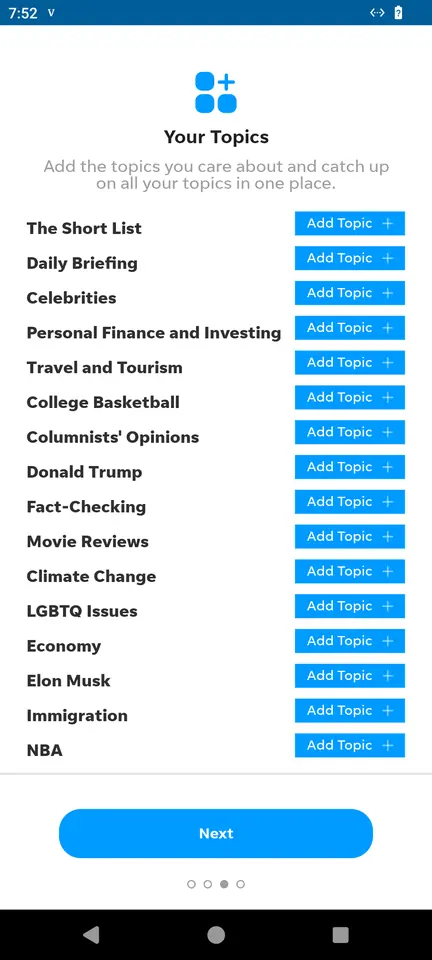
  • Add Topic13 apps
  • Follow Topic Checkbox13 apps
  • Your Topics13 apps
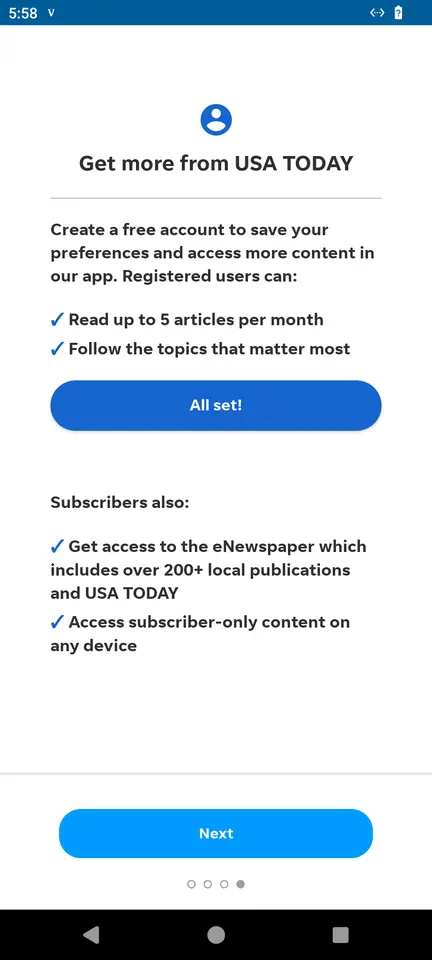
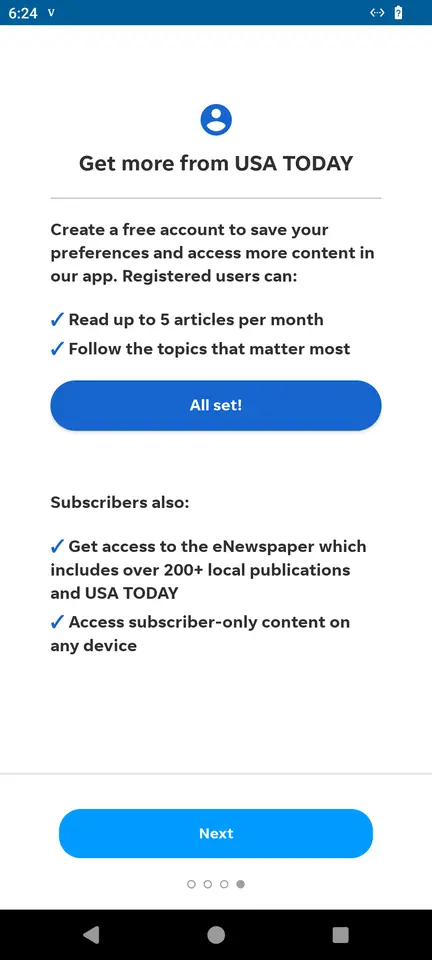
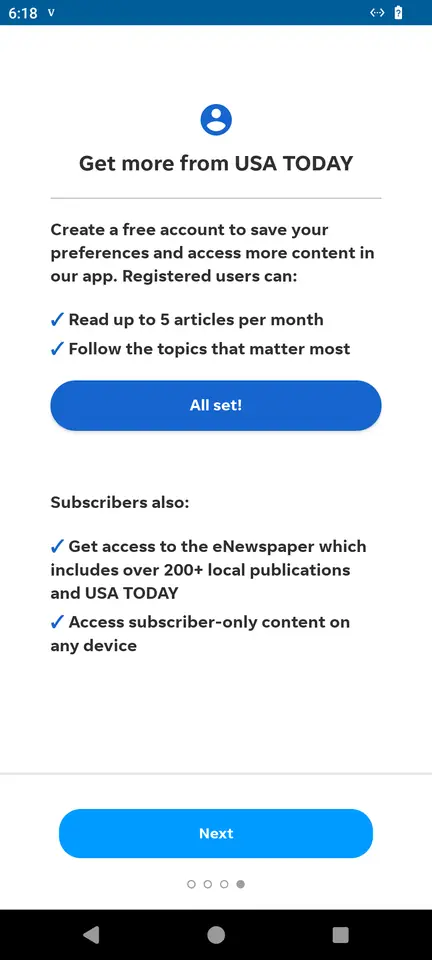
  • All set!6 apps
  • Celebrities6 apps
  • Next6 apps
  • Page1of46 apps
  • Page2of46 apps
  • Daily Briefing5 apps
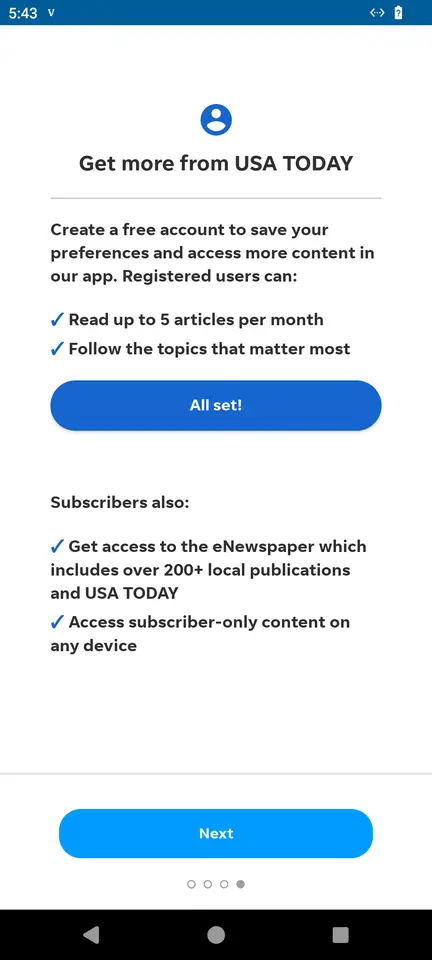
  • Get more from USA TODAY5 apps
  • Subscribers also:5 apps
  • The Short List5 apps

Best practices for onboarding screens

  • Show the core value on the first screen in one sentence.
  • Ask only what you will use to personalise the app, and say why you ask.
  • Show progress (a bar or “2 of 5”) when the flow has more than three steps.
  • Offer a Skip or “Not now” on anything optional.
  • Ask for permissions in context, after explaining the benefit.

Design notes for books & reading apps

  • Ask for favourite topics or genres in onboarding to fill the first feed.
  • Show reading time or listening length on every title.
  • Make “continue reading” the first thing on the home screen.
  • Keep the reader view free of chrome; controls appear on tap.

FAQ

What do books & reading app onboarding screens look like?

The UI Lane library holds 118 onboarding screens from 25 Android books & reading apps (Lucid, Headway, Blinkist, AndBible, The StoryGraph and USA TODAY and more). Across these 118 screens the most common detected components are button (34%), divider (24%) and page indicator dots (22%). The most common UI patterns are registration wall (6 of 25 apps), welcome screen (5 of 25 apps) and permission priming (4 of 25 apps).

Which books & reading apps have the longest onboarding flow?

14 of these apps have their full onboarding flow captured step by step: the longest is Lucid (27 screens), the shortest Instapaper (2 screens). Full list: Lucid (27), Headway (22), Blinkist (12), AndBible (7), The StoryGraph (6), Sobuu (5), USA TODAY (4), azcentral (3), Courier Journal (3), Fable (3), Statesman Journal (3), The News-Press (3), Instapaper (2) and Reno Gazette-Journal (2).

What do books & reading apps say on their onboarding screens?

UI copy used by two or more of these apps: “Add Topic” (13 apps), “Follow Topic Checkbox” (13 apps), “Your Topics” (13 apps), “All set!” (6 apps) and “Celebrities” (6 apps).

Captured on real Android devices · last updated 2026-11-14