Android onboarding UI: what 199 real apps are built from
Across 1434 onboarding screens from 199 apps, the most common detected components are button (24% of screens), progress bar (15% of screens) and toolbar (11% of screens). Measured from the Android view hierarchy of every onboarding screen in the Flowtape library.
Every screen, as a gallery: Onboarding screen examples.
What is an onboarding screen?
Onboarding screens are the first screens a new user sees after installing an app — welcome slides, goal and preference questions, permission requests and account setup — designed to show the app's value and personalise it before the user reaches the main experience.
UI components on Android onboarding screens
Share of the 1434 onboarding screens where each component is present in the view hierarchy and drawn on screen. The example shows it outlined.
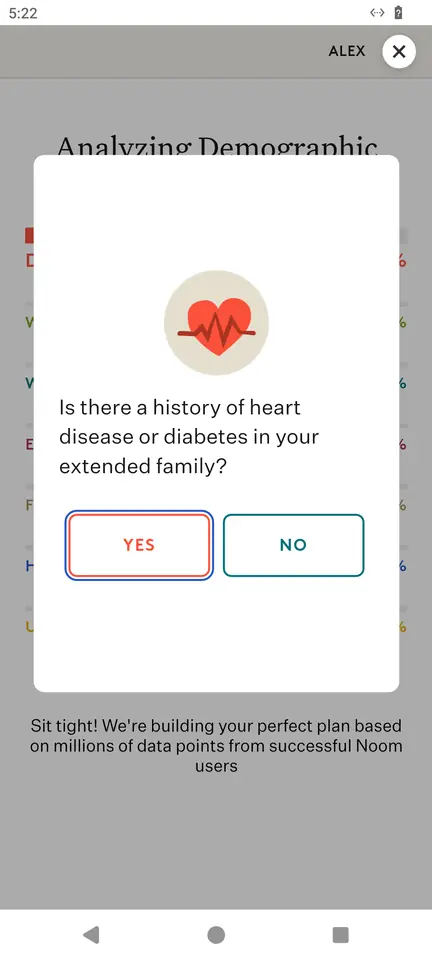
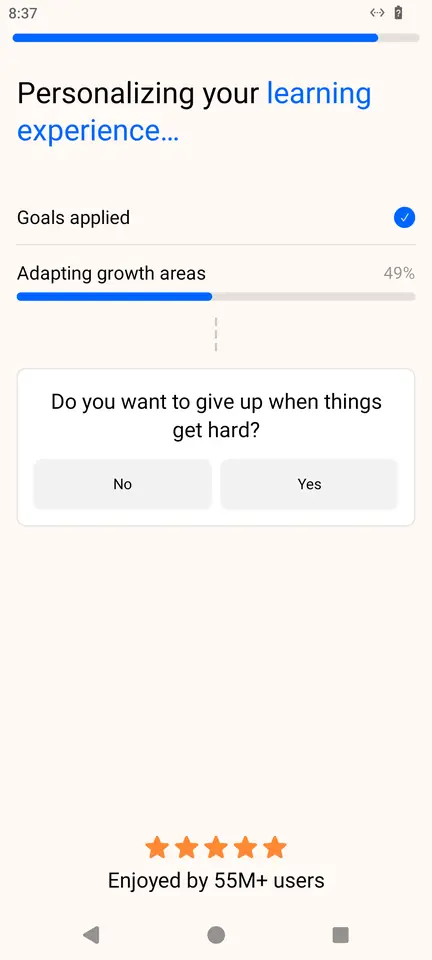
Progress bar
23 apps · example: Noom
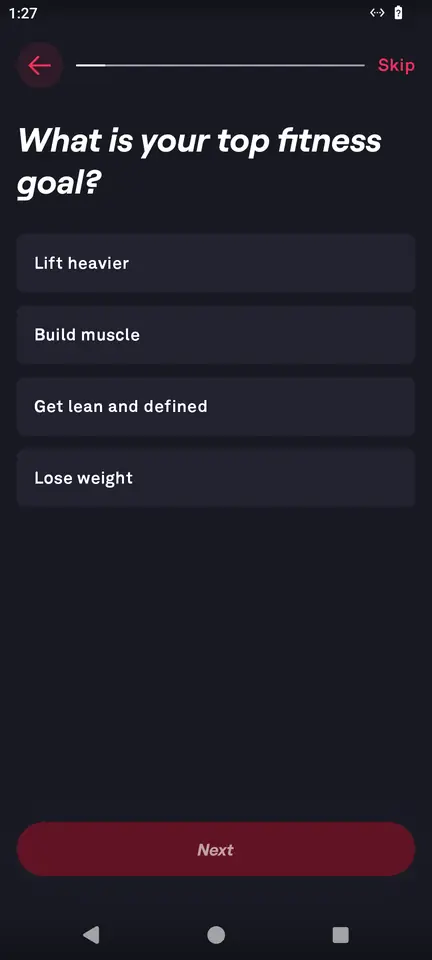
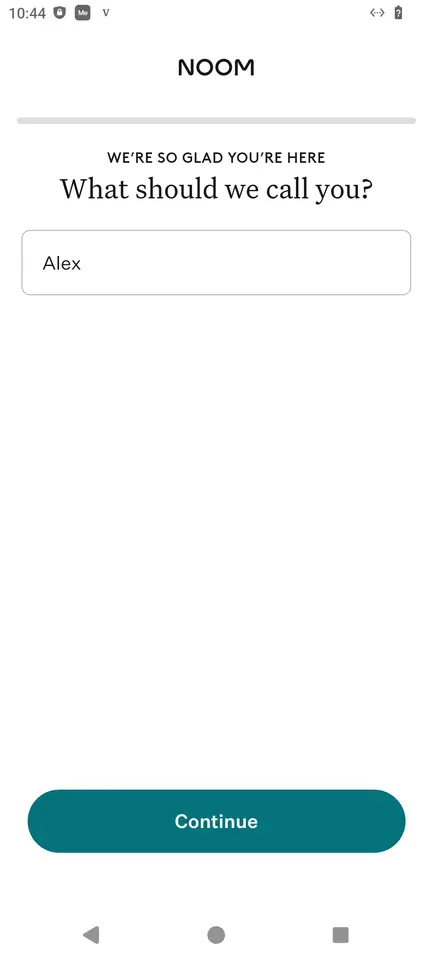
Text field
43 apps · example: Noom
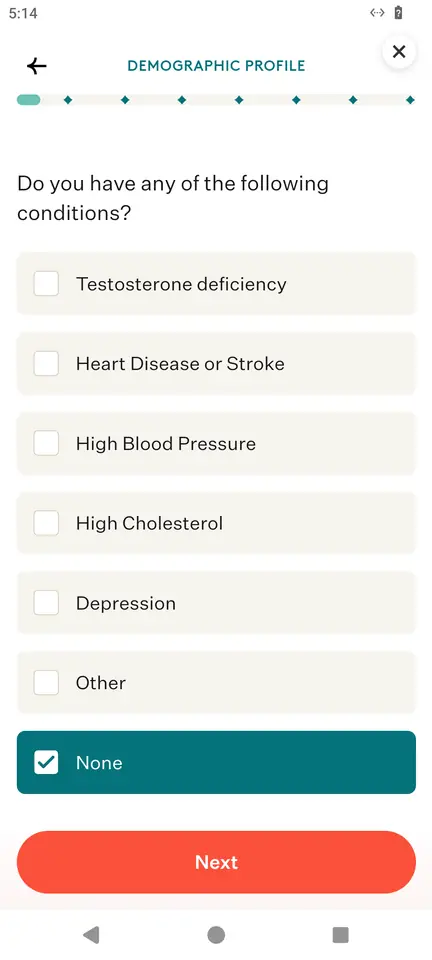
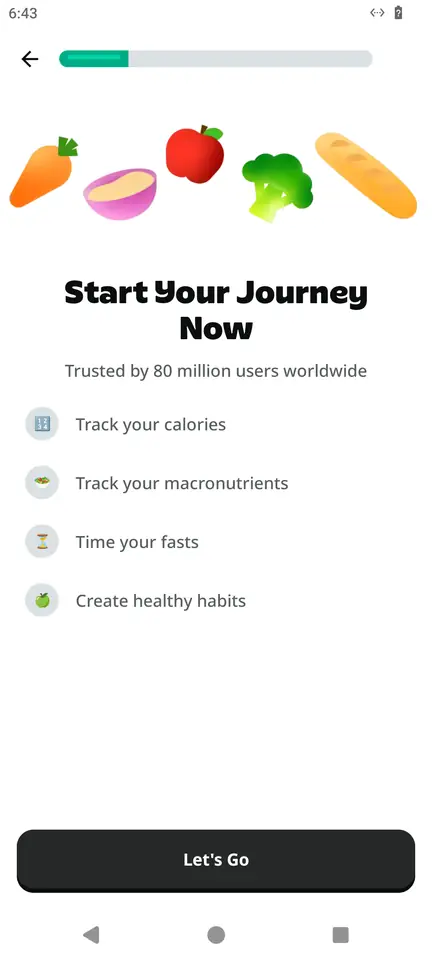
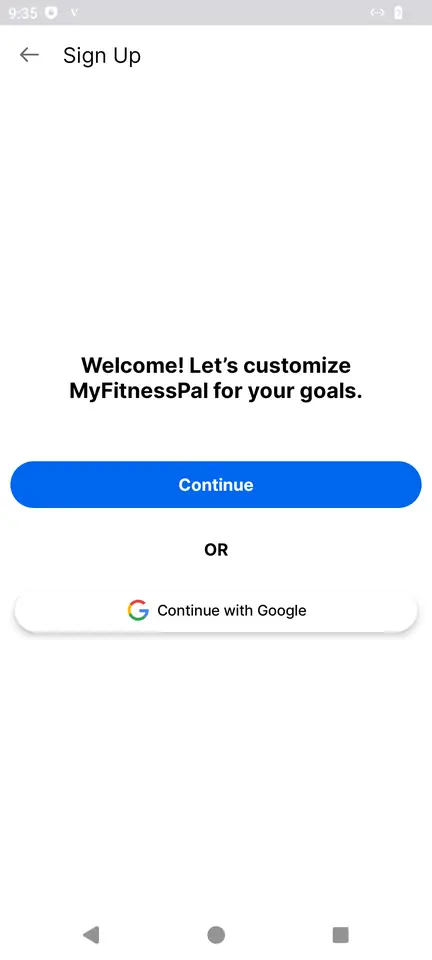
Icon button
29 apps · example: MyFitnessPal
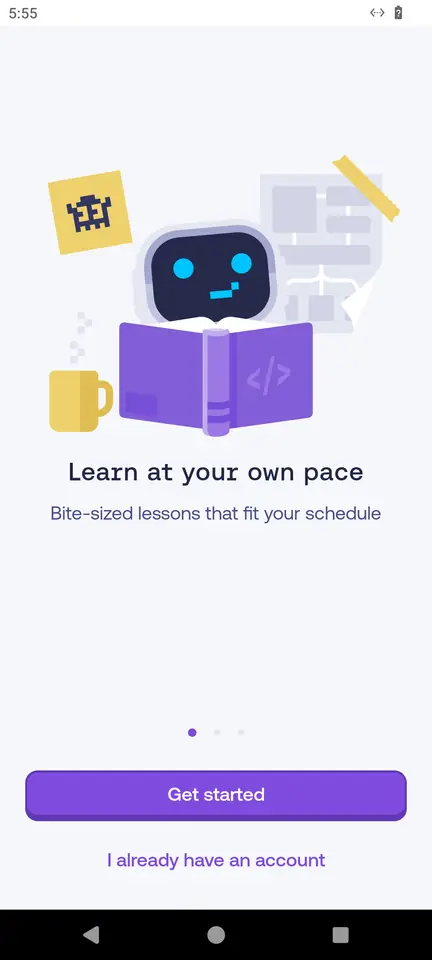
Page indicator dots
21 apps · example: Mimo
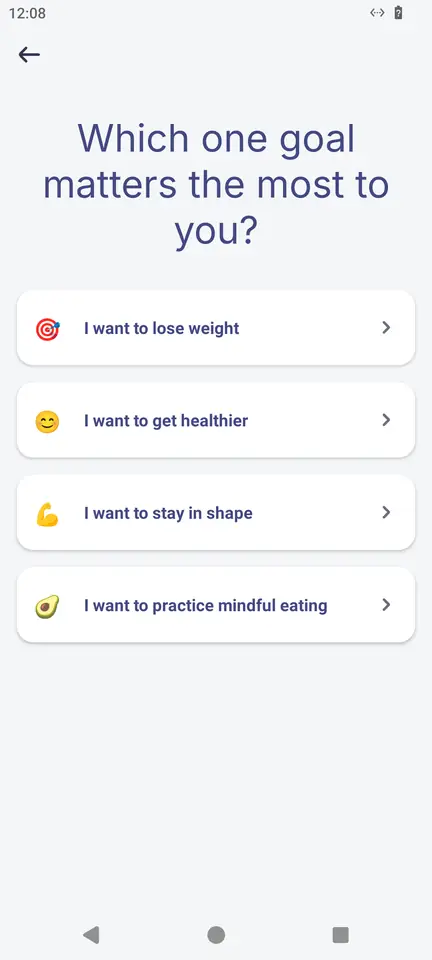
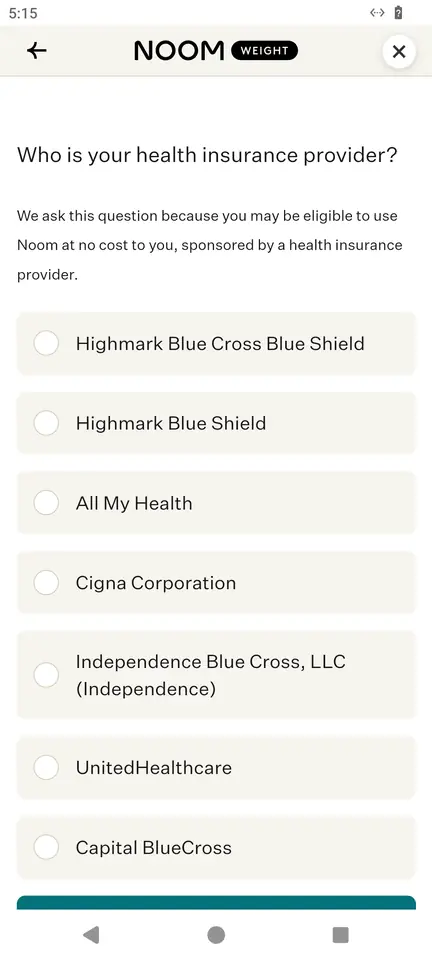
Radio button
28 apps · example: Noom
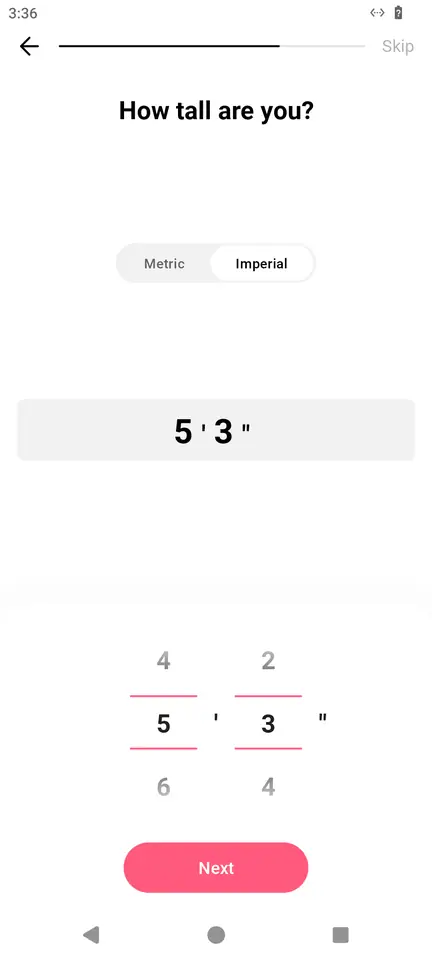
Wheel picker
6 apps · example: Flo
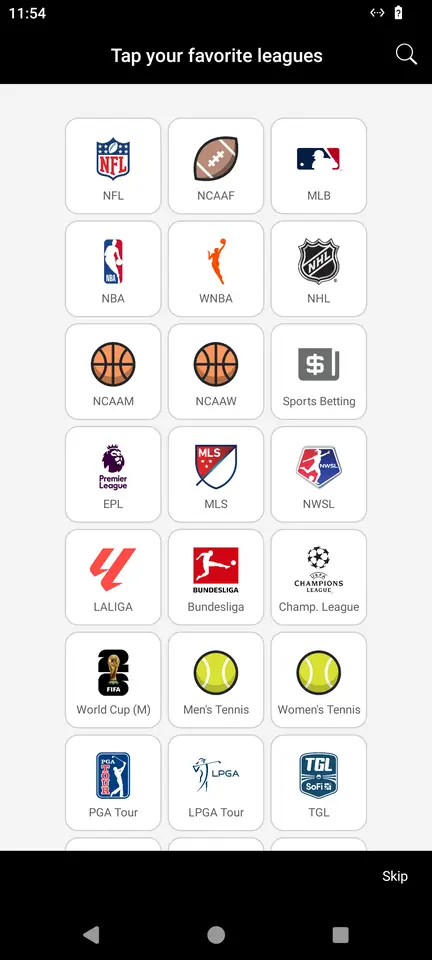
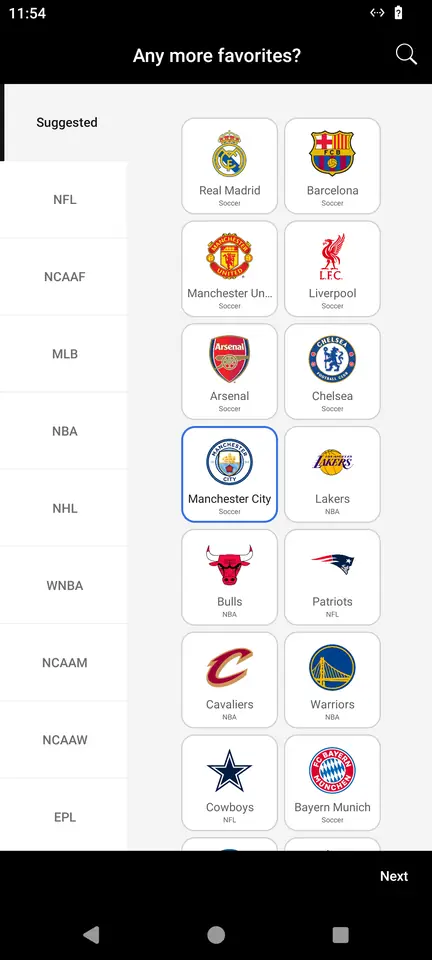
Bottom sheet
9 apps · example: ESPN
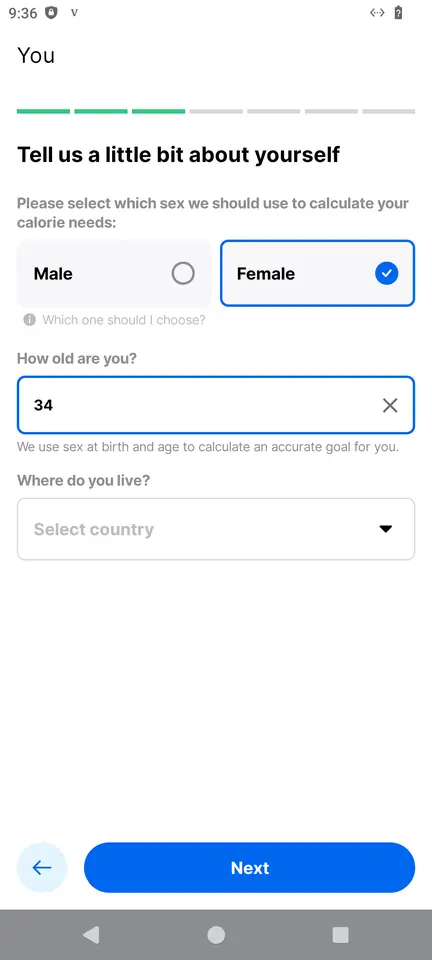
Dropdown menu
7 apps · example: MyFitnessPal
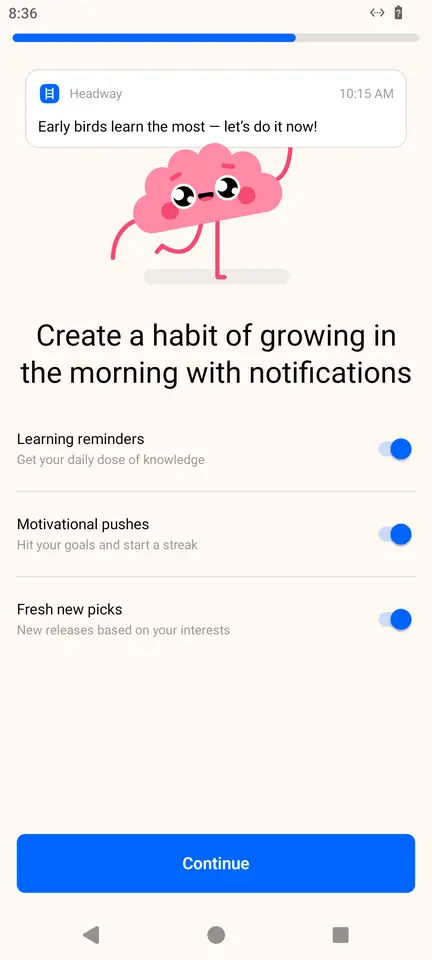
Toggle switch
9 apps · example: Headway
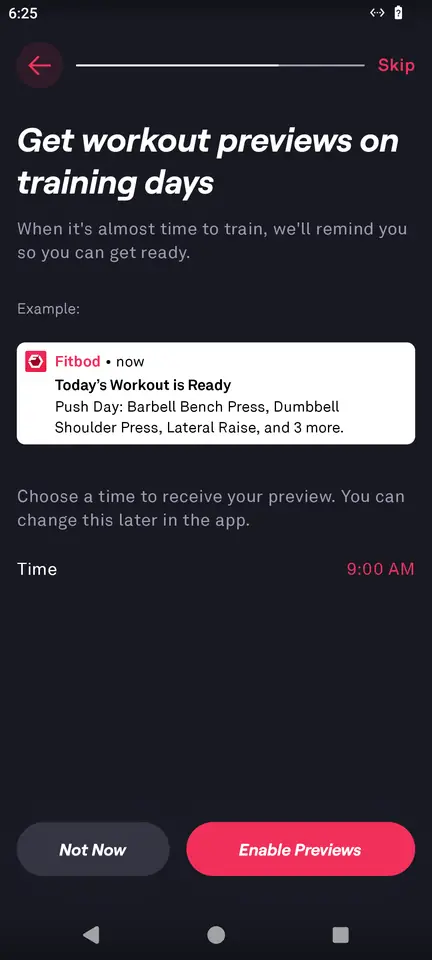
Floating action button
7 apps · example: Fitbod
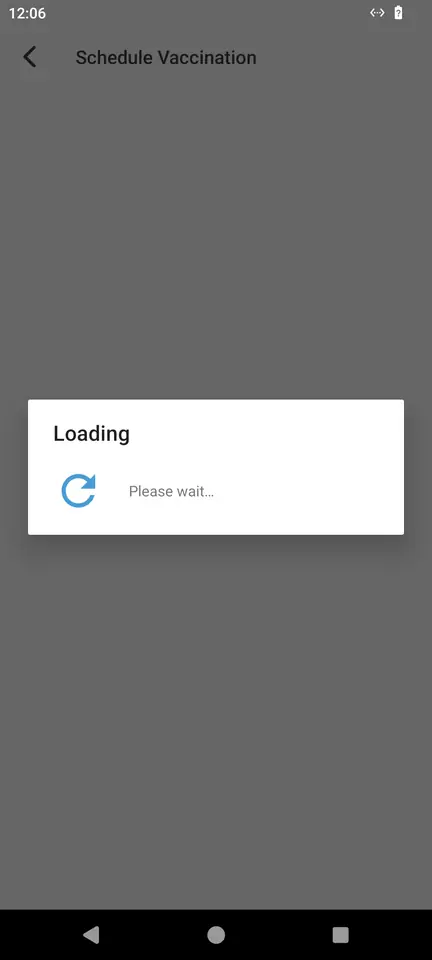
Loading spinner
5 apps · example: Walgreens
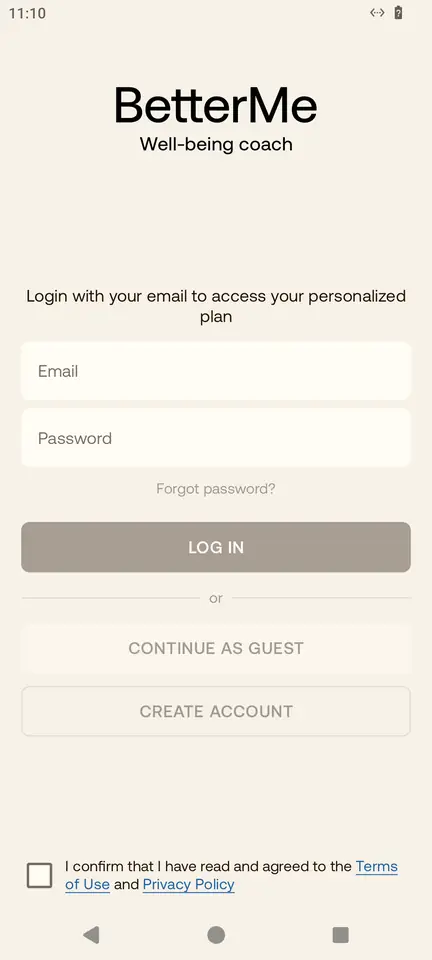
Password field
3 apps · example: BetterMe
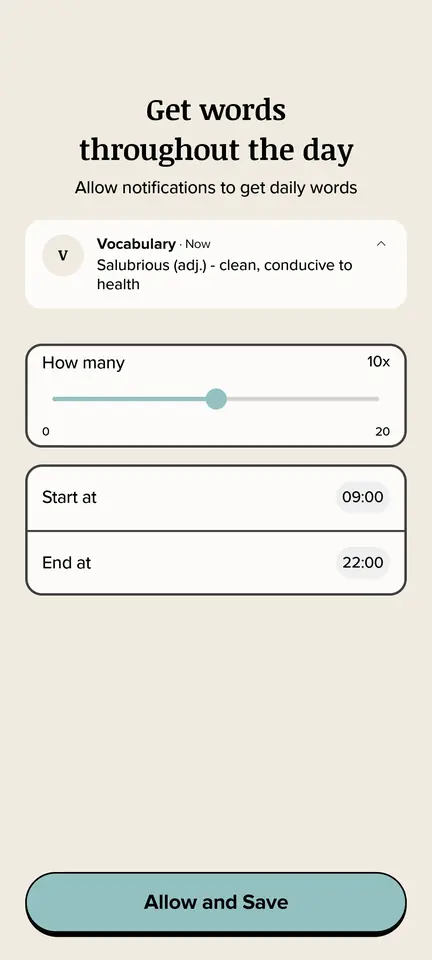
Slider
3 apps · example: Vocabulary
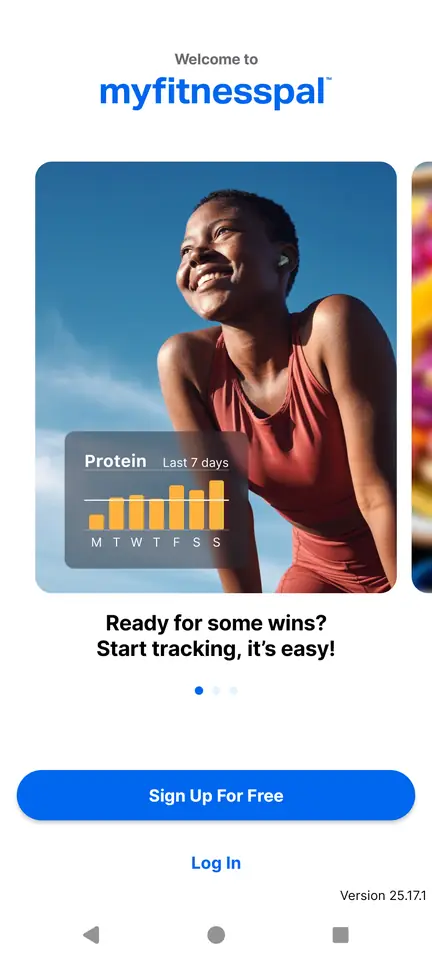
Carousel
1 app · example: MyFitnessPal
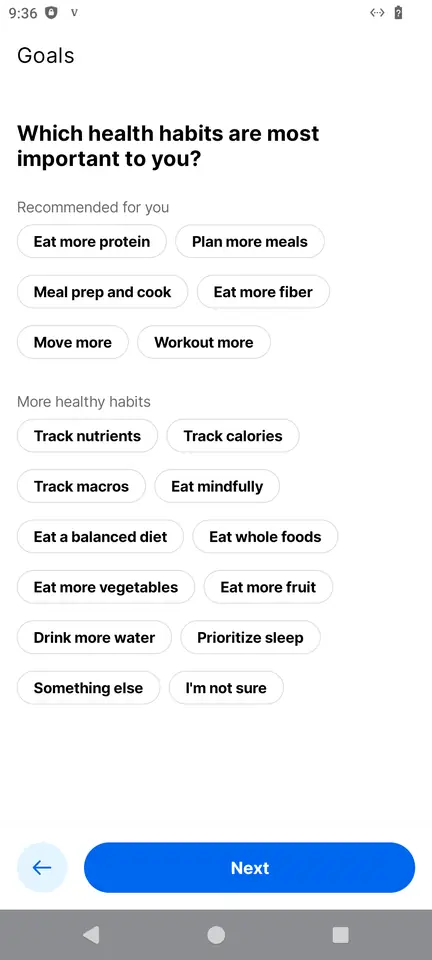
Chip
1 app · example: MyFitnessPal
UI patterns on Android onboarding screens
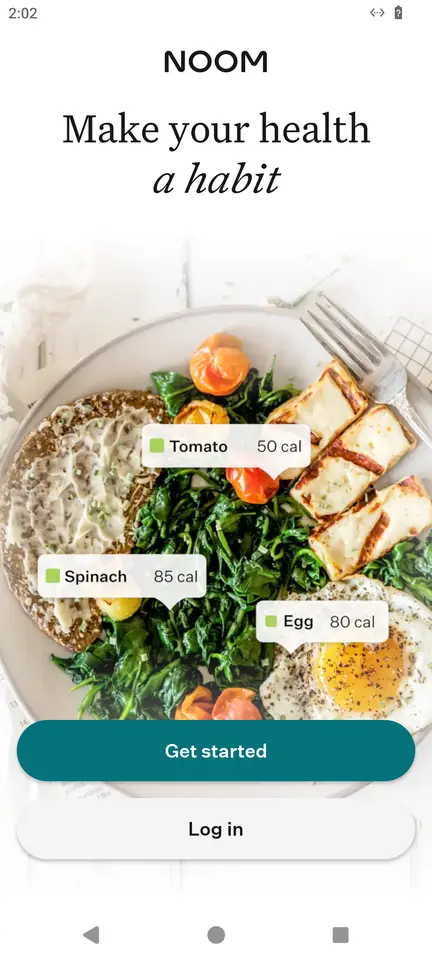
Welcome screen
example: Noom
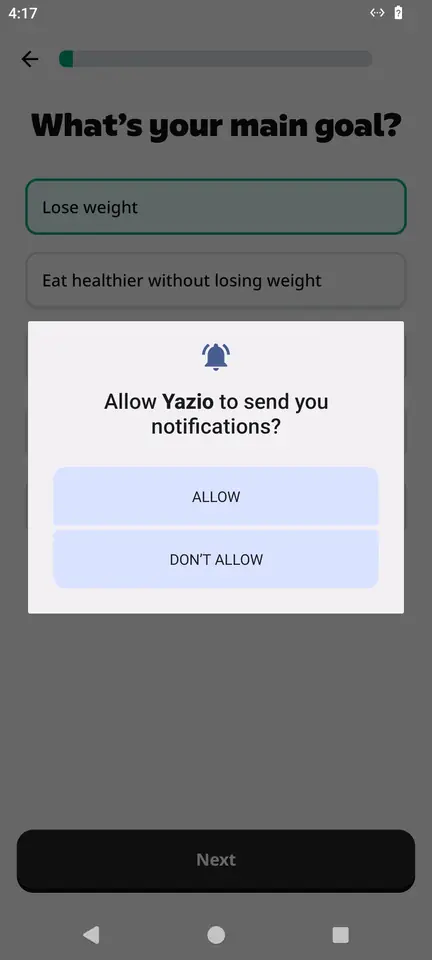
Permission priming
example: Yazio
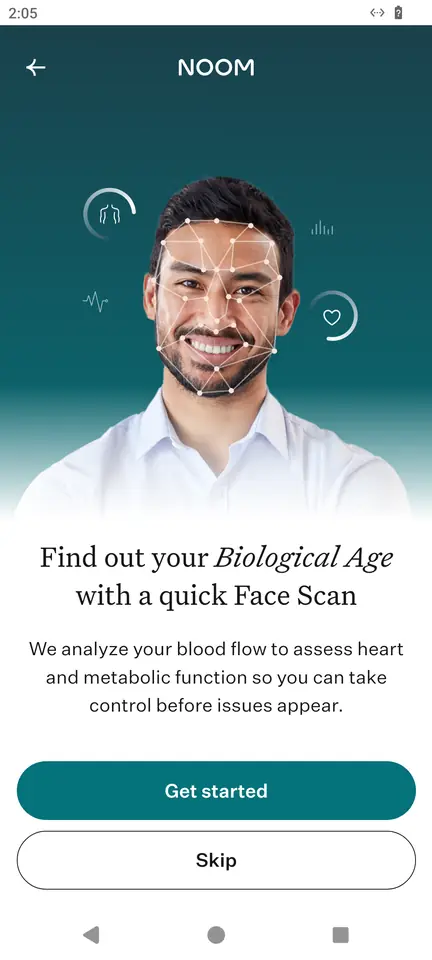
Skip button
example: Noom
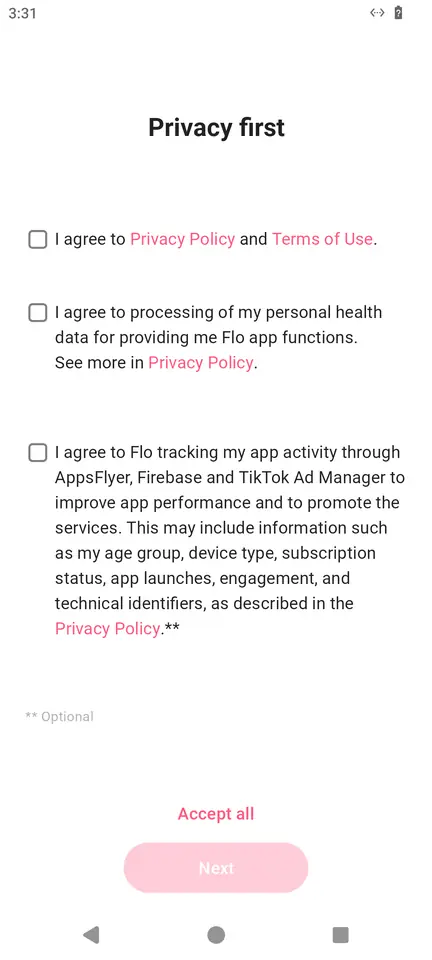
Terms and conditions agreement
example: Flo
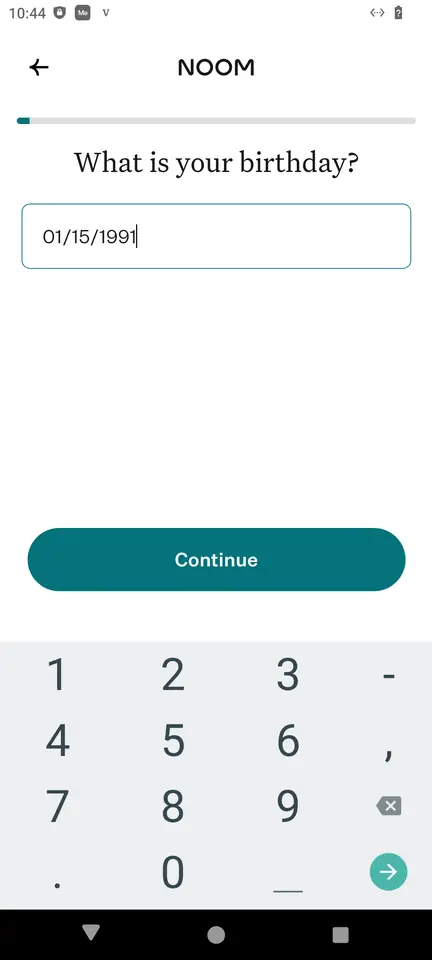
Onboarding survey
example: Noom
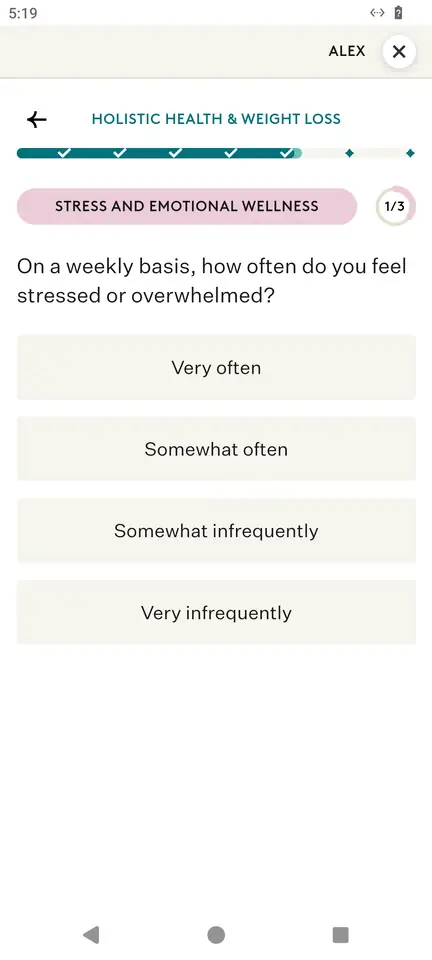
Onboarding progress indicator
example: Noom
Cookie consent banner
example: Flo
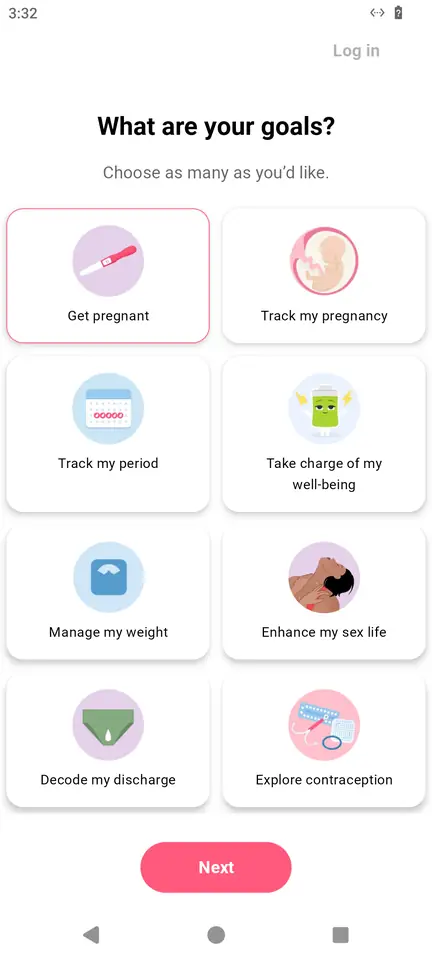
Goal picker
example: Flo
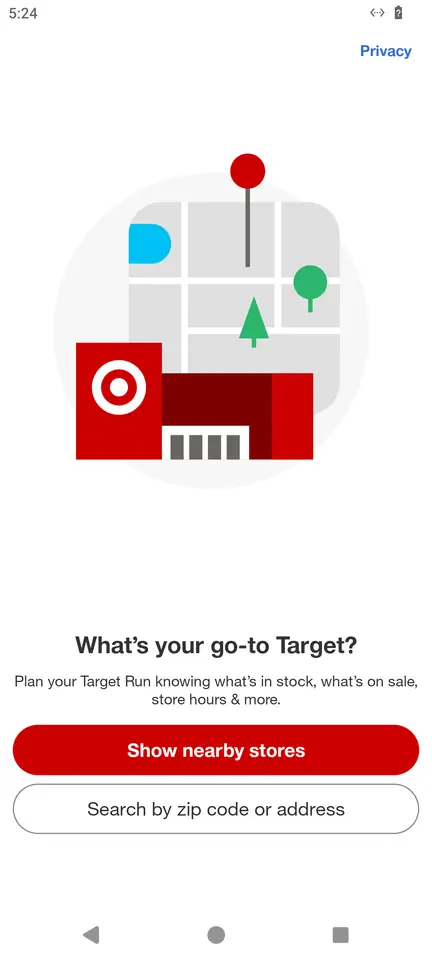
Search bar
example: Target
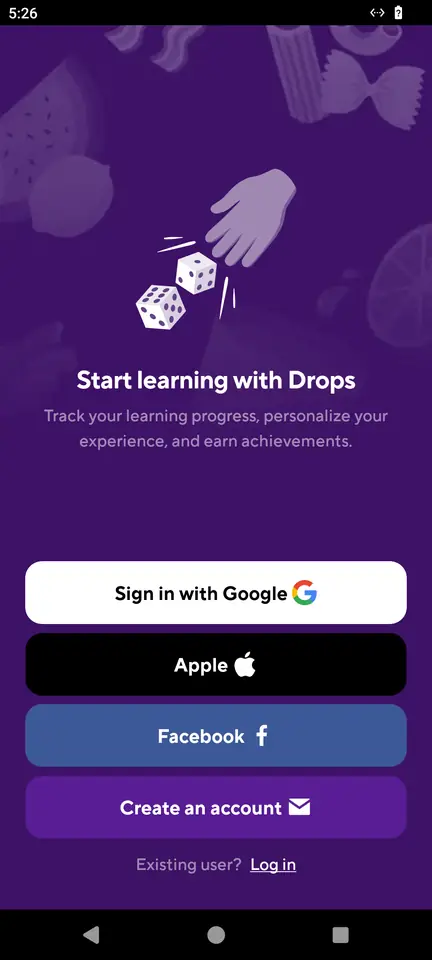
Social login buttons
example: Drops
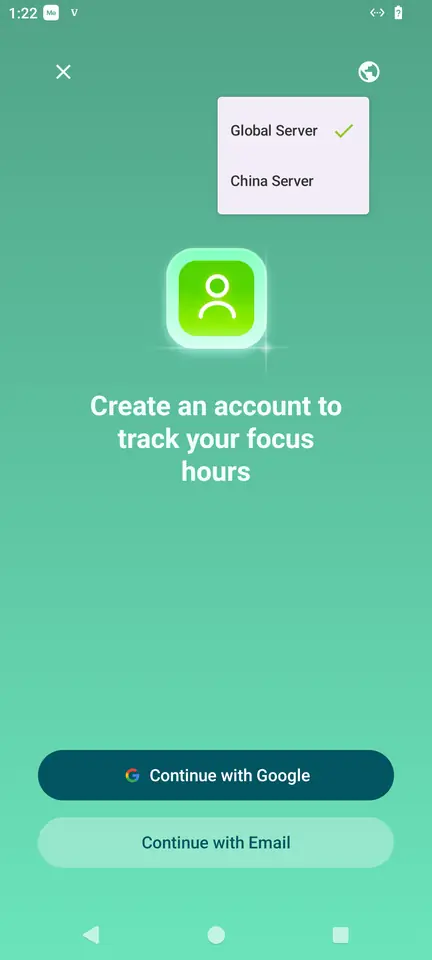
Registration wall
example: Forest
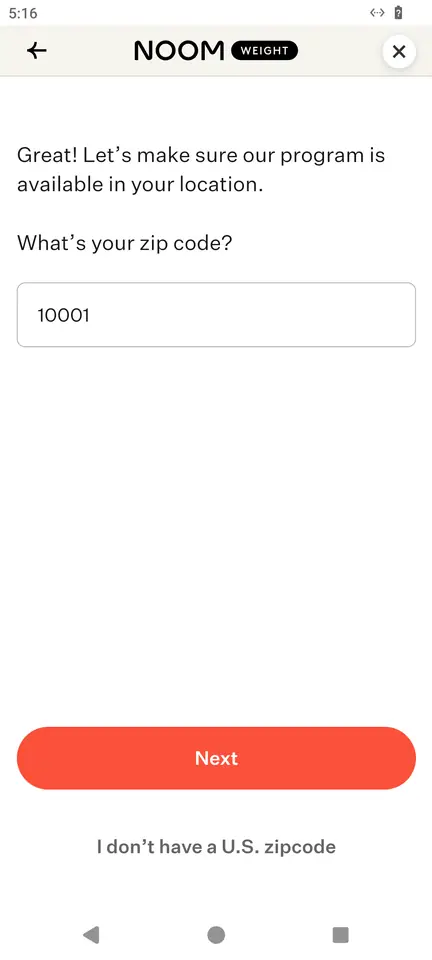
Location & store picker
example: Noom
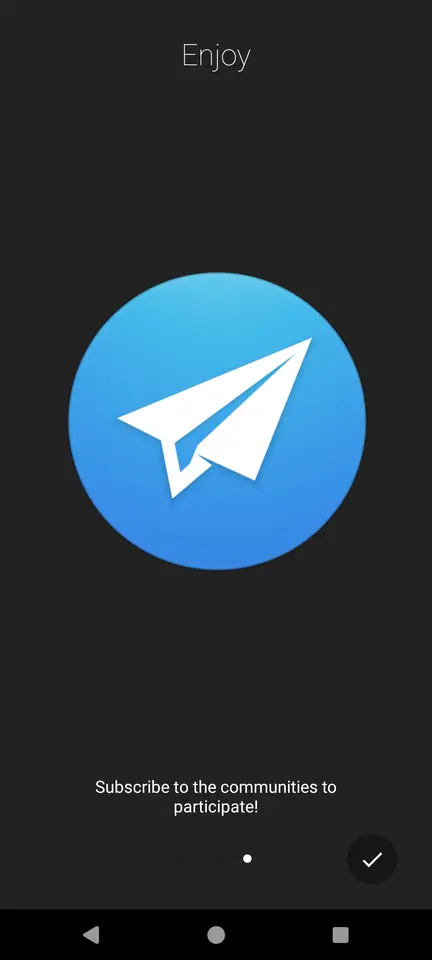
Pricing plans
example: Omni Notes
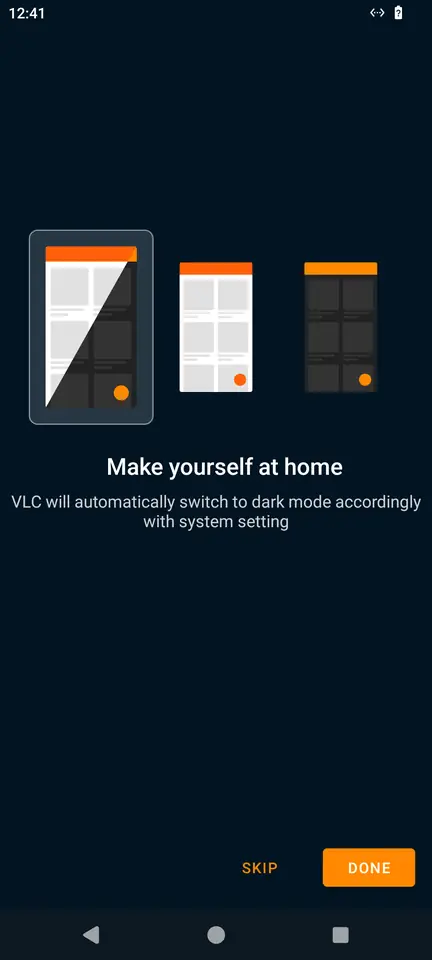
Dark mode toggle
example: VLC
Email sign-up form
example: BetterMe
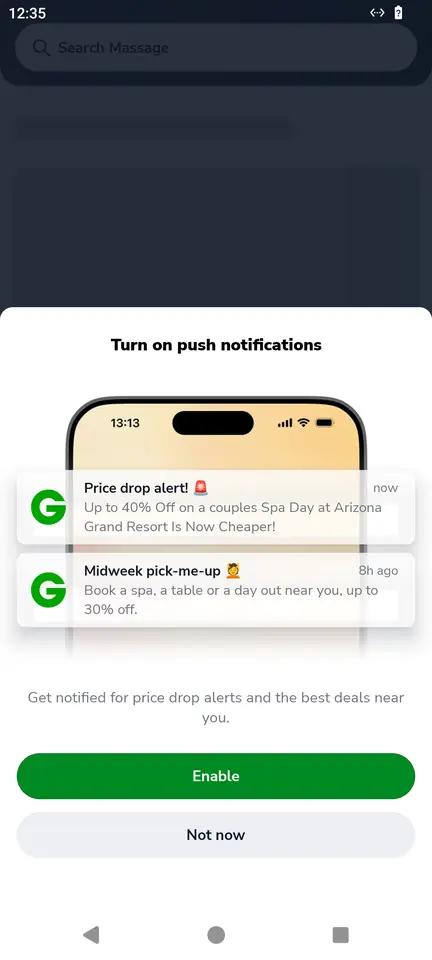
Promo banner
example: Groupon
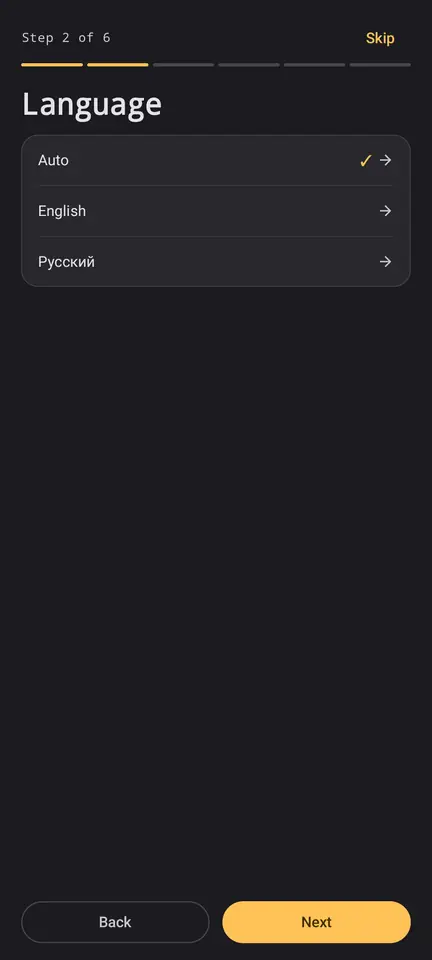
Language selector
example: Brix
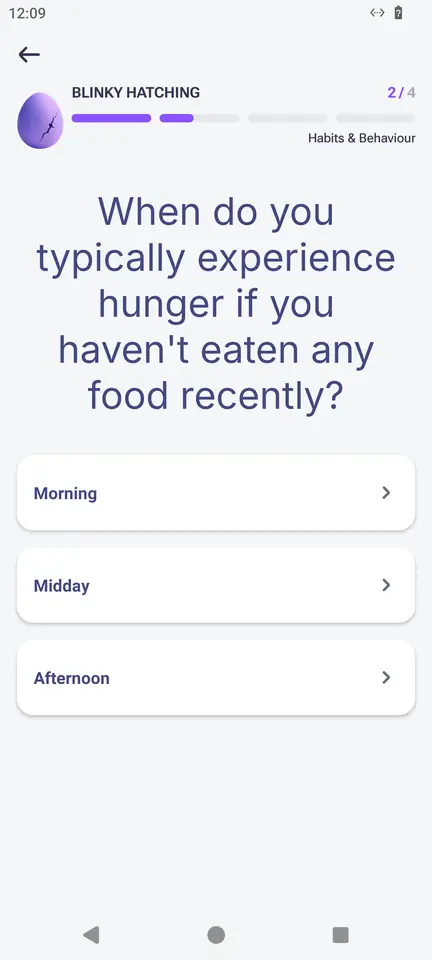
Empty state
example: Simple
Guest mode
example: BetterMe
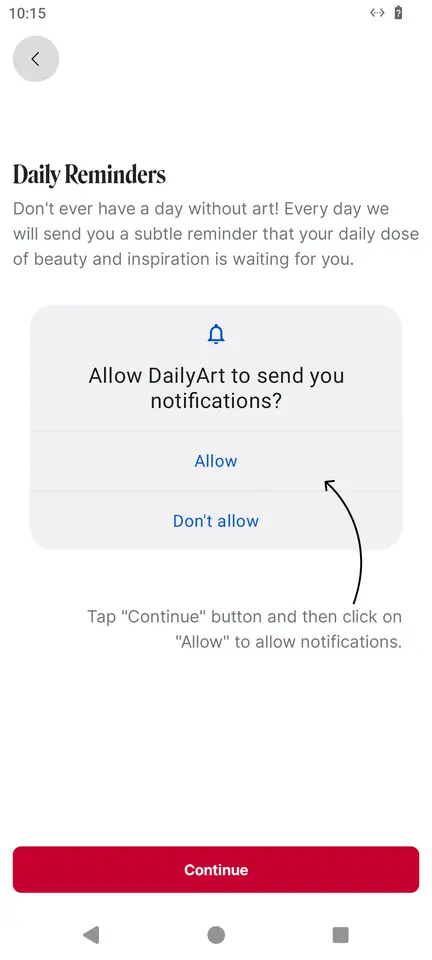
Phone number verification
example: DailyArt
Building it on Android
- Android apps usually build onboarding as a single-activity pager (ViewPager2 or a Compose HorizontalPager) or as a Navigation-component graph, so the system Back button must step back one question, not quit the app.
- Runtime permissions (notifications on Android 13+, location, camera) are requested with the system dialog — the best apps prime them with their own screen first.
- Edge-to-edge layouts are the default from Android 15: keep the primary button above the gesture bar.
By app category
Apps with onboarding screens in the library, by category.
FAQ
What UI components do Android onboarding screens use?
Across 1434 onboarding screens from 199 apps, the most common detected components are button (24% of screens), progress bar (15% of screens) and toolbar (11% of screens).
How do you build an onboarding screen on Android?
Android apps usually build onboarding as a single-activity pager (ViewPager2 or a Compose HorizontalPager) or as a Navigation-component graph, so the system Back button must step back one question, not quit the app. Runtime permissions (notifications on Android 13+, location, camera) are requested with the system dialog — the best apps prime them with their own screen first. Edge-to-edge layouts are the default from Android 15: keep the primary button above the gesture bar.
Which UI patterns are common on Android onboarding screens?
On the 199 apps we captured, the most common are welcome screen (73 apps), permission priming (68 apps) and skip button (55 apps).
Measured on screens captured on real Android devices · last updated 2026-11-14