Home/Android UI/Android home screen UI
Android UI · Home screens

Android home screen UI: what 165 real apps are built from

Across 910 home screens from 165 apps, the most common detected components are toolbar (39% of screens), tab bar (24% of screens) and icon button (23% of screens). Measured from the Android view hierarchy of every home screen in the Flowtape library.

Android165 apps910 screensfree & ungated

Every screen, as a gallery: App home screen examples.

What is a home screen?

An app's home screen is the main screen users land on after onboarding or sign-in — a feed, dashboard or catalogue that surfaces the most important content and the navigation to every other section of the app.

UI components on Android home screens

Share of the 910 home screens where each component is present in the view hierarchy and drawn on screen. The example shows it outlined.

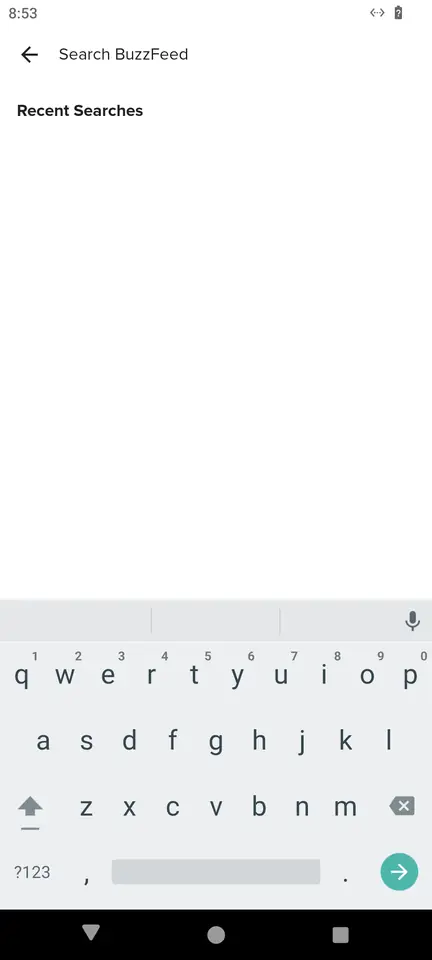
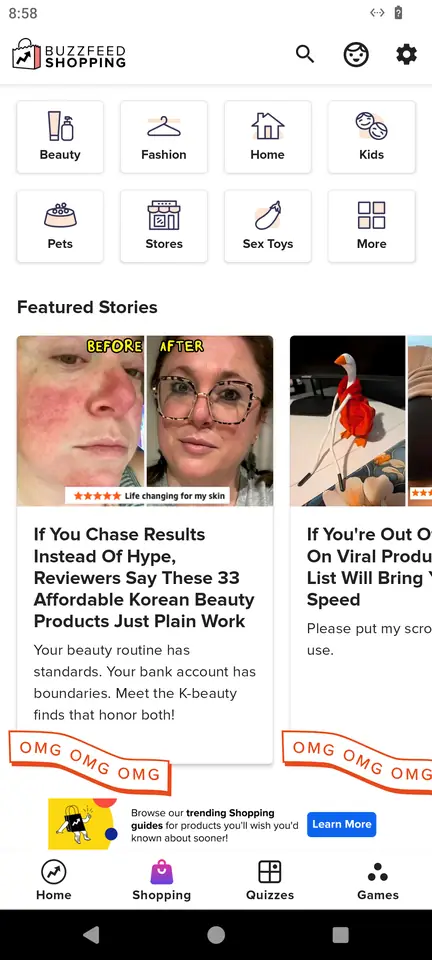
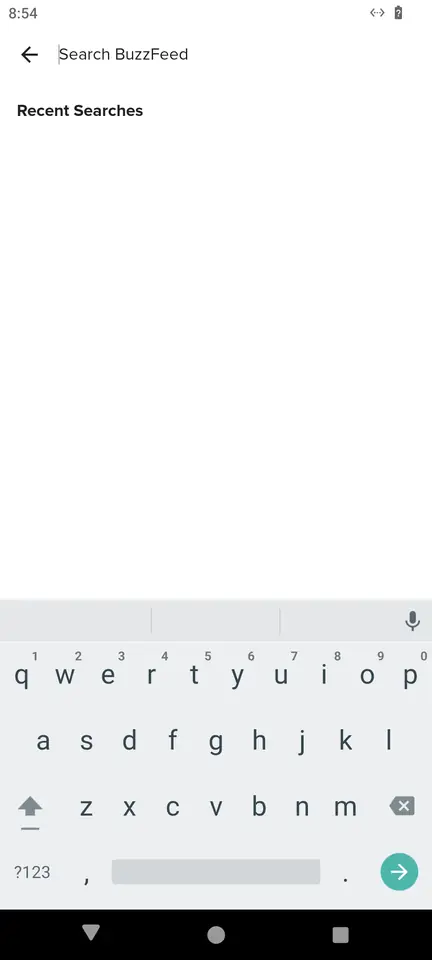
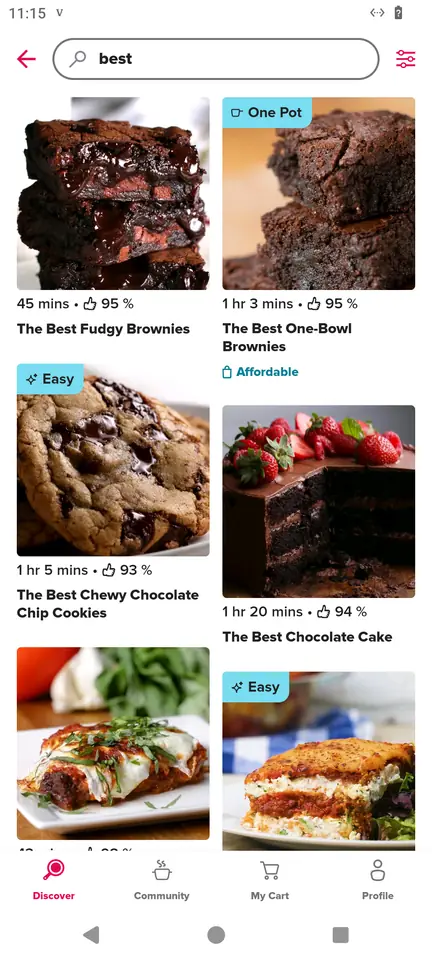
BuzzFeed Android screen 7 — home & browsing: Search…

Toolbar

354 screens39%

88 apps · example: BuzzFeed

BuzzFeed Android screen 7 — home & browsing: Search…

Tab bar

218 screens24%

46 apps · example: BuzzFeed

BuzzFeed Android screen 9 — home & browsing: Collapse

Icon button

209 screens23%

61 apps · example: BuzzFeed

BuzzFeed Android screen 22 — home & browsing: Search…

Card

110 screens12%

50 apps · example: BuzzFeed

BuzzFeed Android screen 7 — home & browsing: Search…

Tabs

96 screens11%

34 apps · example: BuzzFeed

BuzzFeed Android screen 4 — home & browsing: Cancel

Divider

75 screens8%

34 apps · example: BuzzFeed

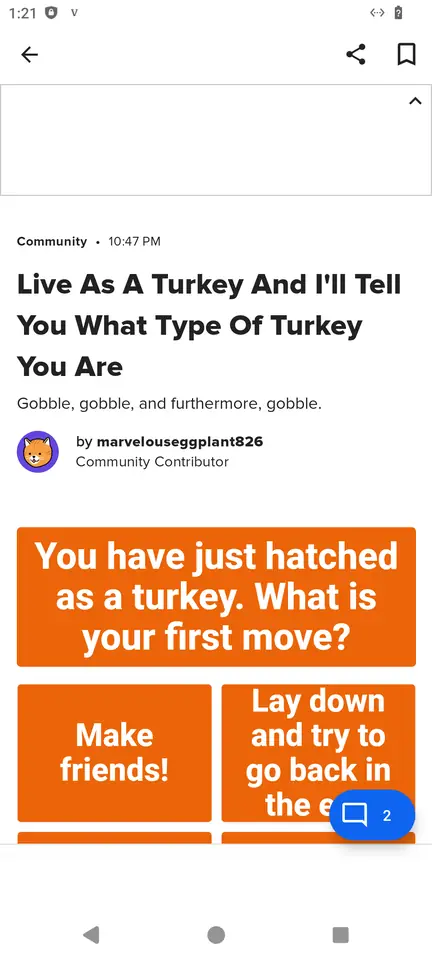
BuzzFeed Android screen 37 — home & browsing: Bookmark

Floating action button

60 screens7%

20 apps · example: BuzzFeed

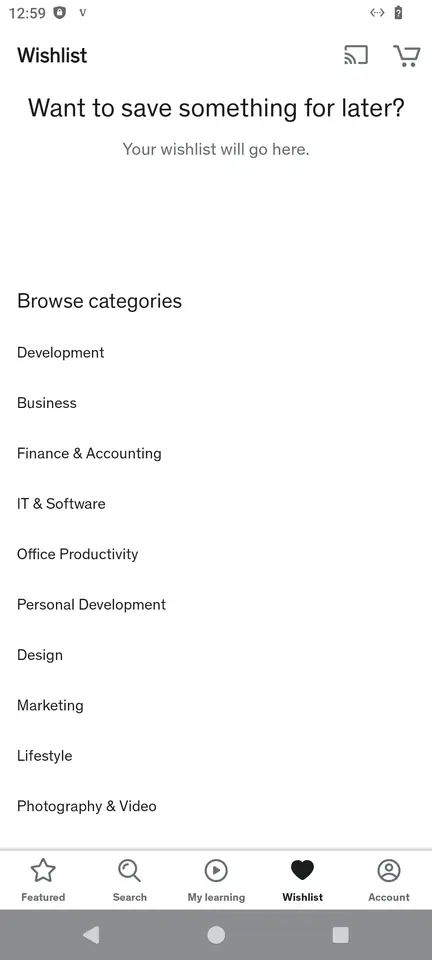
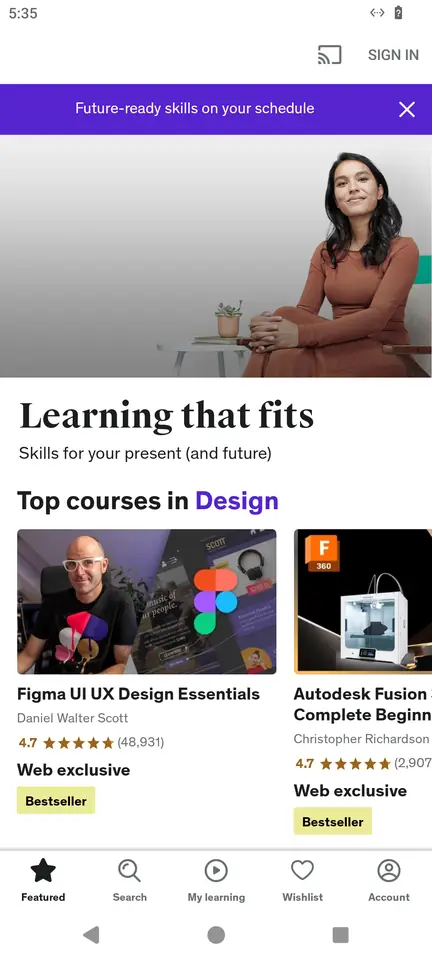
Udemy Android screen 13 — home & browsing: Wishlist

List item

44 screens5%

25 apps · example: Udemy

BuzzFeed Android screen 4 — home & browsing: Cancel

Button

43 screens5%

28 apps · example: BuzzFeed

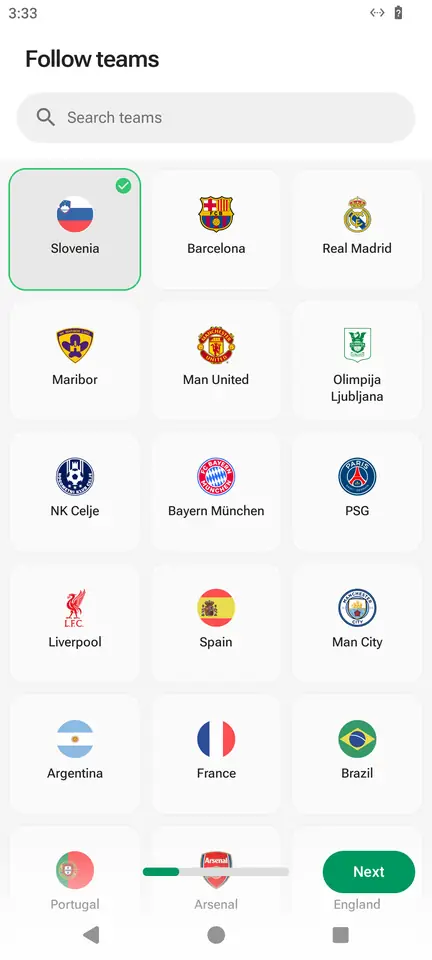
FotMob Android screen 2 — home & browsing: Follow teams

Progress bar

43 screens5%

16 apps · example: FotMob

BuzzFeed Android screen 7 — home & browsing: Search…

Avatar

41 screens5%

15 apps · example: BuzzFeed

Udemy Android screen 2 — home & browsing: SIGN IN

Badge

37 screens4%

17 apps · example: Udemy

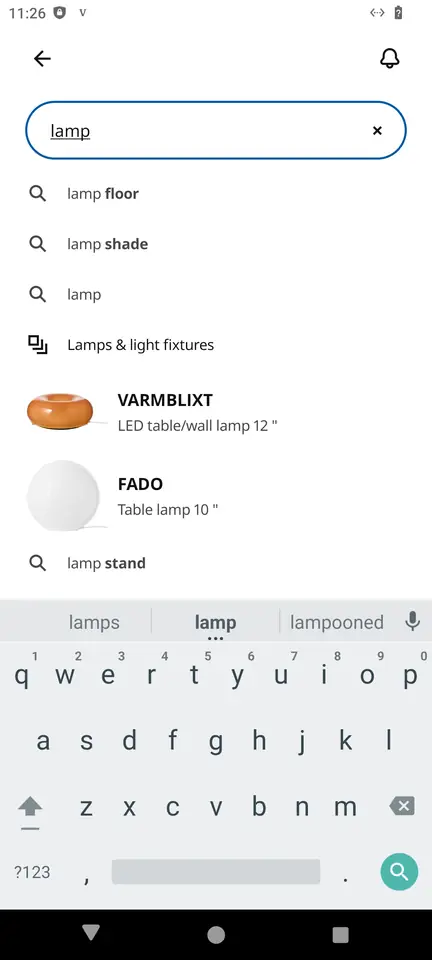
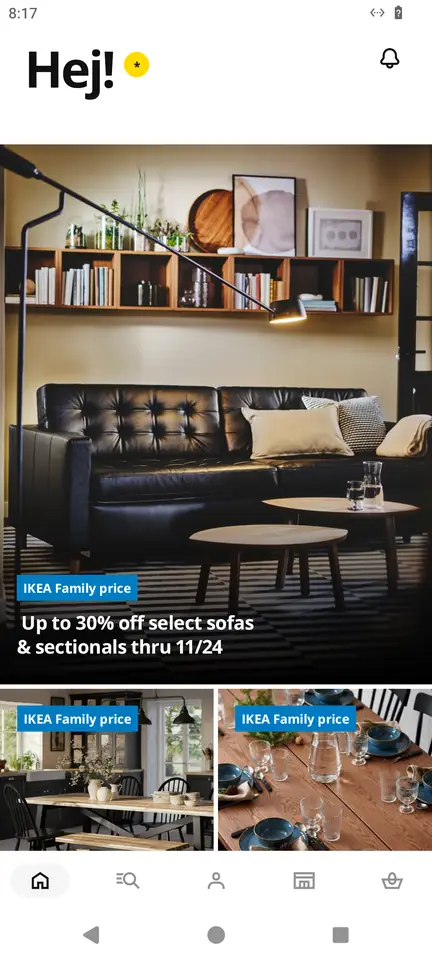
IKEA Android screen 11 — home & browsing: Search, Lamp floor

Text field

34 screens4%

20 apps · example: IKEA

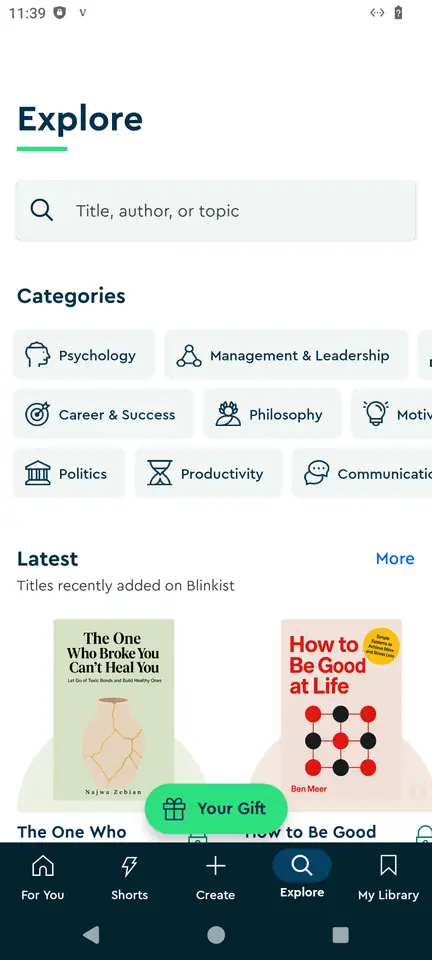
Blinkist Android screen 15 — home & browsing: Explore

Chip

30 screens3%

14 apps · example: Blinkist

BuzzFeed Android screen 4 — home & browsing: Cancel

Bottom sheet

28 screens3%

17 apps · example: BuzzFeed

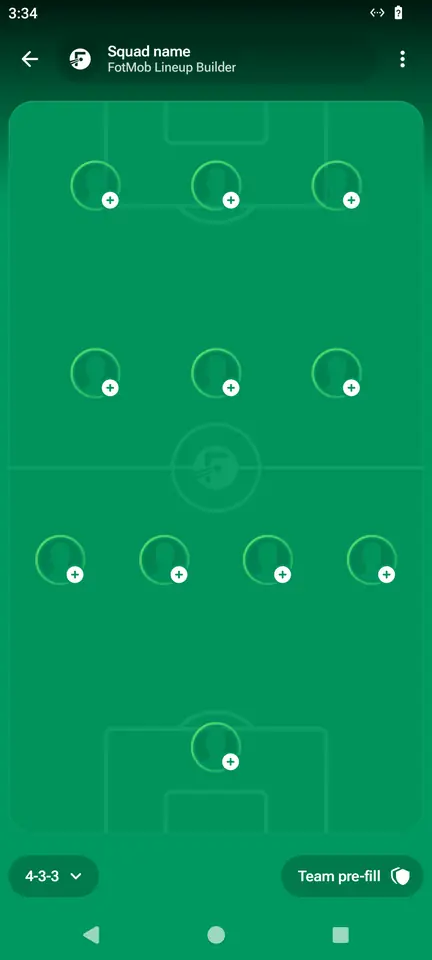
FotMob Android screen 6 — home & browsing: Add player

Dropdown menu

23 screens3%

8 apps · example: FotMob

BuzzFeed Android screen 4 — home & browsing: Cancel

Checkbox

19 screens2%

10 apps · example: BuzzFeed

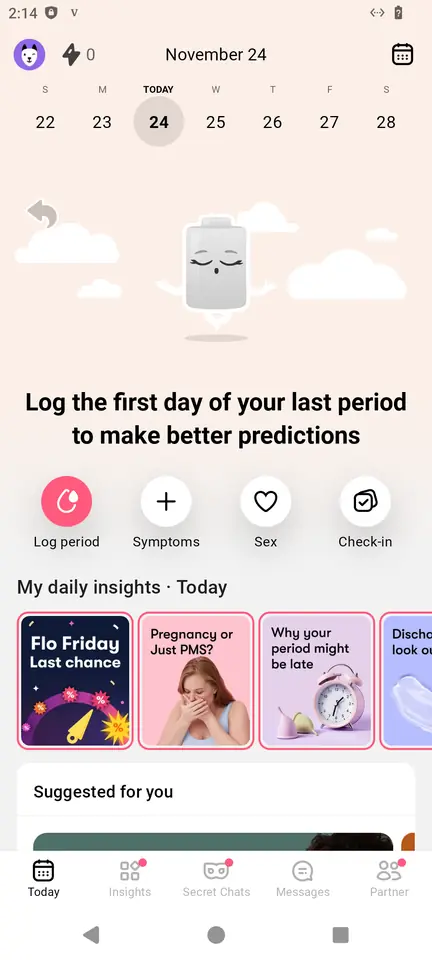
Flo Android screen 38 — home & browsing: Log period

Carousel

16 screens2%

10 apps · example: Flo

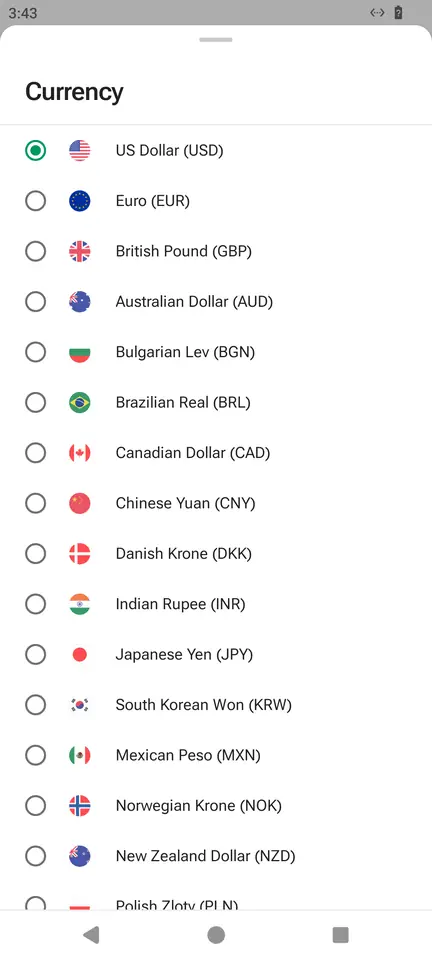
FotMob Android screen 24 — home & browsing: Currency

Radio button

15 screens2%

10 apps · example: FotMob

Tumblr Android screen 1 — home & browsing: Explore

Accordion

13 screens1%

4 apps · example: Tumblr

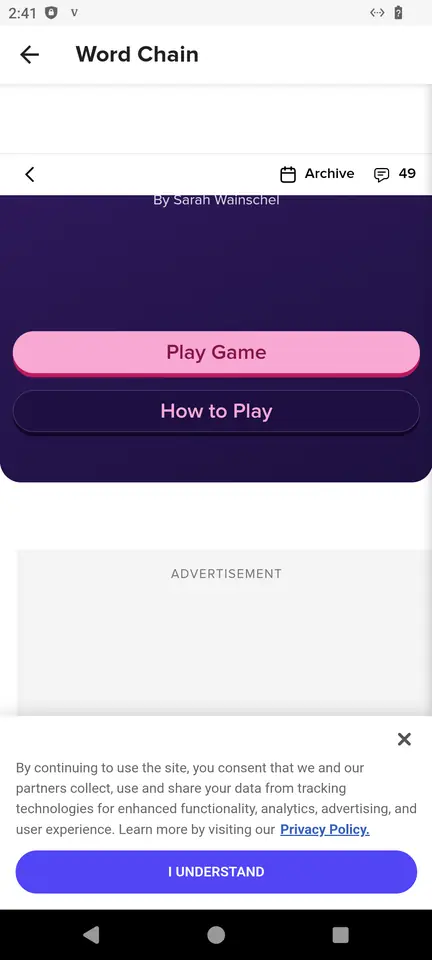
BuzzFeed Android screen 43 — home & browsing: Word Chain

Dialog

10 screens1%

9 apps · example: BuzzFeed

Mindvalley Android screen 3 — home & browsing: Mastering Altered States for Problem Solving & Performance

Toggle switch

10 screens1%

8 apps · example: Mindvalley

Udemy Android screen 10 — home & browsing: Share this Course

Loading spinner

9 screens1%

7 apps · example: Udemy

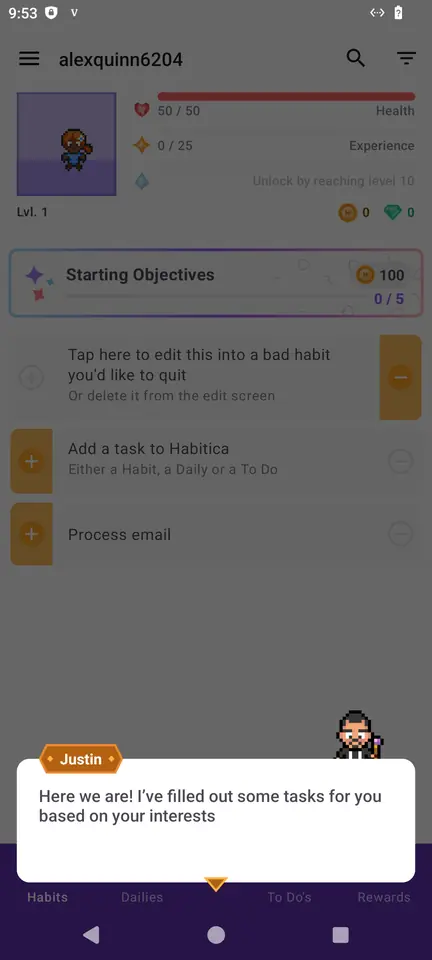
Habitica Android screen 18 — home & browsing: Justin

Snackbar

6 screens1%

2 apps · example: Habitica

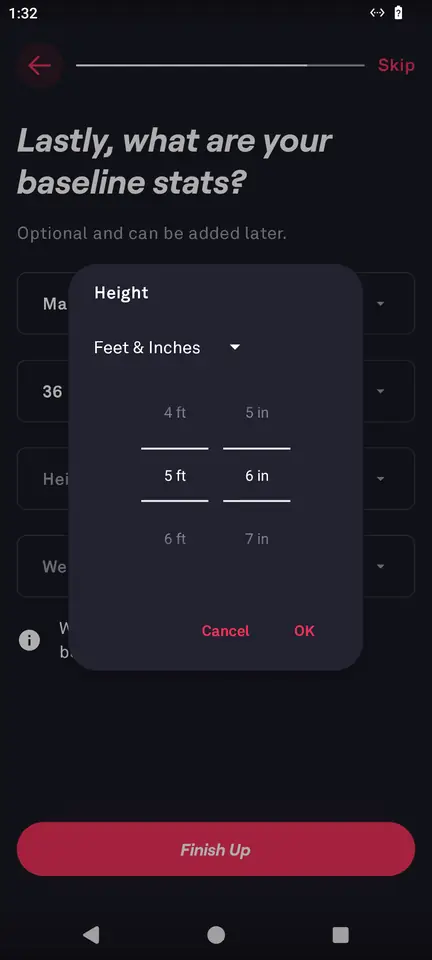
Fitbod Android screen 7 — home & browsing: Height

Wheel picker

6 screens1%

2 apps · example: Fitbod

Mindvalley Android screen 3 — home & browsing: Mastering Altered States for Problem Solving & Performance

Slider

5 screens1%

3 apps · example: Mindvalley

BuzzFeed Android screen 37 — home & browsing: Bookmark

Page indicator dots

4 screens0%

3 apps · example: BuzzFeed

UI patterns on Android home screens
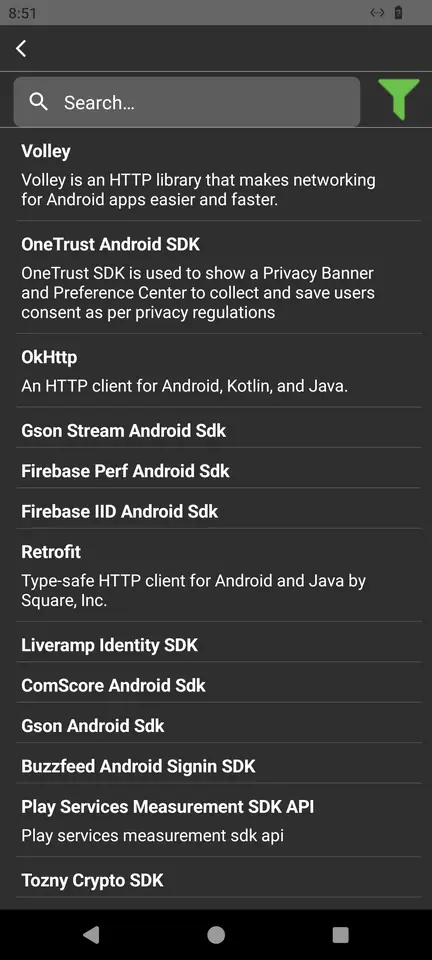
BuzzFeed Android screen 5 — home & browsing: Search…

Search bar

56 of 165 apps34%

example: BuzzFeed

BuzzFeed Android screen 10 — home & browsing: Collapse

Empty state

26 of 165 apps16%

example: BuzzFeed

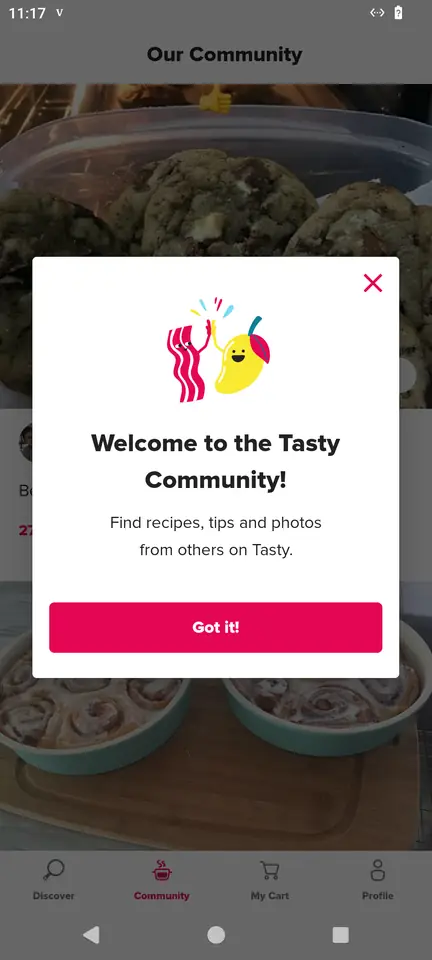
Tasty Android screen 9 — home & browsing: Welcome to the Tasty Community!

Welcome screen

26 of 165 apps16%

example: Tasty

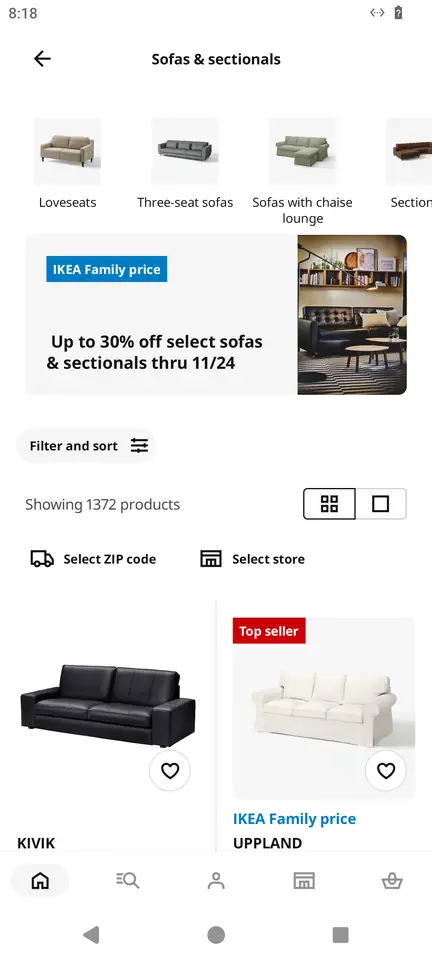
IKEA Android screen 5 — home & browsing: Discover

Promo banner

8 of 165 apps5%

example: IKEA

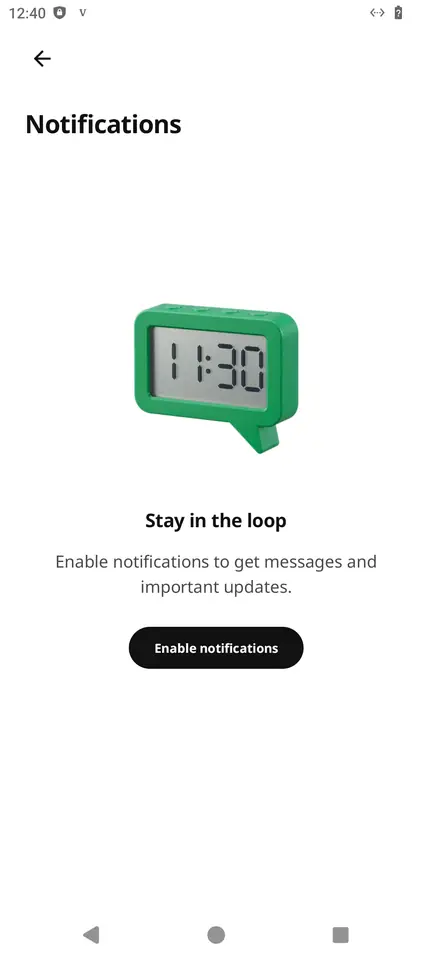
IKEA Android screen 20 — home & browsing: Notifications

Permission priming

7 of 165 apps4%

example: IKEA

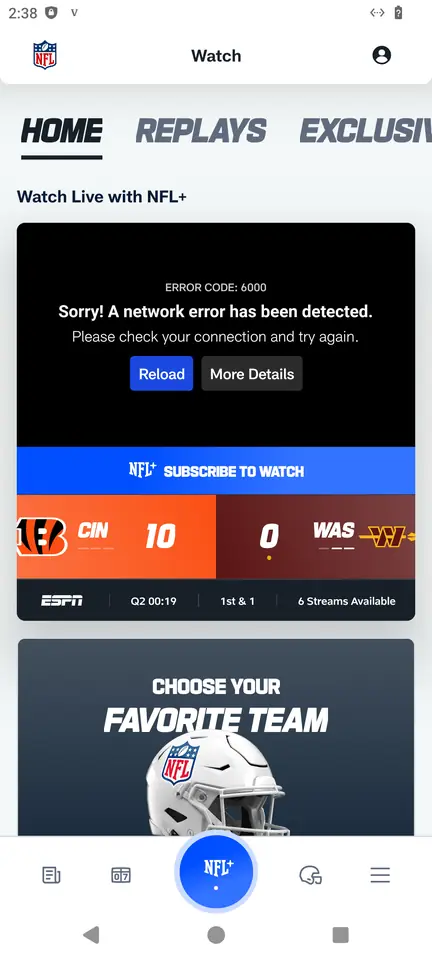
NFL Android screen 21 — home & browsing: Watch Live with NFL+

Pricing plans

7 of 165 apps4%

example: NFL

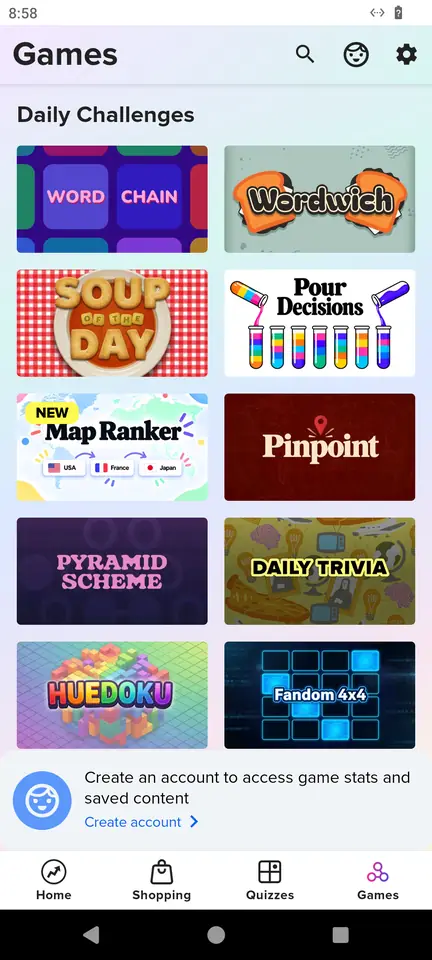
BuzzFeed Android screen 23 — home & browsing: Create an account to access game stats and saved content

Registration wall

7 of 165 apps4%

example: BuzzFeed

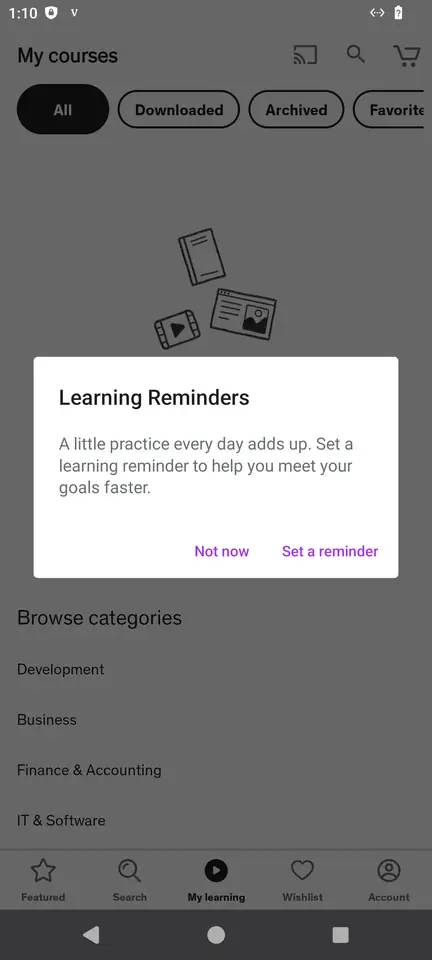
Udemy Android screen 16 — home & browsing: Learning Reminders

Skip button

6 of 165 apps4%

example: Udemy

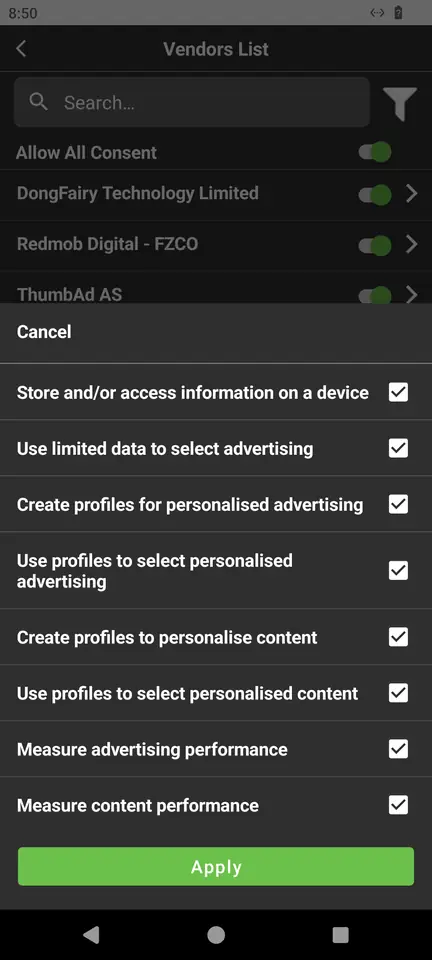
Tasty Android screen 3 — home & browsing: magnifying glass

Cookie consent banner

4 of 165 apps2%

example: Tasty

IKEA Android screen 6 — home & browsing: Loveseats

Location & store picker

4 of 165 apps2%

example: IKEA

DailyArt Android screen 19 — home & browsing: Weddings

Onboarding survey

4 of 165 apps2%

example: DailyArt

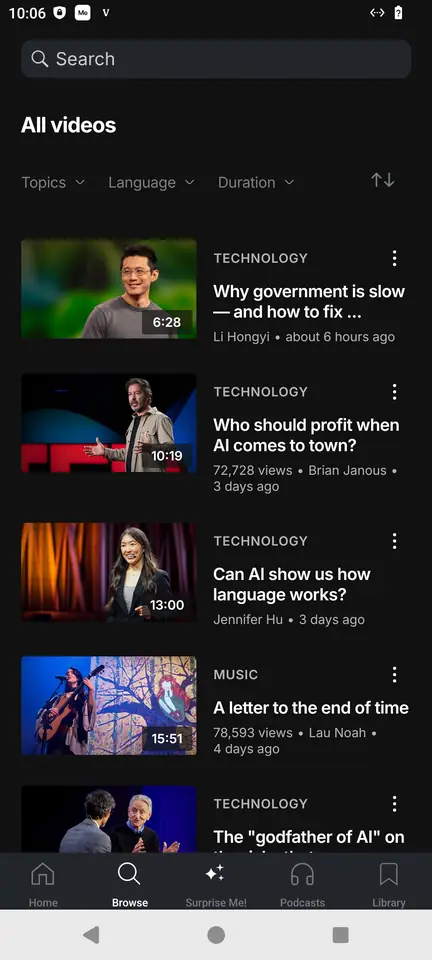
TED Android screen 5 — home & browsing: DiscoverScreen

Language selector

3 of 165 apps2%

example: TED

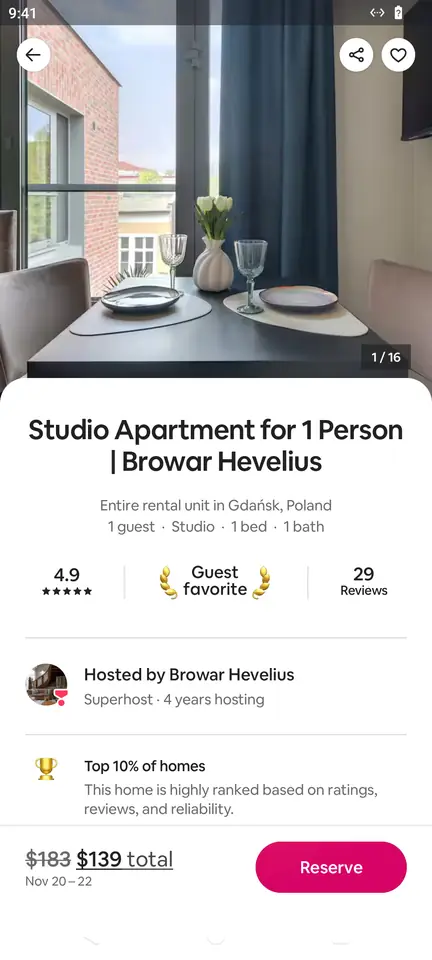
Airbnb Android screen 6 — home & browsing: Studio Apartment for 1 Person | Browar Hevelius

Onboarding progress indicator

3 of 165 apps2%

example: Airbnb

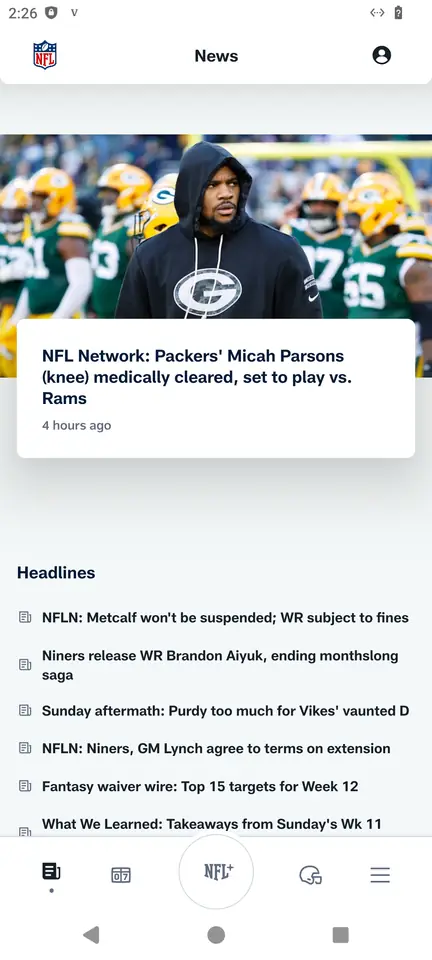
NFL Android screen 16 — home & browsing: 4 hours ago

Terms and conditions agreement

3 of 165 apps2%

example: NFL

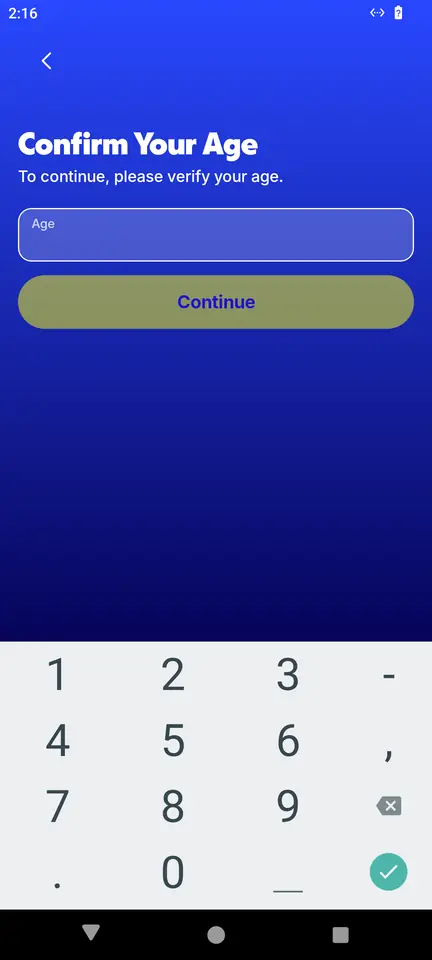
Tubi Android screen 4 — home & browsing: Confirm Your Age

Age gate

2 of 165 apps1%

example: Tubi

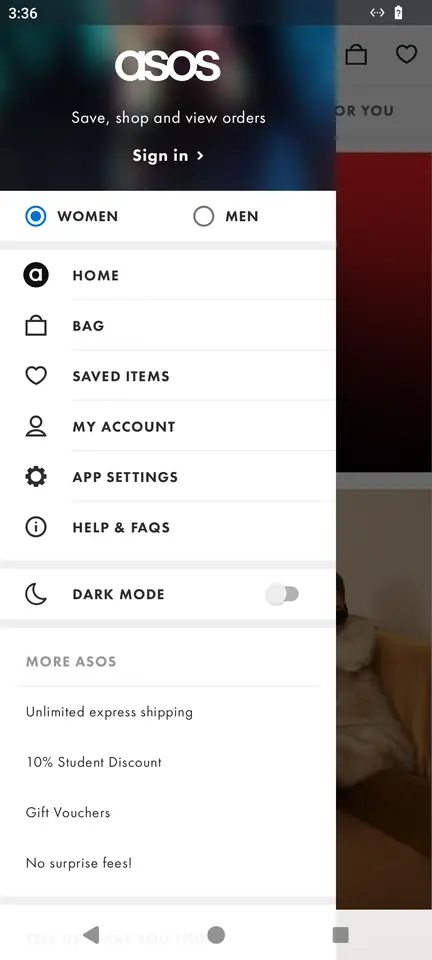
ASOS Android screen 18 — home & browsing: Save, shop and view orders

Dark mode toggle

2 of 165 apps1%

example: ASOS

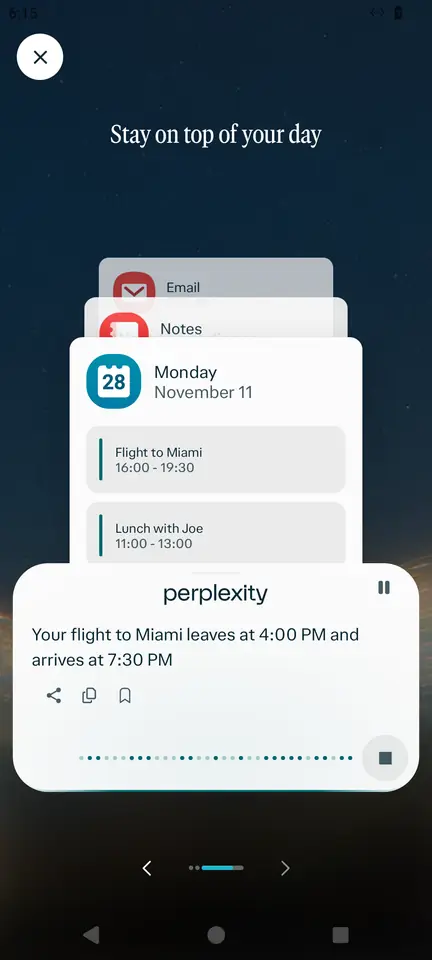
Perplexity Android screen 10 — home & browsing: From Joe

Email sign-up form

1 of 165 apps1%

example: Perplexity

edX Android screen 2 — home & browsing: Explore the catalog

Goal picker

1 of 165 apps1%

example: edX

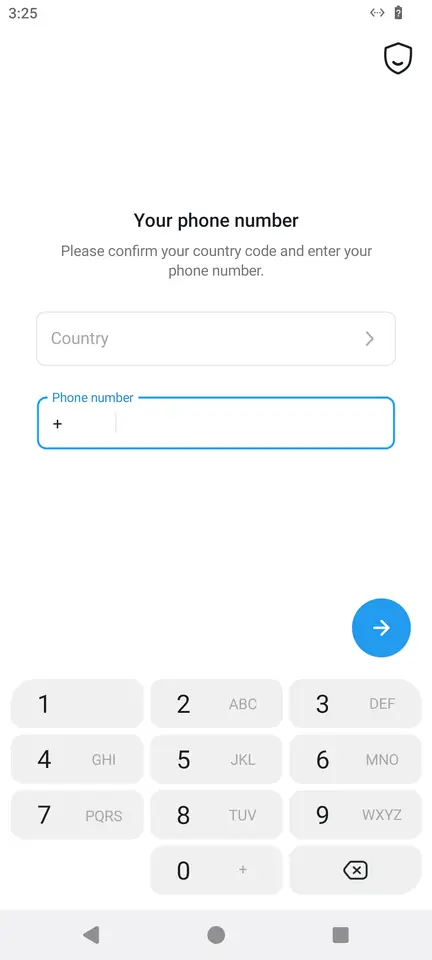
Telegram Android screen 2 — home & browsing: Your phone number

Phone number verification

1 of 165 apps1%

example: Telegram

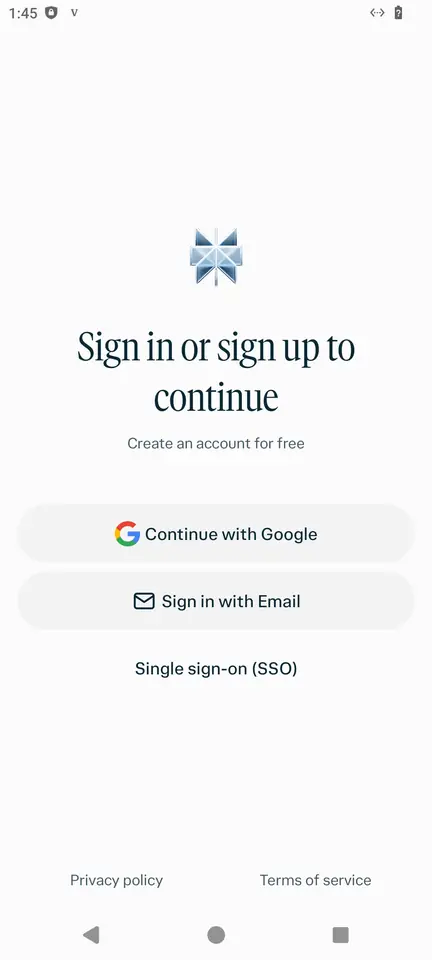
Perplexity Android screen 15 — home & browsing: Sign in or sign up to continue

Social login buttons

1 of 165 apps1%

example: Perplexity

Building it on Android

  • Most Android home screens pair a top app bar with a bottom navigation bar (Material 3 NavigationBar); large-screen layouts switch to a navigation rail.
  • Lists are built with RecyclerView or Compose LazyColumn / LazyRow — horizontal shelves of cards are the common pattern for catalogues and media.
  • The system Back gesture on a top-level home screen exits the app, so do not trap it.

By app category

Streaming & entertainment34
Books & reading27
Productivity & tools26
Health & fitness22
Education17
Travel, maps & local14
Shopping & e-commerce12
Sports6

Apps with home screens in the library, by category.

FAQ

What UI components do Android home screens use?

Across 910 home screens from 165 apps, the most common detected components are toolbar (39% of screens), tab bar (24% of screens) and icon button (23% of screens).

How do you build a home screen on Android?

Most Android home screens pair a top app bar with a bottom navigation bar (Material 3 NavigationBar); large-screen layouts switch to a navigation rail. Lists are built with RecyclerView or Compose LazyColumn / LazyRow — horizontal shelves of cards are the common pattern for catalogues and media. The system Back gesture on a top-level home screen exits the app, so do not trap it.

Which UI patterns are common on Android home screens?

On the 165 apps we captured, the most common are search bar (56 apps), empty state (26 apps) and welcome screen (26 apps).

Measured on screens captured on real Android devices · last updated 2026-11-14