Android settings UI: what 54 real apps are built from
Across 132 settings screens from 54 apps, the most common detected components are toolbar (40% of screens), icon button (39% of screens) and tab bar (21% of screens). Measured from the Android view hierarchy of every settings screen in the Flowtape library.
Every screen, as a gallery: Settings screen examples.
What is a settings screen?
A settings screen is the list of preferences and account options in an app — notifications, privacy, appearance, language, subscription and sign-out — usually grouped into sections and reached from a profile tab or menu.
UI components on Android settings screens
Share of the 132 settings screens where each component is present in the view hierarchy and drawn on screen. The example shows it outlined.
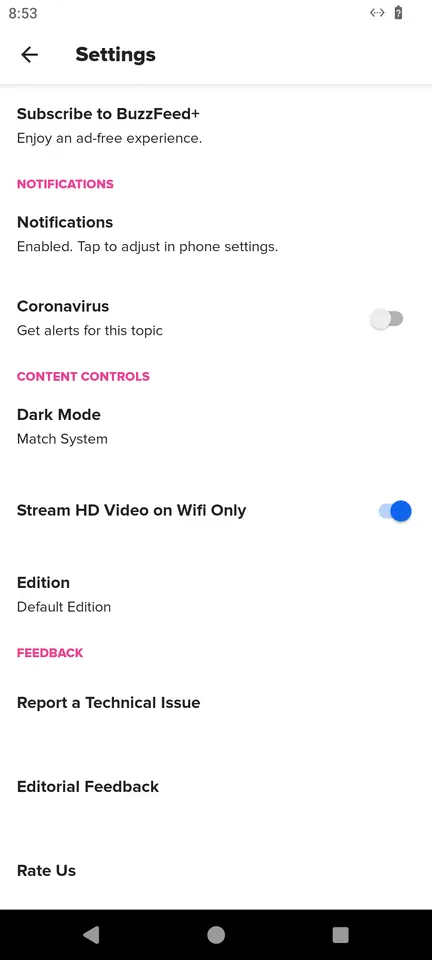
Icon button
25 apps · example: BuzzFeed
Toggle switch
13 apps · example: BuzzFeed
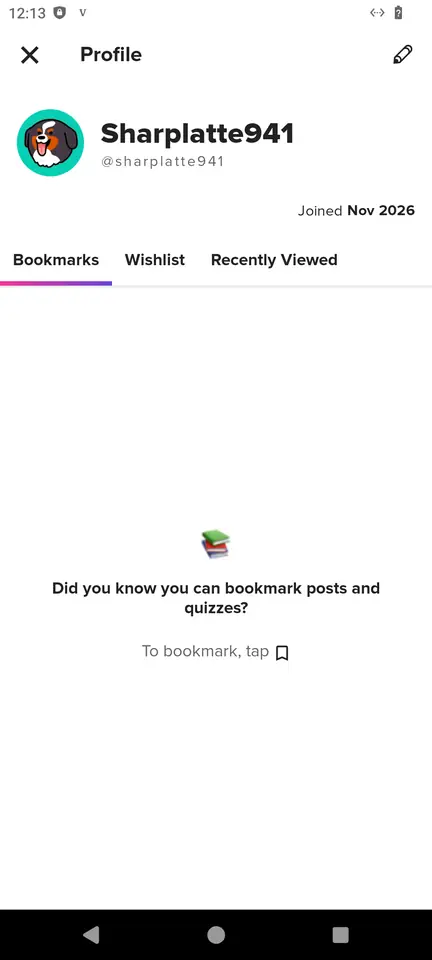
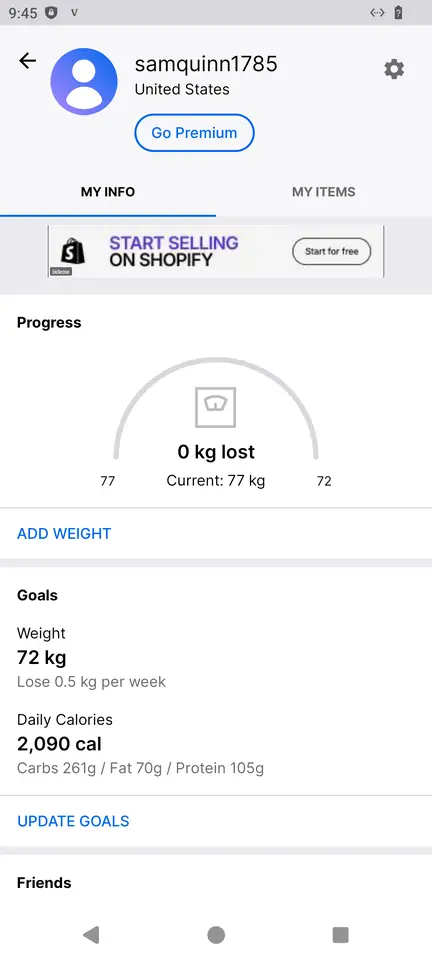
Card
6 apps · example: MyFitnessPal
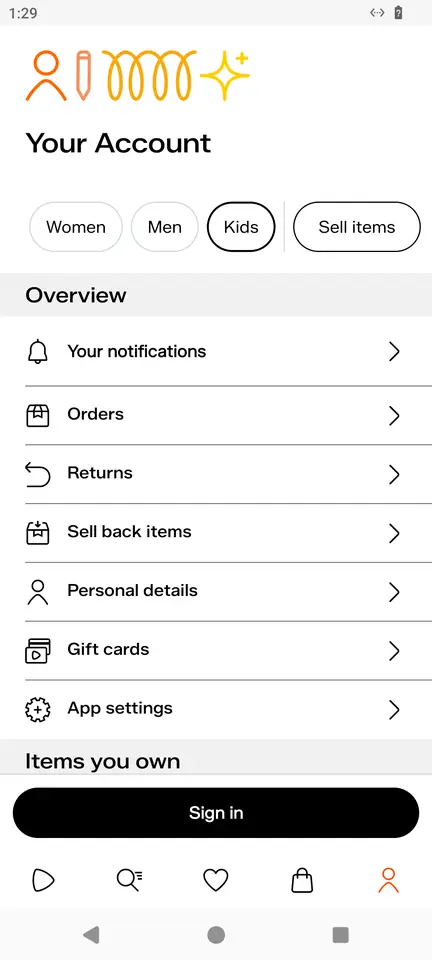
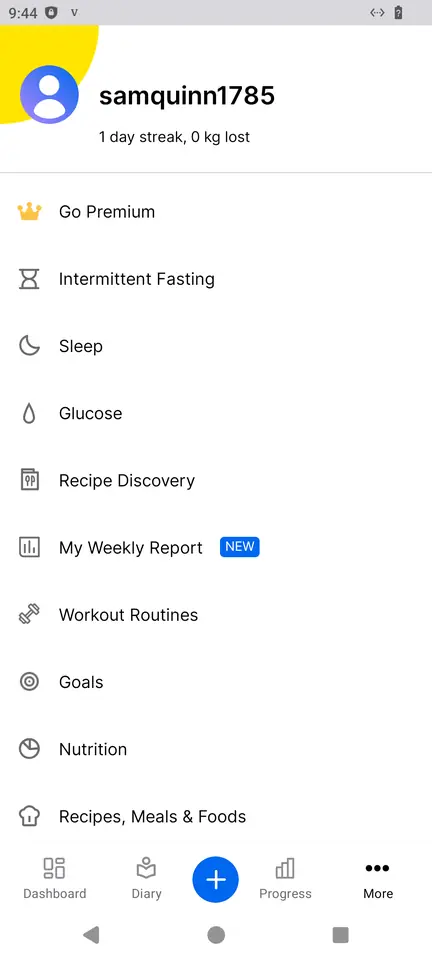
Badge
5 apps · example: MyFitnessPal
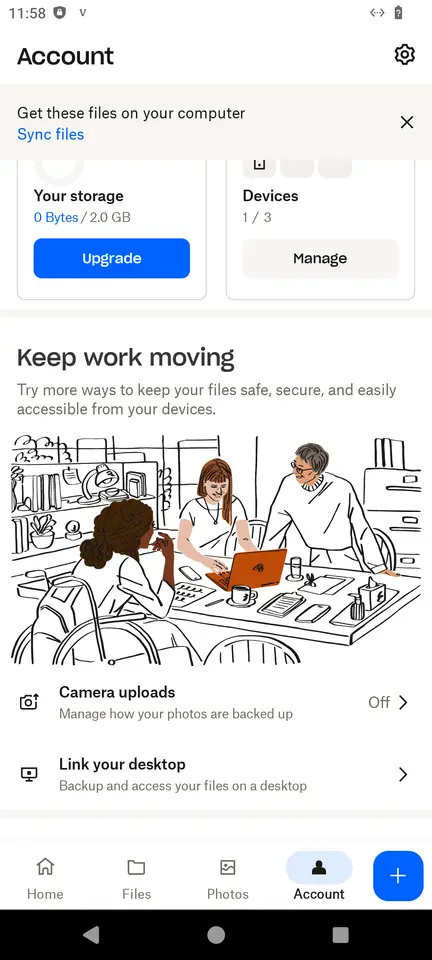
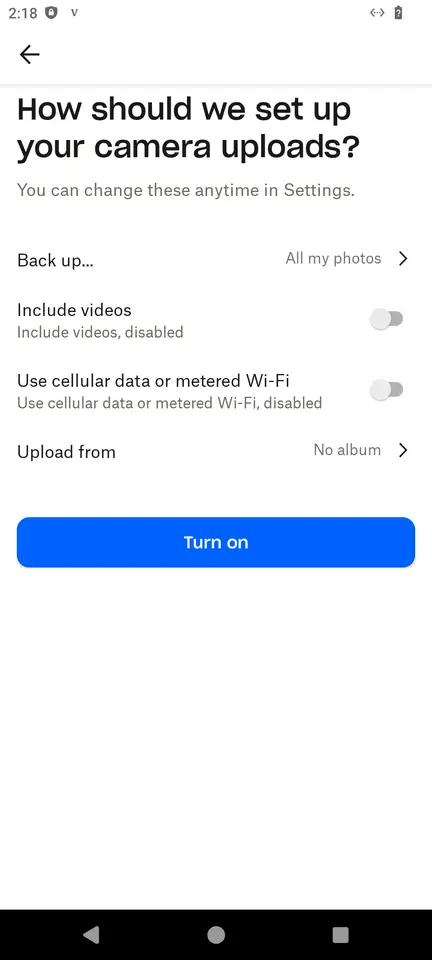
Floating action button
6 apps · example: Dropbox
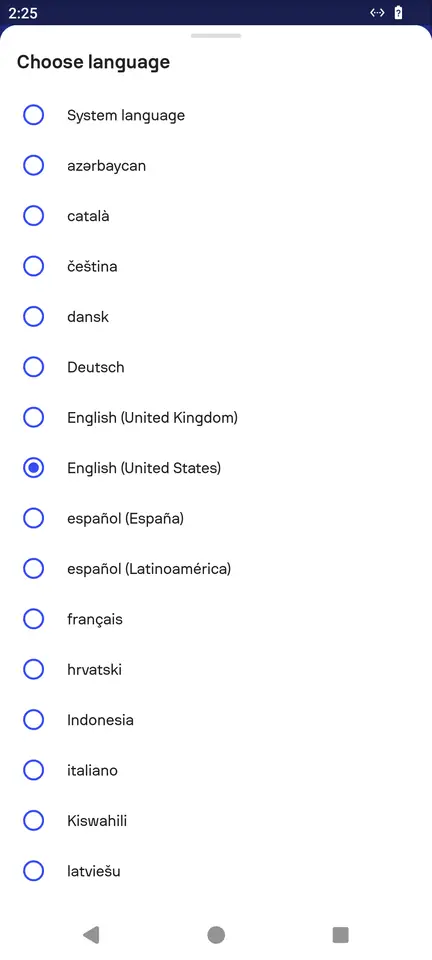
Radio button
4 apps · example: Sofascore
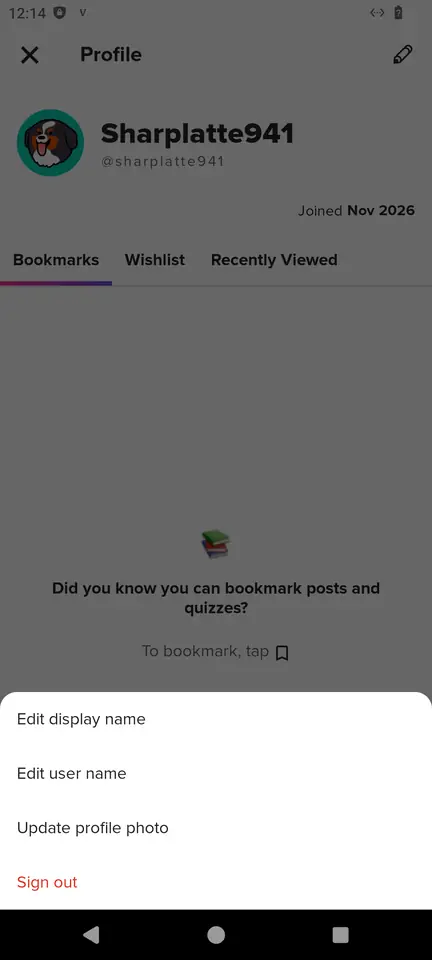
Bottom sheet
3 apps · example: BuzzFeed
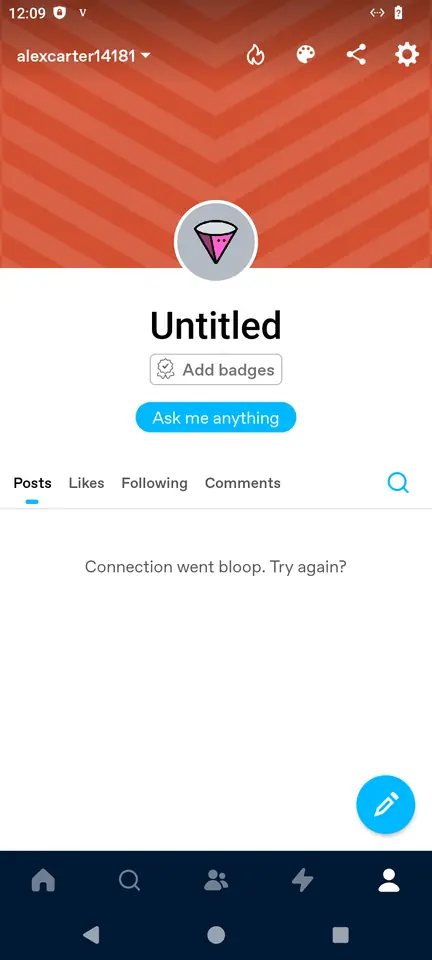
Dropdown menu
2 apps · example: Tumblr
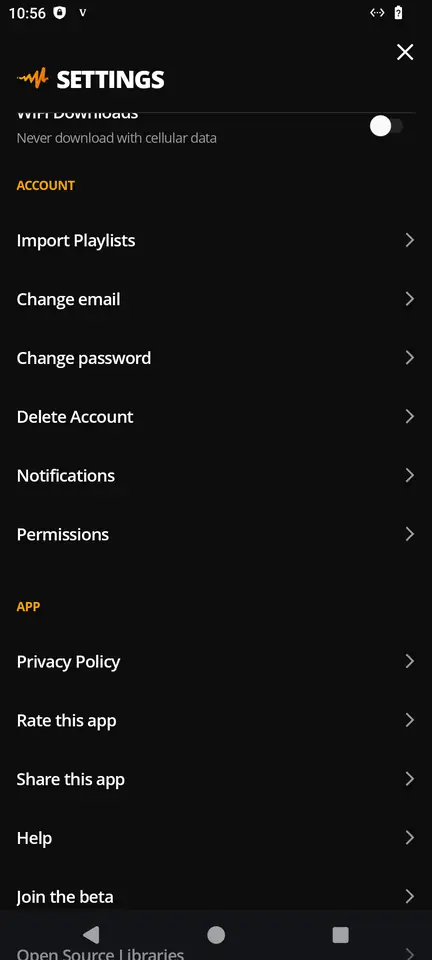
Progress bar
2 apps · example: Audiomack
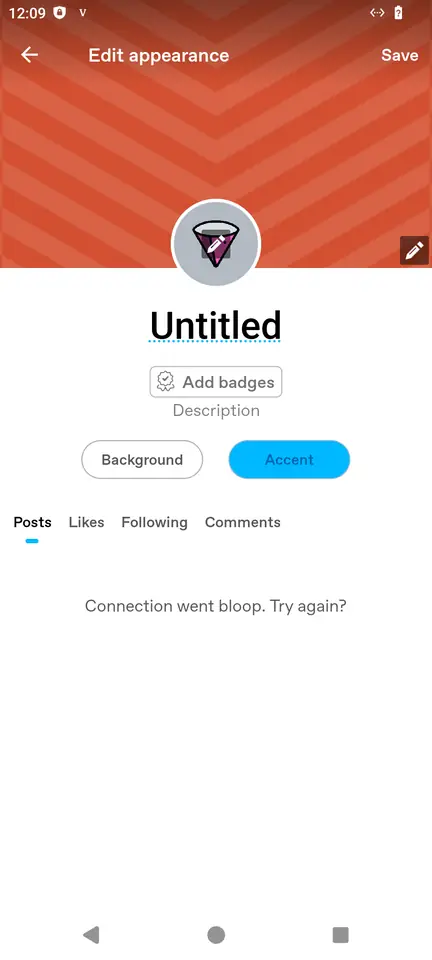
Text field
2 apps · example: Tumblr
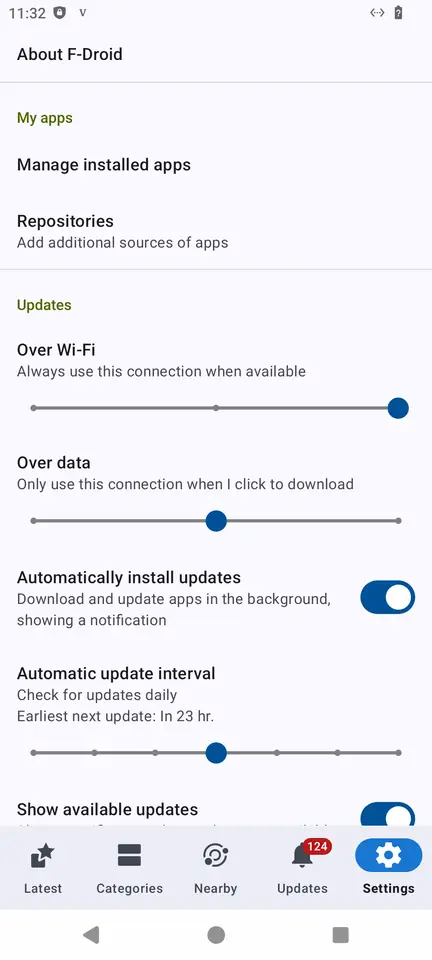
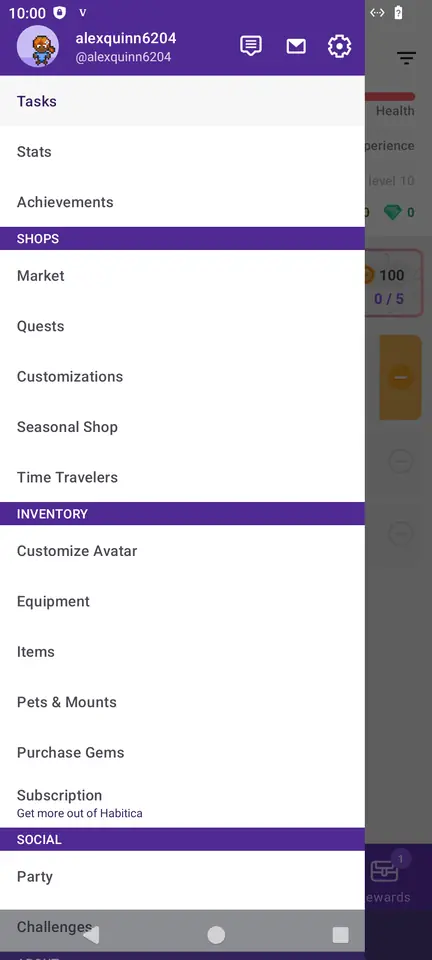
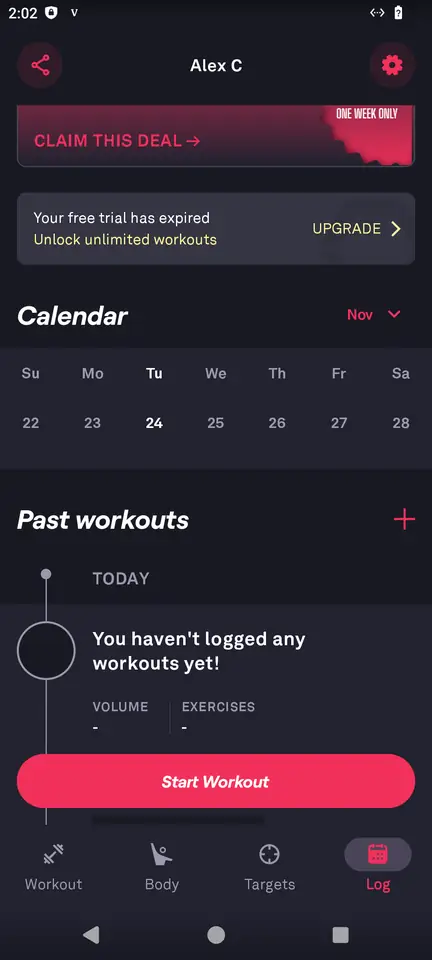
Page indicator dots
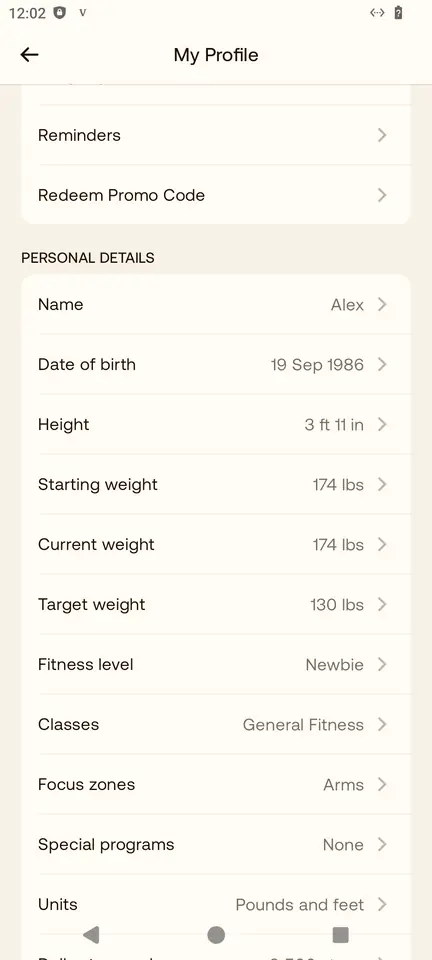
1 app · example: Fitbod
UI patterns on Android settings screens
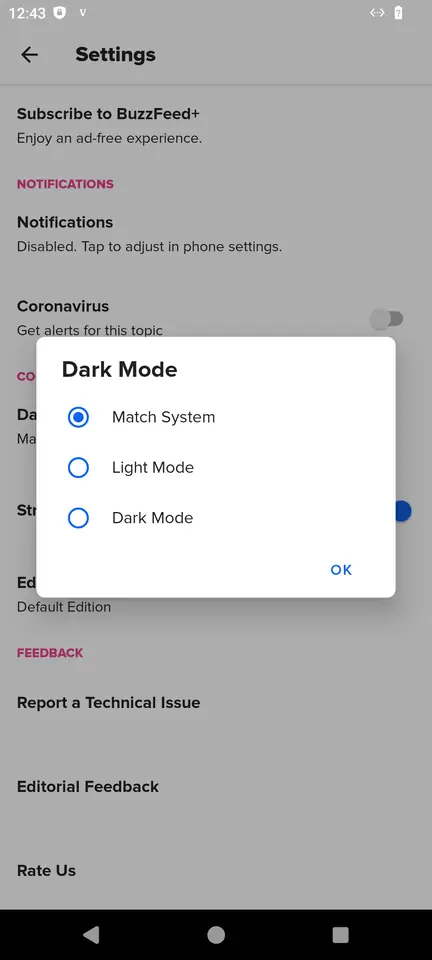
Dark mode toggle
example: BuzzFeed
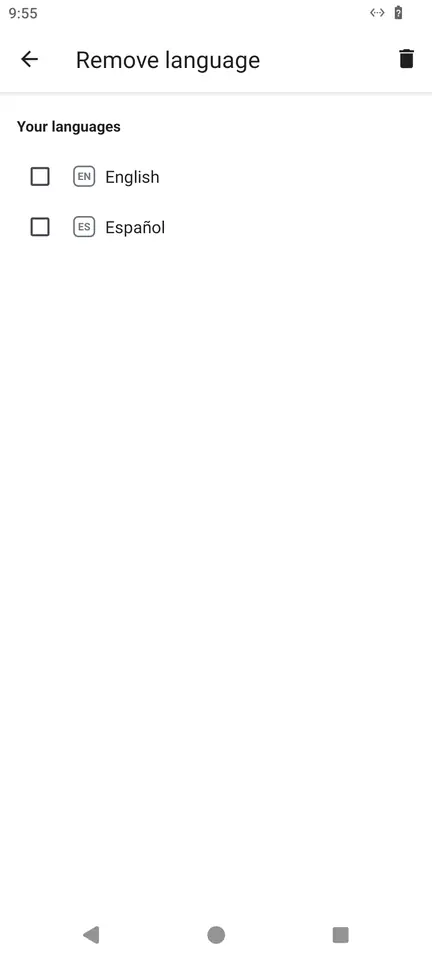
Language selector
example: Sofascore
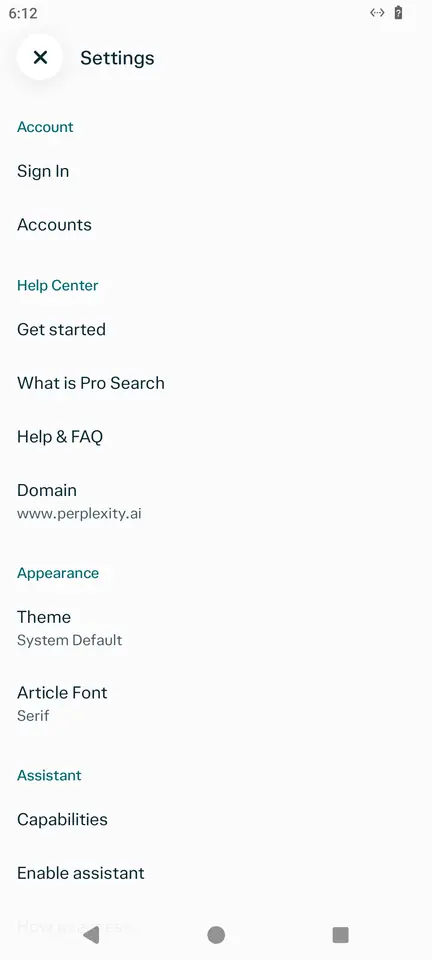
Welcome screen
example: Perplexity
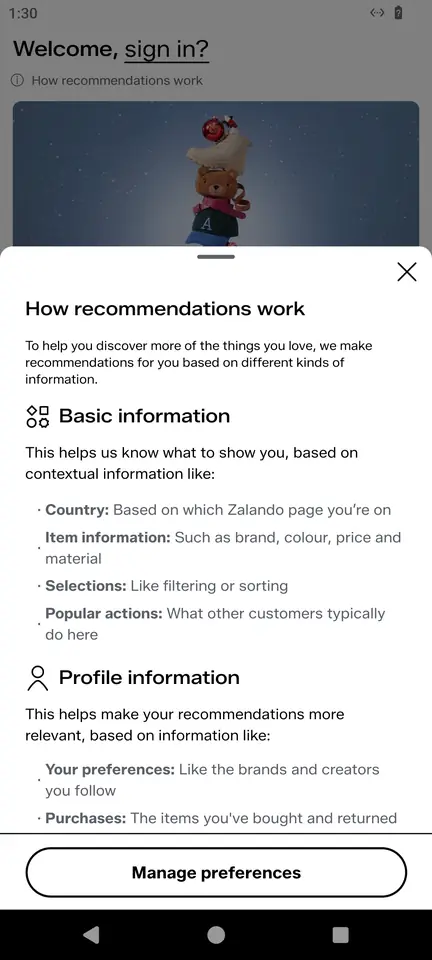
Cookie consent banner
example: Zalando
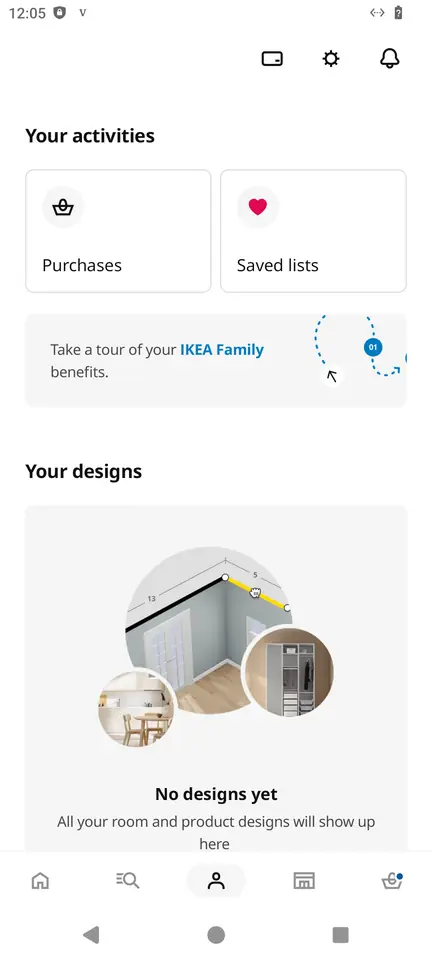
Empty state
example: IKEA
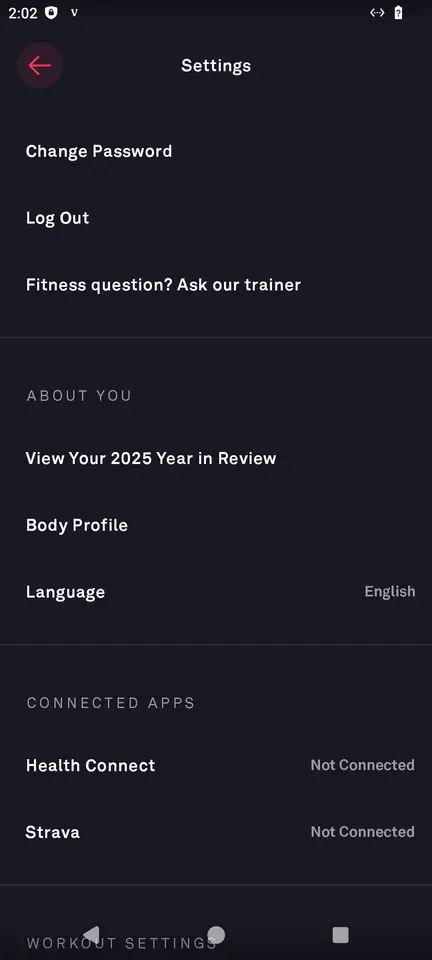
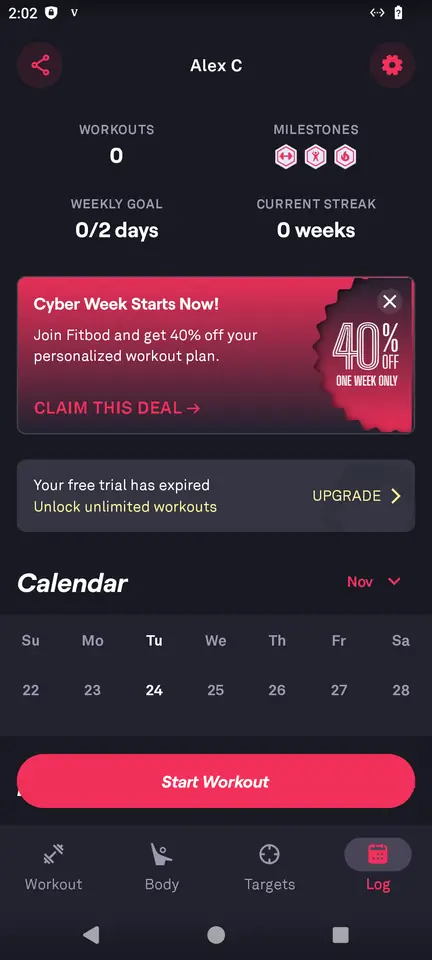
Onboarding survey
example: Fitbod
Pricing plans
example: BuzzFeed
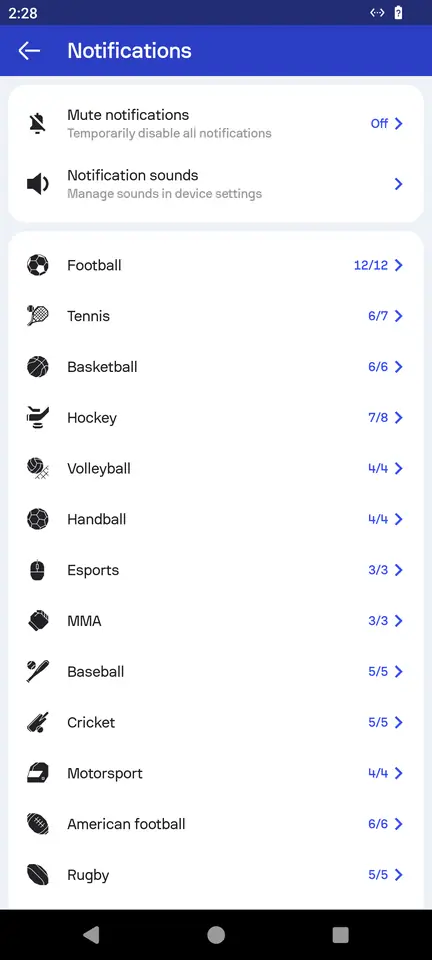
Onboarding progress indicator
example: Sofascore
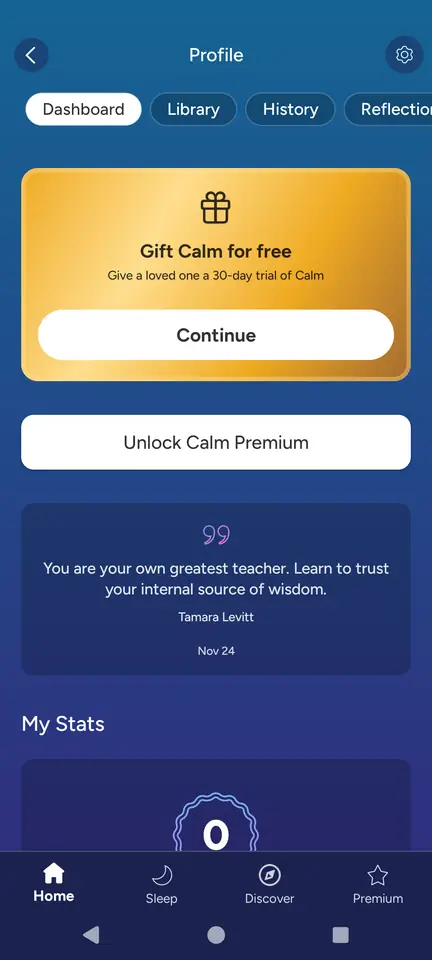
Promo banner
example: Calm
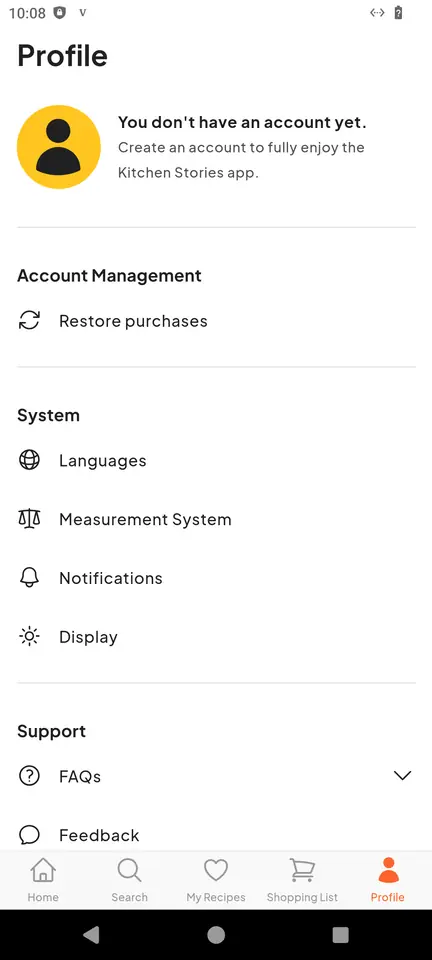
Registration wall
example: Kitchen Stories
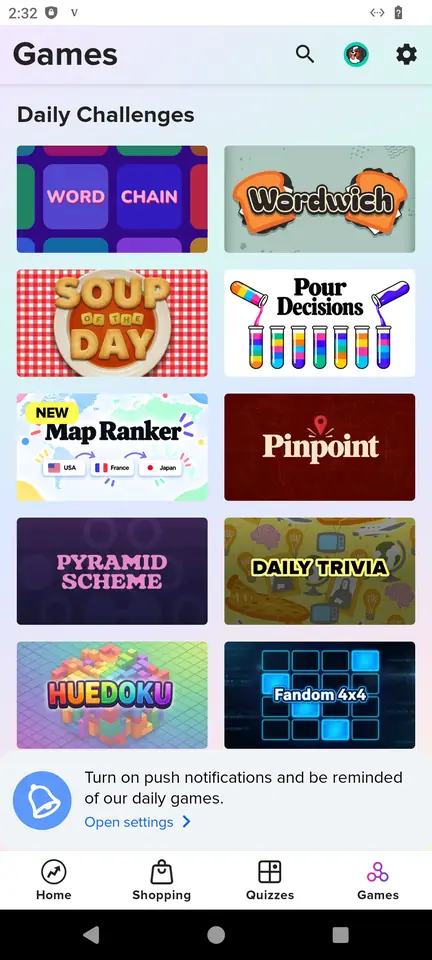
Search bar
example: BuzzFeed
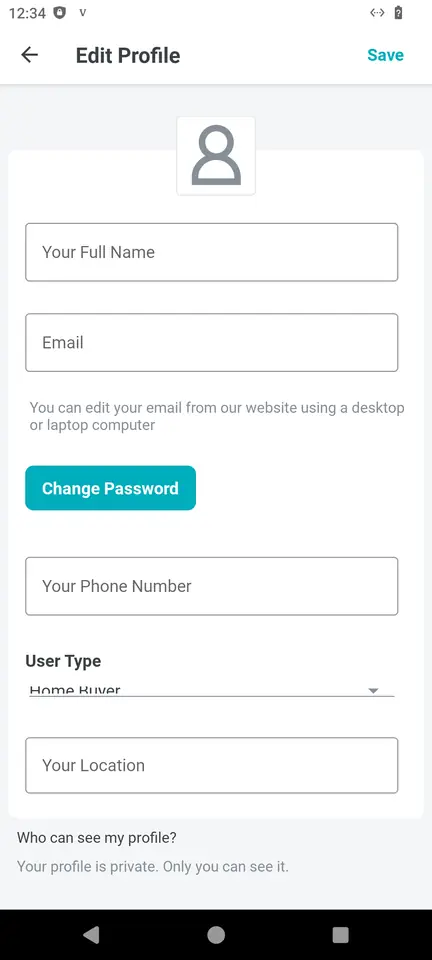
Email sign-up form
example: Trulia
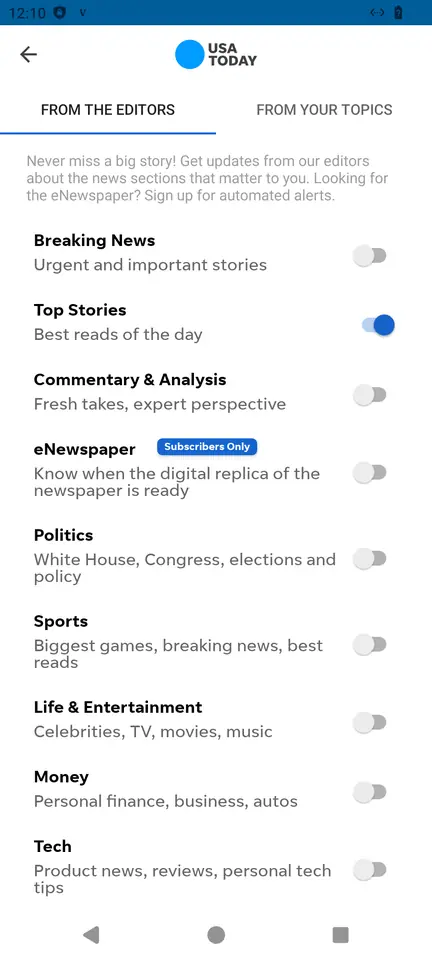
Permission priming
example: USA TODAY
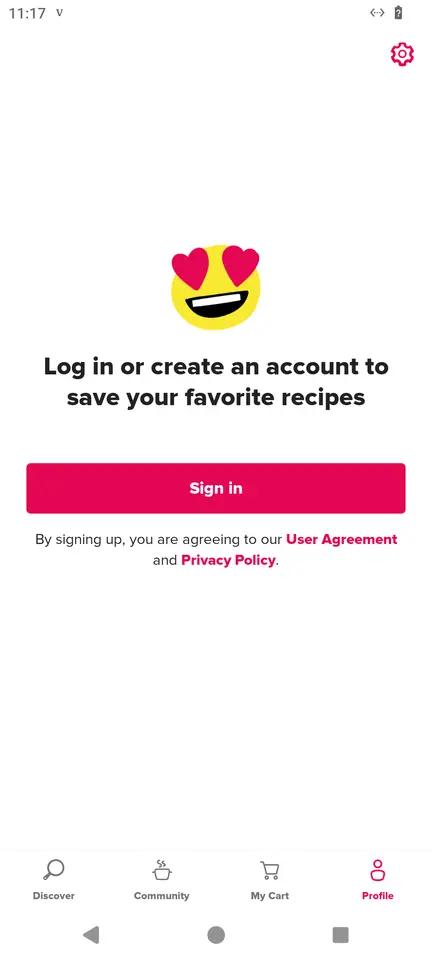
Terms and conditions agreement
example: Tasty
Building it on Android
- Android settings are traditionally built with the AndroidX Preference library (PreferenceFragmentCompat), which gives the standard list rows, switches and section headers.
- Per-app language (Android 13+) and notification channels live in the system settings — link to them instead of rebuilding them.
- Use a Switch for on/off preferences that apply immediately, and a dialog or new screen for choices.
By app category
Apps with settings screens in the library, by category.
FAQ
What UI components do Android settings screens use?
Across 132 settings screens from 54 apps, the most common detected components are toolbar (40% of screens), icon button (39% of screens) and tab bar (21% of screens).
How do you build a settings screen on Android?
Android settings are traditionally built with the AndroidX Preference library (PreferenceFragmentCompat), which gives the standard list rows, switches and section headers. Per-app language (Android 13+) and notification channels live in the system settings — link to them instead of rebuilding them. Use a Switch for on/off preferences that apply immediately, and a dialog or new screen for choices.
Which UI patterns are common on Android settings screens?
On the 54 apps we captured, the most common are dark mode toggle (11 apps), language selector (7 apps) and welcome screen (4 apps).
Measured on screens captured on real Android devices · last updated 2026-11-14