E-commerce app onboarding screens: 71 screens from 17 Android apps
Every onboarding screen we captured in shopping & e-commerce apps: 71 screens from 17 Android apps, grouped by app. 13 of these apps have their full onboarding flow captured step by step: the longest is Target (13 screens), the shortest H&M (2 screens). Across these 71 screens the most common detected components are button (30%), dialog (18%) and radio button (14%).
Shopping & e-commerce onboarding flows compared
Each flow as captured on a real Android device, step by step. Below each flow: the sequence of step roles we read from its screens (runs of the same role collapsed).
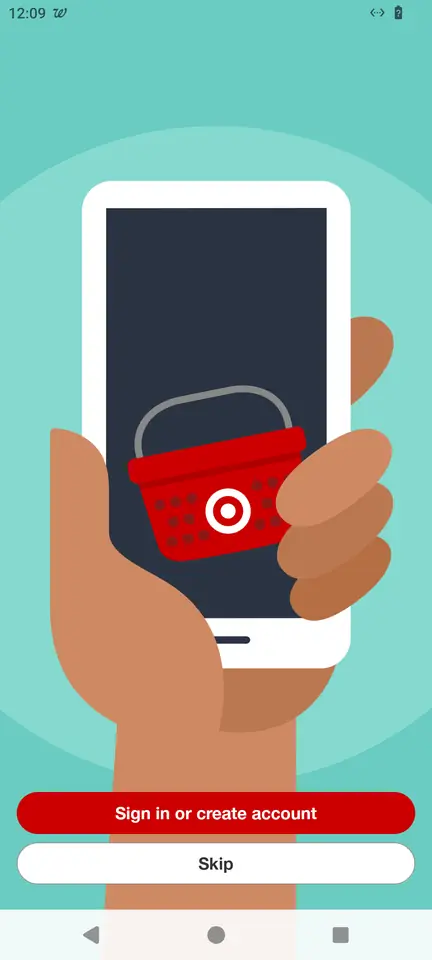
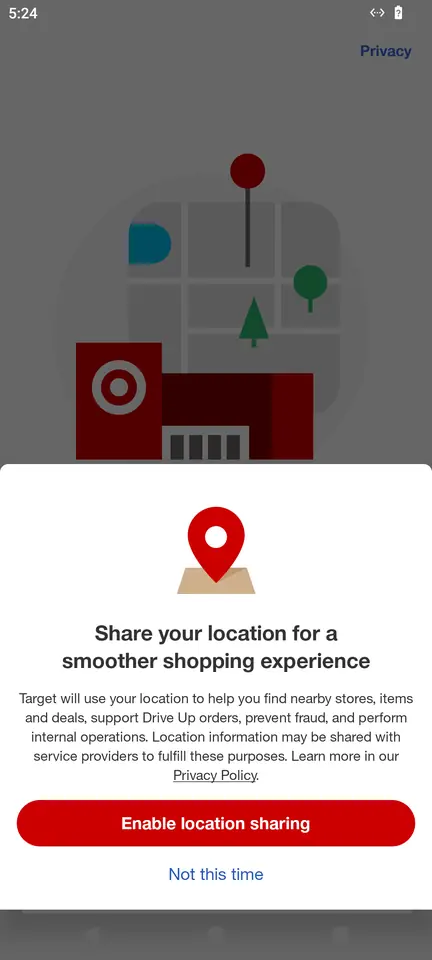
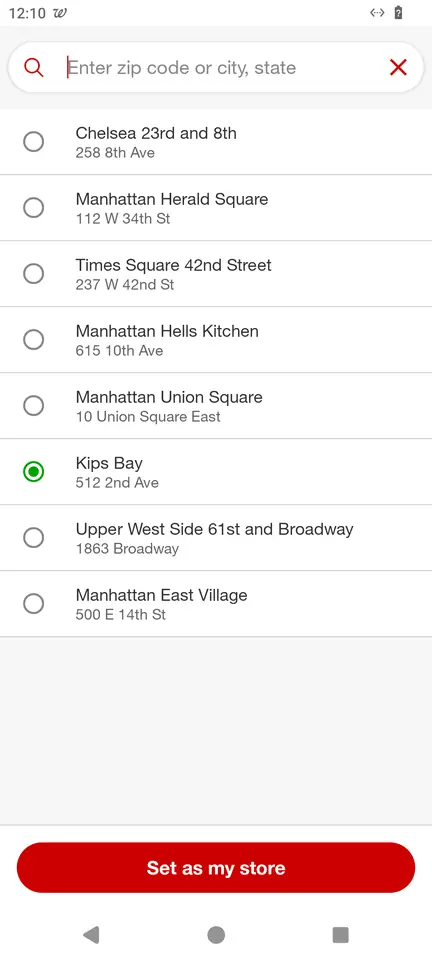
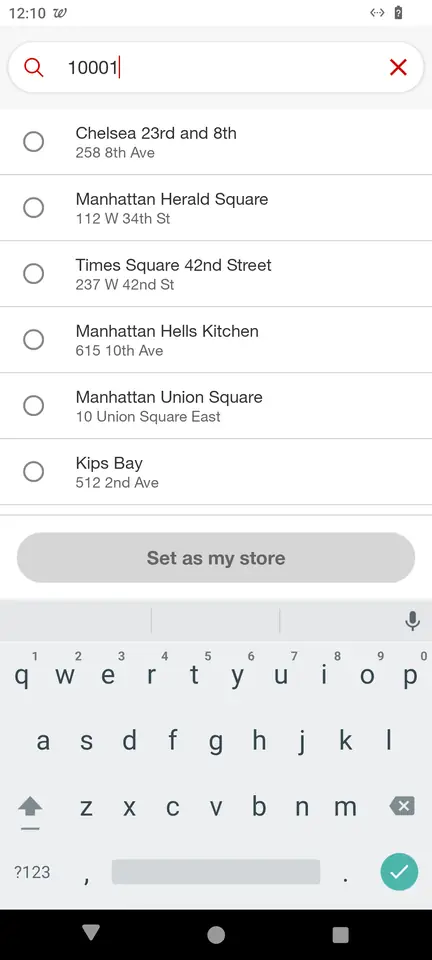
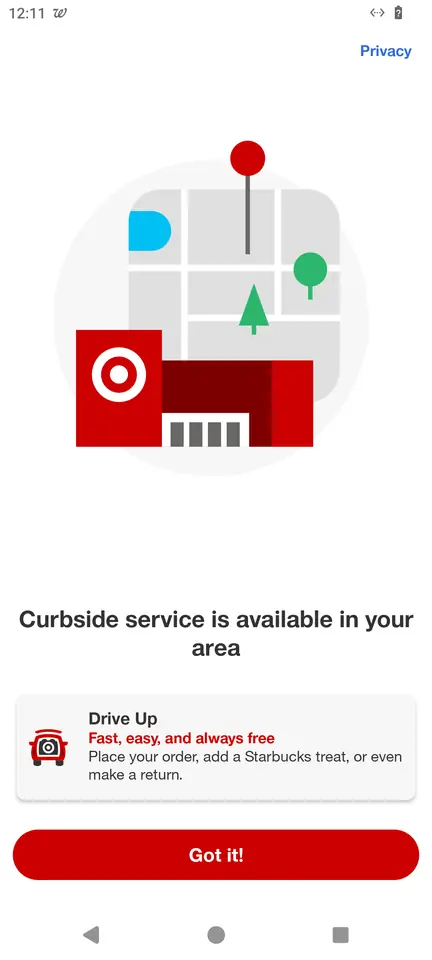
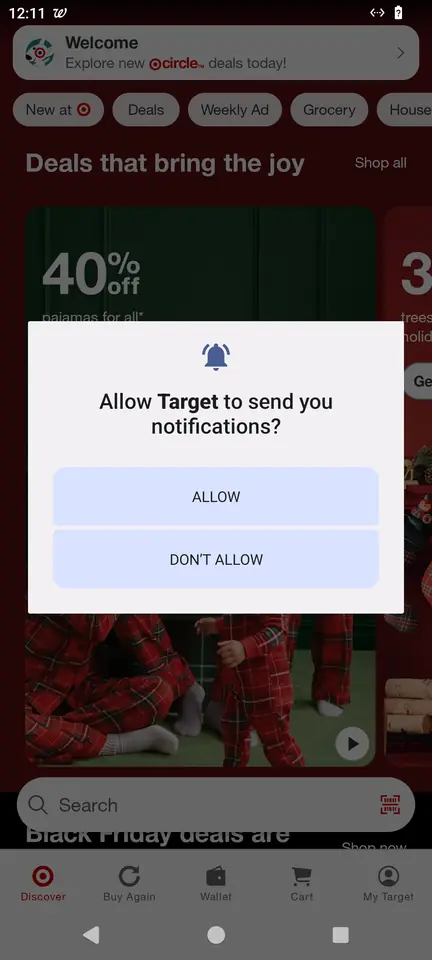
Target onboarding flow
13 screens · 1 question · skip option on 1 screen
Value pitch → Question → Permission prompt → Info ×2 → Setup → Info → Setup → Info ×2 → Permission prompt → Info ×2
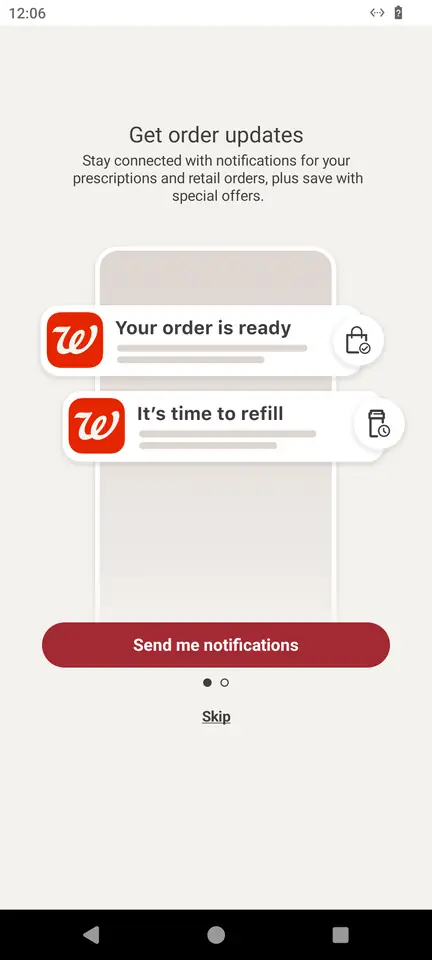
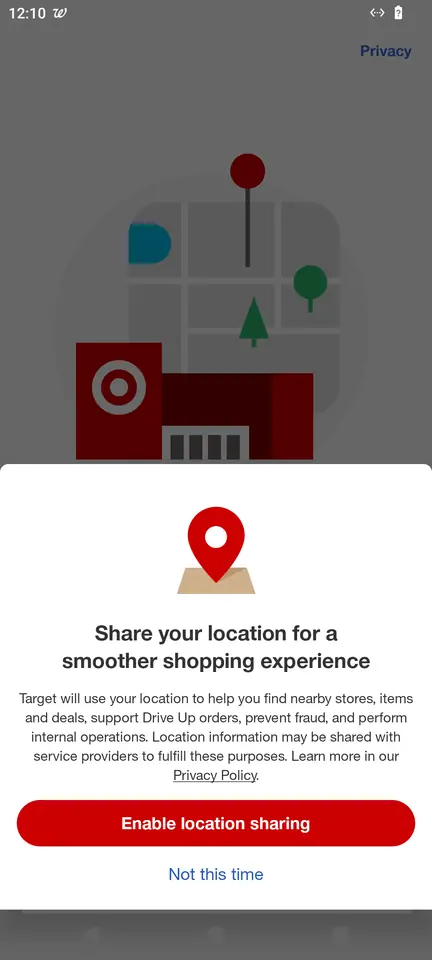
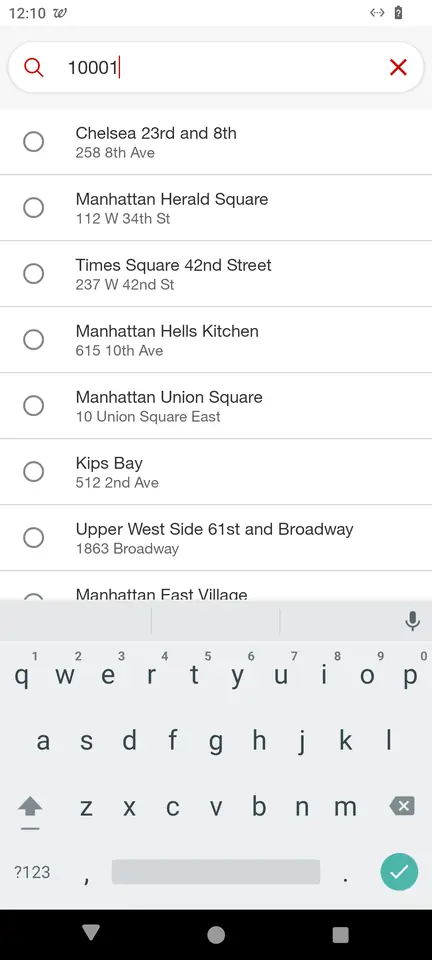
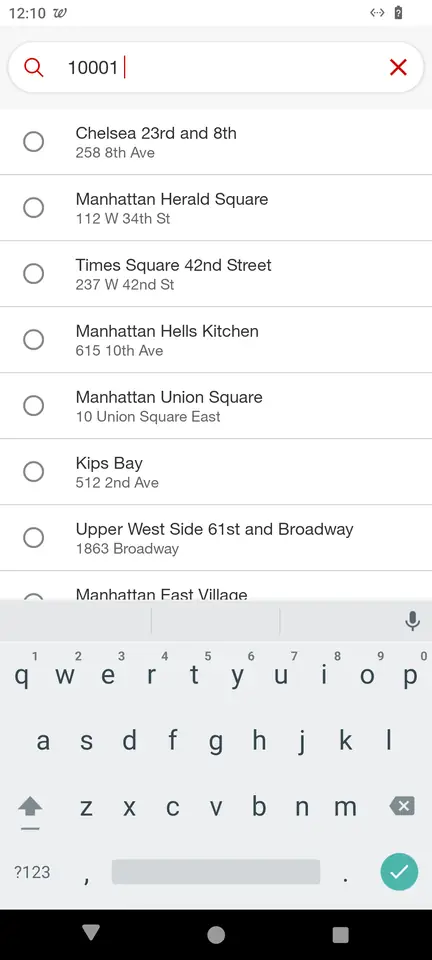
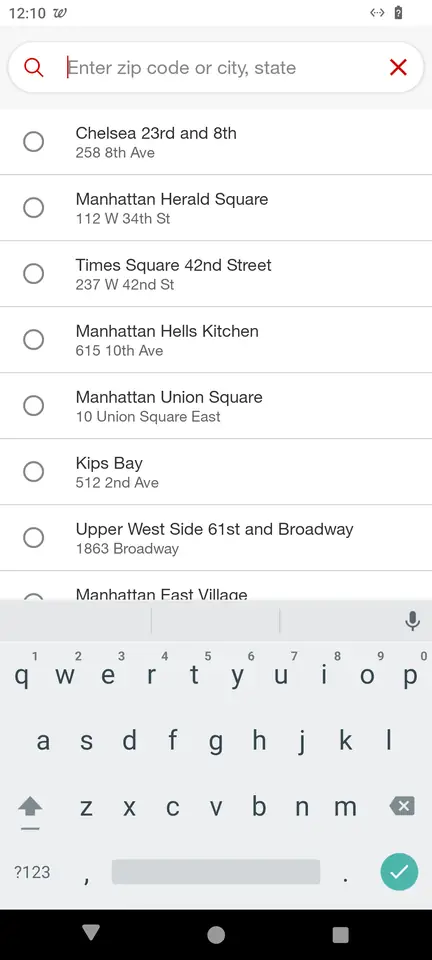
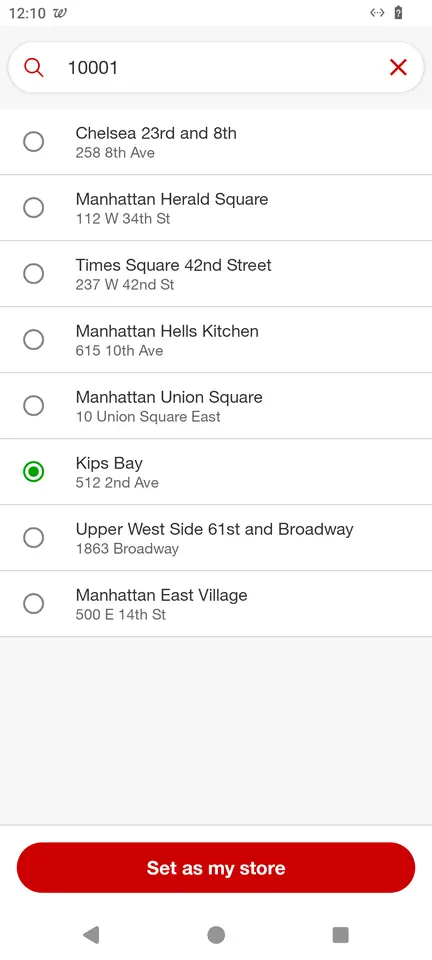
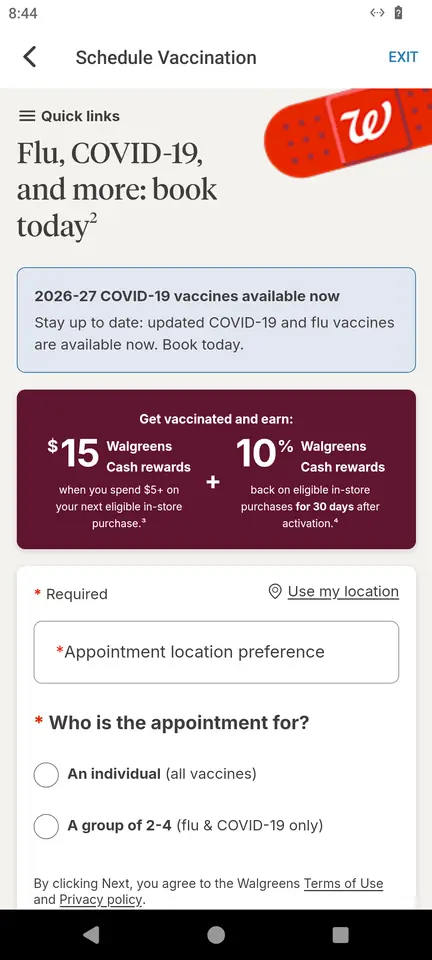
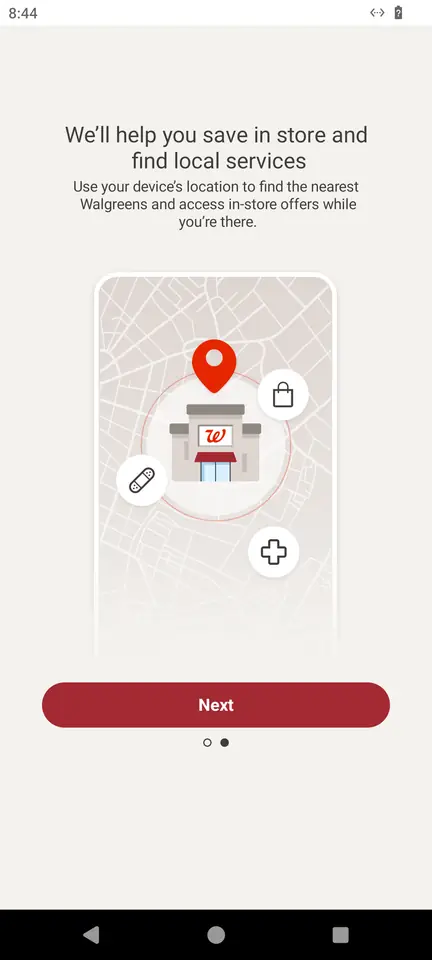
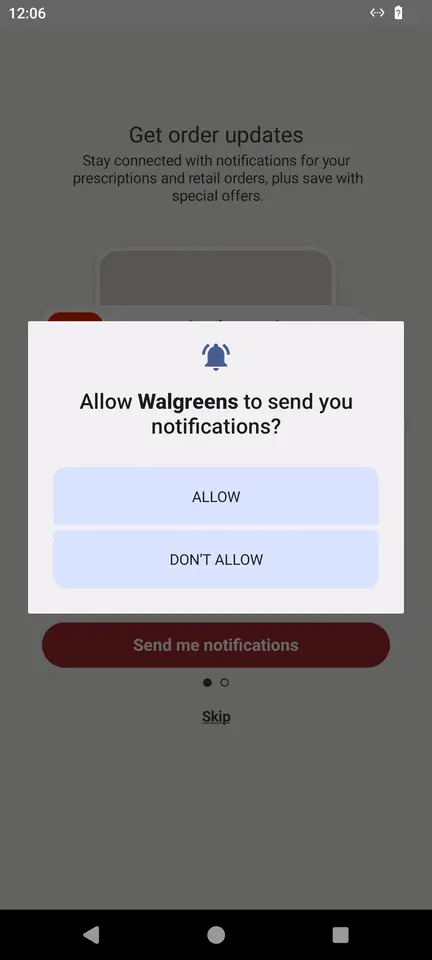
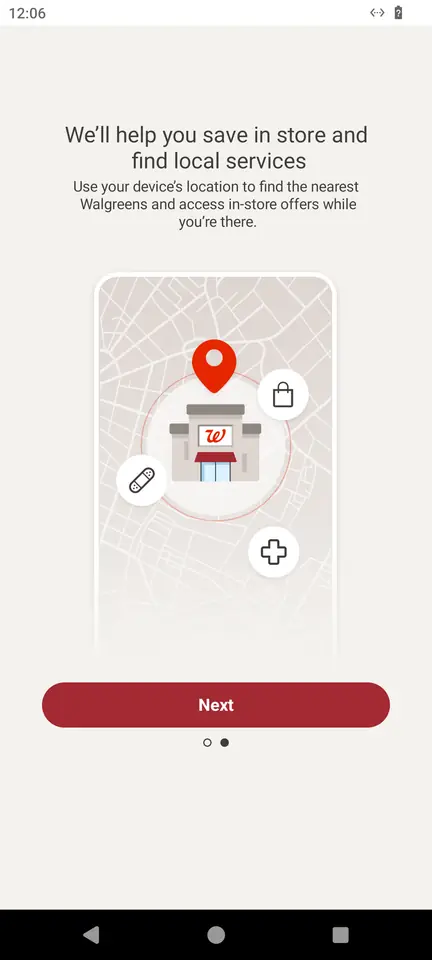
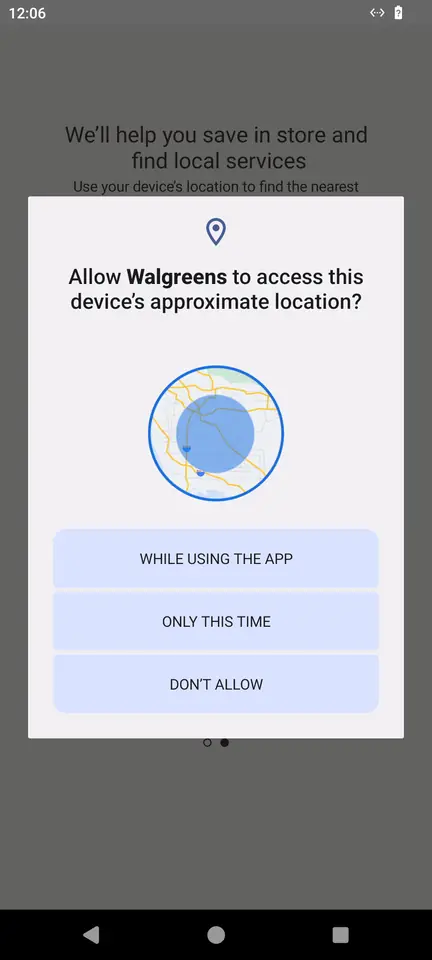
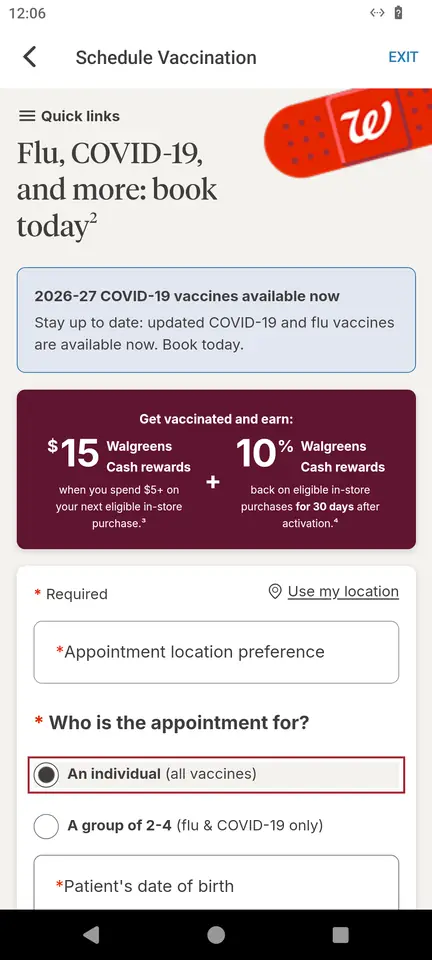
Walgreens onboarding flow
8 screens · 1 question · skip option on 1 screen
Value pitch → Permission prompt → Value pitch → Permission prompt → Value pitch ×3 → Question
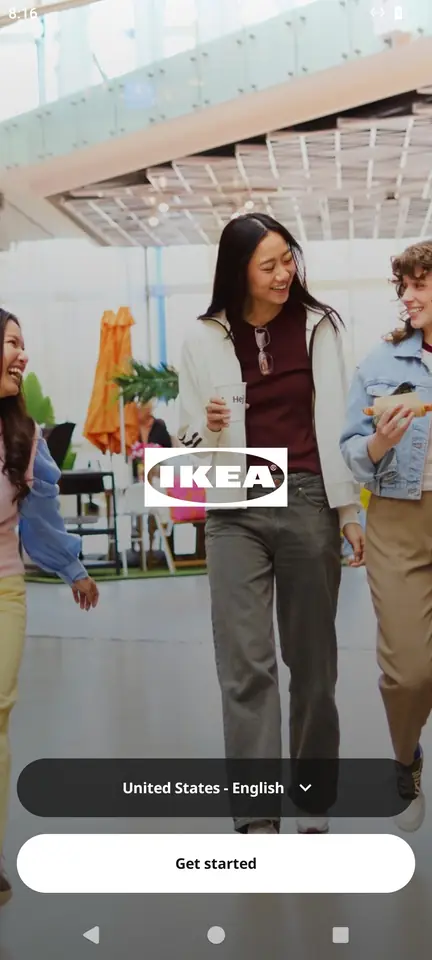
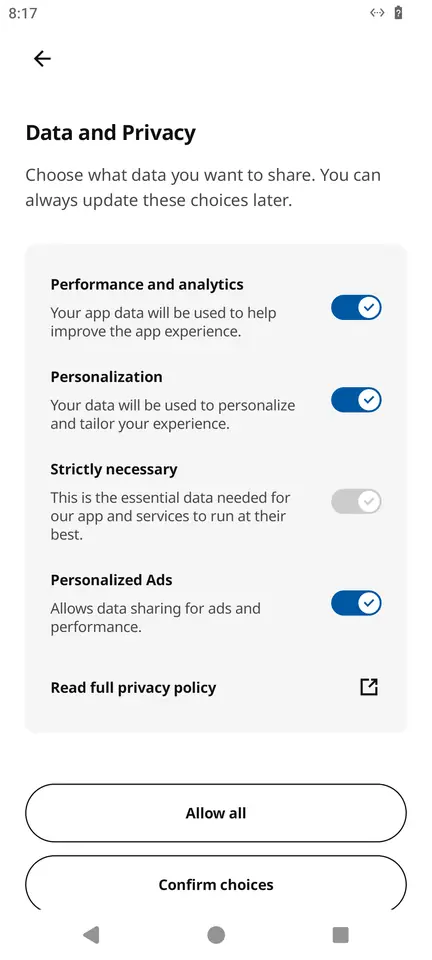
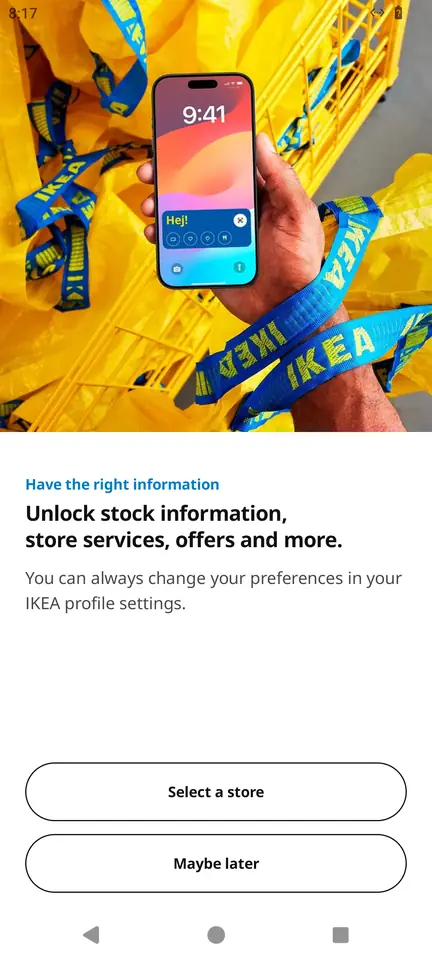
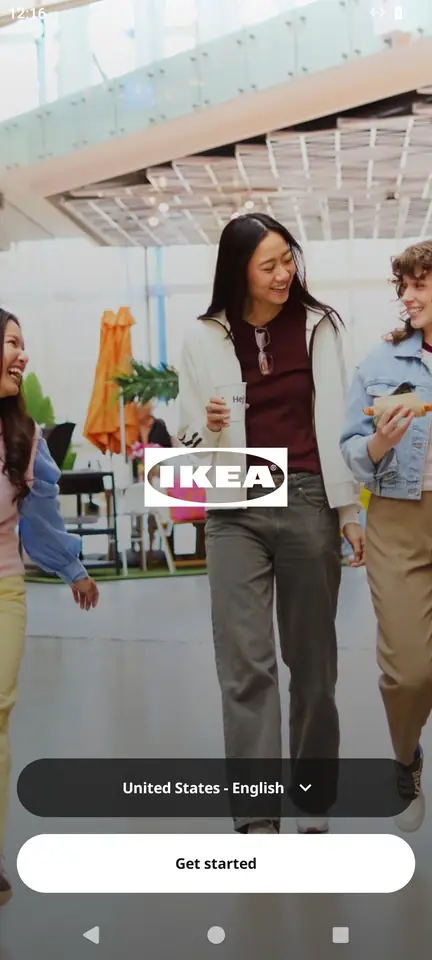
IKEA onboarding flow
6 screens · 2 questions · skip option on 3 screens
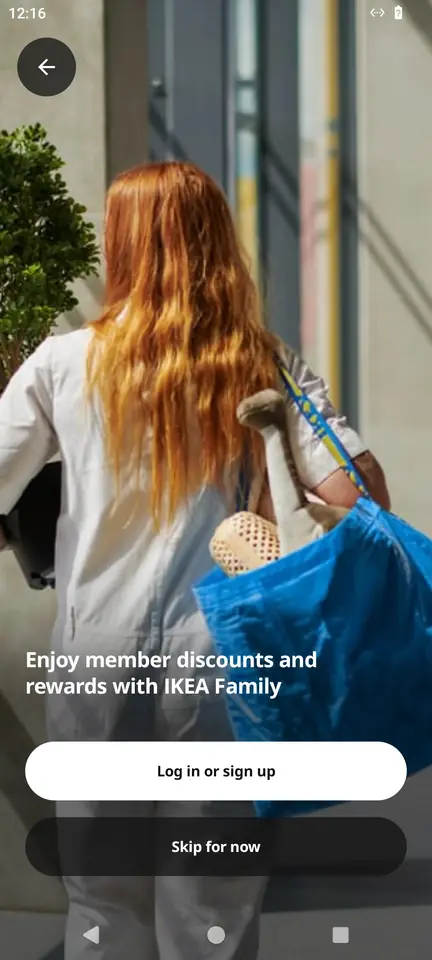
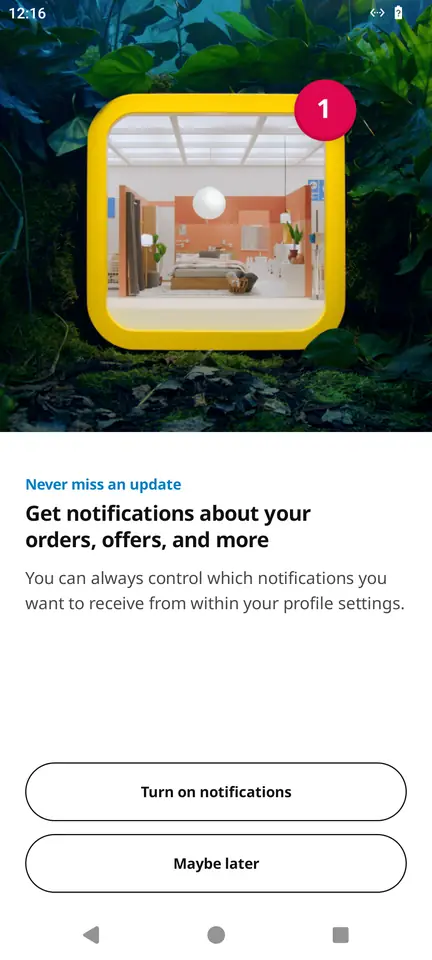
Value pitch ×2 → Question → Info → Permission prompt → Question
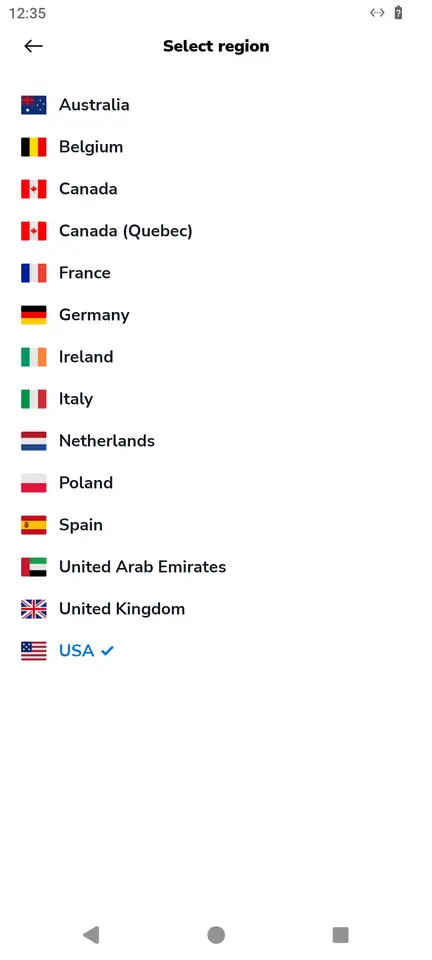
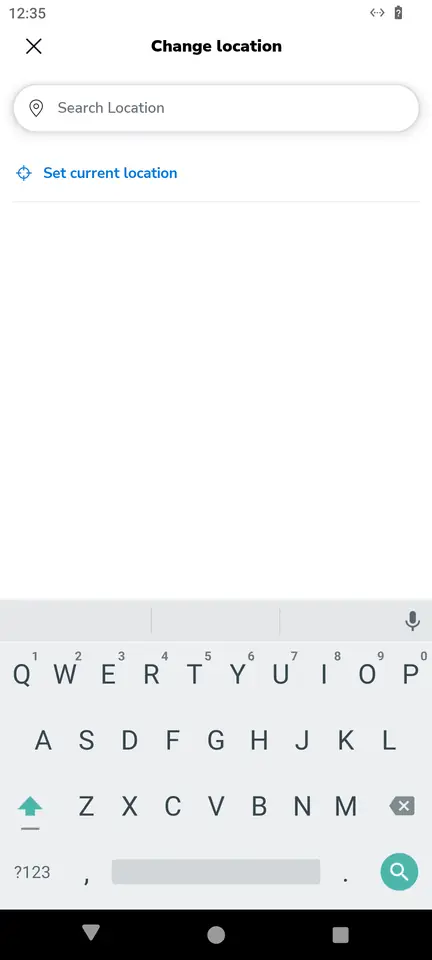
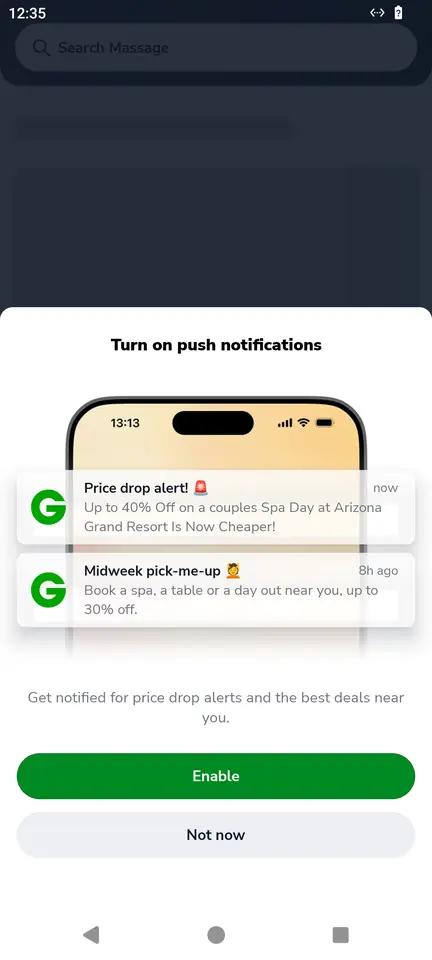
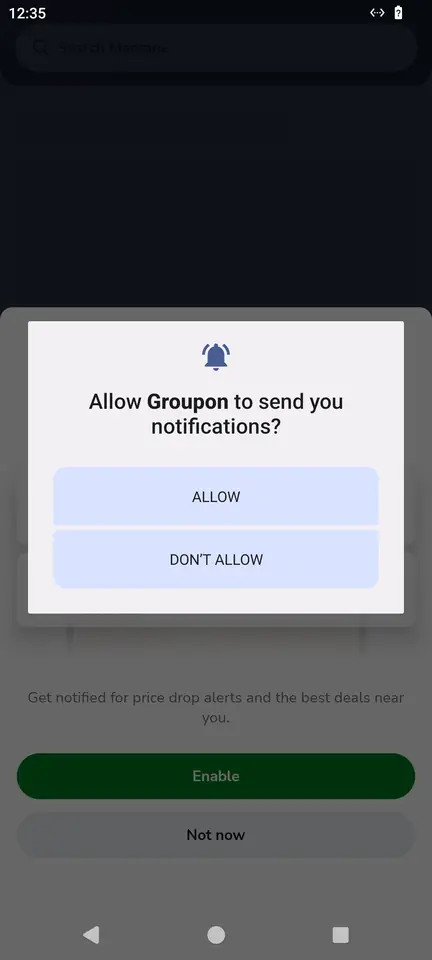
Groupon onboarding flow
5 screens
Value pitch → Permission prompt → Value pitch ×2 → Permission prompt
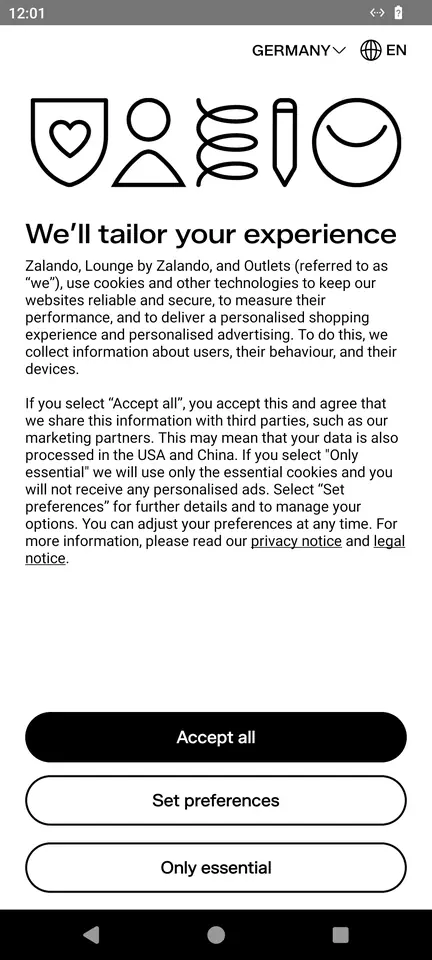
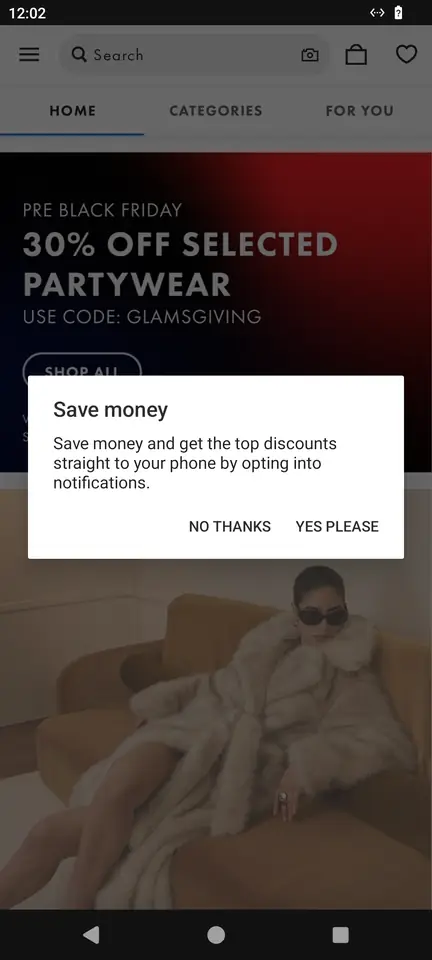
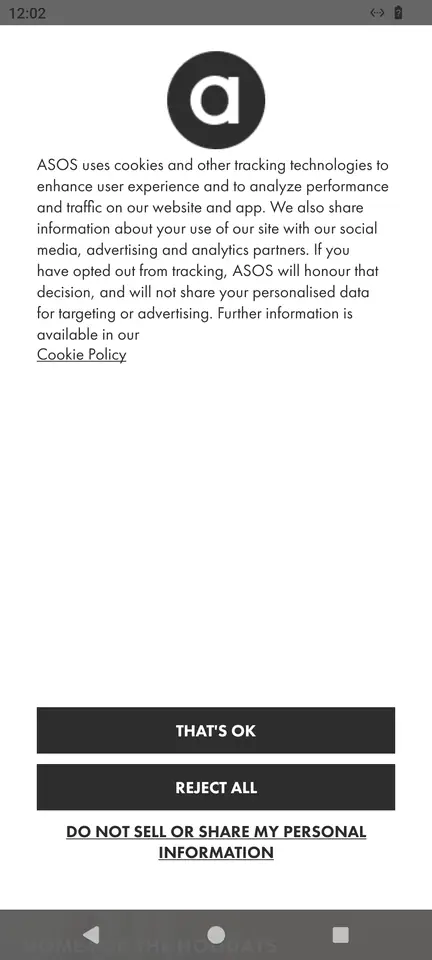
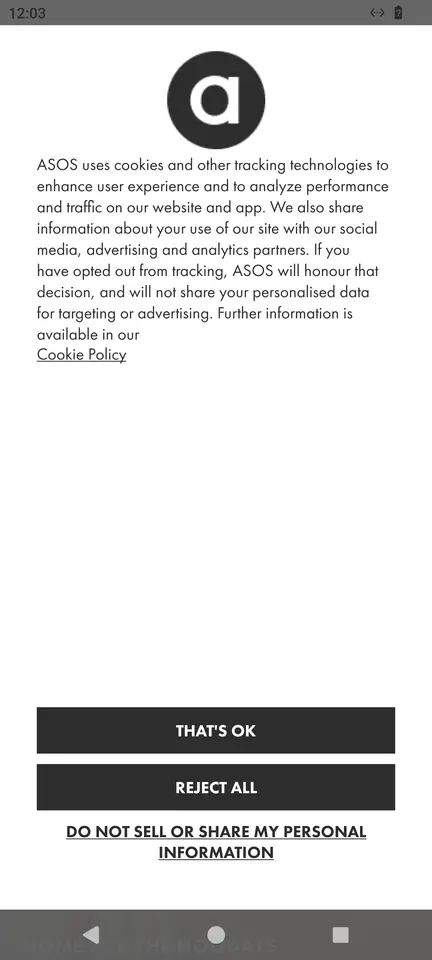
ASOS onboarding flow
4 screens · skip option on 1 screen
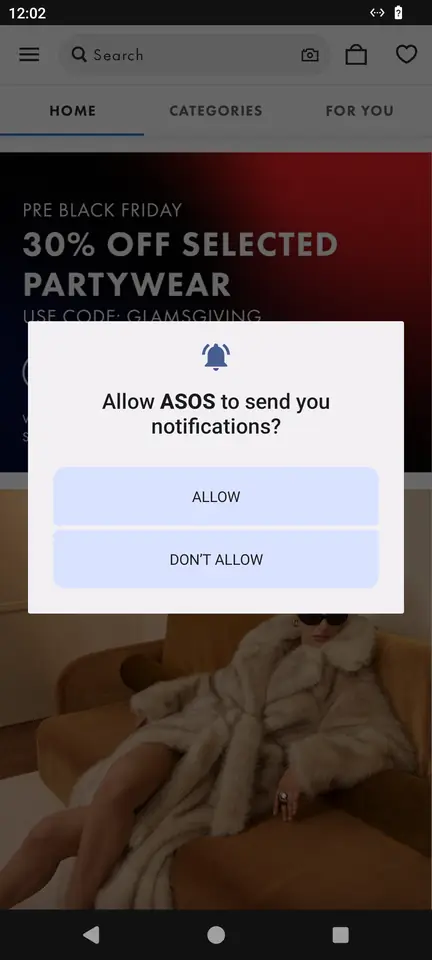
Value pitch → Permission prompt → Consent ×2
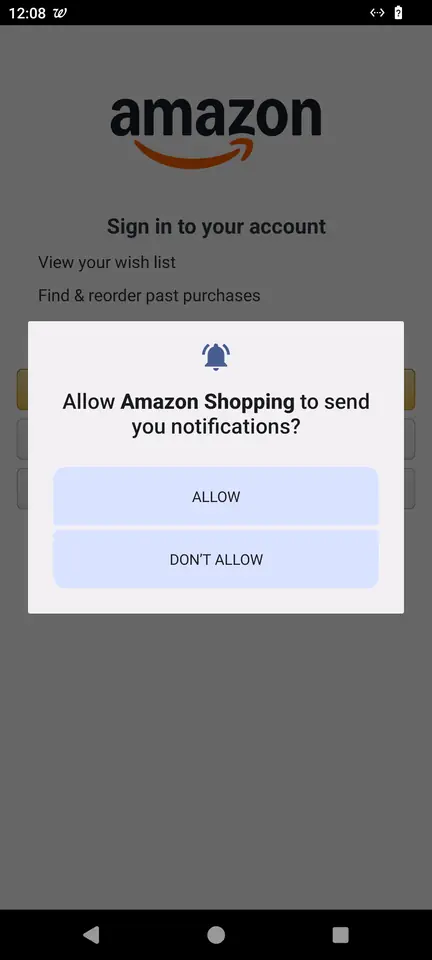
Amazon Shopping onboarding flow
3 screens · progress shown on 1 screen
Permission prompt → Value pitch ×2
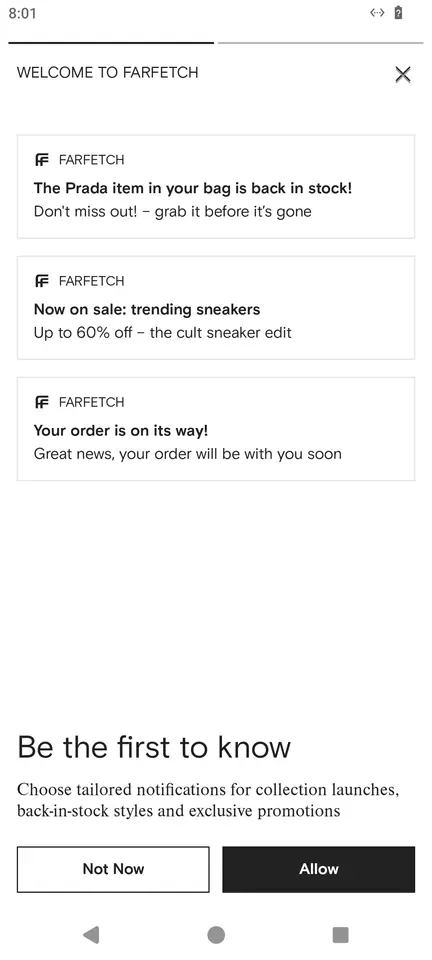
FARFETCH onboarding flow
3 screens · skip option on 1 screen
Value pitch → Permission prompt → Value pitch
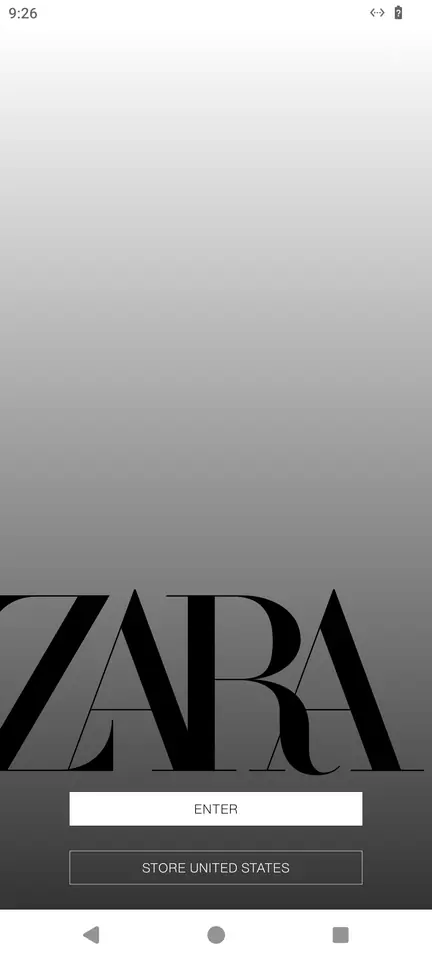
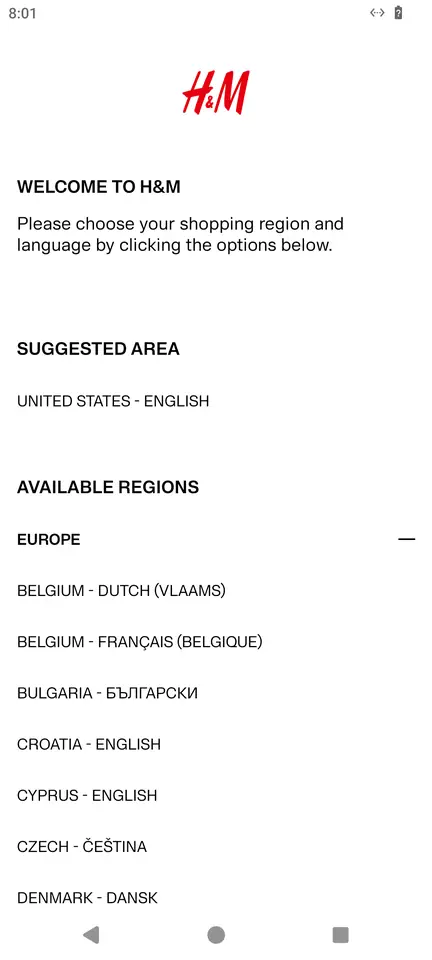
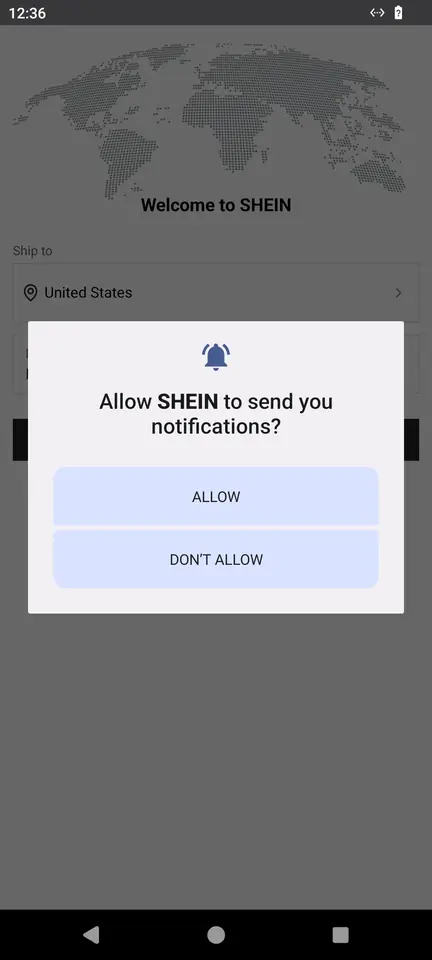
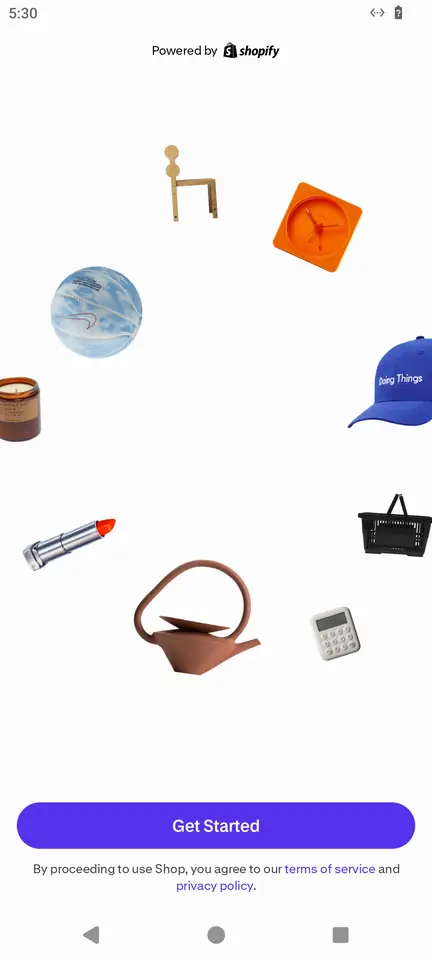
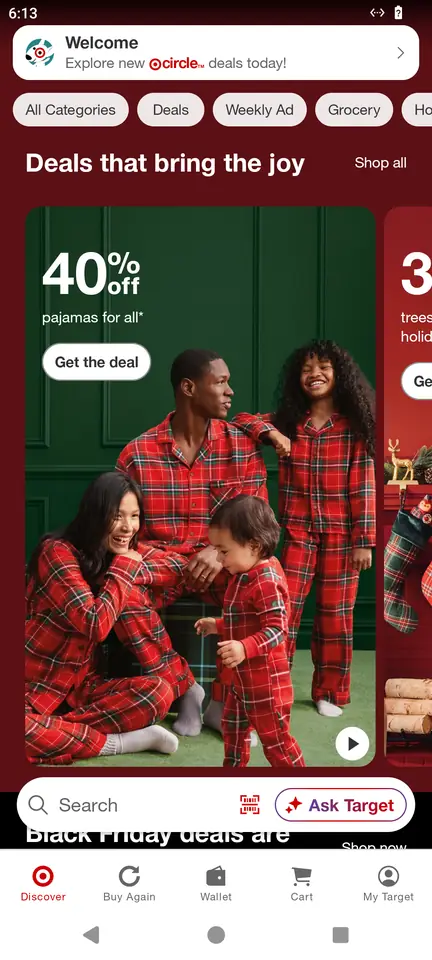
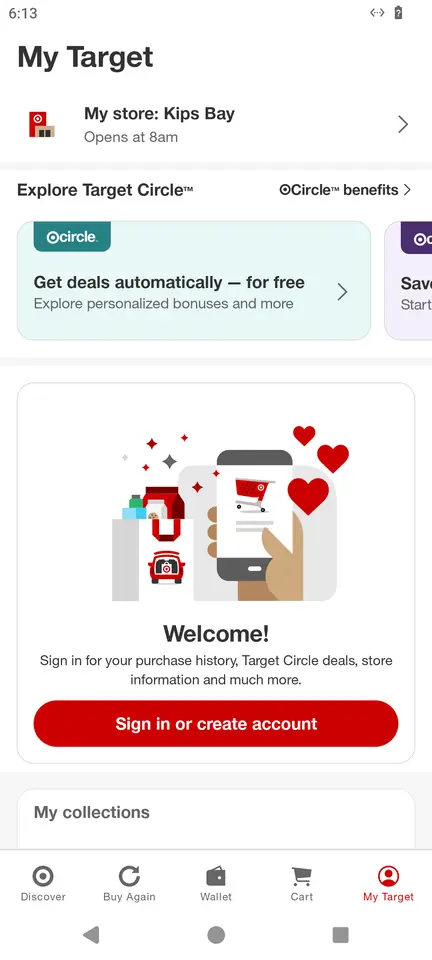
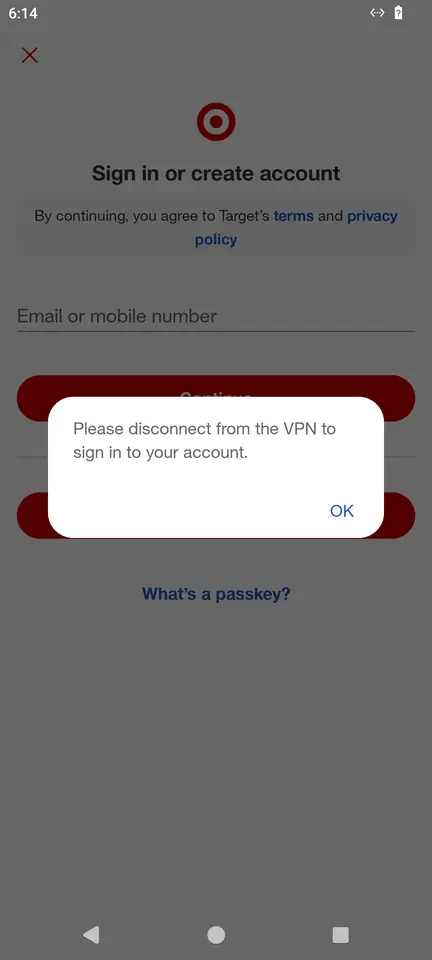
Target
15 onboarding screens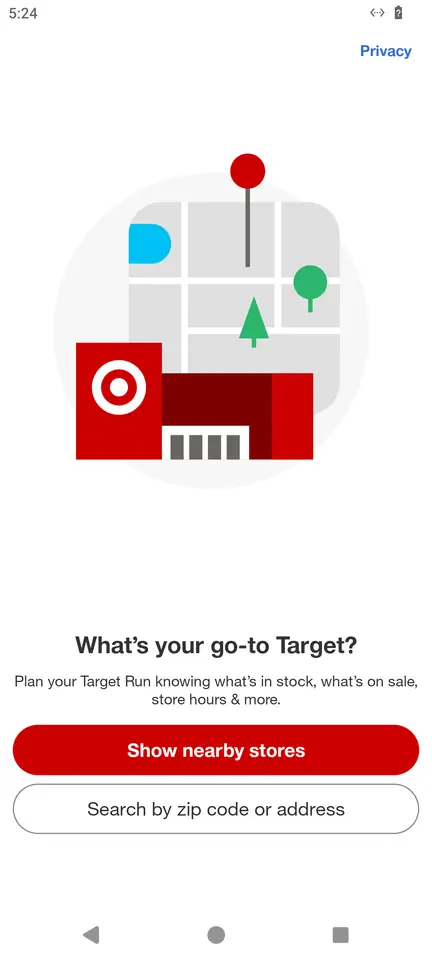
Walgreens
9 onboarding screens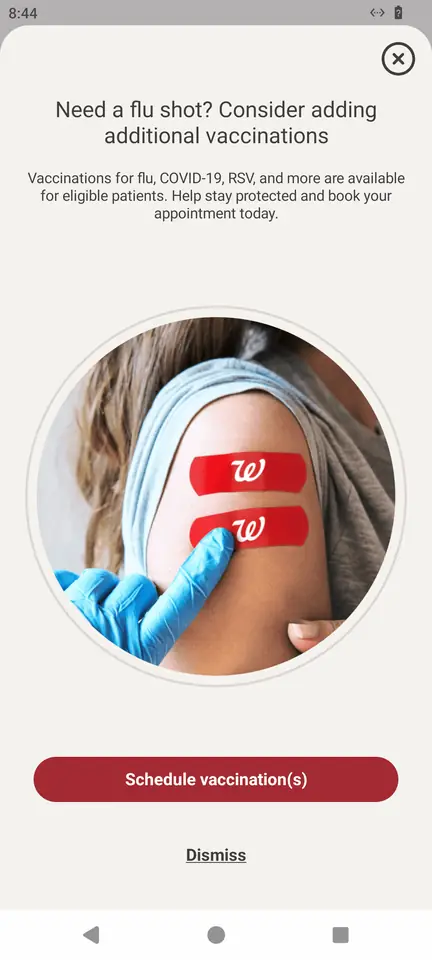
IKEA
8 onboarding screens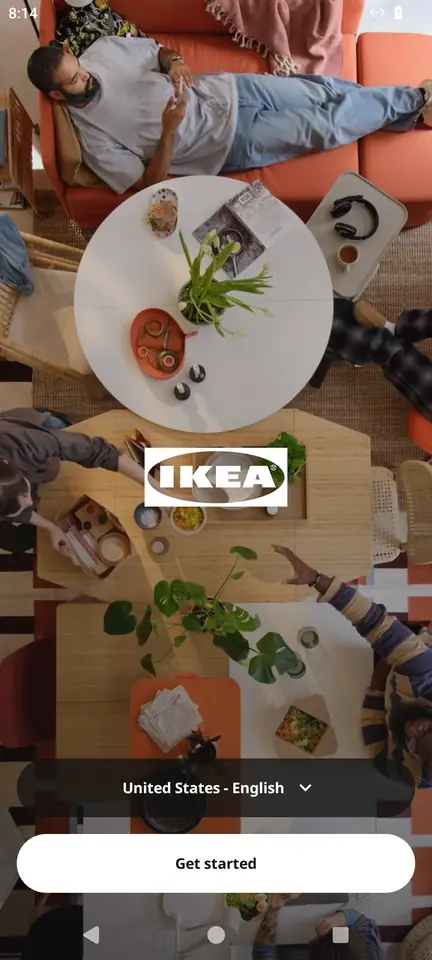
ASOS
5 onboarding screens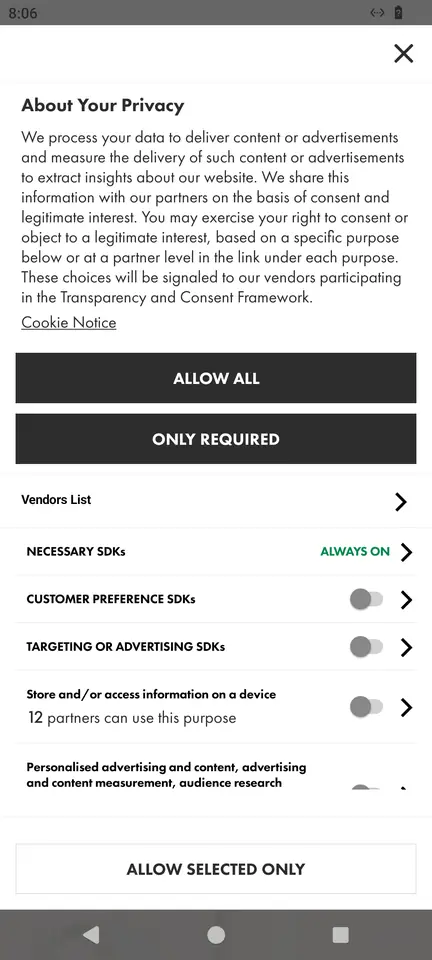
Groupon
5 onboarding screens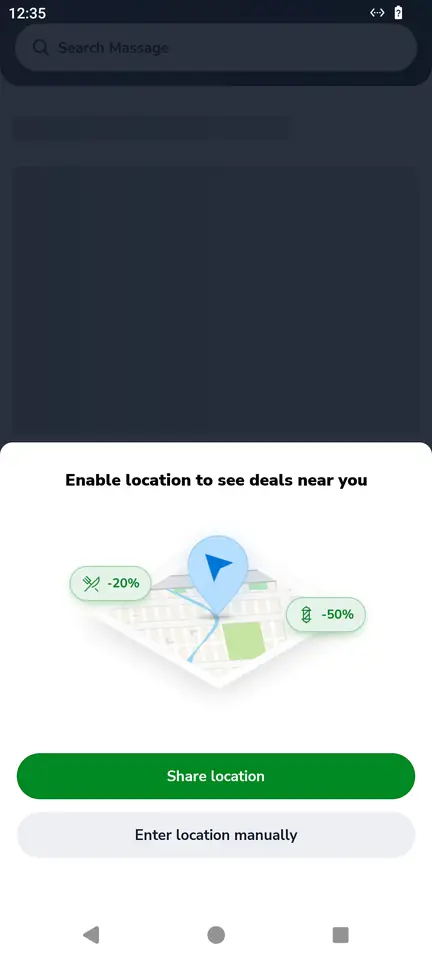
Zalando
5 onboarding screens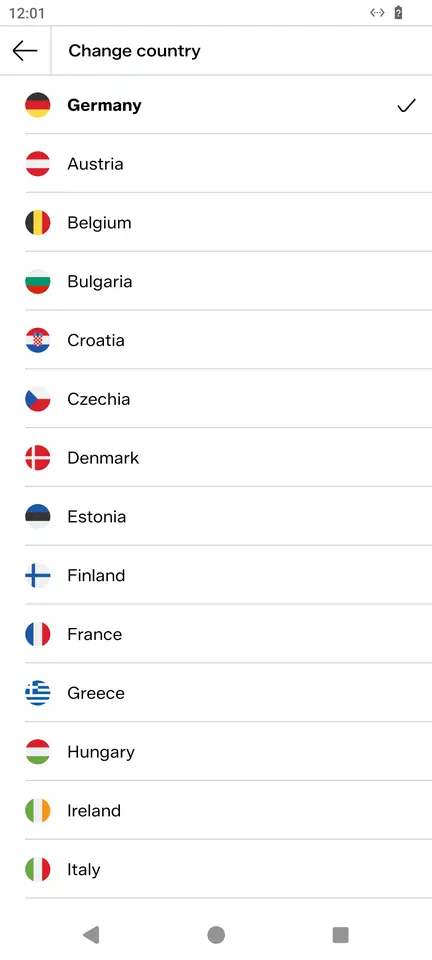
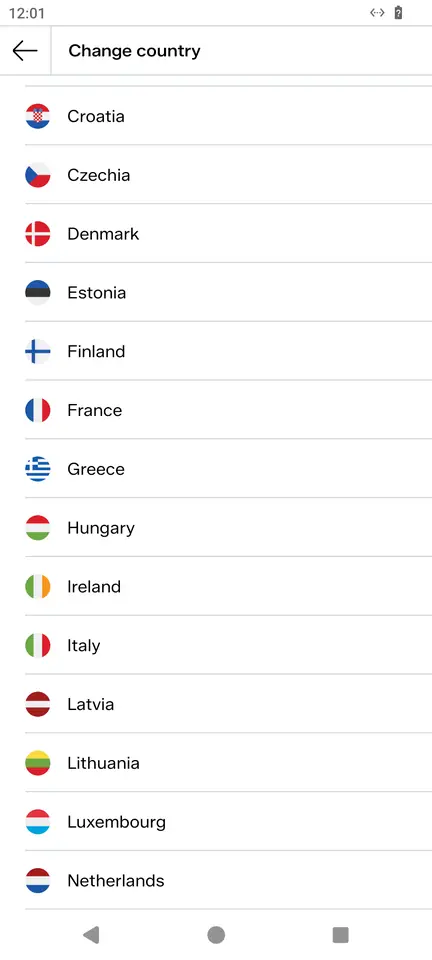
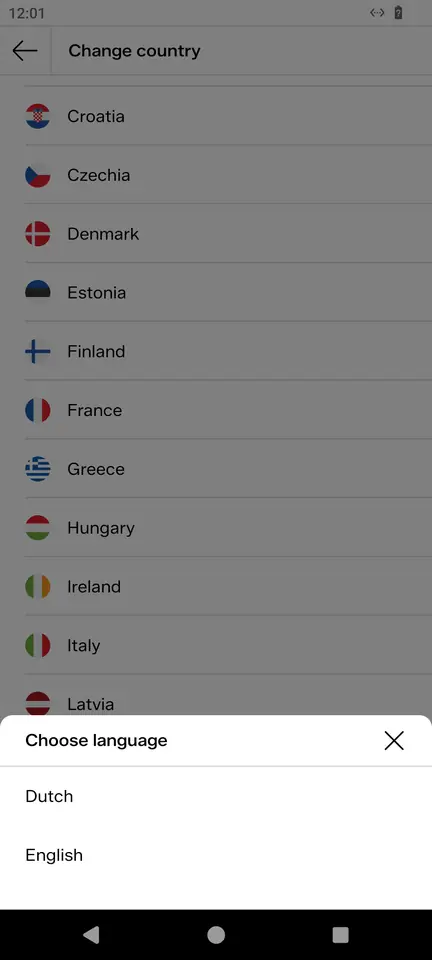
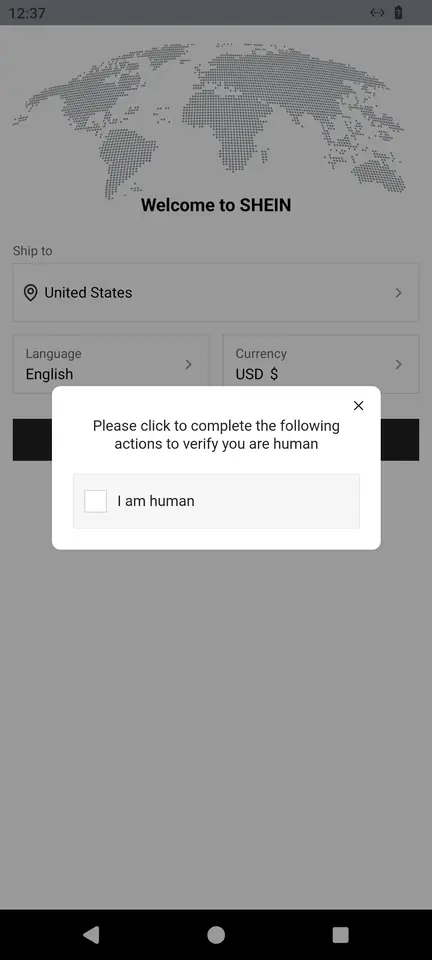
SHEIN
4 onboarding screens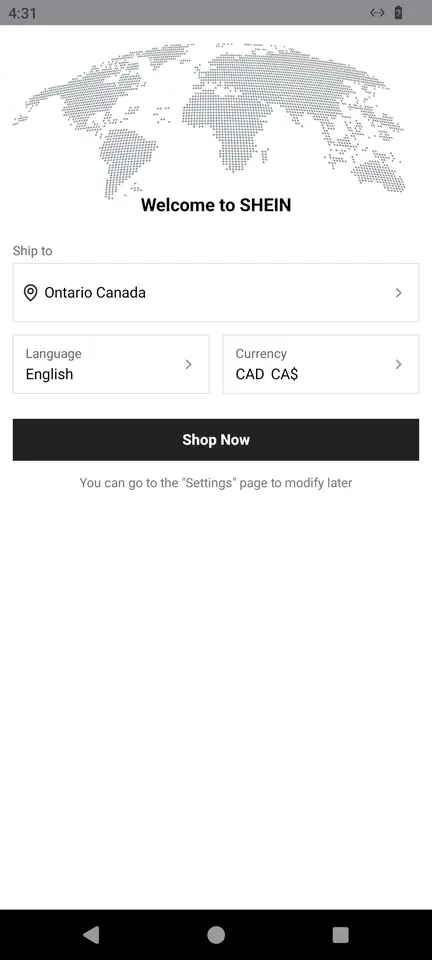
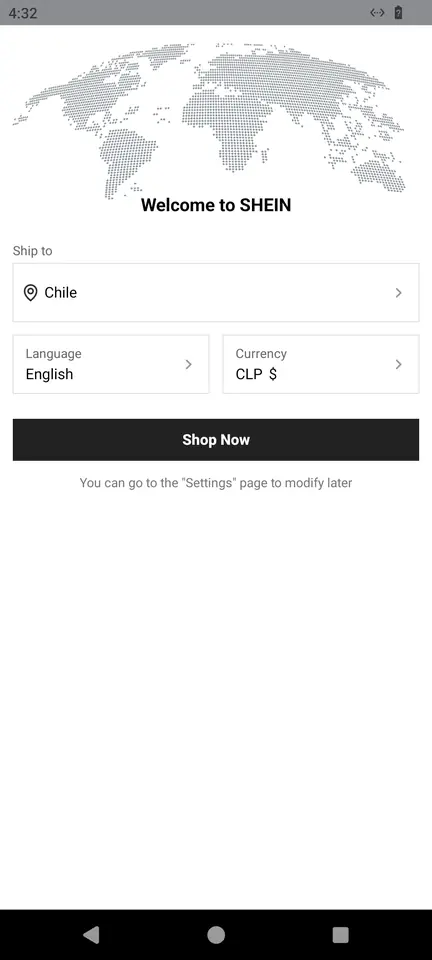
Amazon Shopping
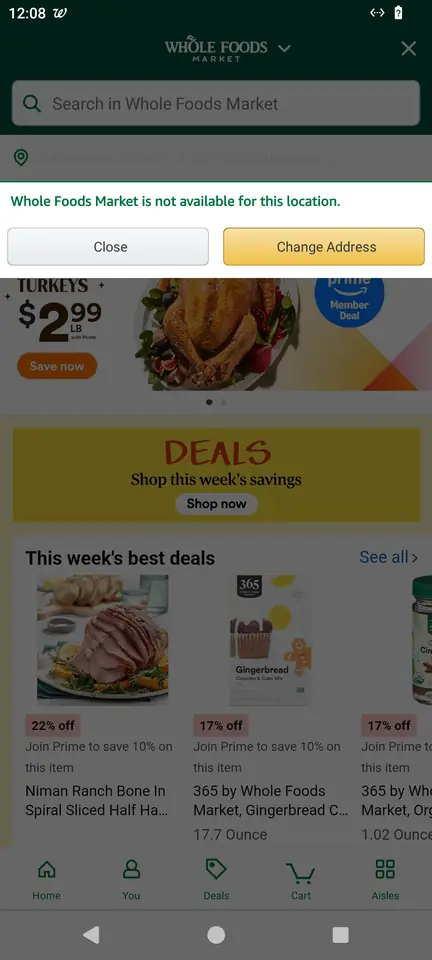
3 onboarding screens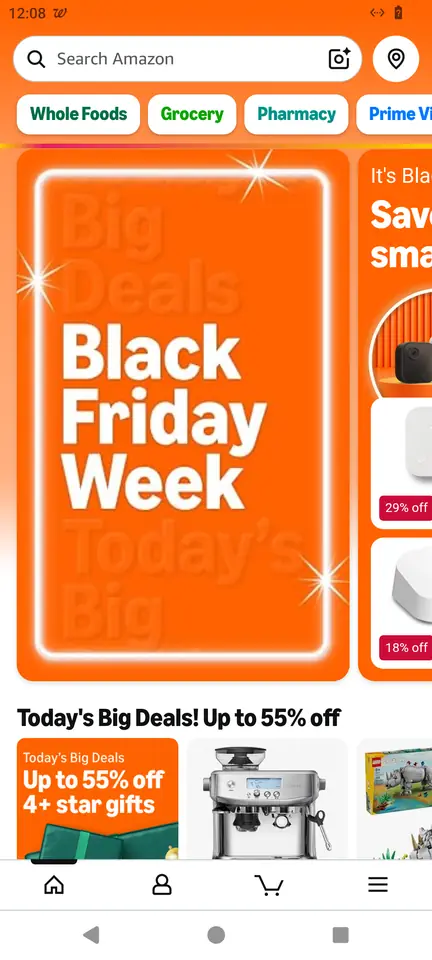
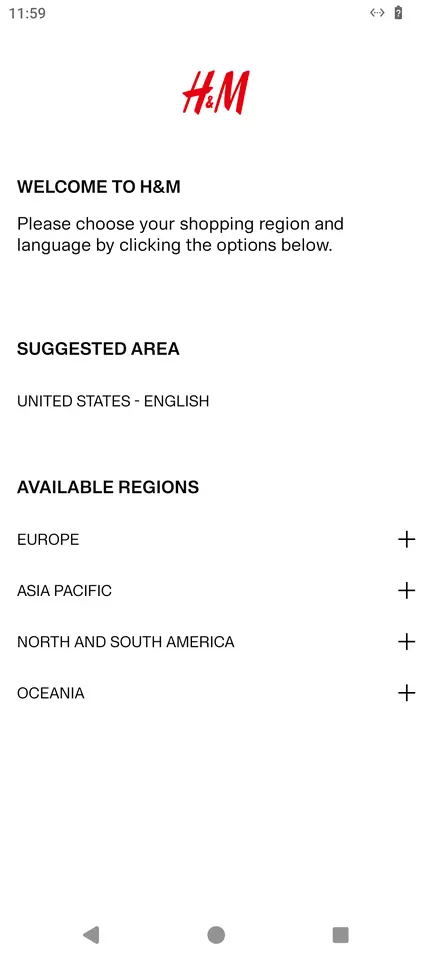
H&M
3 onboarding screens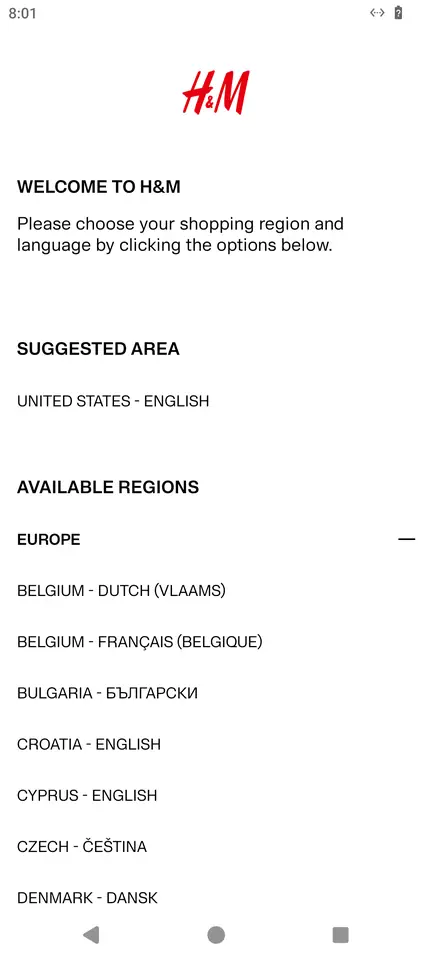
Shop
3 onboarding screens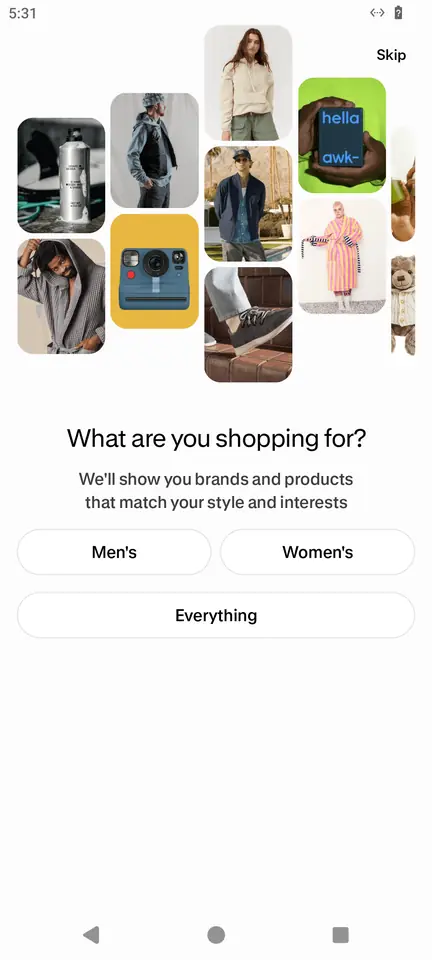
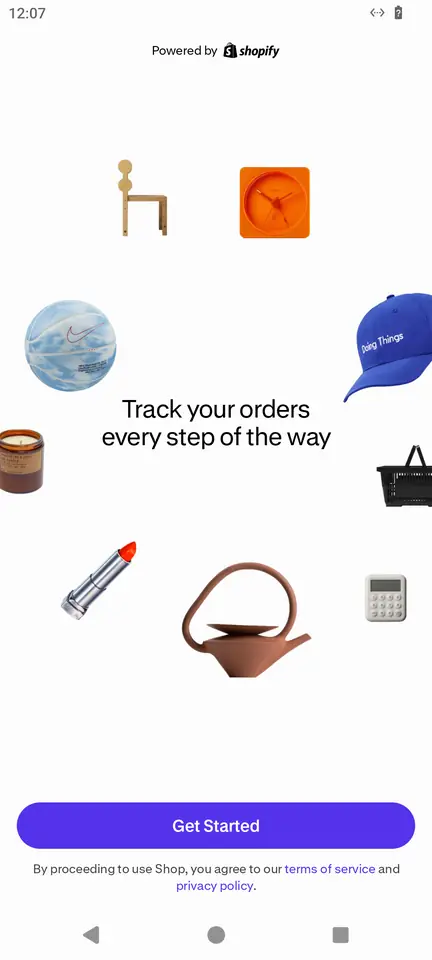
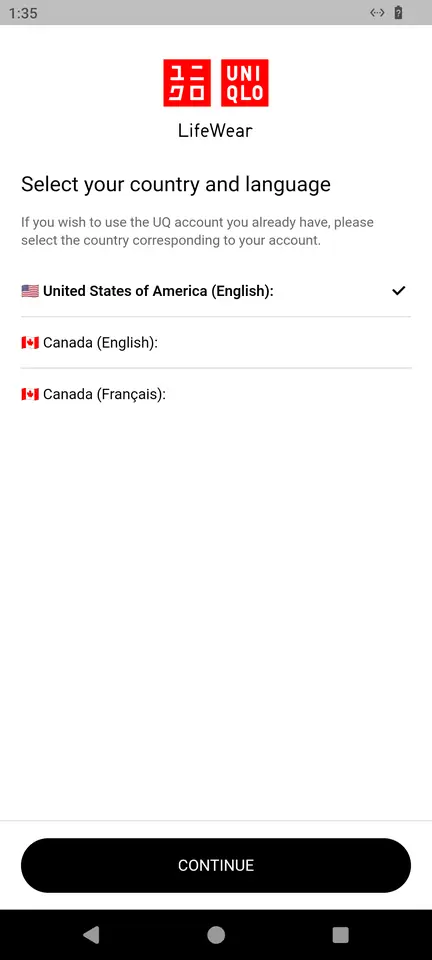
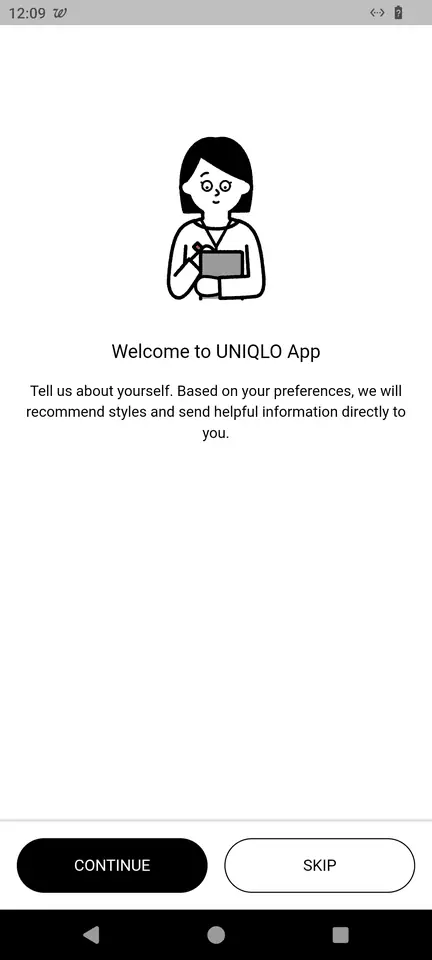
UNIQLO
3 onboarding screens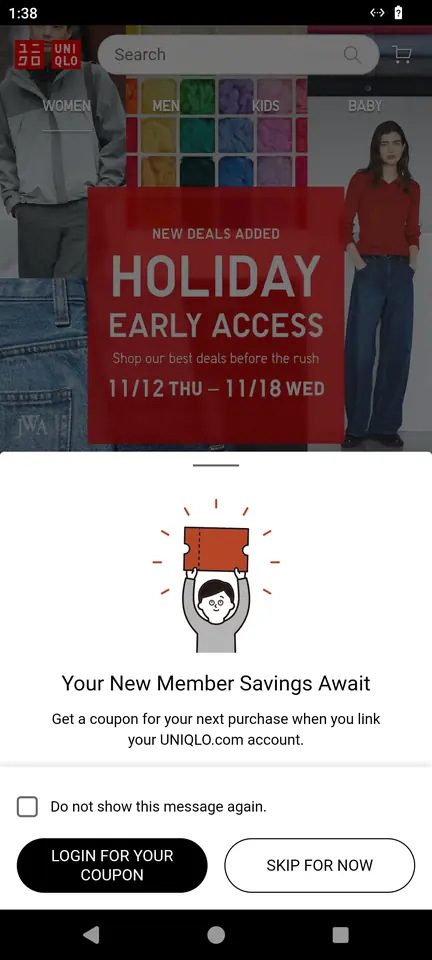
FARFETCH
2 onboarding screens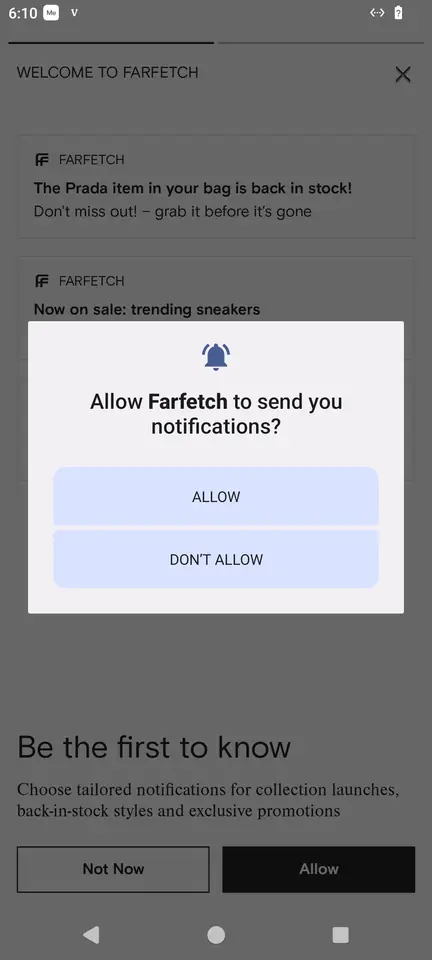
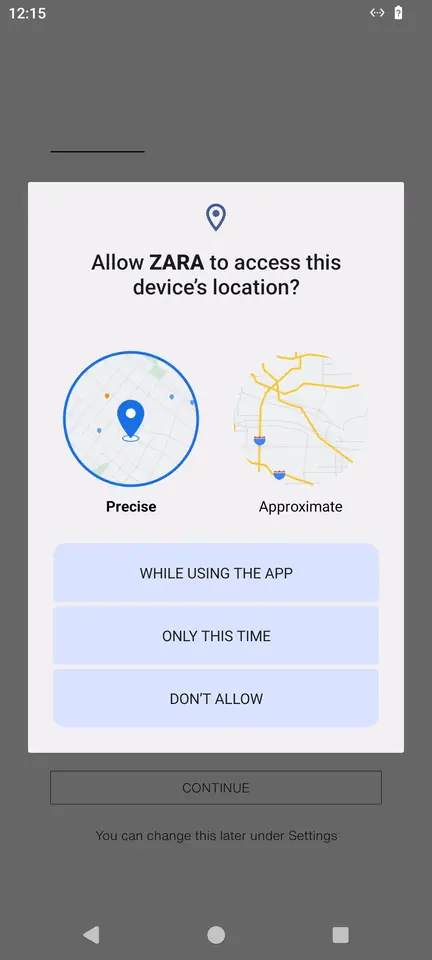
Zara
2 onboarding screens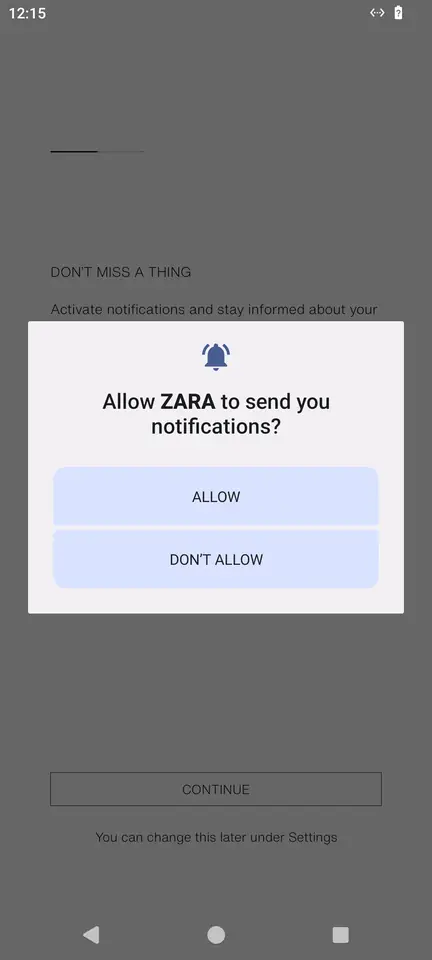
Gymshark
1 onboarding screen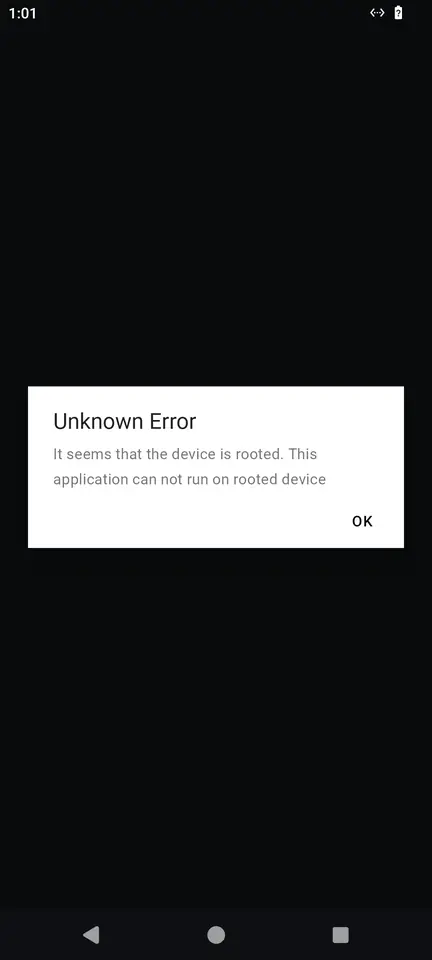
Houzz
1 onboarding screen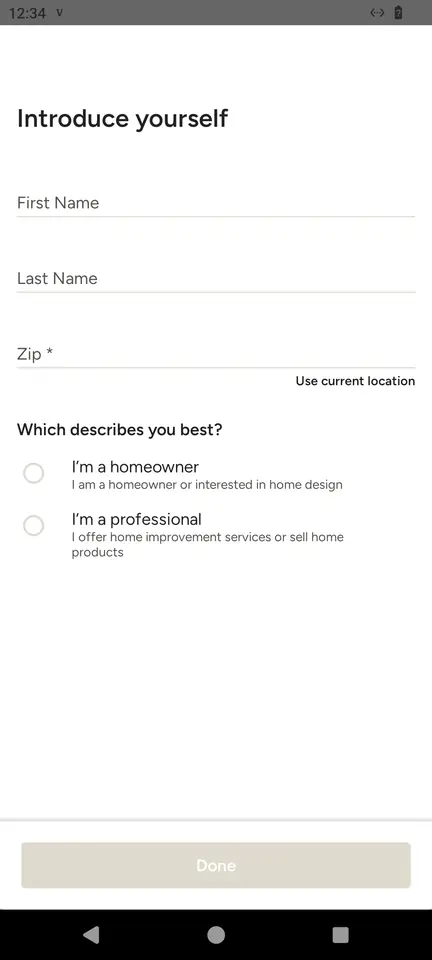
Temu
1 onboarding screen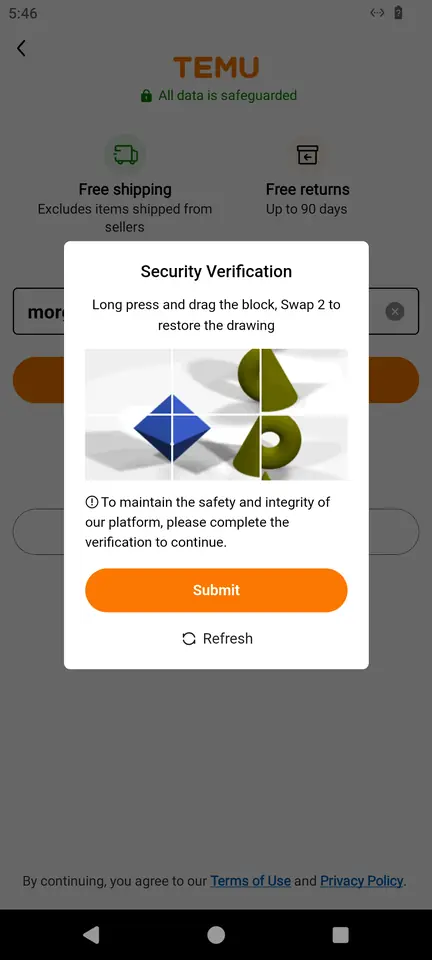
Whering
1 onboarding screen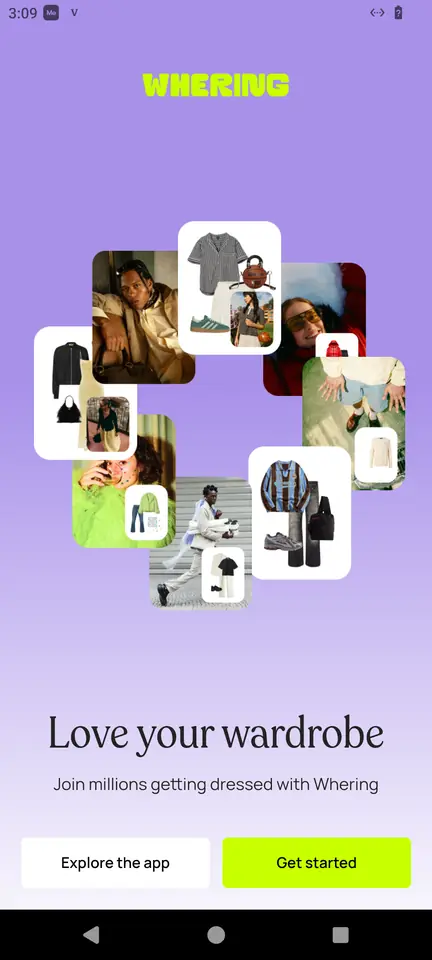
UI components on shopping & e-commerce onboarding screens
Share of the 71 screens where each component is in the view hierarchy and drawn on screen; the example shows it outlined.
Radio button
4 apps · example: Target
Icon button
3 apps · example: Walgreens
Bottom sheet
1 app · example: ASOS
Text field
2 apps · example: Walgreens
UI patterns on shopping & e-commerce onboarding screens
Permission priming
example: Target
Welcome screen
example: IKEA
Skip button
example: Target
Location & store picker
example: Target
Promo banner
example: Groupon
Cookie consent banner
example: ASOS
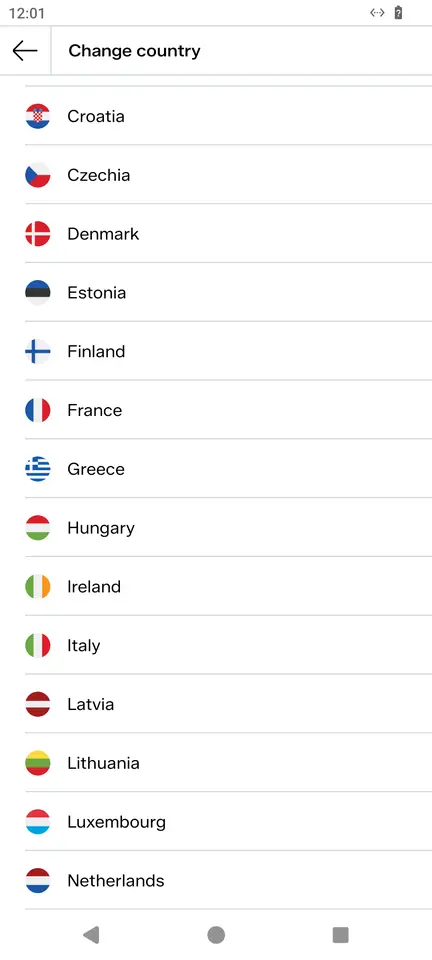
Language selector
example: Zalando
Search bar
example: Target
What shopping & e-commerce apps say on these screens
UI copy that appears on the onboarding screens of two or more shopping & e-commerce apps, with the number of apps using it.
ALLOW
8 appsDON’T ALLOW
8 appsClose
4 appsSkip
4 appsBack
3 appsGet started
3 appsBelgium
2 appsEnglish
2 appsGermany
2 appsOK
2 appsONLY THIS TIME
2 appsSKIP FOR NOW
2 apps
Best practices for onboarding screens
- Show the core value on the first screen in one sentence.
- Ask only what you will use to personalise the app, and say why you ask.
- Show progress (a bar or “2 of 5”) when the flow has more than three steps.
- Offer a Skip or “Not now” on anything optional.
- Ask for permissions in context, after explaining the benefit.
Design notes for shopping & e-commerce apps
- Put search at the top of the home screen; most shoppers arrive knowing roughly what they want.
- Let users browse before forcing sign-in; ask for an account at checkout or when they save an item.
- Keep the cart and wishlist one tap away from every screen.
- Show price, delivery and returns information before the checkout button, not after.
FAQ
What do shopping & e-commerce app onboarding screens look like?
The UI Lane library holds 71 onboarding screens from 17 Android shopping & e-commerce apps (Target, Walgreens, IKEA, ASOS, Groupon and Zalando and more). Across these 71 screens the most common detected components are button (30%), dialog (18%) and radio button (14%). The most common UI patterns are permission priming (9 of 17 apps), welcome screen (7 of 17 apps) and skip button (6 of 17 apps).
Which shopping & e-commerce apps have the longest onboarding flow?
13 of these apps have their full onboarding flow captured step by step: the longest is Target (13 screens), the shortest H&M (2 screens). Full list: Target (13), Walgreens (8), IKEA (6), Groupon (5), Zalando (5), ASOS (4), Amazon Shopping (3), FARFETCH (3), Zara (3), H&M (2), SHEIN (2), Shop (2) and UNIQLO (2).
What do shopping & e-commerce apps say on their onboarding screens?
UI copy used by two or more of these apps: “ALLOW” (8 apps), “DON’T ALLOW” (8 apps), “Close” (4 apps), “Skip” (4 apps) and “Back” (3 apps).
Captured on real Android devices · last updated 2026-11-14