Productivity app onboarding screens: 203 screens from 44 Android apps
Every onboarding screen we captured in productivity & tools apps: 203 screens from 44 Android apps, grouped by app. 34 of these apps have their full onboarding flow captured step by step: the longest is Todoist (15 screens), the shortest ClickUp (2 screens). Across these 203 screens the most common detected components are button (30%), dialog (15%) and toolbar (12%).
Productivity & tools onboarding flows compared
Each flow as captured on a real Android device, step by step. Below each flow: the sequence of step roles we read from its screens (runs of the same role collapsed).
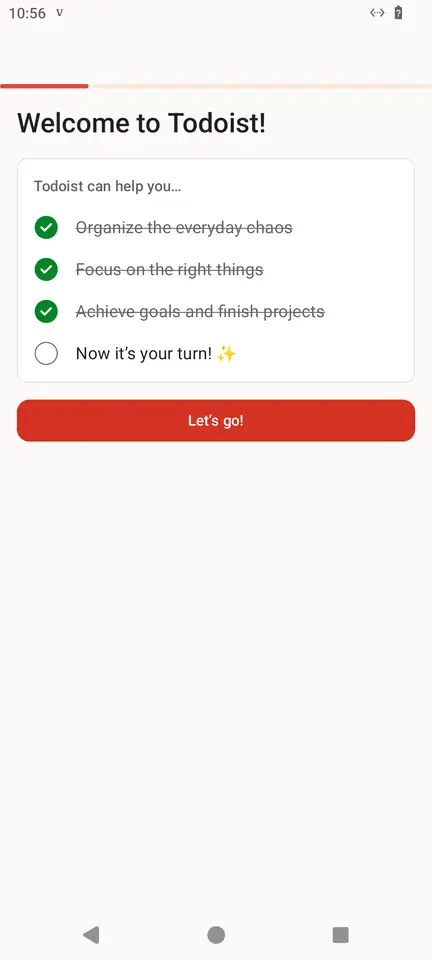
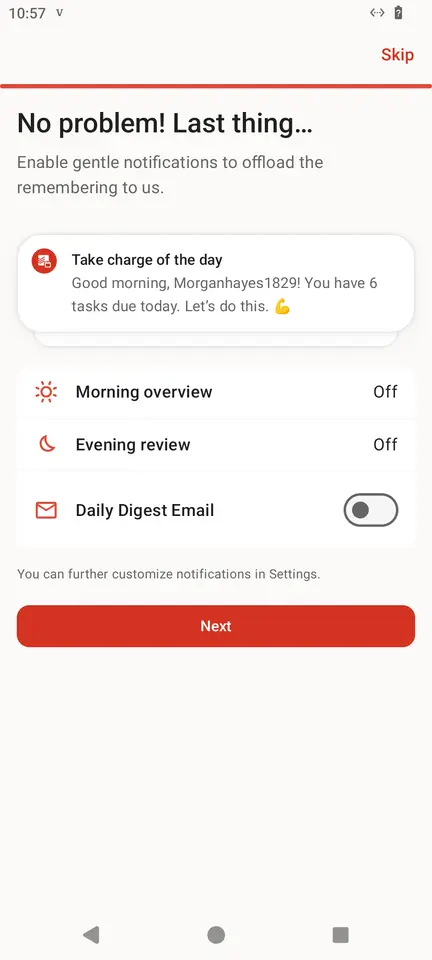
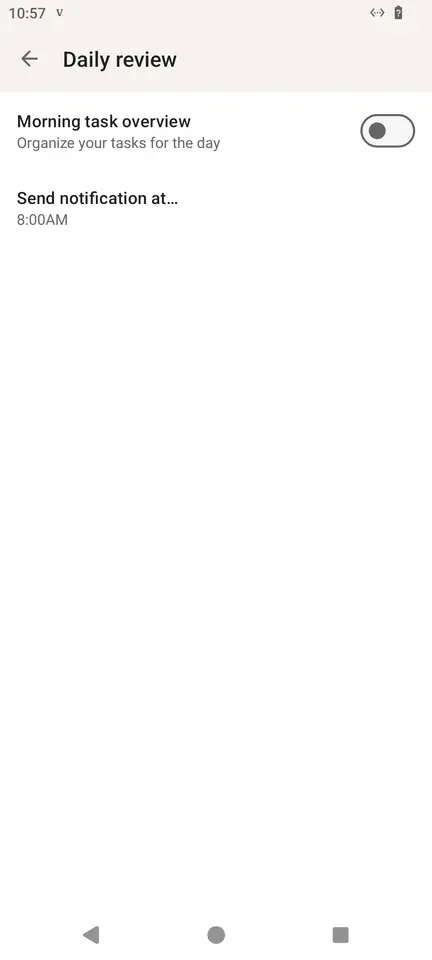
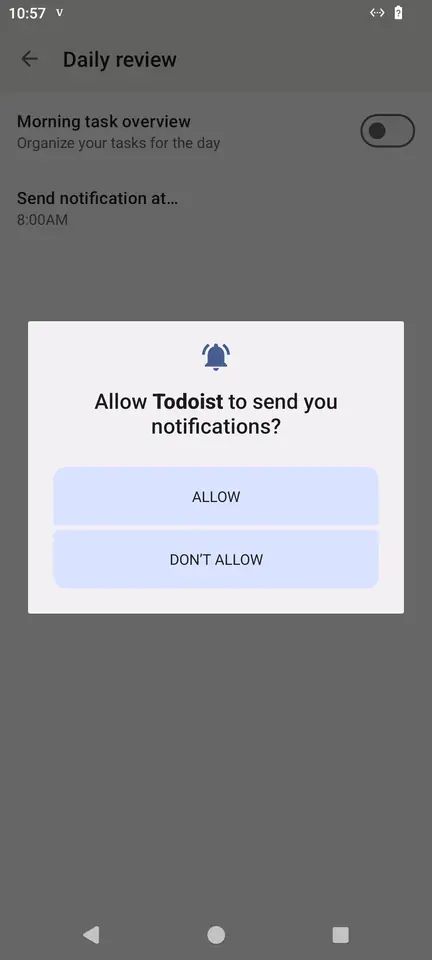
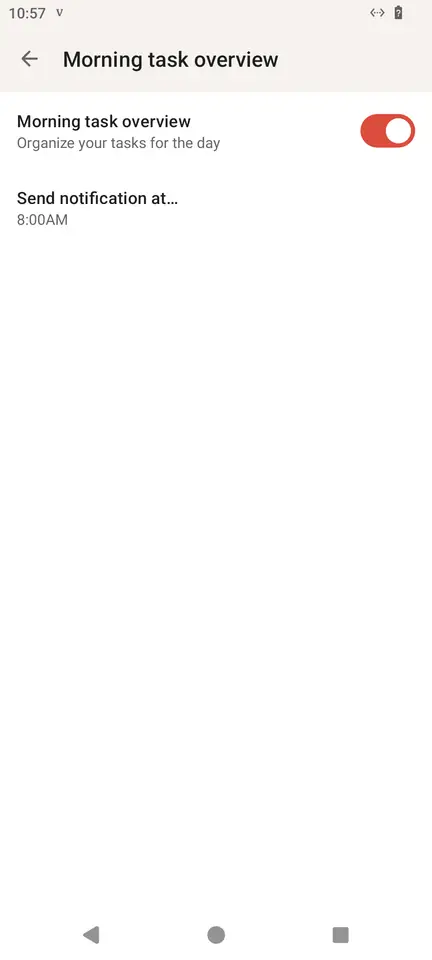
Todoist onboarding flow
15 screens · 3 questions · progress shown on 6 screens · skip option on 2 screens
Value pitch → Question ×3 → Info ×9 → Permission prompt → Info
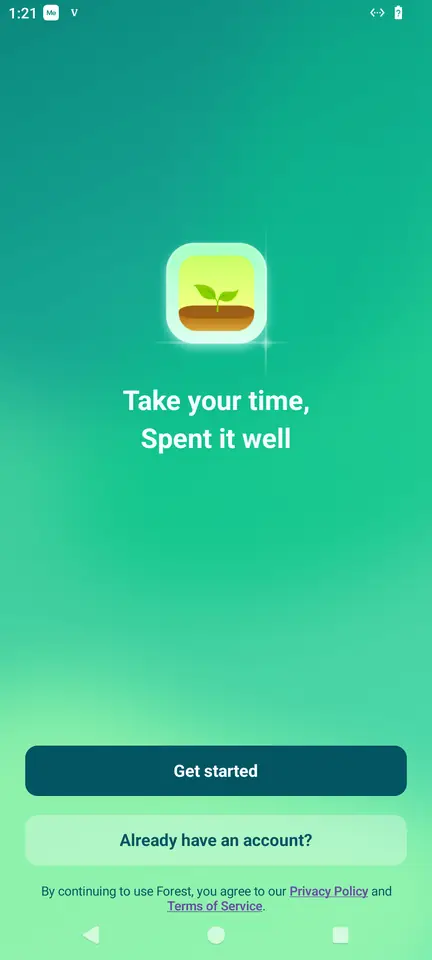
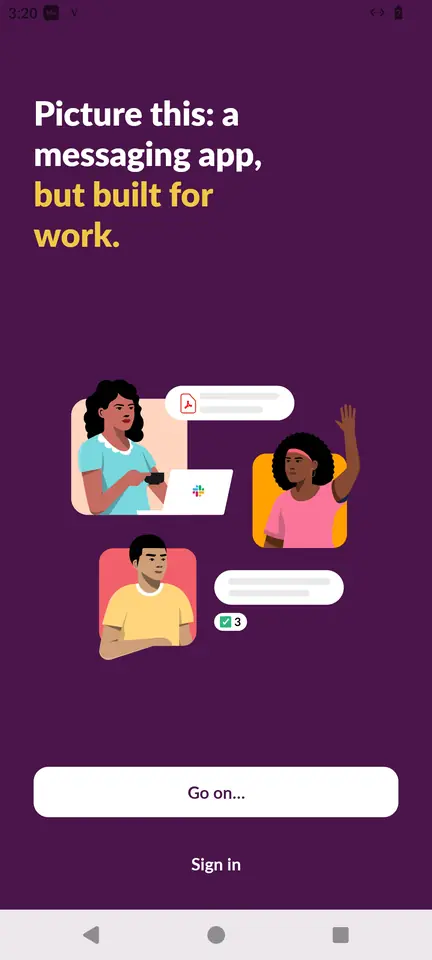
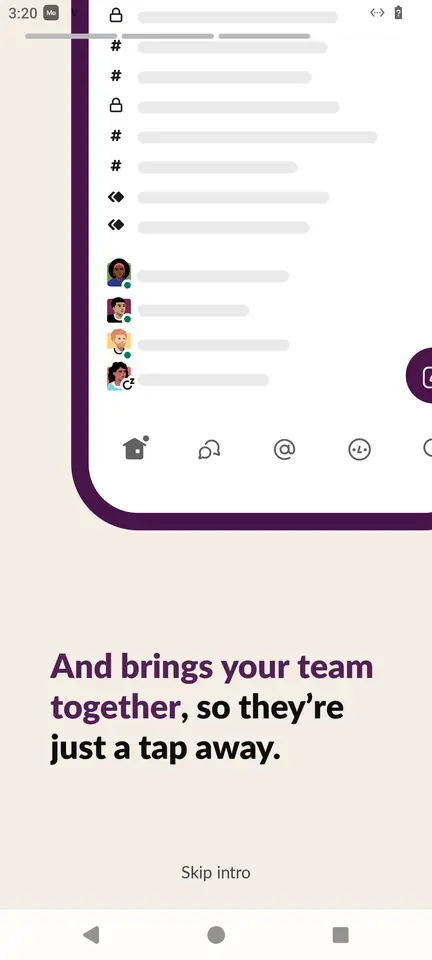
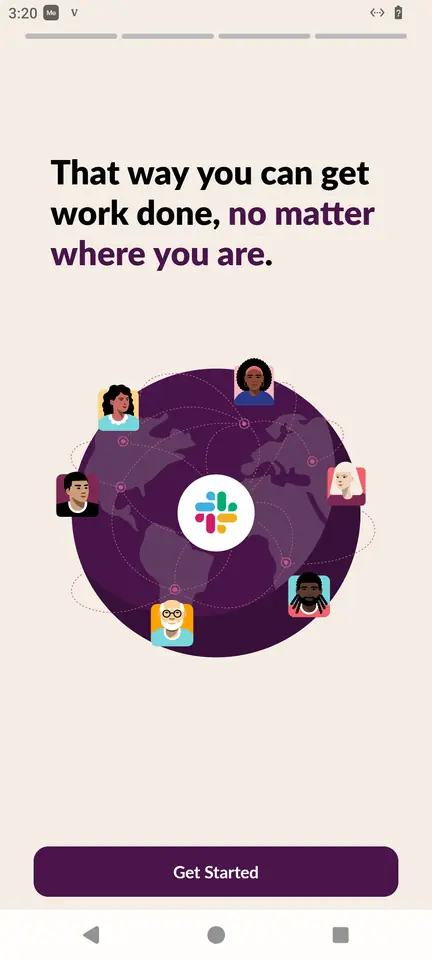
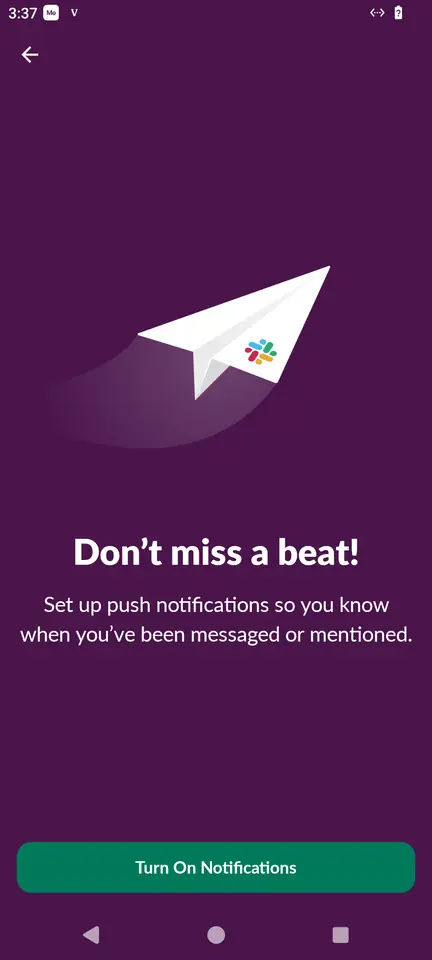
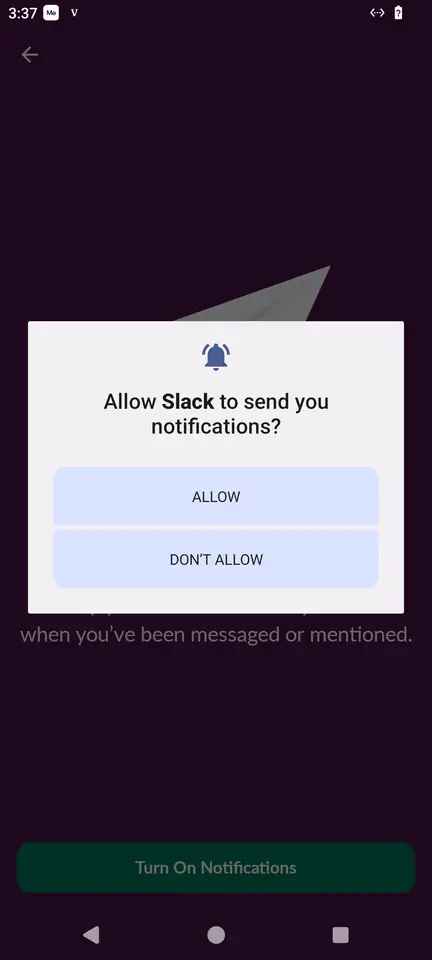
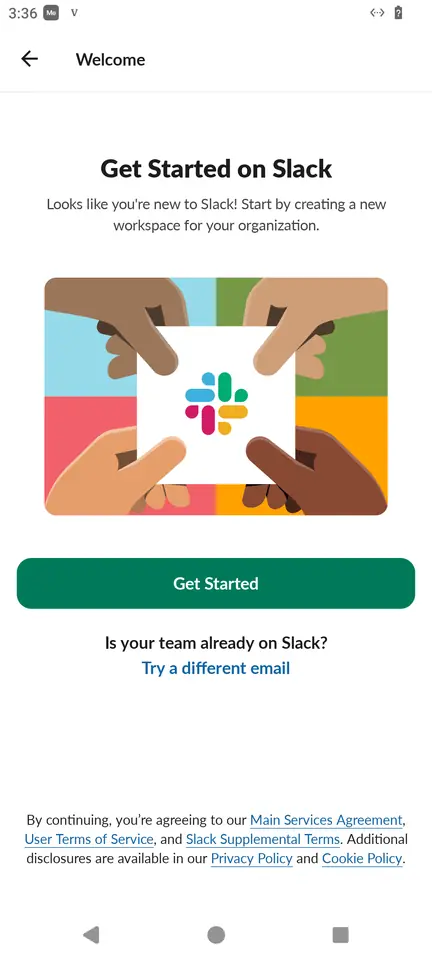
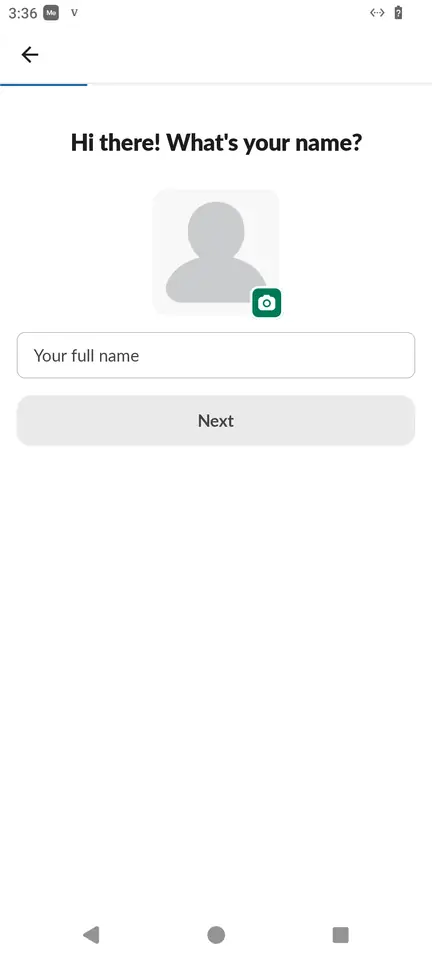
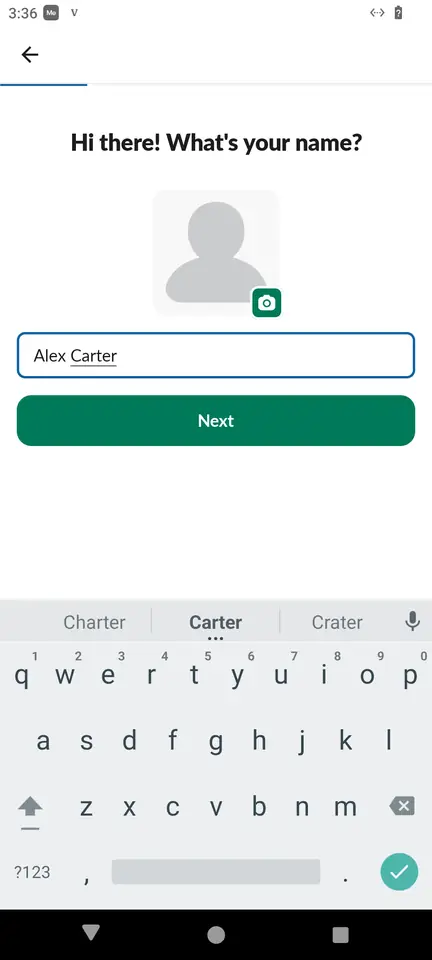
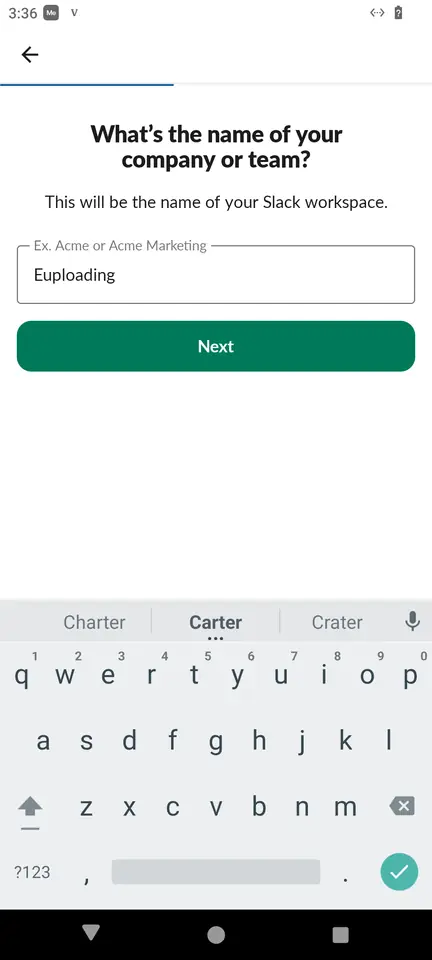
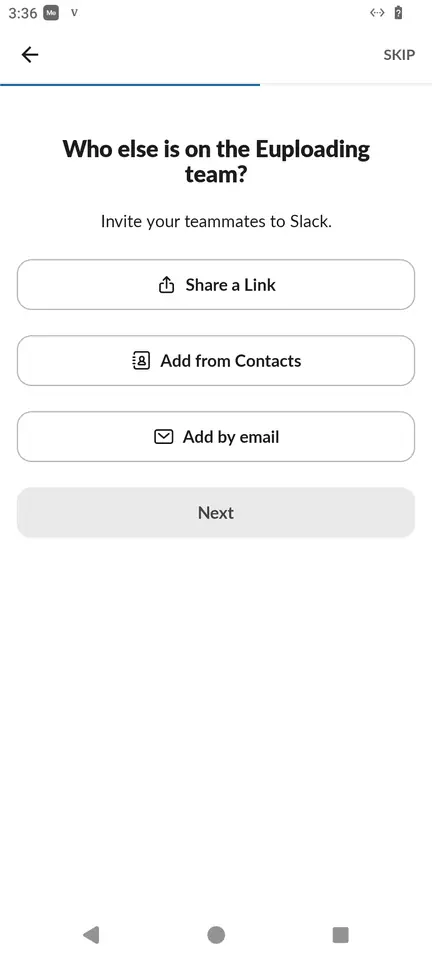
Slack onboarding flow
10 screens · 3 questions · progress shown on 8 screens · skip option on 2 screens
Value pitch ×4 → Consent → Question ×3 → Info ×2
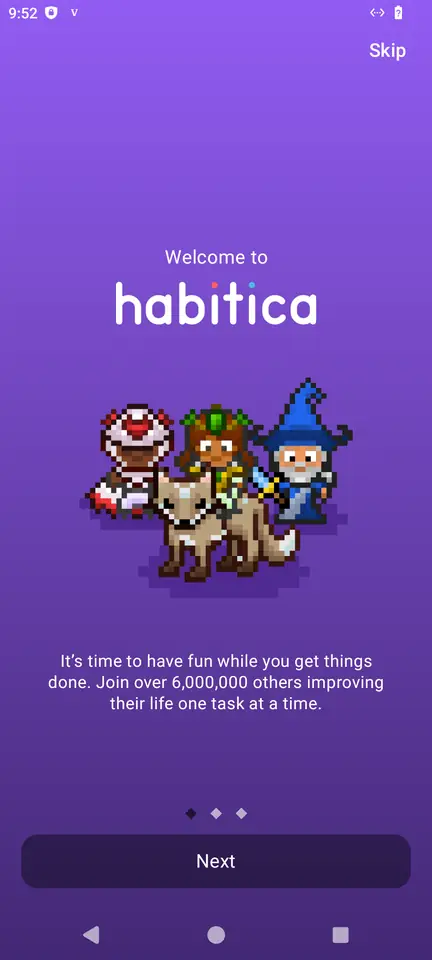
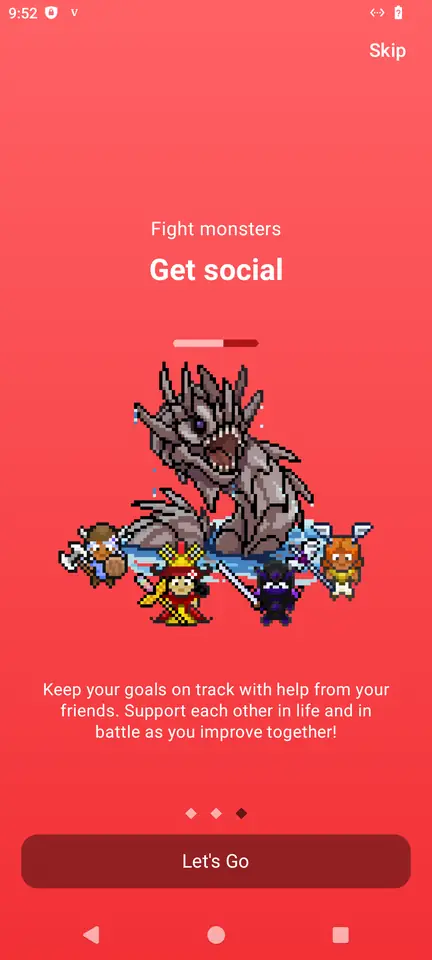
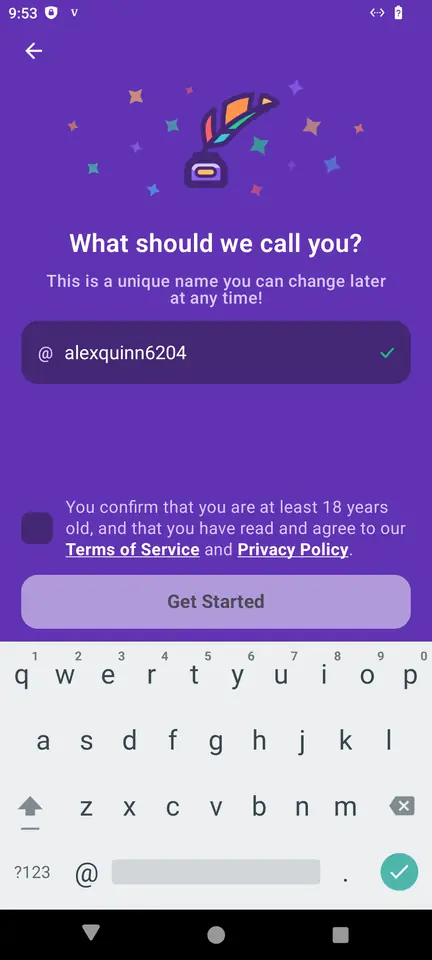
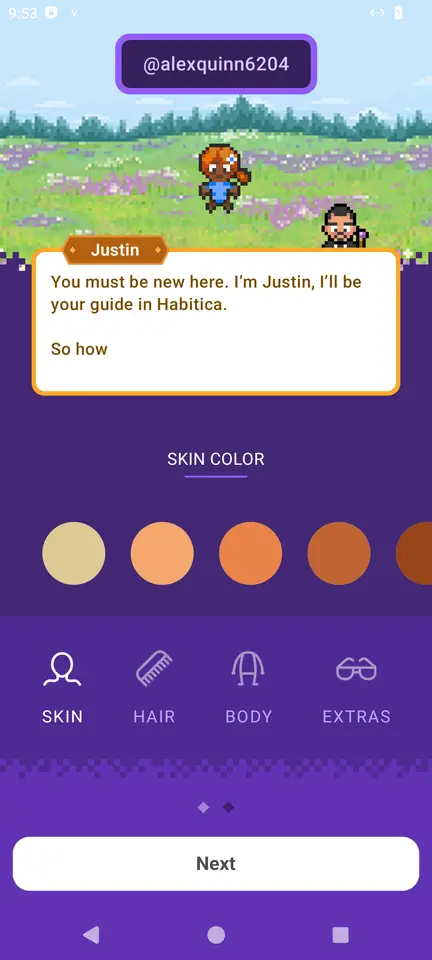
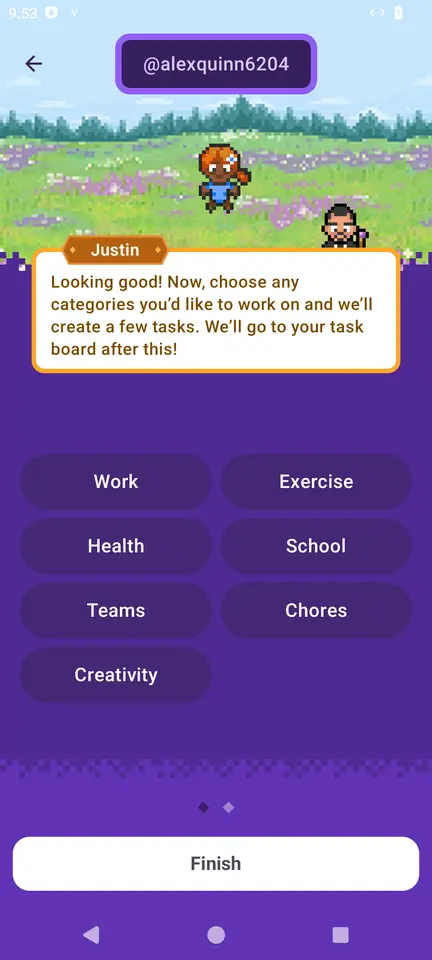
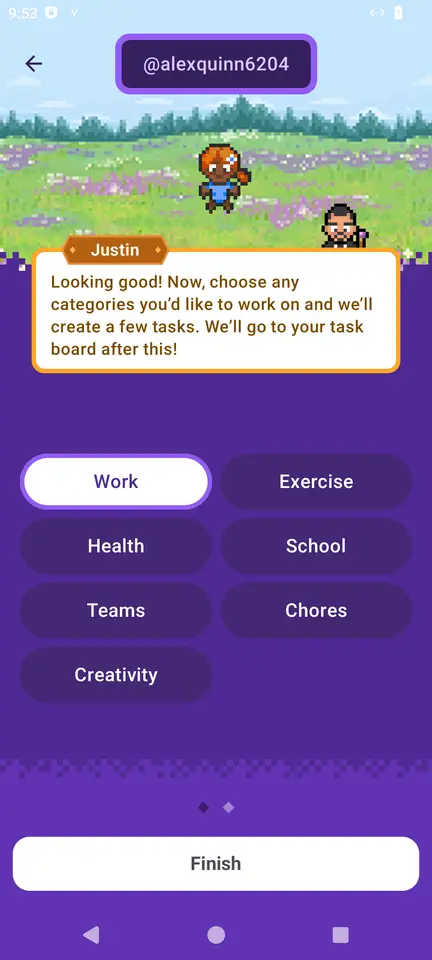
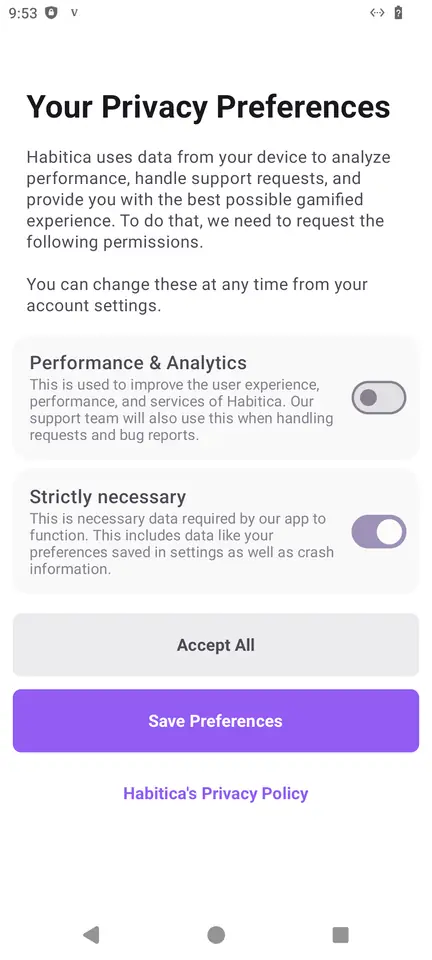
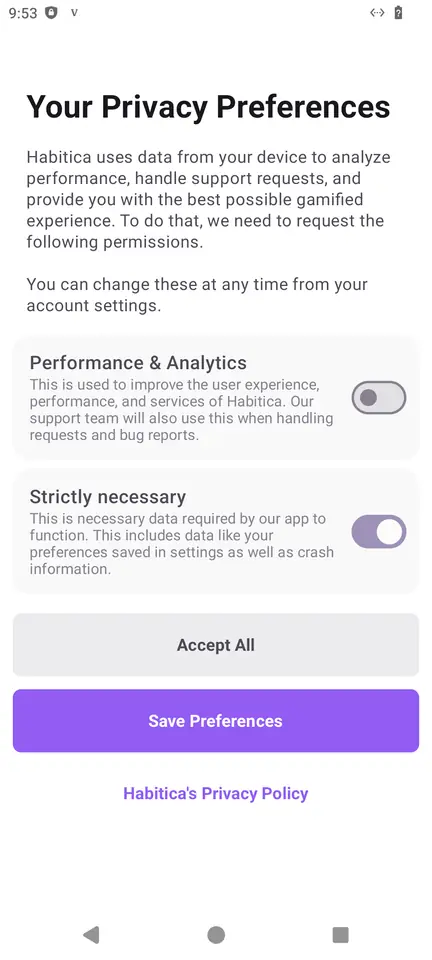
Habitica onboarding flow
9 screens · 1 question · skip option on 3 screens
Value pitch ×3 → Question → Info ×3 → Consent ×2
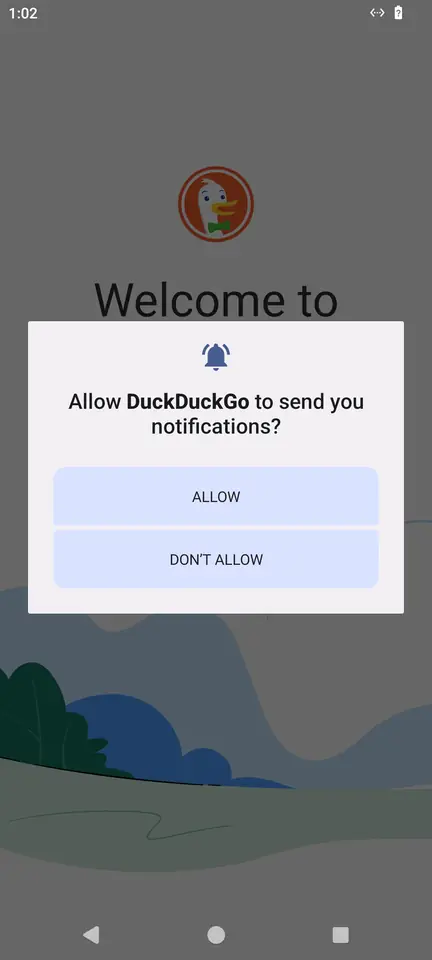
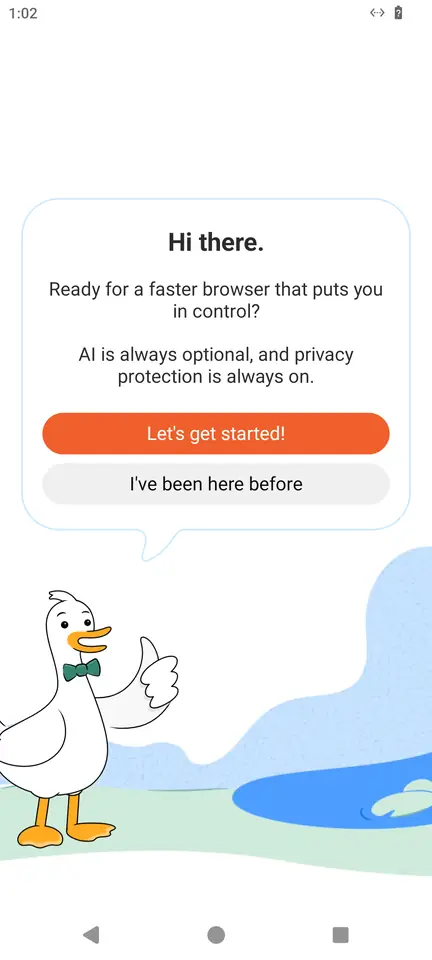
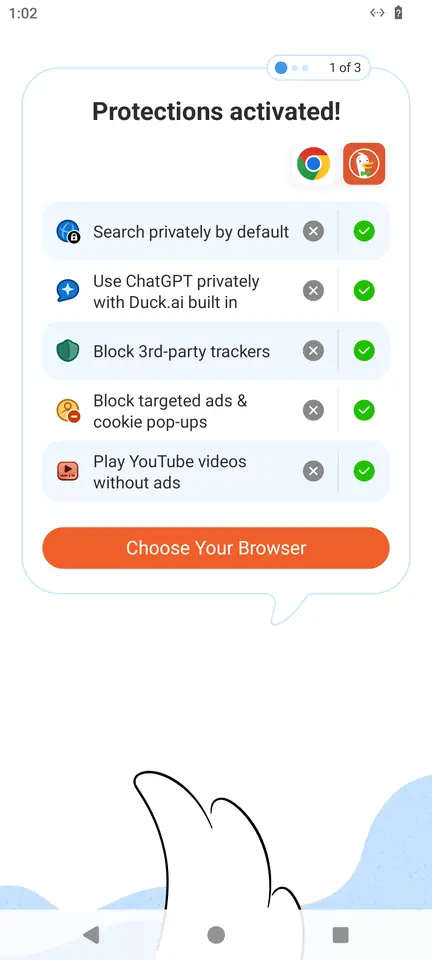
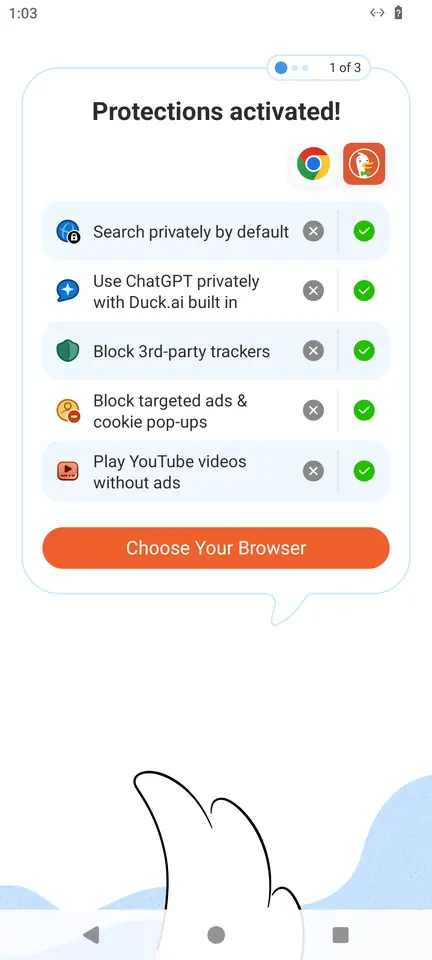
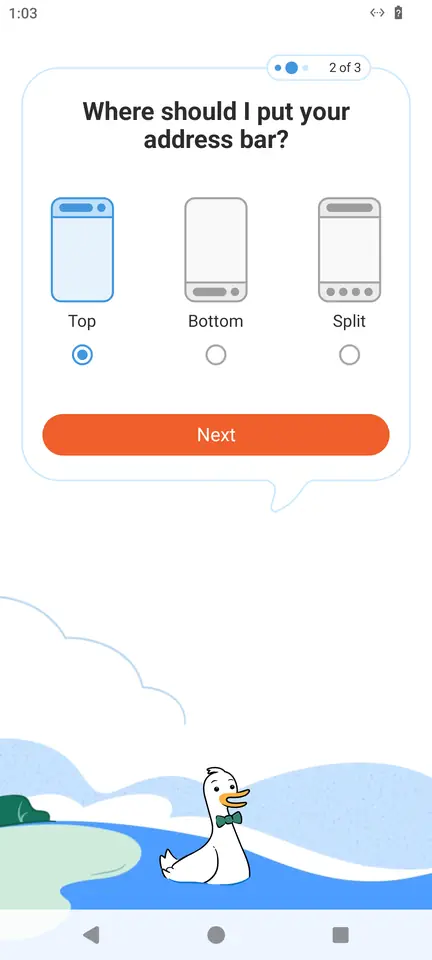
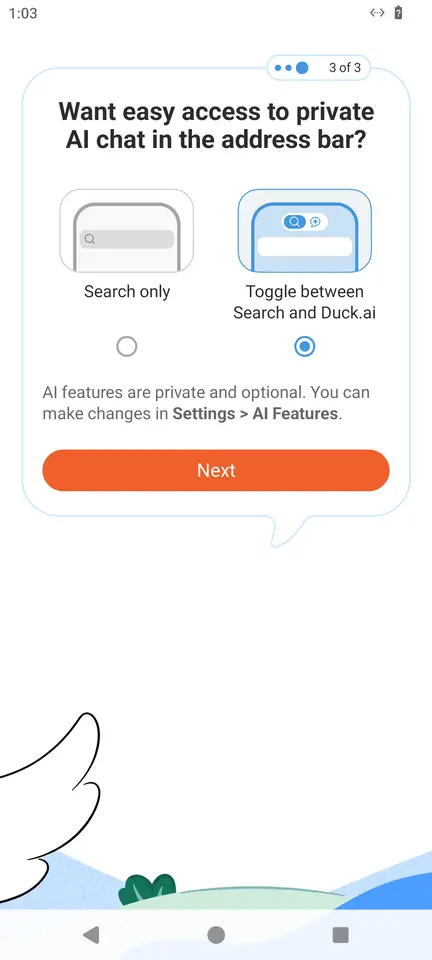
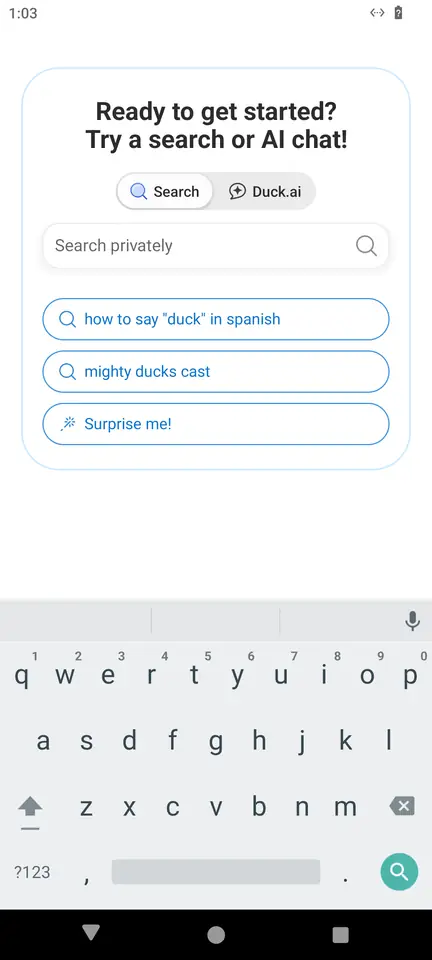
DuckDuckGo onboarding flow
8 screens · 1 question · progress shown on 4 screens · skip option on 1 screen
Permission prompt → Consent → Value pitch → Consent ×2 → Question → Info → Value pitch
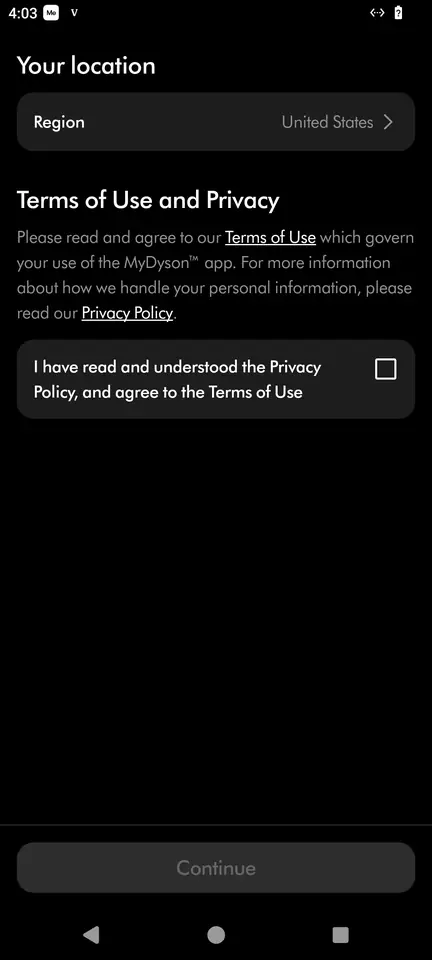
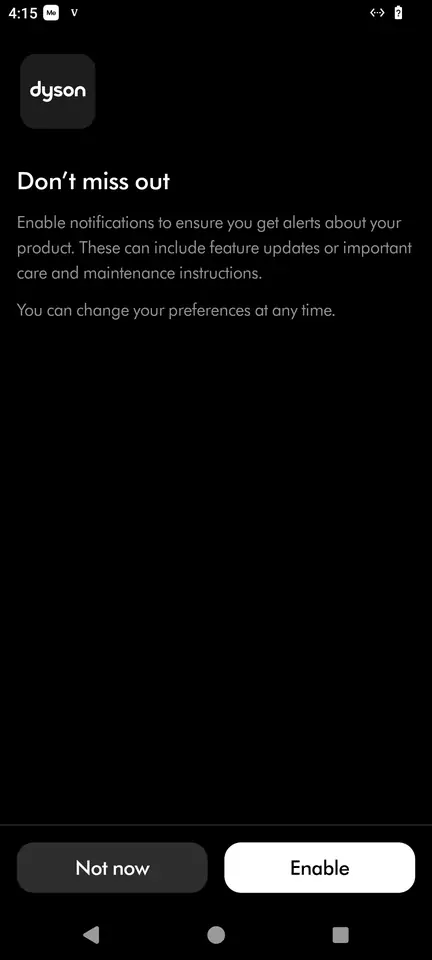
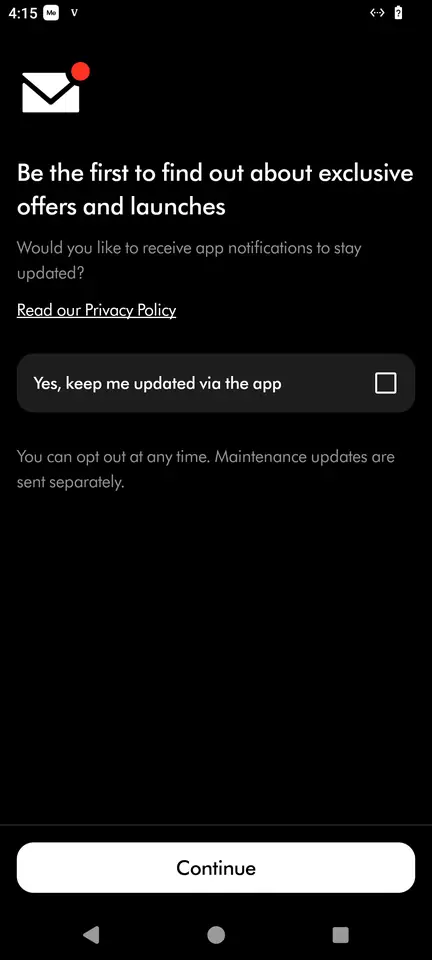
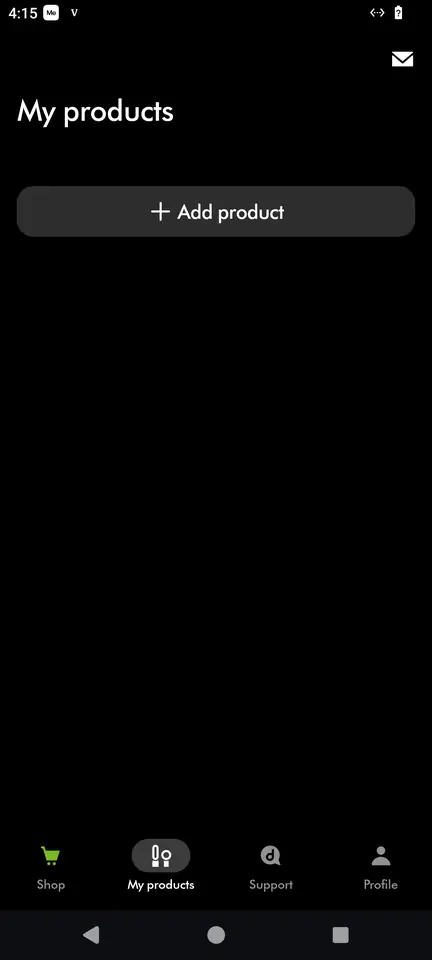
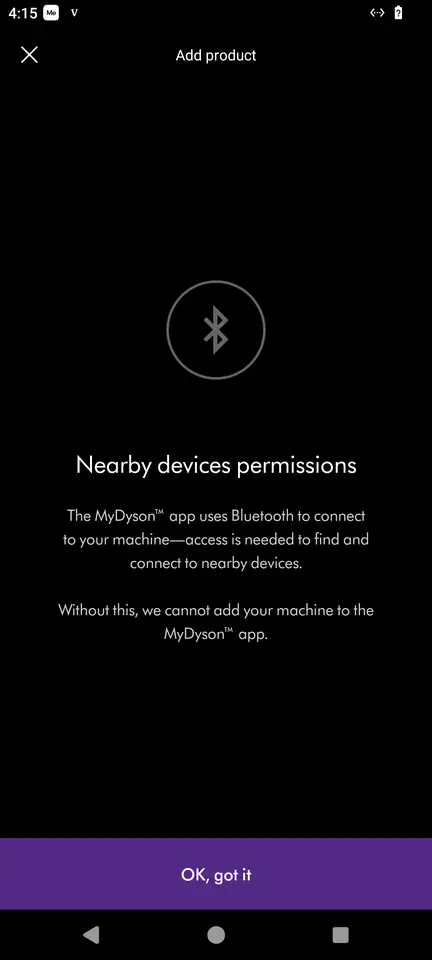
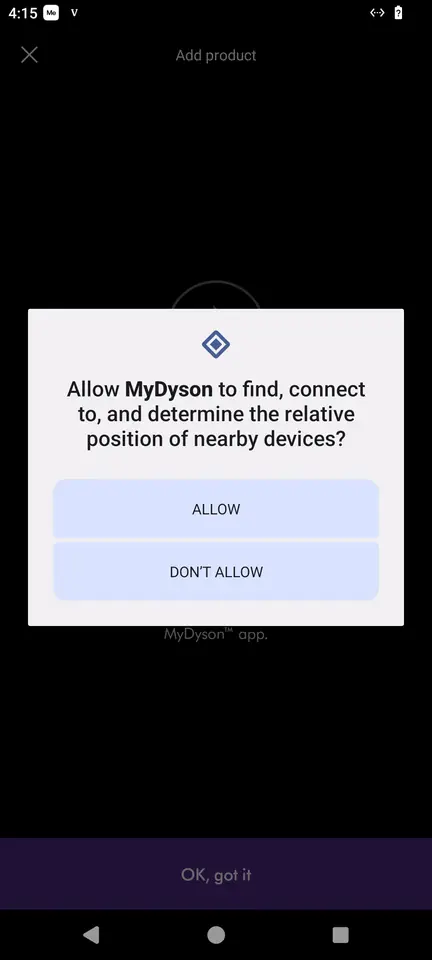
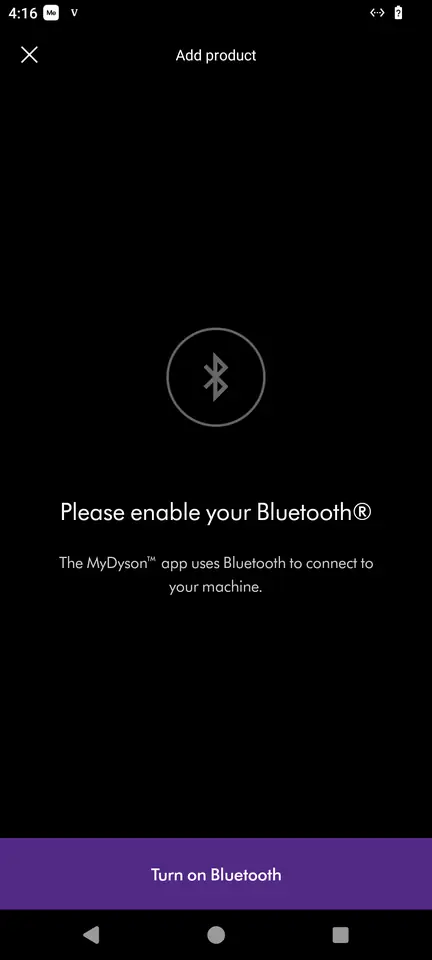
MyDyson onboarding flow
8 screens · skip option on 1 screen
Value pitch ×2 → Permission prompt → Value pitch ×3 → Permission prompt → Value pitch
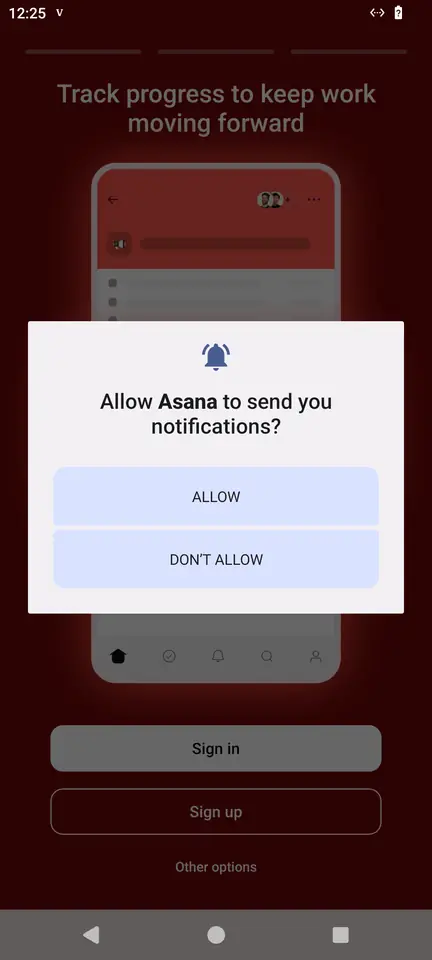
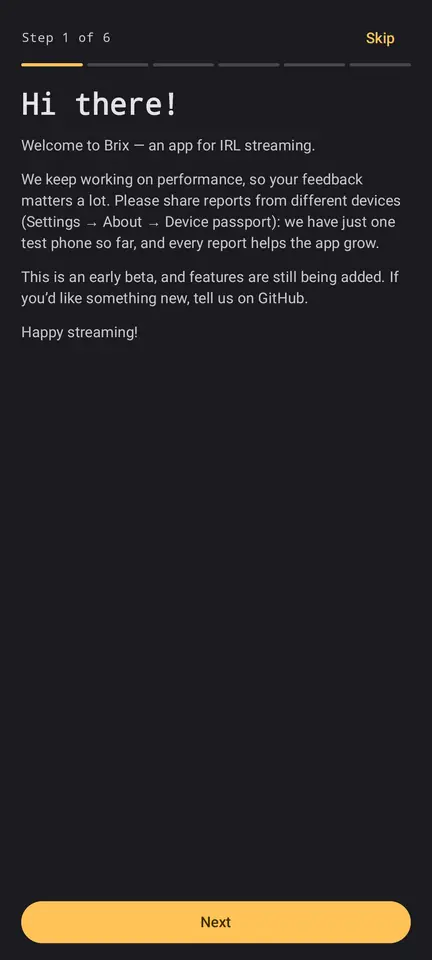
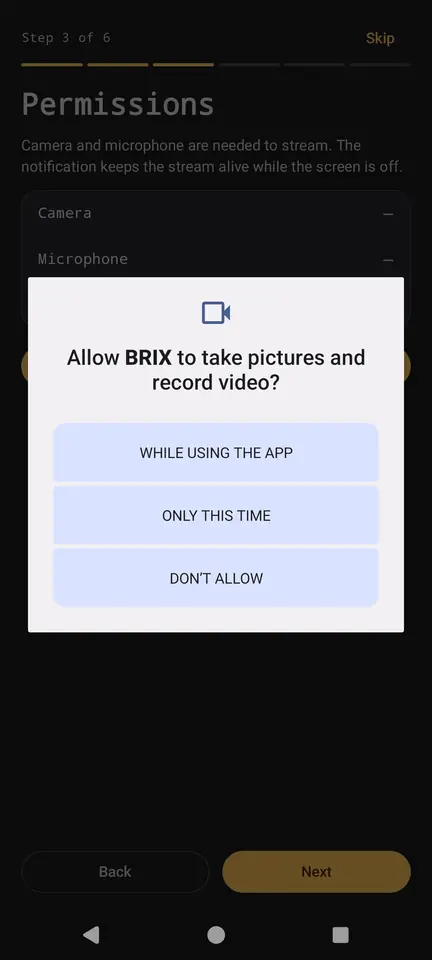
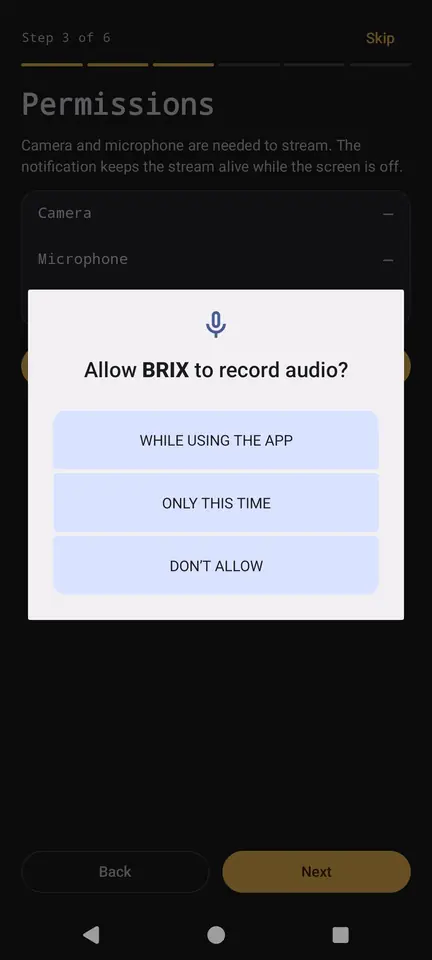
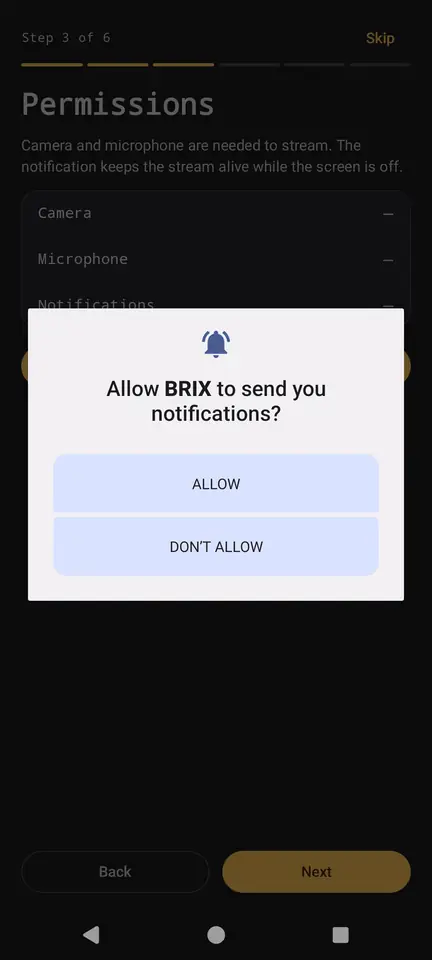
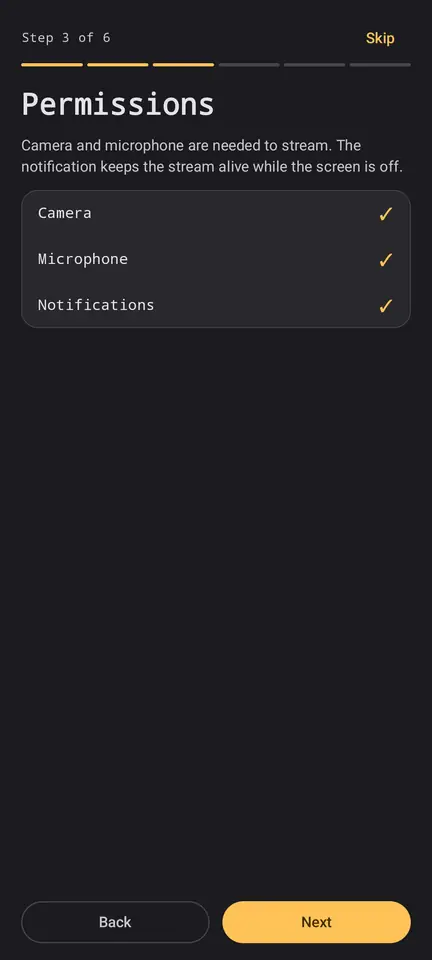
Brix onboarding flow
7 screens · progress shown on 4 screens · skip option on 4 screens
Value pitch → Setup → Value pitch → Permission prompt ×3 → Value pitch
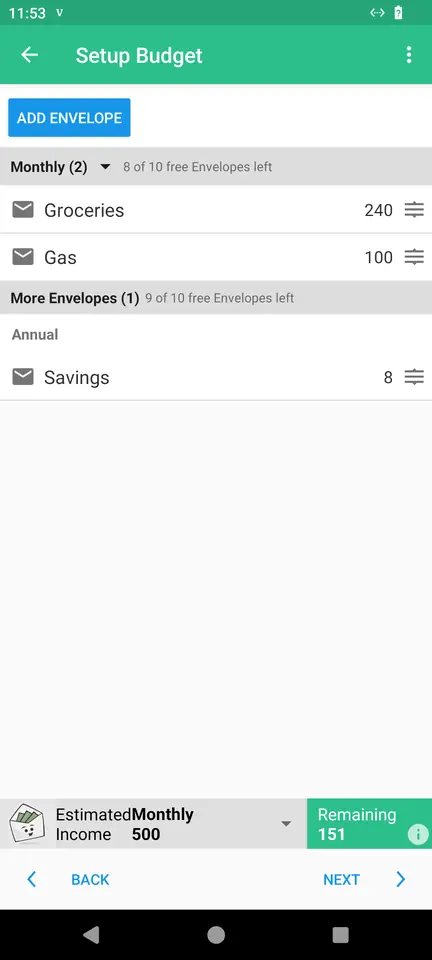
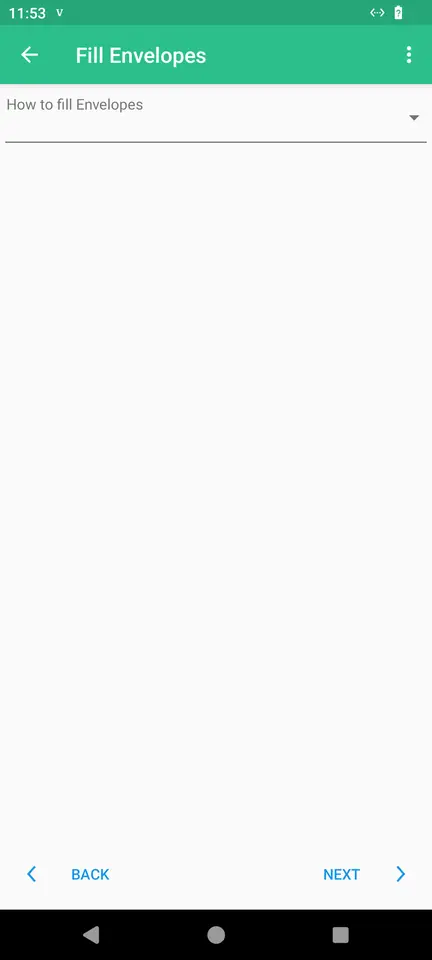
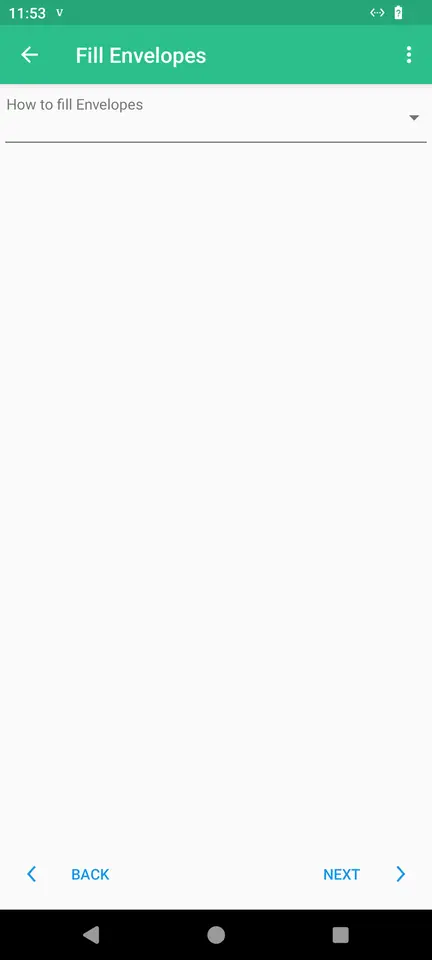
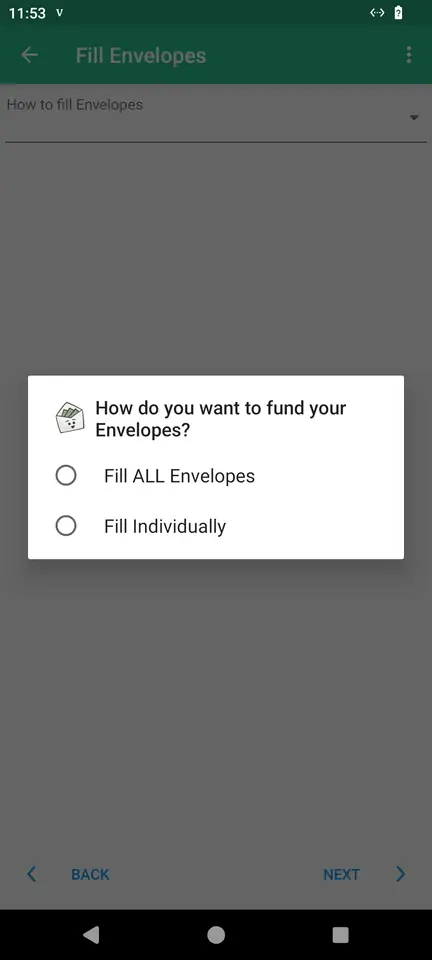
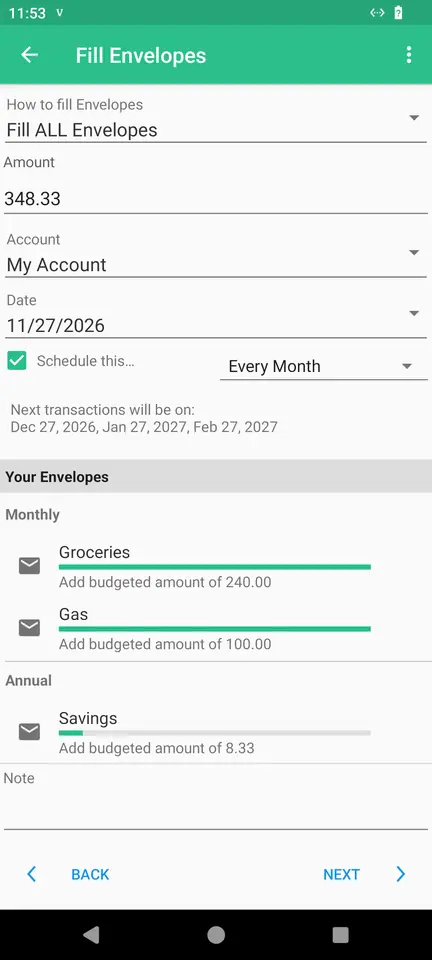
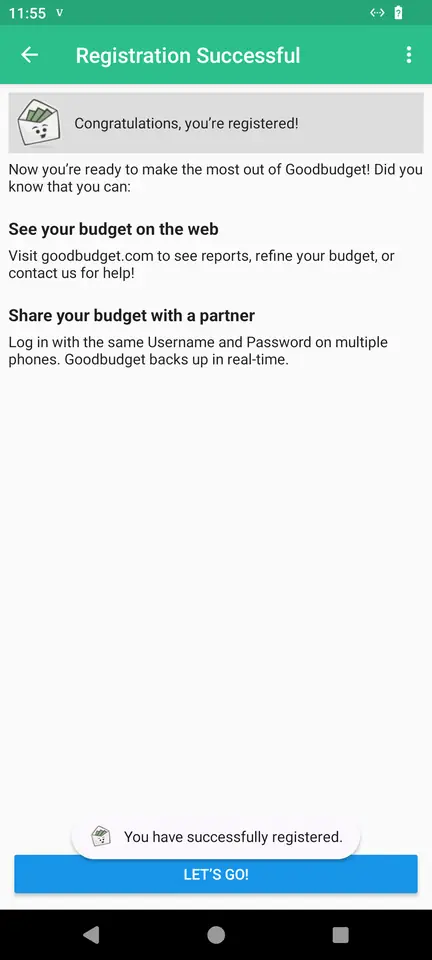
Goodbudget onboarding flow
7 screens · 1 question · progress shown on 1 screen
Value pitch ×4 → Question → Info ×2
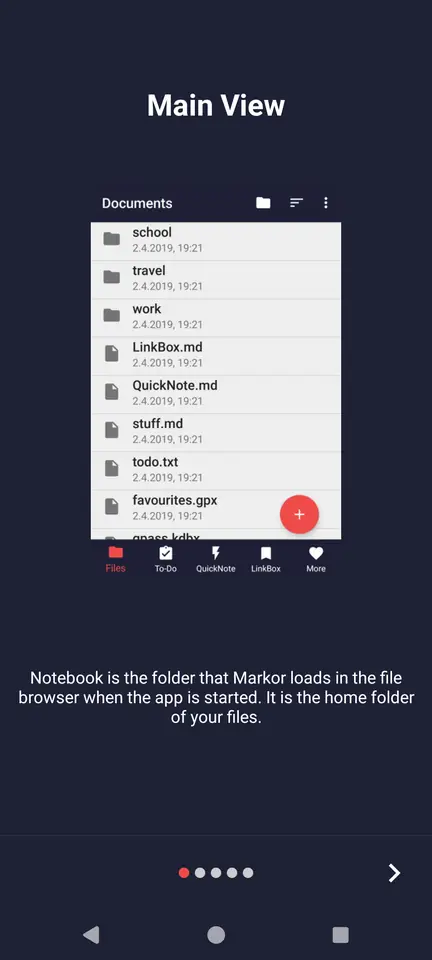
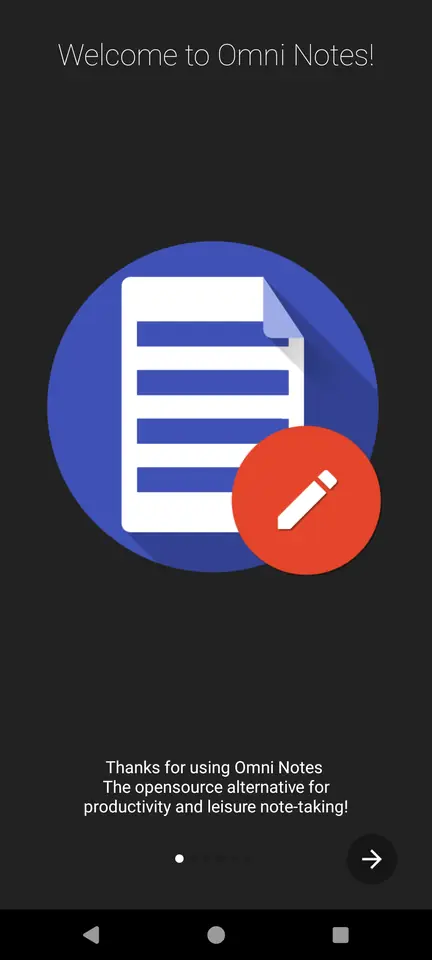
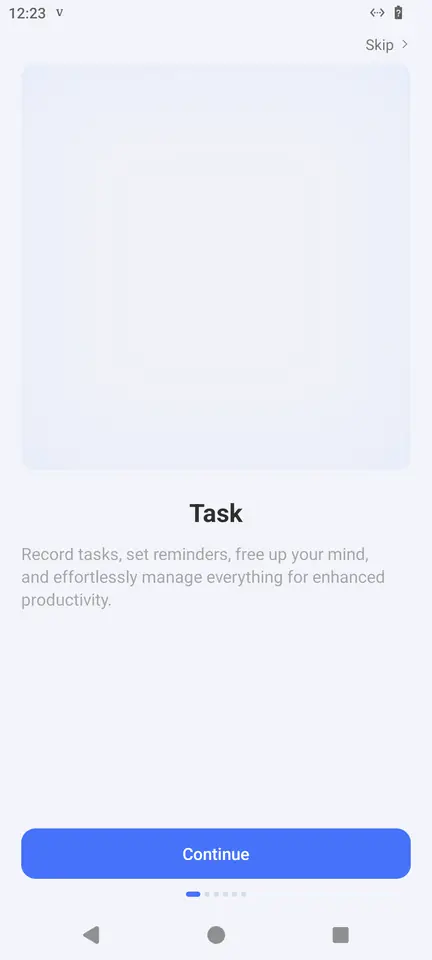
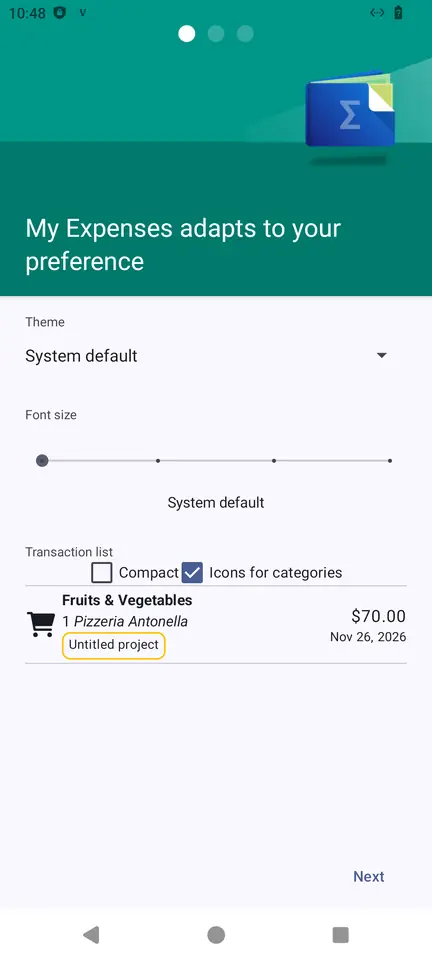
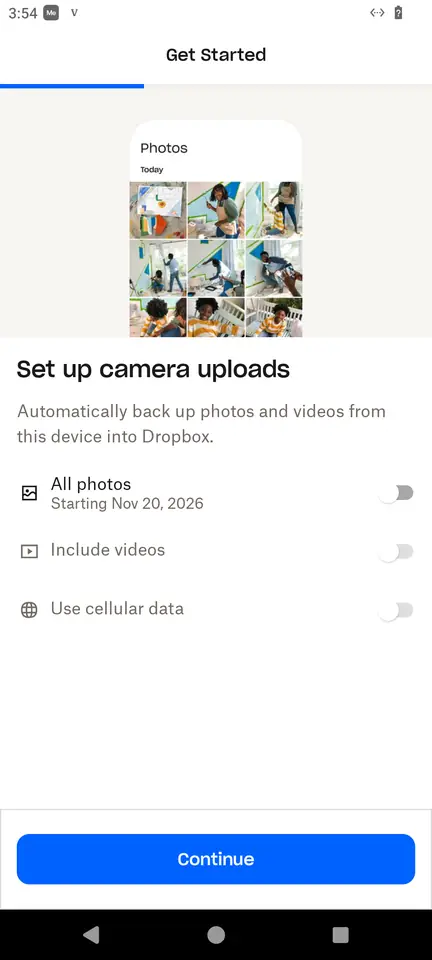
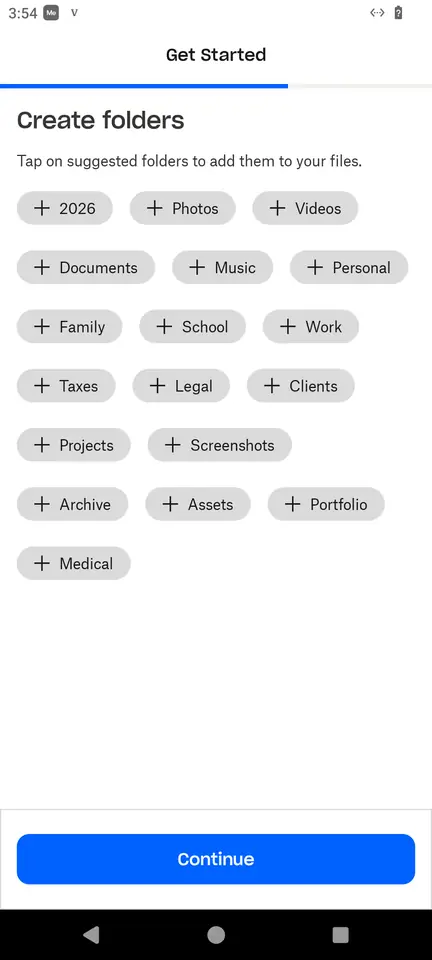
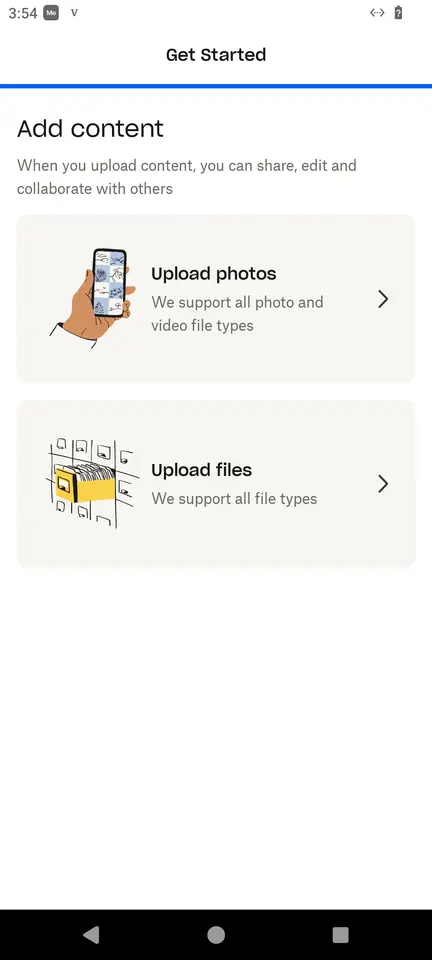
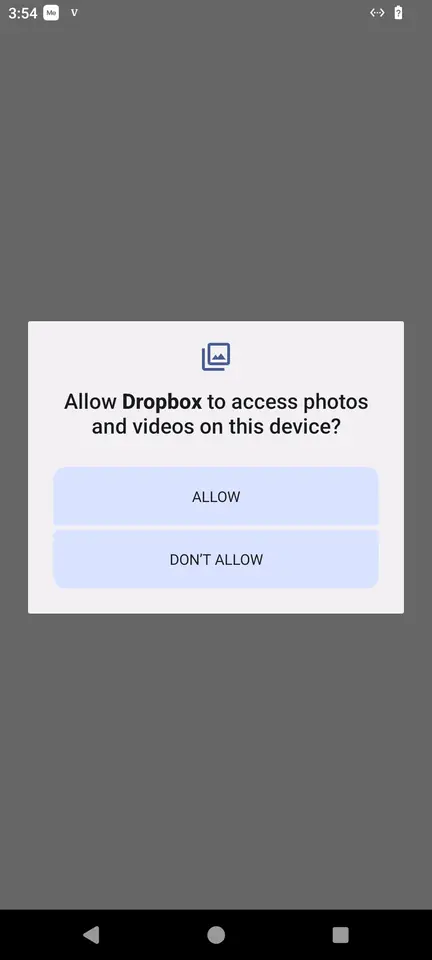
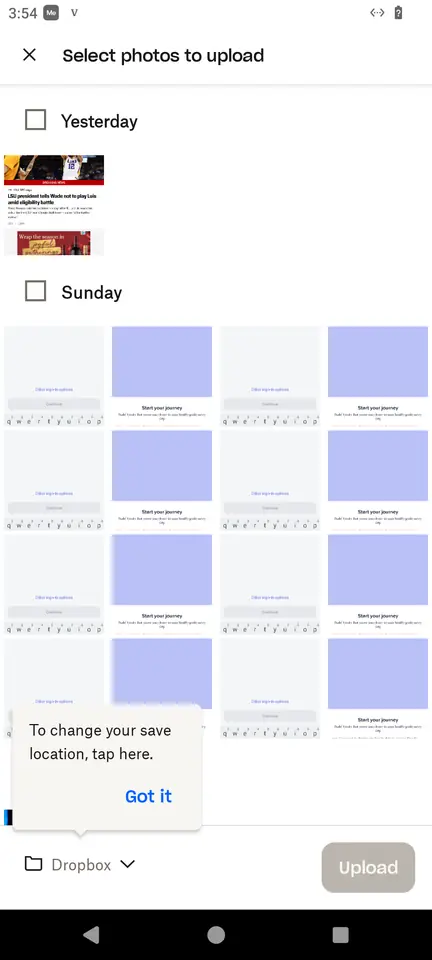
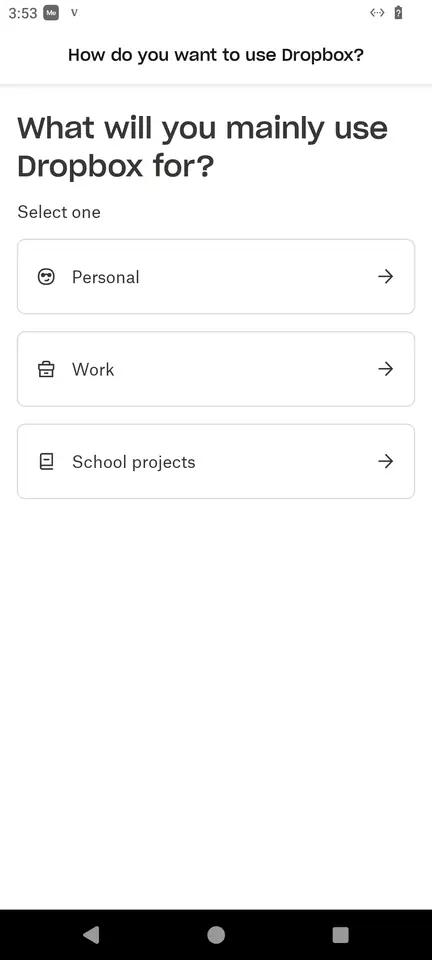
Dropbox onboarding flow
5 screens · progress shown on 3 screens
Value pitch ×3 → Permission prompt → Value pitch
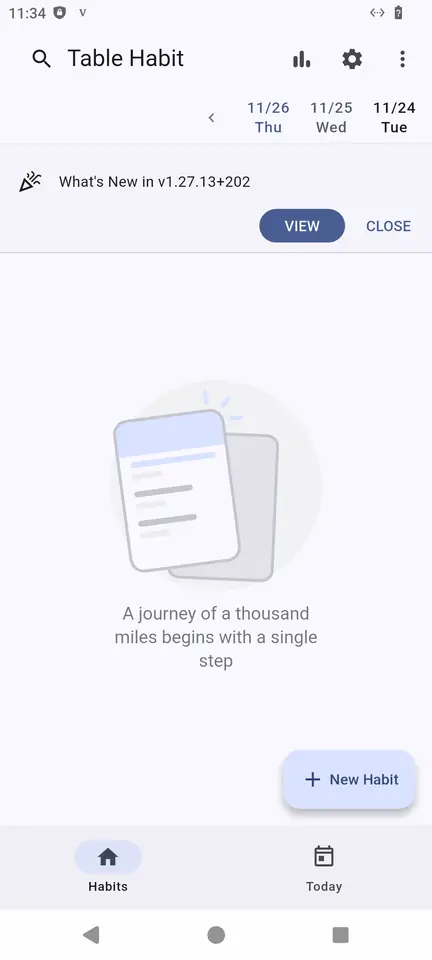
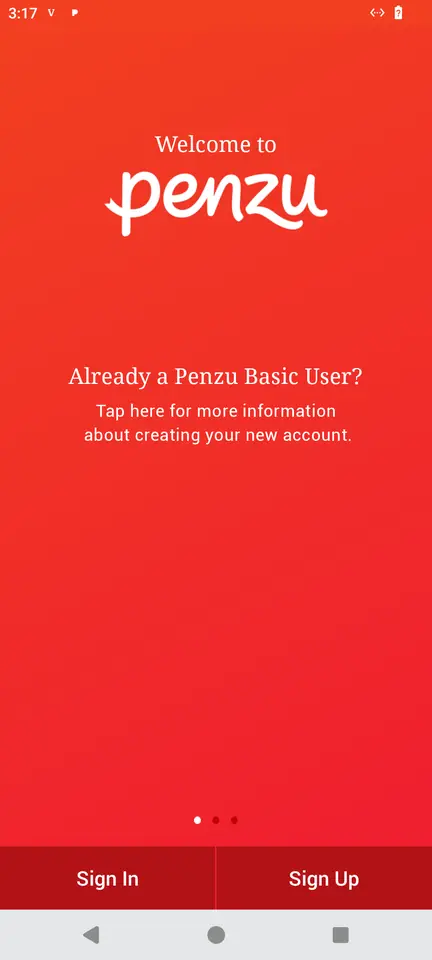
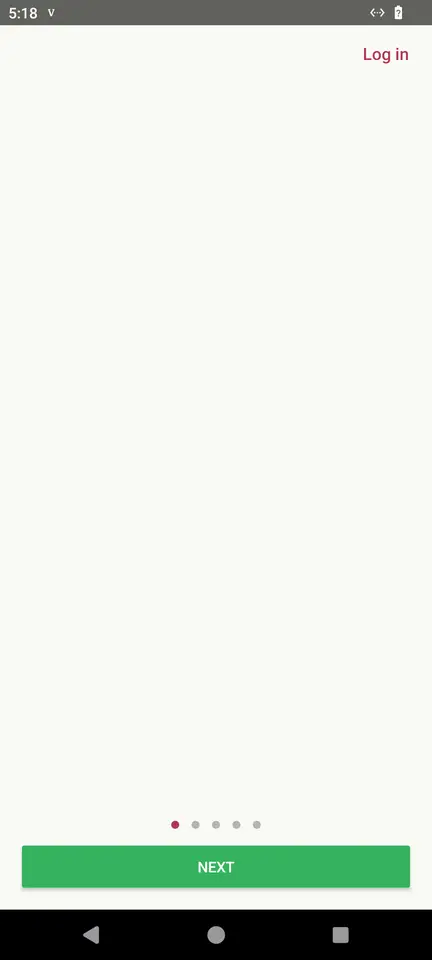
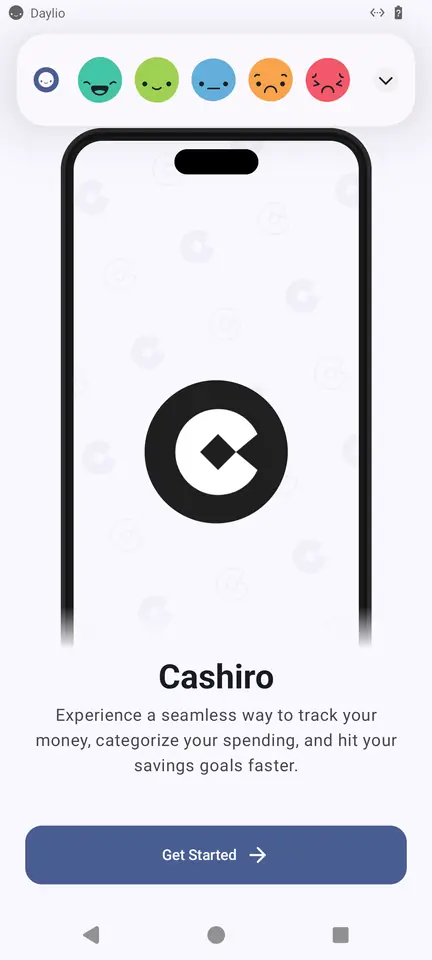
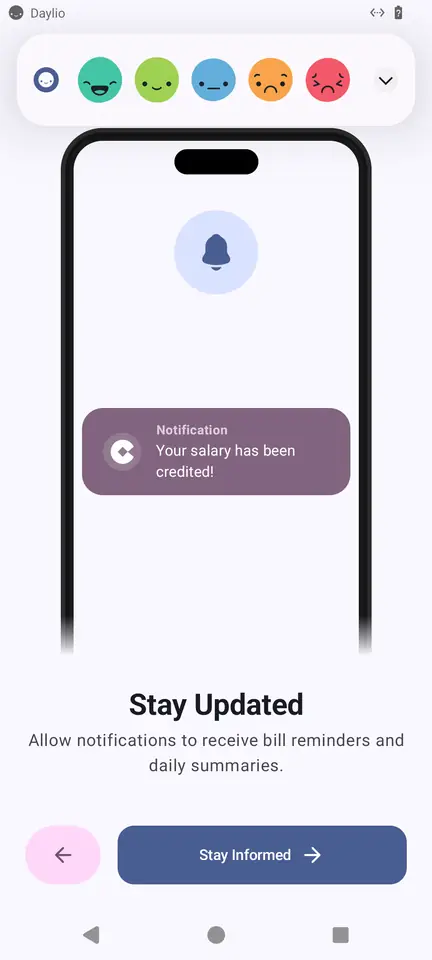
Cashiro onboarding flow
4 screens · skip option on 1 screen
Value pitch ×2 → Permission prompt → Value pitch
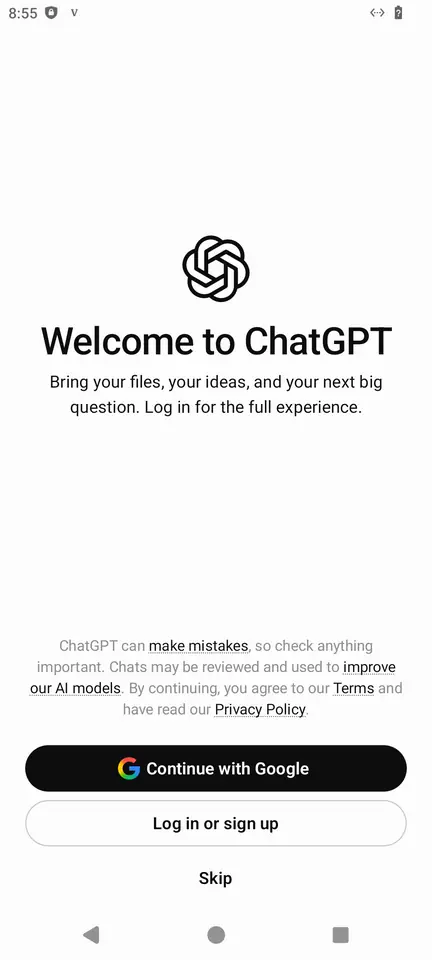
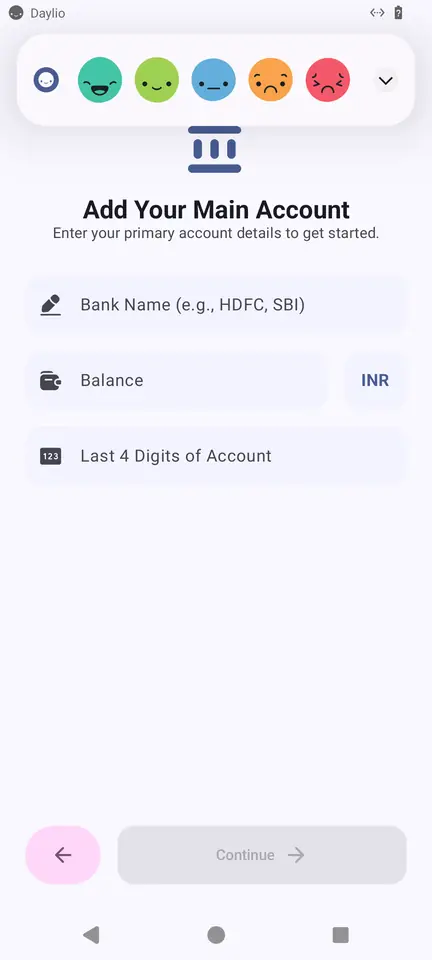
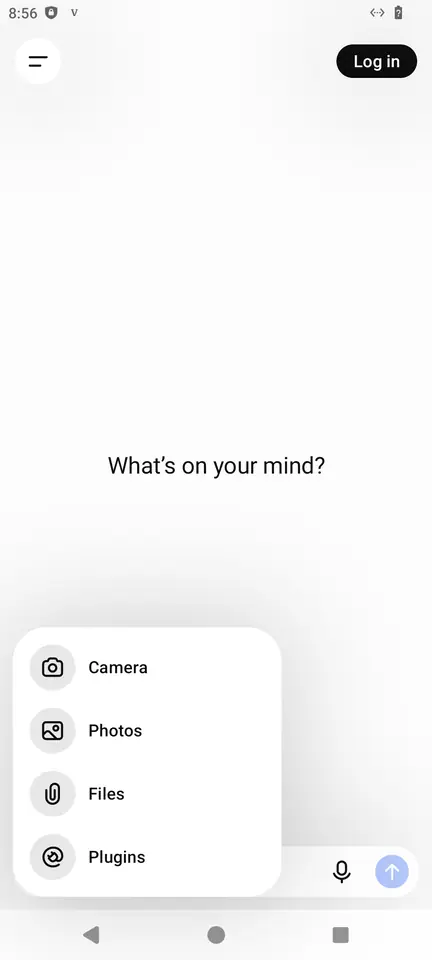
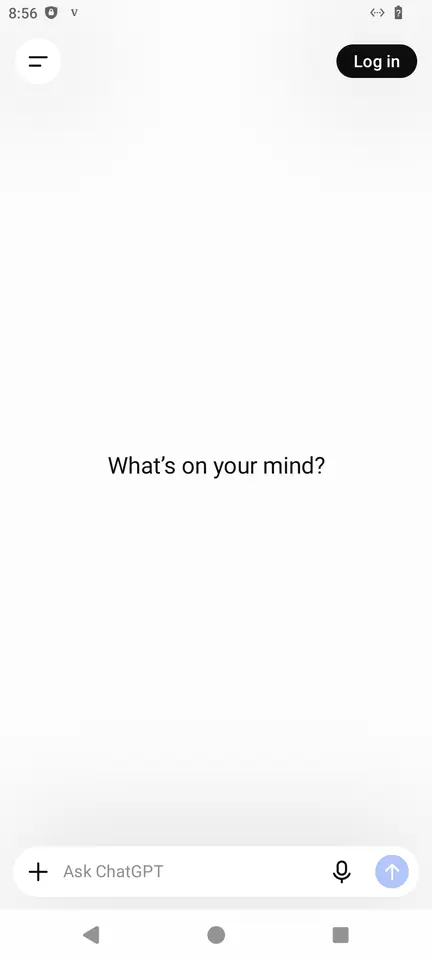
ChatGPT onboarding flow
4 screens · 2 questions · skip option on 1 screen
Account ask → Question → Info → Question
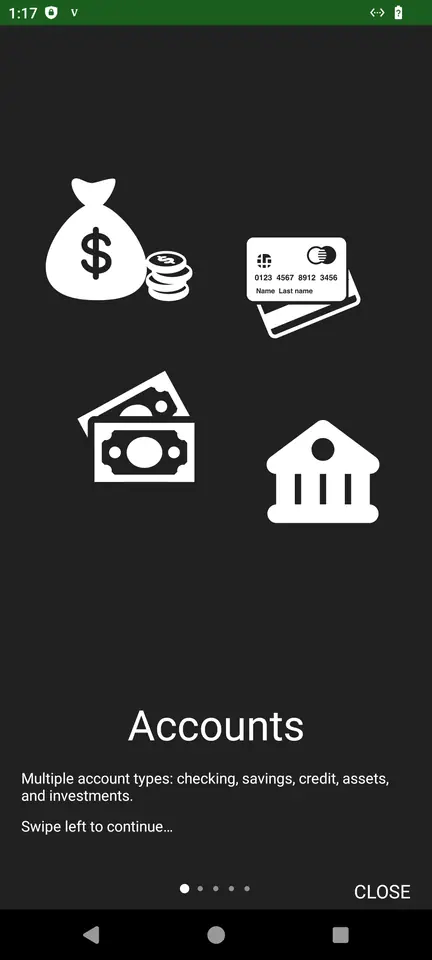
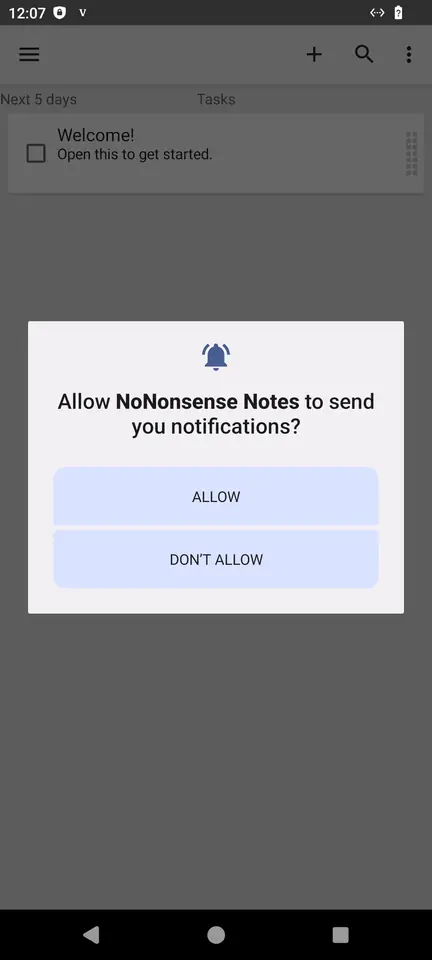
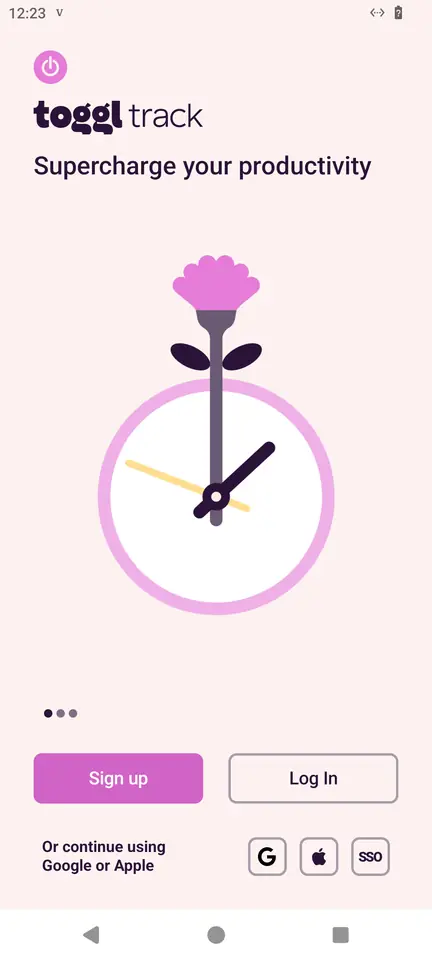
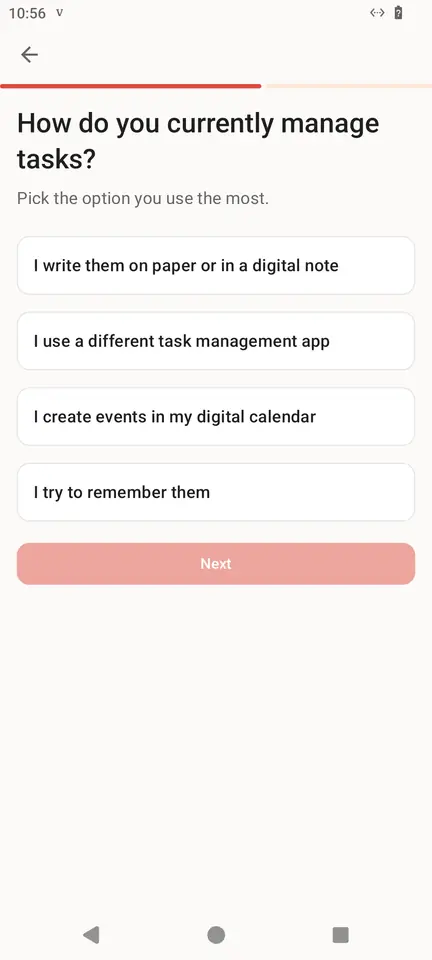
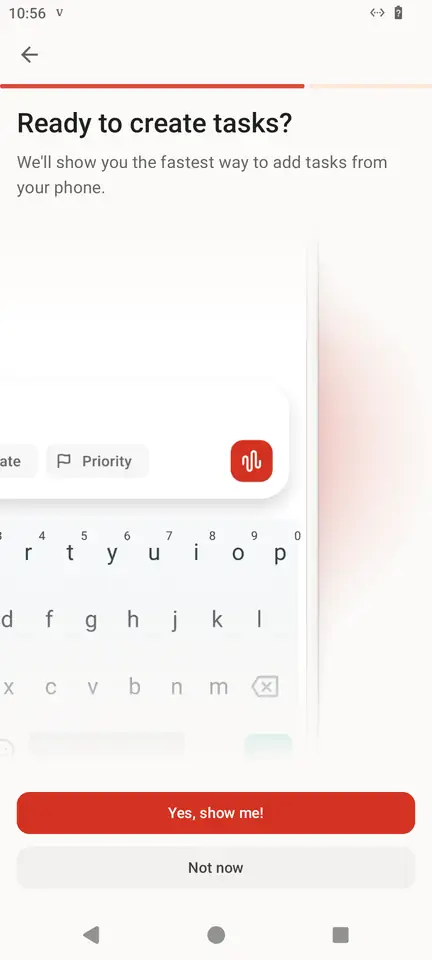
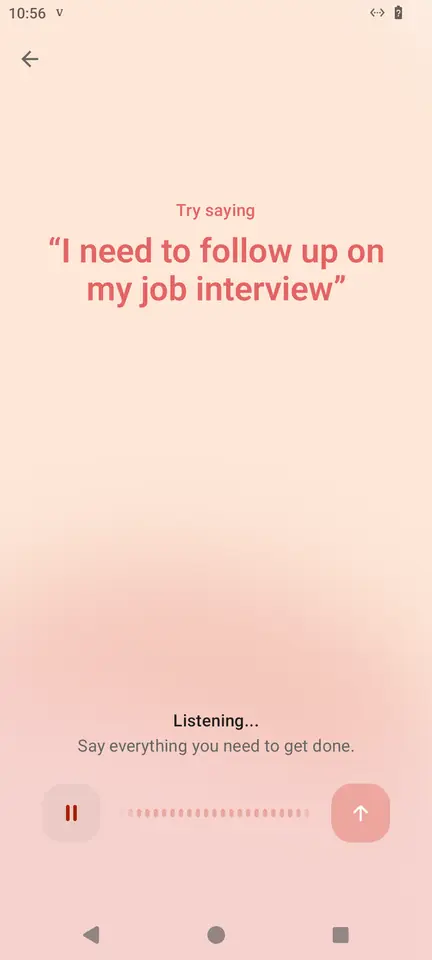
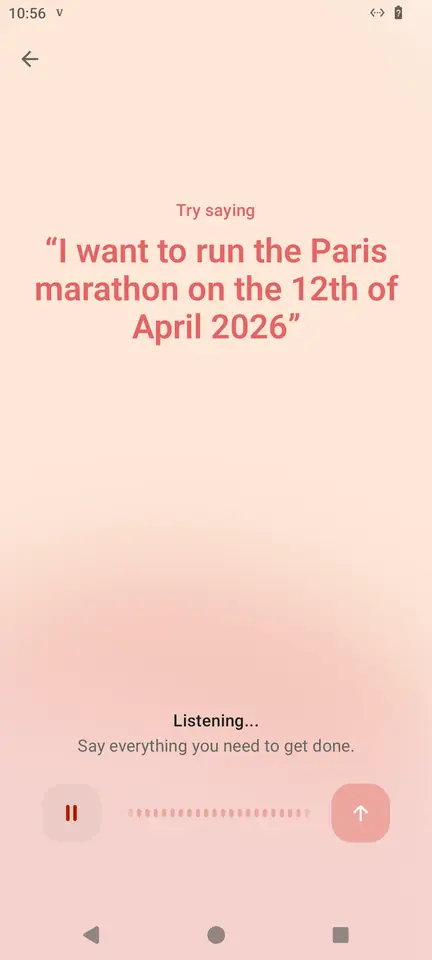
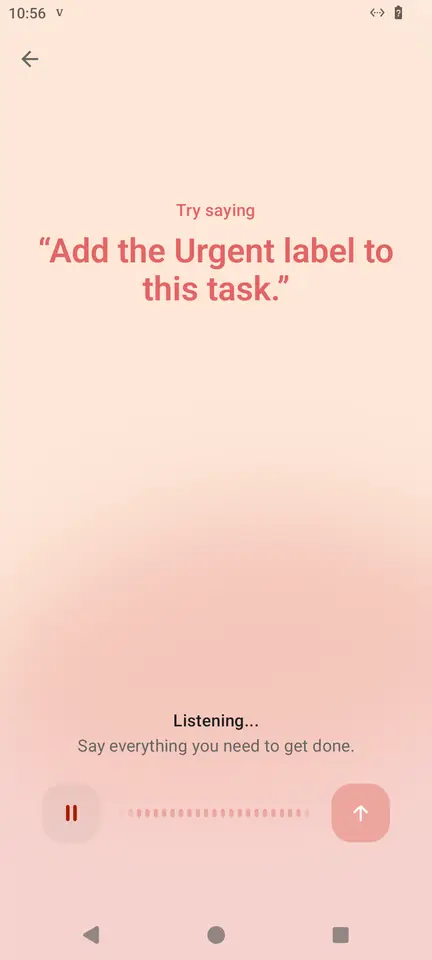
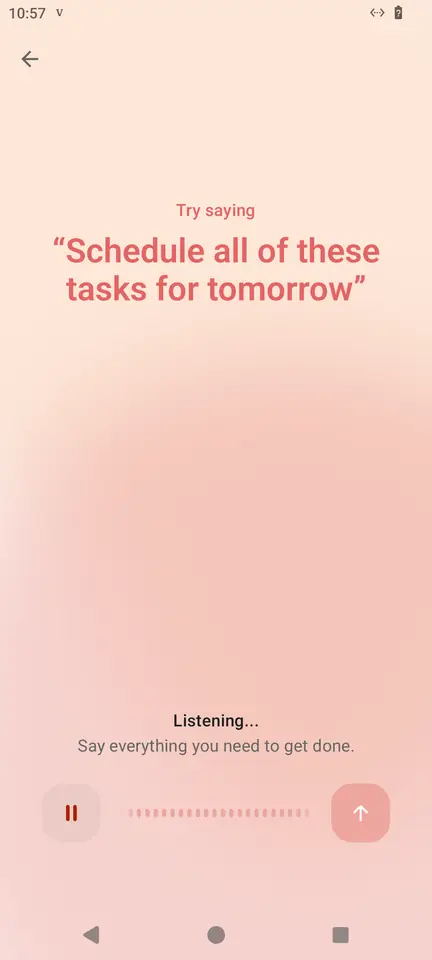
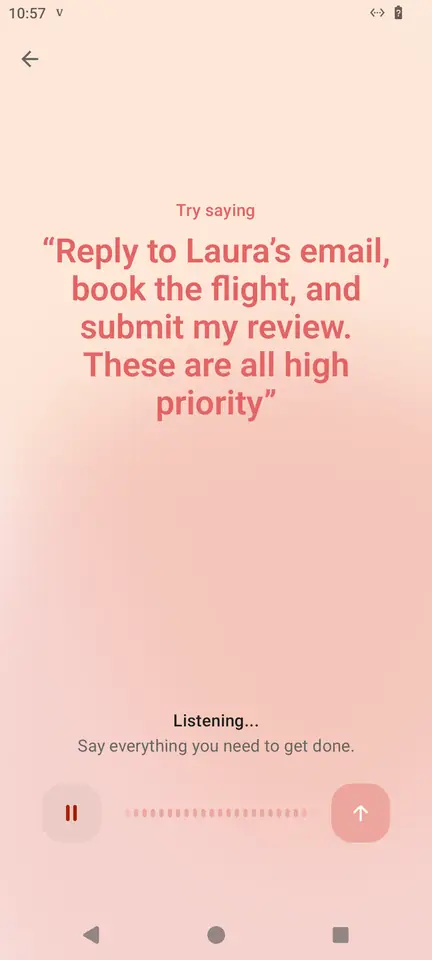
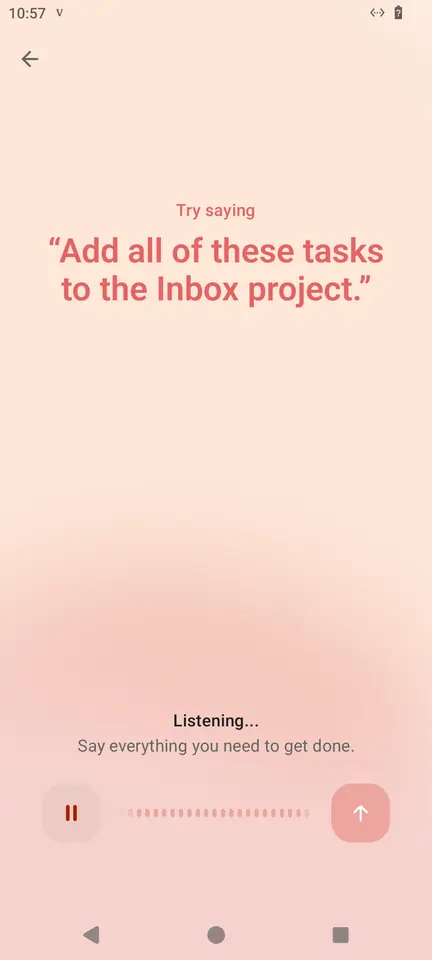
Todoist
15 onboarding screens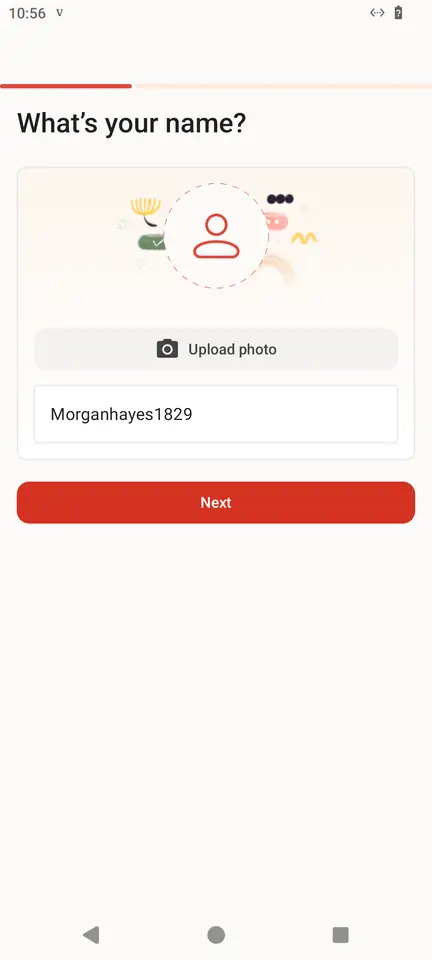
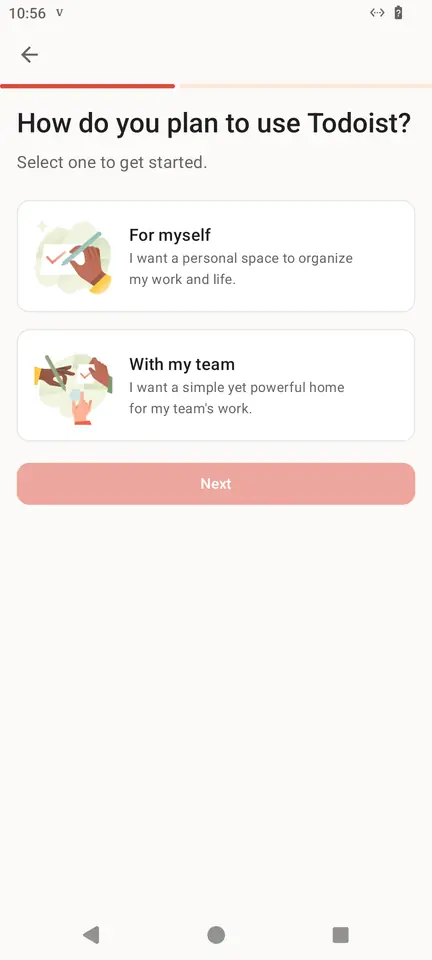
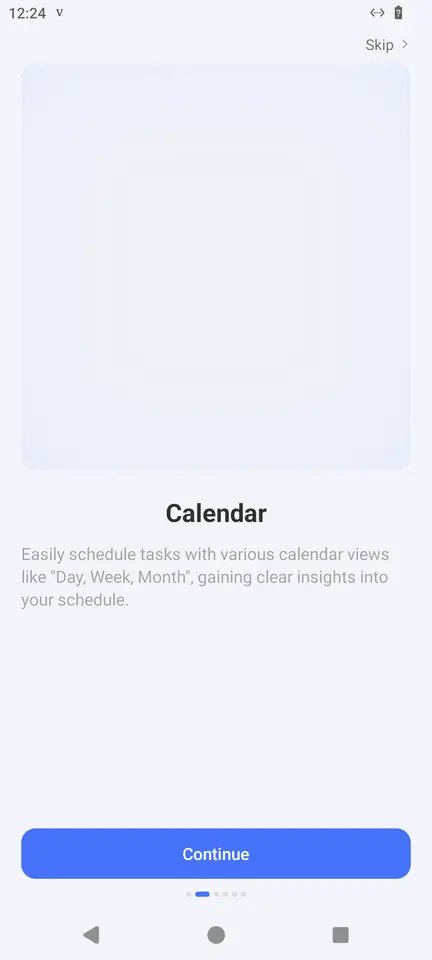
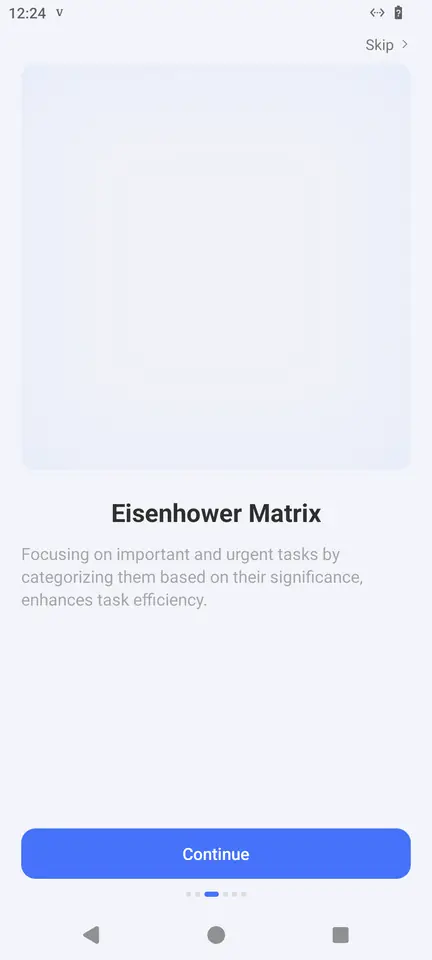
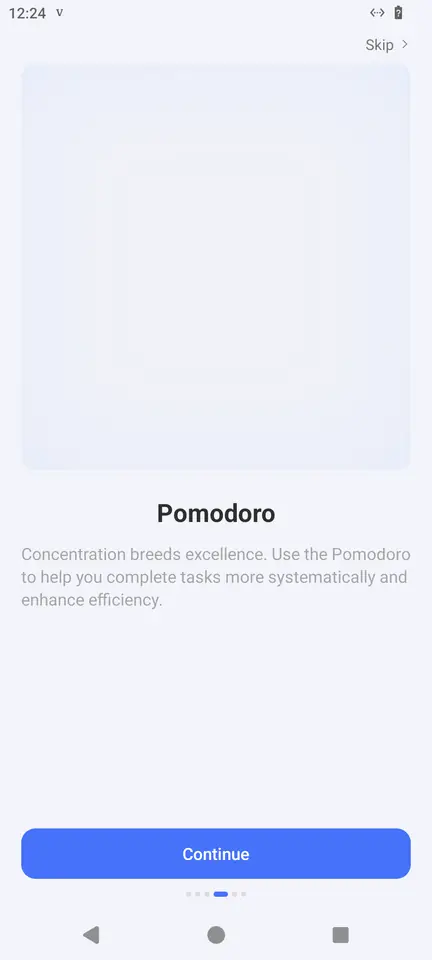
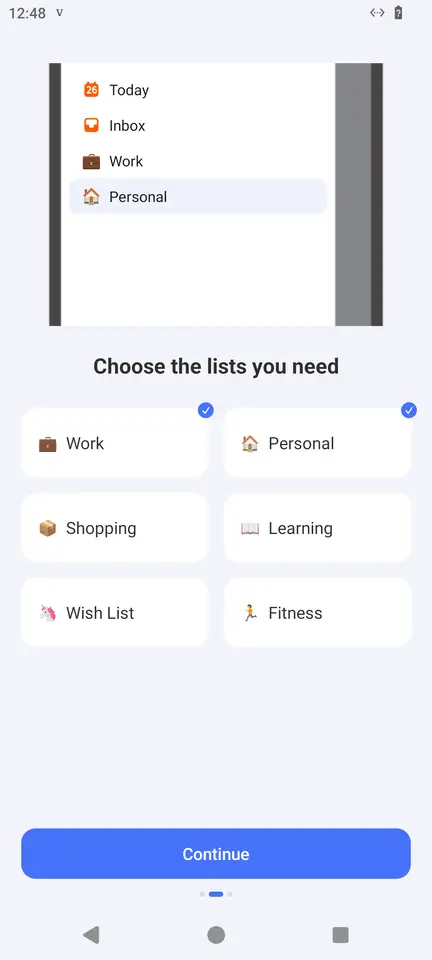
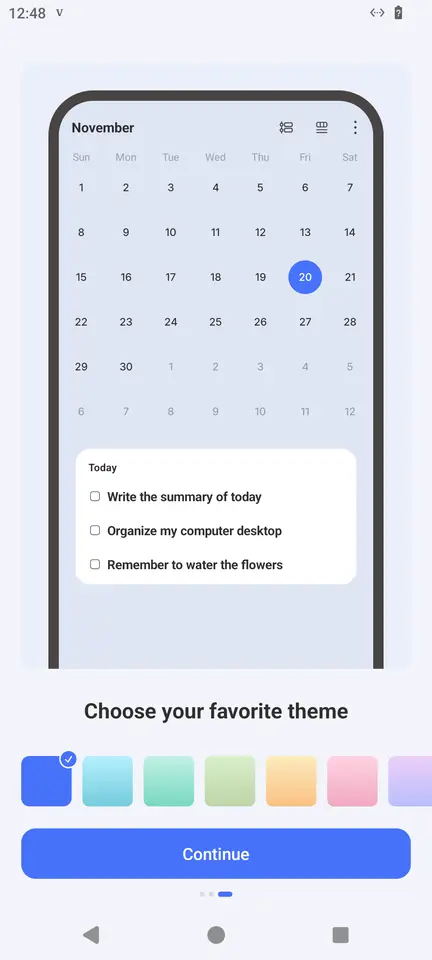
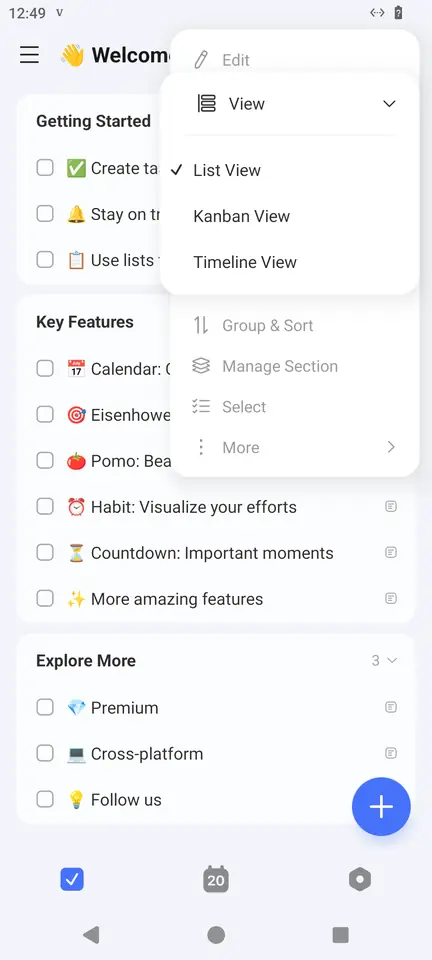
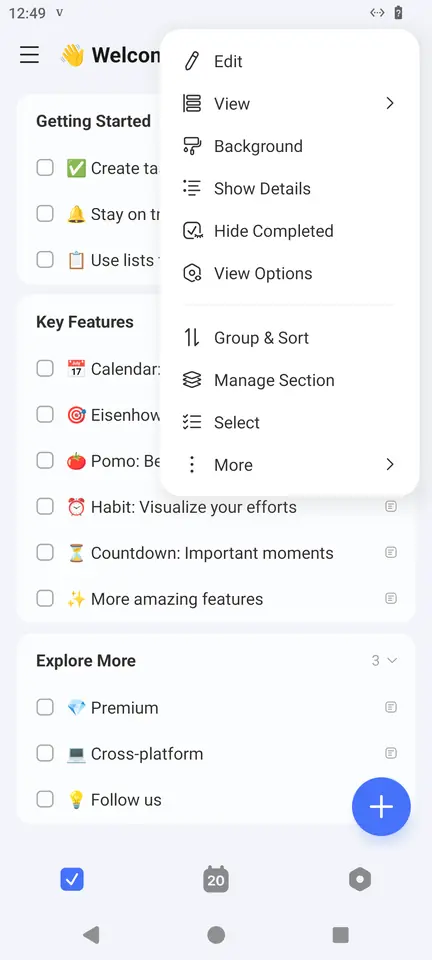
TickTick
13 onboarding screens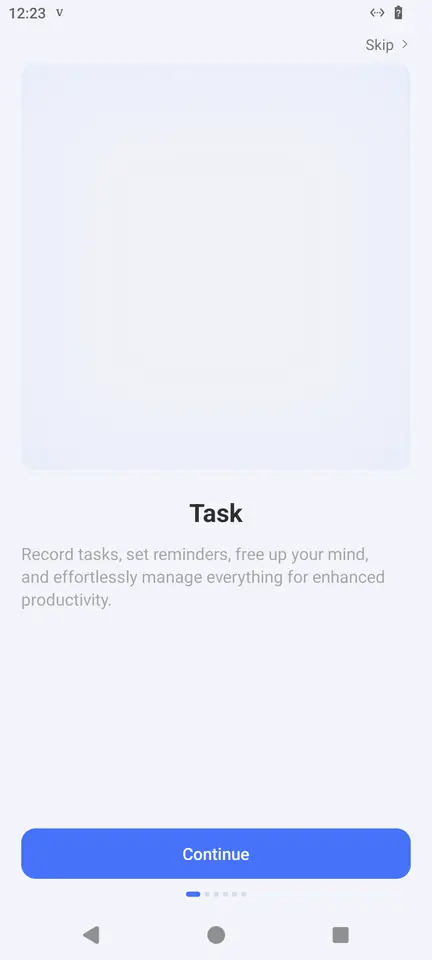
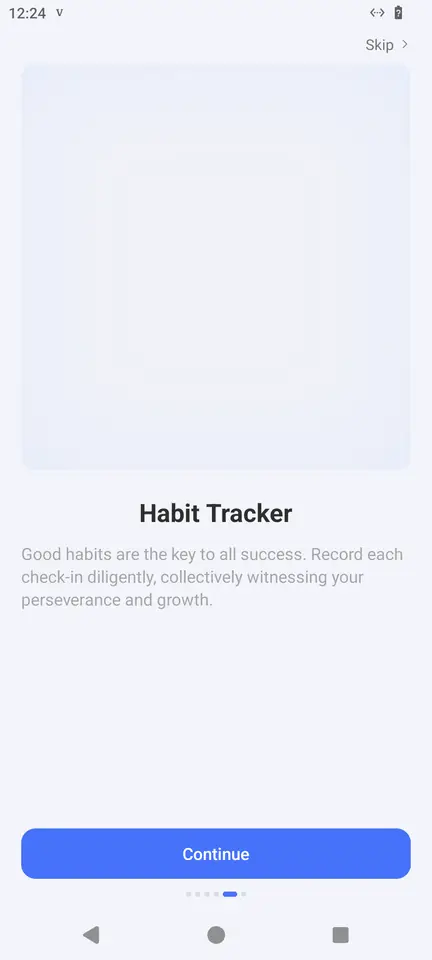
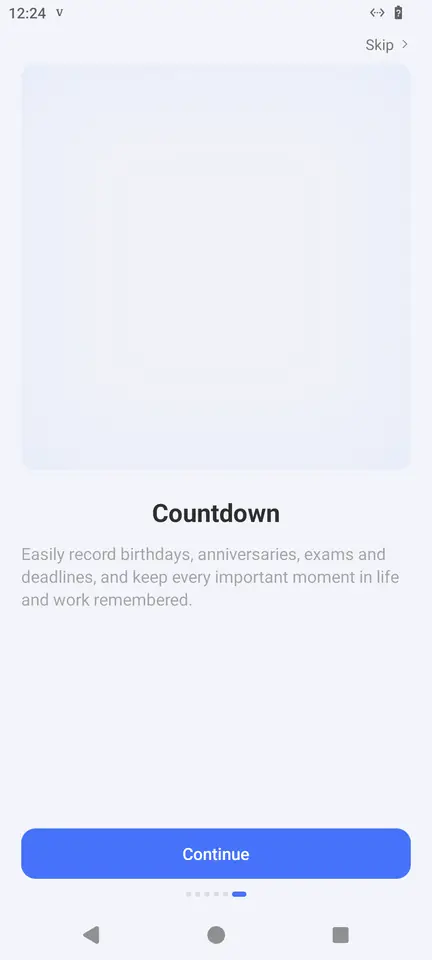
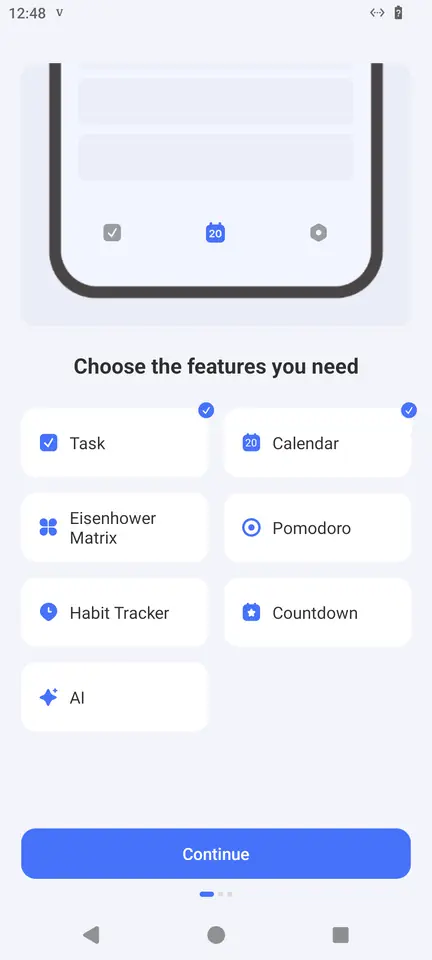
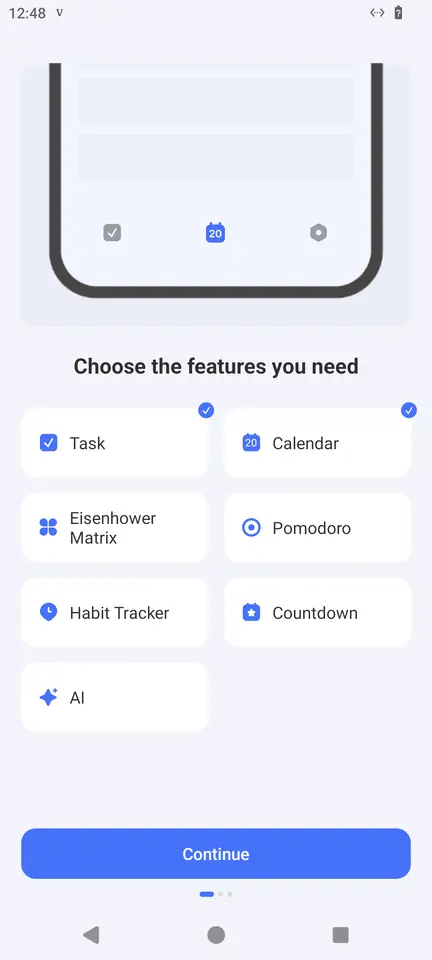
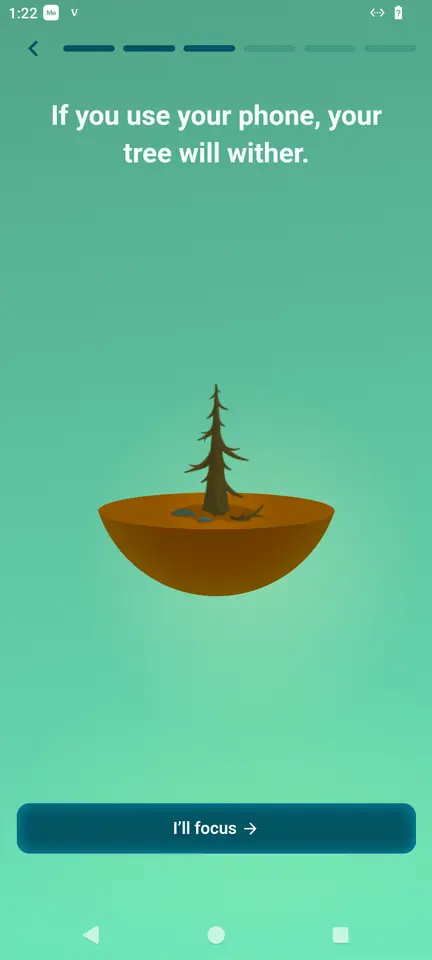
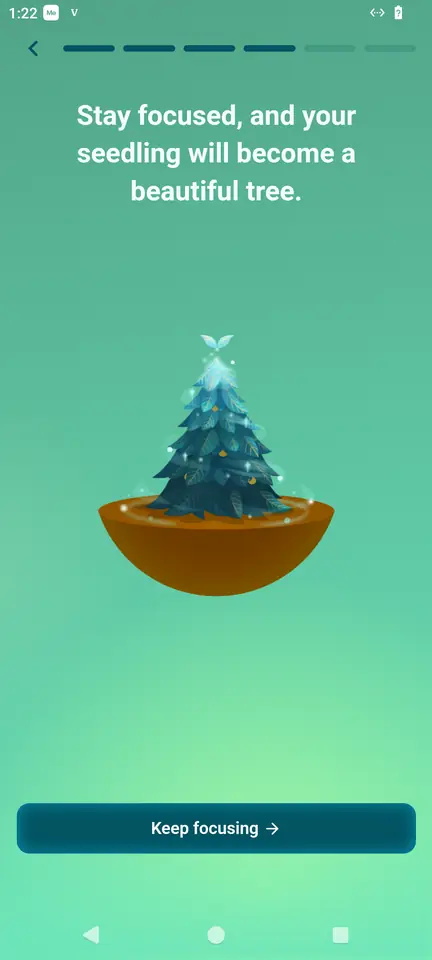
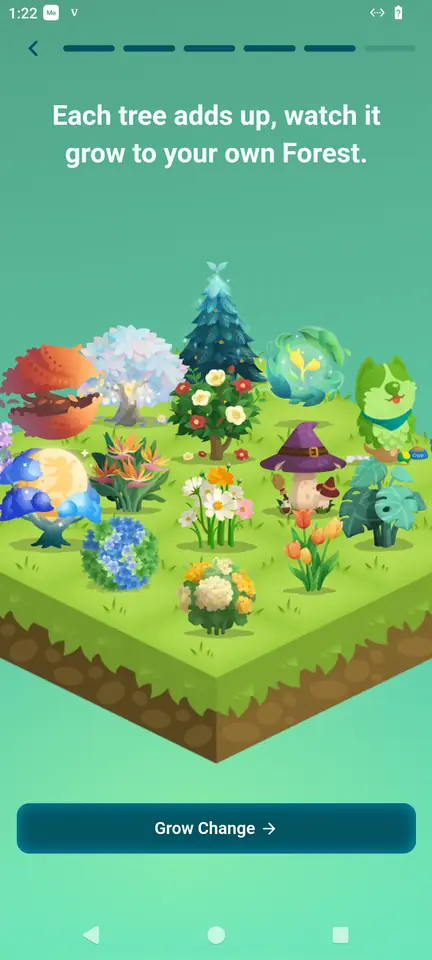
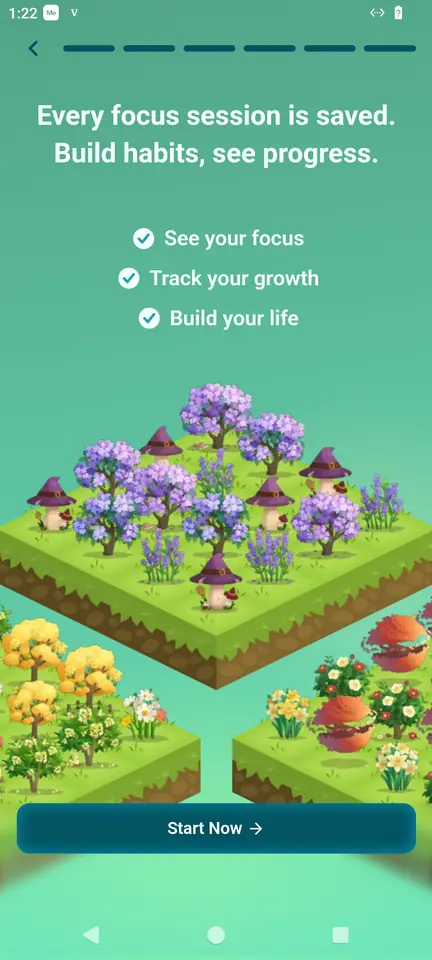
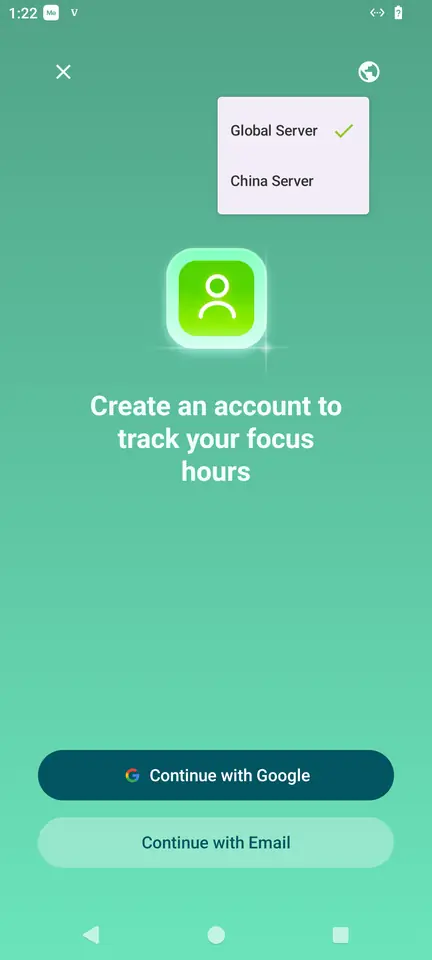
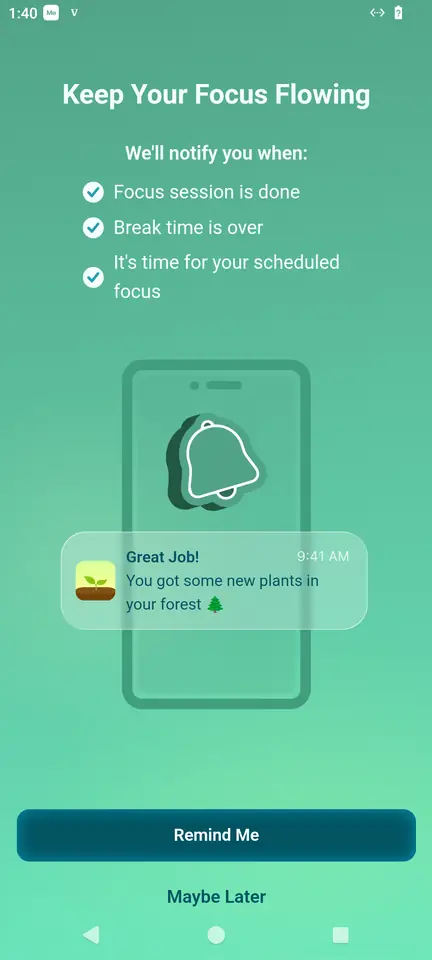
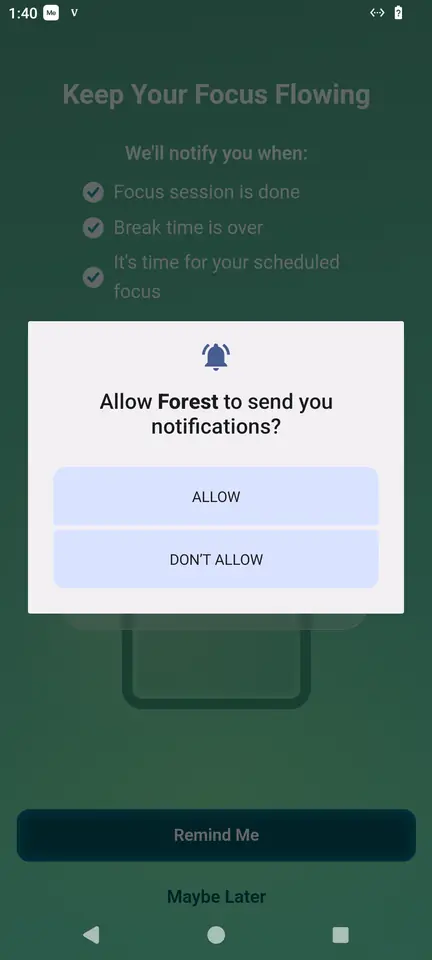
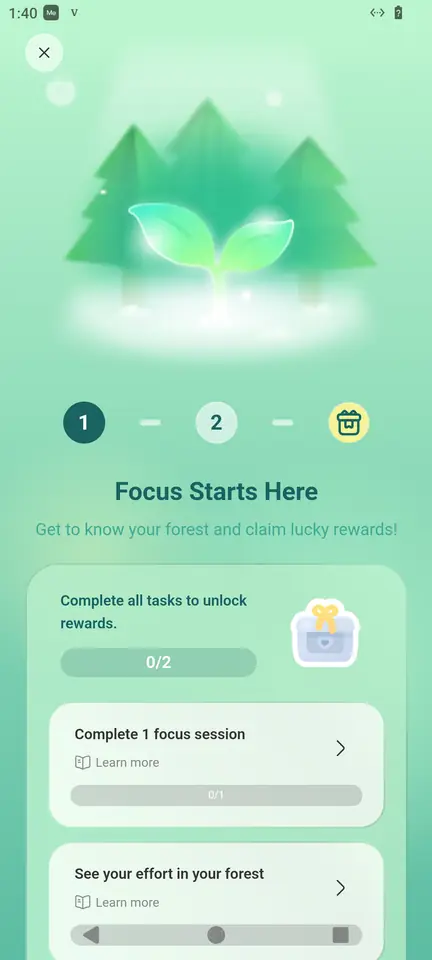
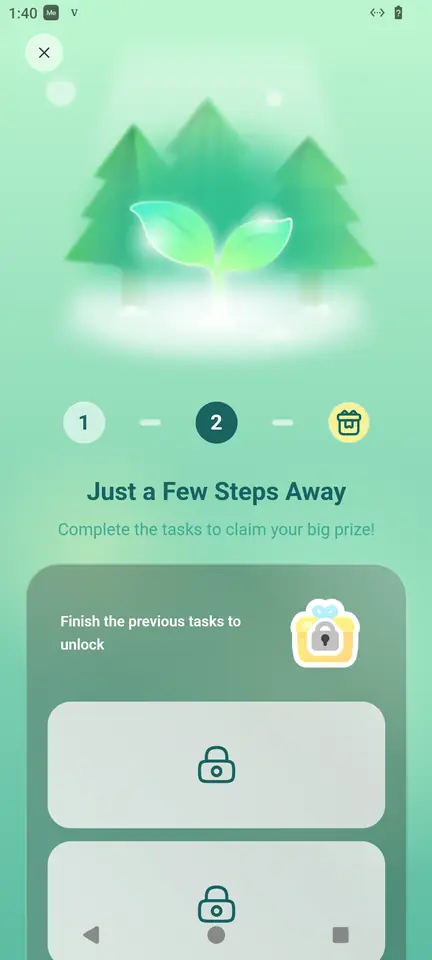
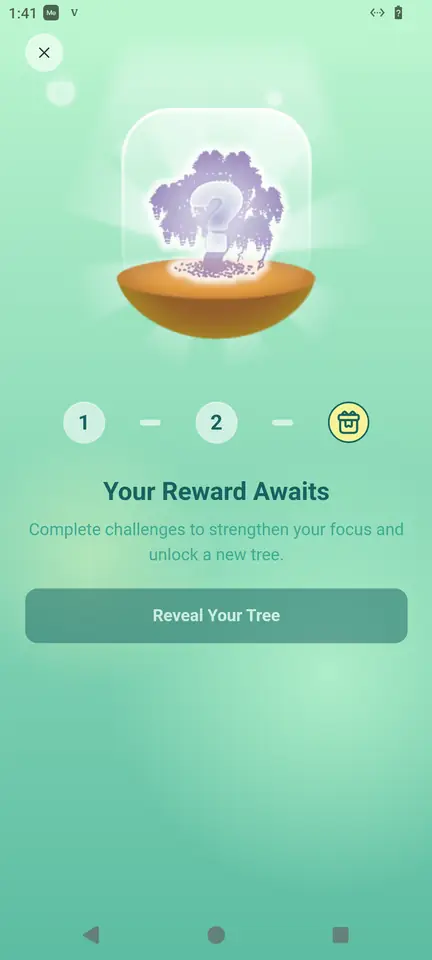
Forest
12 onboarding screens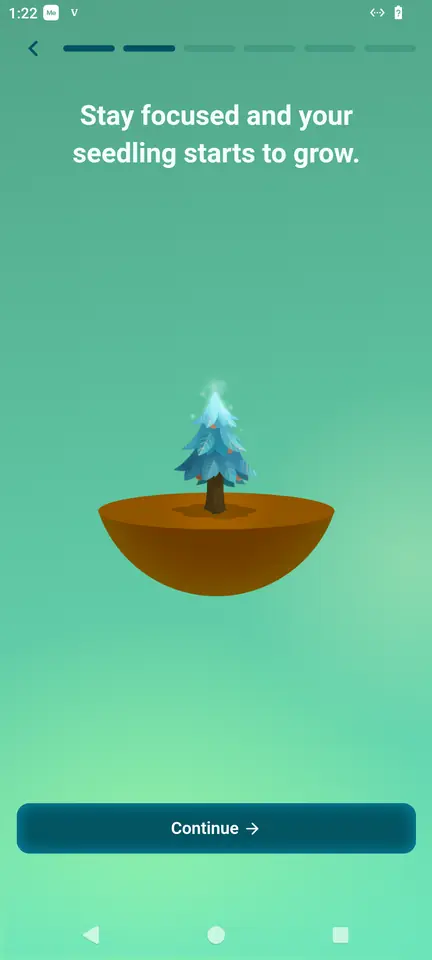
Slack
12 onboarding screens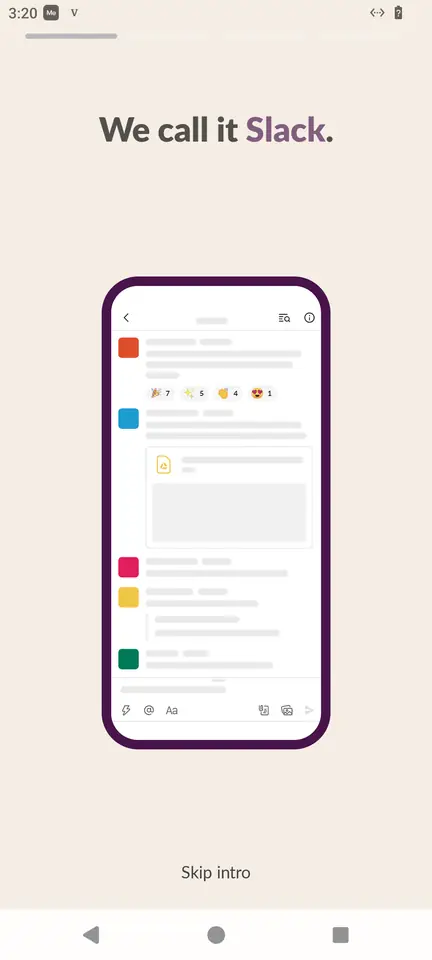
Habitica
9 onboarding screens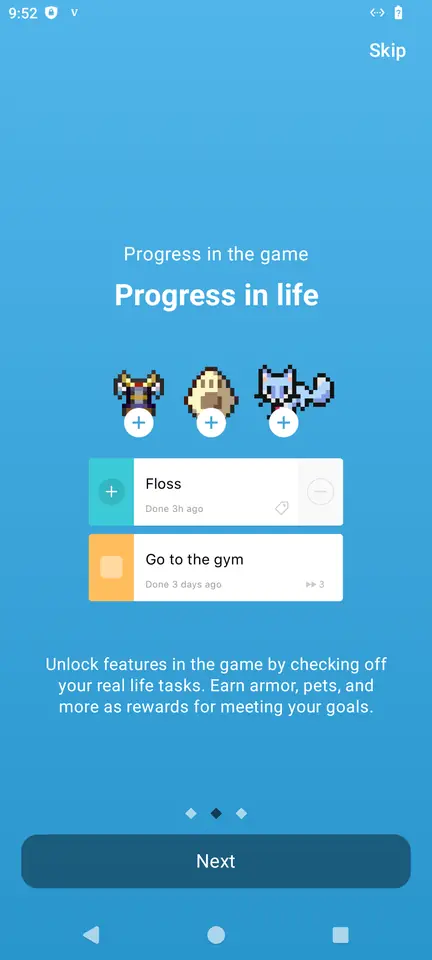
DuckDuckGo
8 onboarding screens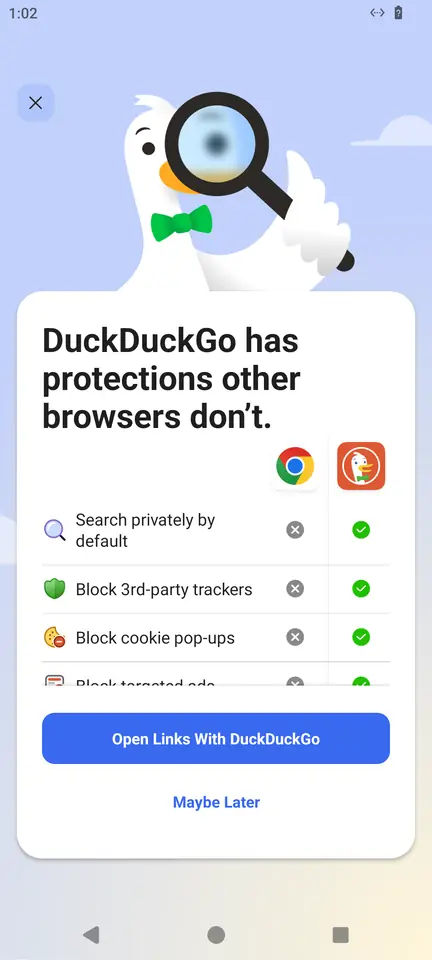
MyDyson
8 onboarding screens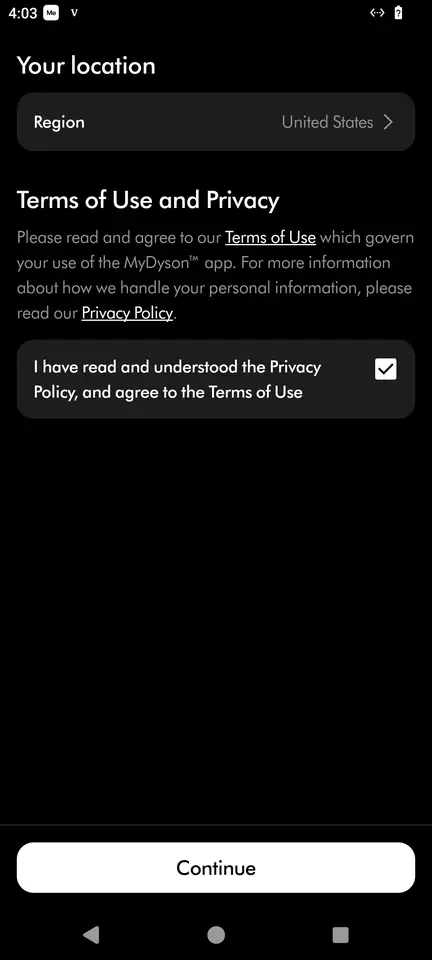
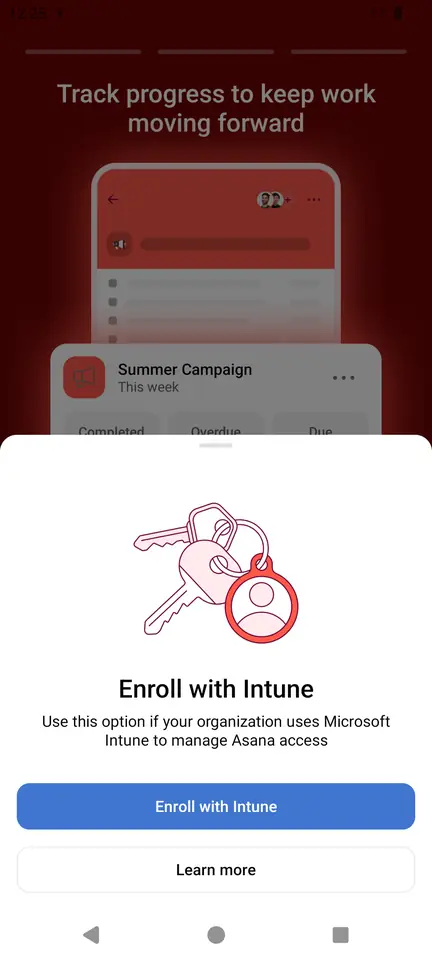
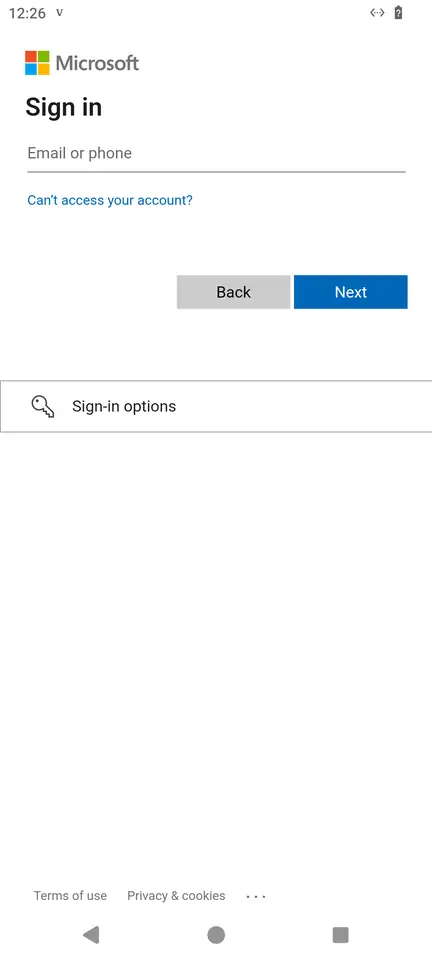
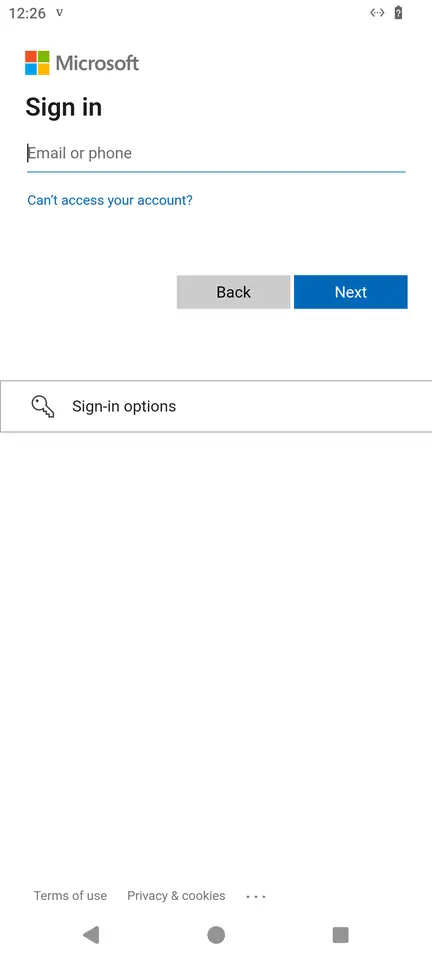
Asana
7 onboarding screens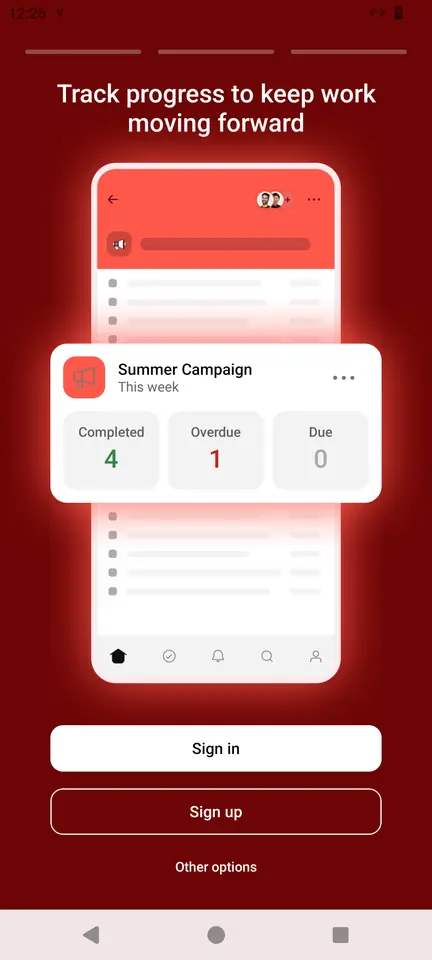
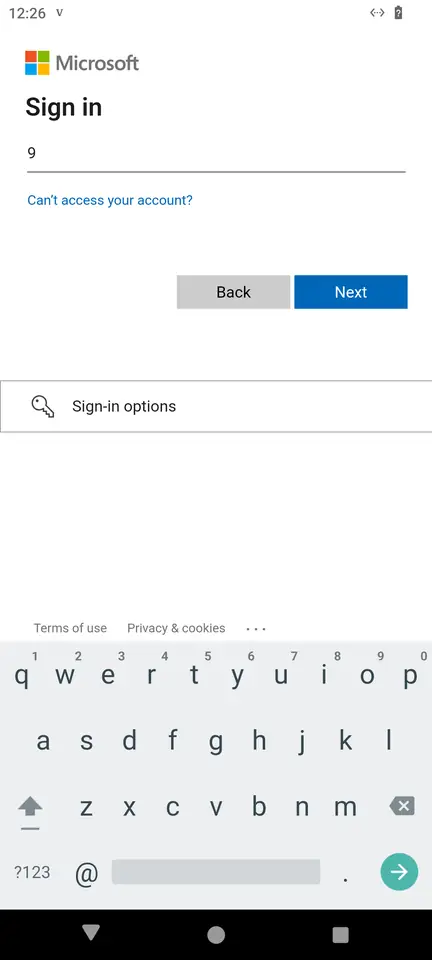
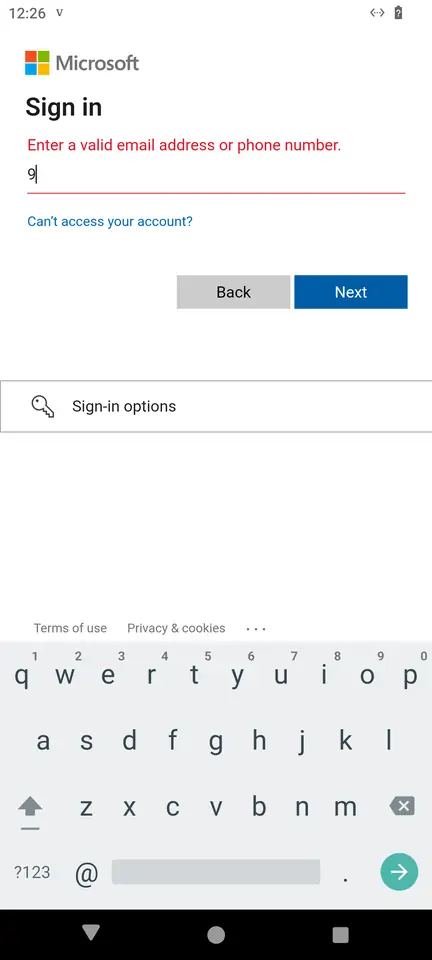
Brix
7 onboarding screens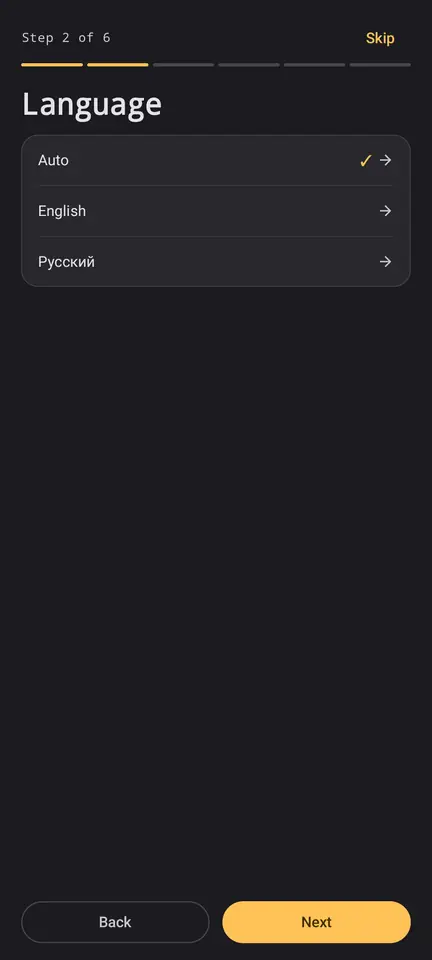
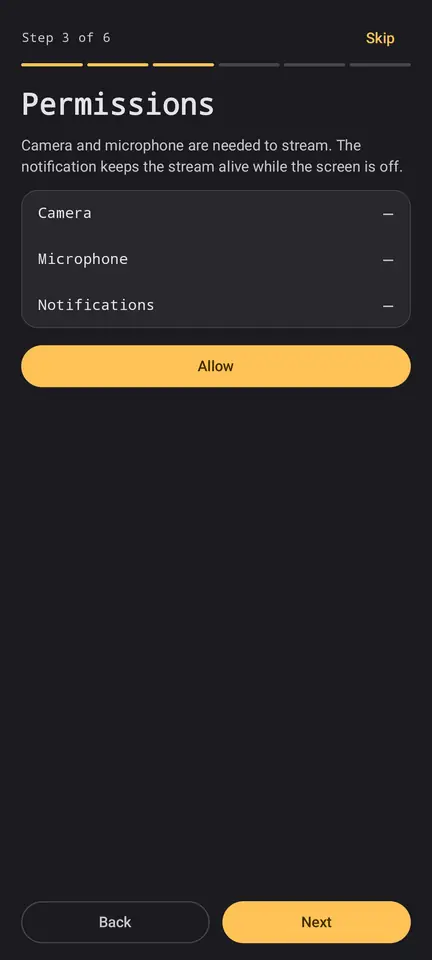
Dropbox
7 onboarding screens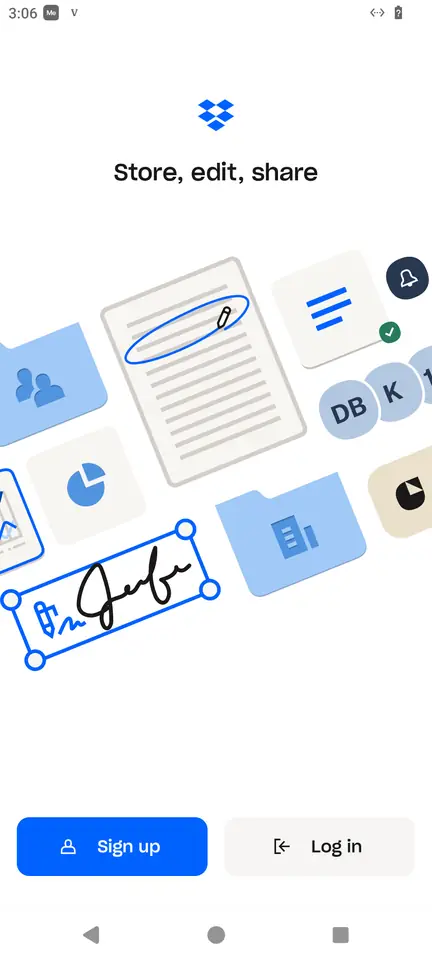
Goodbudget
7 onboarding screens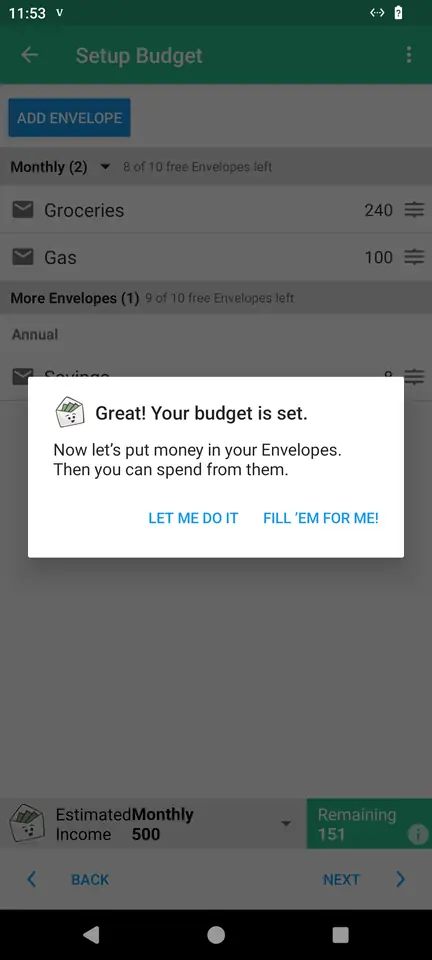
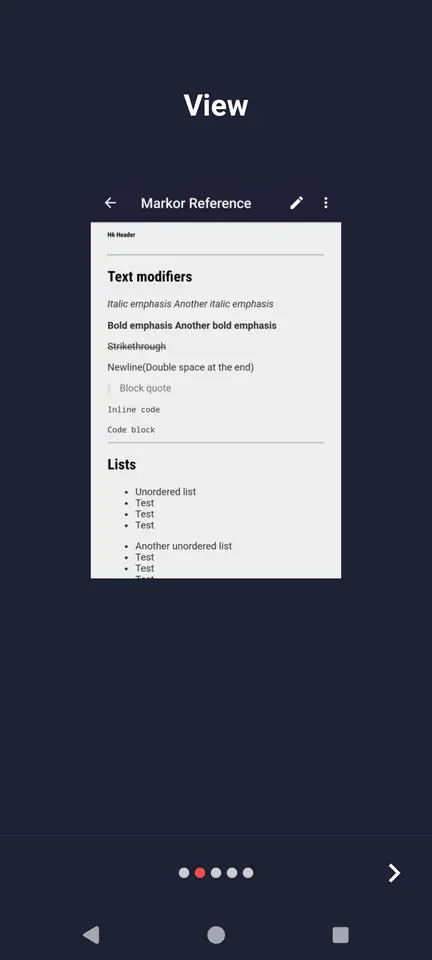
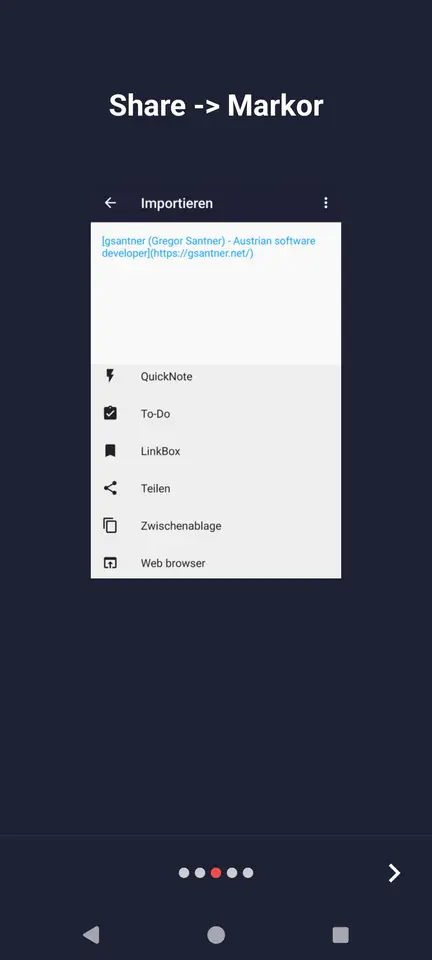
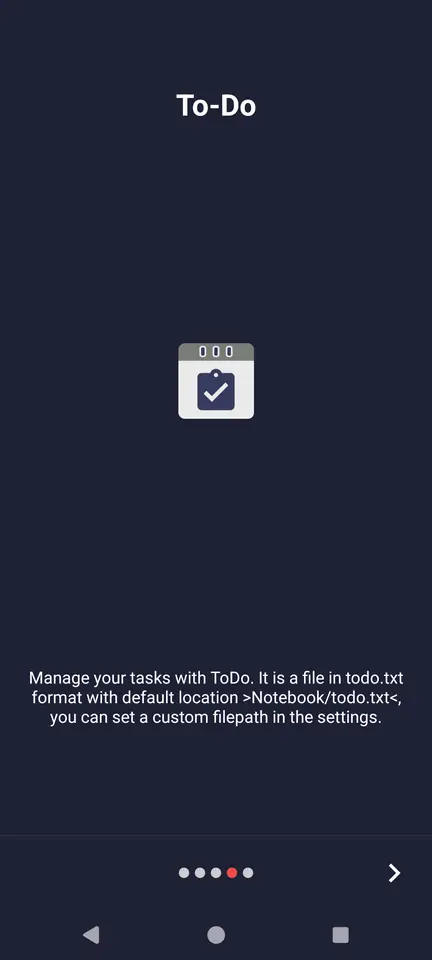
Markor
7 onboarding screens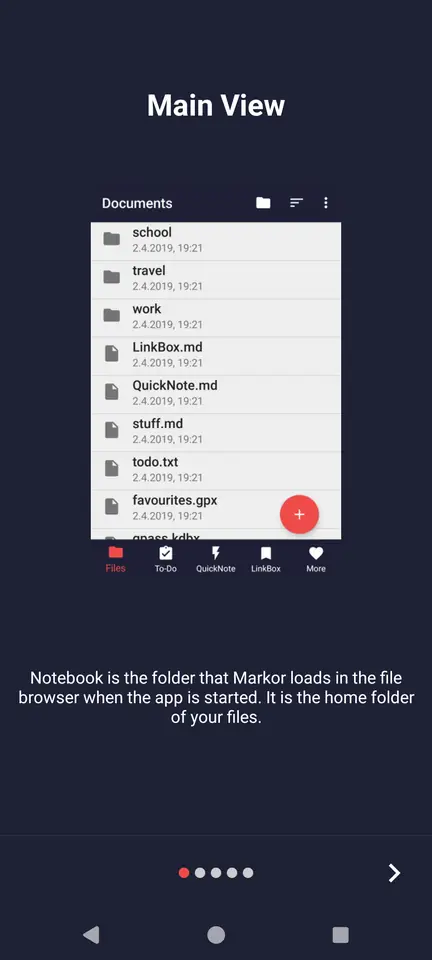
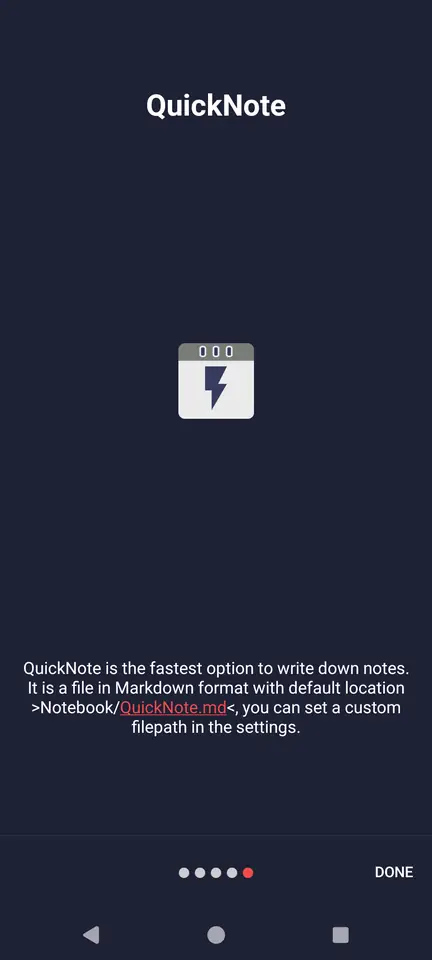
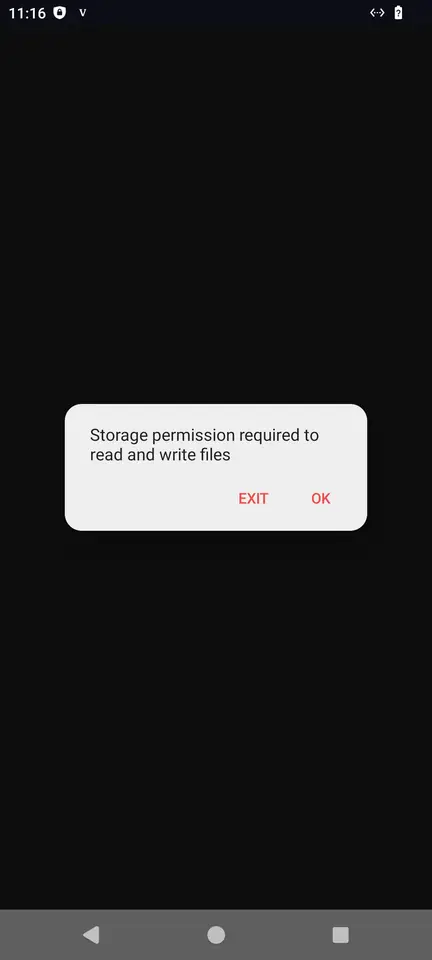
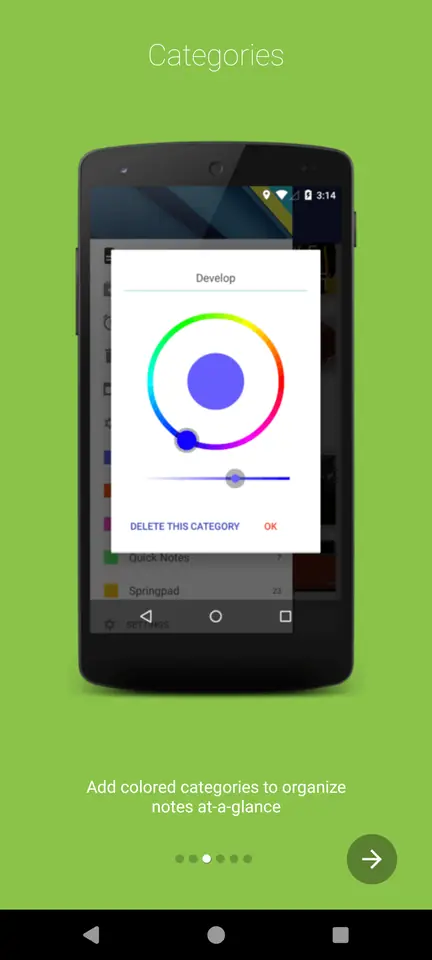
Omni Notes
7 onboarding screens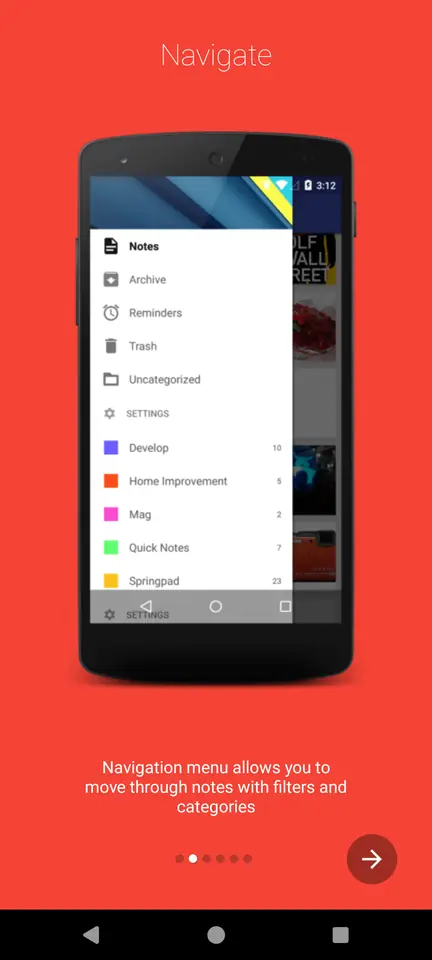
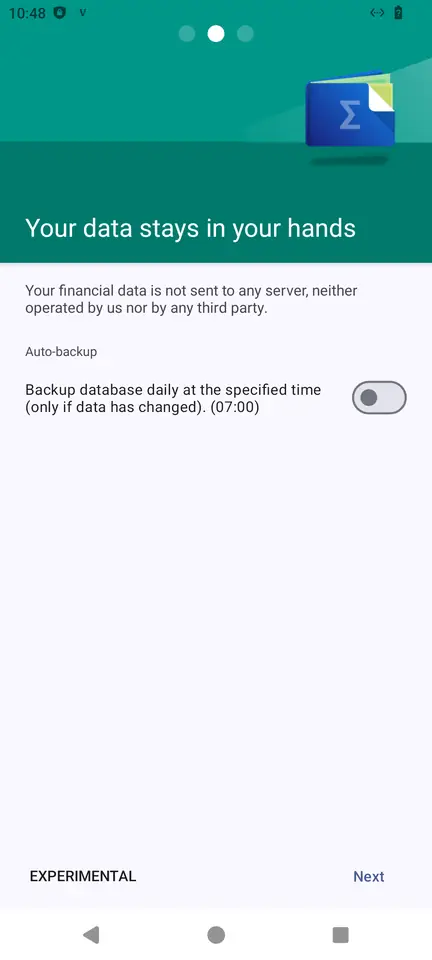
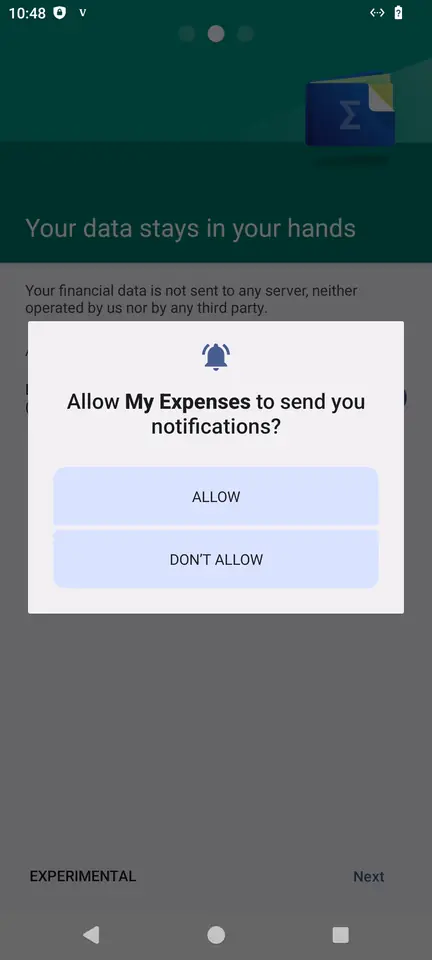
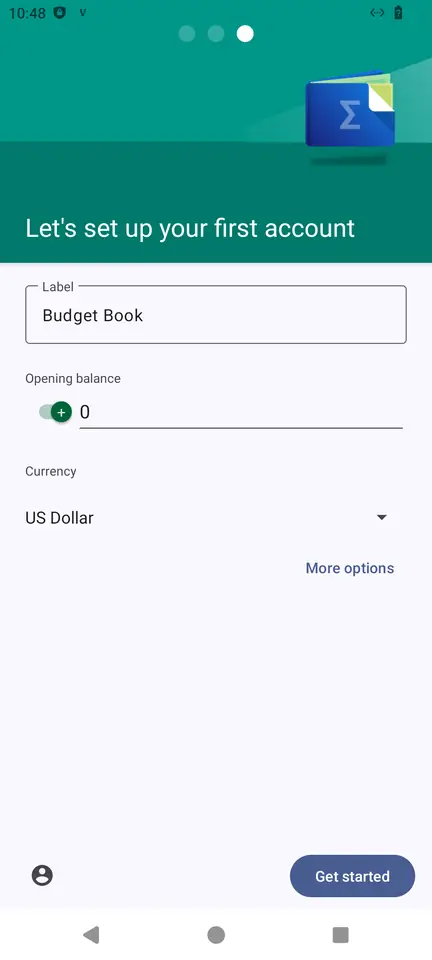
My Expenses
6 onboarding screens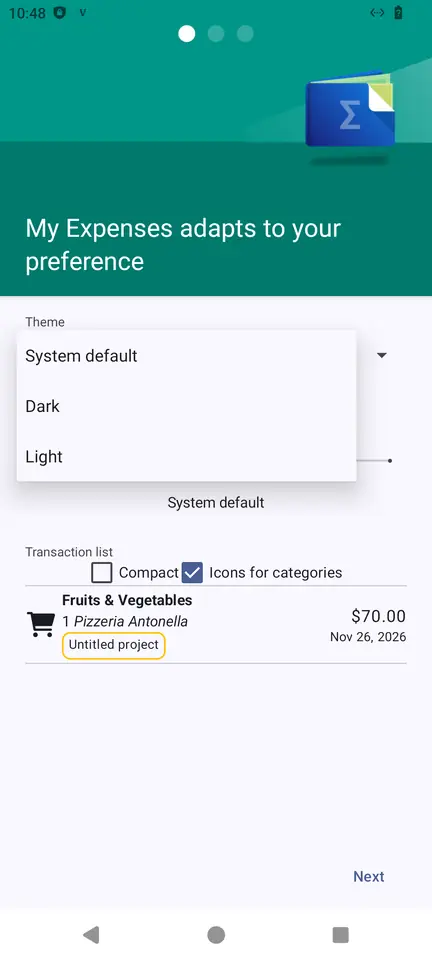
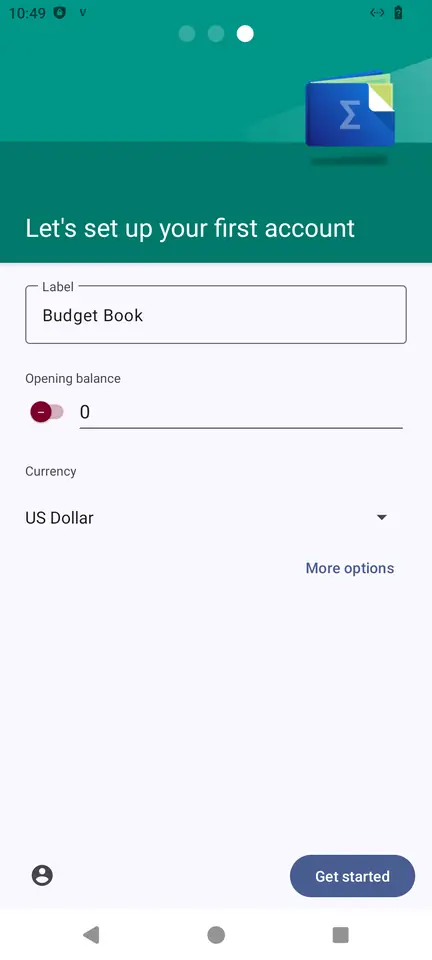
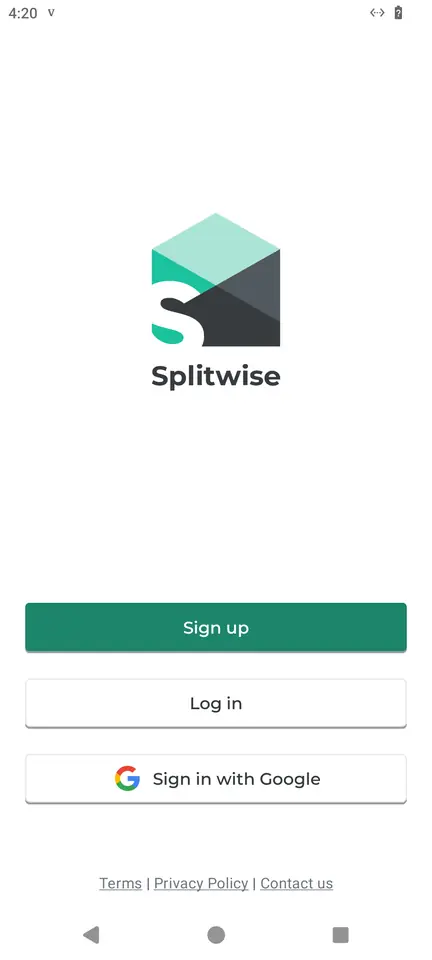
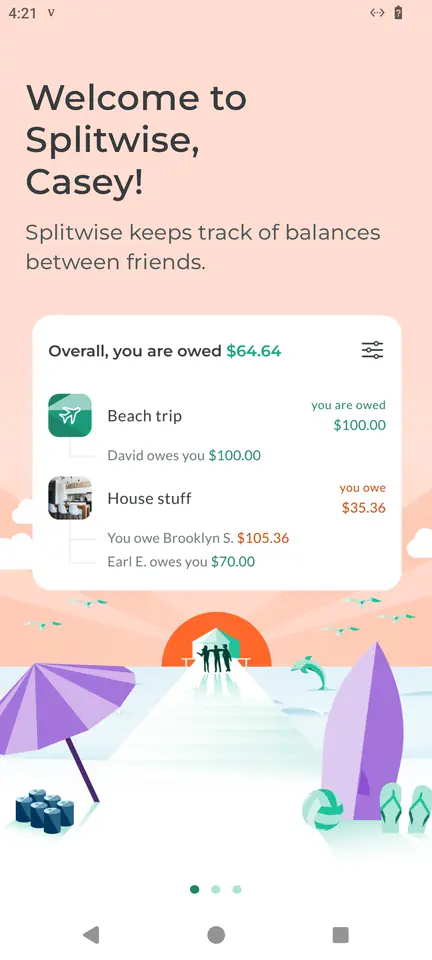
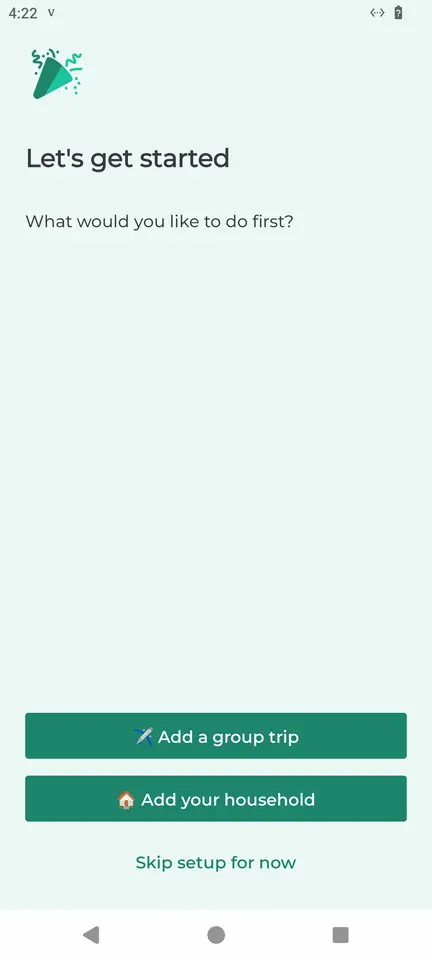
Splitwise
6 onboarding screens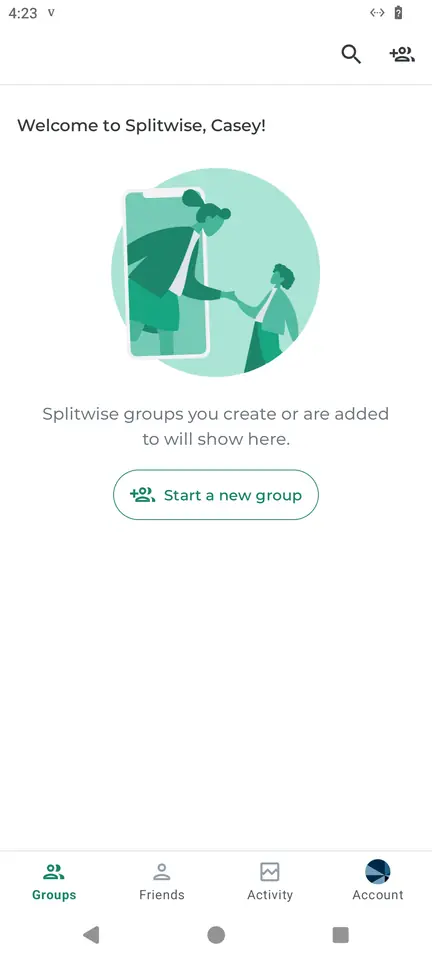
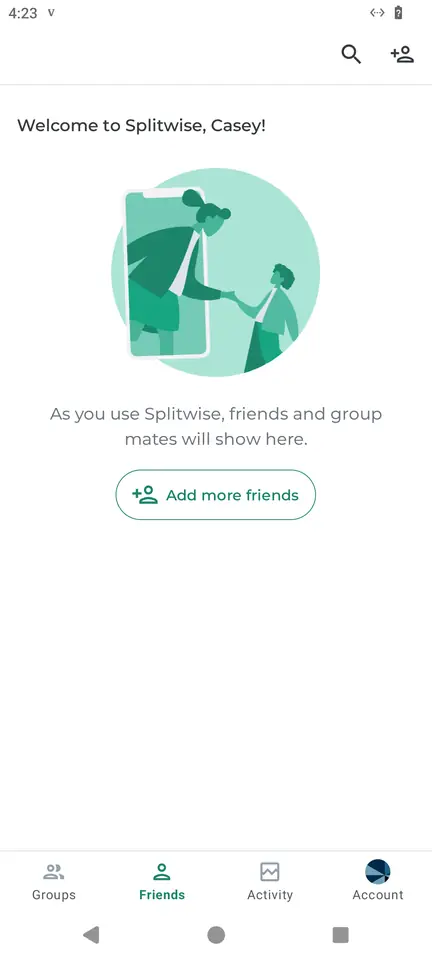
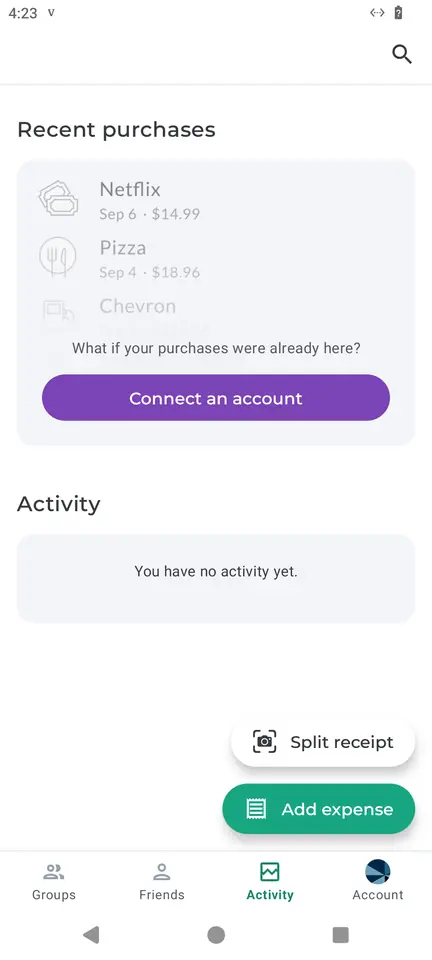
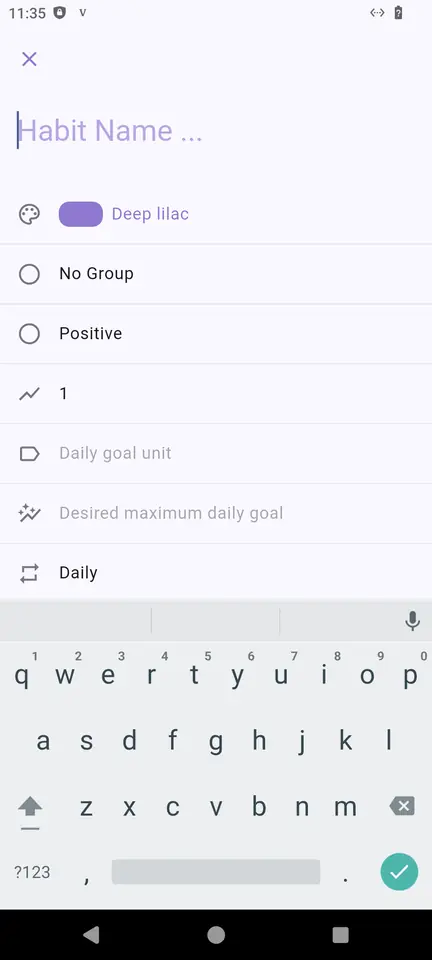
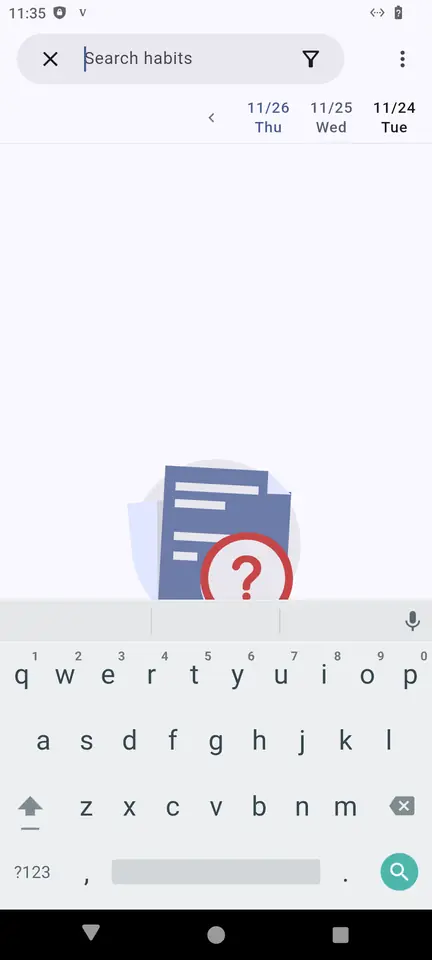
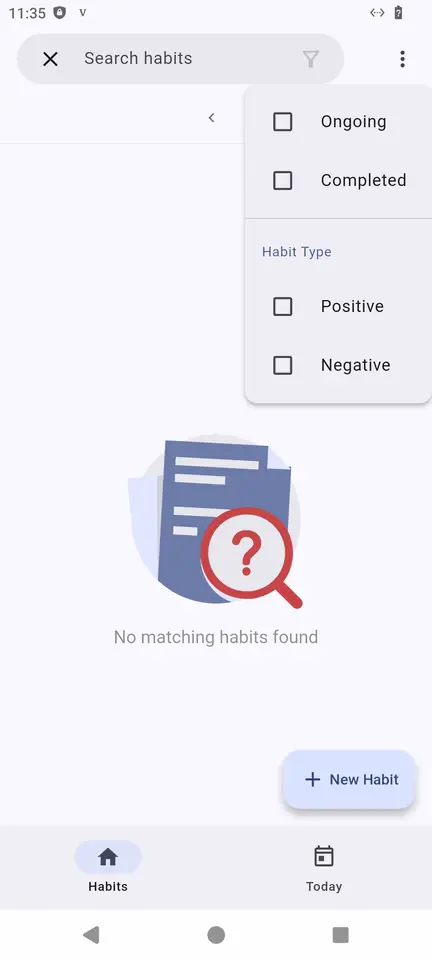
Mhabit
5 onboarding screens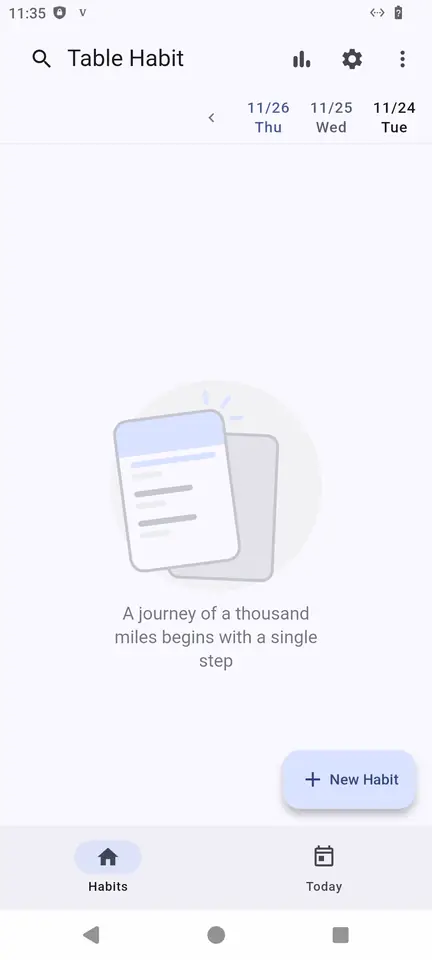
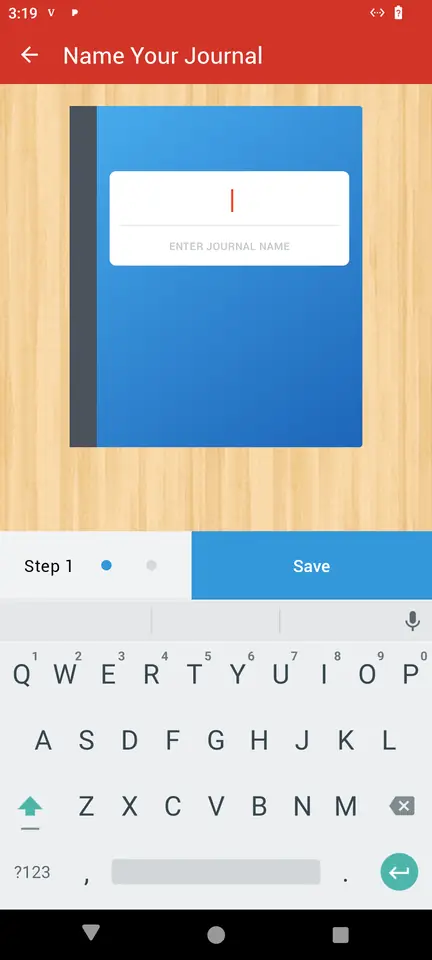
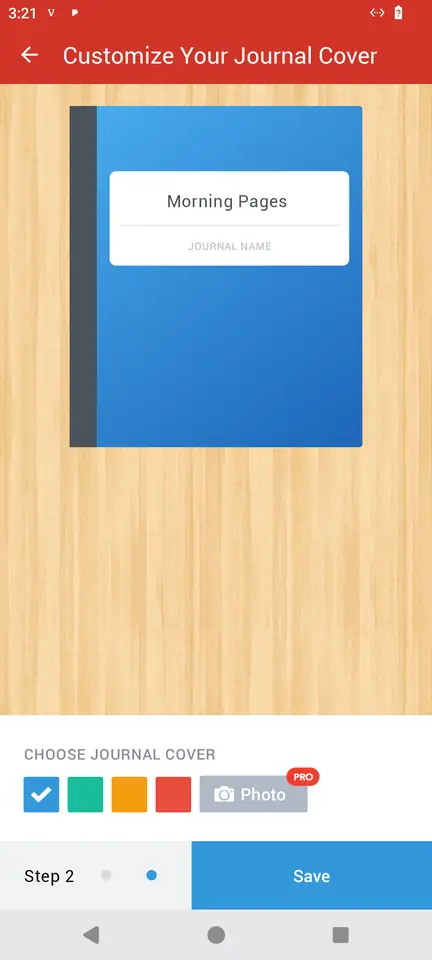
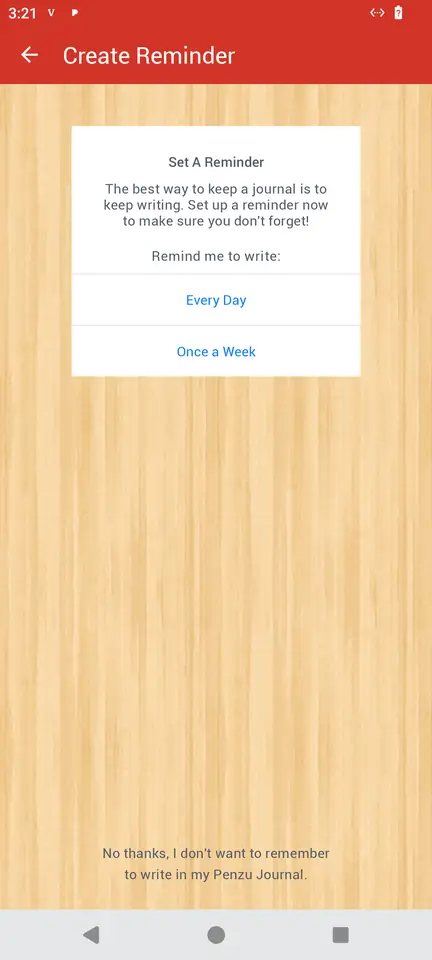
Penzu
5 onboarding screens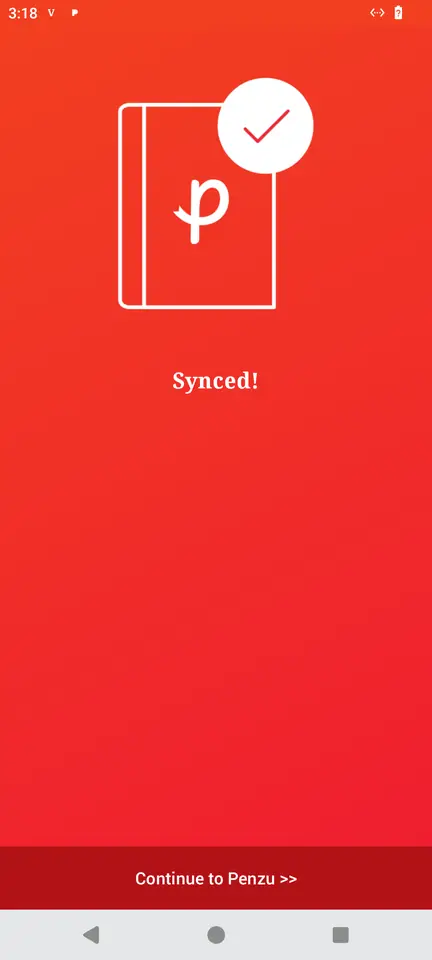
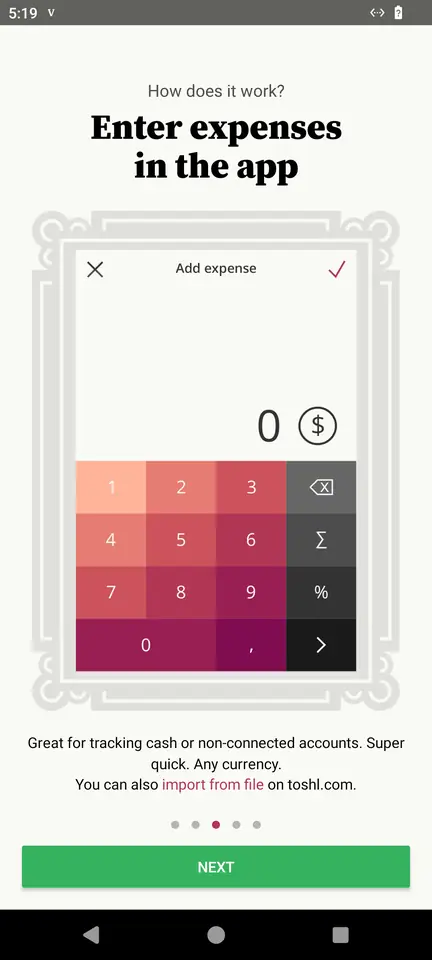
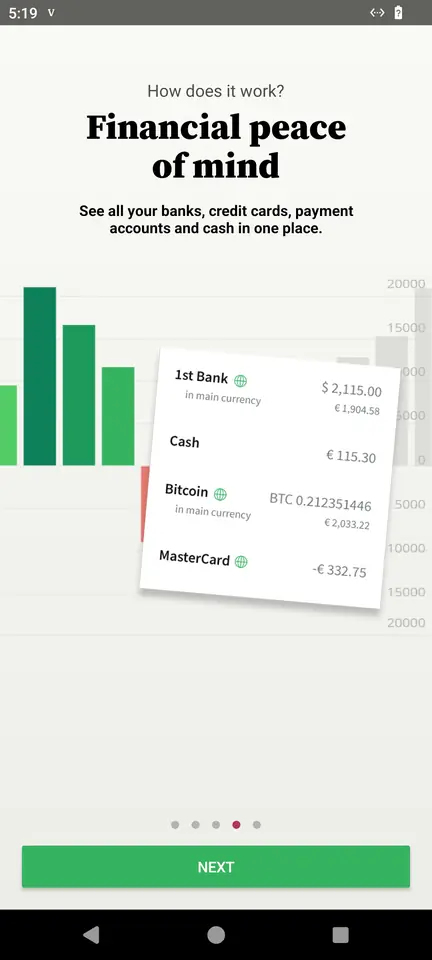
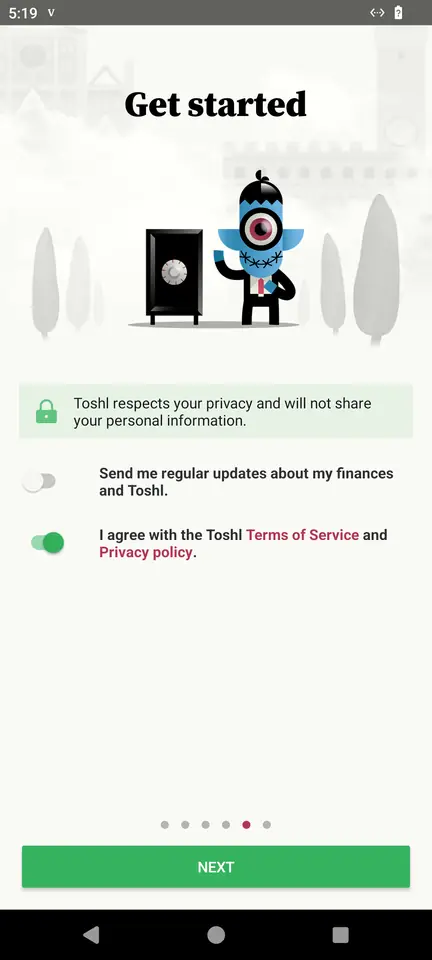
Toshl Finance
5 onboarding screens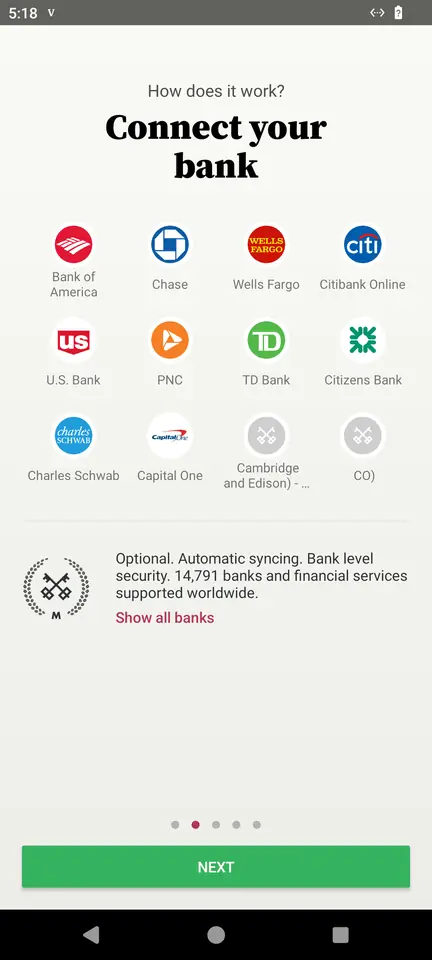
Cashiro
4 onboarding screens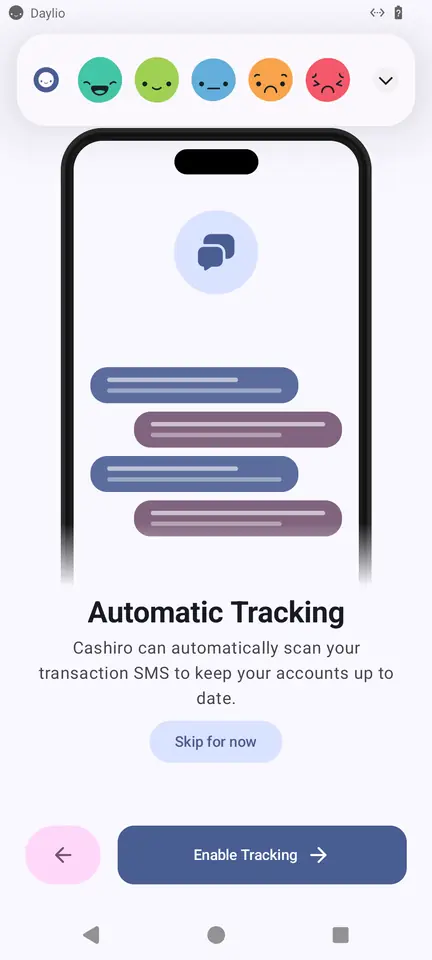
ChatGPT
4 onboarding screens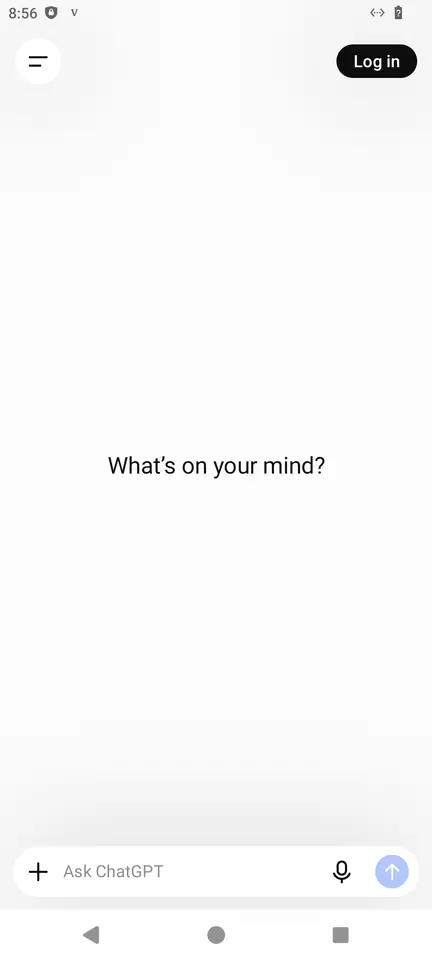
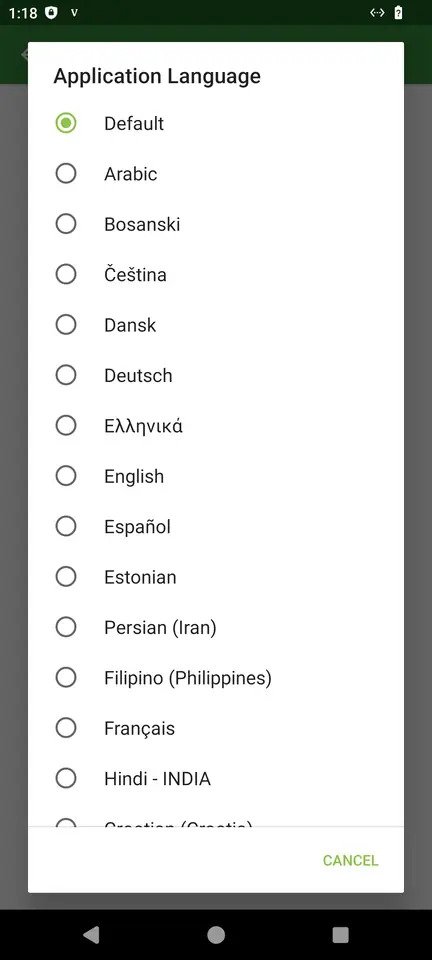
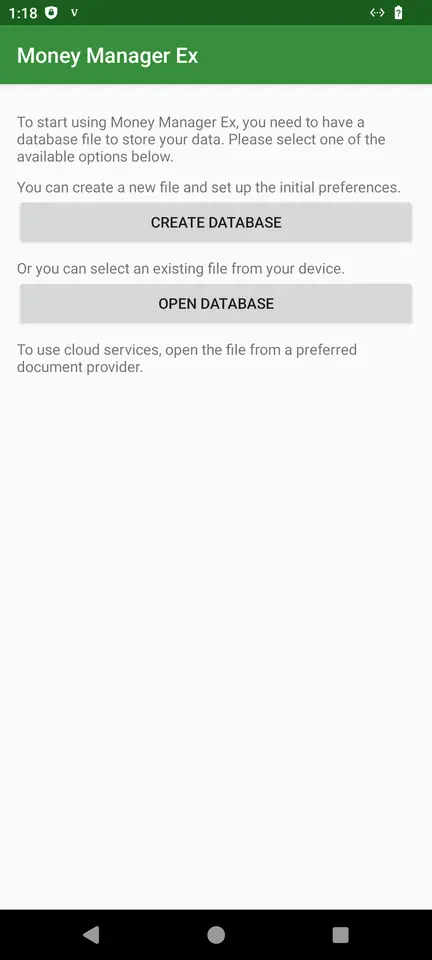
Money Manager Ex
4 onboarding screens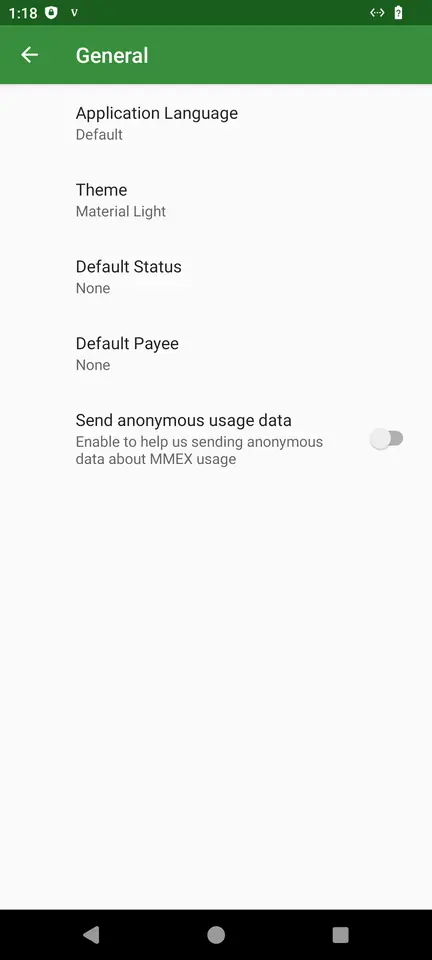
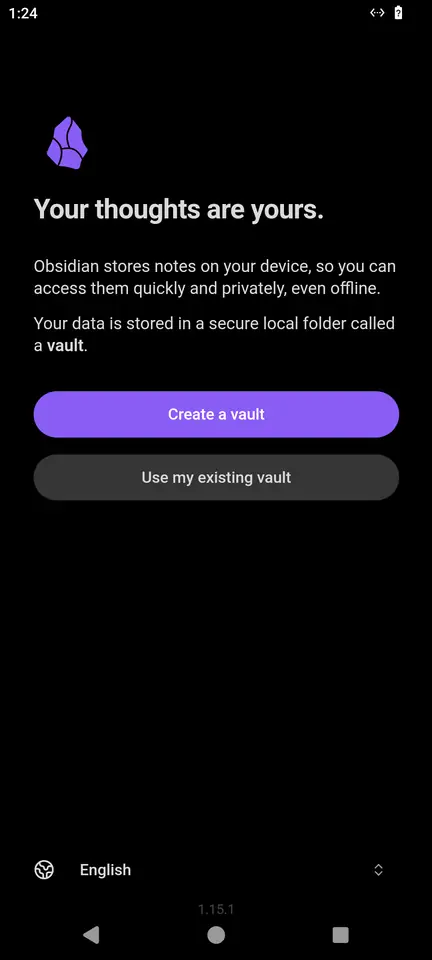
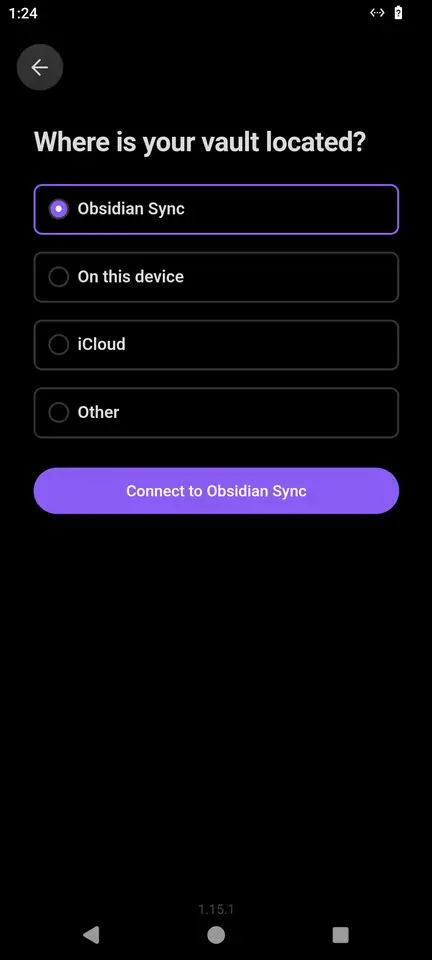
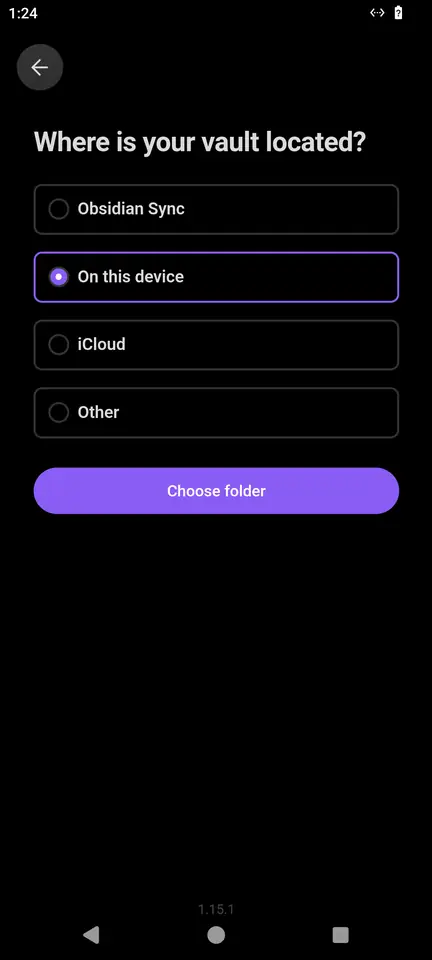
Obsidian
4 onboarding screens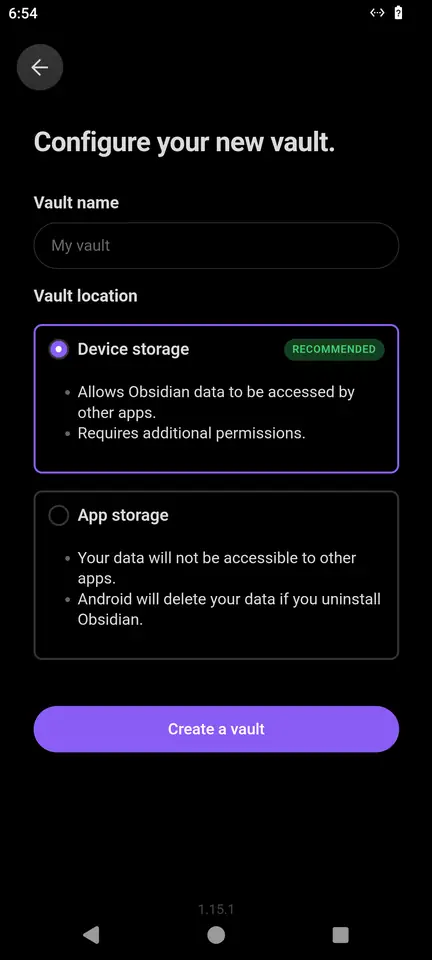
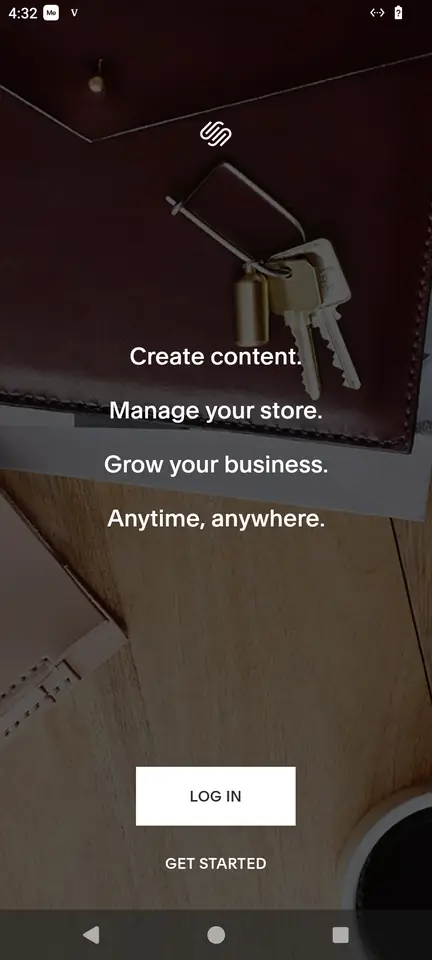
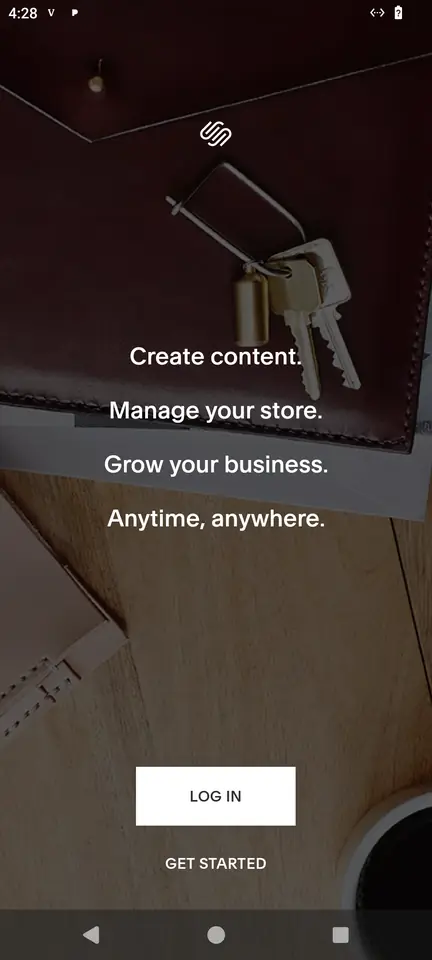
Squarespace
4 onboarding screens
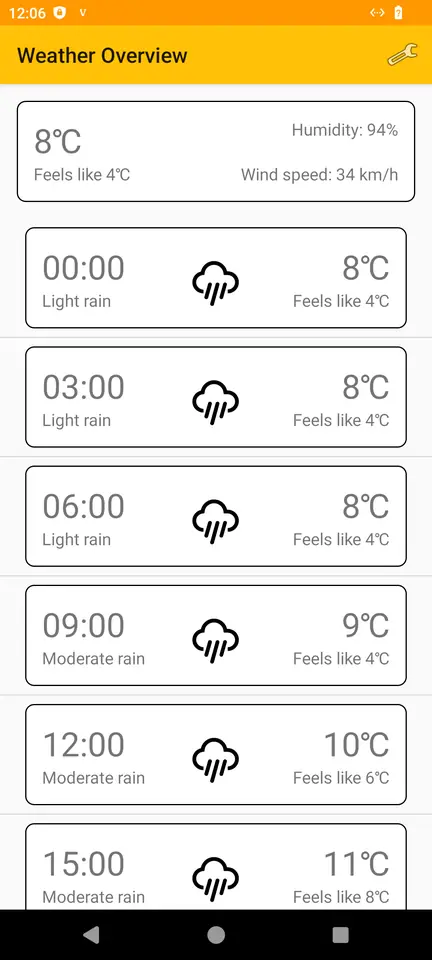
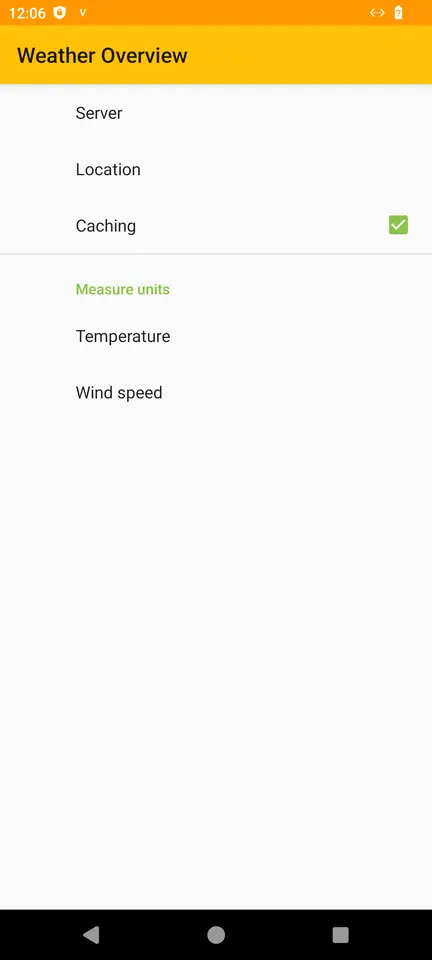
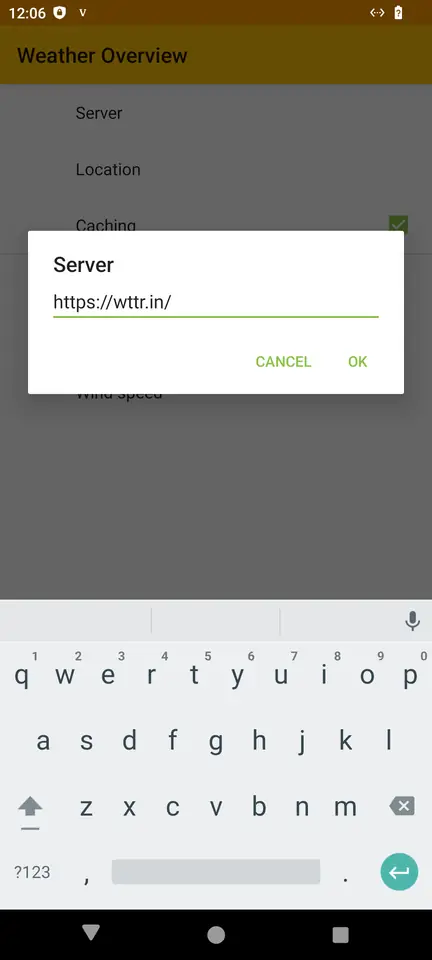
Weather Overview
4 onboarding screens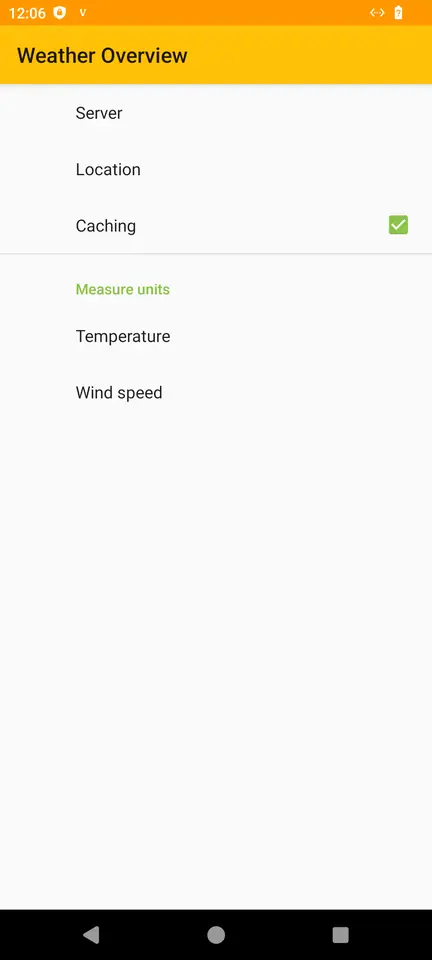
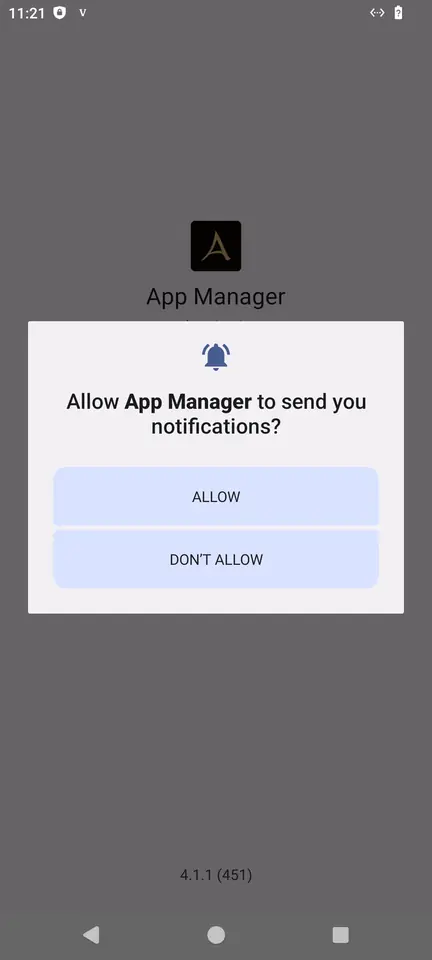
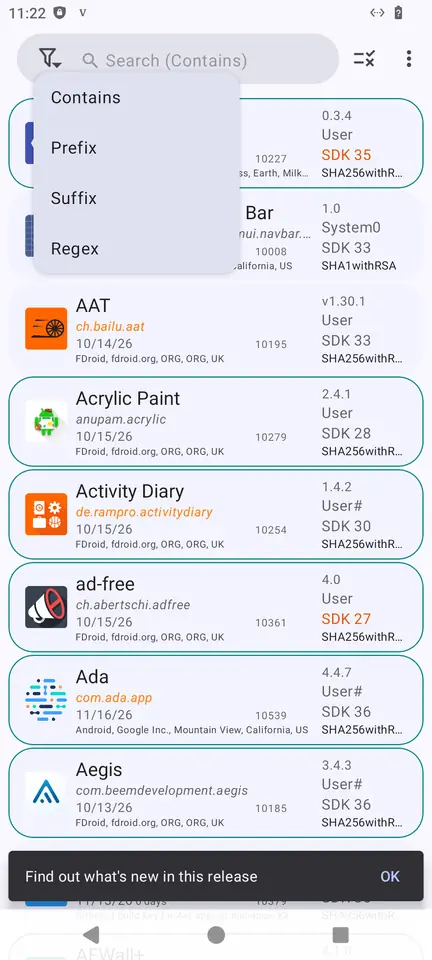
App Manager
3 onboarding screens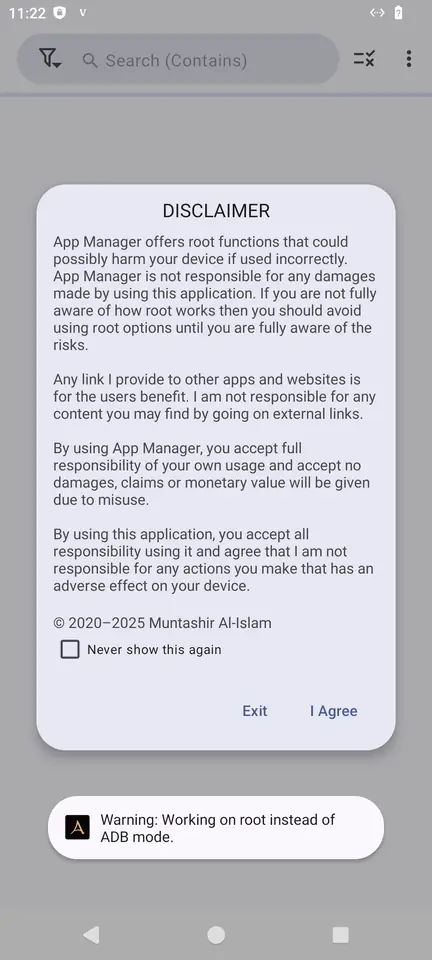
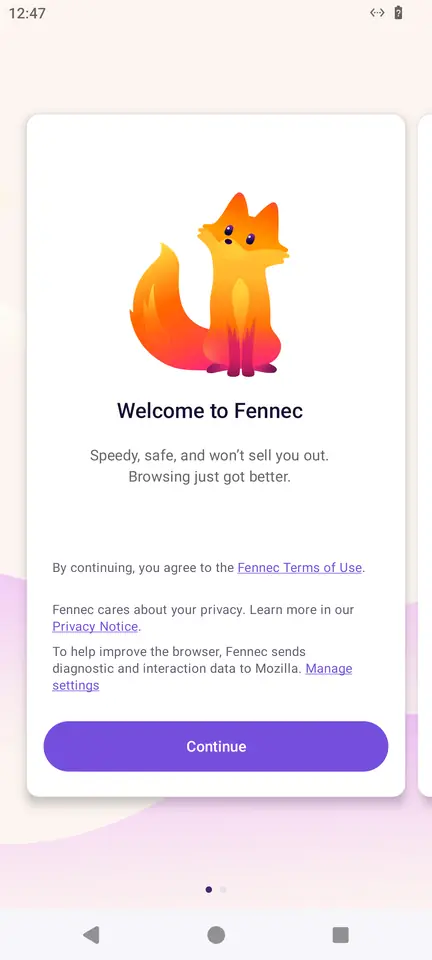
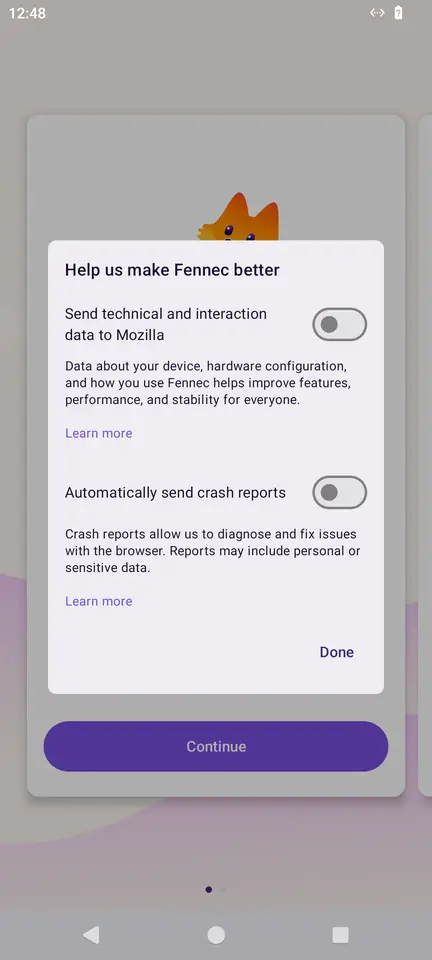
Fennec F-Droid
3 onboarding screens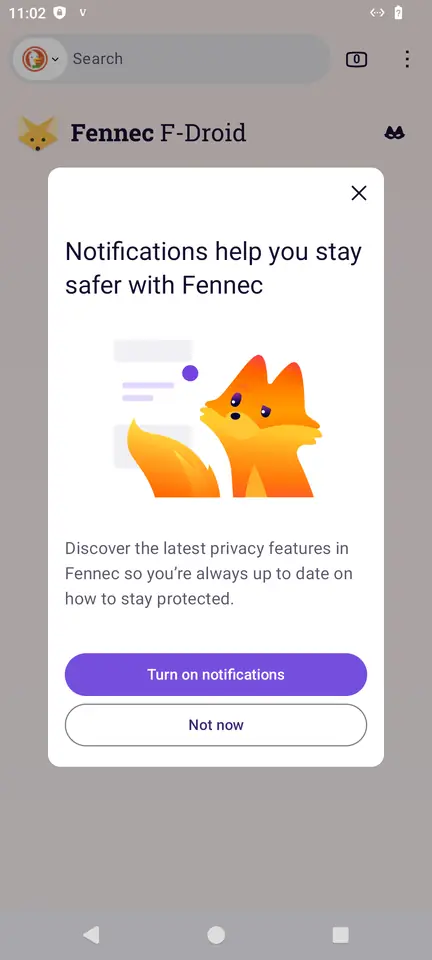
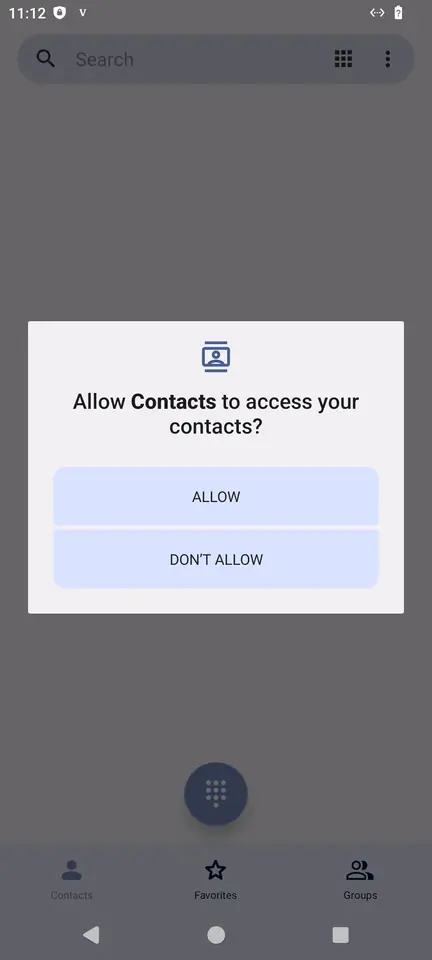
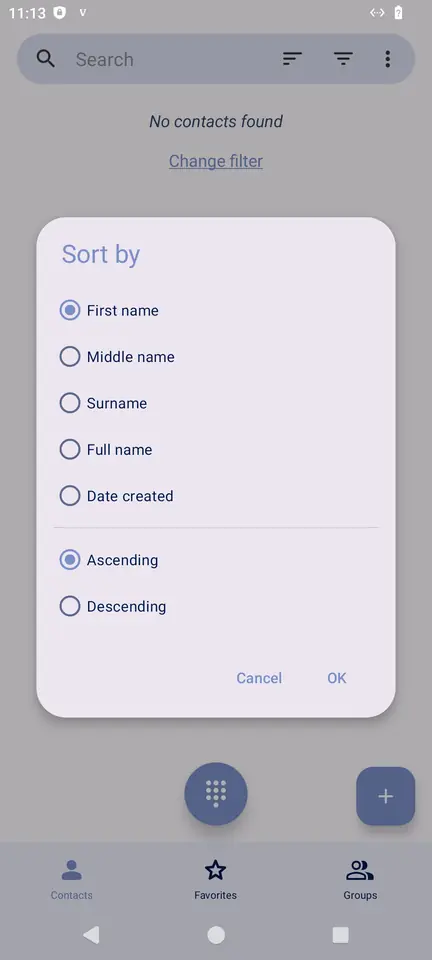
Fossify Contacts
3 onboarding screens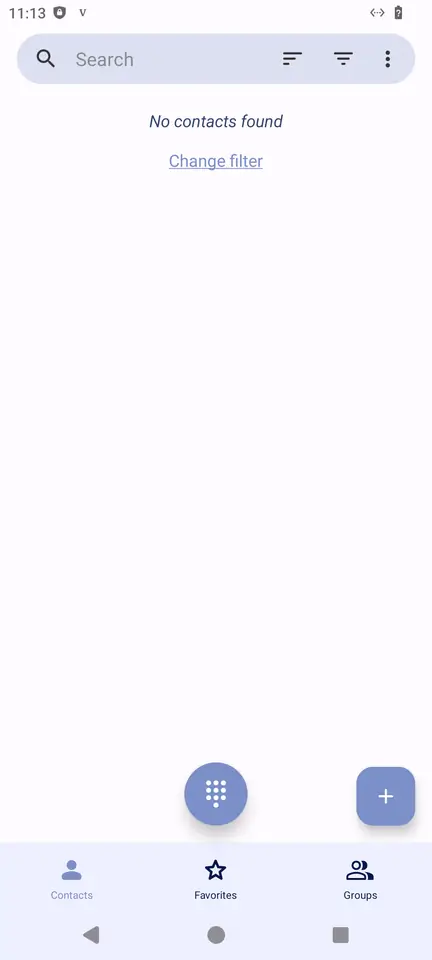
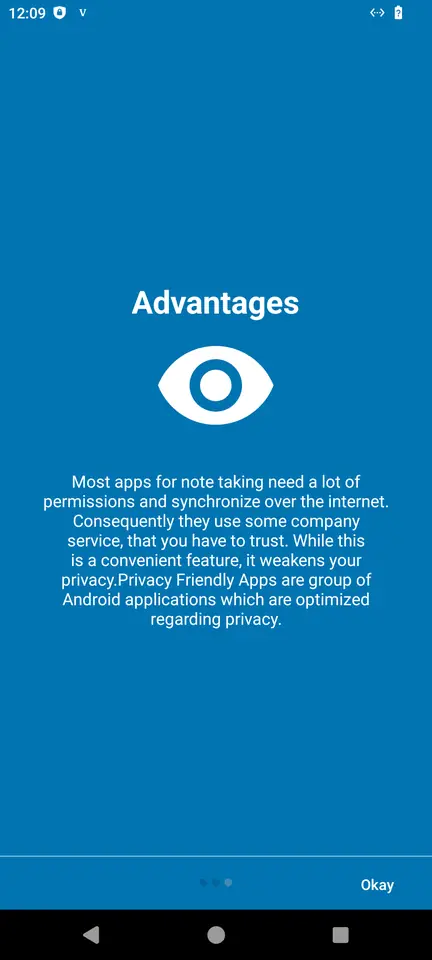
Privacy Friendly Notes
3 onboarding screens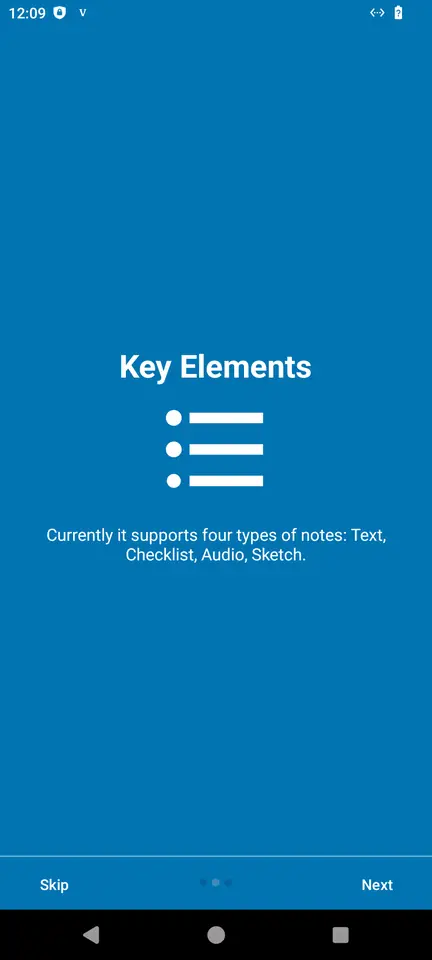
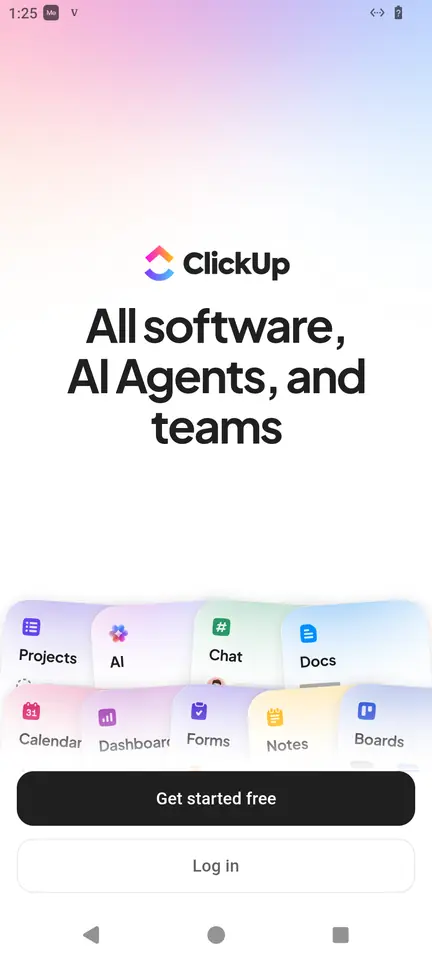
ClickUp
2 onboarding screens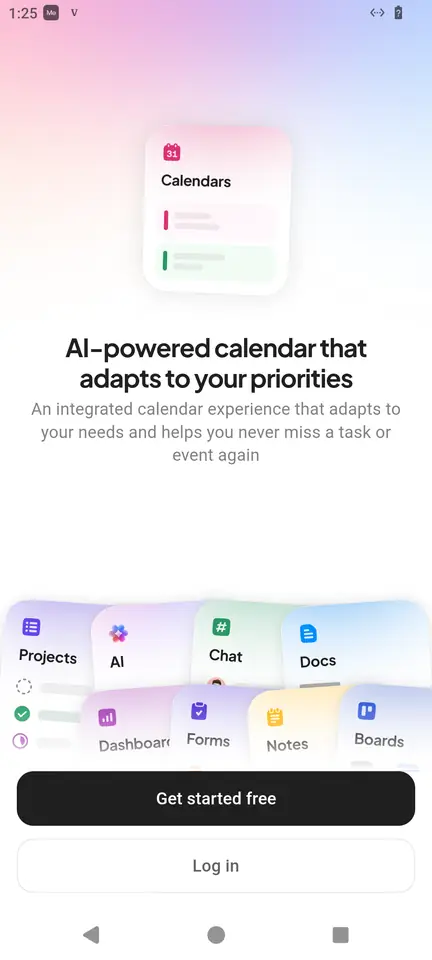
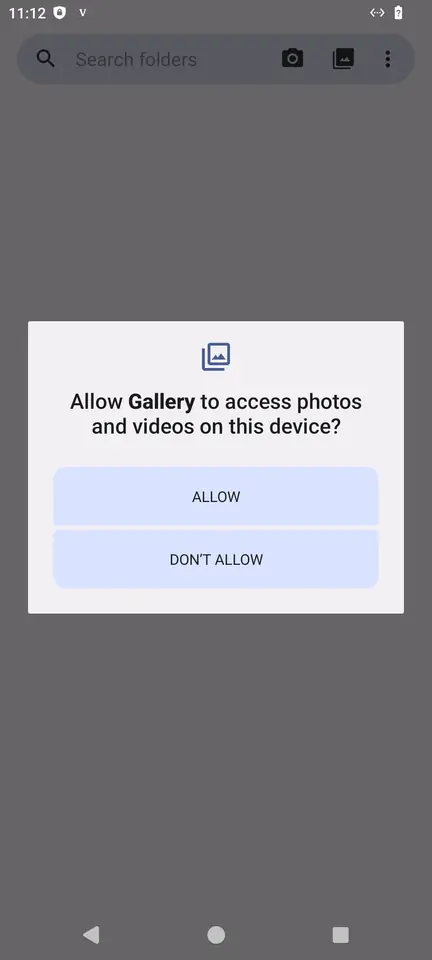
Fossify Gallery
2 onboarding screens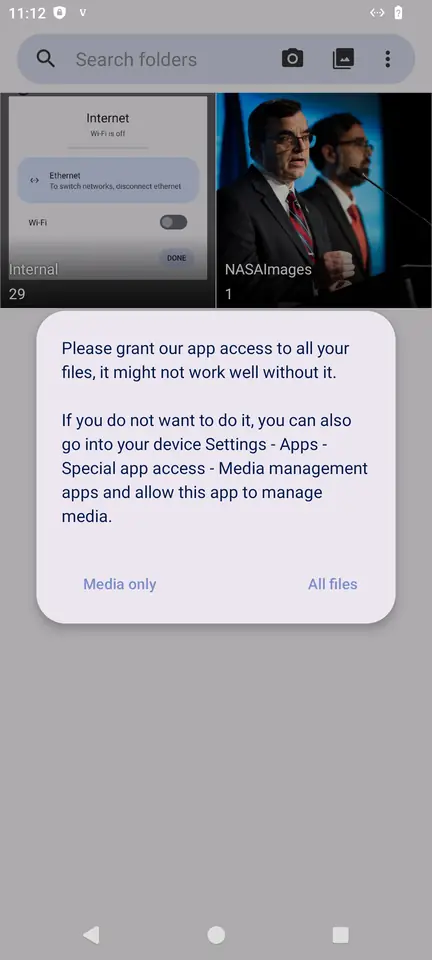
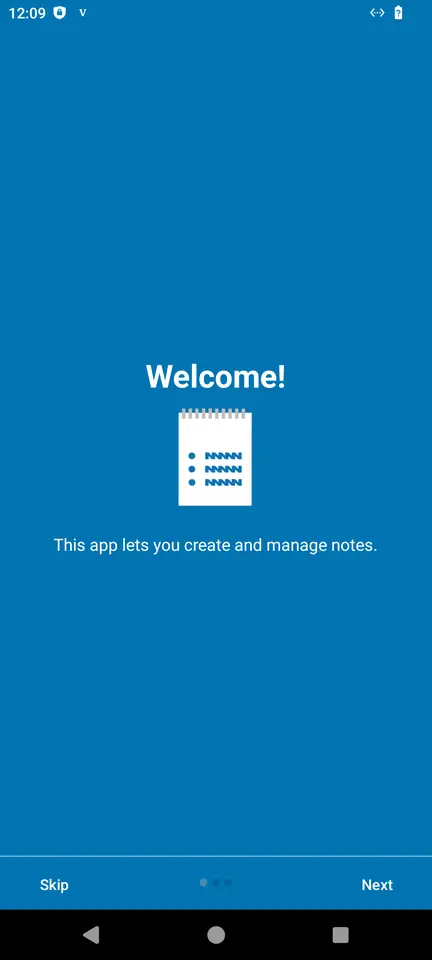
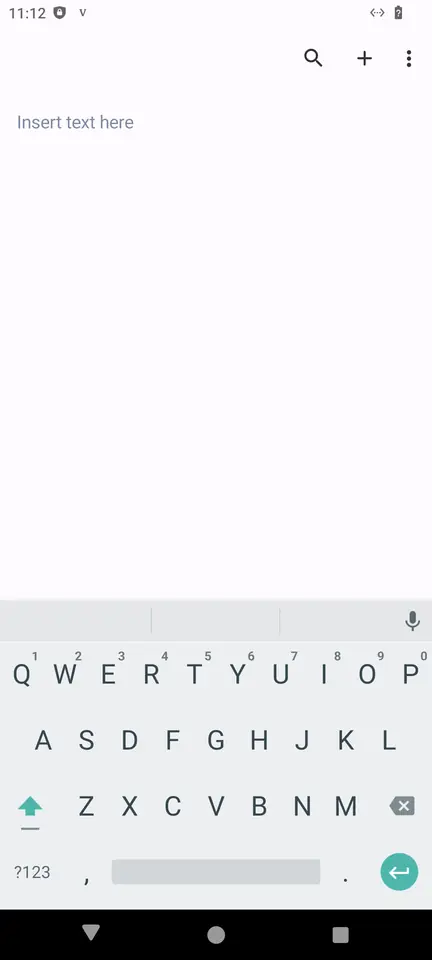
Fossify Notes
2 onboarding screens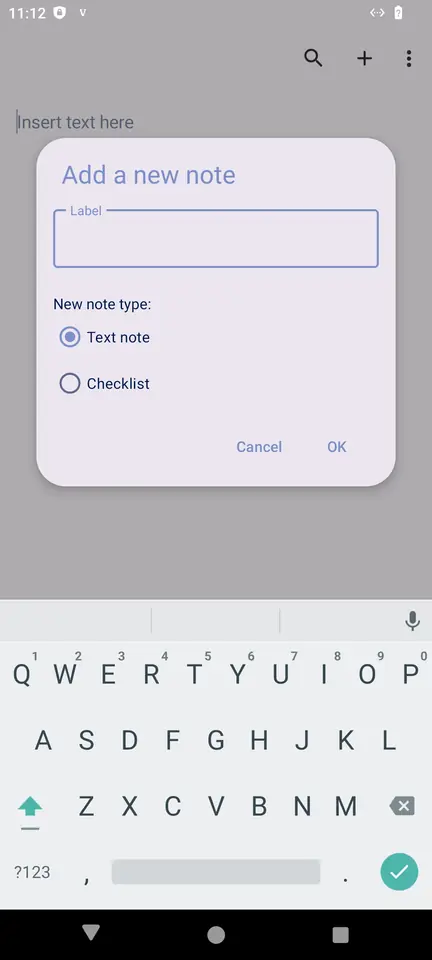
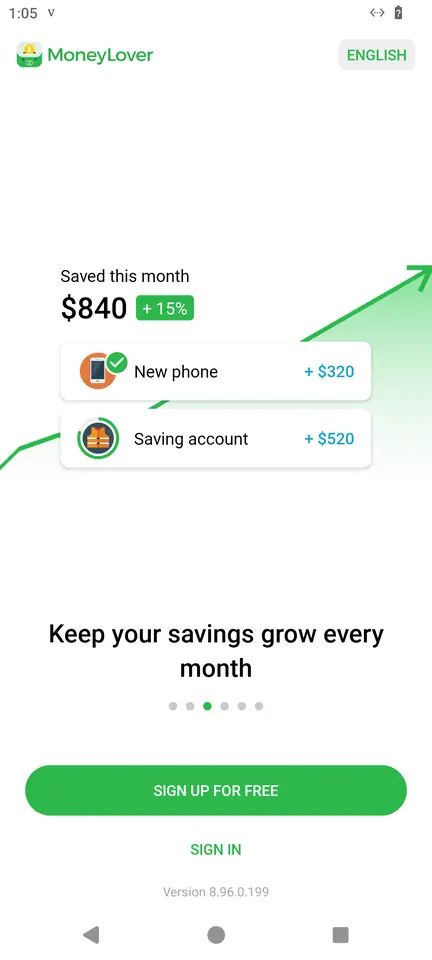
Money Lover
2 onboarding screens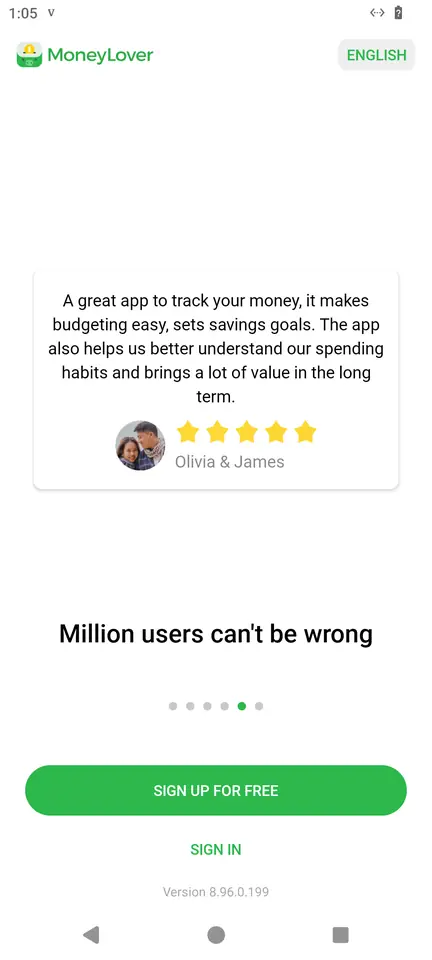
Toggl Track
2 onboarding screens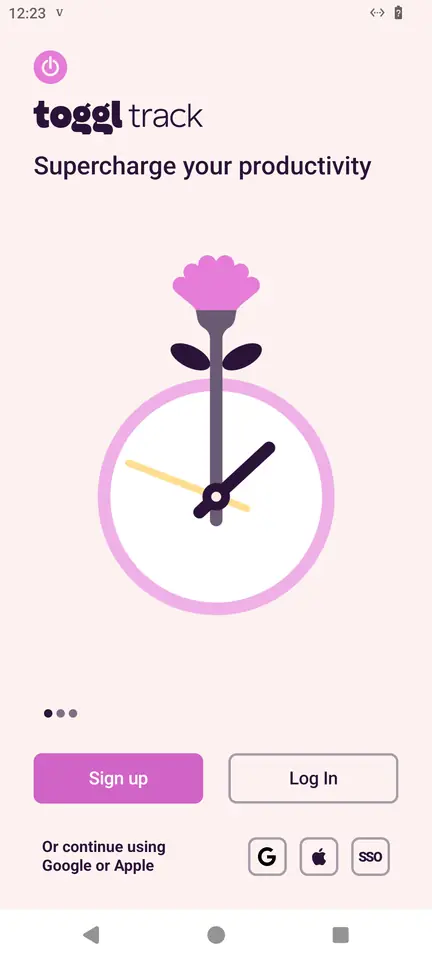
Aegis Authenticator
1 onboarding screen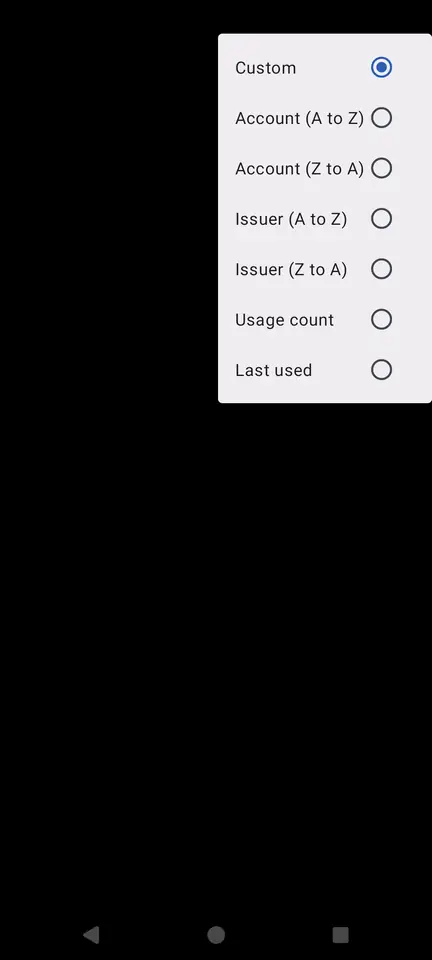
Barcode Scanner (Atharok)
1 onboarding screen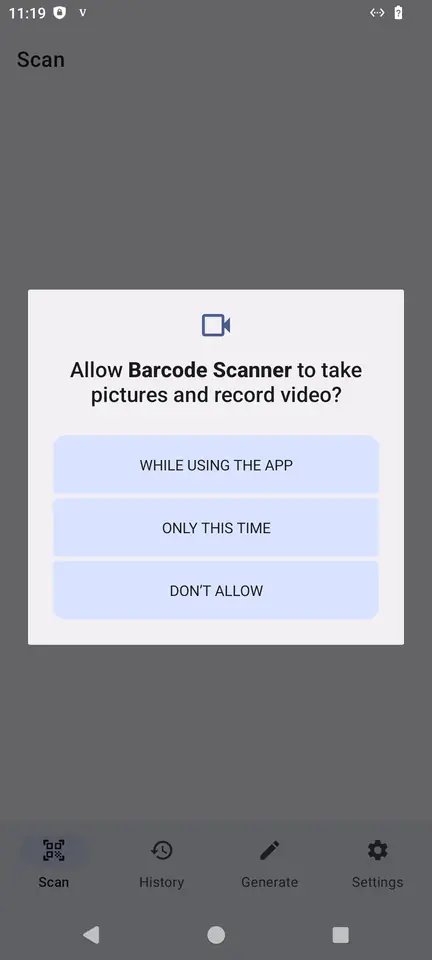
Document Reader (OpenDocument)
1 onboarding screen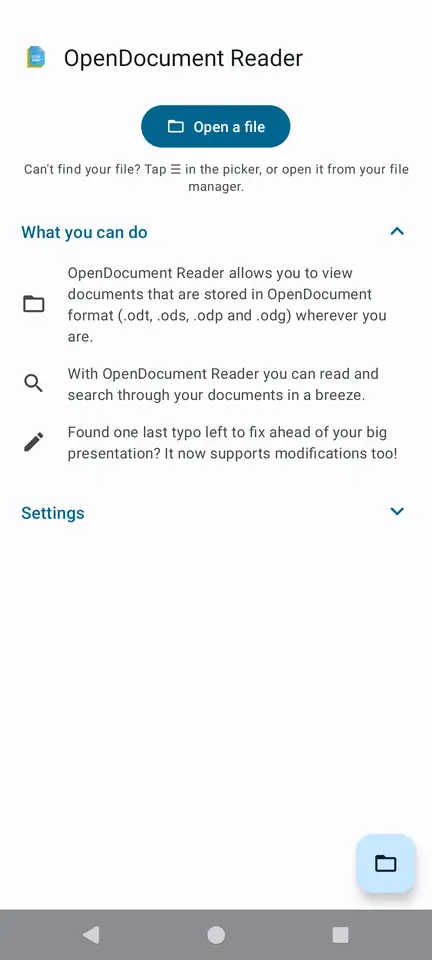
Evernote
1 onboarding screen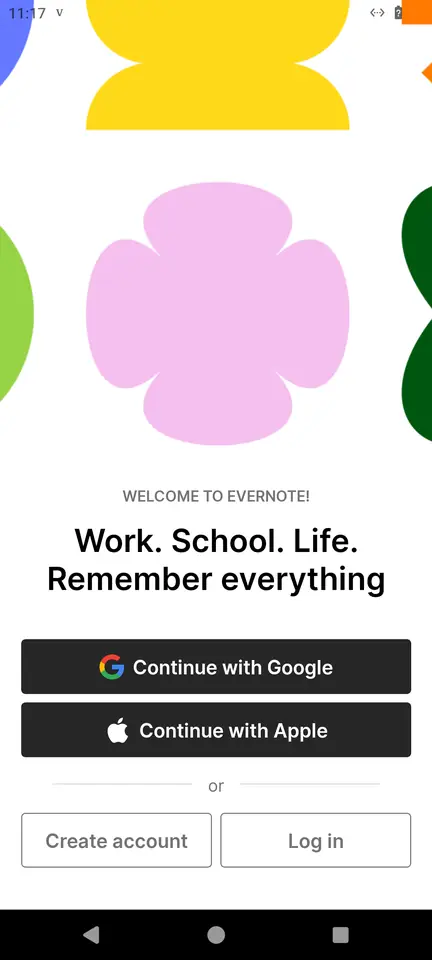
KashCal
1 onboarding screen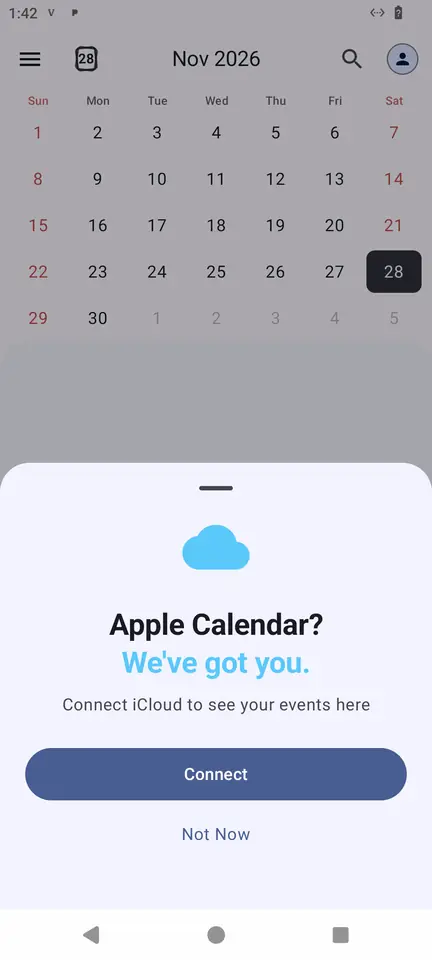
Linkora
1 onboarding screen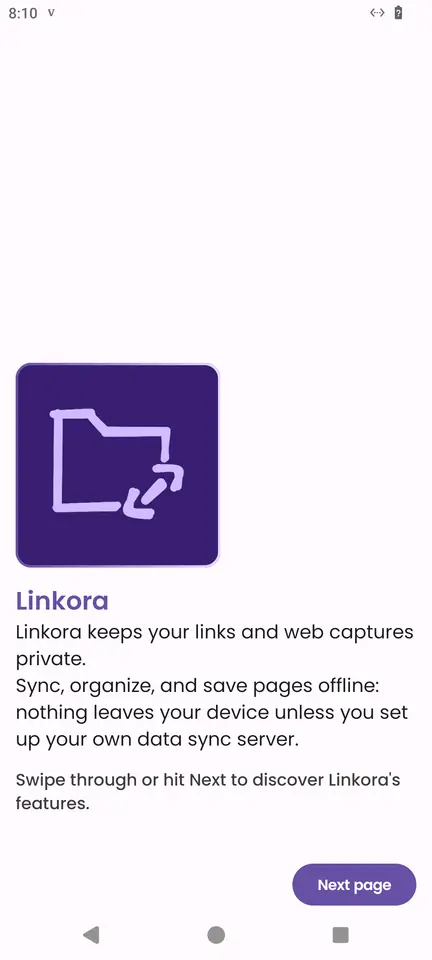
MyFinanceMate
1 onboarding screen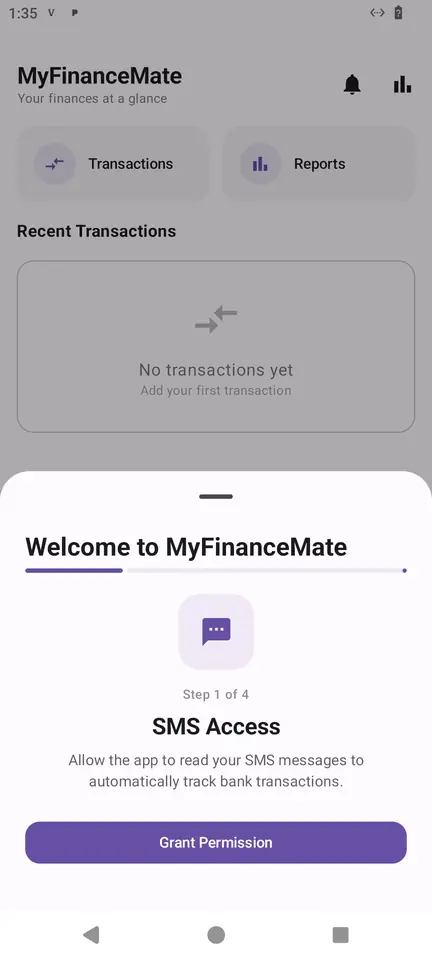
NoNonsense Notes
1 onboarding screenRemember The Milk
1 onboarding screen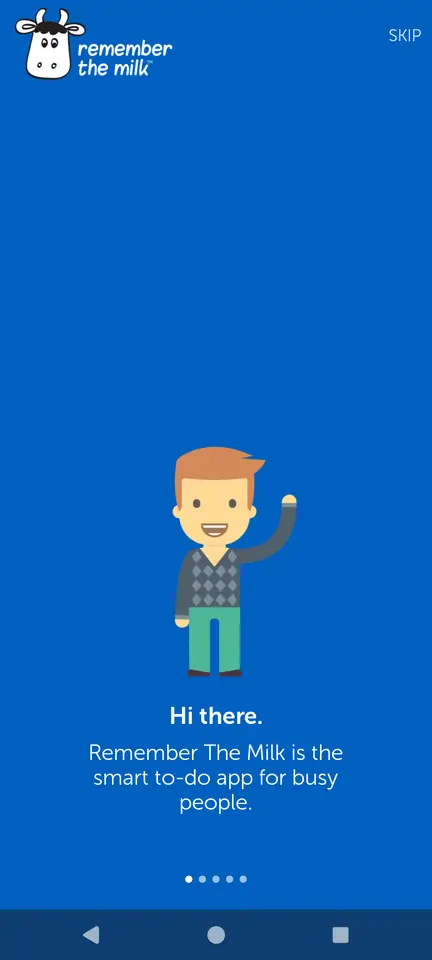
Superlist
1 onboarding screen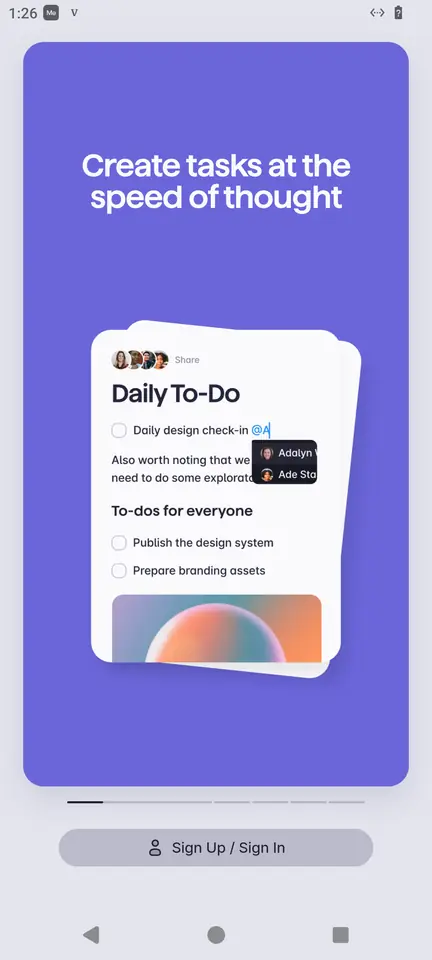
TourCount
1 onboarding screen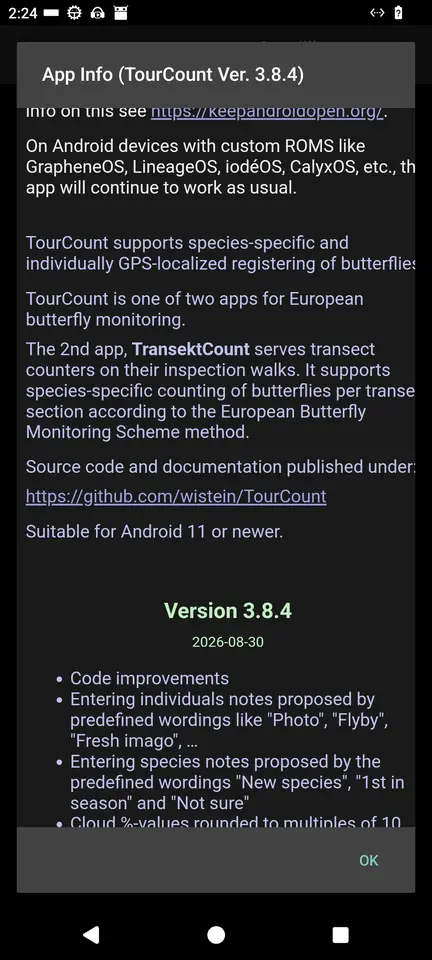
UI components on productivity & tools onboarding screens
Share of the 203 screens where each component is in the view hierarchy and drawn on screen; the example shows it outlined.
Text field
13 apps · example: Todoist
Icon button
7 apps · example: Todoist
Progress bar
5 apps · example: Todoist
Page indicator dots
3 apps · example: TickTick
UI patterns on productivity & tools onboarding screens
Welcome screen
example: Todoist
Permission priming
example: Todoist
Skip button
example: Todoist
Terms and conditions agreement
example: Forest
Cookie consent banner
example: Slack
Social login buttons
example: Splitwise
Onboarding progress indicator
example: DuckDuckGo
Dark mode toggle
example: My Expenses
What productivity & tools apps say on these screens
UI copy that appears on the onboarding screens of two or more productivity & tools apps, with the number of apps using it.
DON’T ALLOW
14 appsALLOW
13 appsNext
11 appsSkip
8 appsGet Started
7 appsBack
6 appsContinue
6 appsLog in
6 appsNavigate up
5 appsClose
4 appsMore options
4 appsNot now
4 apps
Best practices for onboarding screens
- Show the core value on the first screen in one sentence.
- Ask only what you will use to personalise the app, and say why you ask.
- Show progress (a bar or “2 of 5”) when the flow has more than three steps.
- Offer a Skip or “Not now” on anything optional.
- Ask for permissions in context, after explaining the benefit.
Design notes for productivity & tools apps
- Open straight into the main task (a new note, a search box, a scan) — no tour needed.
- Ask for an account only when sync or sharing needs one.
- Keep keyboard and one-handed use in mind; tools are used on the go.
- Make export and data ownership clear; users trust tools that do not lock data in.
FAQ
What do productivity & tools app onboarding screens look like?
The UI Lane library holds 203 onboarding screens from 44 Android productivity & tools apps (Todoist, TickTick, Forest, Slack, Habitica and DuckDuckGo and more). Across these 203 screens the most common detected components are button (30%), dialog (15%) and toolbar (12%). The most common UI patterns are welcome screen (19 of 44 apps), permission priming (13 of 44 apps) and skip button (13 of 44 apps).
Which productivity & tools apps have the longest onboarding flow?
34 of these apps have their full onboarding flow captured step by step: the longest is Todoist (15 screens), the shortest ClickUp (2 screens). Full list: Todoist (15), Forest (11), Slack (10), Habitica (9), DuckDuckGo (8), MyDyson (8), Asana (7), Brix (7), Goodbudget (7), Markor (7), Omni Notes (7), TickTick (7), My Expenses (6), Dropbox (5), Mhabit (5), Penzu (5), Toshl Finance (5), Cashiro (4), ChatGPT (4), Money Manager Ex (4), Splitwise (4), Weather Overview (4), App Manager (3), Fossify Contacts (3), Obsidian (3), Privacy Friendly Notes (3), Squarespace (3), ClickUp (2), Fennec F-Droid (2), Fossify Gallery (2), Fossify Notes (2), Money Lover (2), NoNonsense Notes (2) and Toggl Track (2).
What do productivity & tools apps say on their onboarding screens?
UI copy used by two or more of these apps: “DON’T ALLOW” (14 apps), “ALLOW” (13 apps), “Next” (11 apps), “Skip” (8 apps) and “Get Started” (7 apps).
Captured on real Android devices · last updated 2026-11-14