Home/Categories/Education/Onboarding screens
Education · Onboarding screens · Android

Education app onboarding screens: 96 screens from 16 Android apps

Every onboarding screen we captured in education apps: 96 screens from 16 Android apps, grouped by app. 14 of these apps have their full onboarding flow captured step by step: the longest is Mimo (10 screens), the shortest edX (2 screens). Across these 96 screens the most common detected components are button (19%), progress bar (17%) and dialog (8%).

Android16 apps96 screens14 flowsfree & ungated

Education onboarding flows compared

Each flow as captured on a real Android device, step by step. Below each flow: the sequence of step roles we read from its screens (runs of the same role collapsed).
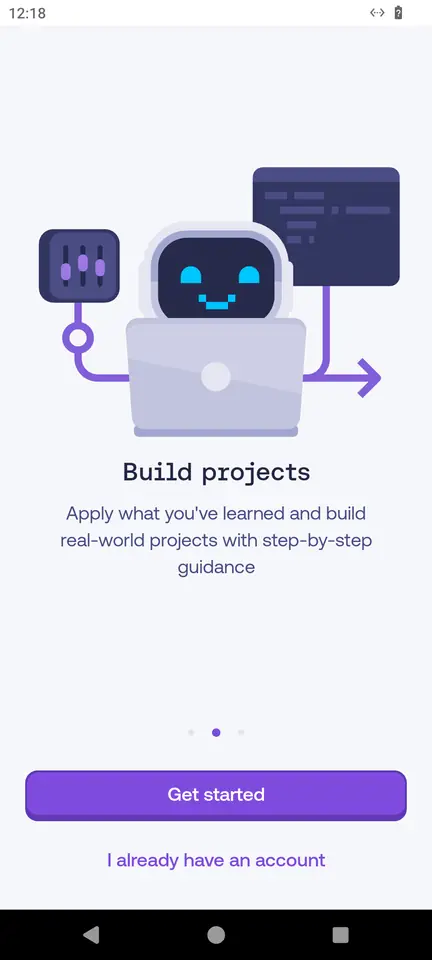
Mimo onboarding step 1 of 10 — Build projects

Mimo onboarding flow

10 screens · 5 questions · progress shown on 9 screens

Value pitch ×2 → Question ×2 → Info → Question → Info → Question → Info → Question
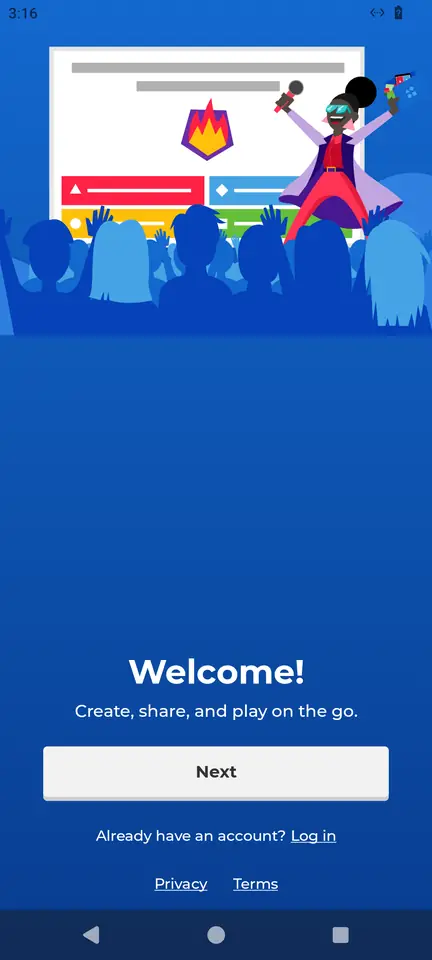
Kahoot! onboarding step 1 of 8 — Welcome!

Kahoot! onboarding flow

8 screens · 3 questions · progress shown on 1 screen · skip option on 1 screen

Value pitch → Question ×3 → Info ×2 → Account ask → Consent
Mindvalley onboarding step 1 of 8 — Next

Mindvalley onboarding flow

8 screens · 1 question · skip option on 1 screen

Value pitch ×4 → Question → Info ×3
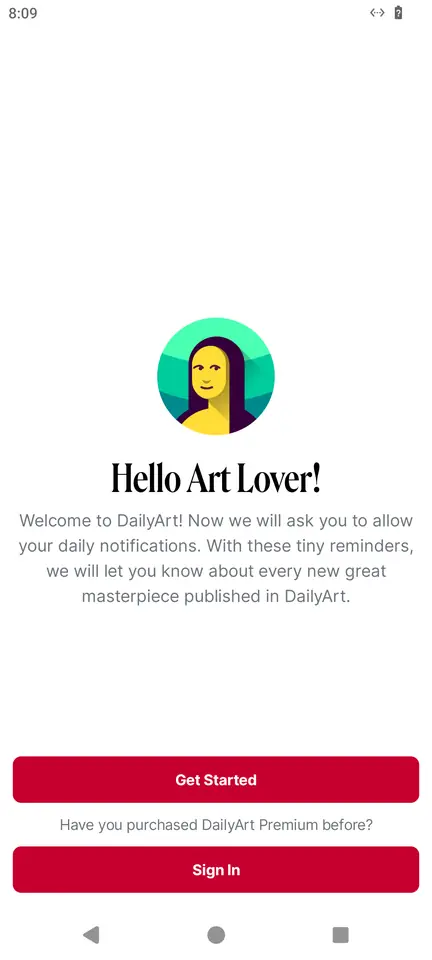
DailyArt onboarding step 1 of 7 — Hello Art Lover!

DailyArt onboarding flow

7 screens · 2 questions · skip option on 2 screens

Permission prompt ×3 → Question ×2 → Info ×2
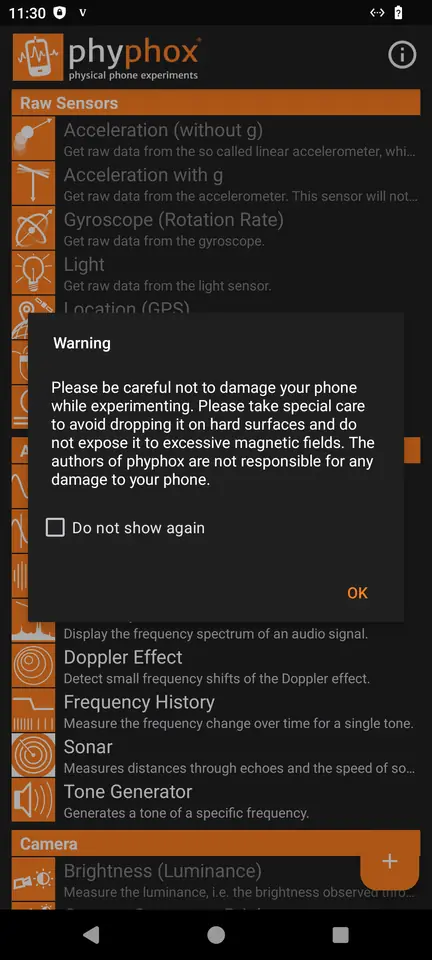
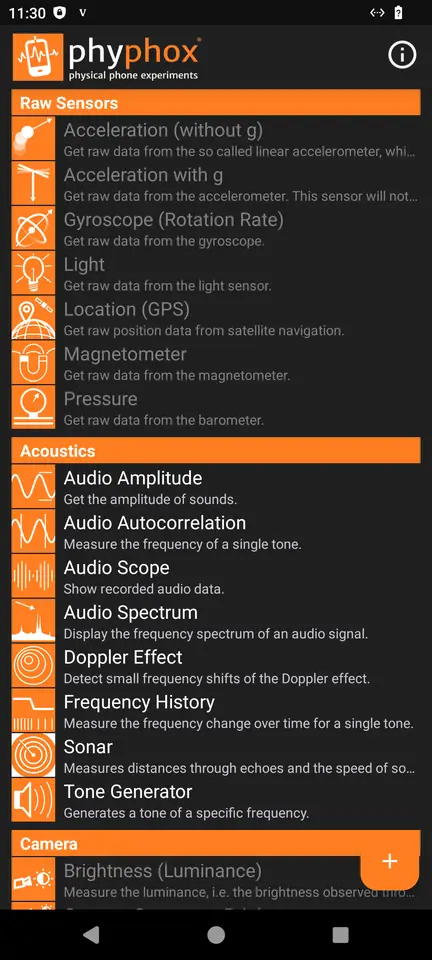
phyphox onboarding step 1 of 6 — Warning

phyphox onboarding flow

6 screens

Value pitch ×6

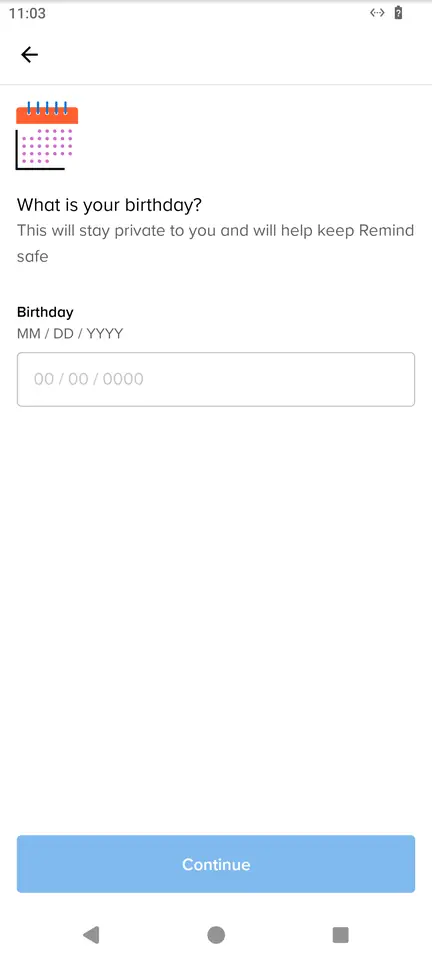
Remind onboarding step 1 of 6 — What is your birthday?

Remind onboarding flow

6 screens · 3 questions · progress shown on 2 screens

Question ×3 → Permission prompt → Info ×2
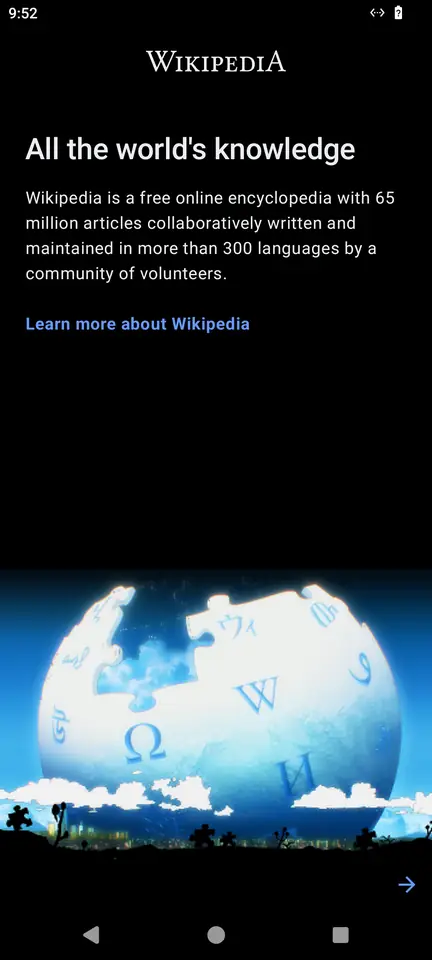
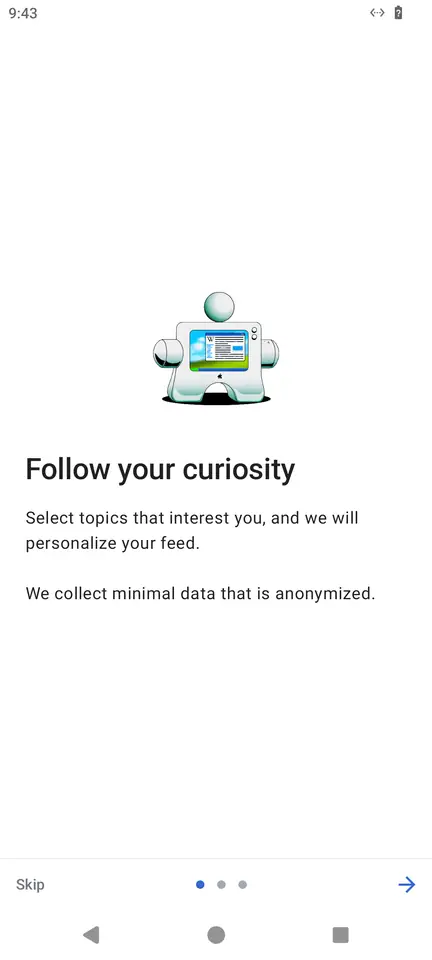
Wikipedia onboarding step 1 of 6 — Wikipedia

Wikipedia onboarding flow

6 screens · 3 questions · skip option on 1 screen

Value pitch ×3 → Question ×3
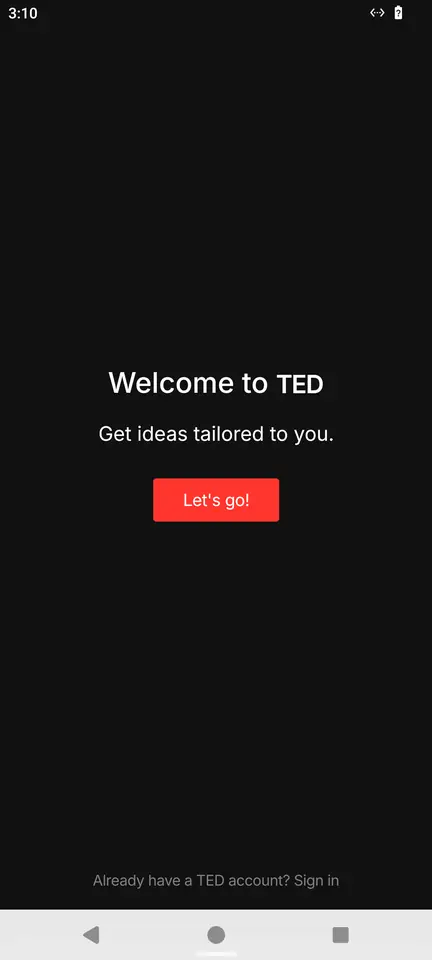
TED onboarding step 1 of 5 — Get ideas tailored to you.

TED onboarding flow

5 screens · 2 questions · skip option on 1 screen

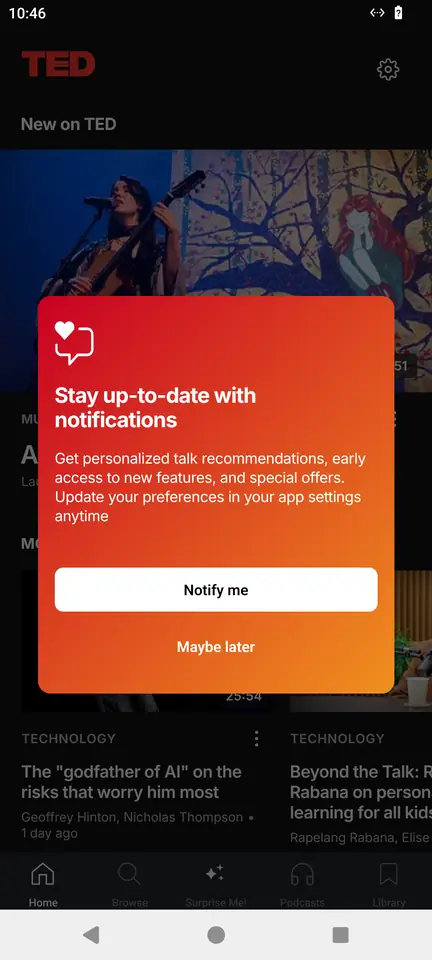
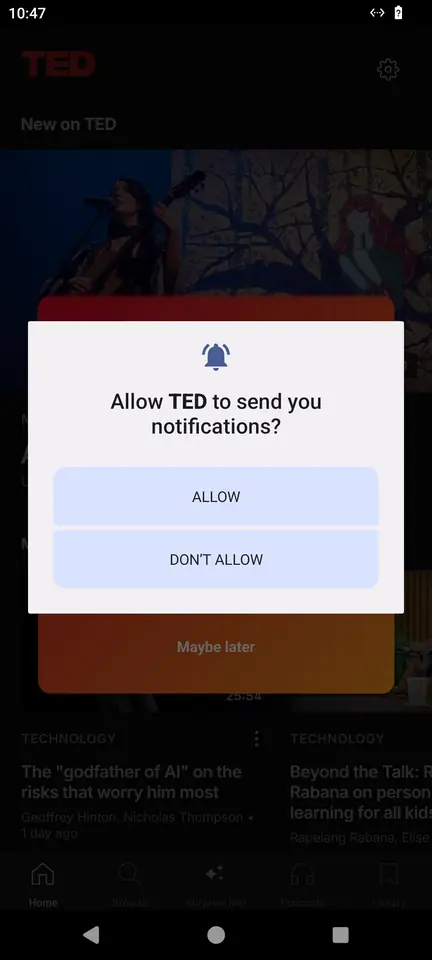
Value pitch → Question ×2 → Info → Permission prompt
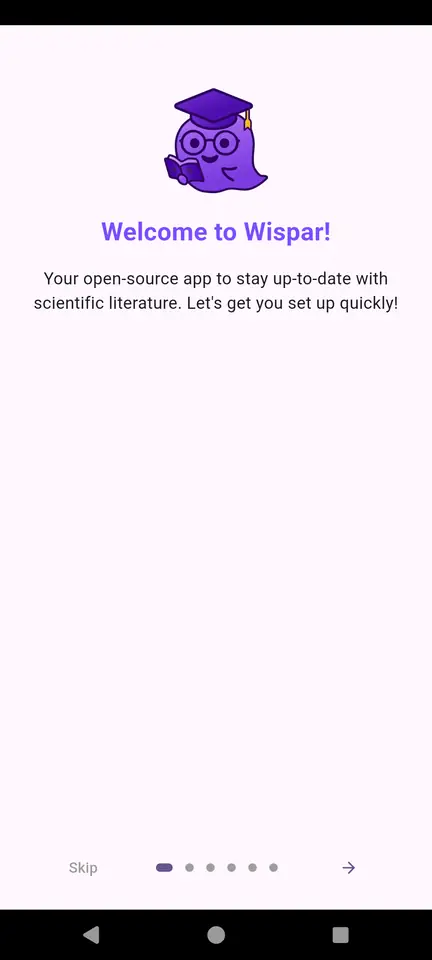
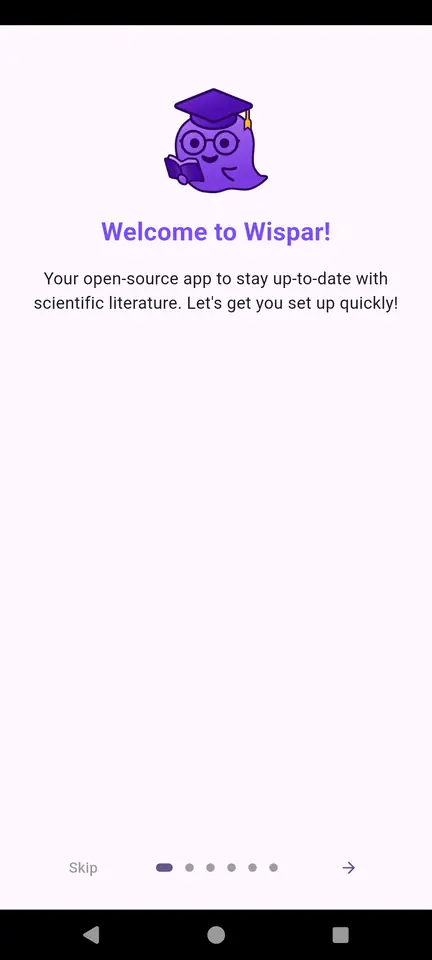
Wispar onboarding step 1 of 4 — Welcome to Wispar!

Wispar onboarding flow

4 screens · skip option on 3 screens

Value pitch ×4

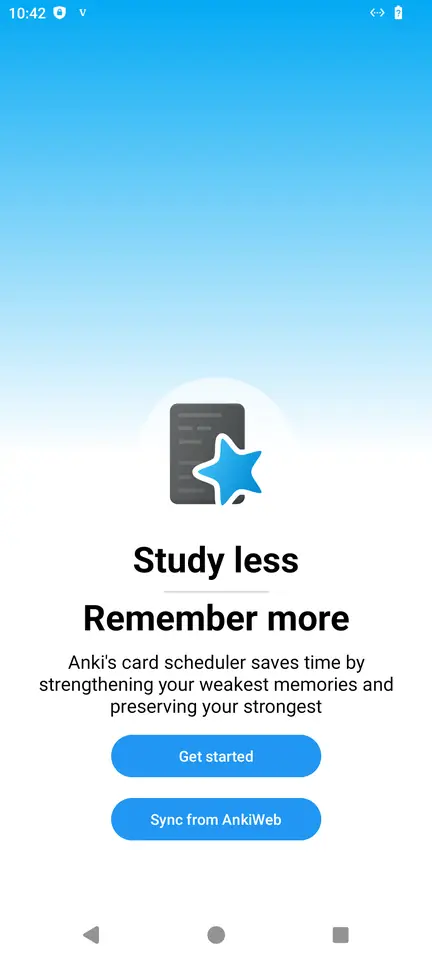
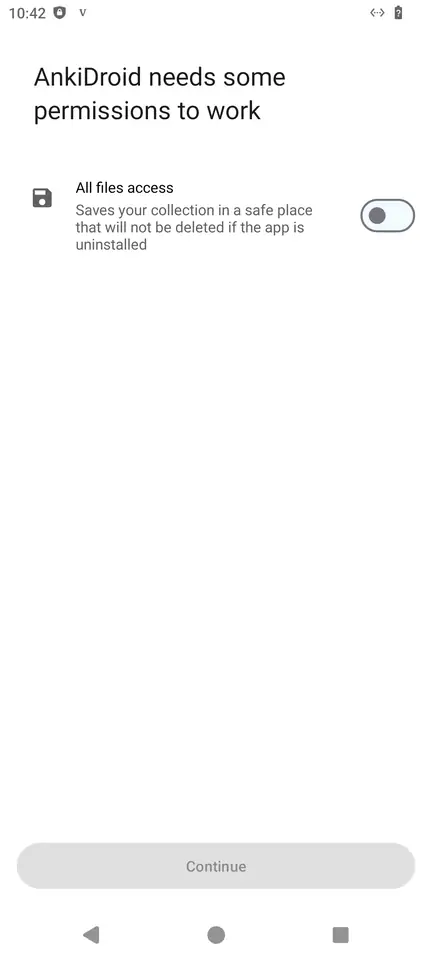
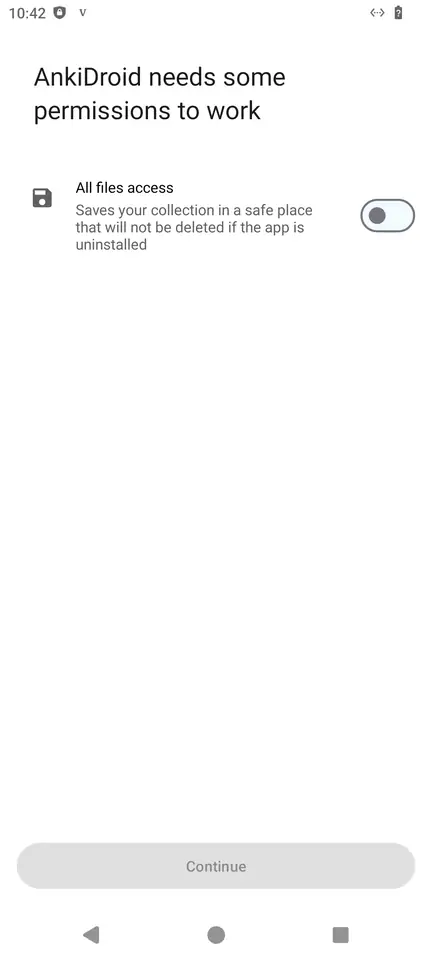
AnkiDroid onboarding step 1 of 3 — Study less

AnkiDroid onboarding flow

3 screens

Value pitch ×3

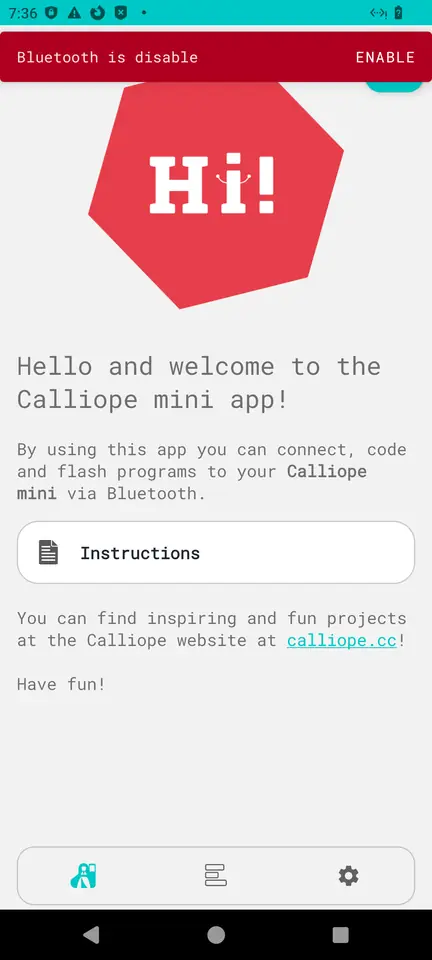
Calliope mini onboarding step 1 of 3 — Welcome & Get Started

Calliope mini onboarding flow

3 screens

Value pitch → Info → Settings

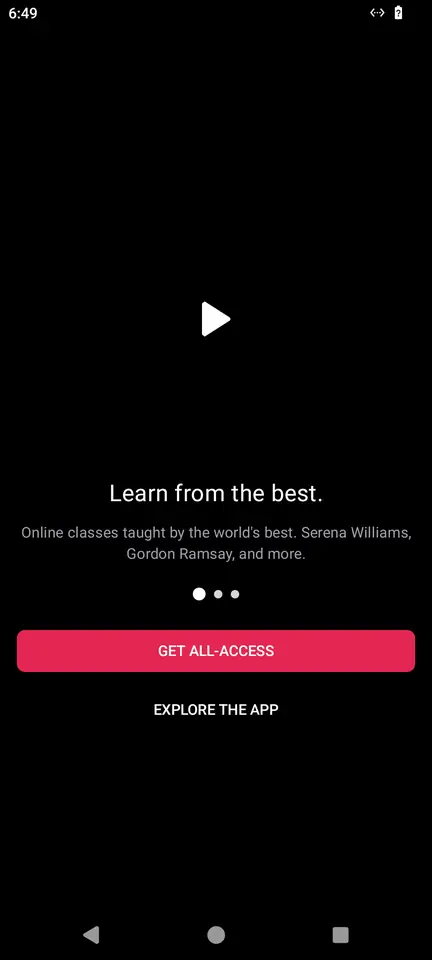
MasterClass onboarding step 1 of 3 — Play decorative video

MasterClass onboarding flow

3 screens

Value pitch → Permission prompt ×2

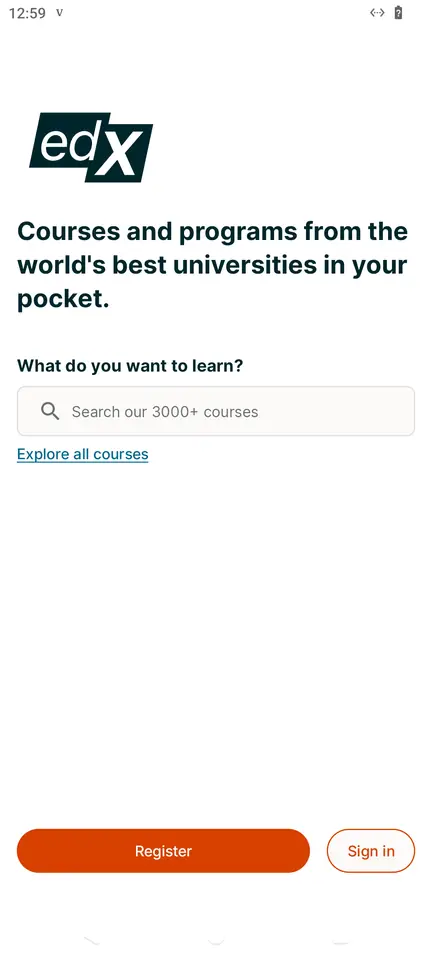
edX onboarding step 1 of 2 — Courses and programs from the world's best universities in your…

edX onboarding flow

2 screens · 2 questions

Question ×2

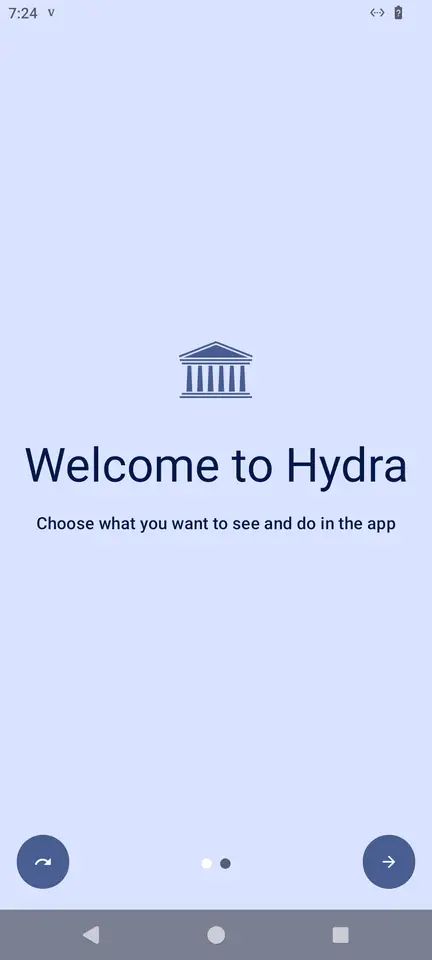
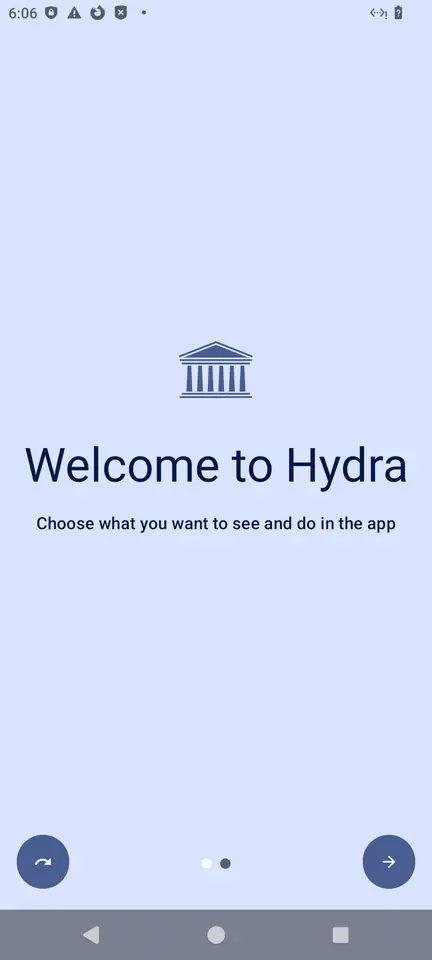
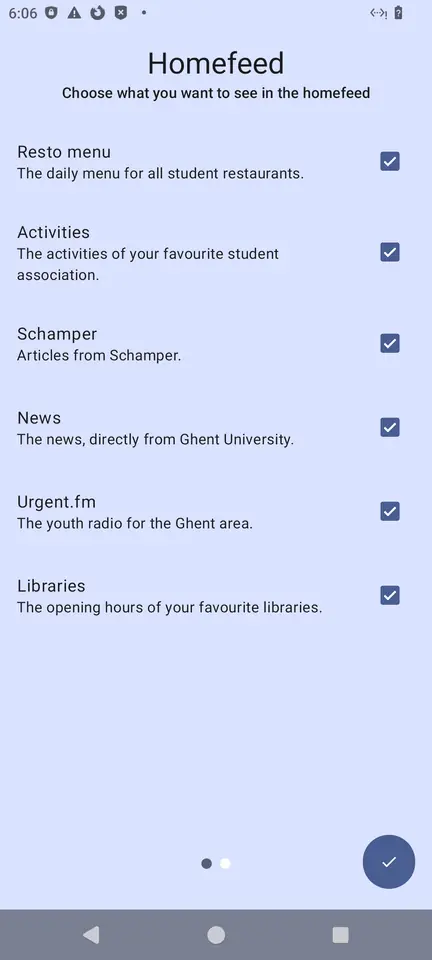
Hydra onboarding step 1 of 2 — Welcome to Hydra

Hydra onboarding flow

2 screens · 2 questions

Question ×2

Mimo

17 onboarding screens
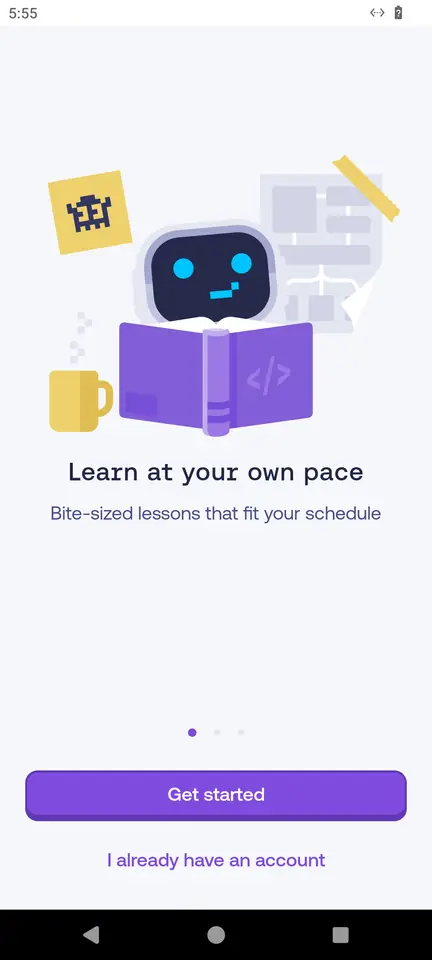
Mimo Android screen 1 — onboarding: Learn at your own pace
Learn at your own pace
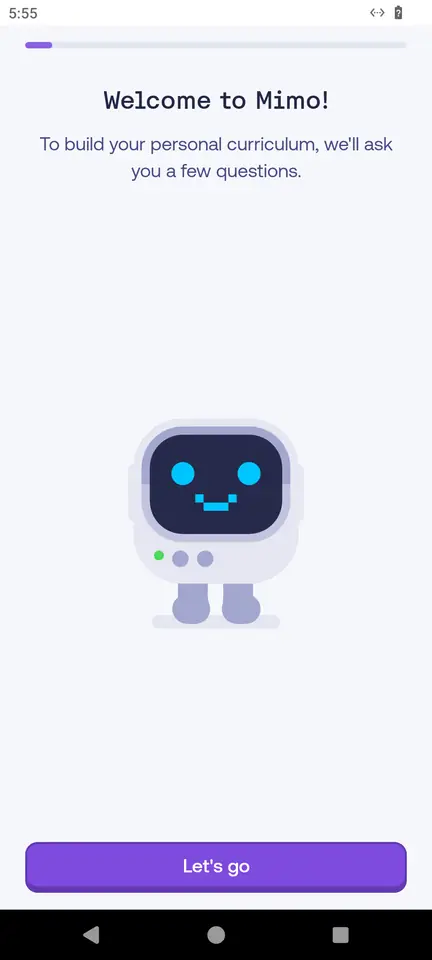
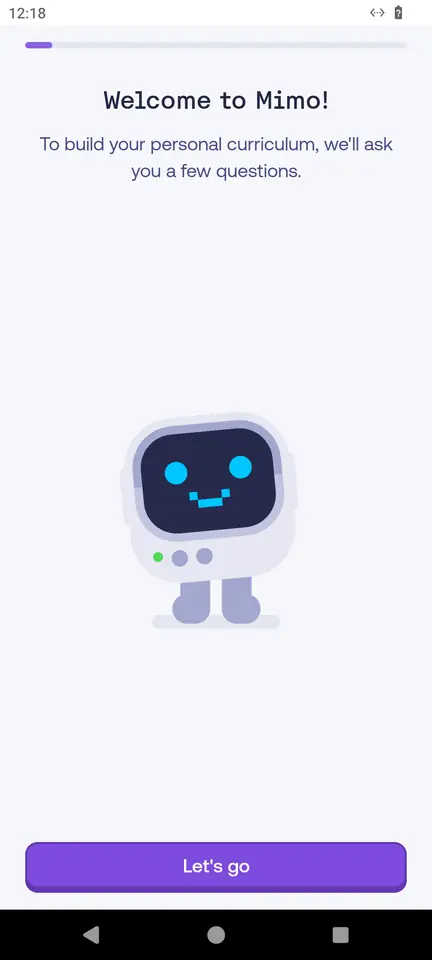
Mimo Android screen 2 — onboarding: Welcome to Mimo!
Welcome to Mimo!
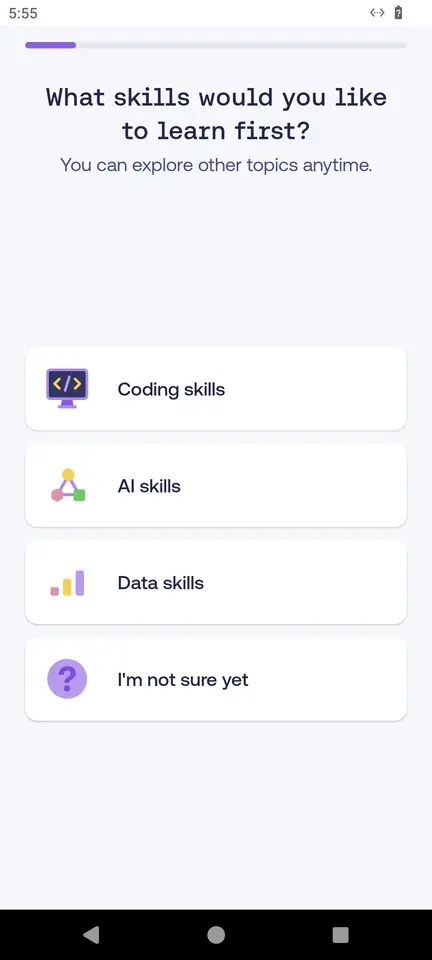
Mimo Android screen 3 — onboarding: What skills would you like to learn first?
What skills would you like to learn…
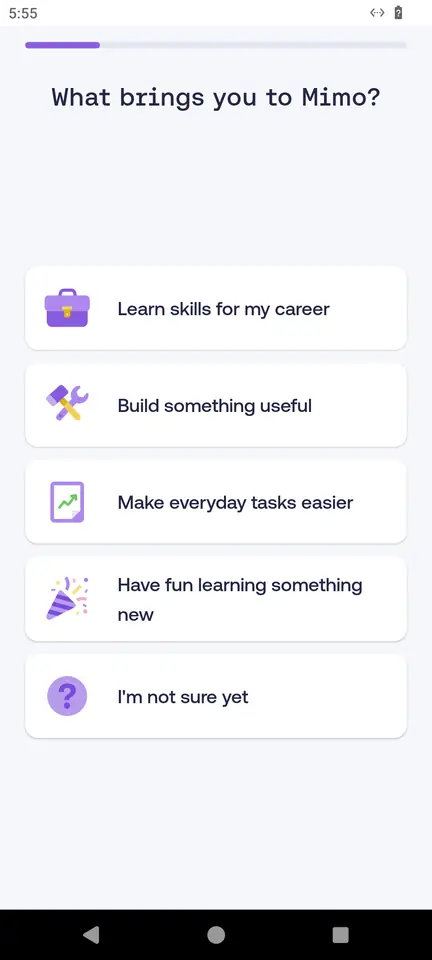
Mimo Android screen 4 — onboarding: What brings you to Mimo?
What brings you to Mimo?
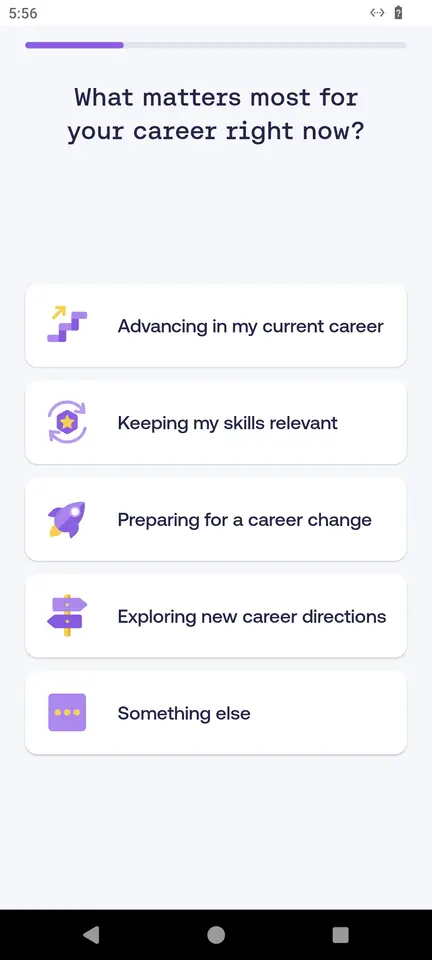
Mimo Android screen 5 — onboarding: What matters most for your career right now?
What matters most for your career…
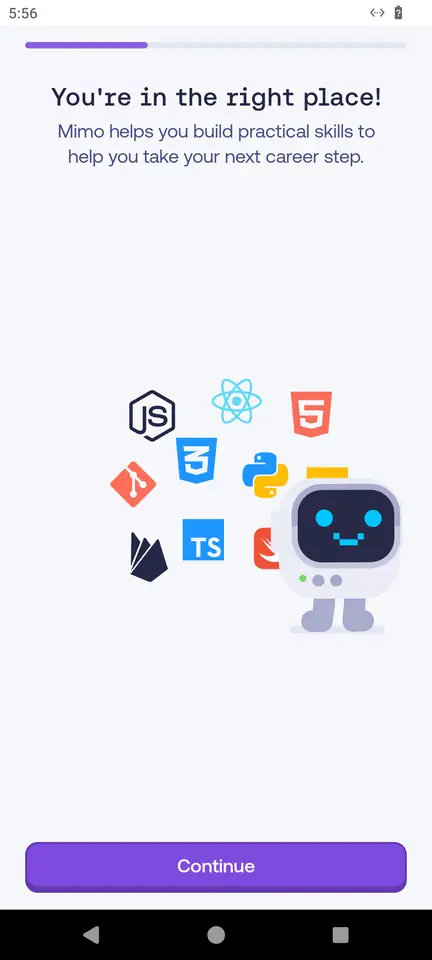
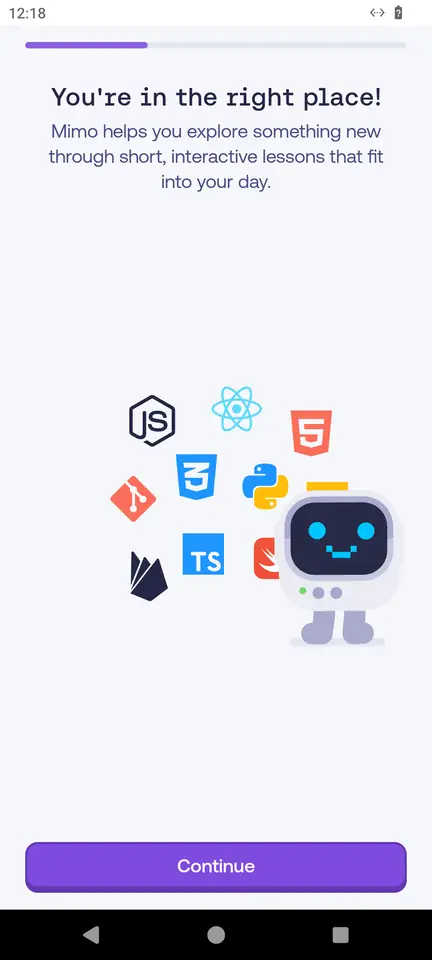
Mimo Android screen 6 — onboarding: You're in the right place!
You're in the right place!
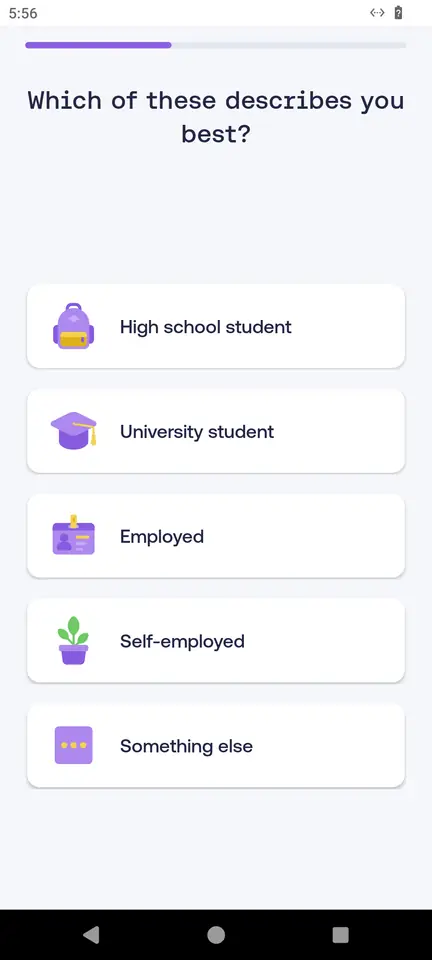
Mimo Android screen 7 — onboarding: Which of these describes you best?
Which of these describes you best?
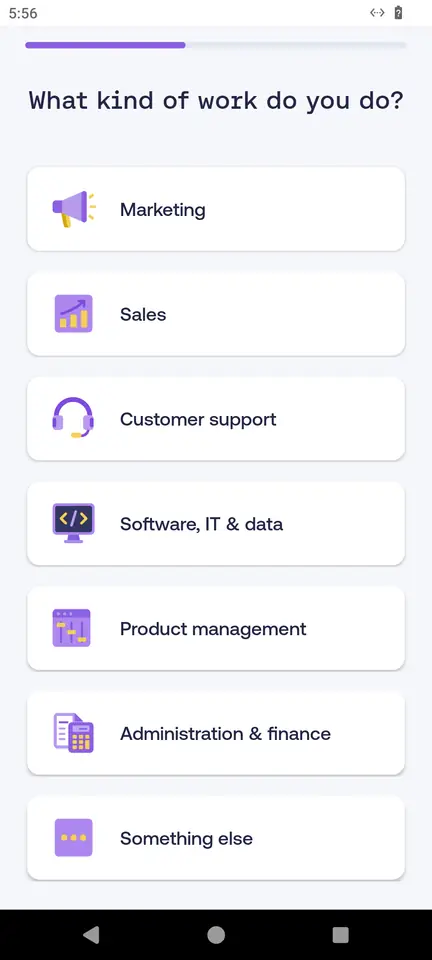
Mimo Android screen 8 — onboarding: What kind of work do you do?
What kind of work do you do?
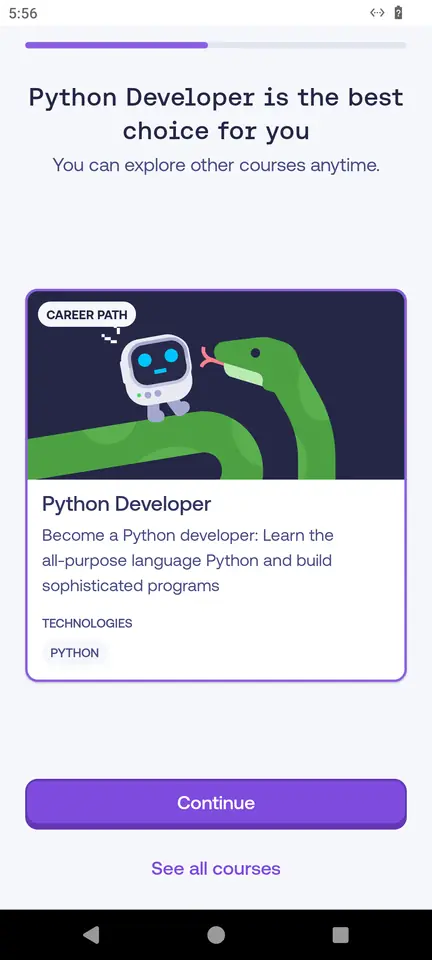
Mimo Android screen 9 — onboarding: Python Developer is the best choice for you
Python Developer is the best choice…
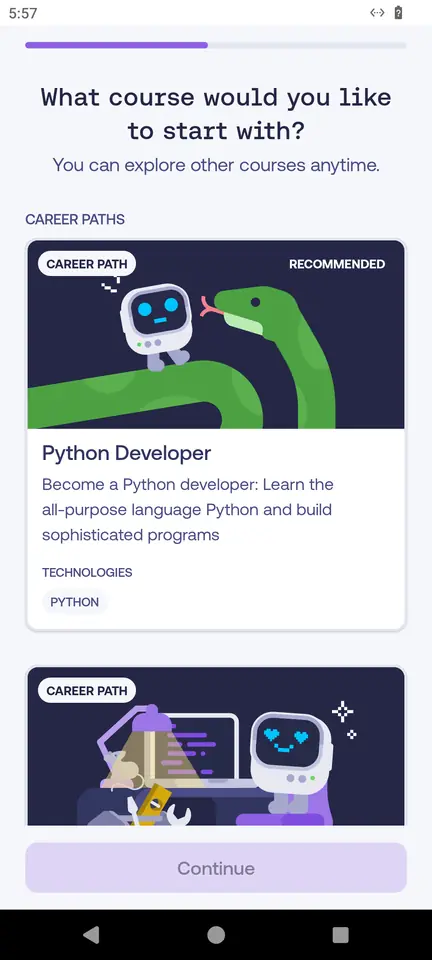
Mimo Android screen 10 — onboarding: What course would you like to start with?
What course would you like to start…
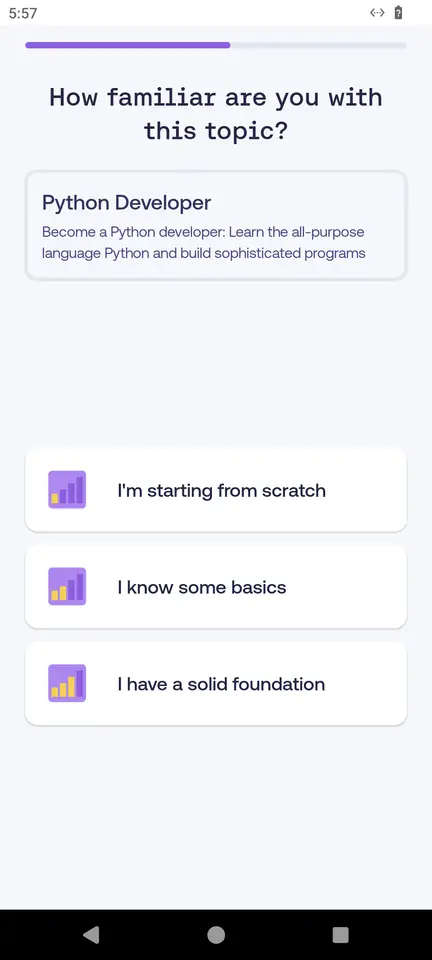
Mimo Android screen 11 — onboarding: How familiar are you with this topic?
How familiar are you with this topic?
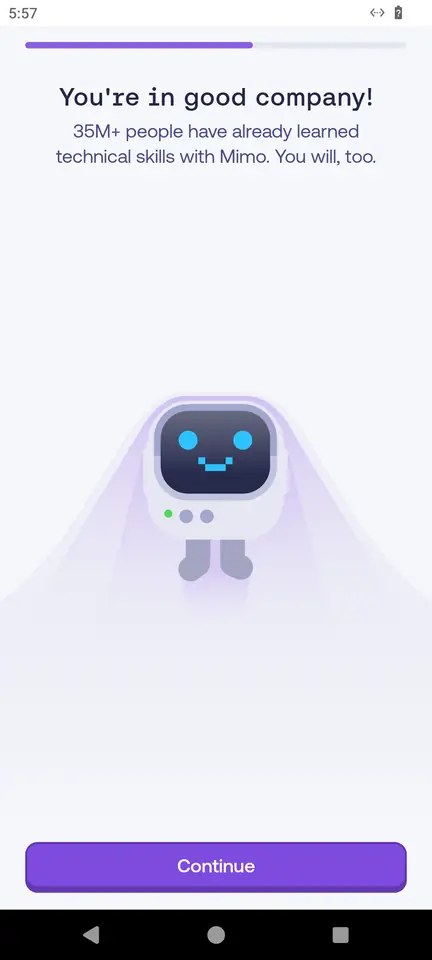
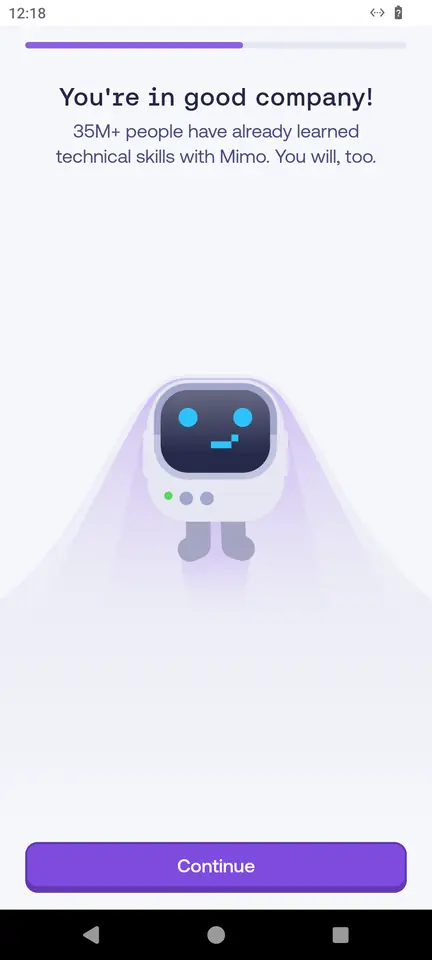
Mimo Android screen 12 — onboarding: You're in good company!
You're in good company!
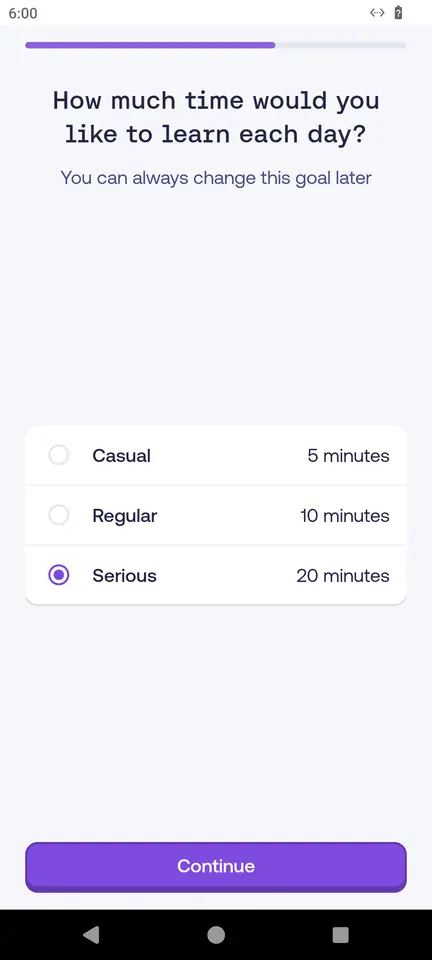
Mimo Android screen 13 — onboarding: How much time would you like to learn each day?
How much time would you like to learn…
Mimo Android screen 14 — onboarding: Build projects
Build projects
Mimo Android screen 15 — onboarding: Welcome to Mimo!
Welcome to Mimo!
Mimo Android screen 16 — onboarding: You're in the right place!
You're in the right place!
Mimo Android screen 17 — onboarding: You're in good company!
You're in good company!

Kahoot!

13 onboarding screens
Kahoot! Android screen 1 — onboarding: Welcome!
Welcome!
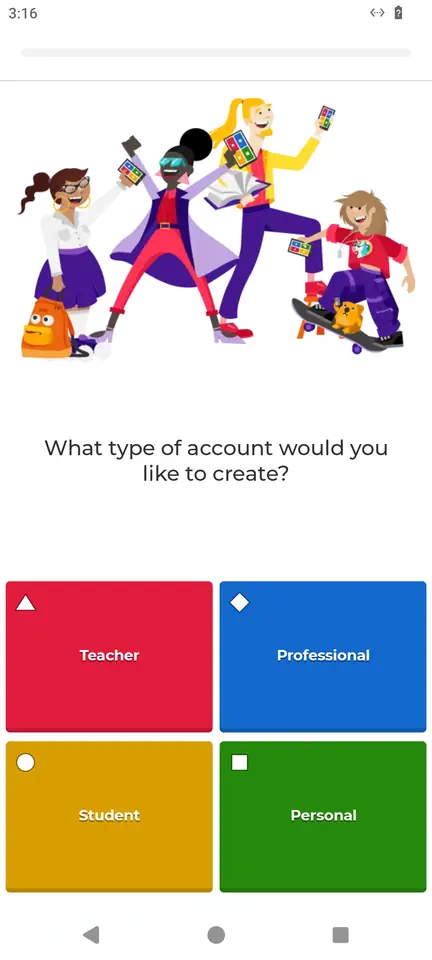
Kahoot! Android screen 2 — onboarding: What type of account would you like to create?
What type of account would you like to…
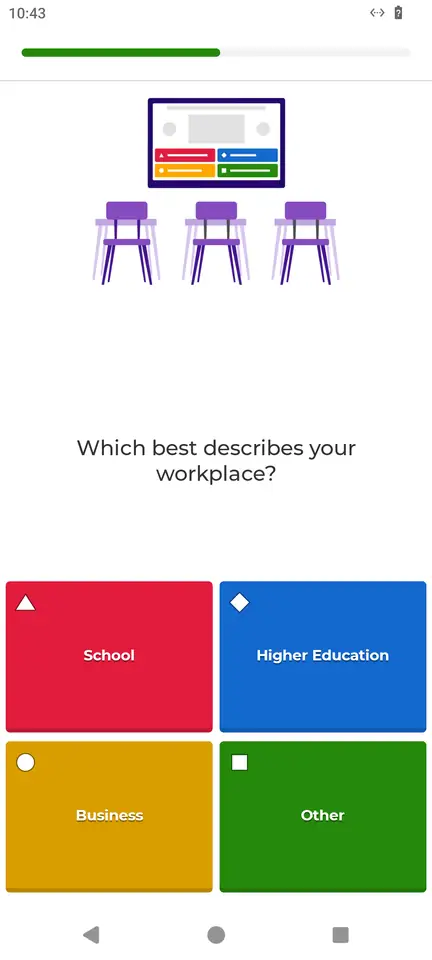
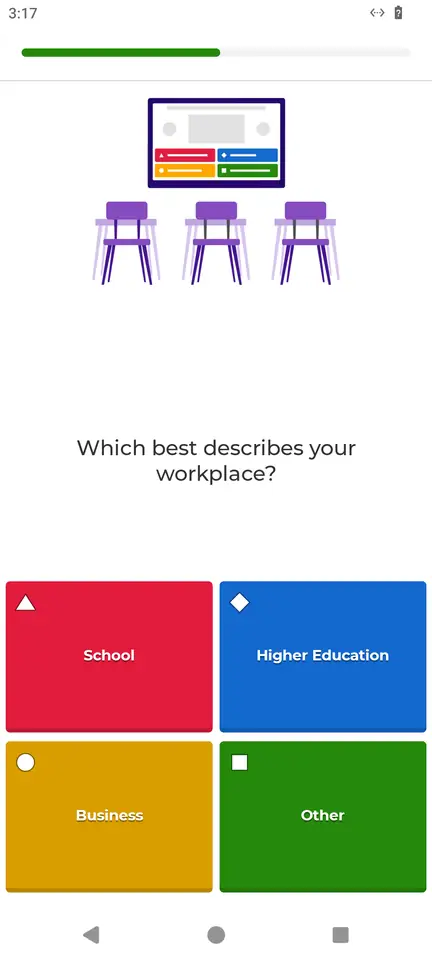
Kahoot! Android screen 3 — onboarding: Which best describes your workplace?
Which best describes your workplace?
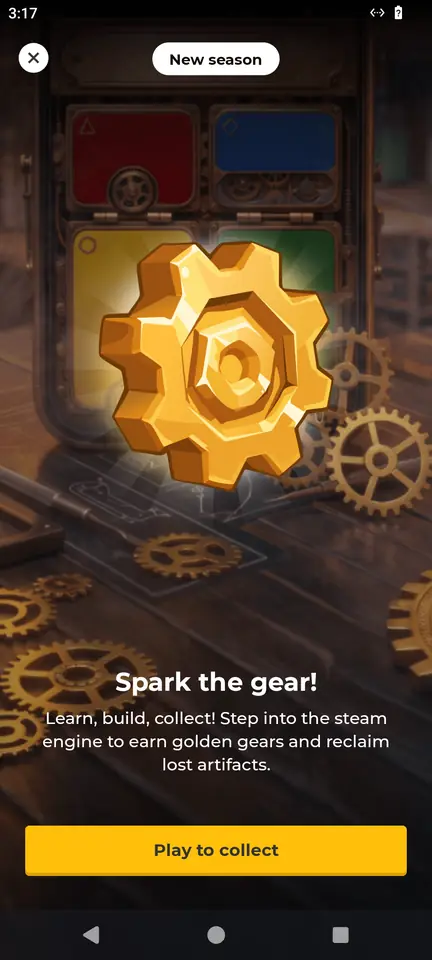
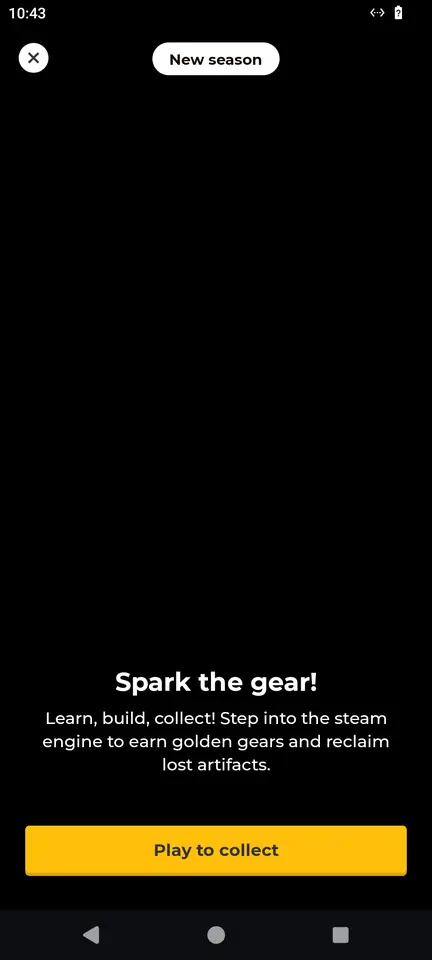
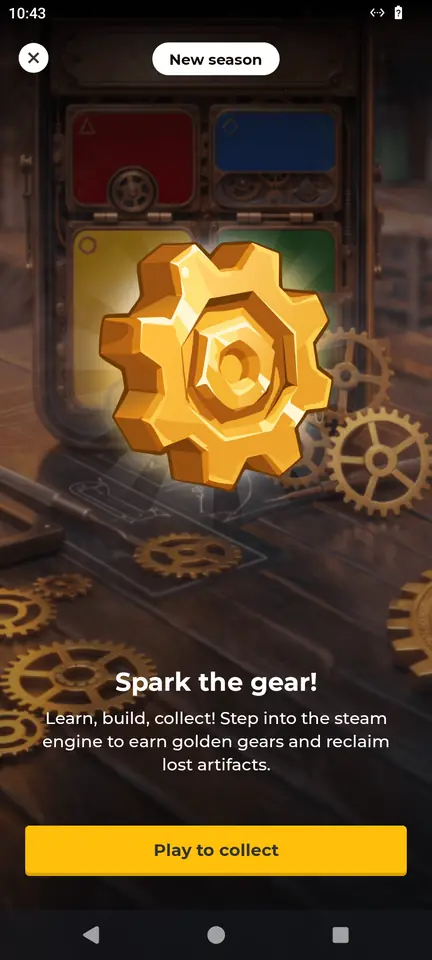
Kahoot! Android screen 4 — onboarding: Close game reward onboarding screen
Close game reward onboarding screen
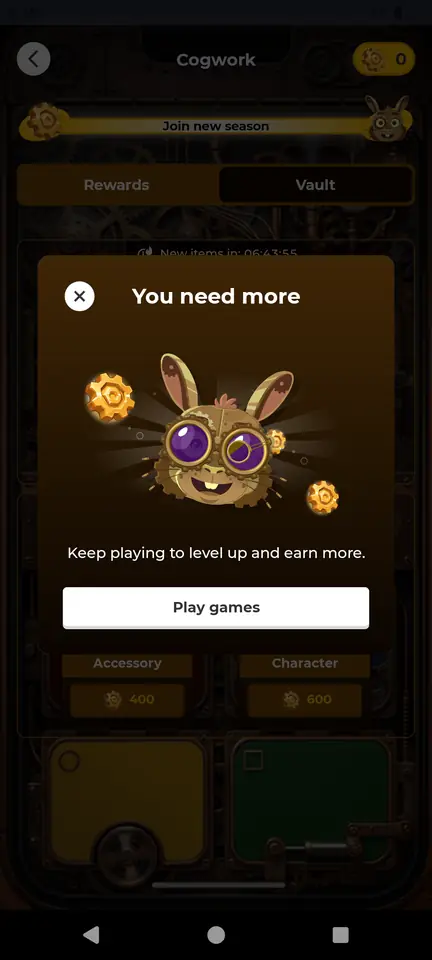
Kahoot! Android screen 6 — onboarding: You need more
You need more
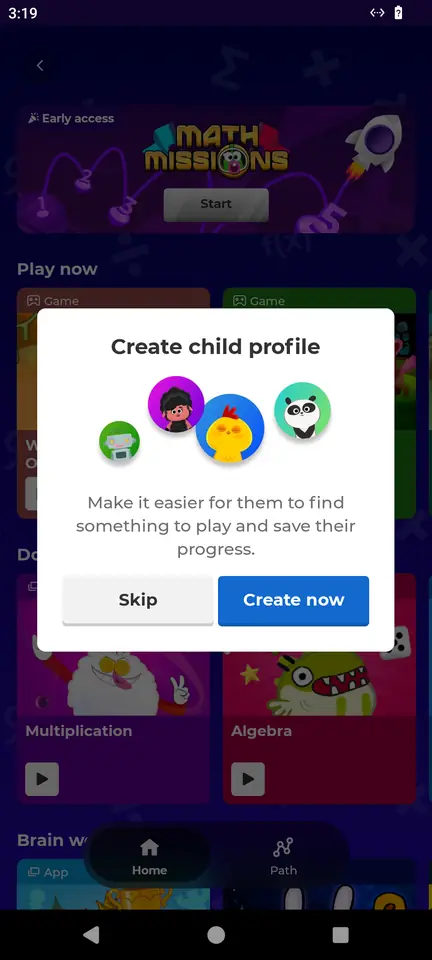
Kahoot! Android screen 7 — onboarding: Create child profile
Create child profile
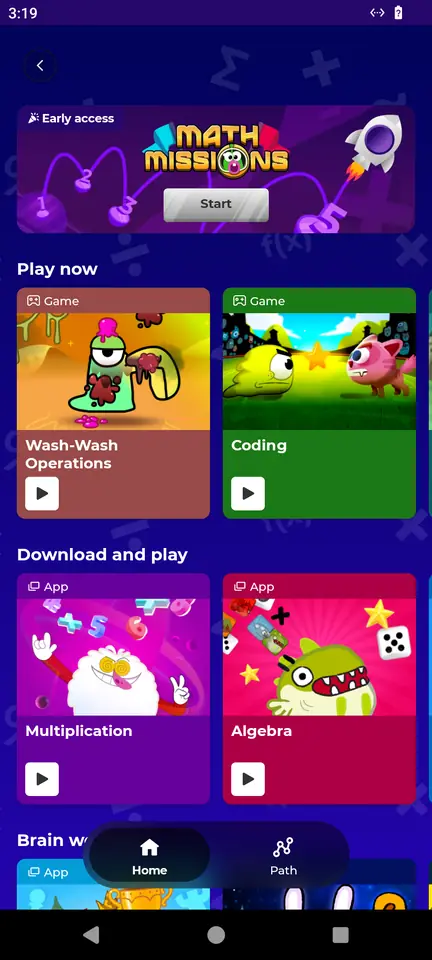
Kahoot! Android screen 8 — onboarding: Early access
Early access
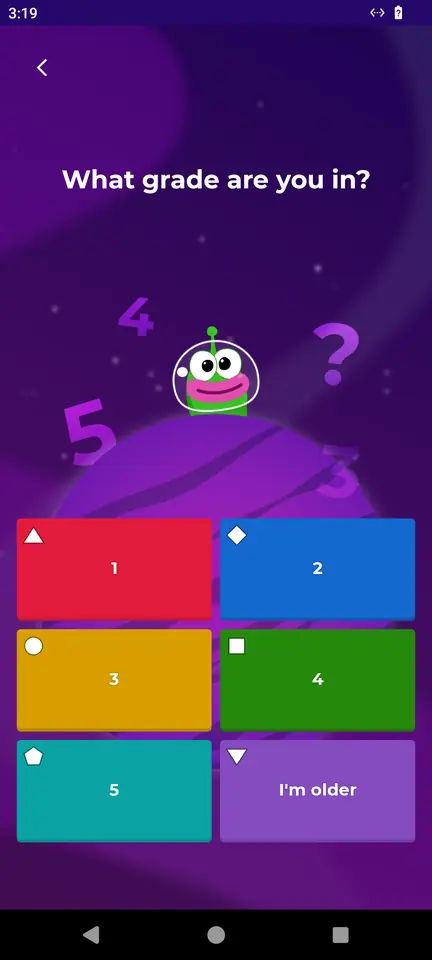
Kahoot! Android screen 9 — onboarding: What grade are you in?
What grade are you in?
Kahoot! Android screen 18 — onboarding: Which best describes your workplace?
Which best describes your workplace?
Kahoot! Android screen 19 — onboarding: Create an account!
Create an account!
Kahoot! Android screen 20 — onboarding: Close game reward onboarding screen
Close game reward onboarding screen
Kahoot! Android screen 22 — onboarding: Onboarding
Onboarding
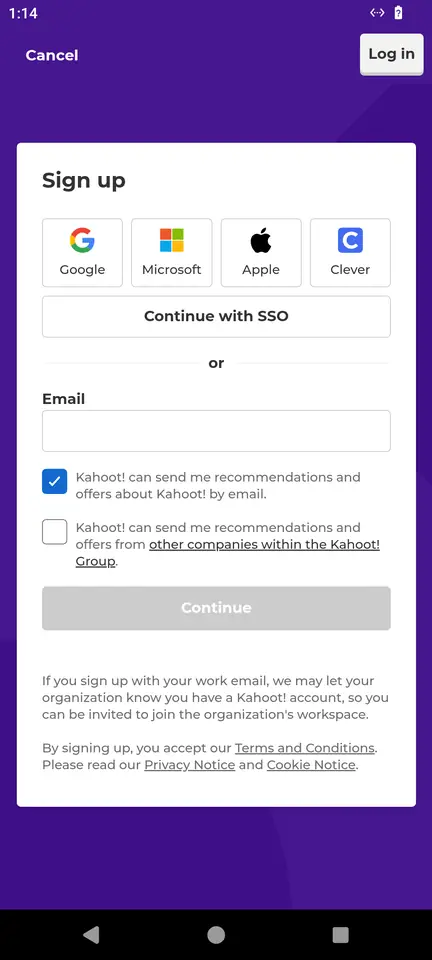
Kahoot! Android screen 23 — onboarding: Cancel
Cancel

Remind

10 onboarding screens
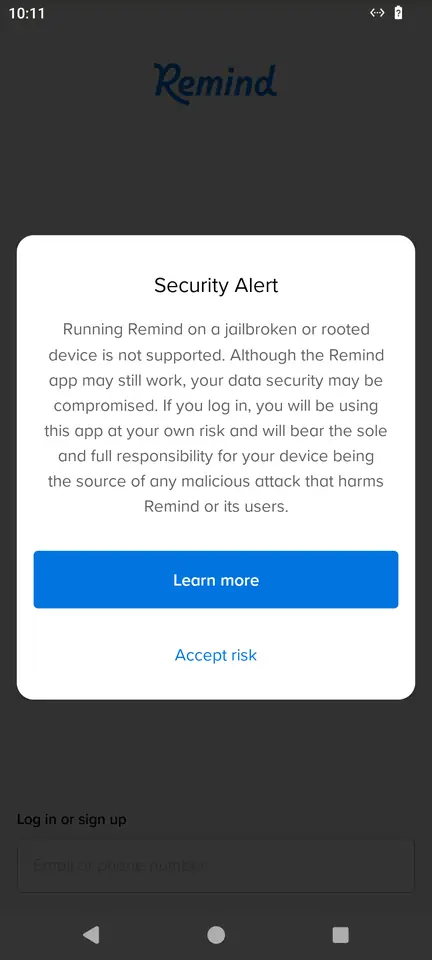
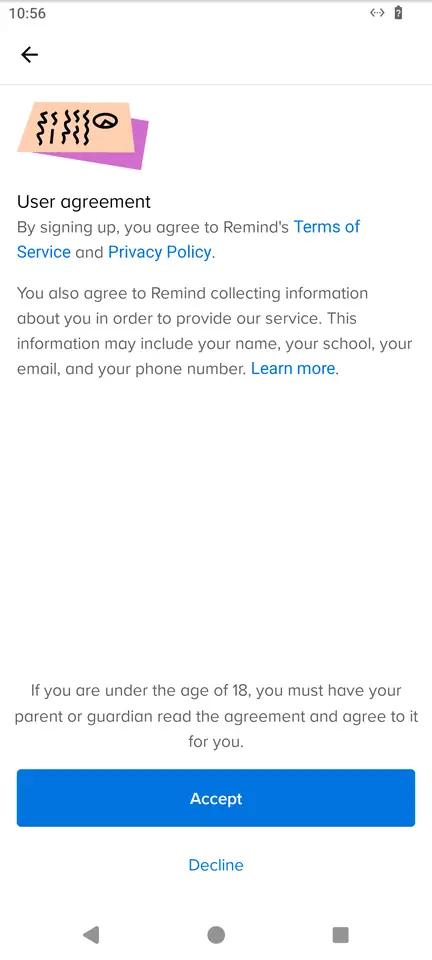
Remind Android screen 9 — onboarding: Security Alert
Security Alert
Remind Android screen 12 — onboarding: User agreement
User agreement
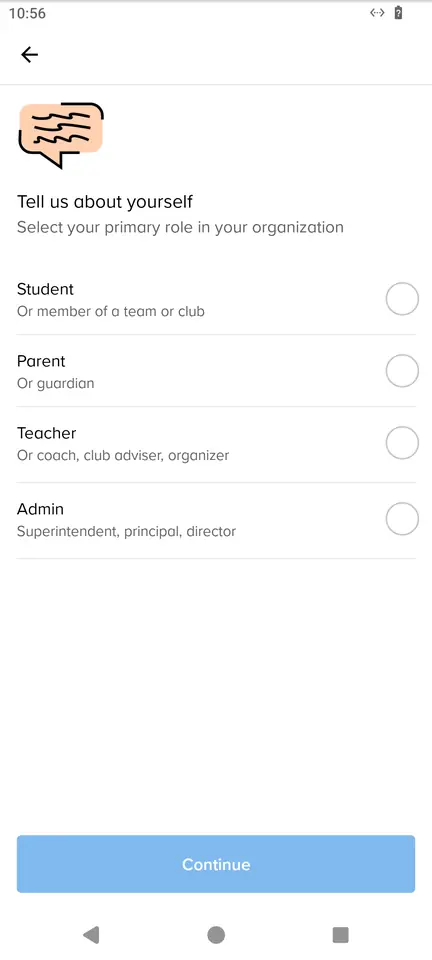
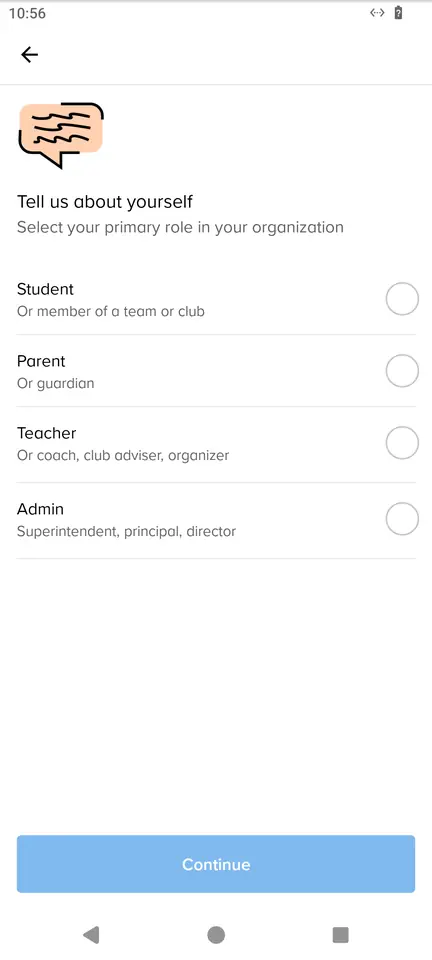
Remind Android screen 13 — onboarding: Tell us about yourself
Tell us about yourself
Remind Android screen 14 — onboarding: Tell us about yourself
Tell us about yourself
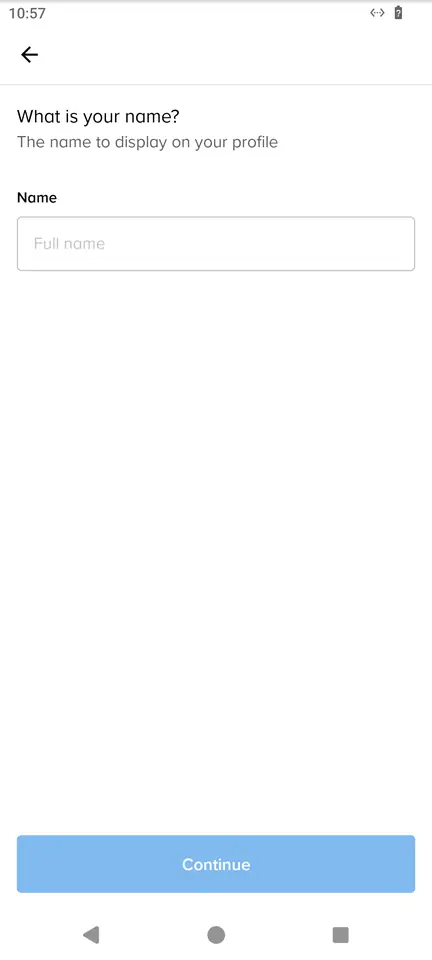
Remind Android screen 15 — onboarding: What is your name?
What is your name?
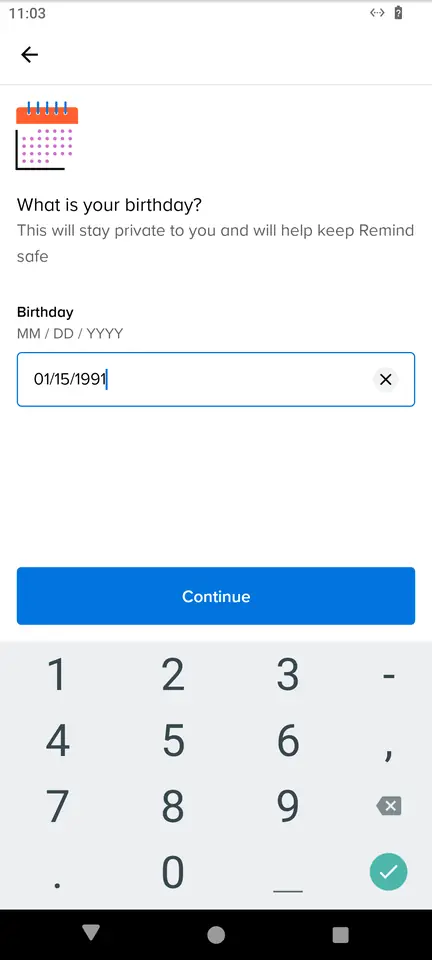
Remind Android screen 16 — onboarding: What is your birthday?
What is your birthday?
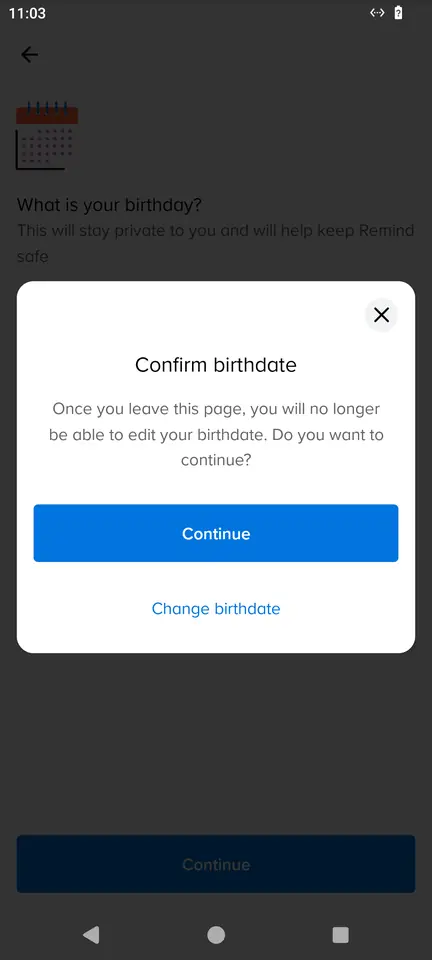
Remind Android screen 17 — onboarding: What is your birthday?
What is your birthday?
Remind Android screen 18 — onboarding: Close button
Close button
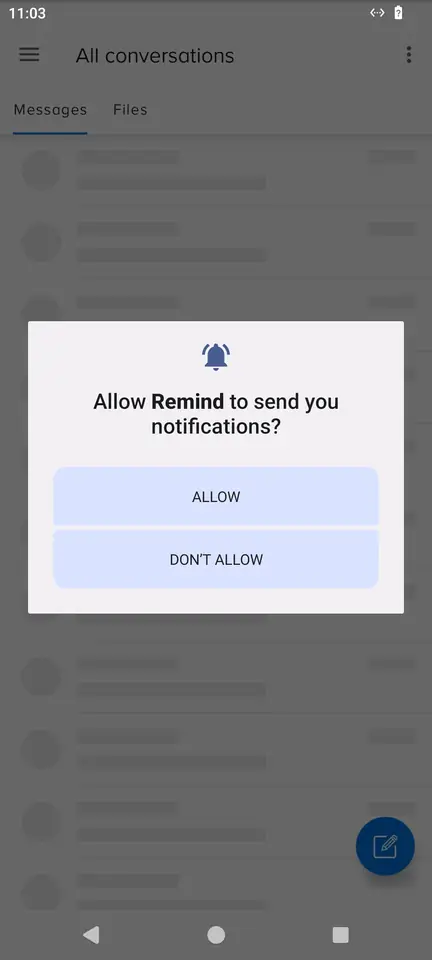
Remind Android screen 19 — permissions: Allow Remind to send you notifications?
Allow Remind to send you notifications?
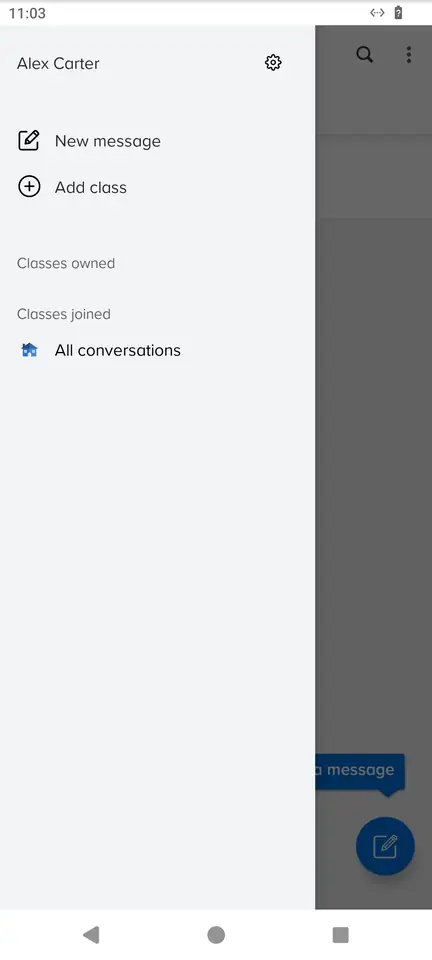
Remind Android screen 20 — onboarding: Filter Drawer
Filter Drawer

DailyArt

9 onboarding screens
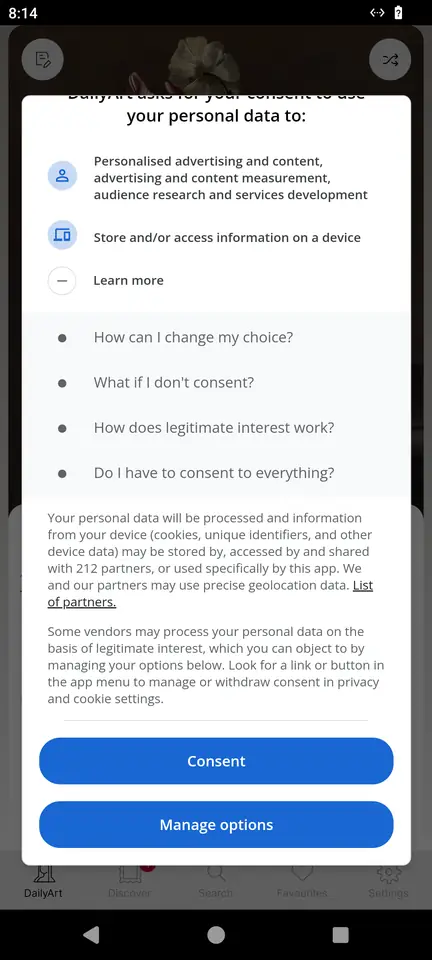
DailyArt Android screen 1 — onboarding: Hello Art Lover!
Hello Art Lover!
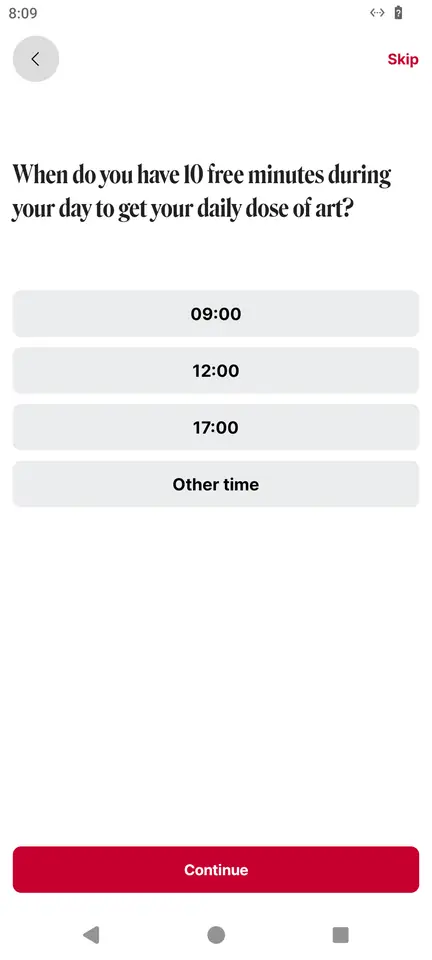
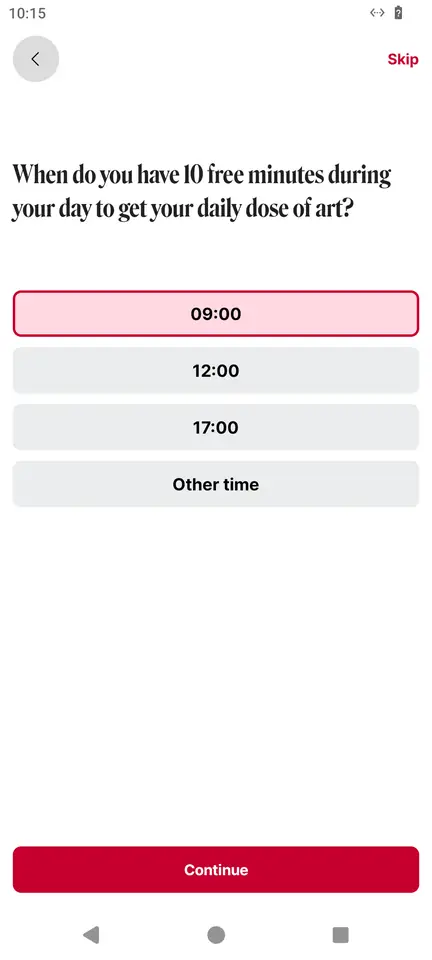
DailyArt Android screen 2 — onboarding: When do you have 10 free minutes during your day to get…
When do you have 10 free minutes…
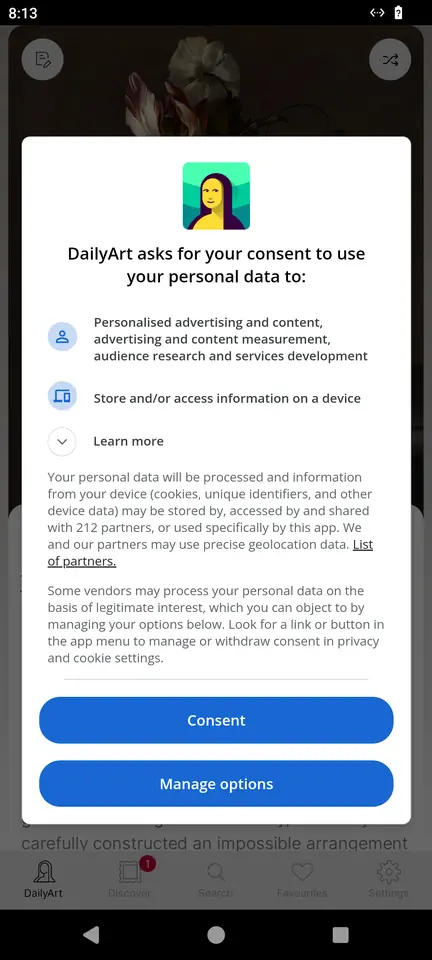
DailyArt Android screen 5 — onboarding: DailyArt asks for your consent to use your personal data to:
DailyArt asks for your consent to use…
DailyArt Android screen 6 — onboarding: DailyArt asks for your consent to use your personal data to:
DailyArt asks for your consent to use…
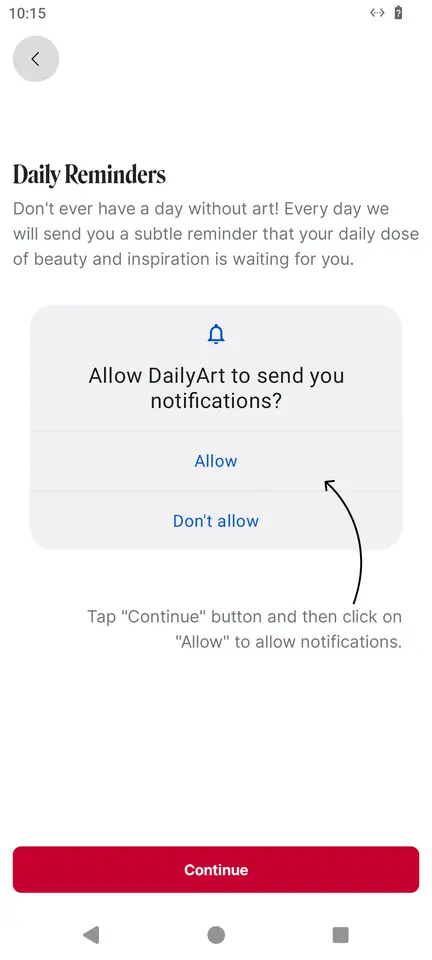
DailyArt Android screen 22 — onboarding: Daily Reminders
Daily Reminders
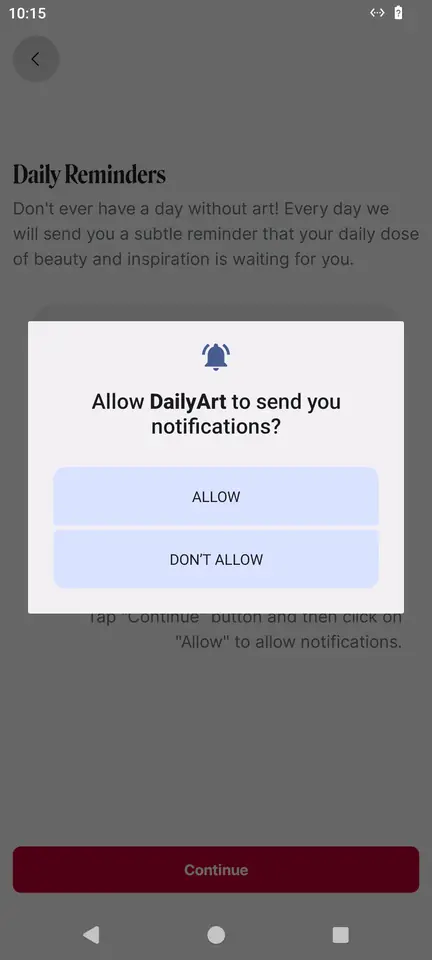
DailyArt Android screen 23 — permissions: Allow DailyArt to send you notifications?
Allow DailyArt to send you…
DailyArt Android screen 24 — onboarding: When do you have 10 free minutes during your day to get…
When do you have 10 free minutes…
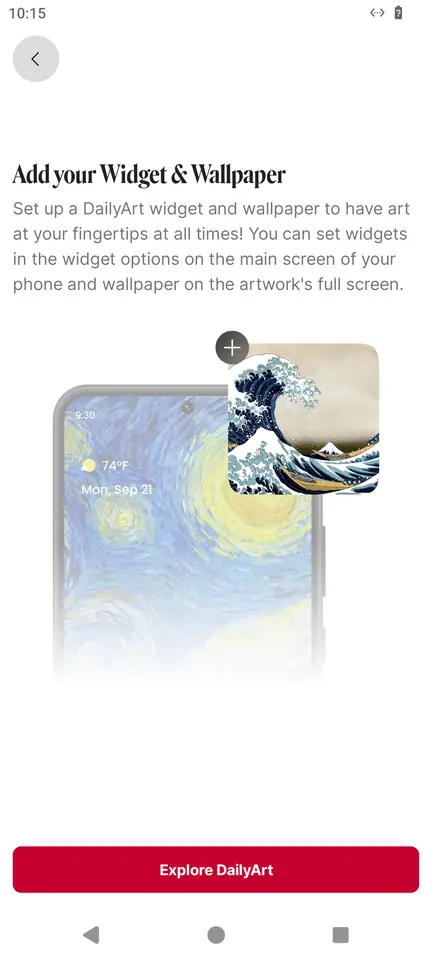
DailyArt Android screen 25 — onboarding: Add your Widget & Wallpaper
Add your Widget & Wallpaper
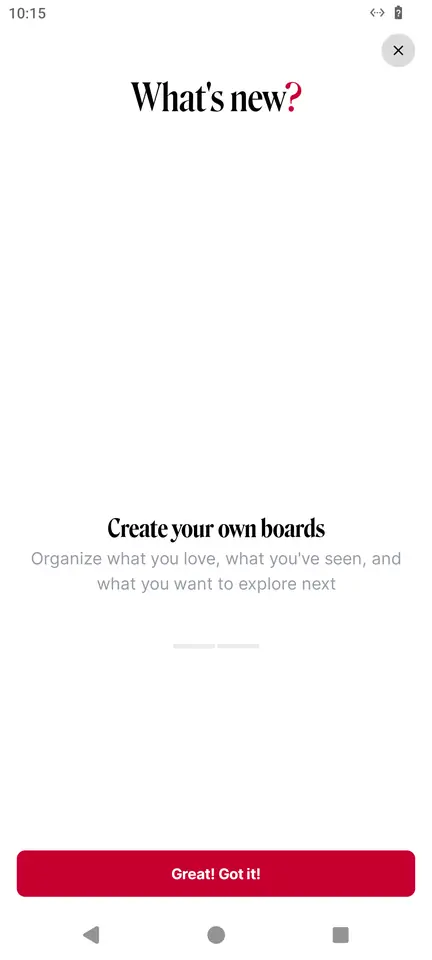
DailyArt Android screen 26 — onboarding: What's new?
What's new?

Mindvalley

8 onboarding screens
Mindvalley Android screen 16 — onboarding: Next
Next
Mindvalley Android screen 17 — onboarding: Next
Next
Mindvalley Android screen 18 — onboarding: Over 1,000+ advanced Neuro-trainings for instant focus…
Over 1,000+ advanced Neuro-trainings…
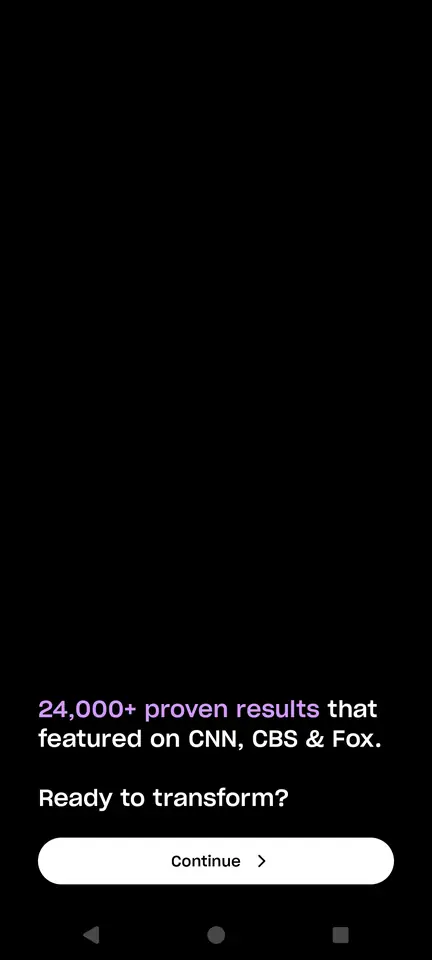
Mindvalley Android screen 19 — onboarding: 24,000+ proven results that featured on CNN, CBS & Fox…
24,000+ proven results that featured…
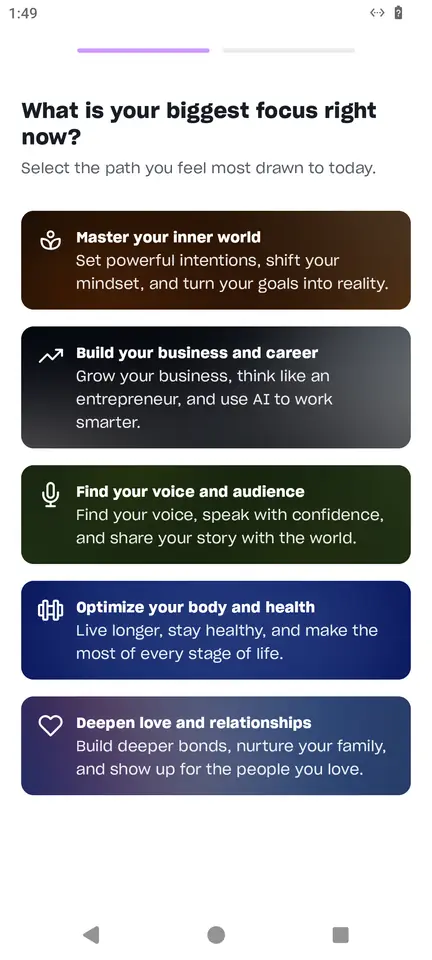
Mindvalley Android screen 22 — onboarding: What is your biggest focus right now?
What is your biggest focus right now?
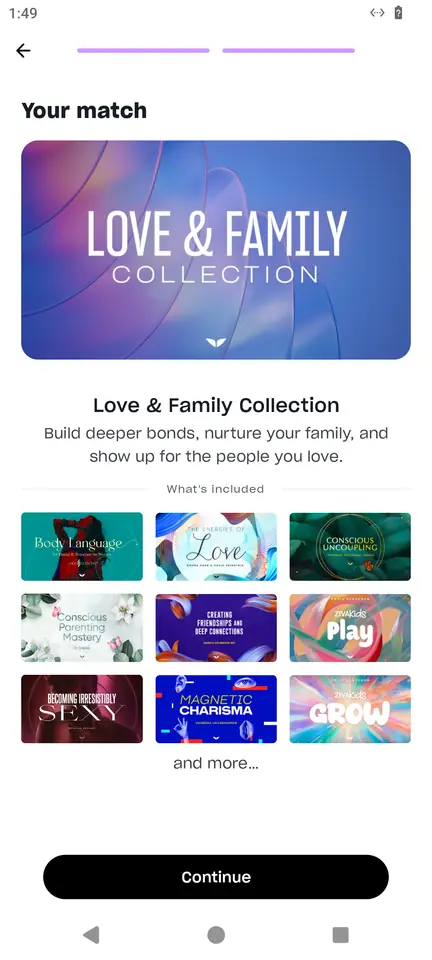
Mindvalley Android screen 23 — onboarding: Your match
Your match
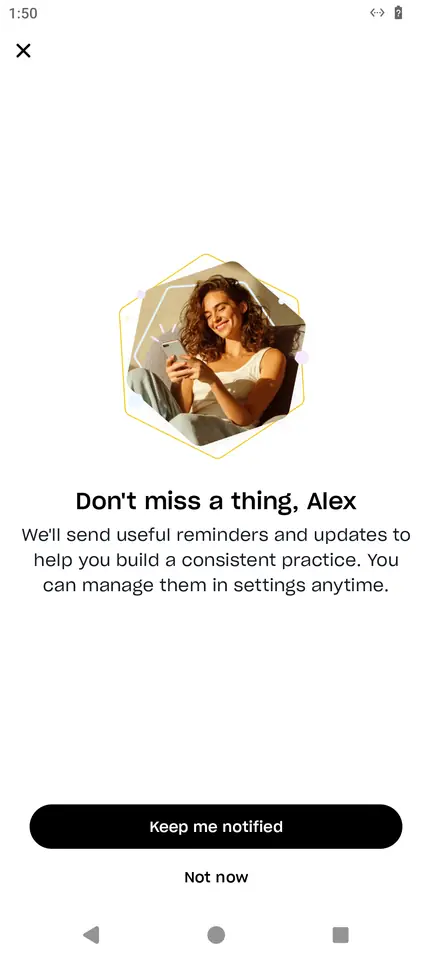
Mindvalley Android screen 24 — onboarding: Don't miss a thing, Alex
Don't miss a thing, Alex
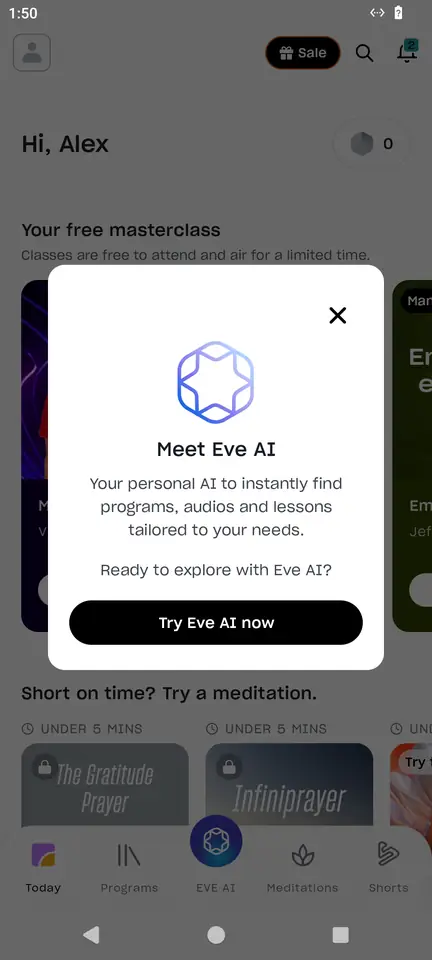
Mindvalley Android screen 25 — onboarding: welcome
welcome

Wikipedia

7 onboarding screens
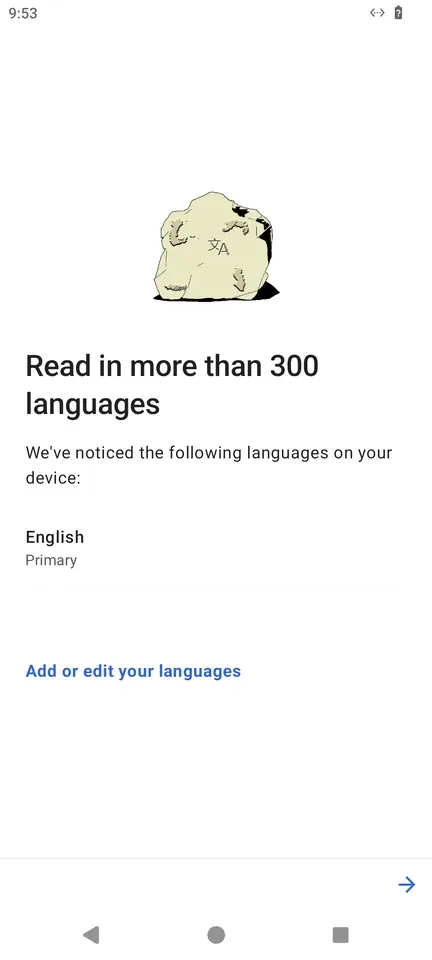
Wikipedia Android screen 2 — onboarding: Read in more than 300 languages
Read in more than 300 languages
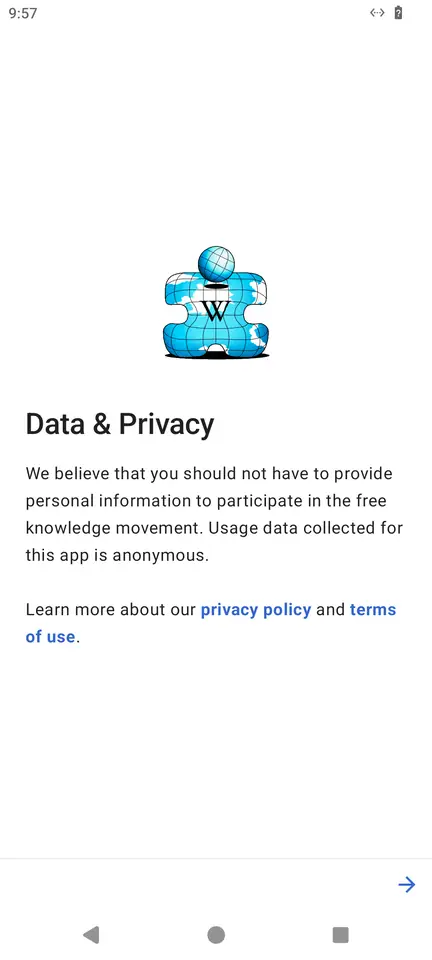
Wikipedia Android screen 9 — onboarding: Data & Privacy
Data & Privacy
Wikipedia Android screen 10 — onboarding: Follow your curiosity
Follow your curiosity
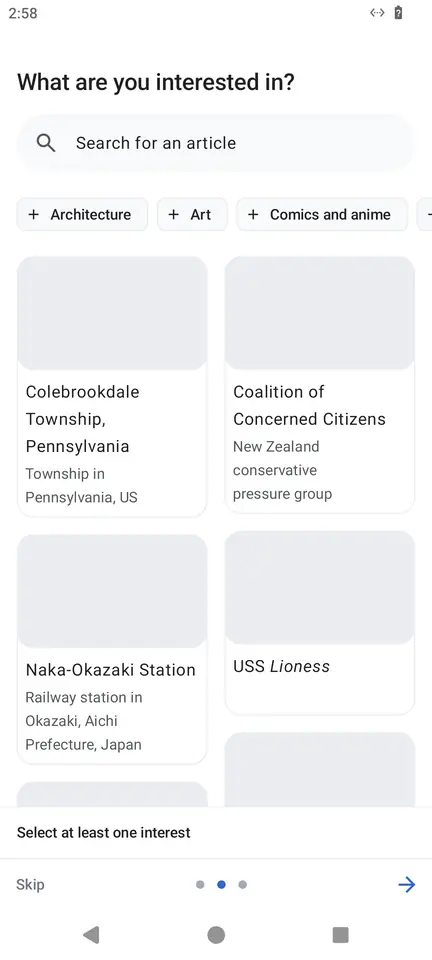
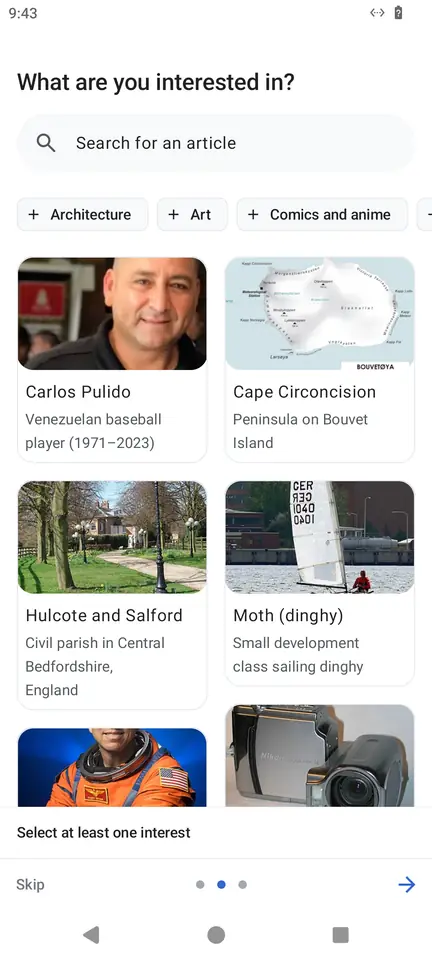
Wikipedia Android screen 11 — onboarding: What are you interested in?
What are you interested in?
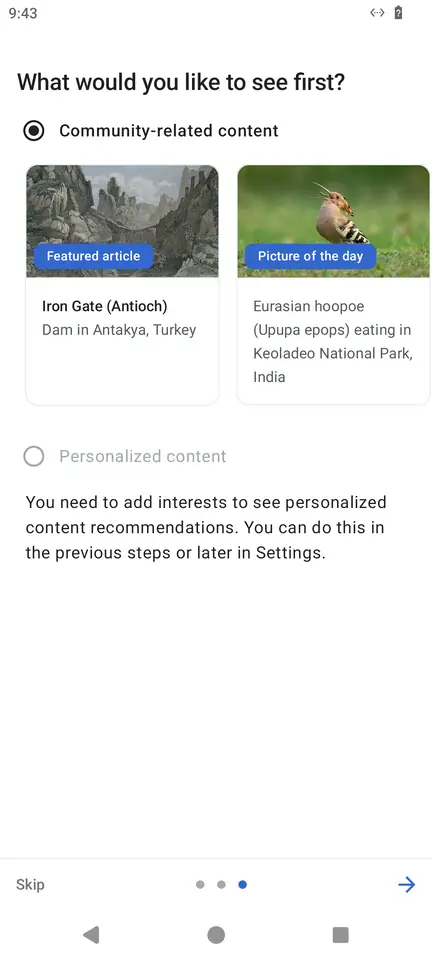
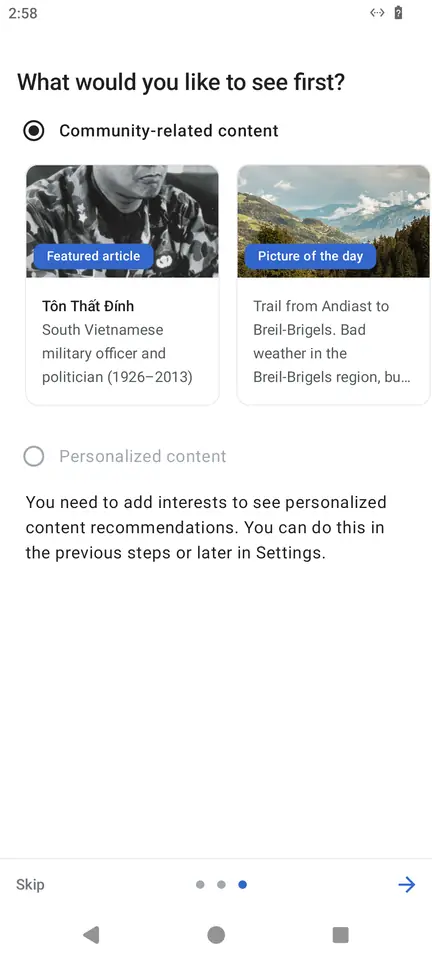
Wikipedia Android screen 12 — onboarding: What would you like to see first?
What would you like to see first?
Wikipedia Android screen 14 — onboarding: What are you interested in?
What are you interested in?
Wikipedia Android screen 15 — onboarding: What would you like to see first?
What would you like to see first?

phyphox

6 onboarding screens
phyphox Android screen 1 — onboarding: Warning
Warning
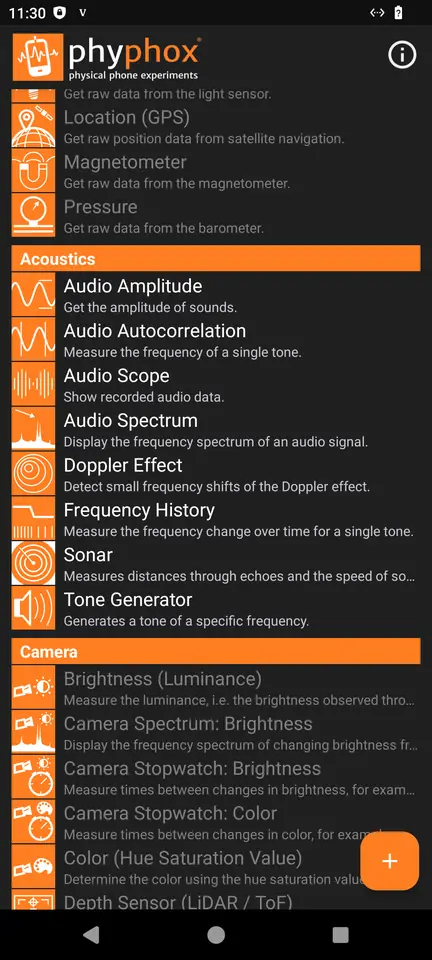
phyphox Android screen 2 — onboarding: Raw Sensors
Raw Sensors
phyphox Android screen 3 — onboarding: Get raw data from the light sensor.
Get raw data from the light sensor.
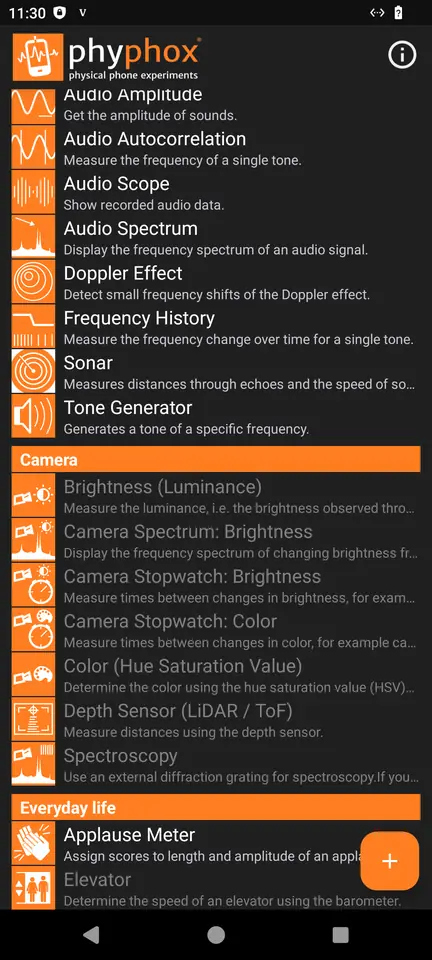
phyphox Android screen 4 — onboarding: Audio Amplitude
Audio Amplitude
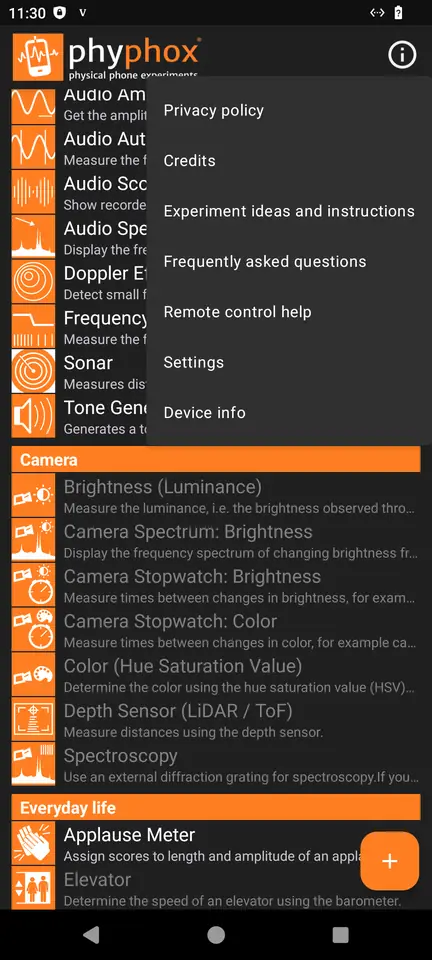
phyphox Android screen 5 — onboarding: Privacy policy
Privacy policy
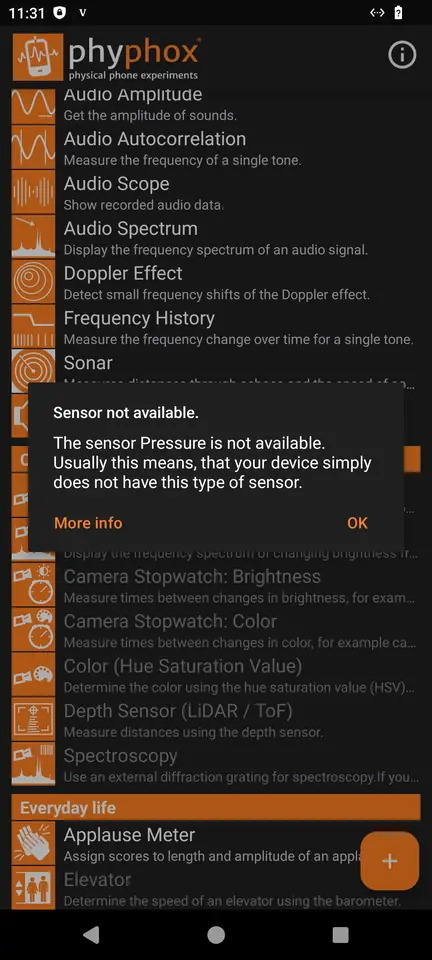
phyphox Android screen 6 — onboarding: Sensor not available.
Sensor not available.

TED

6 onboarding screens
TED Android screen 1 — onboarding: WelcomeScreen
WelcomeScreen
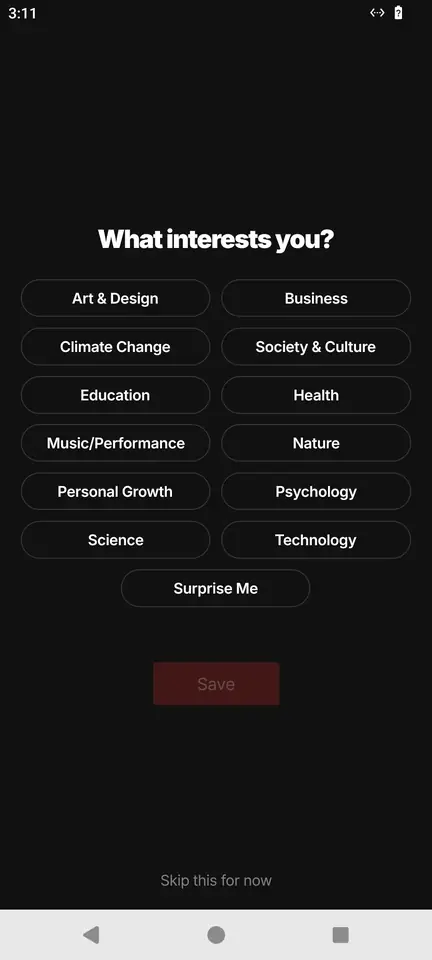
TED Android screen 2 — onboarding: TopicsScreen
TopicsScreen
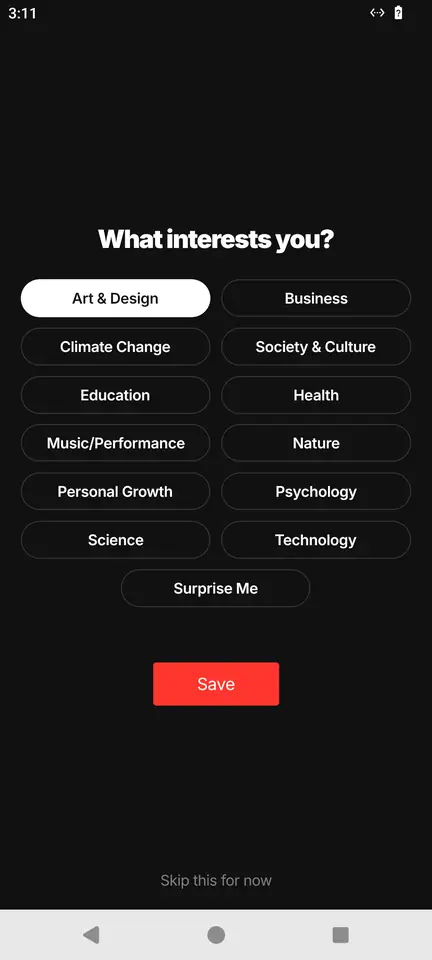
TED Android screen 3 — onboarding: TopicsScreen
TopicsScreen
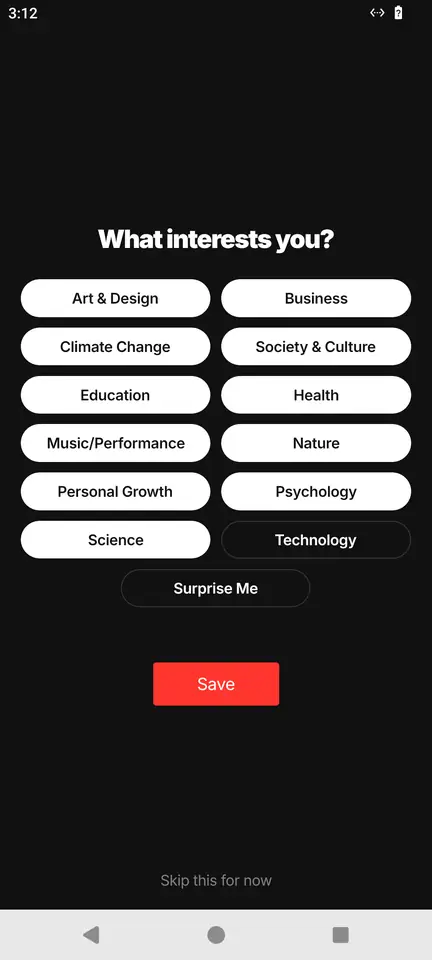
TED Android screen 4 — onboarding: TopicsScreen
TopicsScreen
TED Android screen 23 — onboarding: Stay up-to-date with notifications
Stay up-to-date with notifications
TED Android screen 24 — permissions: Allow TED to send you notifications?
Allow TED to send you notifications?

Wispar

6 onboarding screens
Wispar Android screen 1 — onboarding: Welcome to Wispar!
Welcome to Wispar!
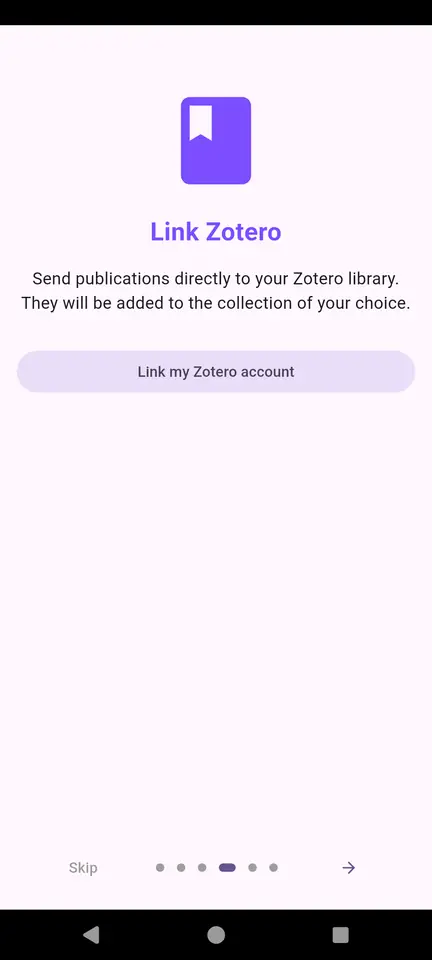
Wispar Android screen 2 — onboarding: Link Zotero
Link Zotero
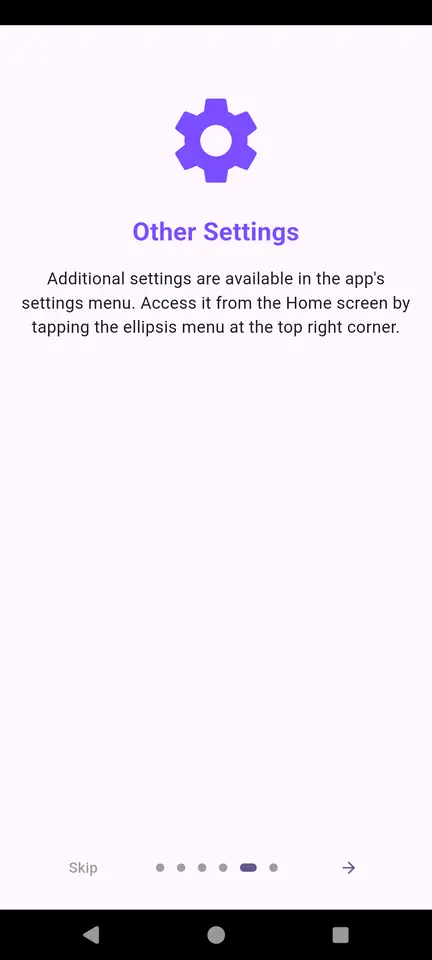
Wispar Android screen 3 — onboarding: Other Settings
Other Settings
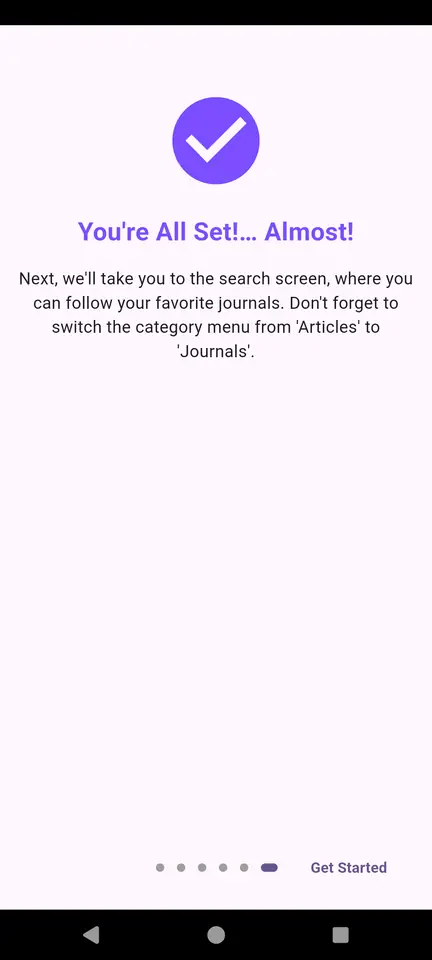
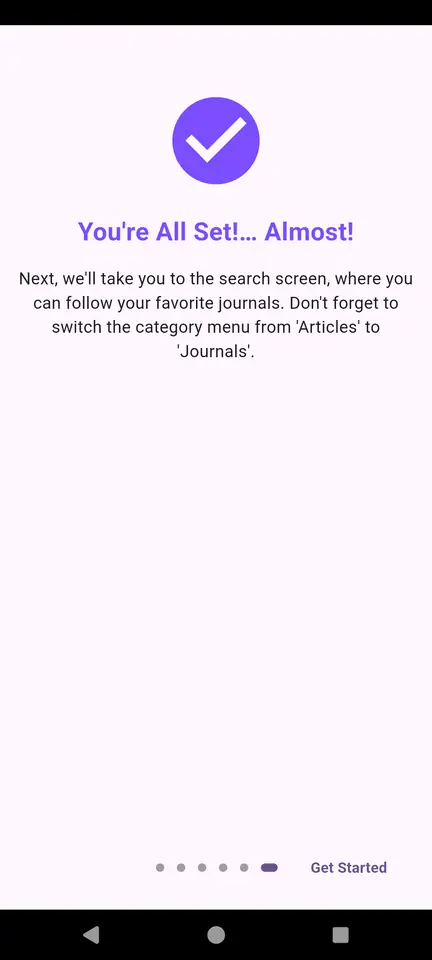
Wispar Android screen 4 — onboarding: You're All Set!… Almost!
You're All Set!… Almost!
Wispar Android screen 5 — onboarding: Onboarding
Onboarding
Wispar Android screen 6 — onboarding: Onboarding
Onboarding

Hydra

4 onboarding screens
Hydra Android screen 1 — onboarding: Welcome to Hydra
Welcome to Hydra
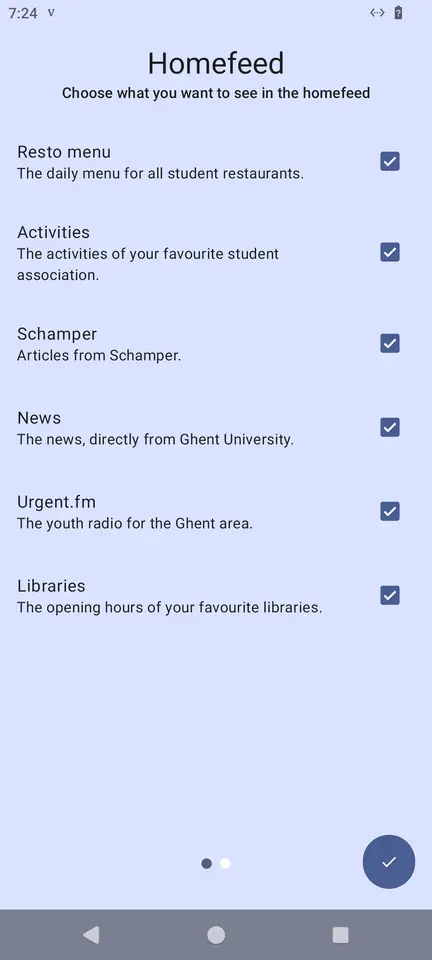
Hydra Android screen 2 — onboarding: Homefeed
Homefeed
Hydra Android screen 7 — onboarding: Onboarding
Onboarding
Hydra Android screen 8 — onboarding: Onboarding
Onboarding

AnkiDroid

3 onboarding screens
AnkiDroid Android screen 1 — onboarding: Study less
Study less
AnkiDroid Android screen 2 — onboarding: AnkiDroid needs some permissions to work
AnkiDroid needs some permissions to work
AnkiDroid Android screen 3 — onboarding: AnkiDroid needs some permissions to work
AnkiDroid needs some permissions to work

MasterClass

3 onboarding screens
MasterClass Android screen 1 — onboarding: Play decorative video
Play decorative video
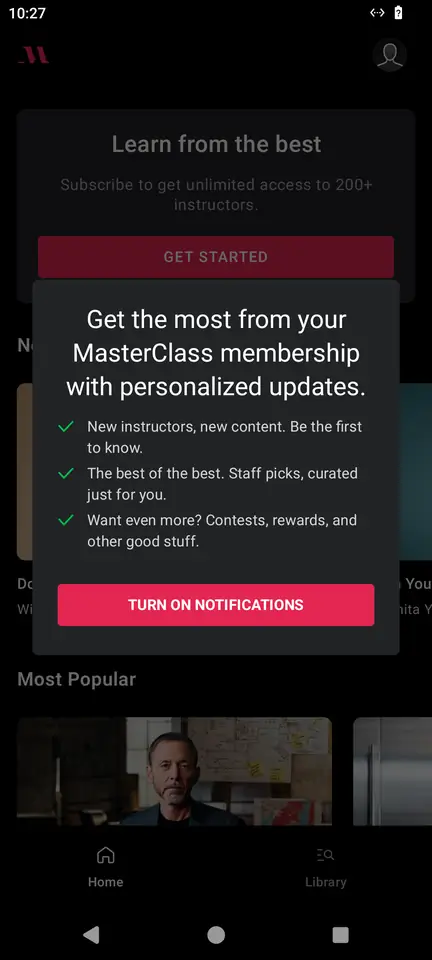
MasterClass Android screen 10 — onboarding: Get the most from your MasterClass membership with…
Get the most from your MasterClass…
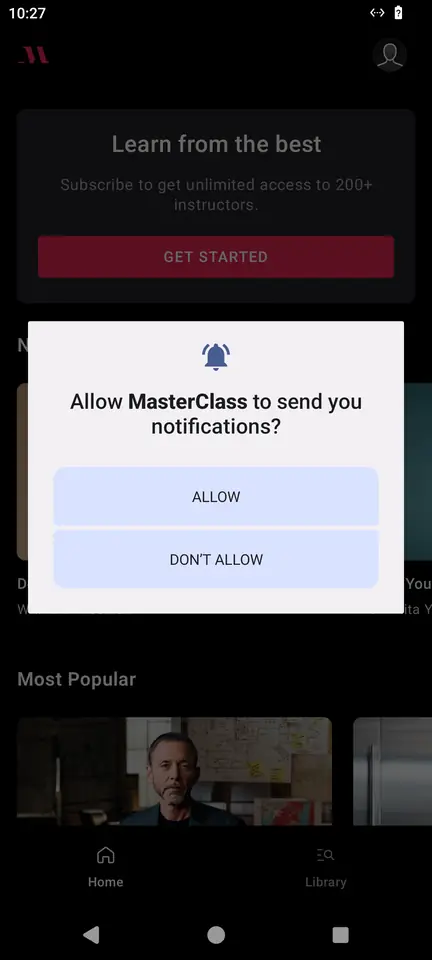
MasterClass Android screen 11 — permissions: Allow MasterClass to send you notifications?
Allow MasterClass to send you…

Calliope mini

1 onboarding screen
Calliope mini Android screen 1 — welcome & get started: Welcome & Get Started
Welcome & Get Started

ChemSearch

1 onboarding screen
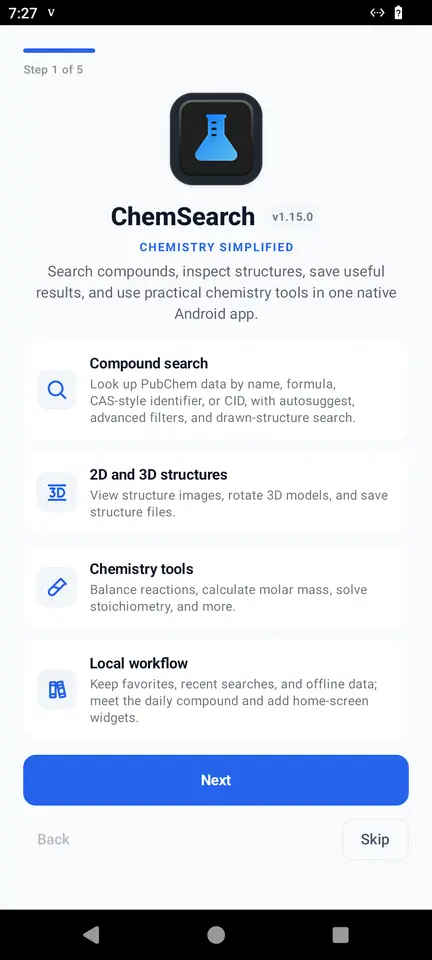
ChemSearch Android screen 1 — onboarding: ChemSearch
ChemSearch

edX

1 onboarding screen
edX Android screen 1 — onboarding: Courses and programs from the world's best universities in…
Courses and programs from the world's…

Khan Academy

1 onboarding screen
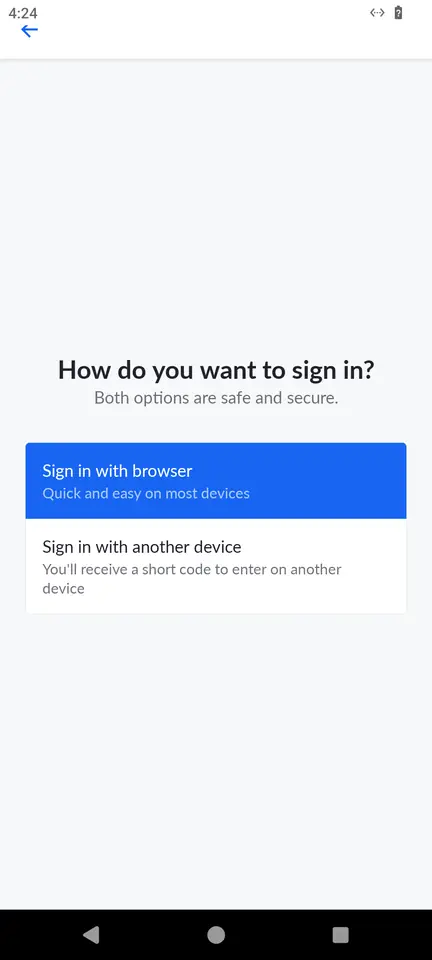
Khan Academy Android screen 18 — onboarding: How do you want to sign in?
How do you want to sign in?

UI components on education onboarding screens

Share of the 96 screens where each component is in the view hierarchy and drawn on screen; the example shows it outlined.

Kahoot! Android screen 4 — onboarding: Close game reward onboarding screen

Button

18 screens19%

6 apps · example: Kahoot!

Mimo Android screen 3 — onboarding: What skills would you like to learn first?

Progress bar

16 screens17%

3 apps · example: Mimo

Kahoot! Android screen 8 — onboarding: Early access

Icon button

9 screens9%

3 apps · example: Kahoot!

Remind Android screen 19 — permissions: Allow Remind to send you notifications?

Dialog

8 screens8%

5 apps · example: Remind

Kahoot! Android screen 22 — onboarding: Onboarding

Toolbar

8 screens8%

2 apps · example: Kahoot!

Remind Android screen 12 — onboarding: User agreement

Divider

7 screens7%

1 app · example: Remind

Wikipedia Android screen 11 — onboarding: What are you interested in?

Checkbox

4 screens4%

3 apps · example: Wikipedia

Remind Android screen 20 — onboarding: Filter Drawer

Floating action button

4 screens4%

2 apps · example: Remind

UI patterns on education onboarding screens

Mimo Android screen 1 — onboarding: Learn at your own pace

Welcome screen

7 of 16 apps44%

example: Mimo

Kahoot! Android screen 7 — onboarding: Create child profile

Skip button

6 of 16 apps38%

example: Kahoot!

Remind Android screen 19 — permissions: Allow Remind to send you notifications?

Permission priming

4 of 16 apps25%

example: Remind

Mimo Android screen 4 — onboarding: What brings you to Mimo?

Goal picker

3 of 16 apps19%

example: Mimo

Kahoot! Android screen 23 — onboarding: Cancel

Cookie consent banner

2 of 16 apps12%

example: Kahoot!

Wikipedia Android screen 11 — onboarding: What are you interested in?

Search bar

2 of 16 apps12%

example: Wikipedia

Kahoot! Android screen 23 — onboarding: Cancel

Terms and conditions agreement

2 of 16 apps12%

example: Kahoot!

Remind Android screen 16 — onboarding: What is your birthday?

Age gate

1 of 16 apps6%

example: Remind

What education apps say on these screens

UI copy that appears on the onboarding screens of two or more education apps, with the number of apps using it.

  • Continue5 apps
  • ALLOW4 apps
  • DON’T ALLOW4 apps
  • Get Started4 apps
  • Next4 apps
  • Skip4 apps
  • Business2 apps
  • Close2 apps
  • Learn more2 apps
  • Maybe later2 apps
  • Navigate up2 apps
  • Sign In2 apps

Best practices for onboarding screens

  • Show the core value on the first screen in one sentence.
  • Ask only what you will use to personalise the app, and say why you ask.
  • Show progress (a bar or “2 of 5”) when the flow has more than three steps.
  • Offer a Skip or “Not now” on anything optional.
  • Ask for permissions in context, after explaining the benefit.

Design notes for education apps

  • Make the next lesson the biggest thing on the home screen; learners should never have to look for where they left off.
  • Show progress in units the learner cares about (lessons done, streak, course %), not raw points.
  • Keep lessons short and resumable; a phone session is often under five minutes.
  • Ask the learner's goal and level in onboarding, and use the answer to pick the first lesson.

FAQ

What do education app onboarding screens look like?

The UI Lane library holds 96 onboarding screens from 16 Android education apps (Mimo, Kahoot!, Remind, DailyArt, Mindvalley and Wikipedia and more). Across these 96 screens the most common detected components are button (19%), progress bar (17%) and dialog (8%). The most common UI patterns are welcome screen (7 of 16 apps), skip button (6 of 16 apps) and permission priming (4 of 16 apps).

Which education apps have the longest onboarding flow?

14 of these apps have their full onboarding flow captured step by step: the longest is Mimo (10 screens), the shortest edX (2 screens). Full list: Mimo (10), Kahoot! (8), Mindvalley (8), DailyArt (7), phyphox (6), Remind (6), Wikipedia (6), TED (5), Wispar (4), AnkiDroid (3), Calliope mini (3), MasterClass (3), edX (2) and Hydra (2).

What do education apps say on their onboarding screens?

UI copy used by two or more of these apps: “Continue” (5 apps), “ALLOW” (4 apps), “DON’T ALLOW” (4 apps), “Get Started” (4 apps) and “Next” (4 apps).

Captured on real Android devices · last updated 2026-11-14